
Search photos fast and easy. #Search photo #Image searcher #Photo grabber #Search #Searcher #Grab

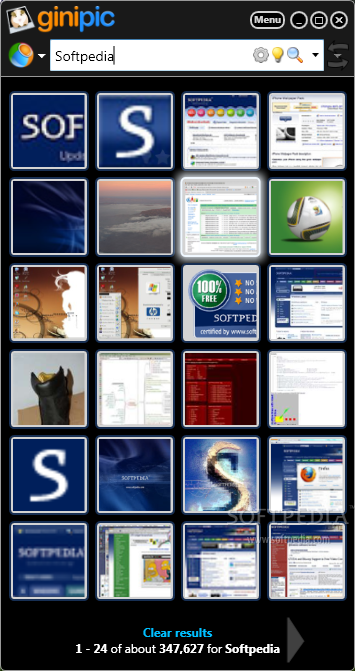
Ginipic is an advanced Windows application that can search for pictures online, allowing you not only to preview the results, but also to download the pictures or use them as desktop backgrounds.
There are plenty of features to play with and you shall discover them all as you explore the app, but everything’s impressively easy to use thanks to an eye-candy interface.
Perfectly organized and with a layout that comes in handy to both beginners and those more experience, the interface lets you instantly perform a search, with a step-by-step guide presented right in the main window.
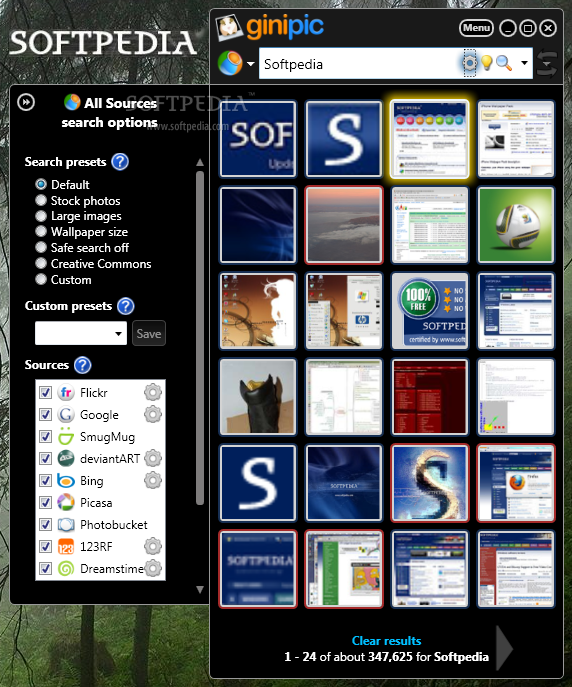
What’s more, just a single click is enough to select the sources, which by the way include very popular search engines, such as Google and Bing, but also photo sharing services, including Flickr, Picasa and Photobucket.
There are multiple search presets, which means that users are allowed to easily search for stock photos, large images or wallpaper sized photos, but every single search engine can be further customized with new rules.
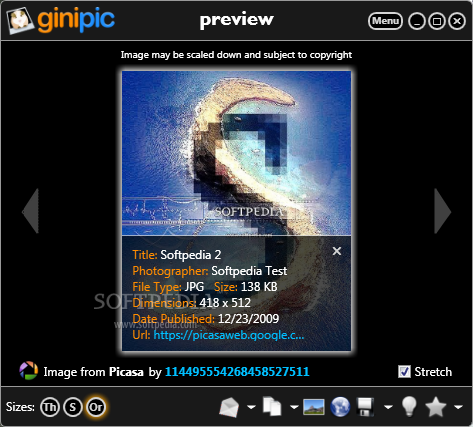
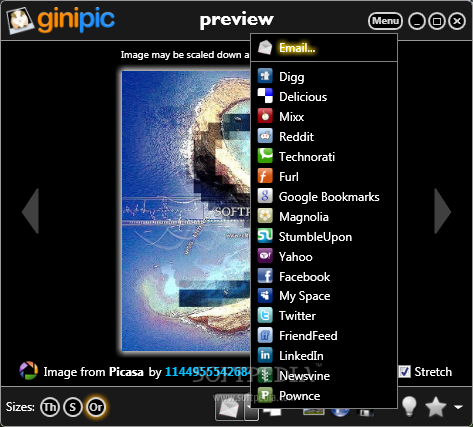
Once the user opens a photo displayed in the results screen, Ginipic shows a great amount of information, including name, date published, size, format, copyright and URL, providing not only download capabilities, but also dedicated features to set it as desktop background or load in the external browser.
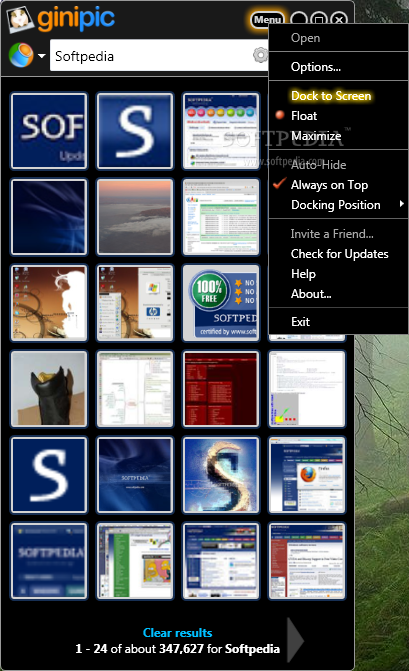
Ginipic provides two different modes, floating and dock-style, with the latter especially designed to stay on your screen and help you search for images at any given moment with just a few clicks.
If there’s something to complain about, that is definitely the lack of customization when it comes to the search engines, as Ginipic doesn’t allow users to add, remove or edit sources.
But overall, it’s pretty obvious that Ginipic is one of the best products of its kind, working impressively well on all Windows versions and remaining very light on resources all the time.
What's new in Ginipic 1.2.2526.11313:
- Advanced search – now you can do advanced searches on specific providers or all of them together! You can even make your own custom advanced search queries, so you can do a multiple advance search settings across our supported providers.
- Added new stock photo sites
- Smoother interface – 50% performance boost
- Lightbox – now you can save images in a light box and keep on searching without losing favorite pictures
Ginipic 1.2.2526.11313
add to watchlist add to download basket send us an update REPORT- runs on:
- Windows All
- file size:
- 3.4 MB
- filename:
- GinipicSetup.exe
- main category:
- Internet
- developer:
- visit homepage
Context Menu Manager

Microsoft Teams

7-Zip

ShareX

Bitdefender Antivirus Free

4k Video Downloader

Zoom Client

IrfanView

Windows Sandbox Launcher

calibre

- IrfanView
- Windows Sandbox Launcher
- calibre
- Context Menu Manager
- Microsoft Teams
- 7-Zip
- ShareX
- Bitdefender Antivirus Free
- 4k Video Downloader
- Zoom Client