
Design, manage and document MySQL database schemes in a jiffy with all the necessary tools nicely placed into a friendly environment. #Design Database #Database Management #Database Workbench #MySQL #Workbench #Designer

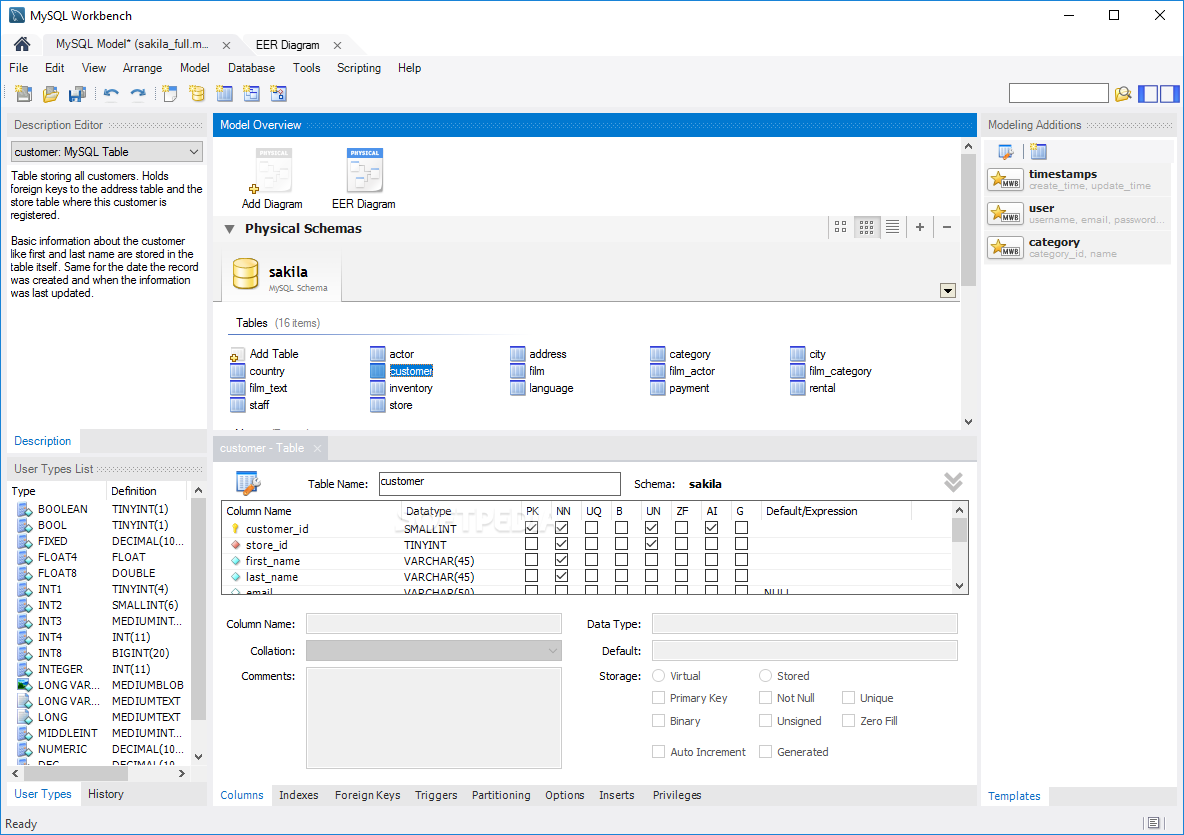
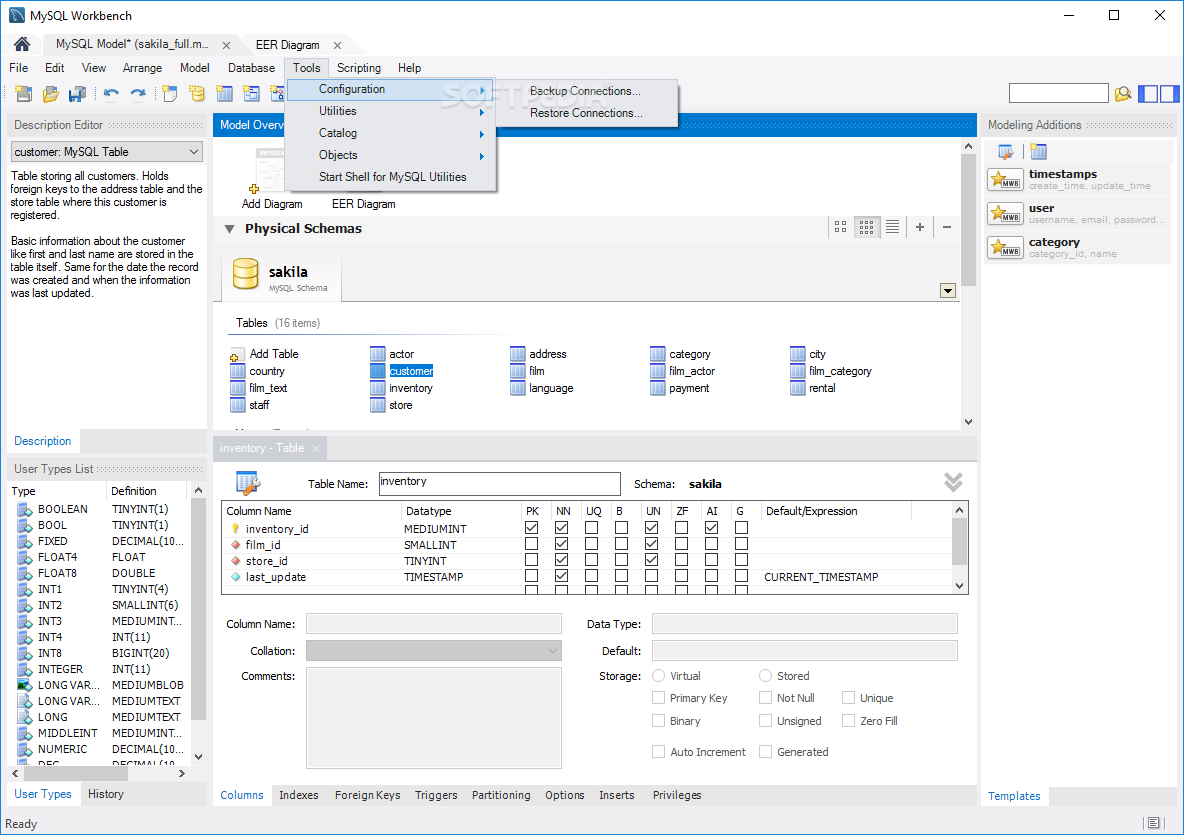
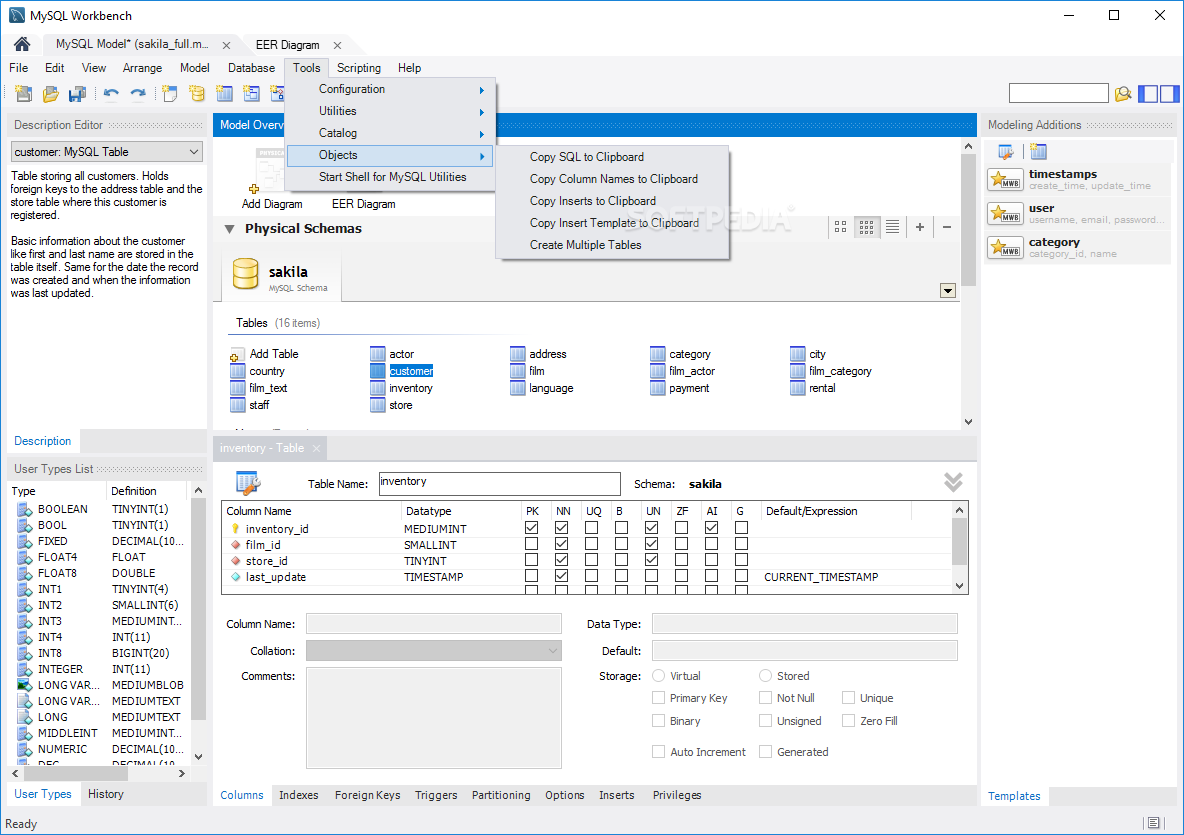
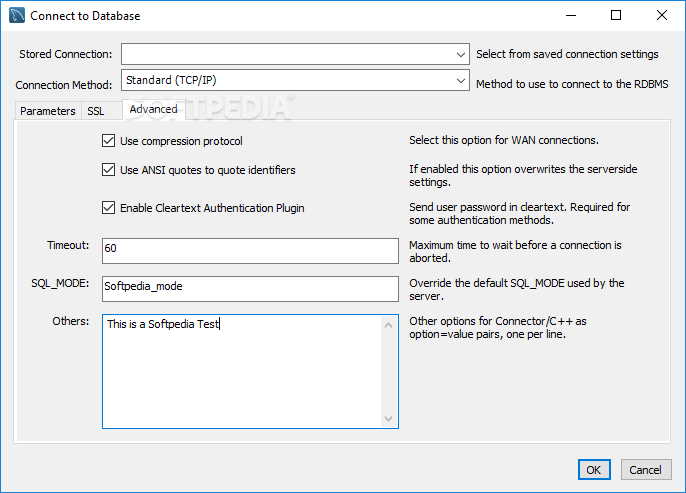
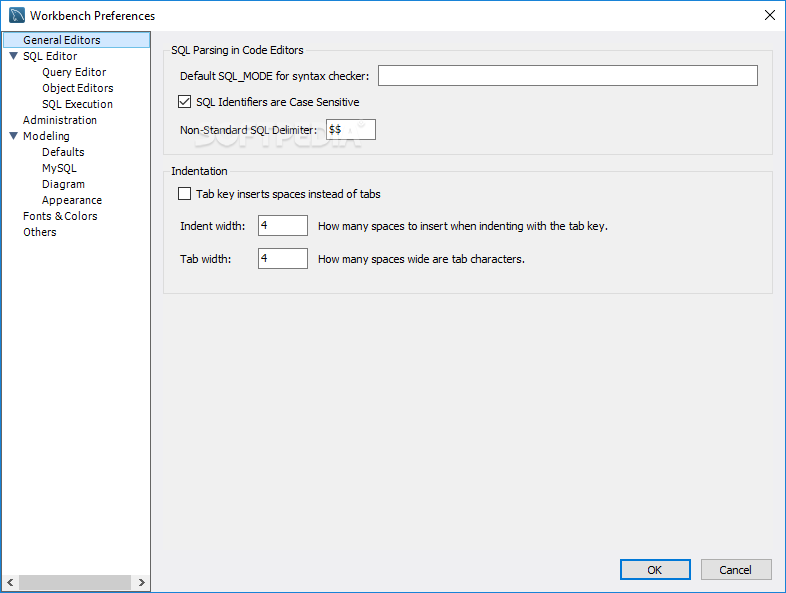
Especially designed for MySQL administrators, MySQL Workbench is a database modeling tool that comprises SQL development and administration as well as database design and management features into a single IDE,
As the successor of the DBDesigner4 project, MySQL Workbench allows developers to perform nearly every MySQL task they can think of, and all of this is done via a well-organized interface. Users with no advanced database knowledge likely need some time to familiarize with the application.
The workspace is divided into three sections: for SQL development, data modeling and server administration, respectively.
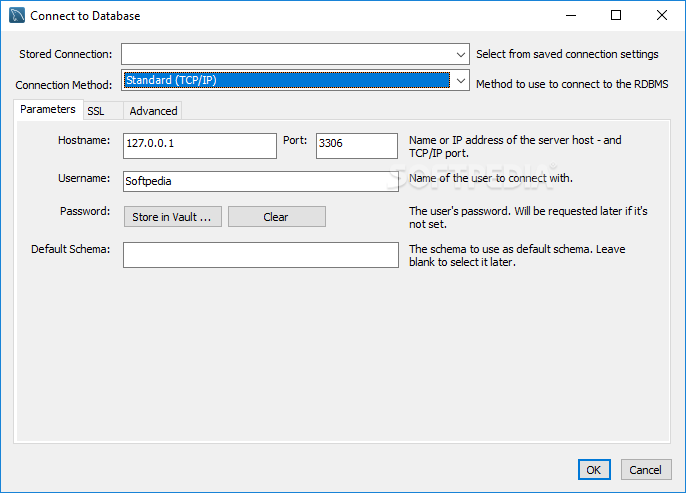
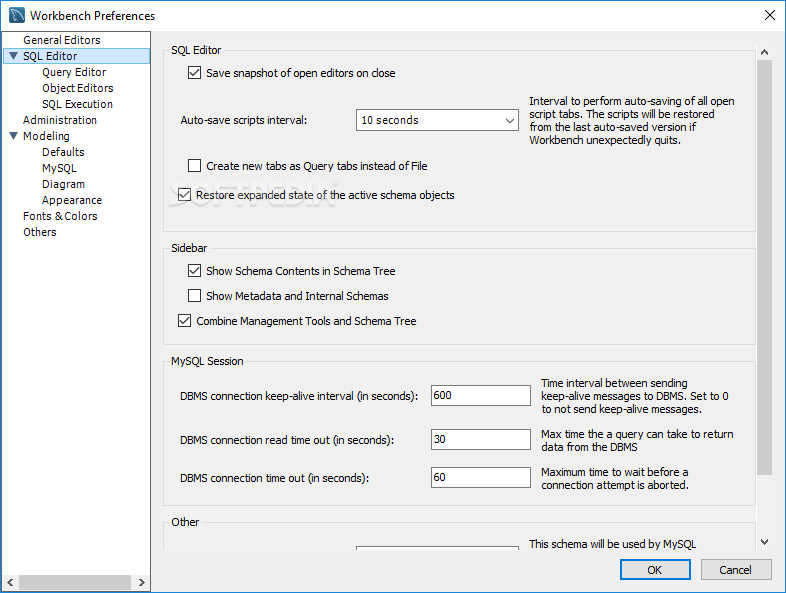
You can use this utility to connect to existing databases and edit table data, run SQL queries, modify scripts and manage database objects. Creating databases and tables is easy, as you can use the 'MySQL schema' approach to remember the last encoding settings. In addition to this, the program allows you to set up the naming pattern of auto-generated index fields.
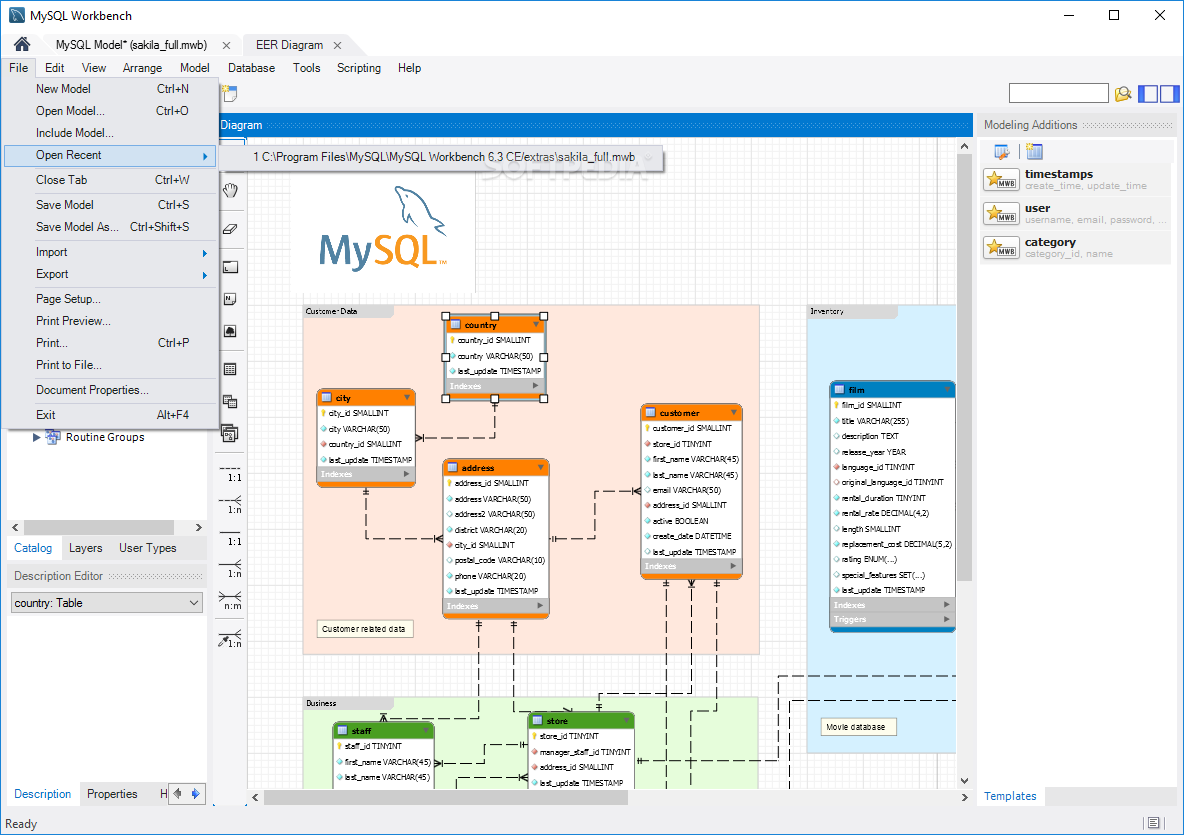
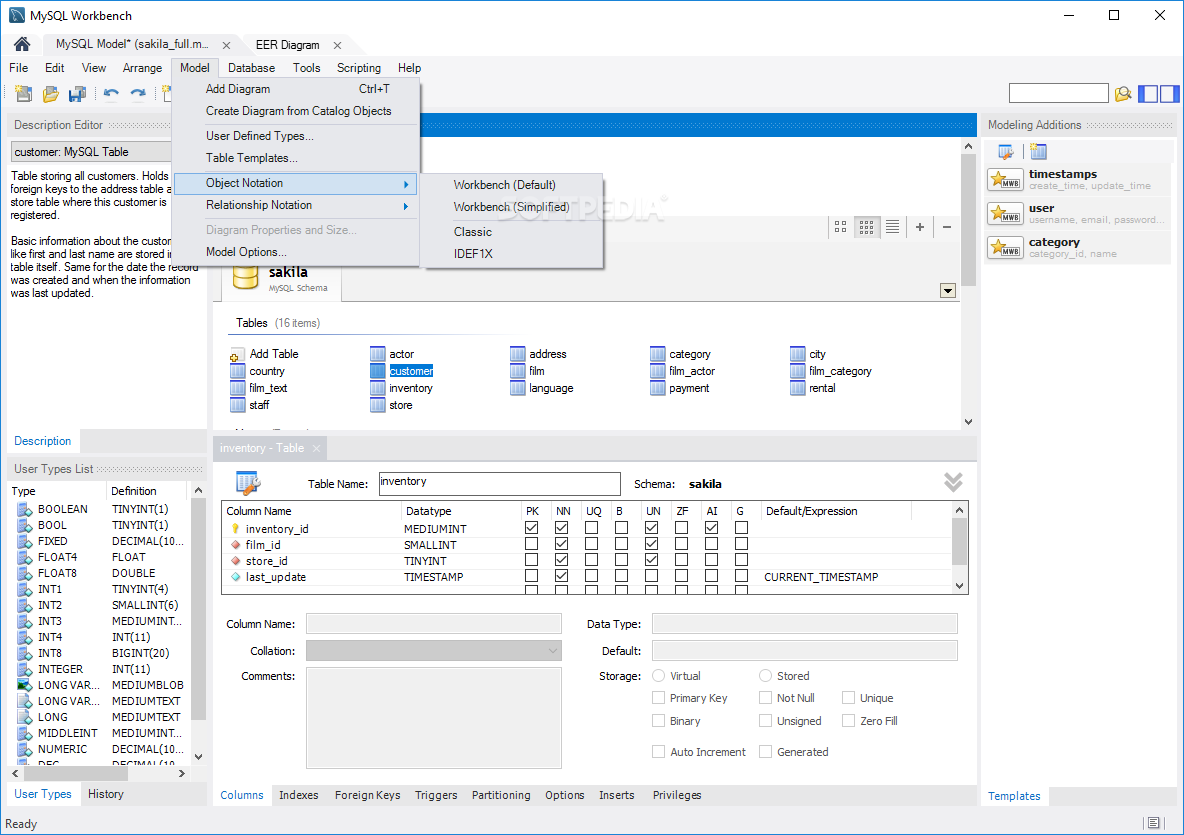
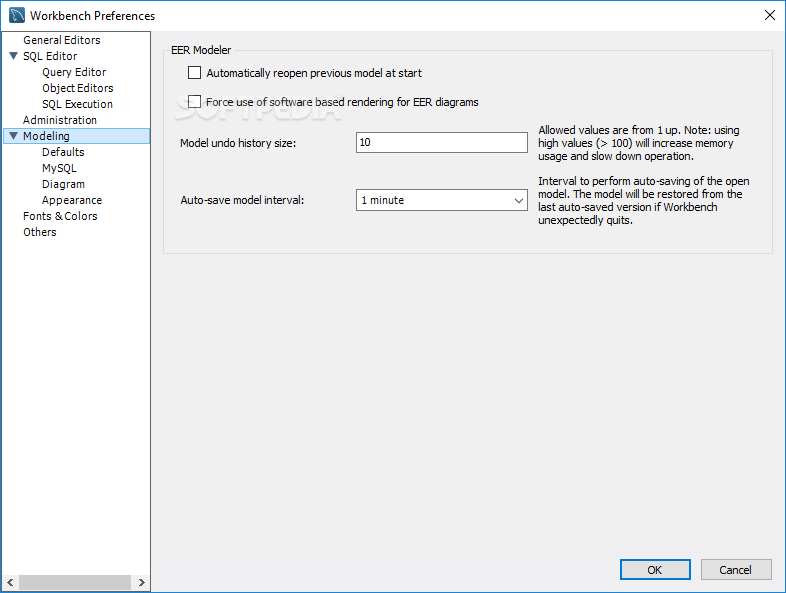
One of the key features of MySQL Workbench is the visual layout. After creating the needed tables, you can generate ER diagrams to establish the connections easily. As far as large databases are concerned, it's possible to group tables using colored layers.
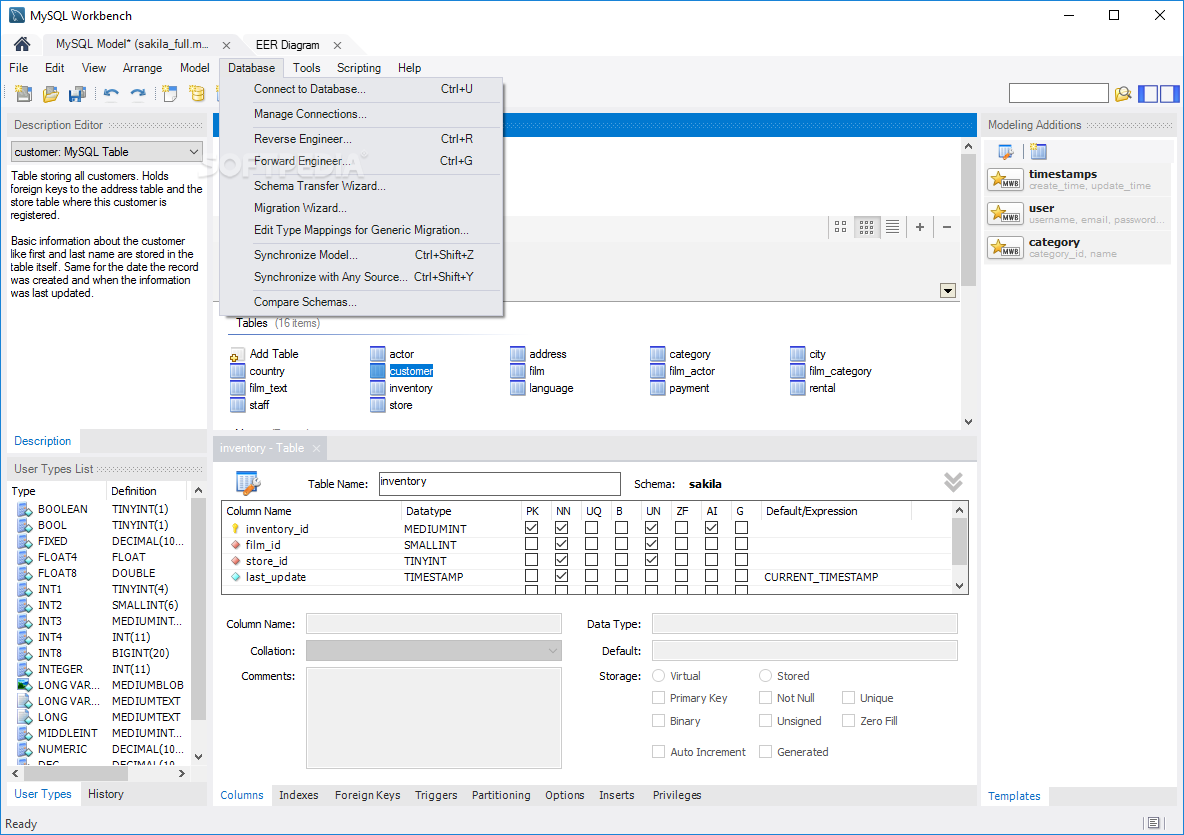
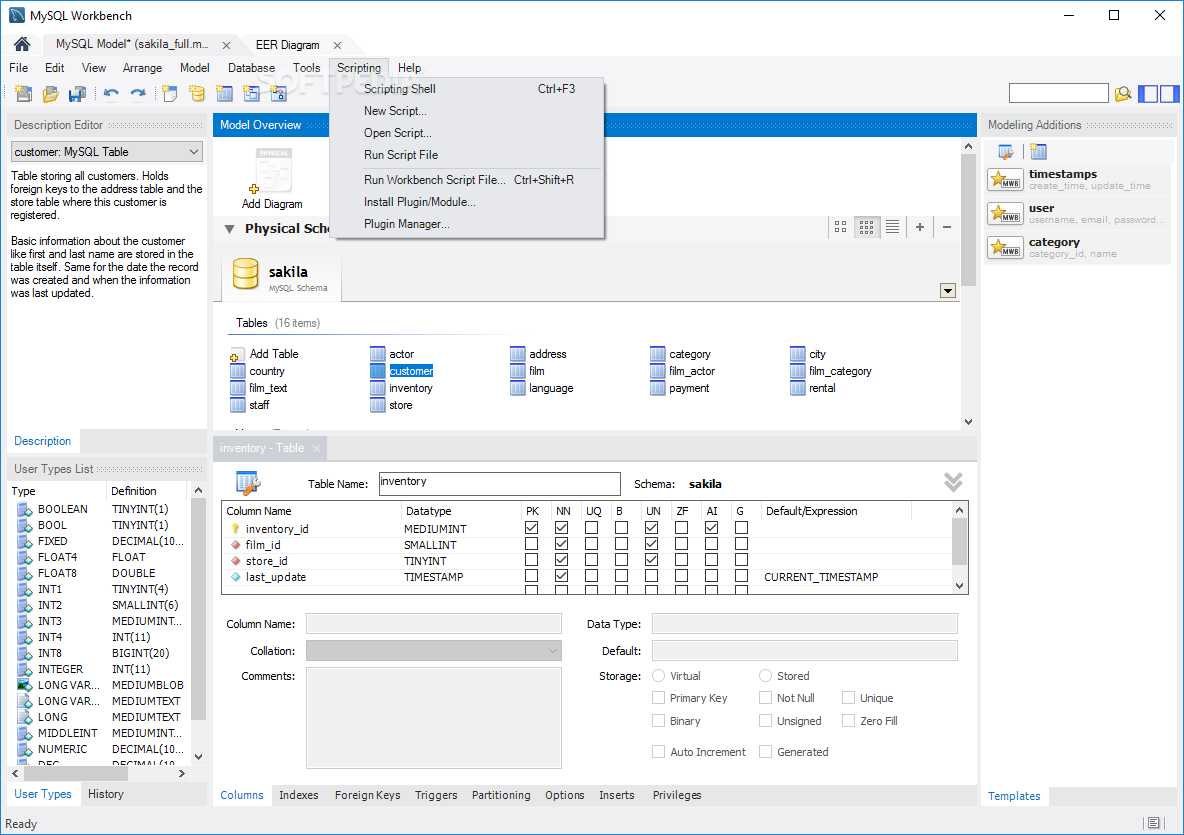
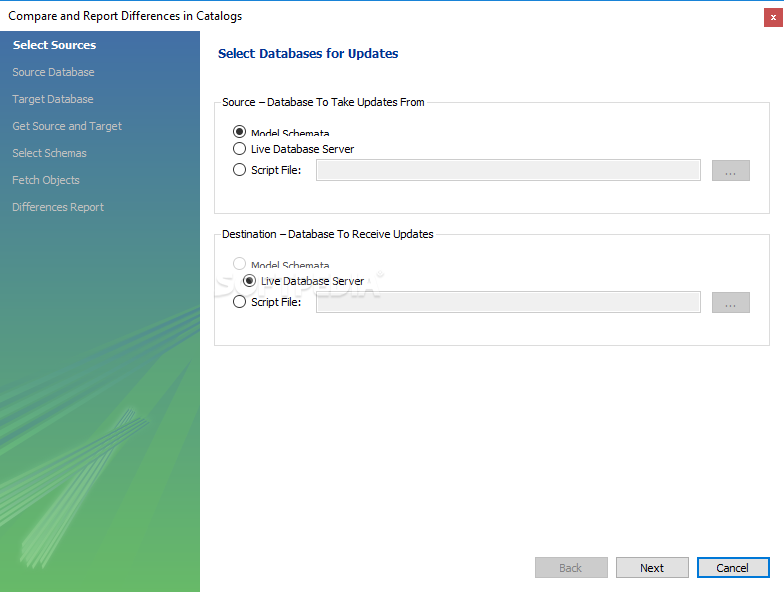
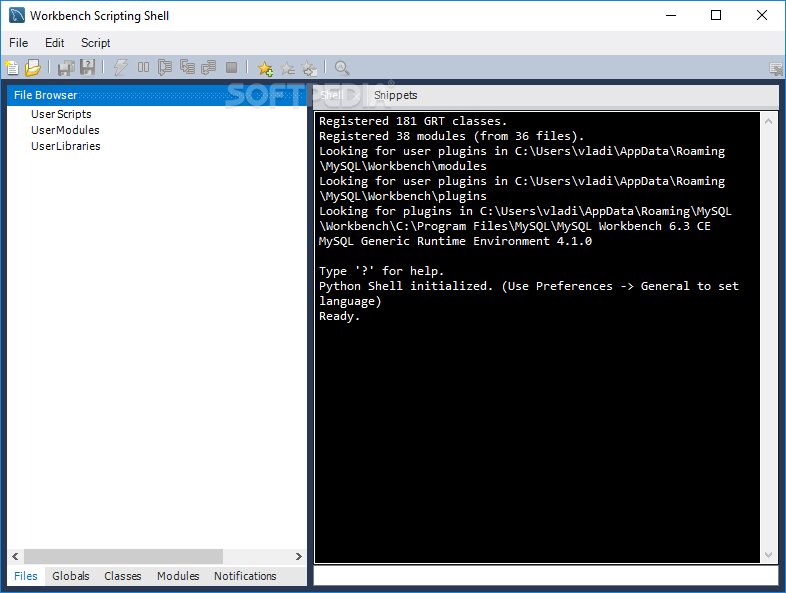
Other useful features for data modeling are schema synchronization and validation, reverse/forward engineering, syntax highlighting, error parsing while typing, and code folding, which should help you a long way when working with MySQL Workbench. The scripting shell allows you to create Python or Lua scripts, plugins and modules.
The 'Server Administration' module permits you to configure database instances, user account and session management settings, together with log file browsing options.
All in all, MySQL Workbench proves to be a reliable solution for working on MySQL database management projects. It worked smoothly throughout our evaluation and had minimal impact on computer performance,
Download Hubs
MySQL Workbench is part of these download collections: MySQL Clients
What's new in MySQL Workbench 8.0.34:
- Account Management Notes:
- A new password-validation system variable now permits the configuration and enforcement of a minimum number of characters that users must change when attempting to replace their own MySQL account passwords. This new verification setting is a percentage of the total characters in the current password. For example, if validate_password.changed_characters_percentage has a value of 50, at least half of the characters in the replacement account password must not be present in the current password, or the password is rejected.
MySQL Workbench 8.0.34
add to watchlist add to download basket send us an update REPORT- PRICE: Free
- runs on:
-
Windows 11
Windows Server 2019
Windows 10 32/64 bit - file size:
- 45.4 MB
- filename:
- mysql-workbench-community-8.0.34-winx64.msi
- main category:
- Internet
- developer:
- visit homepage
ShareX

Zoom Client

IrfanView

Windows Sandbox Launcher

4k Video Downloader

calibre

Bitdefender Antivirus Free

7-Zip

Microsoft Teams

Context Menu Manager

- 7-Zip
- Microsoft Teams
- Context Menu Manager
- ShareX
- Zoom Client
- IrfanView
- Windows Sandbox Launcher
- 4k Video Downloader
- calibre
- Bitdefender Antivirus Free