
A handy, comprehensive and easy-to-use server that enables companies to collaborate via email, shared contacts, shared calendars and tasks #Mail server #Email collaboration #Email sender #Server #Mail #Receiver
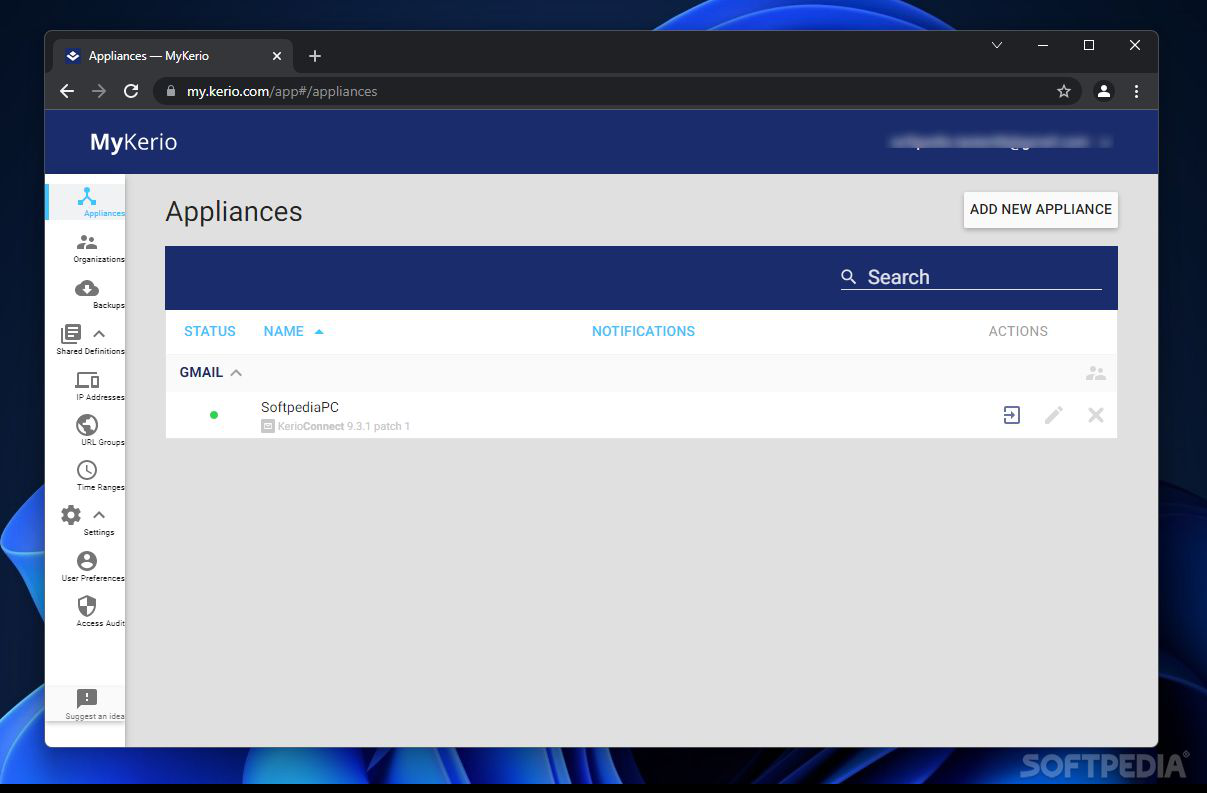
Kerio Connect is a reliable alternative when it comes to manage and organize e-mails and calendars, stay connected with your colleagues, as well as track contacts using any mobile device.
Kerio Connect is a robust and stable platform that delivers content to whatever device you need whether we are speaking of a PC or a mobile phone. Working as a mail server, it also supports a variety of communication protocols and enables direct access to mailboxes via a web interface.
Because it comes with an integrated antivirus and a powerful antispam tool, the application protects you against viruses and other threats lurking on the Internet. It protects corporate data with strong SSL encryption on all inbound and outbound e-mails and blocks IP addresses suspicious of account and password guessing attacks.
Also, you have the possibility to schedule full or differential message backups and easily restore server configurations and user data onto a new server.
Another important aspect is that you can capture and store all incoming, outgoing and relayed messages and archive them to a local directory so you will not lose any important data.
What’s more, the application comes with an integrated Sophos Anti-Virus solution that catches all spyware and viruses in a single scan and removes them without affecting your PC.
The main window is quite intuitive and displays all the information you need including active connections, system health and traffic charts. You can manage multiple user connections and considering all these different devices that you use to collaborate with each other, you can keep everything in sync. Here we are referring to calendars, appointments, meetings, tasks, projects, as well as sending and receiving encrypted e-mails outside the office.
Thus, when users are not at their desks, regardless of their mobile device they use, they get the most up-to-date and accurate information whenever they need it.
However, the feature that makes the application to stand out is that it allows you to see public folders, shared contacts and calendars on a mobile device, a feature that few mail servers support. For instance, working in a big organization becomes harder to track each one’s holidays and vacations, but using Kerio Connect you can preview from your mobile device a public calendar with all this information.
Considering all of the above, Kerio Connect proves to be an effective messaging and collaboration server that enables you to track and secure your e-mails, as well as organize your shared contacts and directories.
Kerio Connect 9.4.1 Build 6445
add to watchlist add to download basket send us an update REPORT- runs on:
-
Windows 11
Windows 10 32/64 bit
Windows Server 2012 R2
Windows Server 2012
Windows 2008 R2
Windows 2008 64 bit
Windows 8 32/64 bit
Windows 7 32/64 bit - file size:
- 177 MB
- filename:
- kerio-connect-9.4.1-6445-p1-win64.exe

- main category:
- Internet
- developer:
- visit homepage
Windows Sandbox Launcher

Microsoft Teams

calibre

Bitdefender Antivirus Free

Context Menu Manager

ShareX

IrfanView

7-Zip

4k Video Downloader

Zoom Client

- 7-Zip
- 4k Video Downloader
- Zoom Client
- Windows Sandbox Launcher
- Microsoft Teams
- calibre
- Bitdefender Antivirus Free
- Context Menu Manager
- ShareX
- IrfanView