
An application that enables you to restrict access to certain folders and directories on your personal website and protect them from unauthorized modifications. #Website Password #Website Protection #Website Security #Restrict #Access #Security
Websites are always vulnerable and prone to unauthorized access, due to the large number of Internet hackers and general malware floating around the world wide web.
Although you can never be completely safe from exploits and threats, you can reduce them considerably by employing security solutions to protect your website.
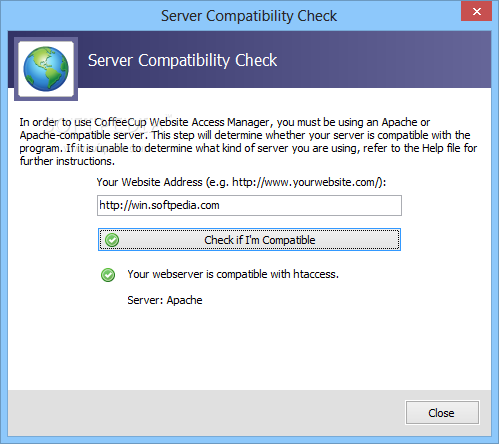
CoffeeCup Website Access Manager is one such solution that aims to keep you safe from people who are trying to access restricted parts of your website, or intend to copy images or video files without your consent.
Thanks to the increased efficiency of web search engines, everything that is on your personal blog or website is widely accessible from anywhere, and most worryingly, by anyone with an Internet connection. This can cause you a lot of annoyances, such as images that are taken from your site and used by someone else without your expressed permission.
CoffeeCup Website Access Manager handles this problem by disabling the copy and save functions for the video and image documents hosted on your website. It can also password protect certain folders on your FTP servers, to restrict any unauthorized access from viewing or making changes to your files.
Bots are programed to spam your web page with annoying messages, advertisements and even malware than can expose your visitors to trojans or keyloggers. You can easily block them from accessing your website by using CoffeeCup Website Access Manager's restriction capabilities, which enable you to block IP addresses and domain names.
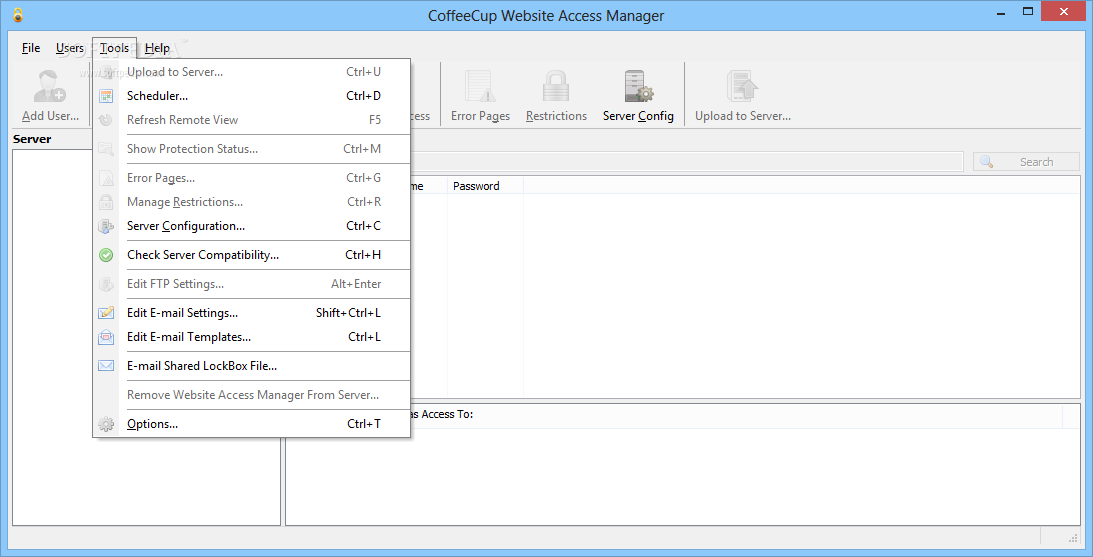
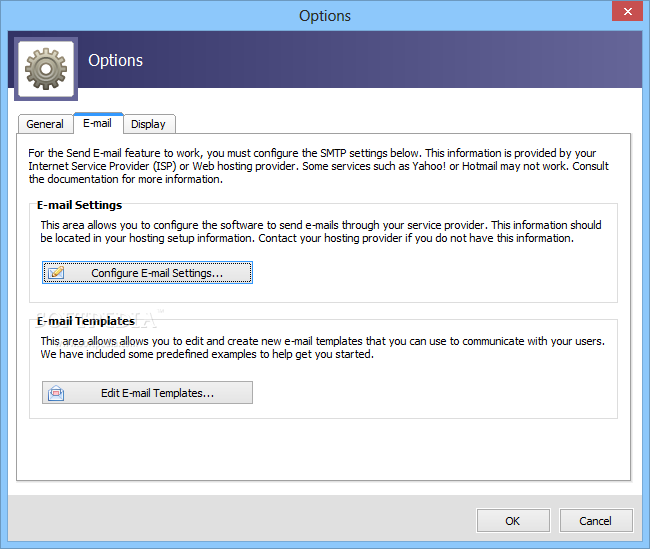
The application also allows you to send emails directly from its interface, using custom SMTP settings and user-defined layout templates. These can be used to send messages regarding expired user accounts, new user names and password changes.
Hardened security measures must be taken by anyone who dares to keep a website nowadays, due to the increasing number of cyber attacks and growing number of Internet hackers groups and organizations. CoffeeCup Website Access Manager does its part in the war against spammers and bots, by allowing you to block IP addresses and password protect your sensitive files.
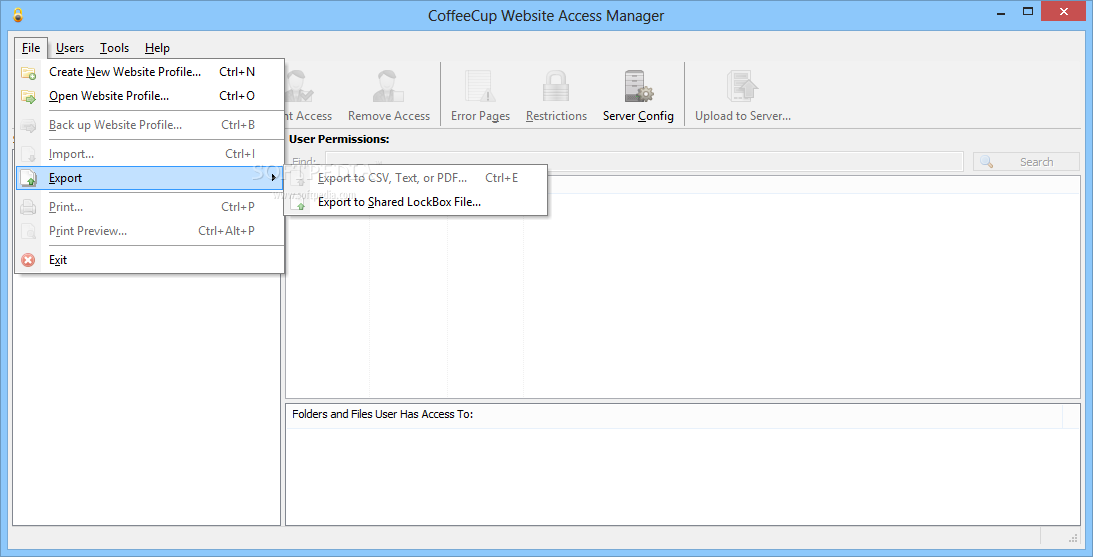
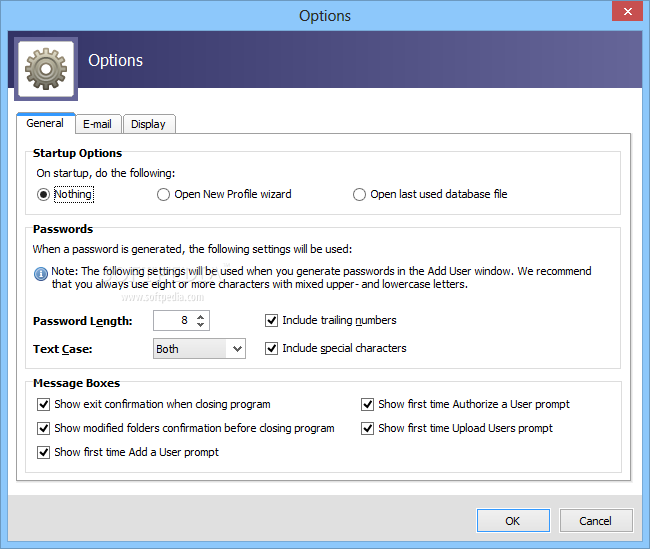
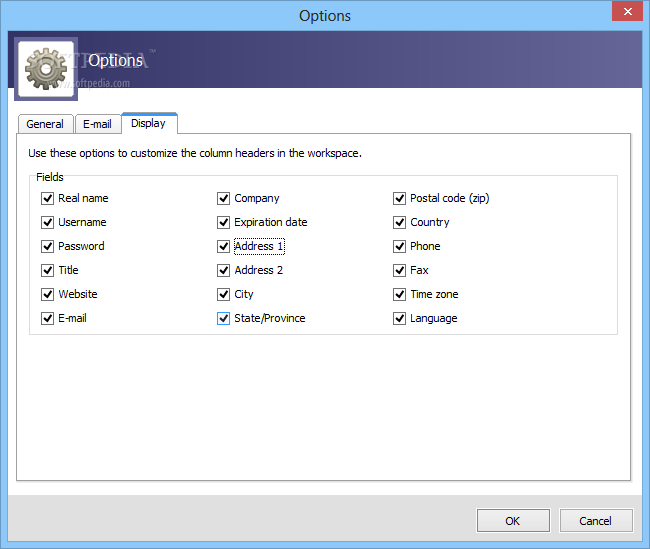
All of these features are presented in a user-friendly interface with intuitive menus and all the functions clearly visible and accessible.
What's new in CoffeeCup Website Access Manager 5.0 Build 235:
- Fixed issue with Expiry Date not getting preserved when importing from a CSV file.
CoffeeCup Website Access Manager 5.0 Build 235
add to watchlist add to download basket send us an update REPORT- runs on:
-
Windows 10 32/64 bit
Windows 8 32/64 bit
Windows 7
Windows Vista - file size:
- 19.2 MB
- filename:
- CoffeeWebAccessManager5.0.exe




- main category:
- Internet
- developer:
- visit homepage
Zoom Client

Context Menu Manager

7-Zip

ShareX

calibre

4k Video Downloader

Bitdefender Antivirus Free

Microsoft Teams

Windows Sandbox Launcher

IrfanView

- Microsoft Teams
- Windows Sandbox Launcher
- IrfanView
- Zoom Client
- Context Menu Manager
- 7-Zip
- ShareX
- calibre
- 4k Video Downloader
- Bitdefender Antivirus Free