
An extendable open source continuous integration server that enables you to keep a close eye on various tasks you are performing when deploying apps #Integration Server #Automation Server #Task Automation #Integration #Server #Java

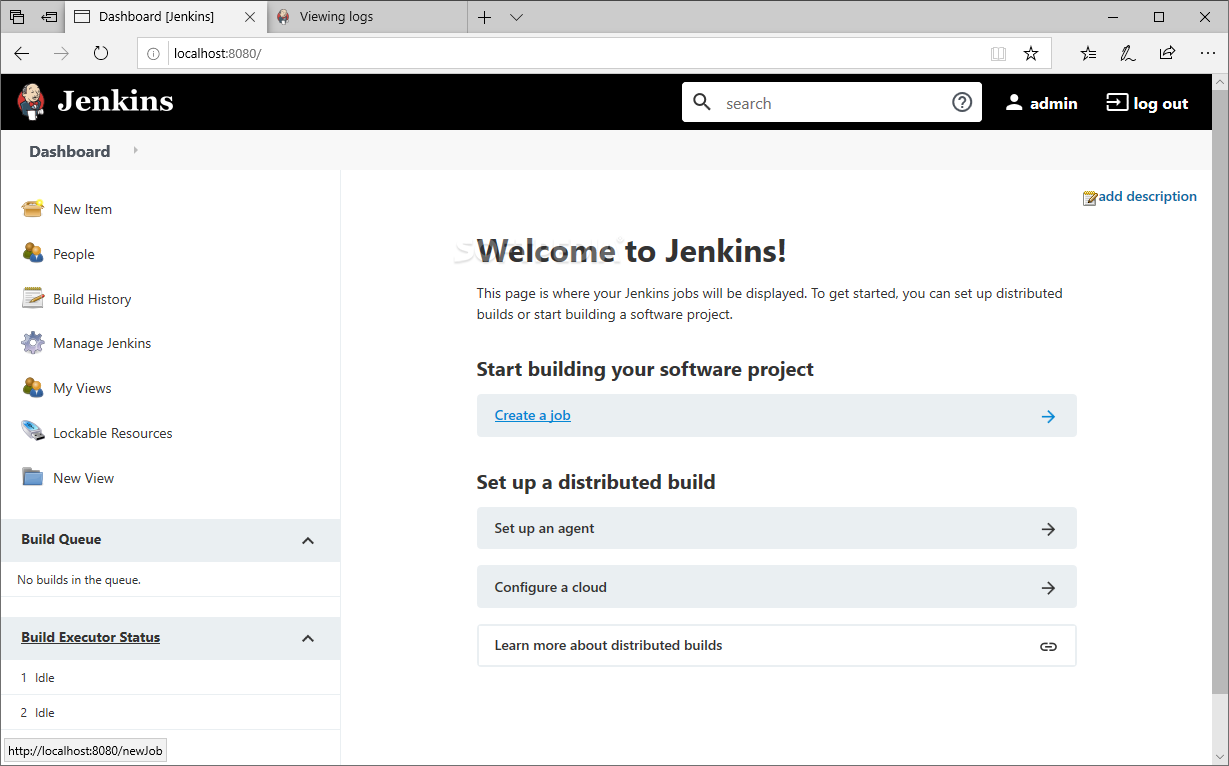
There are a few good choices out there when it comes to continuous integration and deployment solutions for your team or business, but arguably none more popular and better as an all-round package than Jenkins.
Jenkins is an open-source, Java-based automation server that provides a plethora of useful and sometimes impressive plugins to support anything from building, deploying, all the way up to fully automating any project.
Not only that but because Jenkins has been around for quite a while now (started development in 2004), its technology is proven and quite mature, there's a lot of documentation and resources out there, not to mention the fact that the open-source community behind it is outstanding.
First of all, let's start with the basics. Jenkins is relatively simple to install, being a self-contained Java-based app, and it can pretty much run out-of-the-box on all major OSes out there such as Windows, macOS, and Linux (and other Unix-based ones).
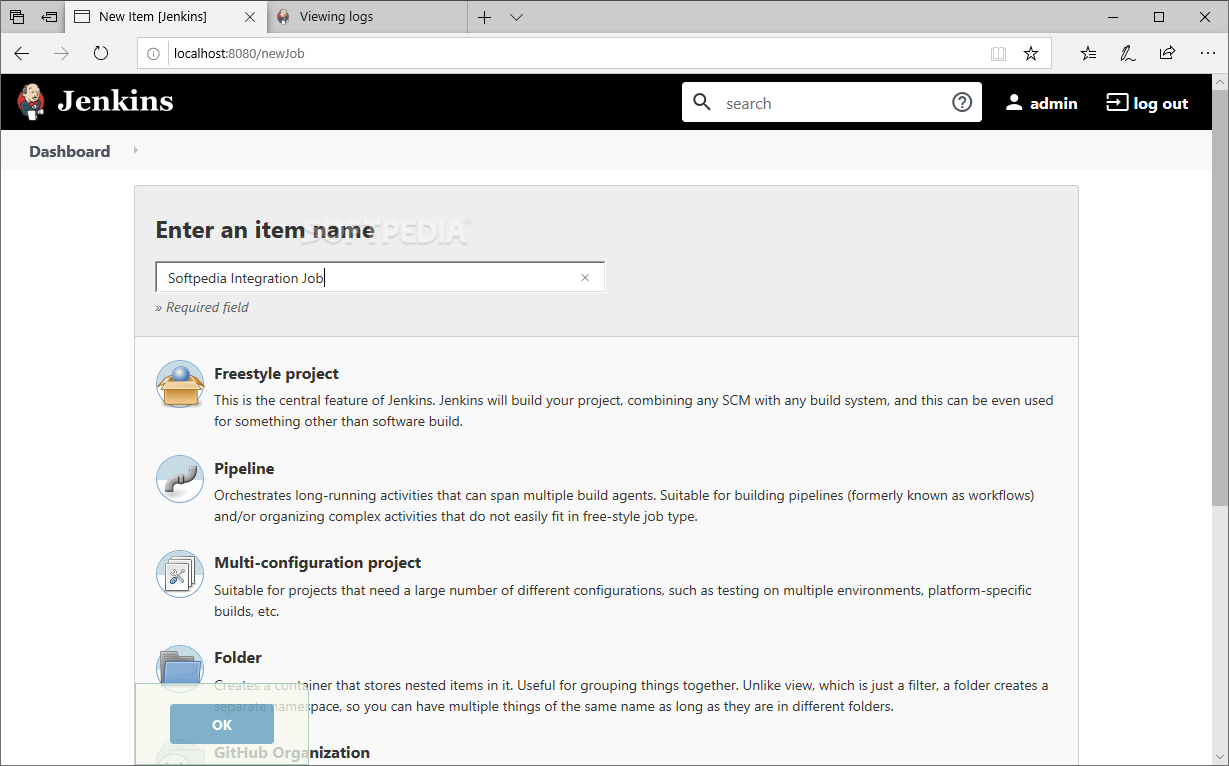
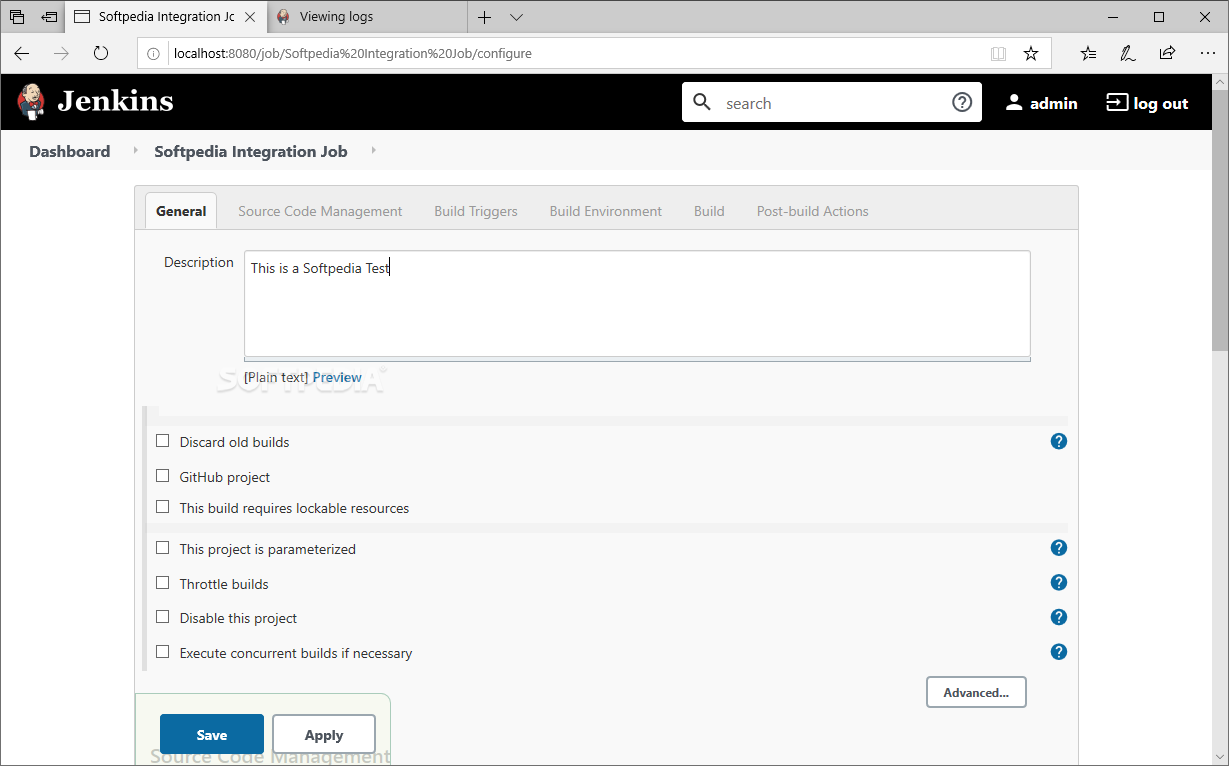
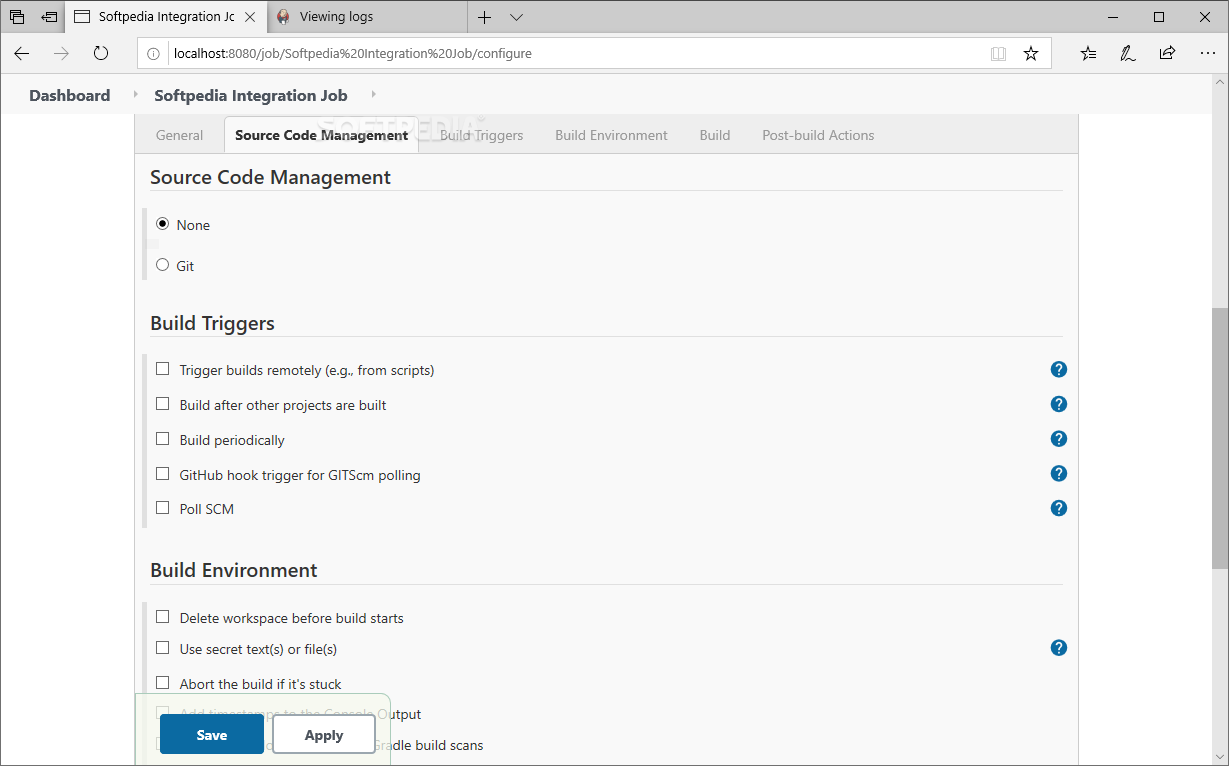
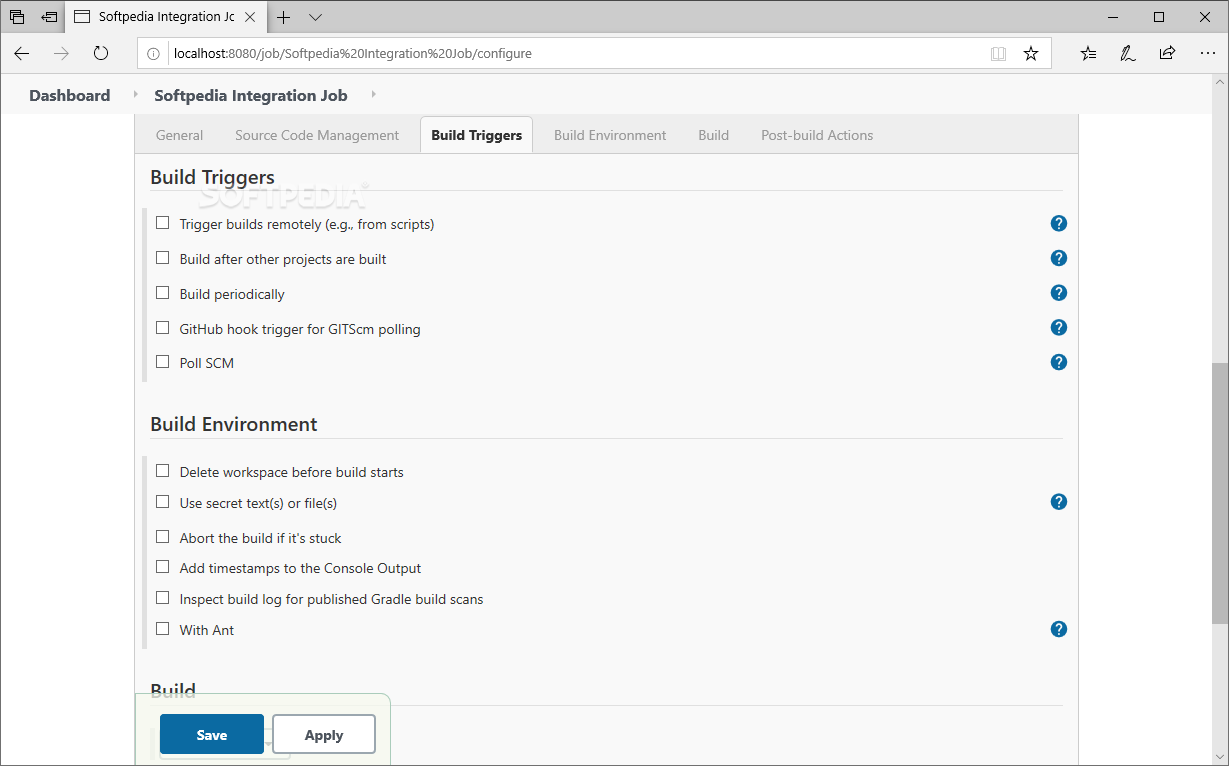
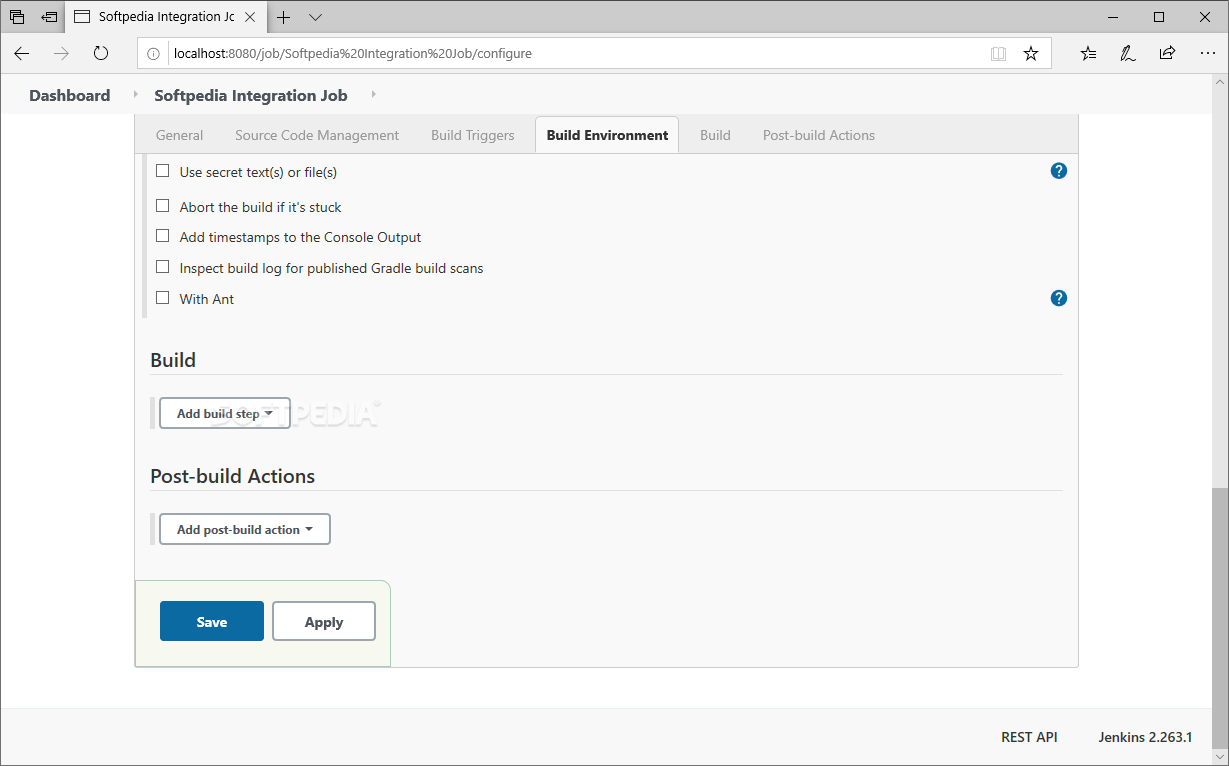
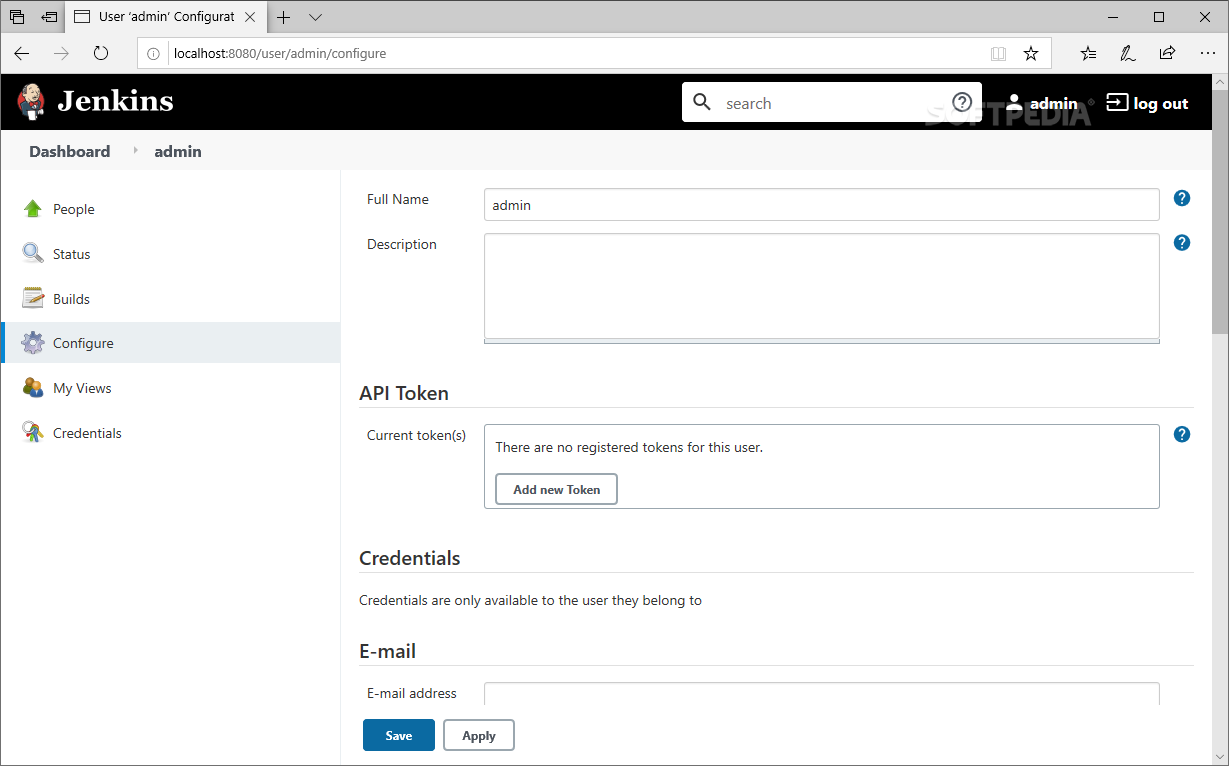
The configuration is another thing that Jenkins makes look easy. It can be configured via a standard, quite modern web interface which includes all the tools required by beginners such as on-the-fly error checks and a hefty Help section.
We mentioned before that Jenkins is well-known for its sizeable collection of plug-ins. You can go for the recommended options when first installing Jenkins, or you can handpick tools that perfectly suit your job in the continuous integration and deployment pipeline.
Jenkins is also remarkably extensible (yep, you've guessed it) thanks to its plug-in-based architecture. This also translates into being able to work across multiple machines, as well as test and deploy projects across multiple platforms.
It's worth noting that Jenkins supports some of the most popular version control systems out there such as Subversion SVN, Git, GitHub, and Mercurial.
Jenkins is also very scalable thanks to its Master and Slave capabilities and supports the most popular deployment environment such as Docker, Amazon EC2, and Amazon S3.
Because Jenkins is a self-hosted server, it allows you to stay in full control of your projects, source codes, build environments, and deployment options.
Jenkins may not be perfect, but it's few drawbacks and potential annoyances are eclipsed by the tool's invaluable features, stability, flexibility, and overall efficiency.
To recap, it's remarkably easy to install (no additional components required), the configuration is done via a web-based GUI (very user-friendly), the plugin collection is usually regarded as a godsend, it's platform-independent, so it works on all OSes, and it's highly extensible (various features and options can be modified and extended).
What's new in Jenkins 2.457 Weekly:
- JENKINS72744, remove tooltip when widget is refreshed (issue 72744)
- Update bundled Script Security plugin from 1335.vf07d9ce377a_e to 1336.vf33a_a_9863911. (issue 73093)
Jenkins 2.440.3 / 2.457 Weekly
add to watchlist add to download basket send us an update REPORT- PRICE: Free
- runs on:
-
Windows 11
Windows Server 2019
Windows Server 2016
Windows 10 64 bit
Windows Server 2012 R2
Windows Server 2012
Windows 8 64 bit
Windows 7 64 bit
Windows Vista 64 bit - file size:
- 95 MB
- filename:
- jenkins.msi
- main category:
- Internet
- developer:
- visit homepage
ShareX

Context Menu Manager

Windows Sandbox Launcher

Bitdefender Antivirus Free

IrfanView

calibre

Microsoft Teams

7-Zip

Zoom Client

4k Video Downloader

- 7-Zip
- Zoom Client
- 4k Video Downloader
- ShareX
- Context Menu Manager
- Windows Sandbox Launcher
- Bitdefender Antivirus Free
- IrfanView
- calibre
- Microsoft Teams