
Supporting nearly every mobile phone or smartphone out there, this powerful application lets you smoothly synchronize your device and PC. #Contact manager #Mobile syncronizer #Gsm manager #Manager #Synchronization #Synchronize

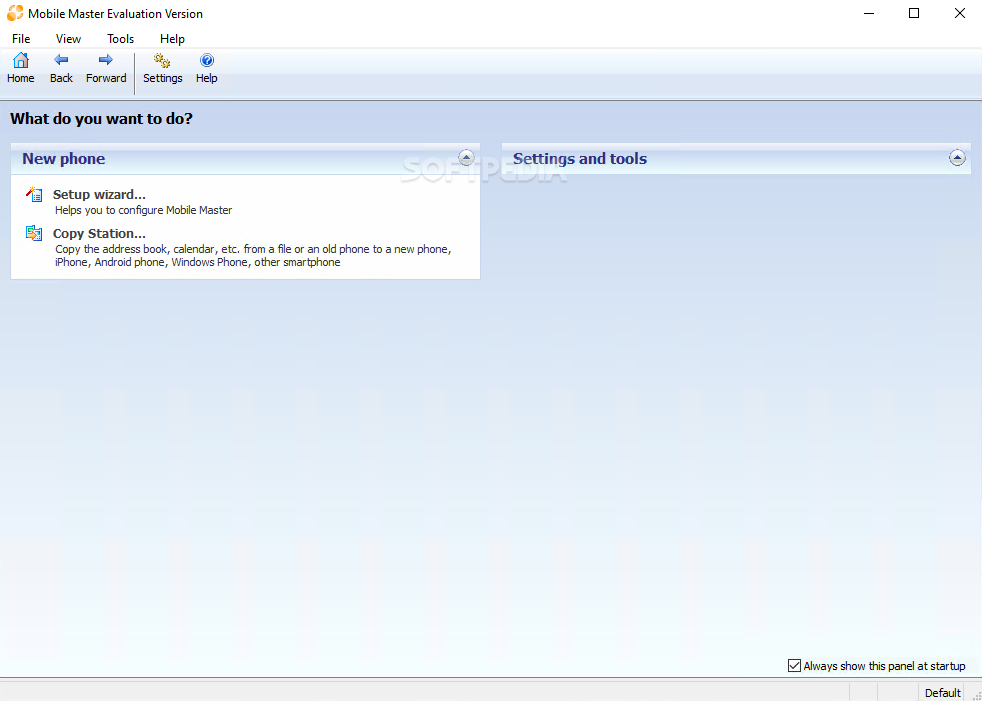
Nowadays, almost any smartphone or mobile phone that sees daylight comes with a dedicated software solution designed to help its new owner connect the device to his computer, synchronize data, transfer files, backup the content and so much more.
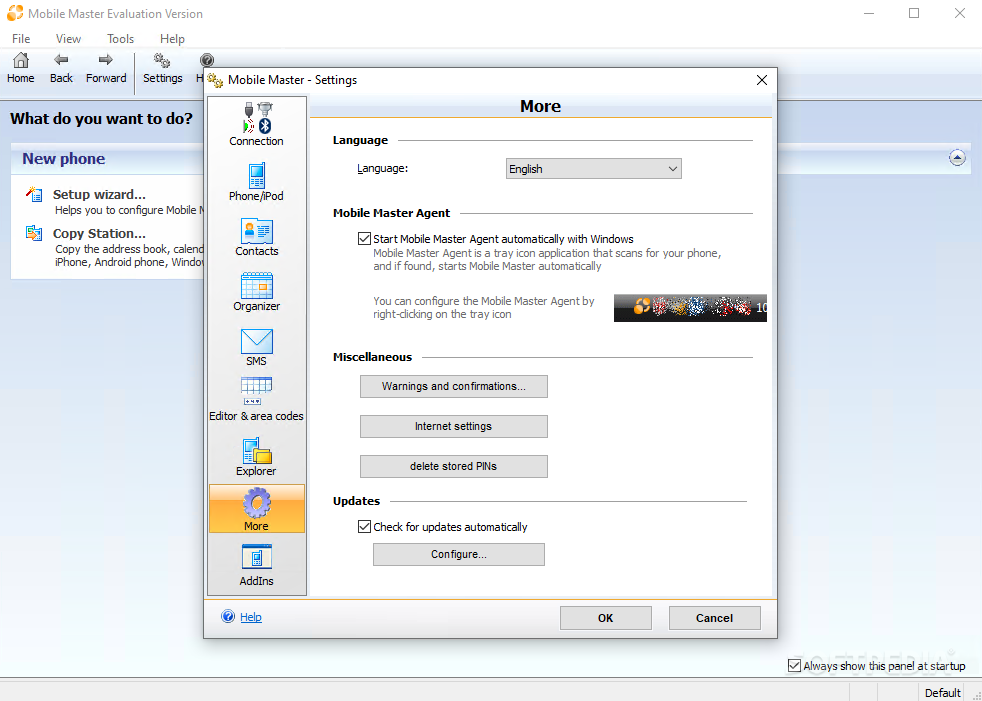
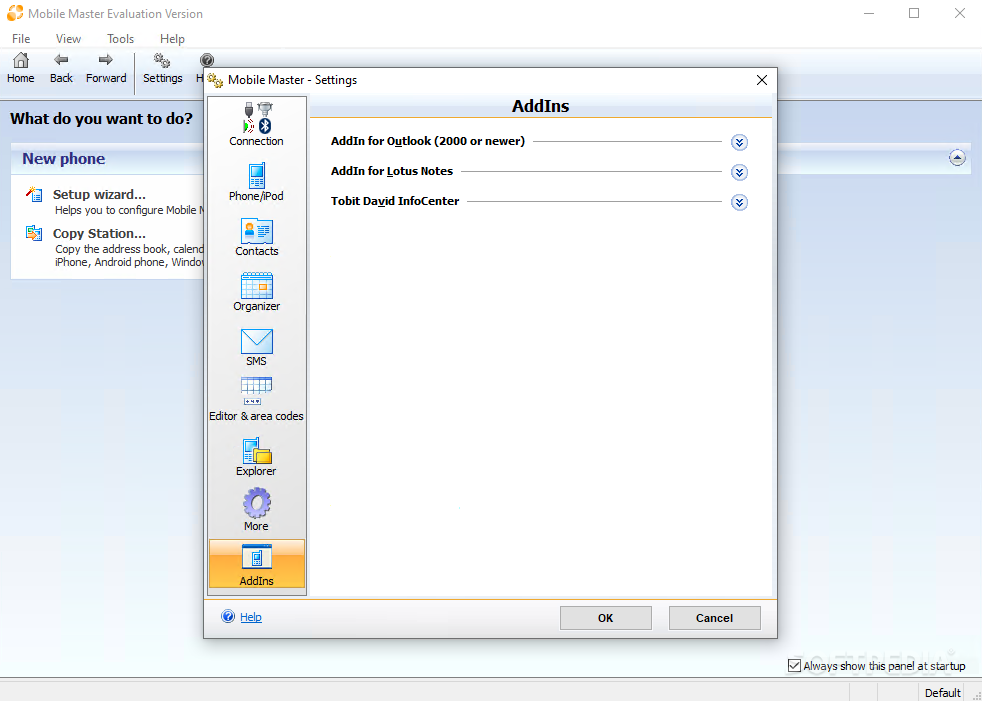
Mobile Master is more than an app dedicated to a single brand of mobile devices, it tries to target most of them with advanced features and a nice and user-friendly interface.
It's probably worth mentioning that Mobile Master supports the majority of mobile phone manufacturers, including Apple, Samsung, Nokia, Motorola, LG and Sony Ericsson, which means you should be able to use it no matter if you own a Samsung Galaxy S or a Nokia N97 mini.
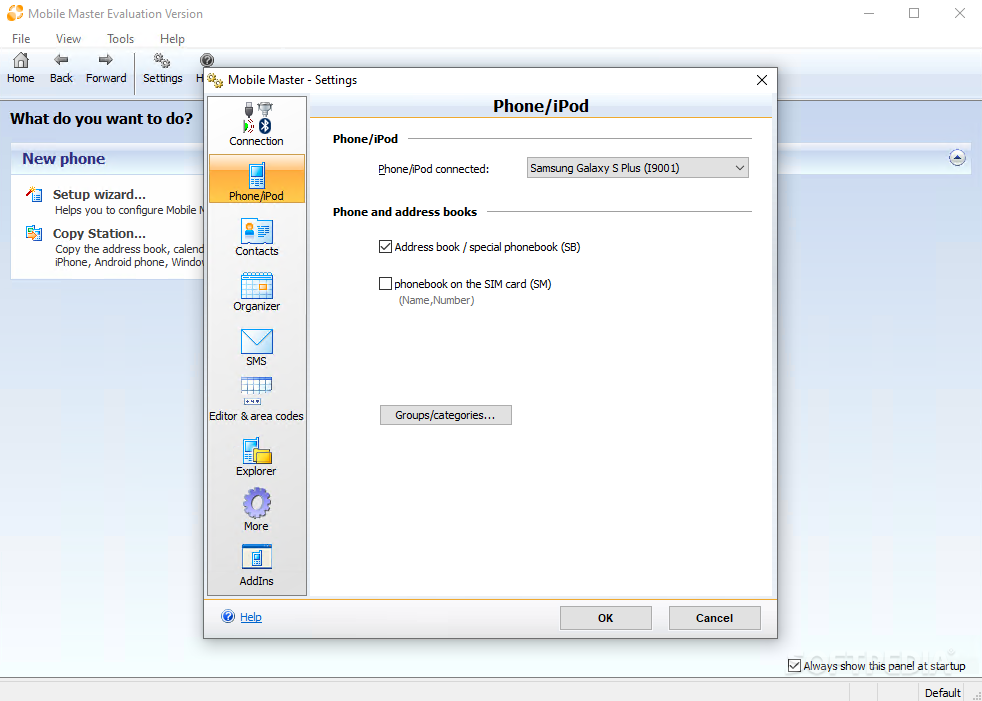
The program supports three different connectivity options, Bluetooth, IrDA and cable, but we usually go for the last one thanks to the high transfer rate it provides.
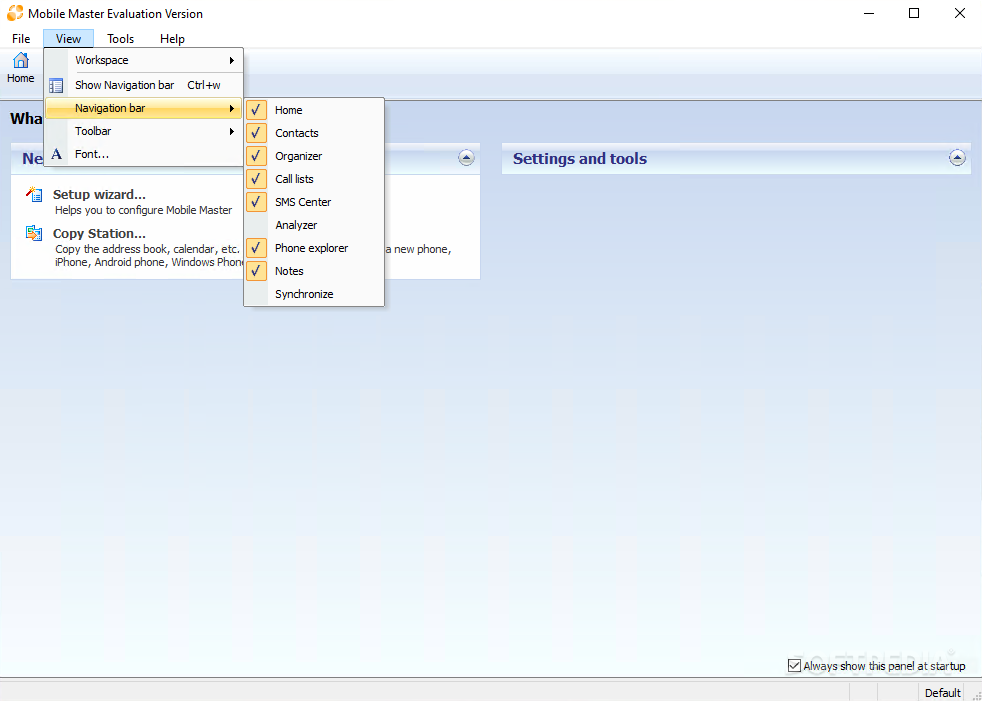
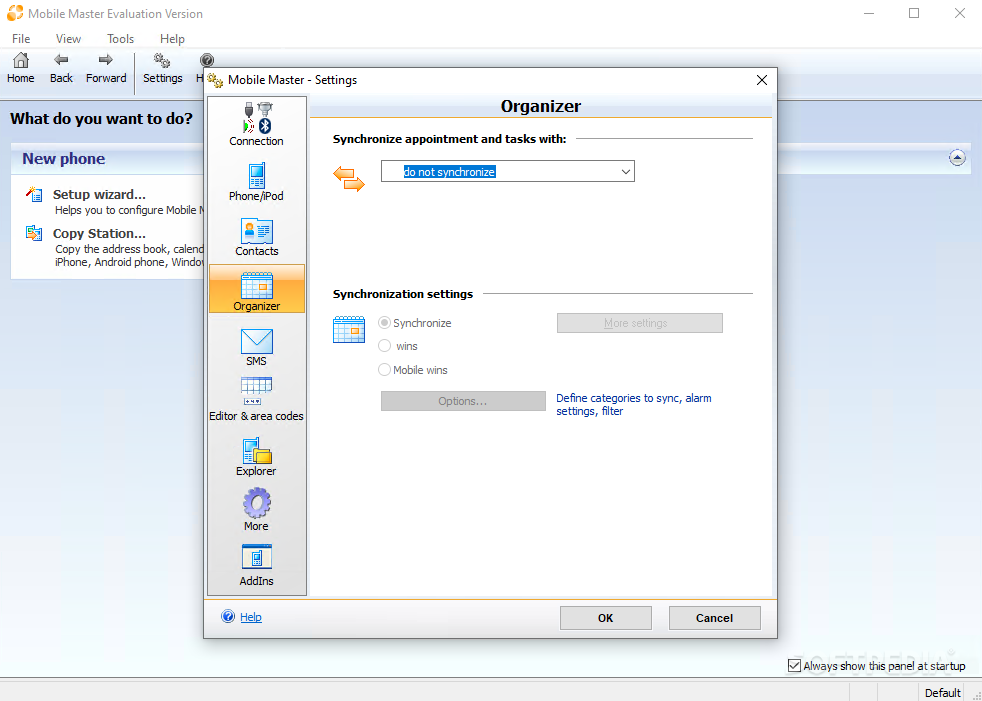
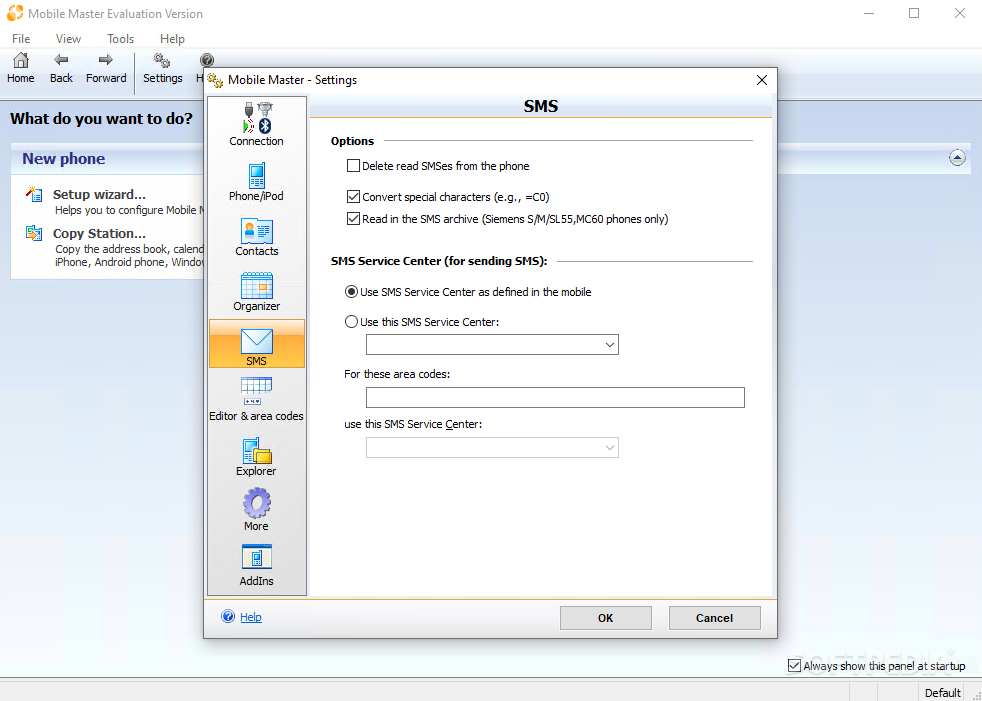
Mobile Master has a lot to offer, starting with contact synchronization with Windows contacts, Outlook Express and Mozilla Thunderbird, and ending with file transfers and an SMS manager.
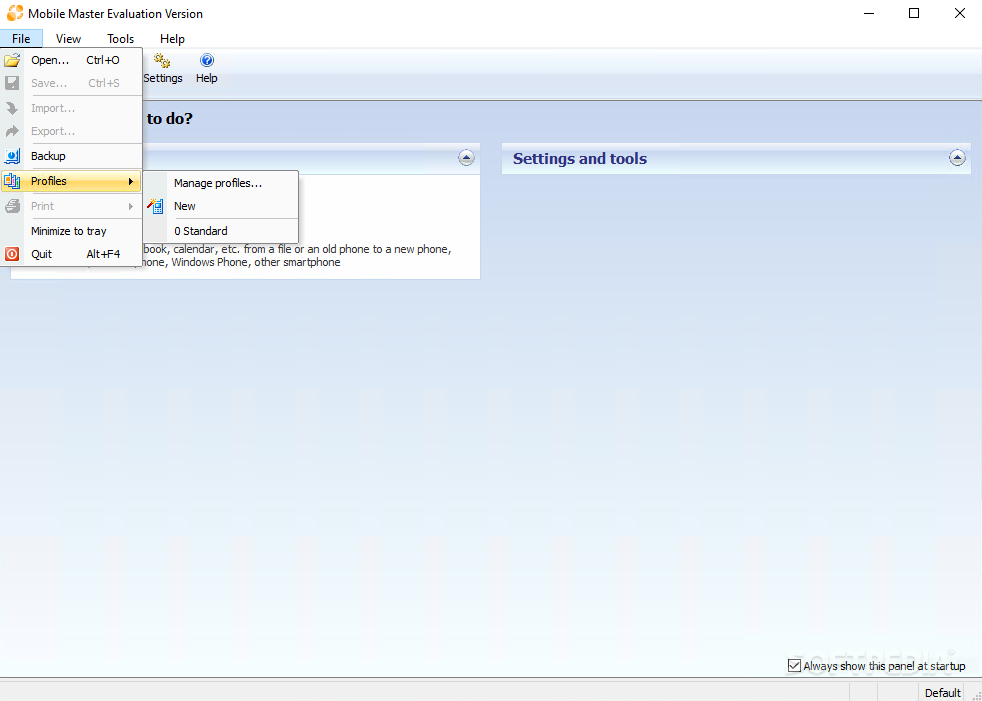
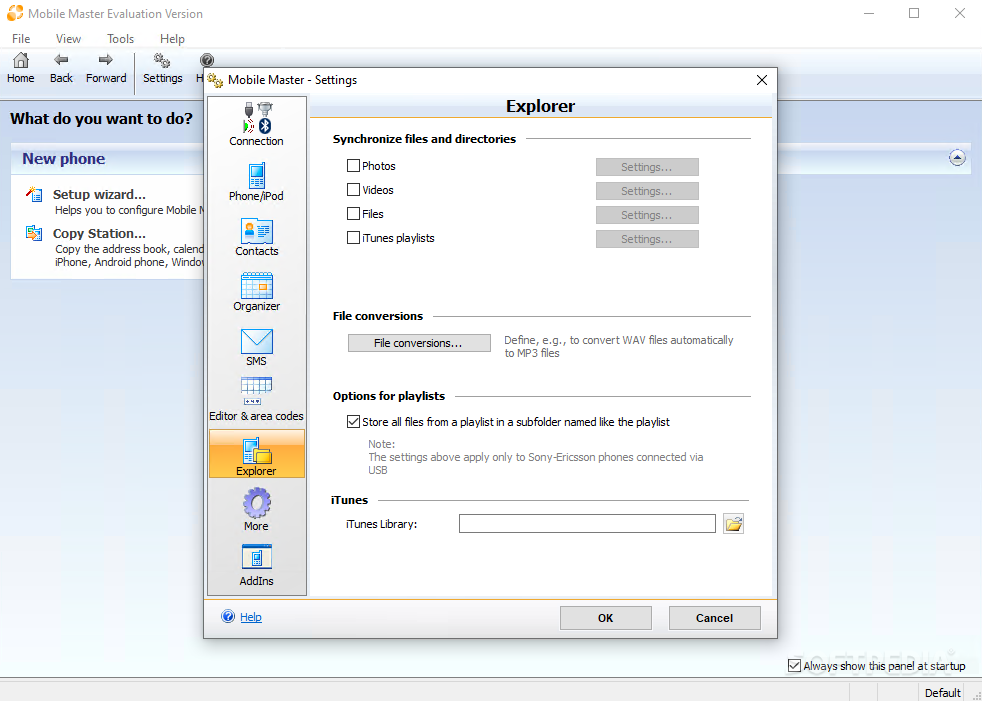
Mobile Master works with a lot of mobile phones in the same way iTunes does with iPhones and iPods, so you'll have to set dedicated folders for photos and videos, just to make sure synchronization will go instantly every time.
We've tested the app with a Samsung Galaxy S and cable connectivity and it all worked like a charm, but there are still some things to improve here and there. There are users who complain that synchronization works pretty slow sometimes, especially when working with contacts and a different tool than the ones mentioned above.
But all things considered, Mobile Master is just a must-have program in case there's no dedicated tool to handle your mobile device. It constantly receives updates from developers to fix various issues or even add new support, so in case you prefer this application for synchronization but are having difficulties, maybe a little patience does the trick.
What's new in Mobile Master 9.1.0 Build 3838:
- New features:
- Gigaset DECT handsets:
- CL660(HX) now supported
Mobile Master 9.1.0 Build 3838
add to watchlist add to download basket send us an update REPORT- runs on:
-
Windows 10 32/64 bit
Windows 8 32/64 bit
Windows 7 32/64 bit
Windows Vista 32/64 bit
Windows XP 32/64 bit
Windows 2K - file size:
- 17.5 MB
- filename:
- MobileMasterInst.exe



- main category:
- Internet
- developer:
- visit homepage
IrfanView

ShareX

4k Video Downloader

Bitdefender Antivirus Free

Zoom Client

calibre

Microsoft Teams

Context Menu Manager

7-Zip

Windows Sandbox Launcher

- Context Menu Manager
- 7-Zip
- Windows Sandbox Launcher
- IrfanView
- ShareX
- 4k Video Downloader
- Bitdefender Antivirus Free
- Zoom Client
- calibre
- Microsoft Teams
