
This application makes it easy for users to create embeddable Flash slideshows featuring pictures, sound and animated transitions. #Create Slideshow #Slideshow Creator #Make Slideshow #Slideshow #Creator #Animation

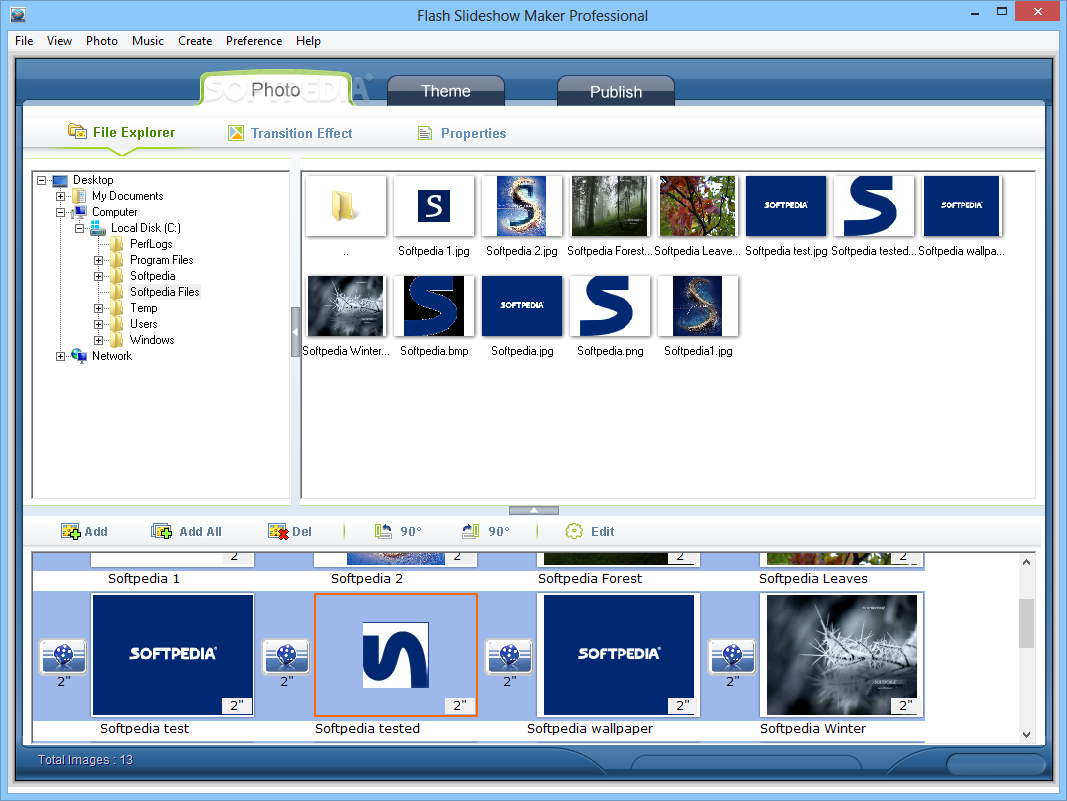
Presentations are found all over the Internet nowadays and mainly in the form of slideshows. Creating one is easily done with specialized applications. Flash SlideShow Maker is a handy and reliable application that allows you to create a slideshow from image files, and add music to it.
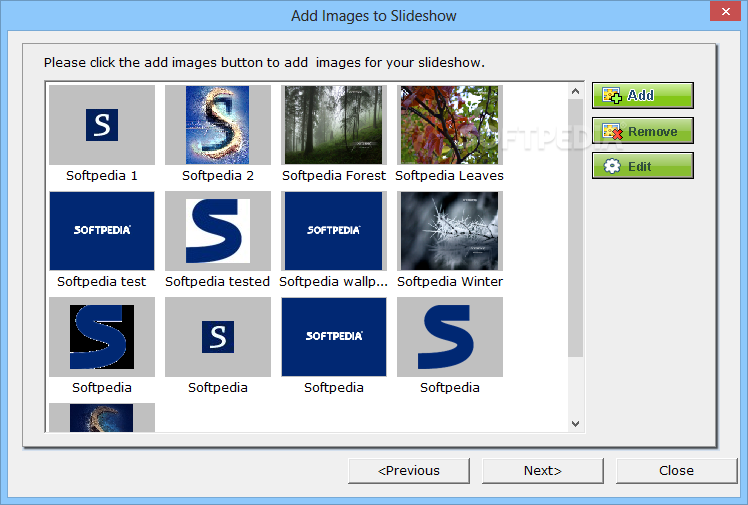
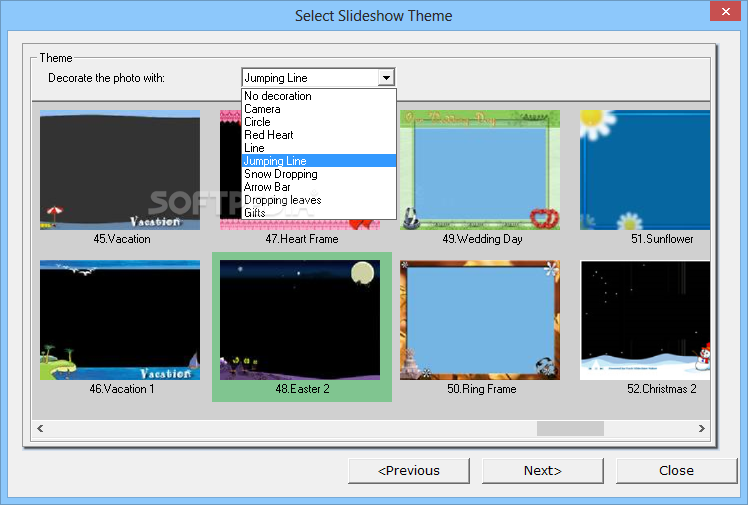
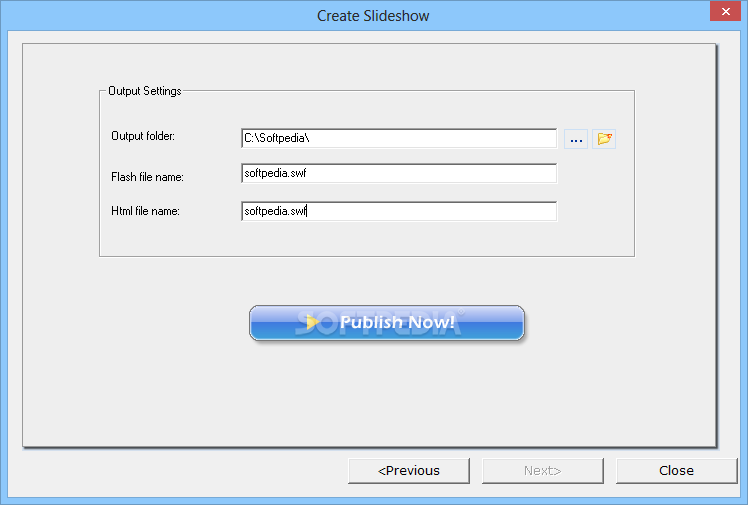
The user-friendly interface begins with a wizard to help rookies get started. A project mainly consists of three steps: add photos, select theme, and publish.
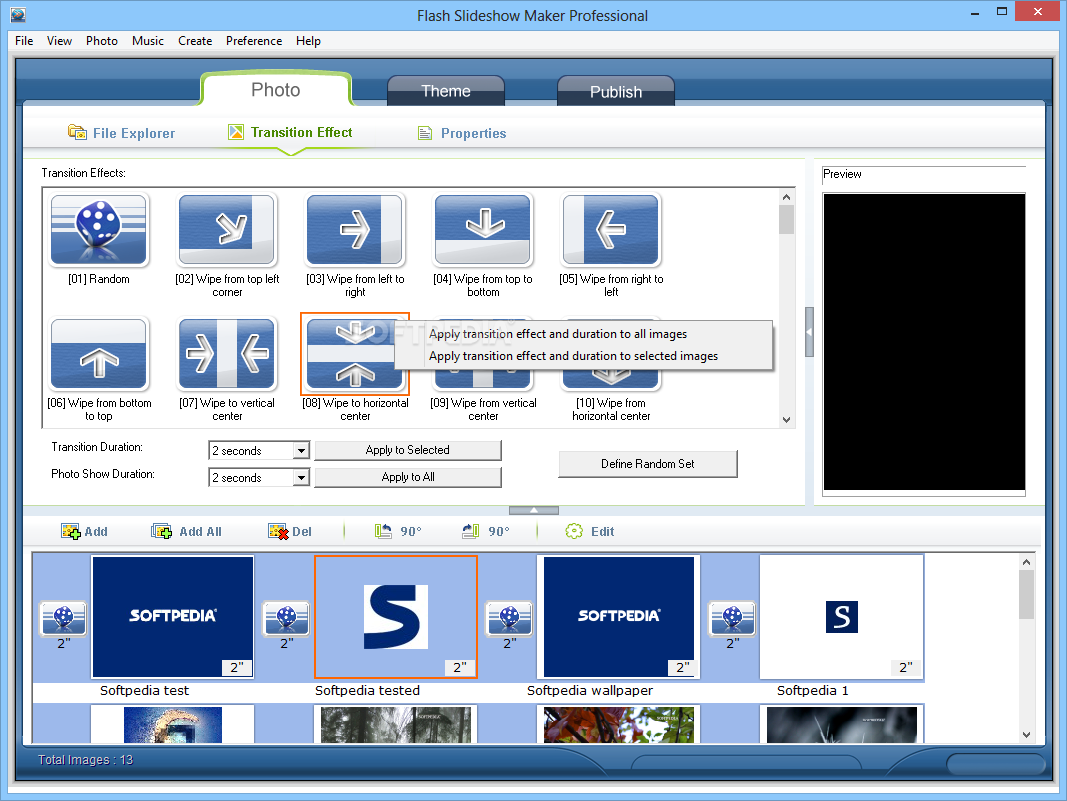
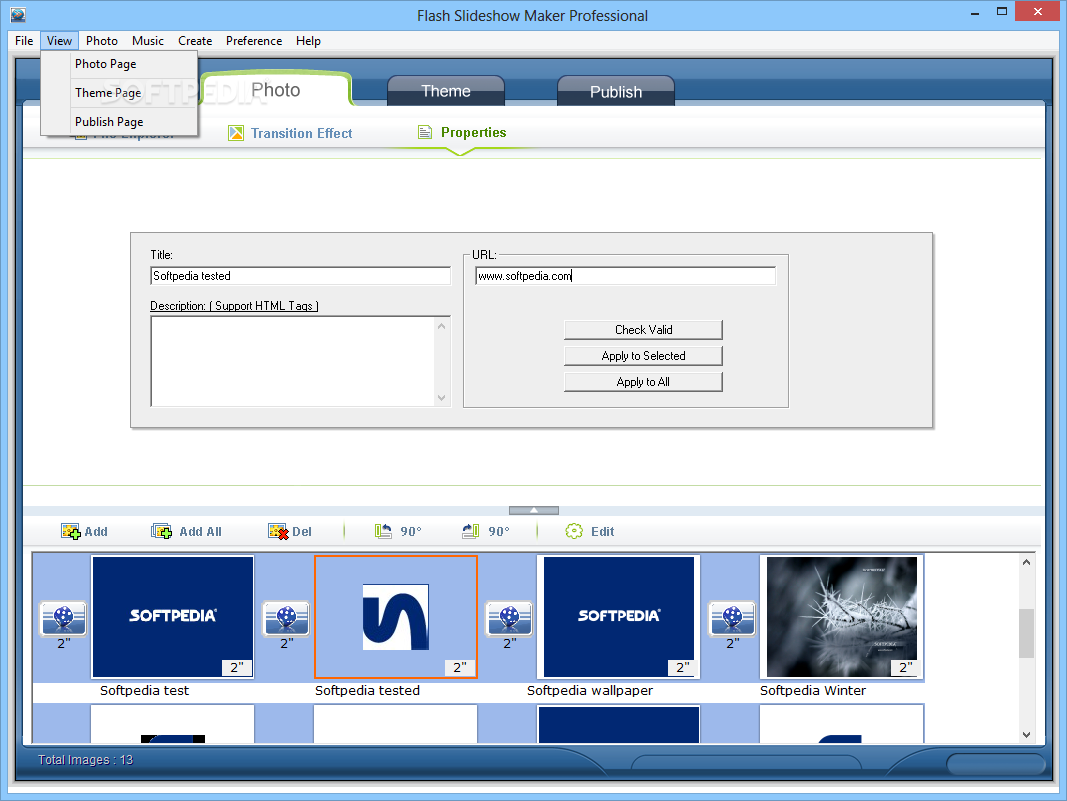
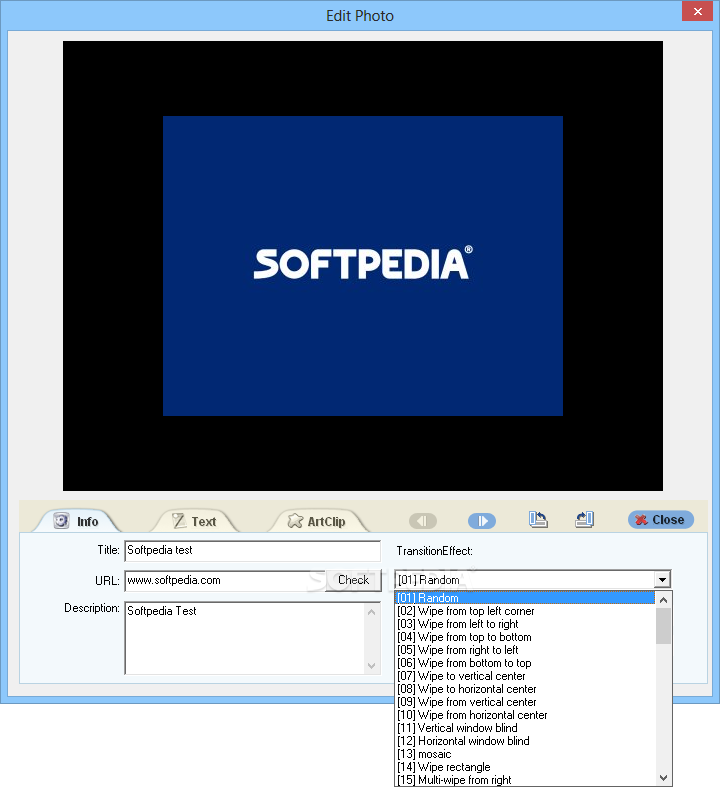
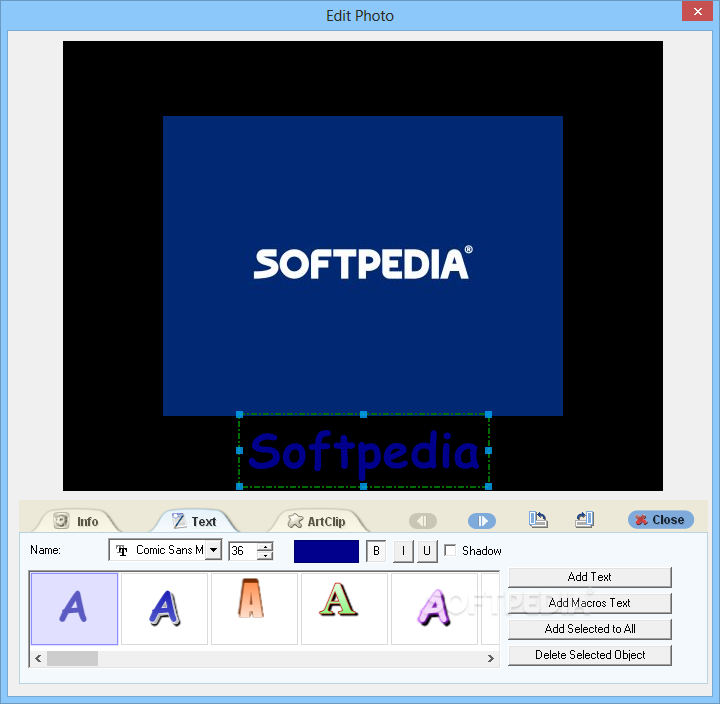
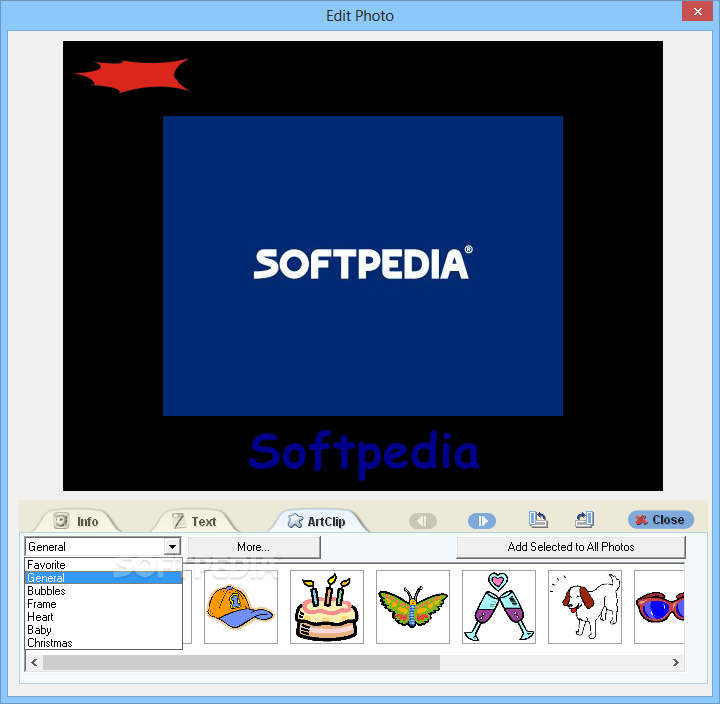
Once you have added images, you can edit their information (title, URL, description), transition effect (preview mode is not available), transition duration and show duration. Plus, you can add text and clip art, and the images can be rotated.
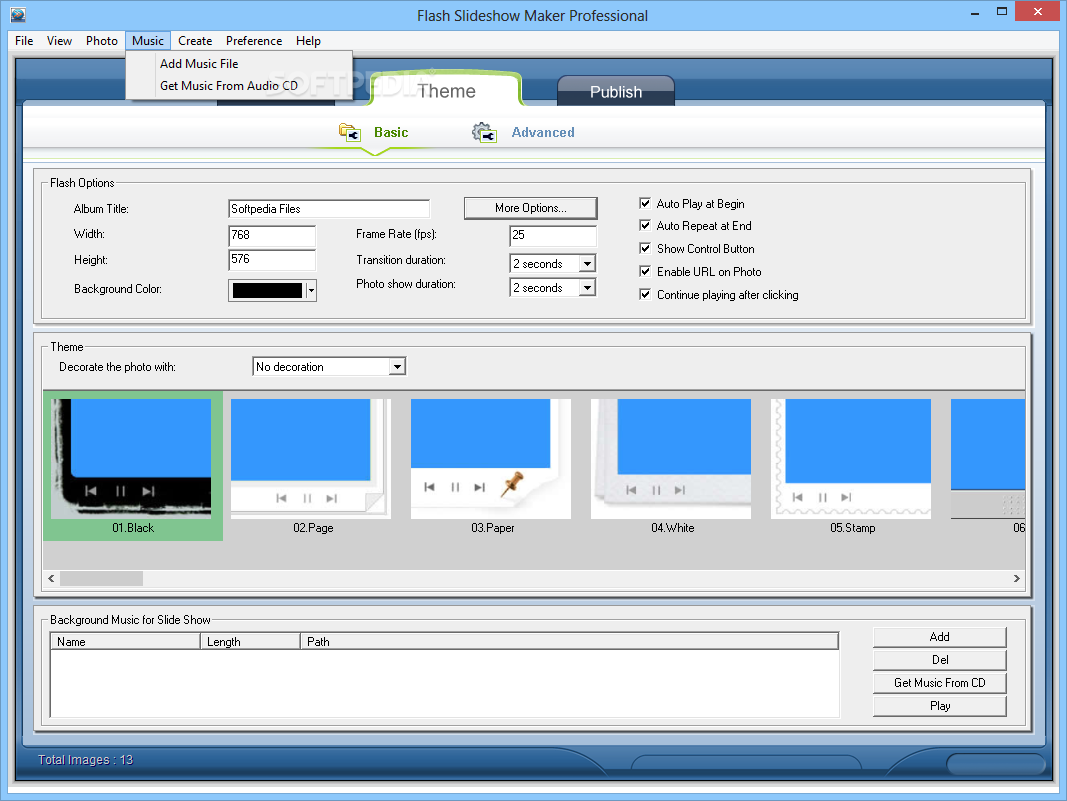
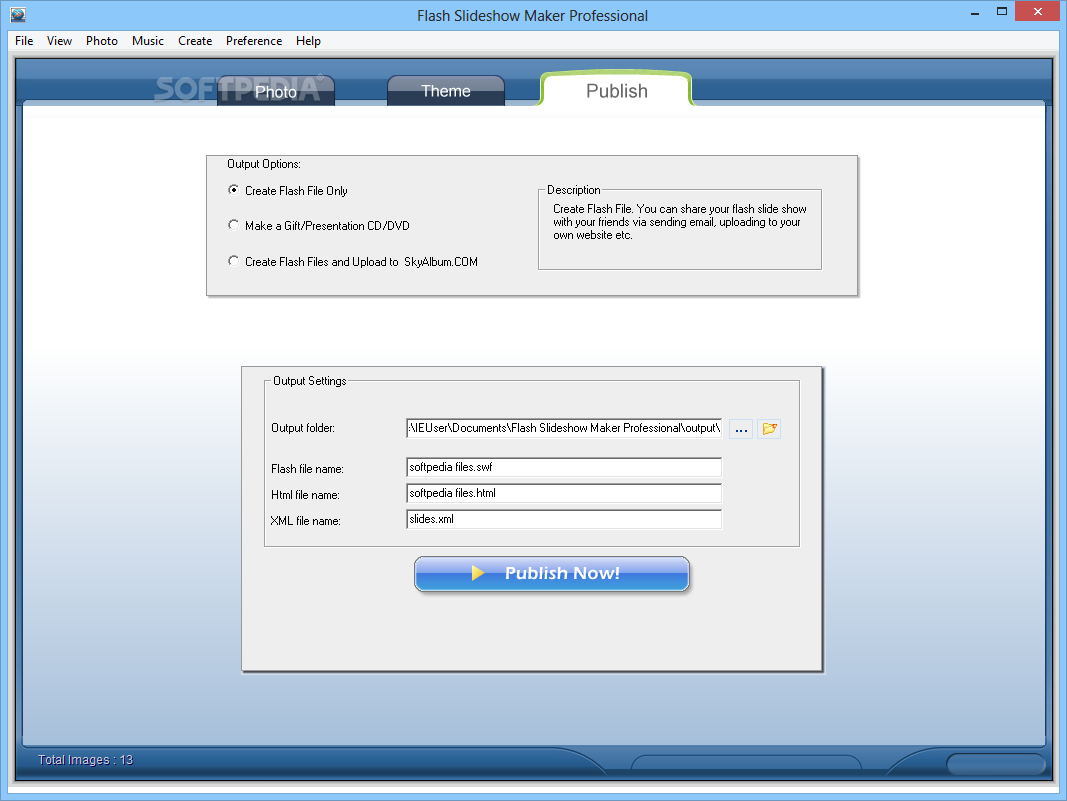
The theme option lets you decorate your images with various objects (again, preview mode is not available), after which you must specify the output folder, Flash file name, HTML file name, and save your work.
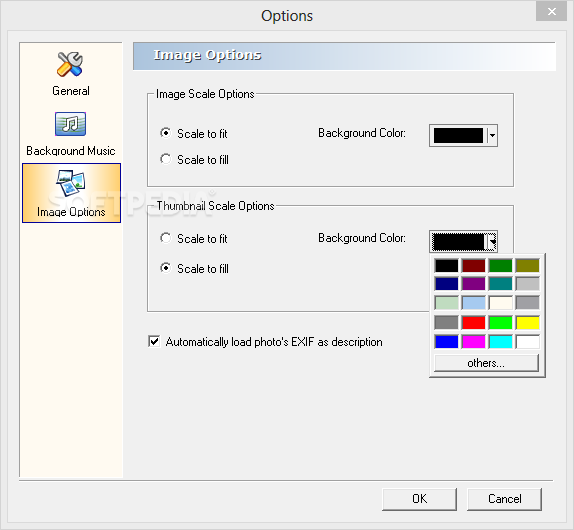
But working with Flash SlideShow Maker outside the wizard offers you more options. You can easily browse and import images by using File Explorer, get a preview on sample transitions, define a random set of transitions, and add background music in the Theme section.
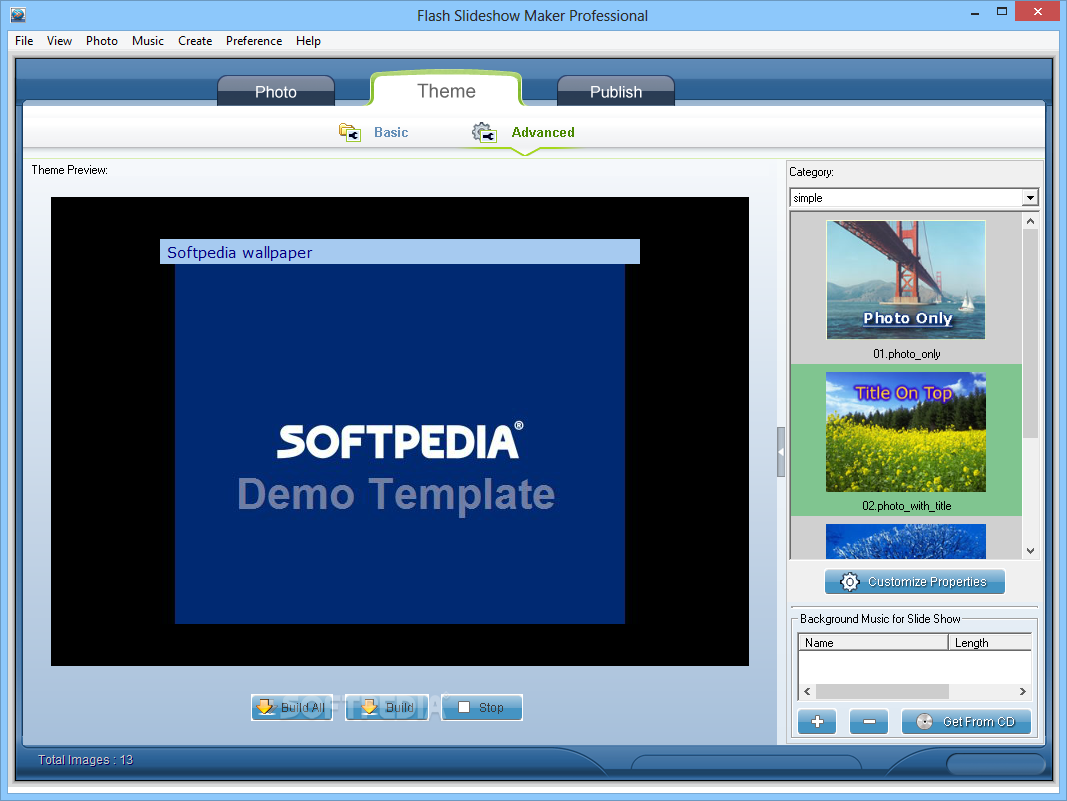
You can switch to advanced theme mode to create a set of image files and a XML file (the basic theme creates a single SWF file) - which is recommended for displaying photo galleries on websites. Here you can preview effects and transitions applied to images (as they appear in an online photo gallery), but also customize properties (e.g. background color, enable link, background music loop).
Publishing options allow you to create a Flash file only, make a gift or presentation CD or DVD, or create Flash files and upload them to SkyAlbum.com.
Some of the software's effects are really good, while others seem childish (e.g. ArtClip). Unfortunately, Flash SlideShow Maker does not allow you to preview slideshows while you are creating them (you can only view the final product), and it adds the software logo at the end of the slideshow (in demo mode). Also, we would have liked the possibility of quickly editing images and audio.
In conclusion, if you want to create a slideshow in a few simple steps, then you can try Flash SlideShow Maker. With a friendly interface it lets you instantly accommodate while available features make sure each slideshow comes out different.
Download Hubs
Flash Slideshow Maker Professional is part of these download collections: Slideshow Creator, Make Slideshows
Flash Slideshow Maker Professional 5.20
add to watchlist add to download basket send us an update REPORT- runs on:
- Windows All
- file size:
- 22.6 MB
- filename:
- setup_flash_slideshow_maker.exe
- main category:
- Internet
- developer:
- visit homepage
7-Zip

calibre

4k Video Downloader

Context Menu Manager

Windows Sandbox Launcher

IrfanView

Zoom Client

ShareX

Bitdefender Antivirus Free

Microsoft Teams

- ShareX
- Bitdefender Antivirus Free
- Microsoft Teams
- 7-Zip
- calibre
- 4k Video Downloader
- Context Menu Manager
- Windows Sandbox Launcher
- IrfanView
- Zoom Client