
Professional Flash converter for Flash SWF to video conversion, it supports many popular formats and comes with rich editing functions such as crop, add watermark #Flash to video #Convert SWF #SWF to video #SWF2AVI #Flash2Video #Converter
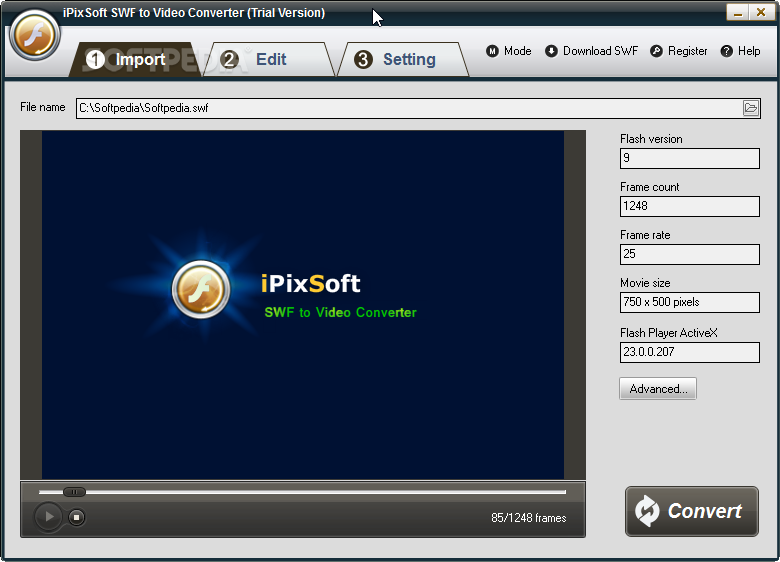
The Internet is filled with all sort of applications and programs that you could use in order to convert files on your computer. One of them is iPixSoft SWF to Video Converter.
It's a professional Flash converter for Flash SWF to video conversion. It supports many popular formats and it comes with lots of nice features and tools that you could use.
The application doesn't take long to install and it doesn't come with a complicated setup that you would need to complete before you can actually use it. It sports a clean and intuitive graphical interface with many nice tools at hand.
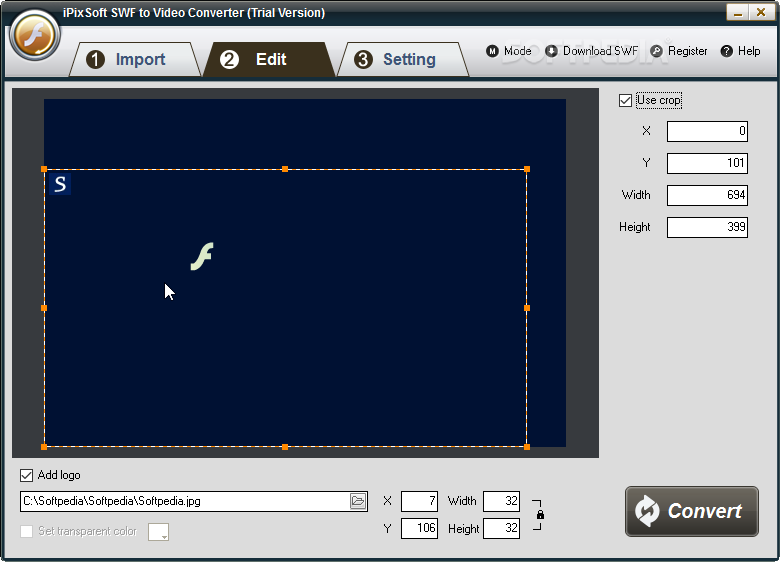
iPixSoft SWF to Video Converter is a professional Flash converter for Flash SWF to video conversion. It supports many popular formats and it comes with rich editing functions such as crop, add watermark.
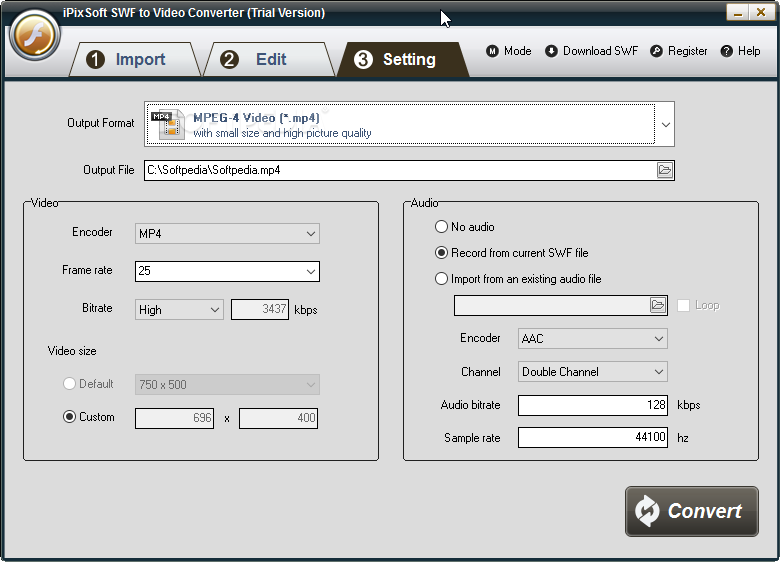
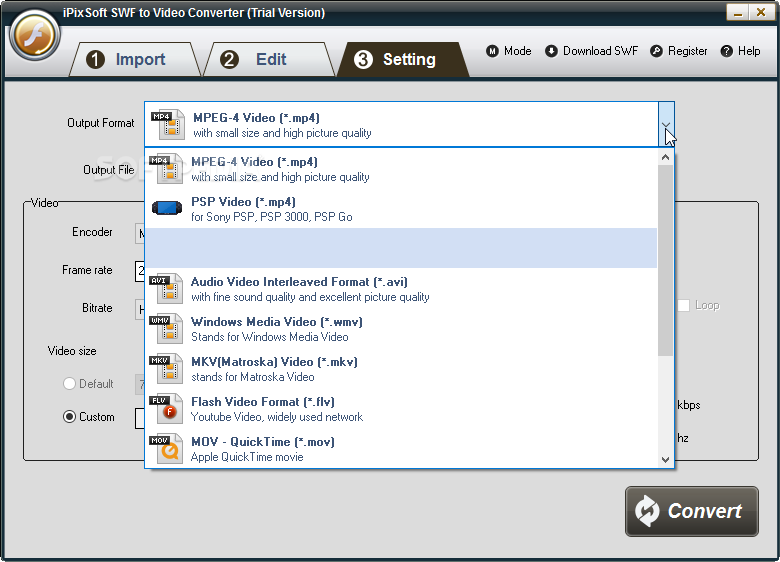
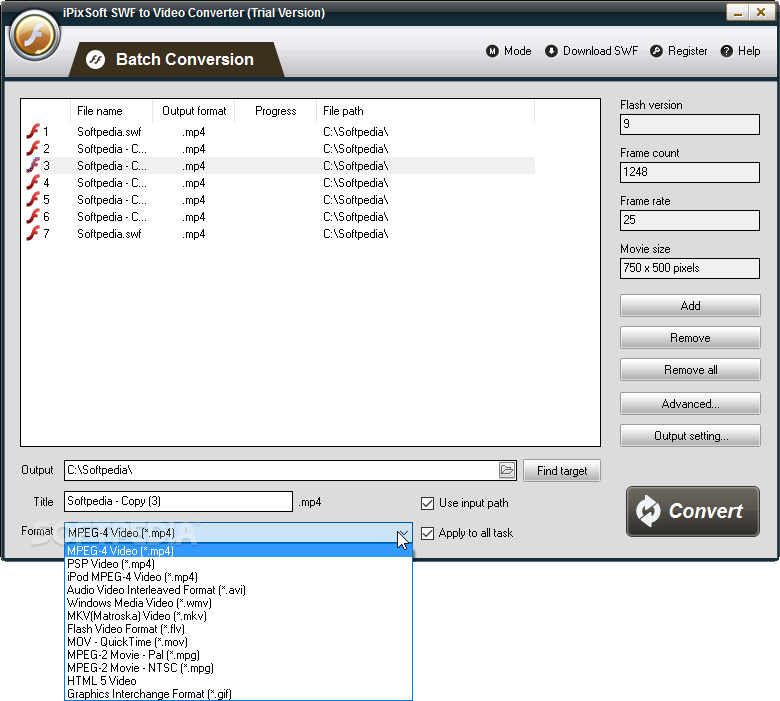
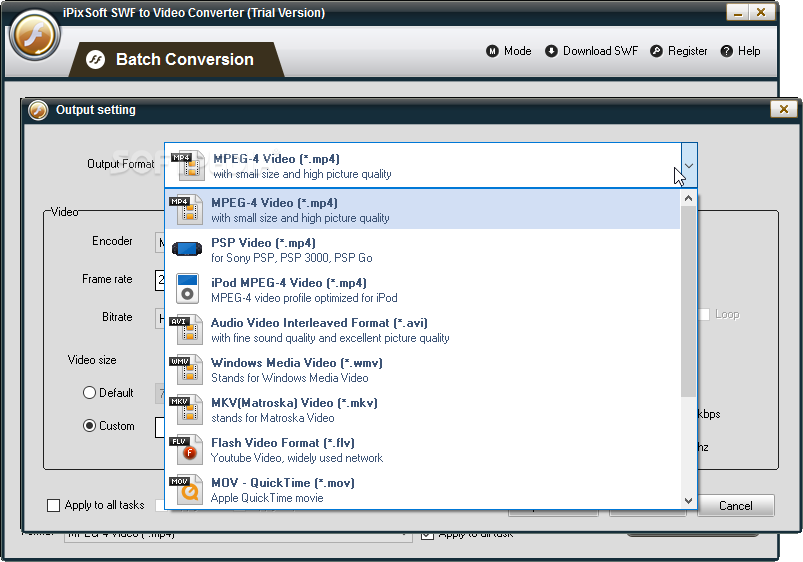
The application helps to convert Flash SWF to AVI, MPEG,html5 support video,iPod/PSP (MP4), MOV, MKV, WMV, GIF and more. It can convert complicated SWF files such as music swf controlled by action script, no end game flash file needs people's joining to play, SWF file which link external videos, SWF file which are embedded some high clear video internally.
iPixSoft SWF to Video Converter provides you 2 modes "Single Mode" and "Batch Mode" for converting files. "Single Mode" is good if you want to converter few swf files and would like to edit and convert one file at a time. If you would like to convert lots of swf files, "Batch Mode" can help you but without edit features in current version.
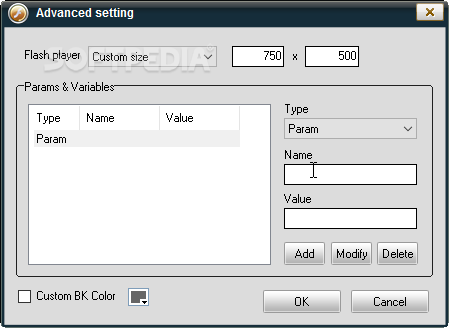
You can crop SWF video and add watermark, logo, copyright image onto the created video to mark them as your own. You can also adjust the position and transparency of watermark.
It supports batch conversion and flash movies including Action Scripts, movie clips, and sound. IPixSoft SWF to Video Converter is a very useful professional Flash converter for Flash SWF to video conversion.
iPixSoft SWF to Video Converter 5.1.0
add to watchlist add to download basket send us an update REPORT- buy now $69.95Single Personal
- buy now $99.95Single Commercial
- buy now $199.952-5 PCs Commercial
- buy now $799.00Command line version
- runs on:
-
Windows 11
Windows 10 32/64 bit - file size:
- 15.6 MB
- filename:
- SWFtoVideoConverterSetup_trial.zip
- main category:
- Multimedia
- developer:
- visit homepage
ShareX

Bitdefender Antivirus Free

IrfanView

Windows Sandbox Launcher

Zoom Client

7-Zip

4k Video Downloader

calibre

Context Menu Manager

Microsoft Teams

- calibre
- Context Menu Manager
- Microsoft Teams
- ShareX
- Bitdefender Antivirus Free
- IrfanView
- Windows Sandbox Launcher
- Zoom Client
- 7-Zip
- 4k Video Downloader