
An incredibly simple and easy to use software application that enables you to play Flash animations from your computer or from the Internet #Flash Player #Play flash #Play swf #Flash #Swf #Player

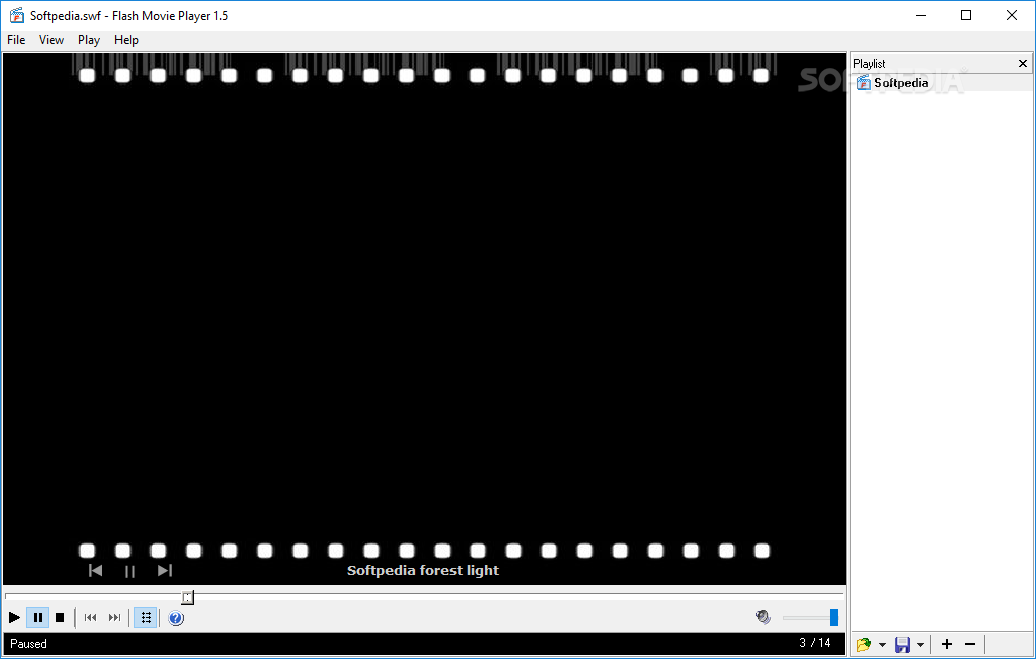
Flash animations are amongst the top enhancement elements on the Internet. With the help of specialized applications you are able to render them even when offline, given these are found on your computer. Flash Movie Player is a software that will enable you to easily load and view Flash videos.
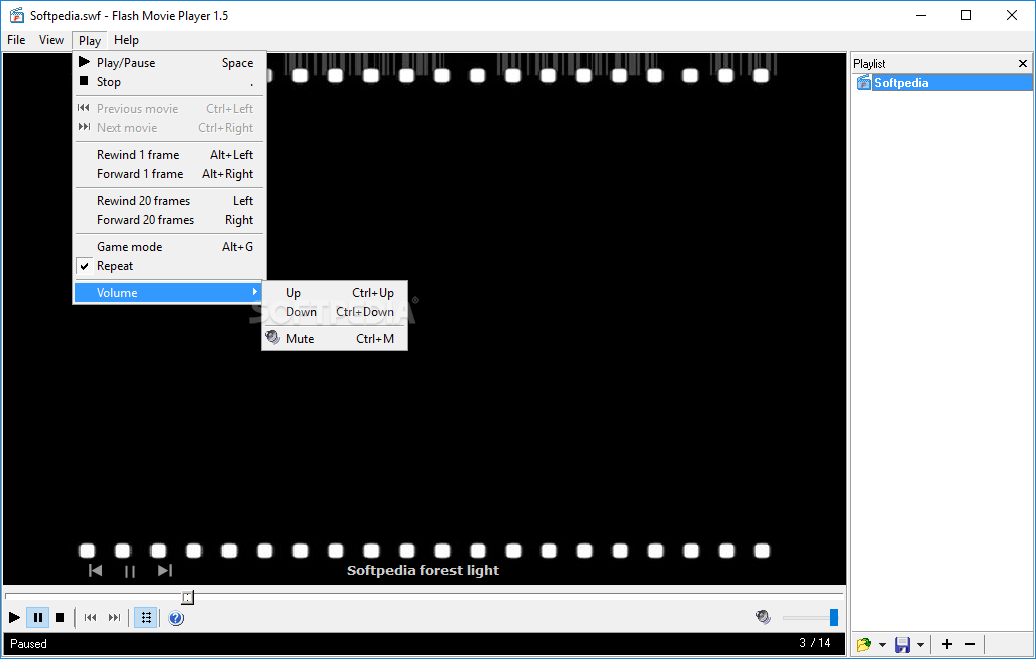
The user interface of the program is simple and resembles that of Media Player Classic, so it is very easy to navigate through it.
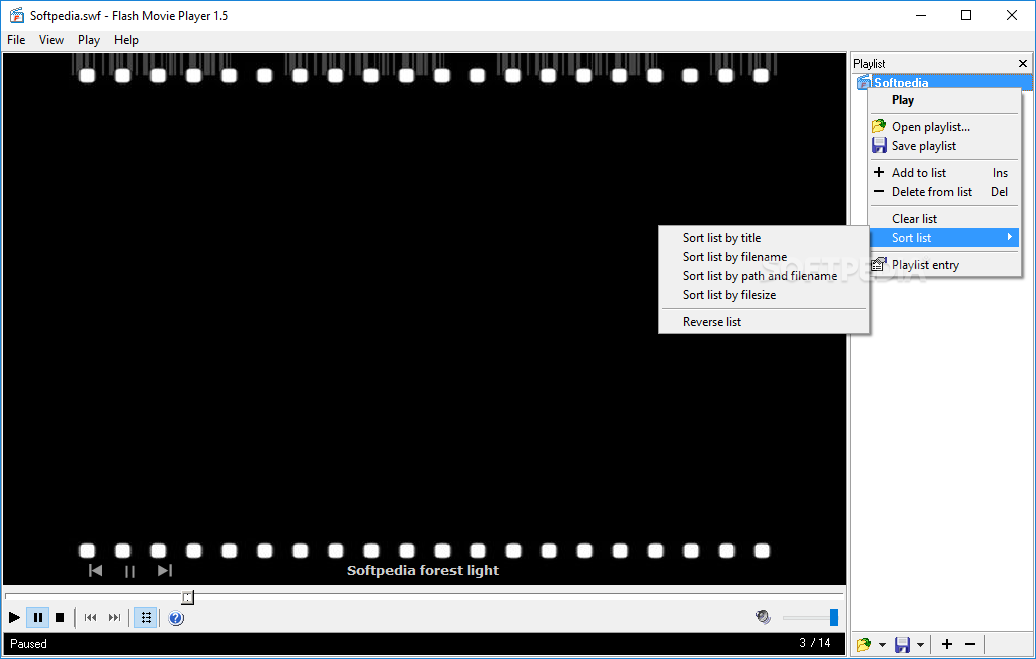
You can open SWFs, EXEs and FMPs (i.e. Flash Movie Player playlists), as well as create and save a playlist. The "drag and drop" method is supported and you can also load Flash animations via the dedicated menu.
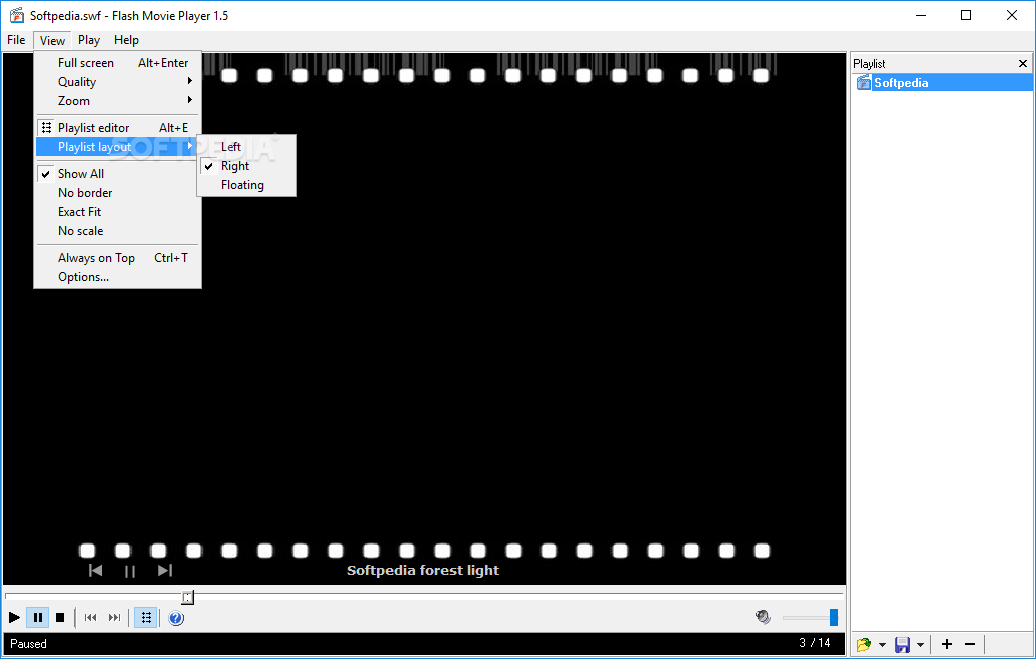
Thus, you can use basic commands such as play, stop, pause, next or previous track and volume adjustment. You can also disable the playlist, switch to full screen mode, zoom in and out, as well as set quality level.
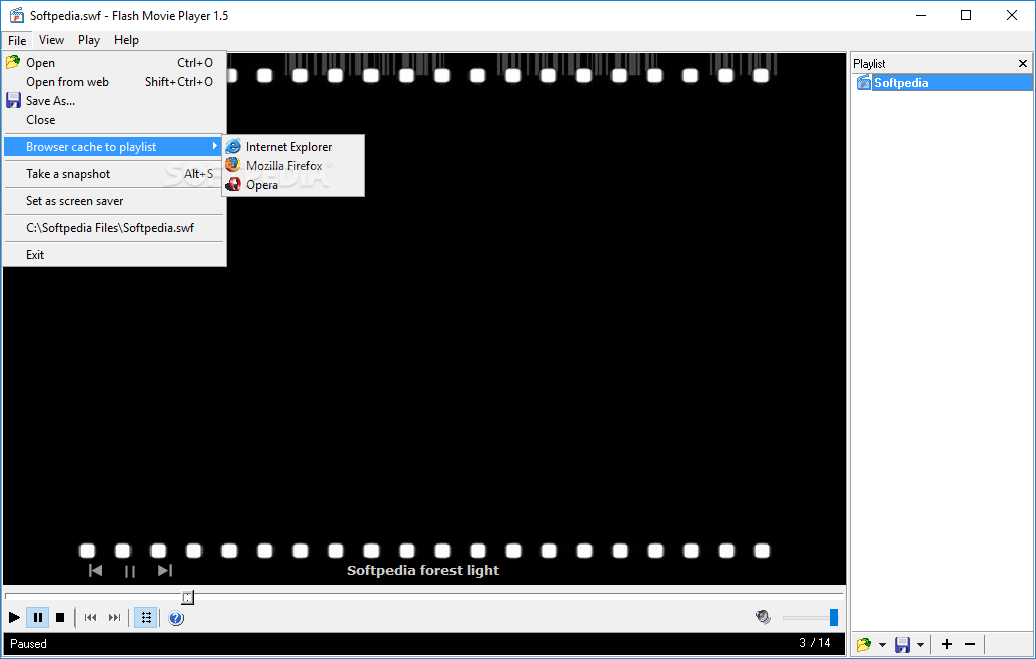
You can enable loop mode, print the image of a SWF or EXE file, view redraw regions, take a snapshot and save it in the JPEG or BMP format.
You can open a Flash animation from the web (by inserting the URL), set animation as screensaver, enable game mode and set Flash Movie Player to always be on top of other applications.
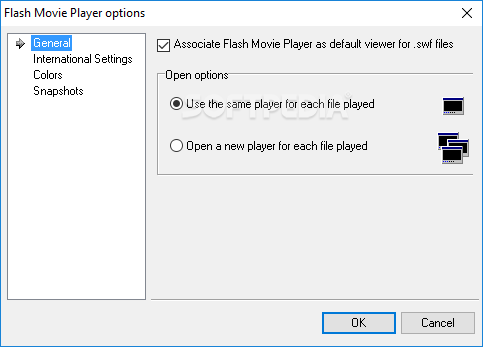
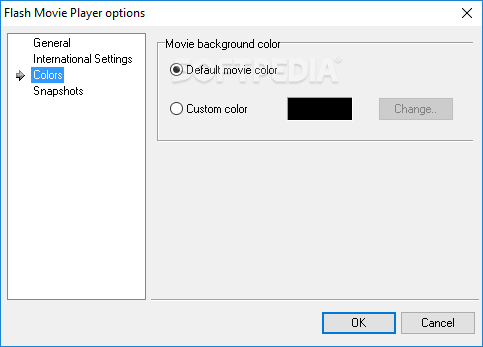
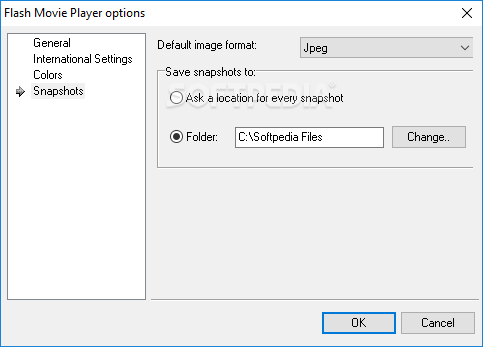
In the "Settings" menu you can configure general options (e.g. set the tool as the default player for SWF files), interface settings (e.g language), colors (default movie color, custom color) and snapshots (e.g. default image format, default destination).
The application uses a low to moderate amount of system resources and includes an online help file. We haven't come across any problems during our tests.
Flash Movie Player is a very good program for playing Flash clips and we strongly recommend it. The interface let's you quickly accommodate and there shouldn't be any problems whatsoever in terms of functionality.
What's new in Flash Movie Player 2.1:
- An an updated installer with a better Flash plug-in library setup on the newer versions of Windows.
Flash Movie Player 2.1
add to watchlist add to download basket send us an update REPORT- PRICE: Free
- runs on:
- Windows All
- file size:
- 664 KB
- filename:
- flash_movie_player.exe
- main category:
- Internet
- developer:
- visit homepage
IrfanView

Windows Sandbox Launcher

calibre

Microsoft Teams

7-Zip

Zoom Client

ShareX

Context Menu Manager

4k Video Downloader

Bitdefender Antivirus Free

- Context Menu Manager
- 4k Video Downloader
- Bitdefender Antivirus Free
- IrfanView
- Windows Sandbox Launcher
- calibre
- Microsoft Teams
- 7-Zip
- Zoom Client
- ShareX
