
High-performance client runtime that enable you to enjoy nearly all types of media on the Internet for full, high-quality entertainment. #Flash Player #Adobe Flash #Macromedia Flash #Flash #Adobe #Macromedia
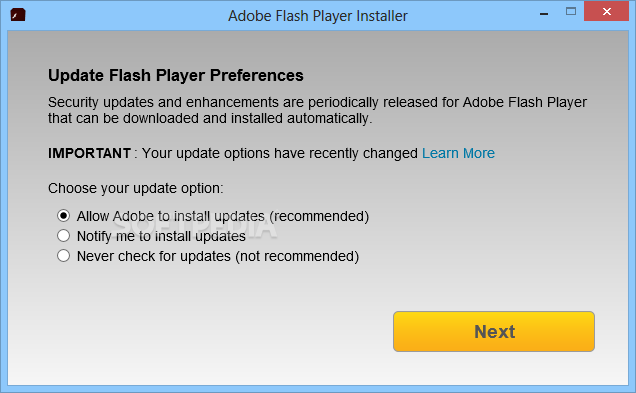
Note: Since Adobe no longer supports Flash Player as of December 31, 2020 and has blocked Flash content from running in Flash Player starting with January 12, 2021, Adobe strongly recommends all users immediately uninstall Flash Player to help protect their systems. Please use Adobe Flash Player Uninstaller to remove the software from your system.
Nowadays, the Internet has reached a level where it is, in huge proportions, accessed for entertainment. This is mainly found in the form of media, with most websites relying on special tools in order to get the video, audio and even games rendered. Adobe Flash Player is the main tool used for this operation and found on most computers today.
Going online for even a short while sooner or later brings up a page that prompts you with a requirement for this player in particular. As a consequence, Adobe Flash Player is also one of the main plugins you might want to install first when opening a web browser.
It is thus compatible with the most commonly used browsers, so if you're using Mozilla Firefox, Google Chrome, Opera, Safari or Internet Explorer you shouldn't encounter any difficulties in fully enjoying anything the Internet throws at you.
This client runtime is assisting computers for quite some time now, so far posing no major compatibility issues with any system, regarding of its configuration. It does not take much of your computer's resources, nor does it occupy a significant amount of space on your hard disk drive.
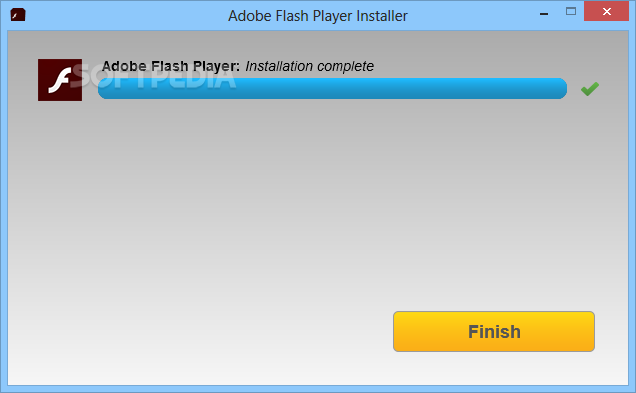
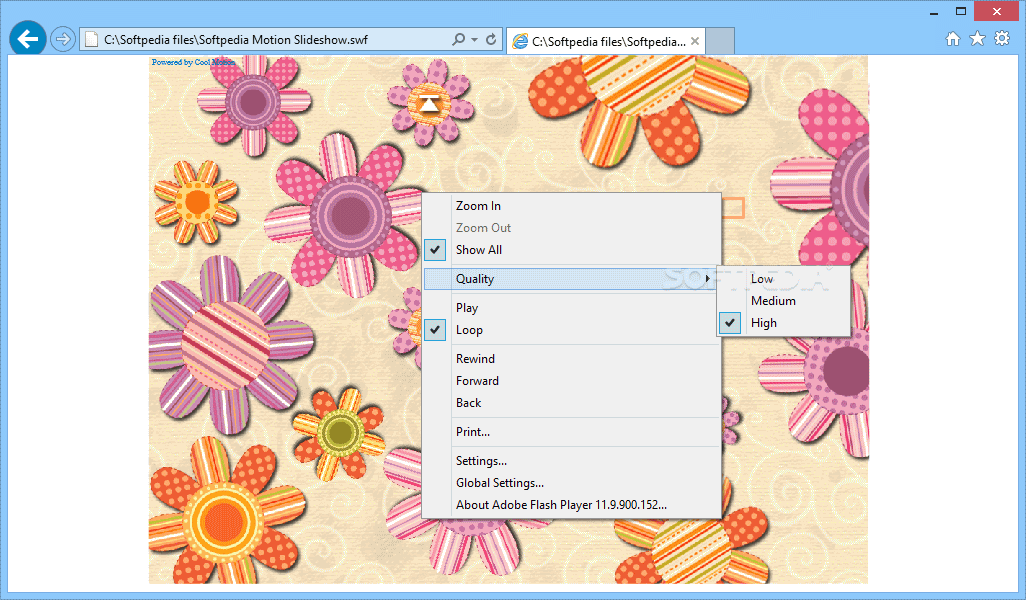
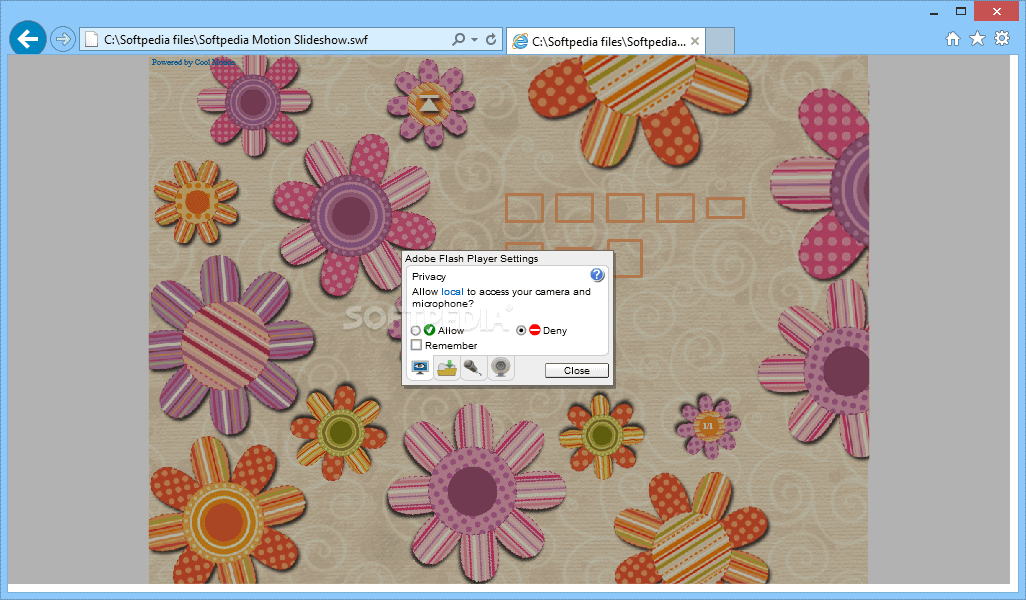
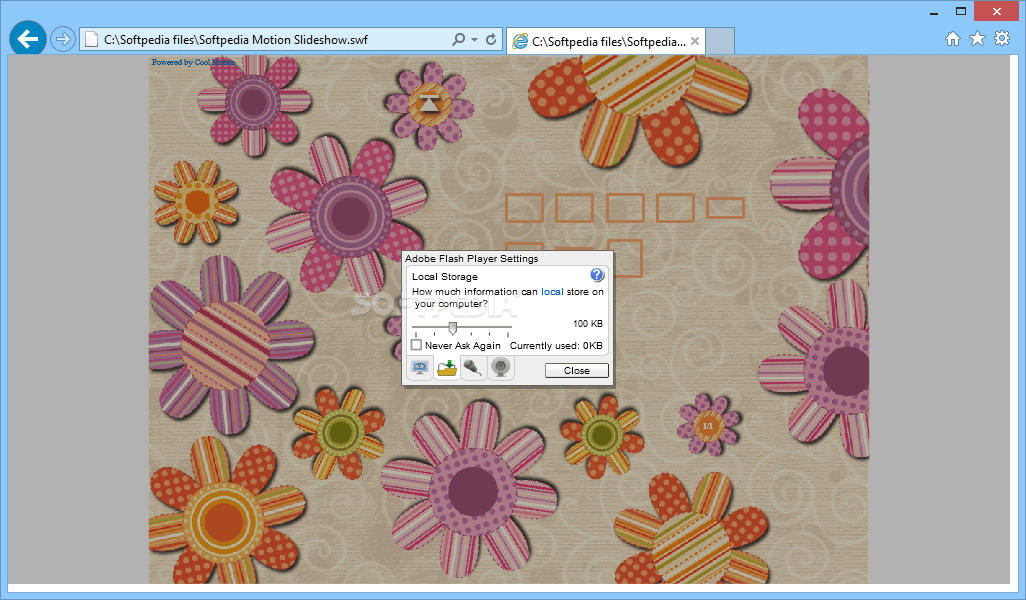
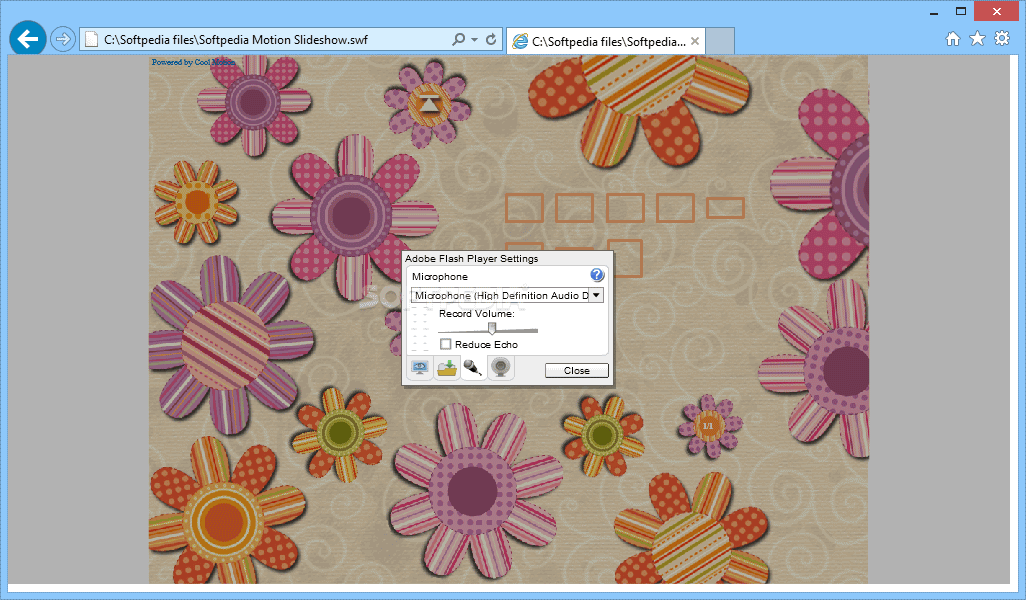
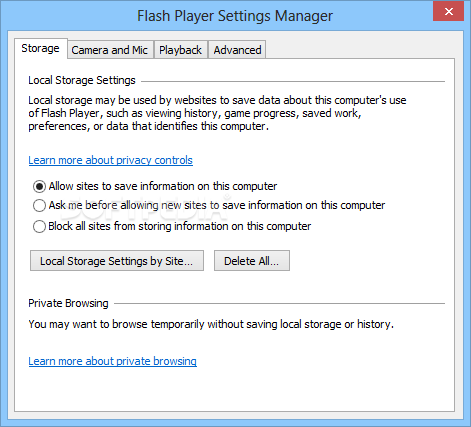
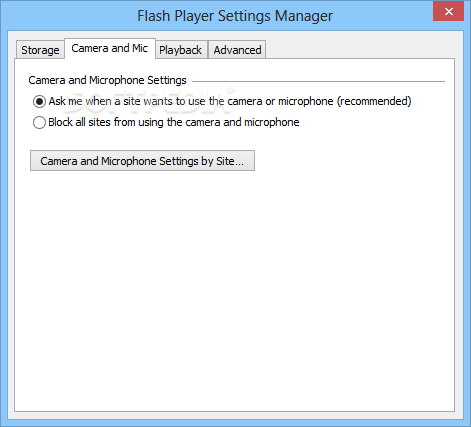
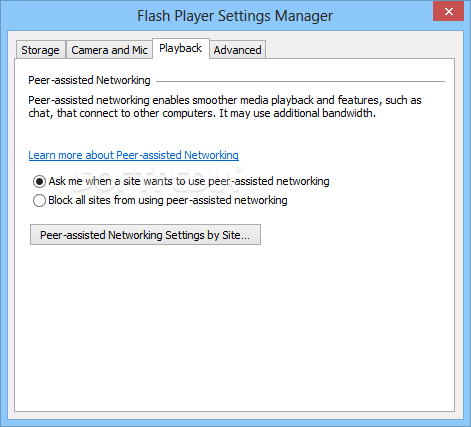
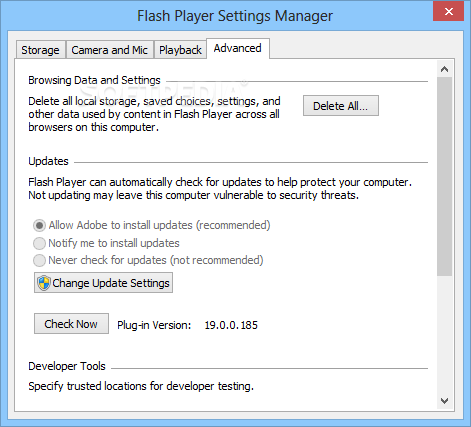
It easily gets deployed on your system, lacking a dedicated interface to work with. However, you gain access to a settings manager where several options can be handled. These are found in tabs, and you can access Storage, Camera and Mic, Playback, as well as Advanced settings, where you can manage trusted web locations and updates.
The latter option is recommended to keep on, not taking much of your time to put in motion and also keeps you up to date with the latest quality enhancements, tweaks and overall improvements.
To sum it up, Adobe Flash Player has become a necessity for every computer out there and should be amongst the top entries on the list of priorities after a fresh installation of the operating system. Capable of rendering nearly any media on the Internet and being responsible for nearly all animations and effects that enhance web pages, you might want to deploy it on your computer if you haven't done so already.
Download Hubs
Adobe Flash Player is part of these download collections: FLV Player, Play DV, Open DV
Adobe Flash Player 32.0.0.465
add to watchlist add to download basket send us an update REPORT- PRICE: Free
- runs on:
-
Windows 10 32/64 bit
Windows 8 32/64 bit
Windows 7 32/64 bit
Windows Vista
Windows XP
- main category:
- Internet
- developer:
- visit homepage
Bitdefender Antivirus Free

Microsoft Teams

7-Zip

calibre

ShareX

IrfanView

4k Video Downloader

Zoom Client

Windows Sandbox Launcher

Context Menu Manager

- Zoom Client
- Windows Sandbox Launcher
- Context Menu Manager
- Bitdefender Antivirus Free
- Microsoft Teams
- 7-Zip
- calibre
- ShareX
- IrfanView
- 4k Video Downloader