Search Perform an advanced search query SOFTPEDIA
 
SOFTPEDIA
Updated one minute ago
HomeSubmit a program for being reviewedAdvertise on our websiteGet help on surfing our websitesSend us your feedbackGet information about our XML/RSS backend and how to use itBrowse the news archiveVisit our discussion forumVizitati forumul in limba romana


Program Finder NormalFreeware onlyShareware only

Wink 2.0 Build 1060 Alpha Report spyware 

Click to download WinkWink - Softpedia Pick Award (If you developed this product, click here to download your award)
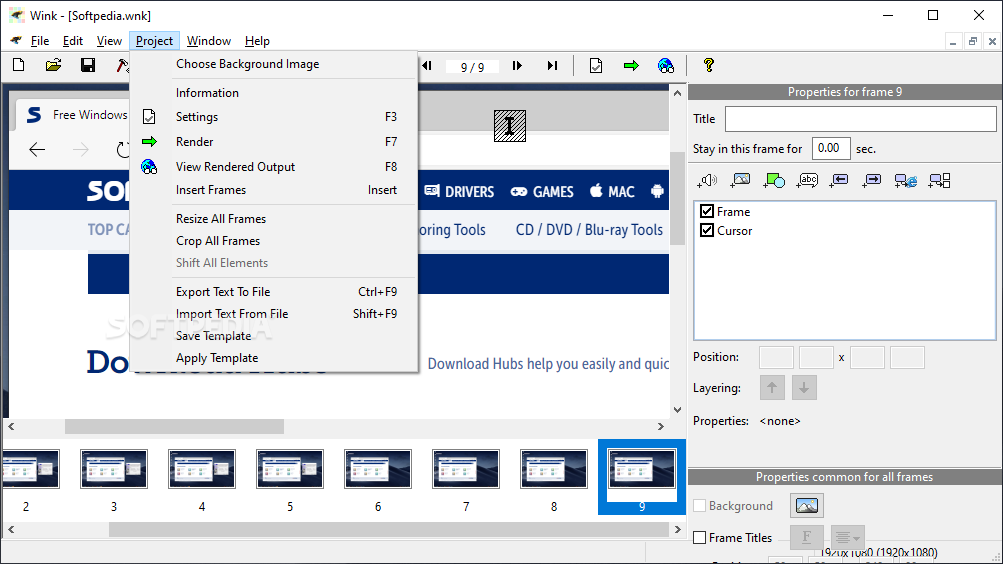
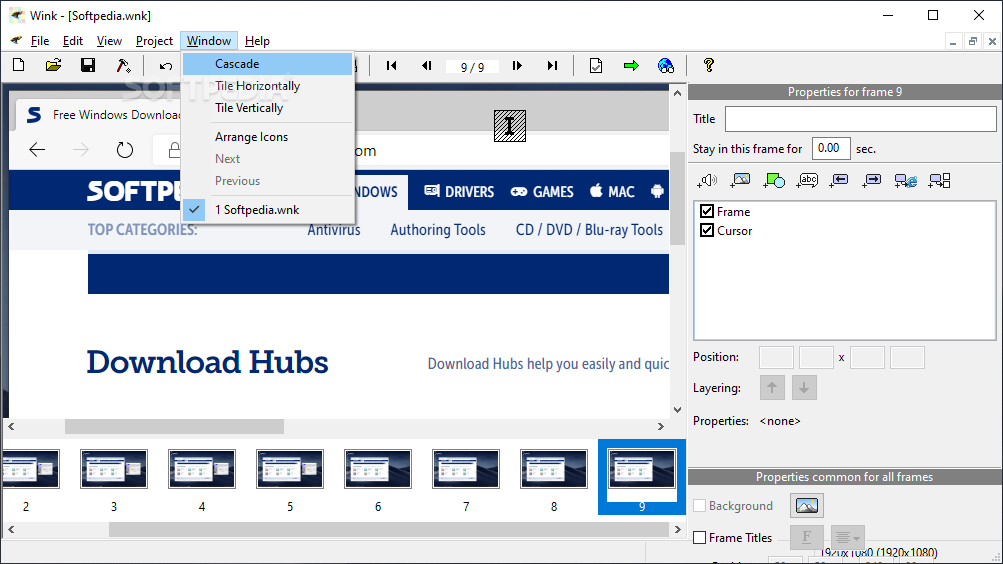
View more Wink screenshots (3)
 Downloads: 57,993
Rating: Very Good (4.5/5) | Rated by: 76 user(s)
Add to download basket     Send us update information
 Developer: Satish Kumar. S | More programs by this producer
 License: Freeware  
 Size / OS: 3.19 MB, Windows All
 Last Updated: January 31st, 2008, 02:22 GMT
 Category: C: \ Internet \ WEB Design \ Flash
 Read user reviews (0) Add a review Refer to friend Subscribe
    Download Wink

Wink description
Record desktop action or application windows and create smooth, animated Flash demonstrations from the result

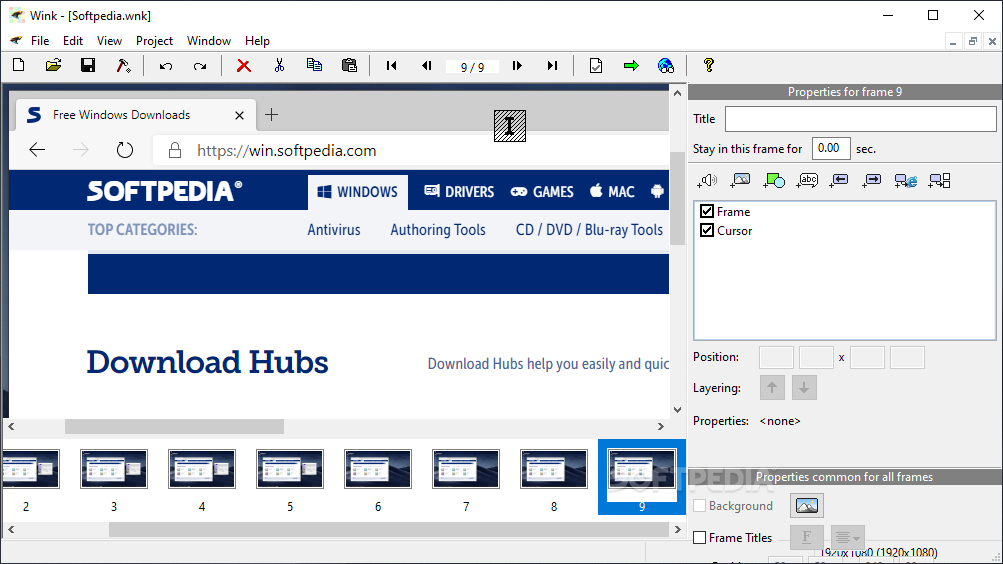
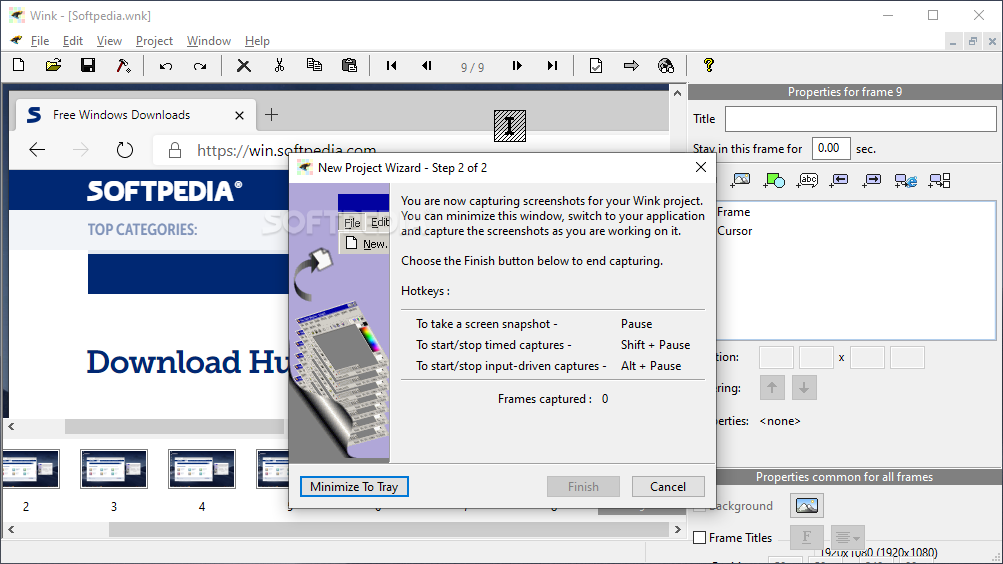
Wink is a Tutorial and Presentation creation utility, primarily aimed at creating tutorials on how to use software (like a tutor for MS-Word/Excel etc). Using Wink you can capture screenshots of your software, use images that you already have, type-in explanations for each step, create a navigation sequence complete with buttons, delays, titles etc and create a highly effective tutorial for your users.

This is a good example of how you can create tutorials in Wink, by capturing screenshots, mouse movements and specifying your own explanations with them. And all this in a standard Windows-based UI with drag-and-drop editing makes it very easy to create high quality tutorials/documentation.

It is estimated that Macromedia Flash Player is installed in more than 90% of the PCs. Using Wink you can now create high quality tutorials/documentation which will be viewable across the web in all these users' desktops. Similar applications sell for hundreds of dollars, while Wink is free
with unrivaled features. So spread the word about Wink to your friends.

Here are some key features of "Wink":

· Freeware: Distributed as freeware for business or personal use. However if you want to redistribute, you need to get permission from the author.
· Smart Capture Tools: Capture screenshots automatically as you use your PC, based on mouse and keyboard input (great time saver and generates professional captures).
· Input formats: Capture screenshots from your PC, or use images in BMP/JPG/PNG/TIFF/GIF formats.
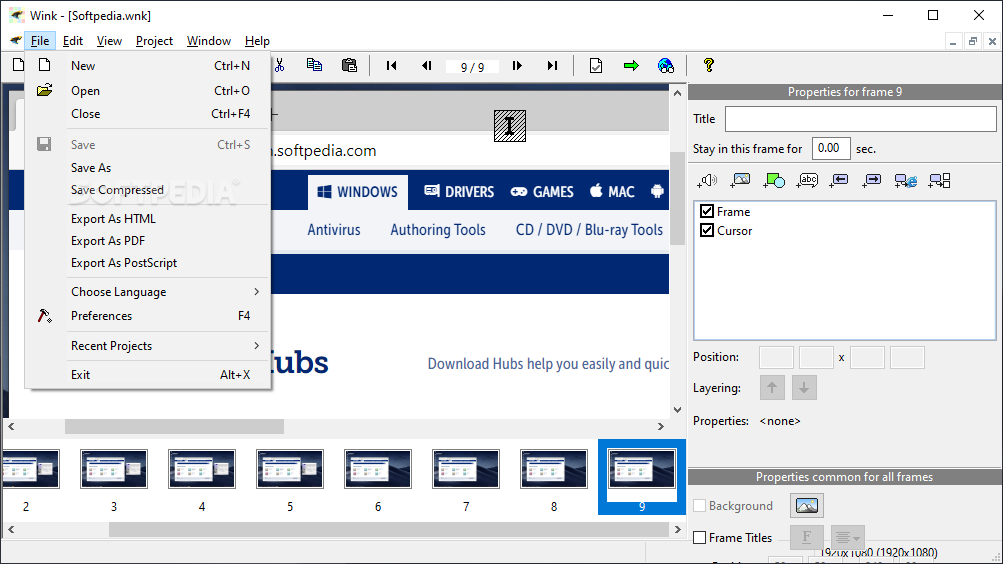
· Output formats: Export your presentations as Macromedia Flash, Standalone EXE, PDF, PostScript, HTML or any of the above image formats. Use Flash/html for the web, EXE for distributing to PC users and PDF for printable manuals.
· Multilingual support: Works in English, French, German, Italian, Danish, Brazilian Portuguese and Simplified/Traditional Chinese.
· Performance/Quality: Creates highly compressed Flash presentations (few kbs to few hundreds of kbs, much smaller than competing commercial products) ideal for using on the web.

Tools:
· Navigation buttons to move to next/previous/random frames in the presentation, you can use custom bitmaps for these buttons (full transparency/alpha channel support).
· Callouts and balloons for displaying text explanations. The inbuilt Callout Editor is used to create custom shaped callouts as you want.
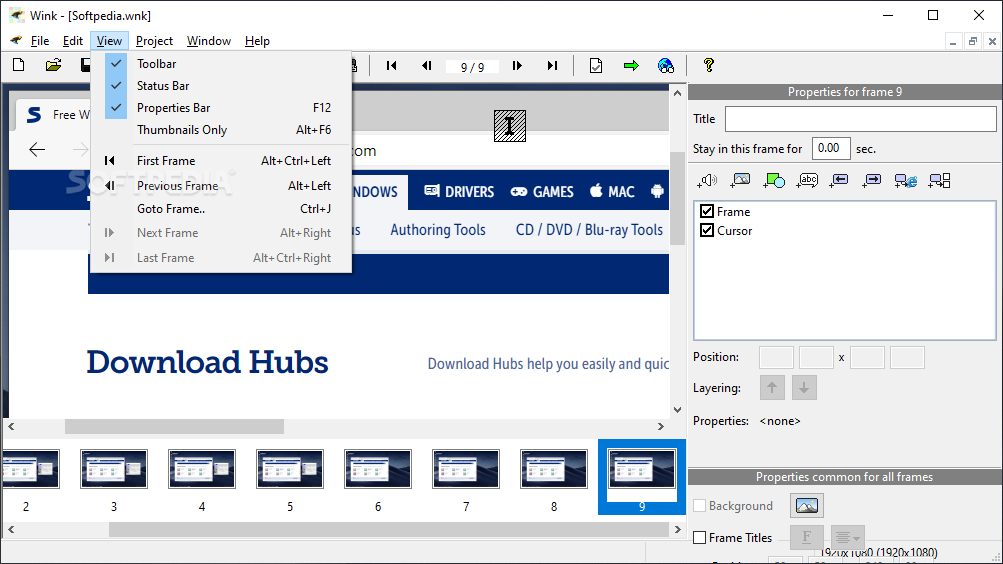
· Intuitive drag-n-drop editing of the frame, callout, cursor, navigation buttons and the title elements.
· Advanced features like templates, cursor editing, palettes, background images, control bars & preloaders for the flash output etc.
· Completely PC and Web ready with exports to PDF, HTML, SWF and EXE formats.
· Innovative compression techniques applied to reduce filesize of output Flash file. Generated flash file plays in Flash players from version 3 and above, giving you widest array of target audience.


What's New in This Release:

· Fixed: Some EXEs generated by Wink without using preloader & controlbar were not displaying properly
· Fixed: Screenshots are distorted when copying to some image editors
· Fixed: Transparent windows and tooltips weren't captured by Wink
· Fixed: Copying frames with audio from another project doesn't enable audio output in the destination project's settings
· Fixed: Image used in preloader was stretched in rendered presentation by one extra pixel on both sides
· Fixed: Previewing too many fonts when editing a callout's text was crashing Wink
· Fixed: Opening Windows audio settings did not work in Vista
· Fixed: Preloader was very small in uncompressed flash files
· Fixed: Wink crashes when Goto Frame Button links to negative frame
· Fixed: Wink generated EXE presentations were too small in dimensions
· Added: New capture dimensions 1024x768 to the new project dialog... [ read full changelog ]


Softpedia guarantees that Wink 2.0 Build 1060 Alpha is 100% FREE, which means it is a freeware product (both for personal and commercial use) that does not contain any form of malware, including but not limited to: spyware, viruses, trojans and backdoors.

This software product was tested thoroughly and was found absolutely clean, therefore it can be installed with no concern by any computer user.

However, it should be noted that this product will be retested periodically and the award may be withdrawn, so you should check back on this page from time to time. (click here for more information)


Related downloads IT News Popular downloads New additions   Latest reviews  
JPGVideo 1.05.0.0
JPGVideo creates video film from a series of JPG files
Watchtone Studio 1.0
Watchtone = Video+Ringtone. Create and watch video on incoming calls
101 Clips Pro - Multi Clipboard 6.72
Advanced Multi Clipboard and information centre for Windows
DivX Author 1.5
DivX authoring program, allowing you to create videos and slide shows that take advantage of the advanced features of DivX
Antechinus Animator 5.6 Build 2
A software application that allows you to create AVI videos in the easiest way
JPGAvi 1.07.0.68
JPGAvi creates a video (AVI) file from a series, or individual, bitmap files
Screen Scavenger 1.0.27
Screen Scavenger captures screenshots, key strokes & time stamps automatically to create a user-friendly testing log
Fx MPEG Suite 9.6.14
A collection of audio/video tools which lets you create digital movies from various sources
Falco Manager 1.2
Can see screens of computers on the network.
Mixaz 1.0 Beta
Share your memories with your friends in a way that everybody will love to watch again and again!

go to top Use the following code to link to this page:


Welcome!
Hello, Guest

Login if you have a Softpedia.com account.

Otherwise, register for one.

Main categories:
  • Antivirus
  • Compression tools
  • CD/DVD Tools
  • Office tools
  • Programming
  • Authoring tools
  • File managers
  • Desktop Enhancements
  • Internet
  • Network Tools
  • IPOD TOOLS
  • Mobile Phone Tools
  • Multimedia
  • Tweak
  • System
  • Security
  • Others
  • Science / CAD
  • UNIX
  • Windows Widgets
  • PORTABLE SOFTWARE

  • Week's best:
  • Adobe Flash Player 1...
  • Intel Chipset Softwa...
  • Uxtheme Multi-patche...
  • SRS Audio Sandbox 1....
  • SP3 UxTheme Patcher ...
  • PECompact 2.82
  • Sony Vegas Movie Stu...
  • 3DMark Vantage 1.0
  • Total Commander 7.03
  • VistaMizer 2.5.1.0
  • AVG Free Edition 8.0...
  • Windows XP Service P...
  • Ashampoo Burning Stu...
  • XviD Media Codec 1.1...
  • Blu-ray Disc Ripper ...
  • Blu-ray Region Code ...
  • Adobe Photoshop Ligh...
  • PowerDVD 8.0.1531
  • EF Commander 6.54
  • Microsoft Windows In...
  • Nero 8 Lite 8.3.2.1
  • WebSite-Watcher 4.41...
  • EVEREST Ultimate Edi...
  • Nokia PC Suite 6.86....
  • VMware Workstation 6...
  • AnyDVD HD 6.4.2.2
  • Messenger Plus! Live...
  • The Bat! Voyager 4.0...
  • Windows Vista Servic...
  • Nero 8 8.3.2.1
  • © 2001 - 2008 Softpedia. All rights reserved.
    Softpedia™ and Softpedia™ logo are registered trademarks of SoftNews NET SRL.
    Copyright Information | Privacy Policy | Terms of Use | Contact Softpedia | Update your software | Archive