
An efficient and reliable application designed to help you easily create and customize Flash maps, providing you with various adjustable features. #Build map #Map builder #Create Flash map #Build #Map #Builder
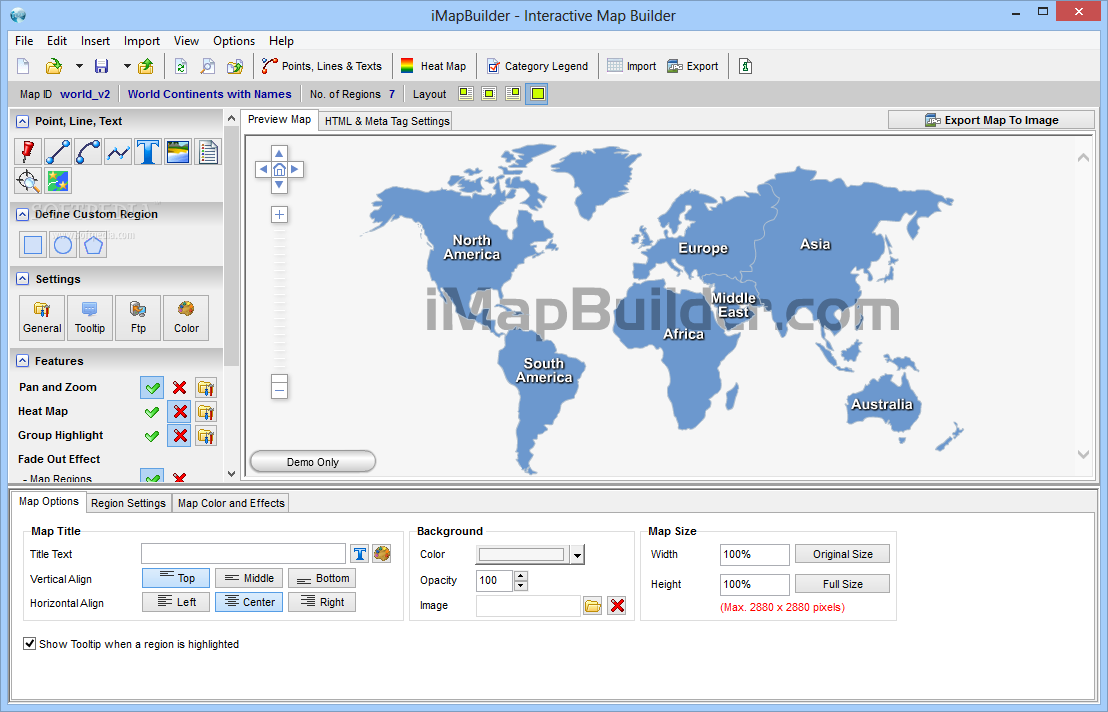
Web designers and pretty much all users working with Flash content are well aware of its capabilities and how difficult it can be to put together an interactive map, for example. Fortunately, there are some specialized software solutions that can be used with success in such projects.
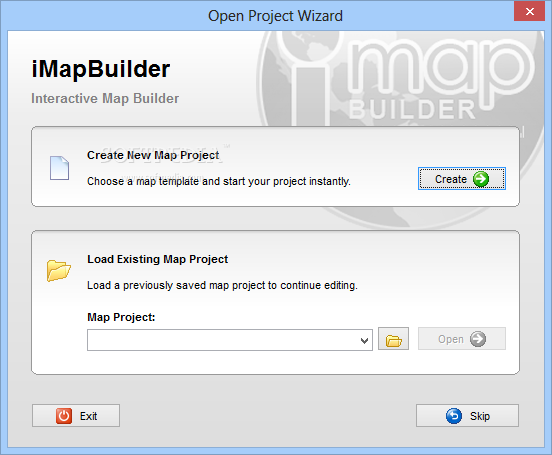
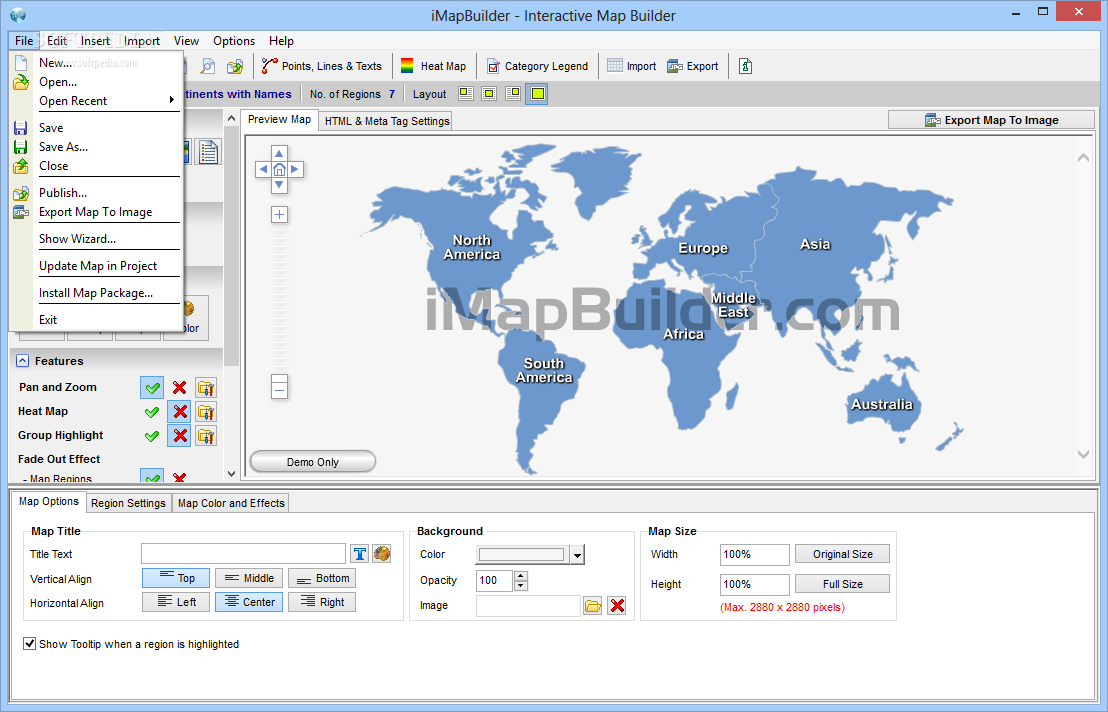
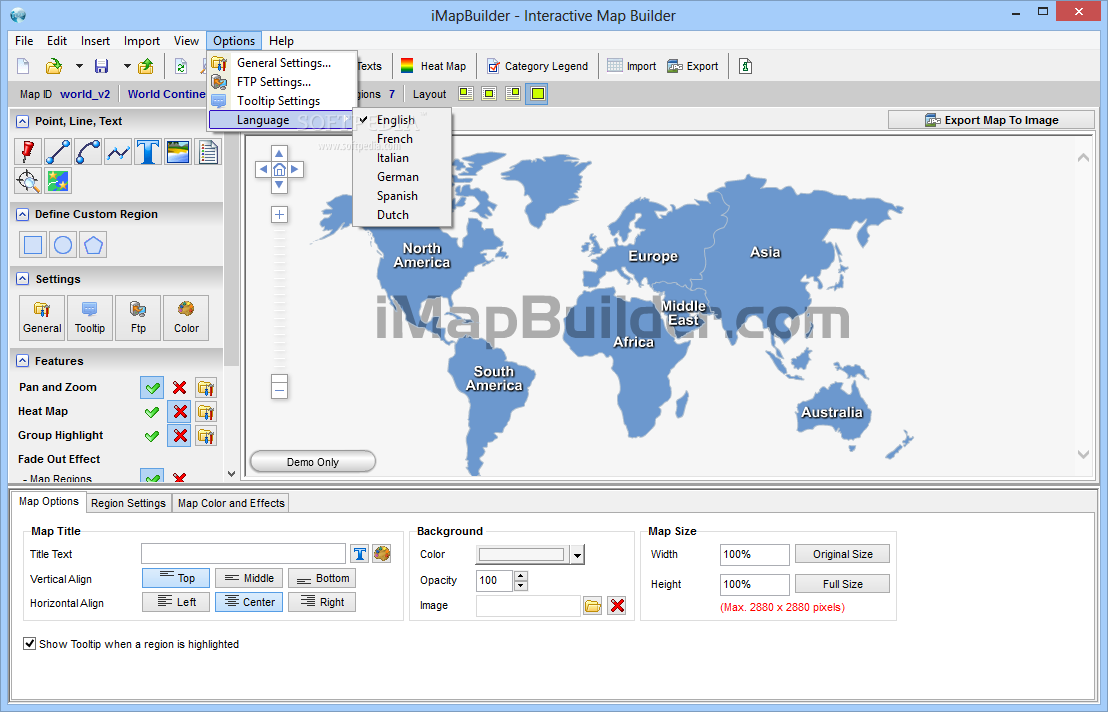
One of those utilities is iMapBuilder and it was created in order to help anyone go through the whole process of generating a professional looking map with minimal efforts. The friendly interface hosts a wide array of functions that will enable you to build a new project starting from an empty canvas.
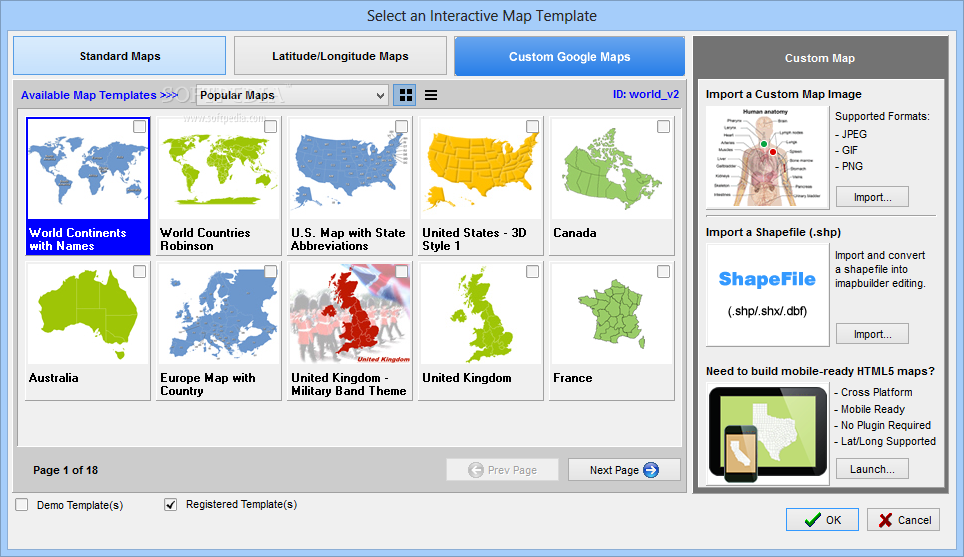
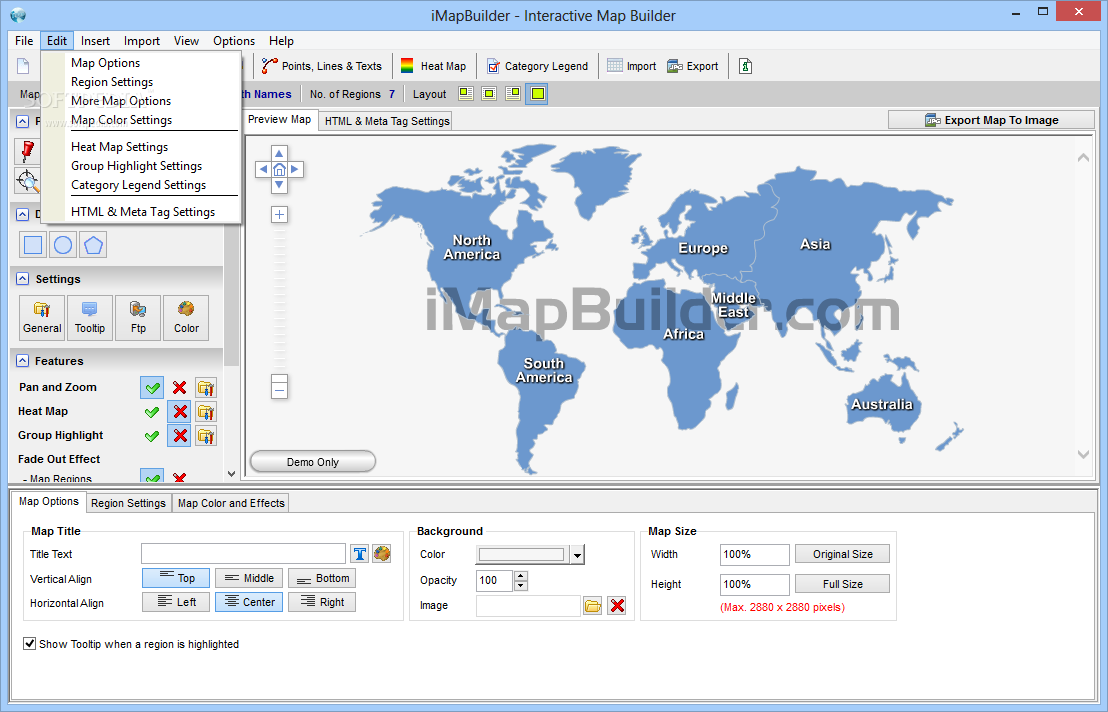
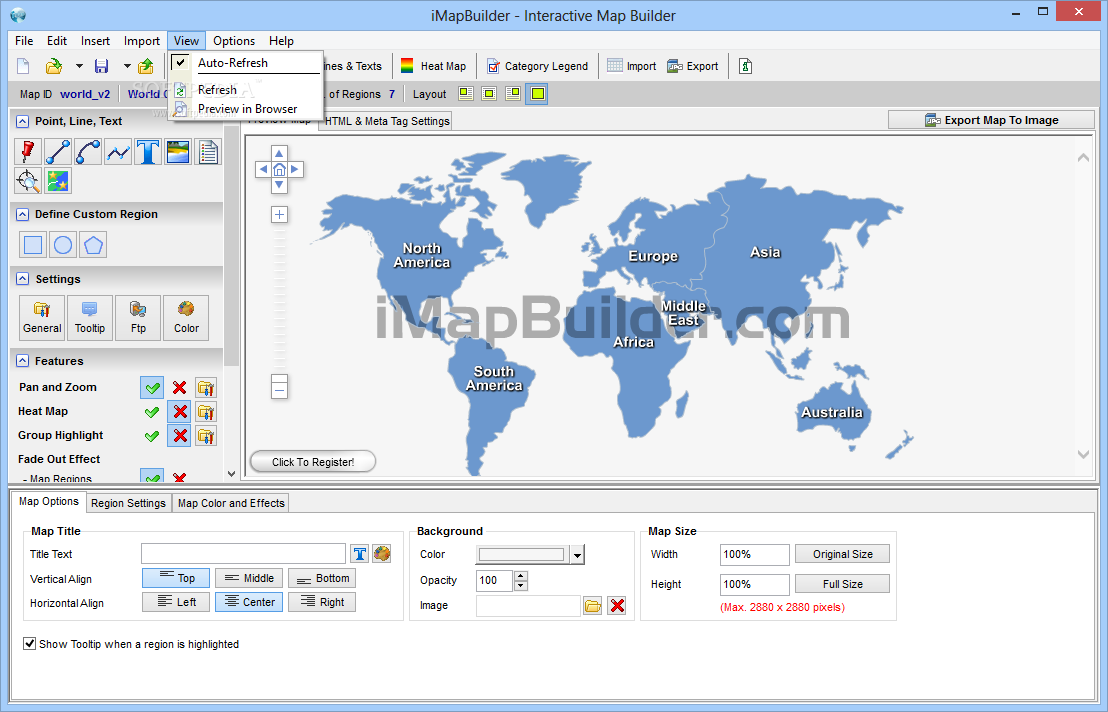
A neat thing about this particular tool is the fact that it bundles a set of templates for a variety of maps like latitude/longitude maps, Google Maps or standard ones. The main window allocates the most space for the preview, but because it also accommodates many other smaller tabs for features, settings, point, line and text tools, it may seem that there is not enough room.
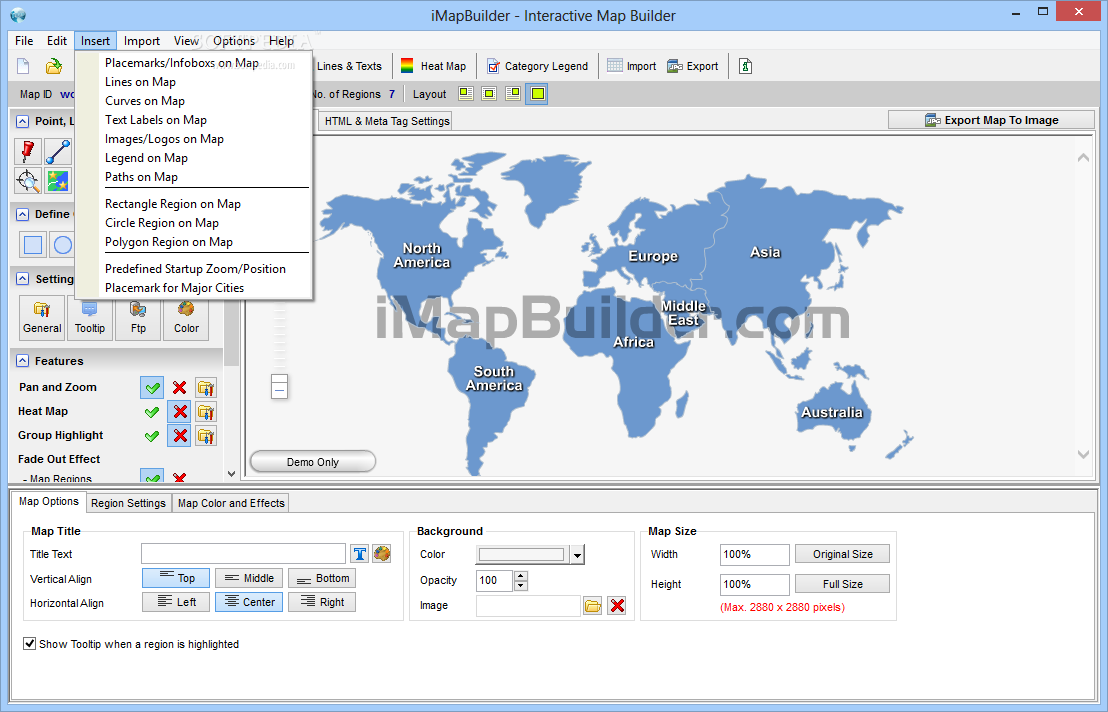
Adding new elements into the project you are working on can be done very easily, by selecting them from the dedicated modules or via the 'Insert' menu which hosts lots of goodies. Thus, it is possible for you to include placemarks, infoboxes, text labels, images or logos, as well as integrating various regions of rectangular, circular or polygonal shape.
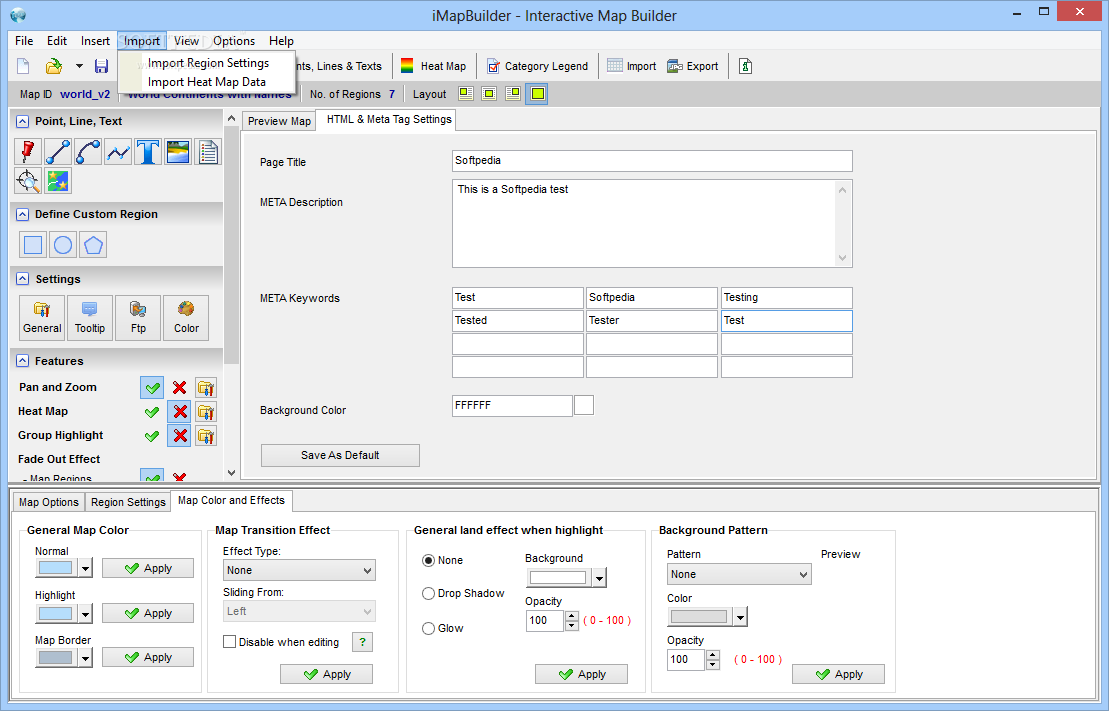
When it comes to the HTML content and the meta tags that accompany the code, there is a separate tab inside the main window, next to the map preview, that can help you add the required content. The variety of customizations supported by iMapBuilder should be to the liking of most users, even if some advanced features could be integrated in the package to fit the needs of the more demanding.
iMapBuilder 8.50
add to watchlist add to download basket send us an update REPORT- runs on:
- Windows All
- file size:
- 18.5 MB
- filename:
- imapbuilder_setup.exe
- main category:
- Internet
- developer:
- visit homepage
Windows Sandbox Launcher

Zoom Client

4k Video Downloader

Context Menu Manager

IrfanView

calibre

Microsoft Teams

7-Zip

Bitdefender Antivirus Free

ShareX

- 7-Zip
- Bitdefender Antivirus Free
- ShareX
- Windows Sandbox Launcher
- Zoom Client
- 4k Video Downloader
- Context Menu Manager
- IrfanView
- calibre
- Microsoft Teams