|
|
|
Part of the Edit XML download hub (+1 other) |
|
|
User Rating: Rated by: |
Good (3.3/5) 30 user(s) |
|
|
|
EditiX XML Editor description
|
A cross-platform powerful and easy to use XML editor and XSLT debugger
EditiX is a powerful and easy to use XML editor and XSLT debugger for Windows designed to help web authors and application programmers take advantage of the latest XML and XML-related technologies such as XSLT / FO, DocBook and XSD Schema. EditiX provides users with an extensive range of XML functionality within a refined IDE that guides you with intelligent entry helpers.
EditiX has realtime XPath location and syntax error detection. Helpers are also provided with context syntax popup supporting DTD, Schema and RelaxNG. EditiX allows you to open multiple templates and has an integrated project management system. User can apply XSLT or FO Transformation and show the result with a dedicated view. All the process can be managed by shortcuts. Working locally is managed with OASIS XML Catalogs. EditiX includes default templates with XML, DTD, XHTML, XSLT, XSD, XML RelaxNG, SVG, MathML and XML FO. Here are some key features of "EditiX XML Editor":
Editor:
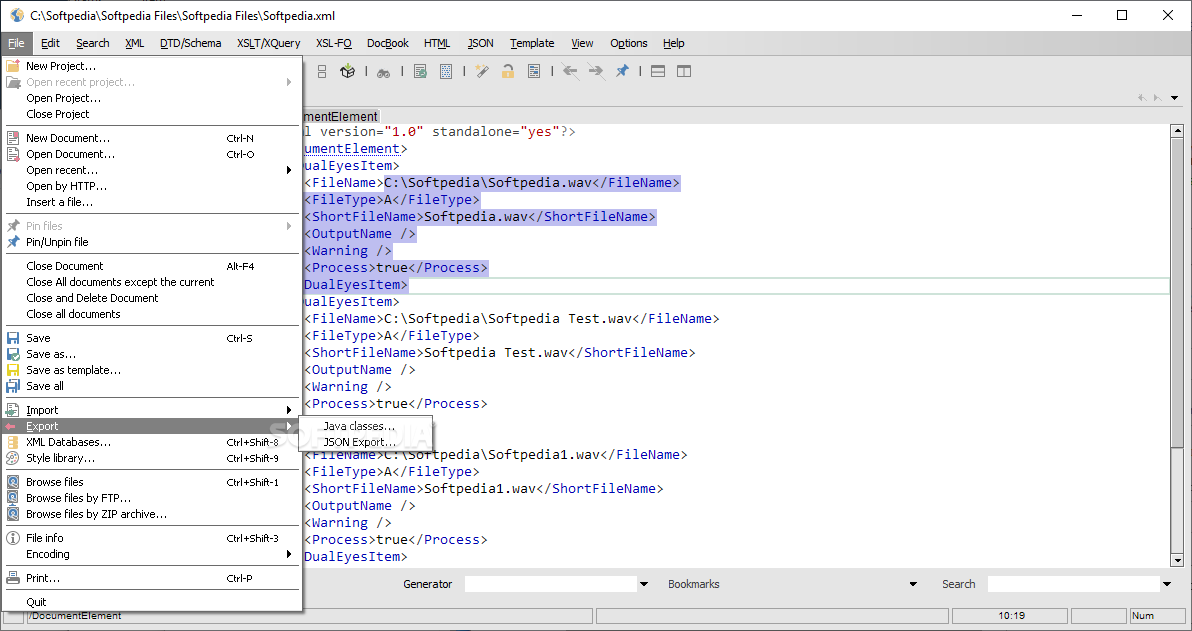
· Create a new document from a template
· Default template : XML,DTD,XSLT,XHTML,DocBook,W3C XML Schema,XML RelaxNG,MathML,SVG,XSL-Fo,Ant, CSS
· Open a document
· Open a recent document
· Insert a file
· Import an HTML document
· Import a CSV (Excel) document
· Close the current document
· Close all the documents
· Save the current document
· Save the current document in another directory
· Save the current document as a template
· Open/Save a document by FTP
· Open/Save a document by webDAV
· Open/Save a document from a ZIP or JAR
· Change the default encoding (UTF8...)
· Print the current document
Project:
· Open a project
· Open a recent project
· Save a project
· Save a project in another directory
· Close a project
Editing:
· Drag'n Drop for tree nodes
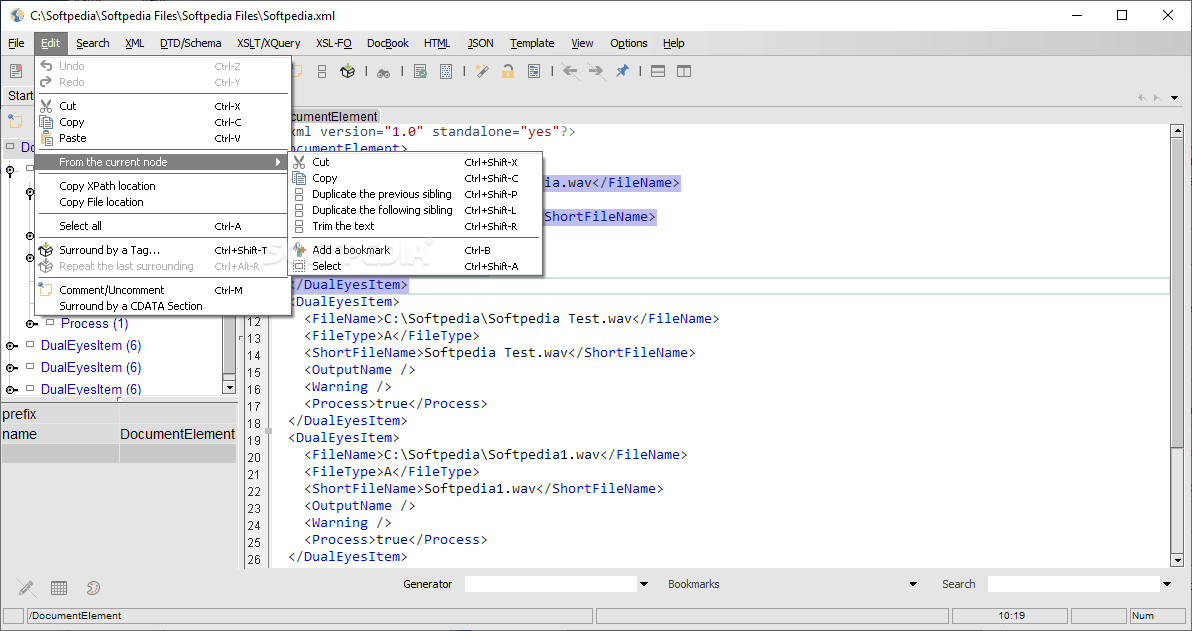
· Undo,Redo
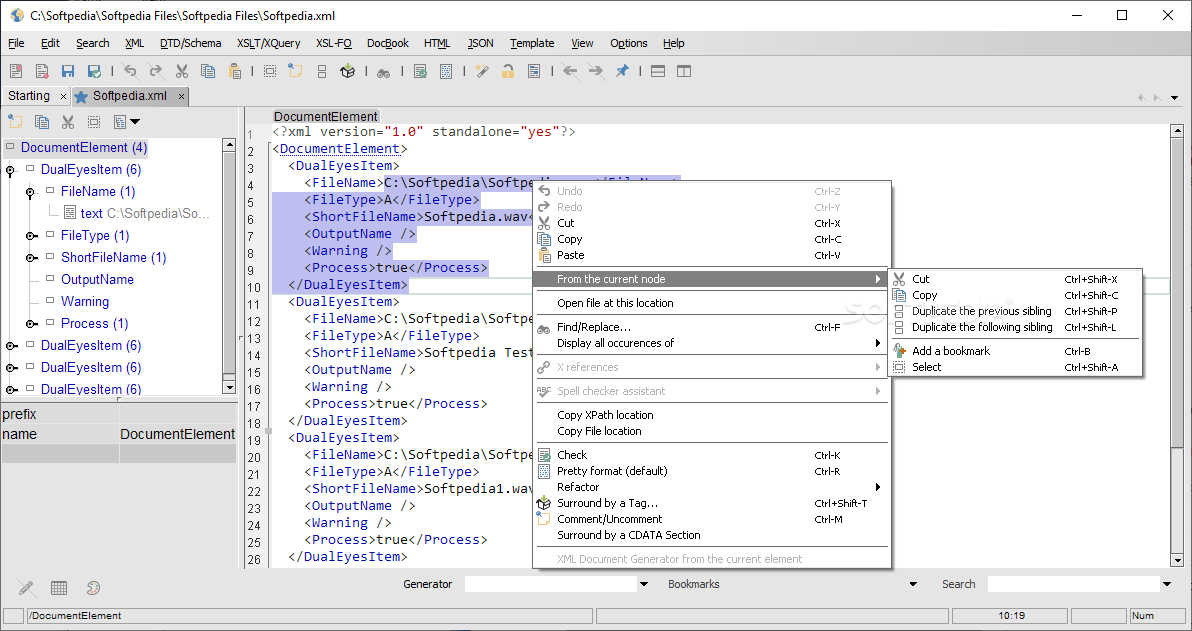
· Copy,Cut,Paste
· Duplicate the sibling nodes
· Bookmark your node location
· Select the current tag
· Select all the document
· Surround the selection by a tag
· Surround the selection by a comment
· Surround the selection by a CDATA section
· Refactoring for elements, attributes, namespaces, entities...
Search:
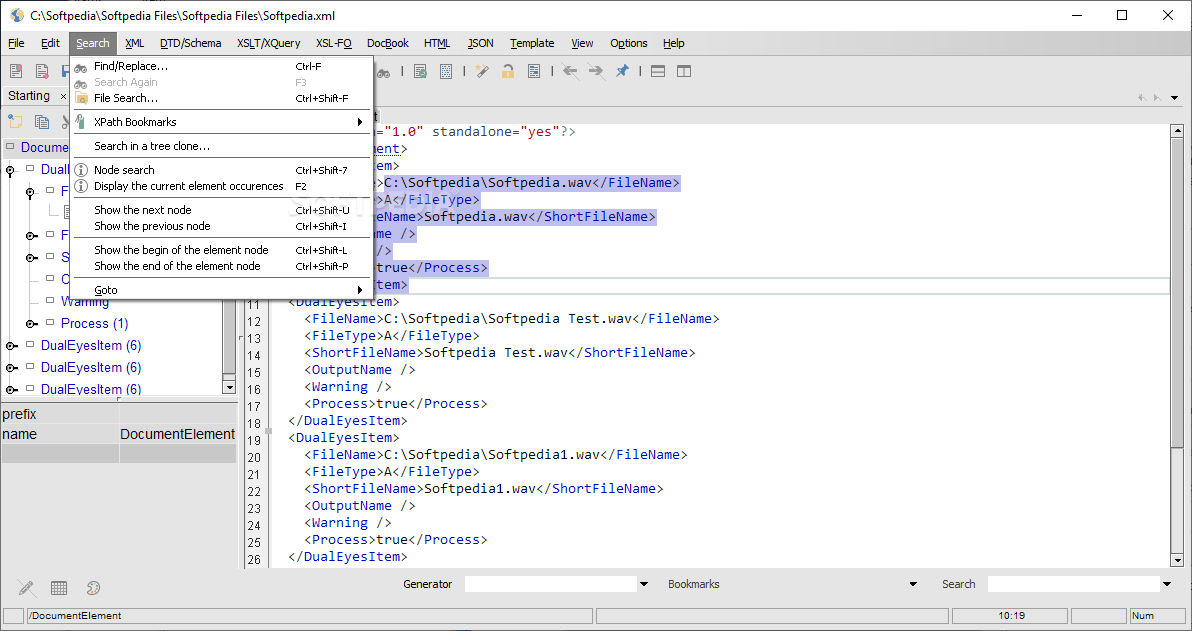
· Find/Replace with regular expression and incremental search
· Search in a tree
· Search with an XPath expression
· Search with multiple criterias (attribute,namespace...)
· Show the next/previous of the current tag
· Show the beginning/end of the current tag
· Go to a line
Options:
· User preferences
· Run an external program using macros for the current file path...
· use a custom JAXP parser
· use a custom JAXP transformer
· Check the last version
· Plug-in support
Template:
· Save a template
· Update a template
· Encoding,cursor parameters
· Assign a name, icon and file extension
View:
· Extract a document
· Select a view
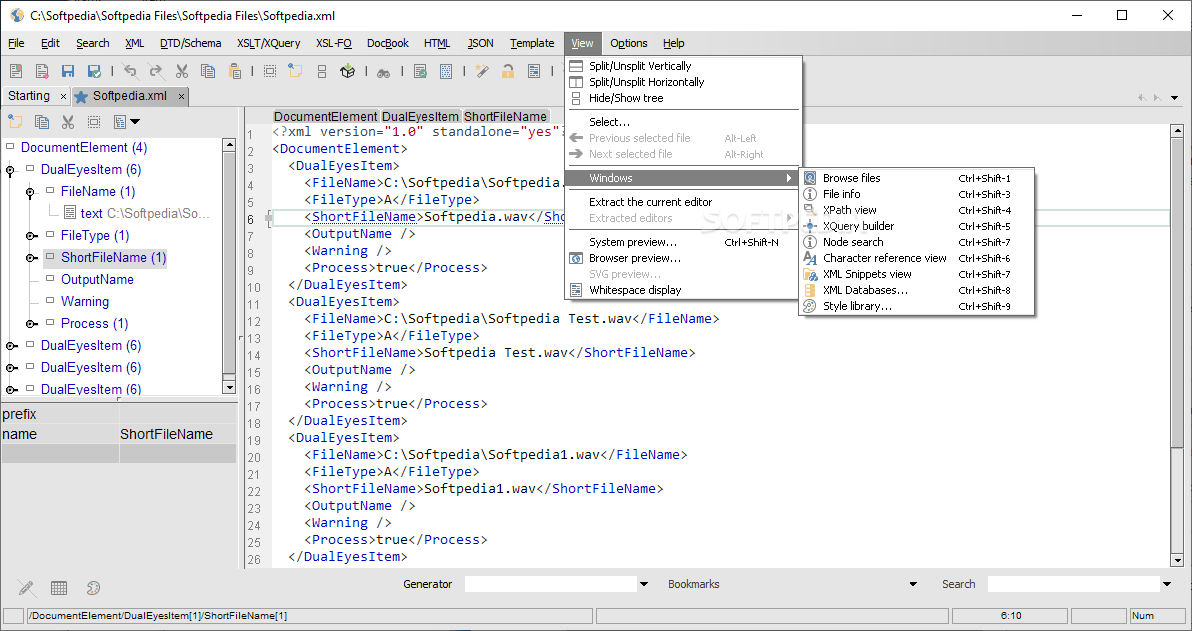
· Split a view horizontally or vertically
· Hide/Show the tree
· HTML Preview
· SVG Preview
· New document
· XML Editing
· Tree and error location
· Project
· Multiple error management
· Extract the current document to an individual window
· Synchronized tree and location
· Search/Replace
XML Action:
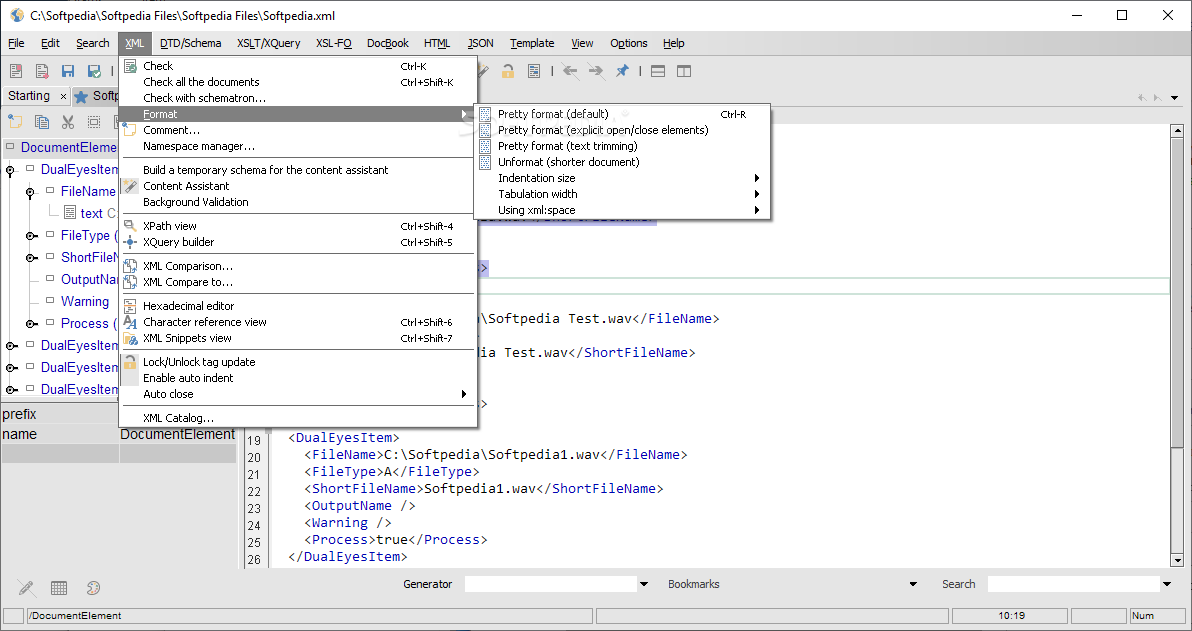
· Check or Validate
· Format
· Refactoring
· Comment a part of the document
· Content assistant based on W3C XML Schema, DTD and XML RelaxNG
· Content assistant working with sequence for W3C XML Schema
· Create and use a temporary schema for the content assistant
· Build/Run an xpath expression
· Build/Run an Xquery expression
· Compare with anoter document
· Lock/Unlock the tag change
· OASIS XML Catalog
· XInclude
· Plug your XML and XSLT JAXP class
XML / Schema:
· Visual W3C Schema editor
· Assign a DTD/W3C XML Schema or XML RelaxNG to a document. It will generate an XML Instance for DTD and W3C XML Schema.
· Check a DTD
· Generate a DTD/W3C XML Schema or XML Relax NG from the current XML document
· Convert a DTD to W3C XML Schema/XML RelaxNG
· Convert an XML RelaxNG to W3C XML Schema, DTD
· DTD Assistants for elements content and attributes
· W3C Assistants for types, references,substitution,extension
· Generate an HTML documentation for your DTD or W3C Schema.
Transforming:
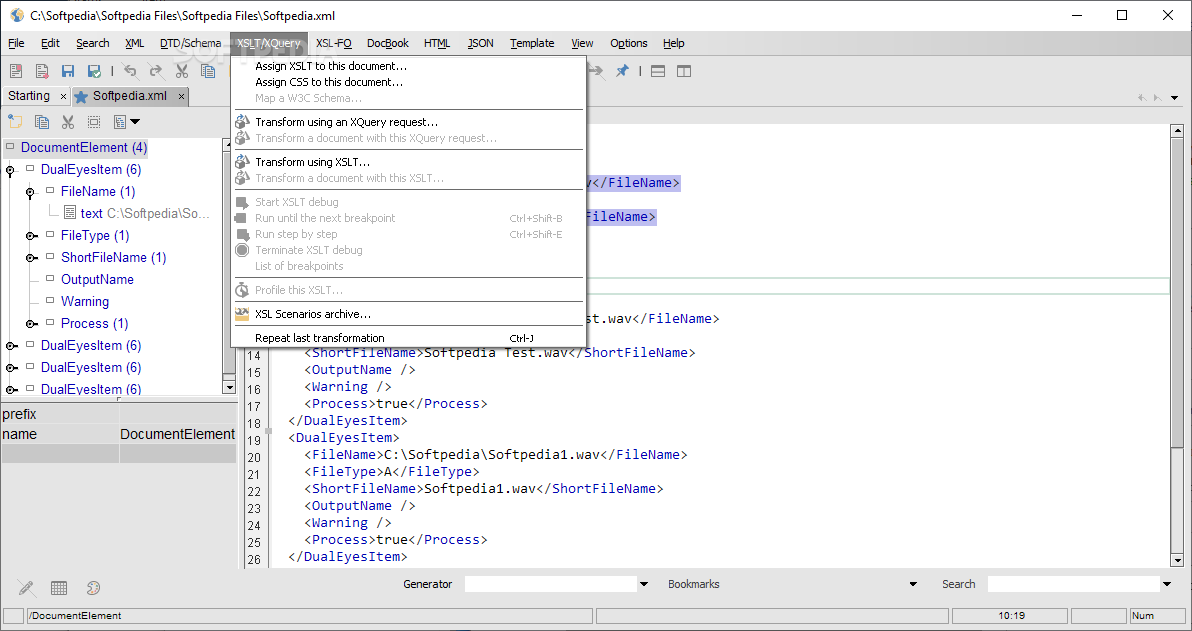
· XSLT 1.0 and 2.0
· FO to PDF, Gui windows, MIF, XML, Print, PCL, PS, Txt, SVG
· Docbook to HTML, HTML Help, XHTML, Java Help, FO, PDF, XML, Print, PCL, PS, Txt, SVG
· Shortkey for repeating the last transformation
· FO Assistants for master-reference and region
· Assistant for DTD element content
· Assistant for W3C Schema type
· Window helper when choosing an element
· Visual Schema Edition
· FO Assistant sample
XSLT 1.0/2.0 Editor:
· Show the XML document and the result document
· Eval an Xpath expression from the current node of the XML document
· Assign XSLT/CSS
· Transforming with XSLT with parameters
· Enabled/Disabled XSLT completion
· Add/Remove breakpoints
· Start XSLT Debug
· Run until the first breakpoint
· Run step by step
· Terminate the XSLT debugging
· Repeat the last transformation
· Drag'n Drop for template and for-each element
· Automatic description when choosing an element
· Assistant for variables or parameters
· Assistant for calling a template
· XSLT Editor helper
· XSLT Assistant sample
· Building your XSLT document with drag'n drop
XQuery Editor:
· Show the XML document and the result document
· Assistant for Functions, Keywords and XPath Axis
· Define Namespaces (bound to prefixes)
· Edit or display the result document
· XQuery Syntax Checker
· XML Diff
· Compare the current document to another one
· Compare node removed, added, moved, attributes and namespace change
· Show the line inside the Editor for the left document selection
· Icon and color for each change type
· Summary of all descendant's changes for each node
· Summary of all changes at the root node
· Selection of a changed node in a table of changes
Requirements:
· Java Virtual Machine
Limitations:
· 30 days trial What's New in This Release: [ read full changelog ]
General:
· Application descriptor can be edited for changing Menus / Toolbars / Popups
· Plugin API for controlling editing / adding new features to EditiX
· Search field while editing by elements/attributes or xpath expressions
· XSLT/XSLFO/XQuery panel for reusing transformation scenarios
· Spell checker (Google Service usage) working with 11 languages
· Improved DTD, W3C Schema, RelaxNG Inference
· Custom Node Coloration from the XML tree Popup
· Engine Updates for inner XML libraries
Filter:
· Import / Export an XML grid using a CSV file format
· Filter activation is saved for next editor usage
XSLT Editor:
· A W3C Schema can be bounded to the XSLT document for output content assistant
XML DataBases:
· Improve eXist connection test
Bugs fixed:
· Recent files saves now all user parameters ( XSLT Parameters... )
· Select node from the tree popup didn't work
· Error icon overrided the tab icon
· Locked/Unlocked state editor refresh fixed for the toolbar usage
· XML Formatting could bug ...
|
|
 | | Softpedia guarantees that EditiX XML Editor 2012 Build 020112 is 100% CLEAN, which means it does not contain any form of malware, including spyware, viruses, trojans and backdoors. [read more >] |
|