Softpedia
 

WINDOWS CATEGORIES:


GLOBAL PAGES >>
SOFTPEDIA REVIEWS >>
MEET THE EDITORS >>

WEEK'S BEST

  • DAEMON Tools Pro (...
  • FlashFXP [ DISCOUN...
  • PowerISO 4.9
  • WebcamMax [DISCOUN...
  • Zemana AntiLogger ...
  • System Mechanic Pr...
  • Glary Utilities Pr...
  • All My Movies [DIS...
  • Ad-Aware Internet ...
  • Atlantis Word Proc...
  • Home > Windows > Internet > WEB Design > HTML Editors
     Report malware

    WYSIWYG Web Builder 8.0.4

    Softpedia Pick Award
    download button

    Part of the HTML Editors download hub
    Downloads: 70,495  View global page  Tell us about an update
    User Rating:
    Rated by:
    Very Good (4.2/5)
    310 user(s)
    Developer:

    License / Price:

    Size / OS:

    Last Updated:

    Category:

    Trial / USD 44.95 buy button
    5.8 MB / Windows All
    [view history]
    C: \ Internet \ WEB Design \ HTML Editors

     Read user reviews (22)  Send to friend   Follow (9 users)

    EDITOR'S RATING

    Softpedia Editor's Review for WYSIWYG Web Builder

    A What-You-See-Is-What-You-Get Web site builder

    Written by Bogdan Popa on November 18th, 2011

    Designing a website is indeed a job that takes a lot of time if you wish to build something really amazing, but there are a lot of software solutions out there supposed to help you in this regard.

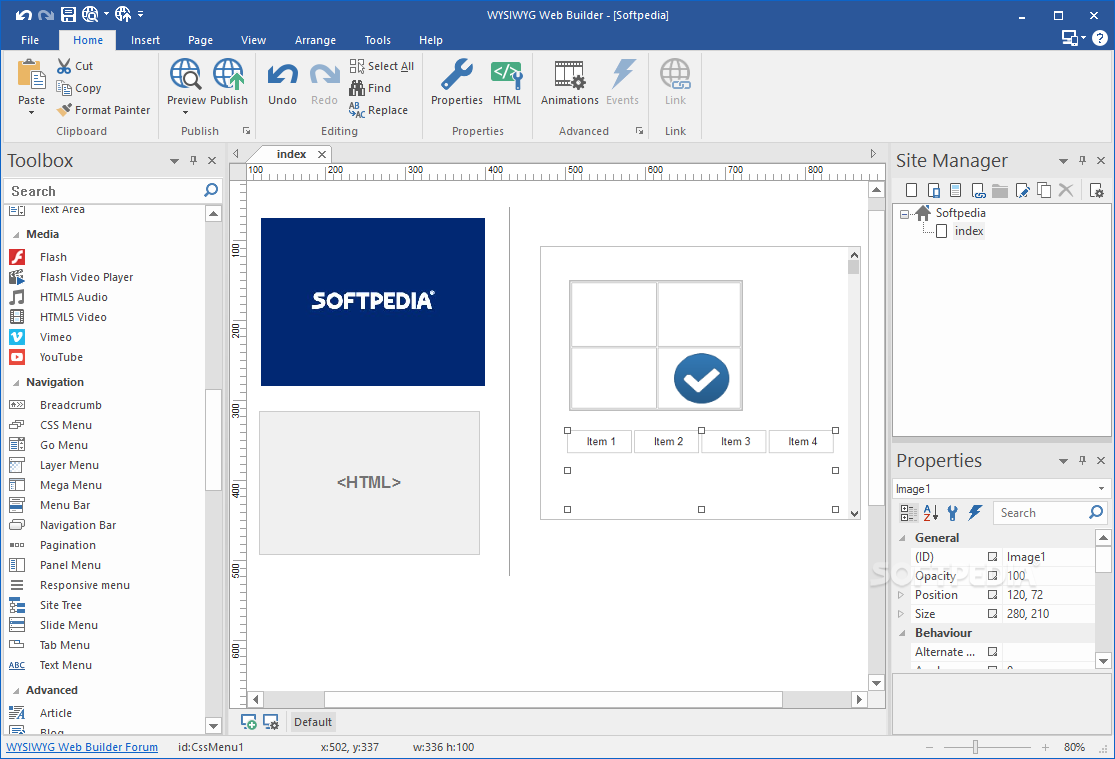
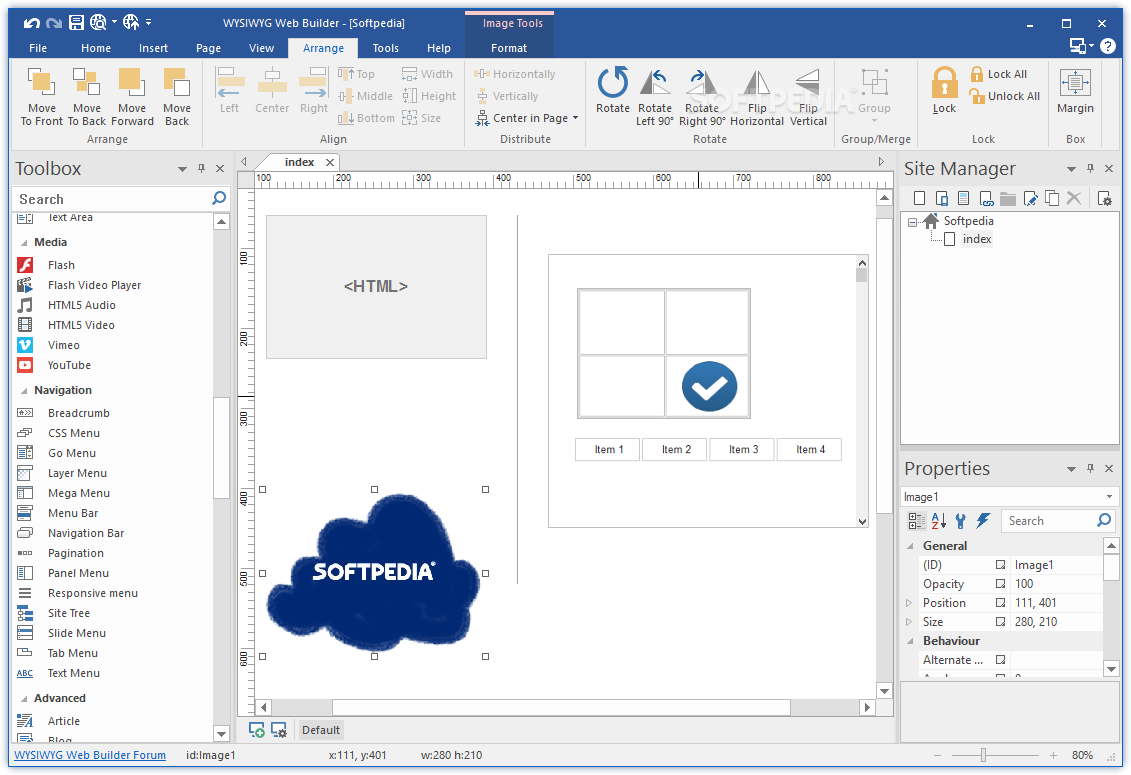
    WYSIWYG Web Builder is an application supposed to be used mostly by beginners because you don’t have to be a HTML guru to be able to use it.

    All the things can be controlled with your mouse, so there’s no problem if you’re not into coding too much.

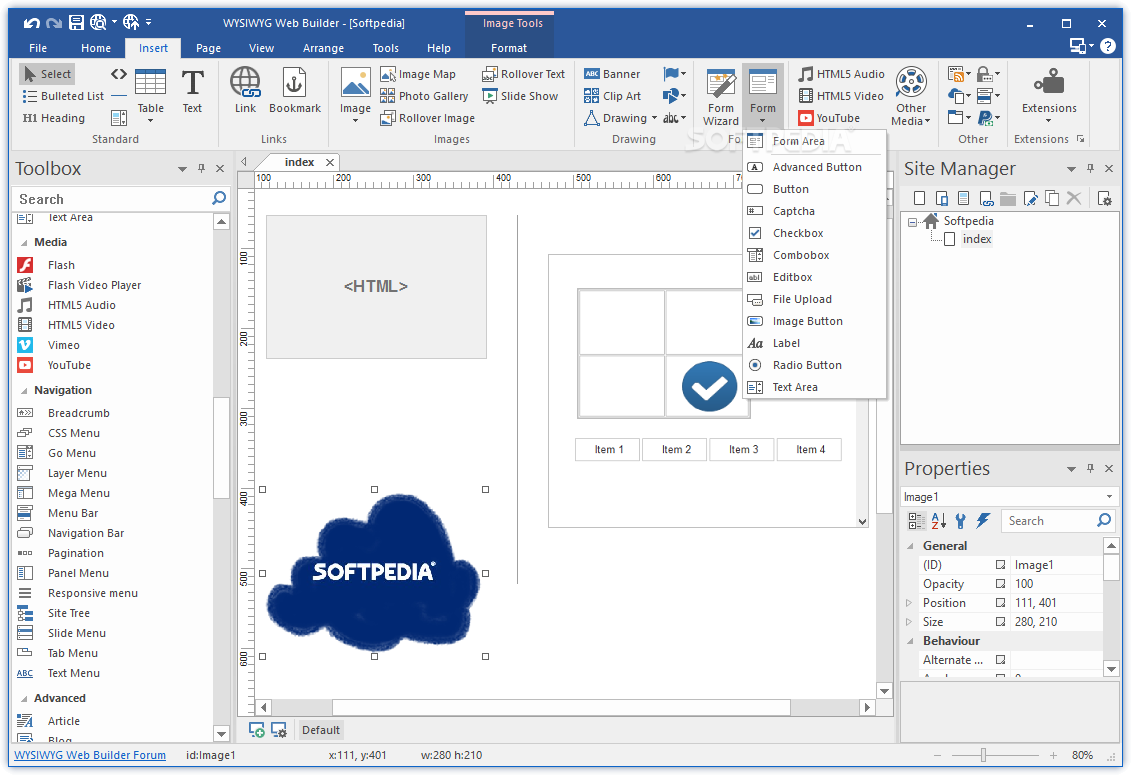
    The application supports most of the things you usually see on the Internet such as forms, banners, Flash video players, captchas, images, buttons, YouTube content, photo galleries and so much more.

    Of course, it all comes down to the user and his needs because WYSIWYG Web Builder has the power to rise up to the expectations and help you in any regard, as long as it’s addressed to web designing.

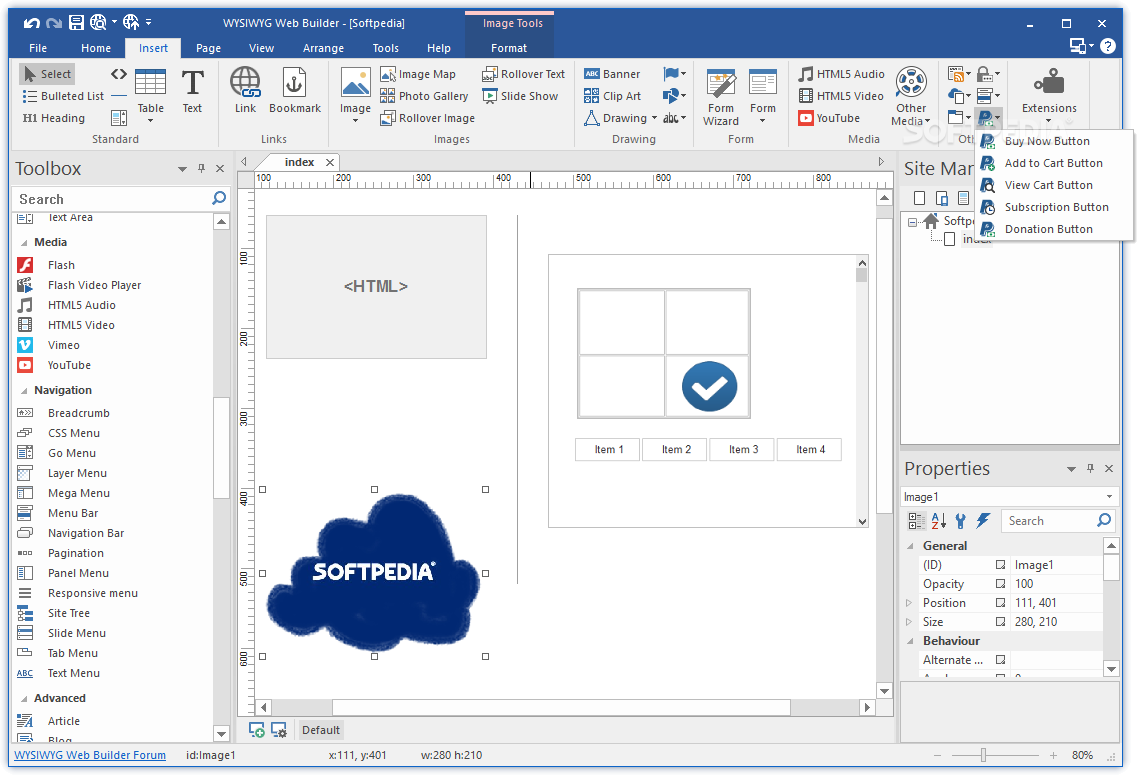
    The interesting thing is that the program even comes with PayPal eCommerce integration, which means you can place a Buy Now button on your website, or all the other PayPal utilities, such as View Cart, Subscription, Donation and Add to Cart.

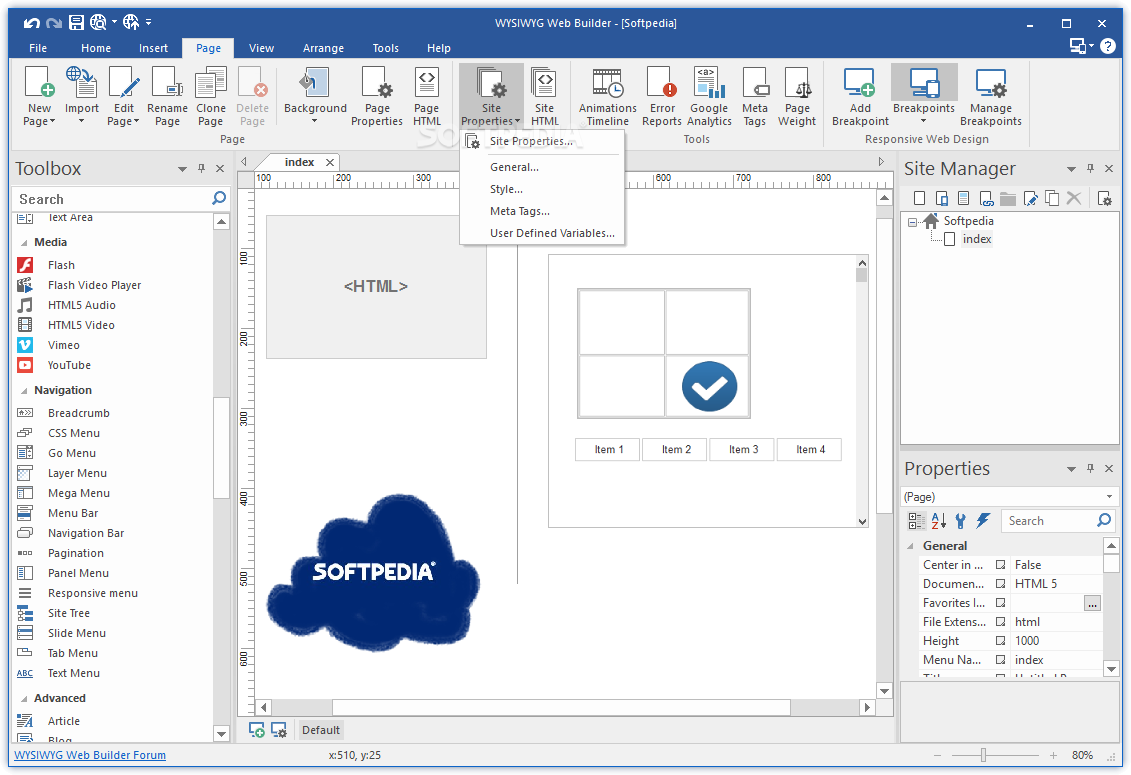
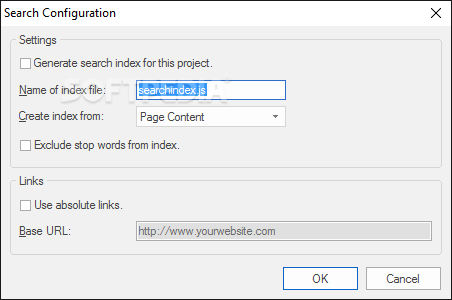
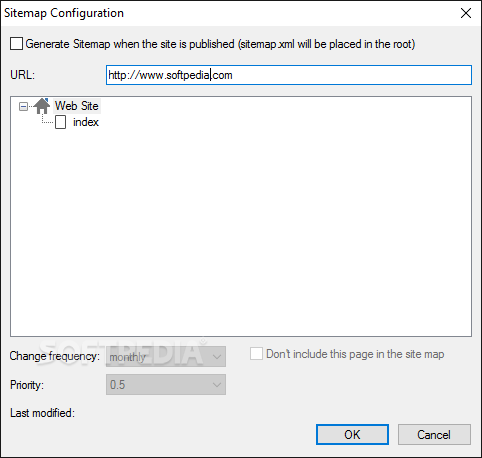
    Just as expected since we are talking about such a powerful application, there are a lot of other handy tools in there, such as the page weight viewer to see the size of the page elements, sitemaps, link checker, search index and extension manager.

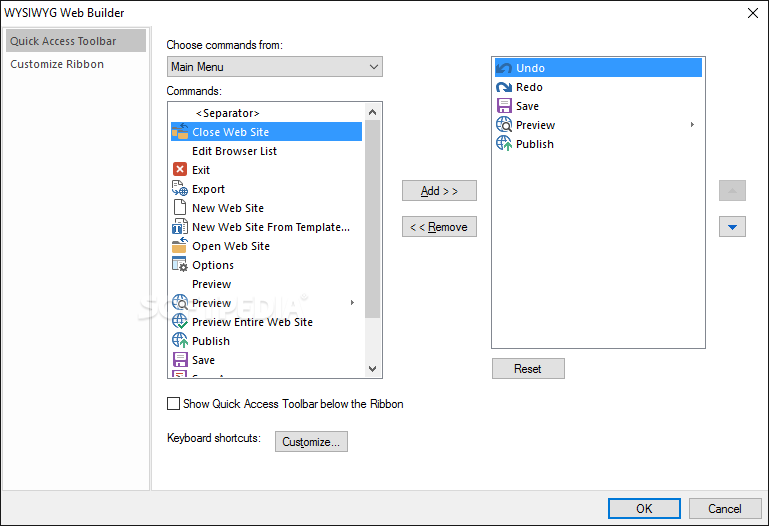
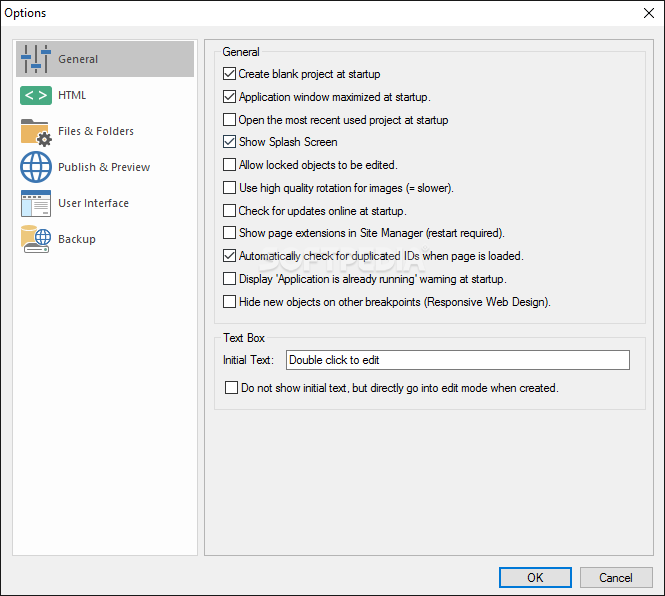
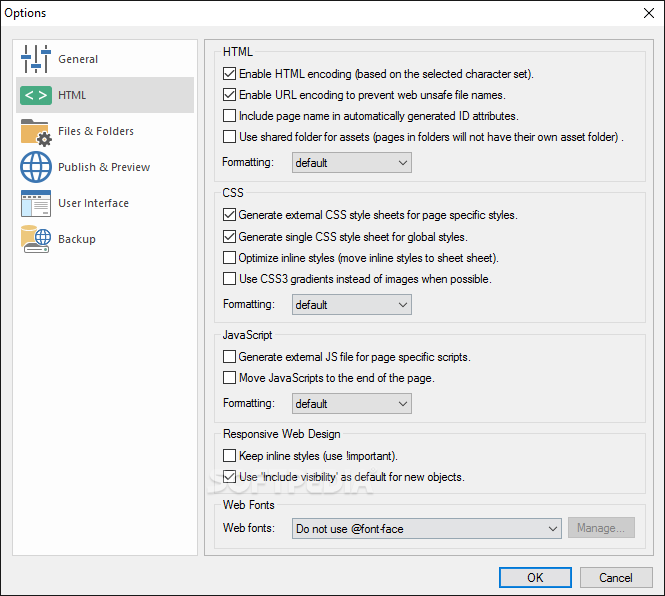
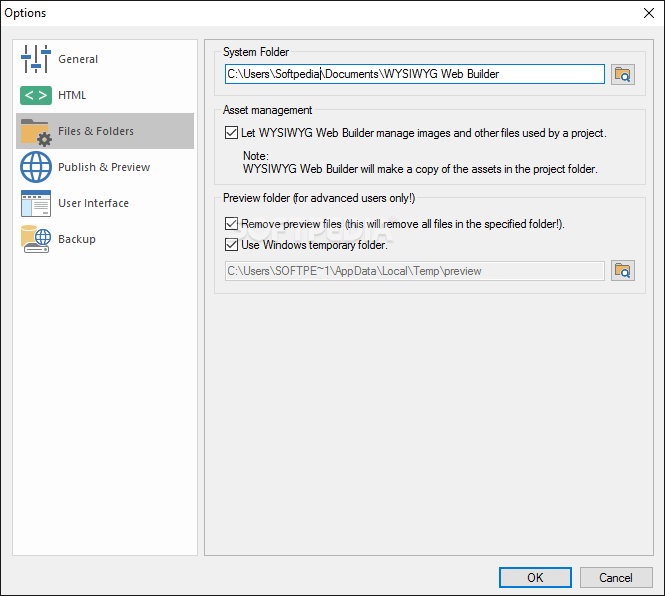
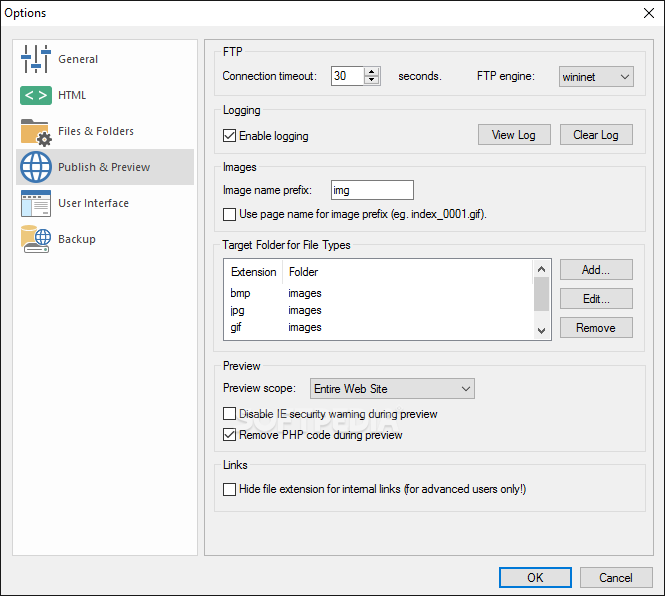
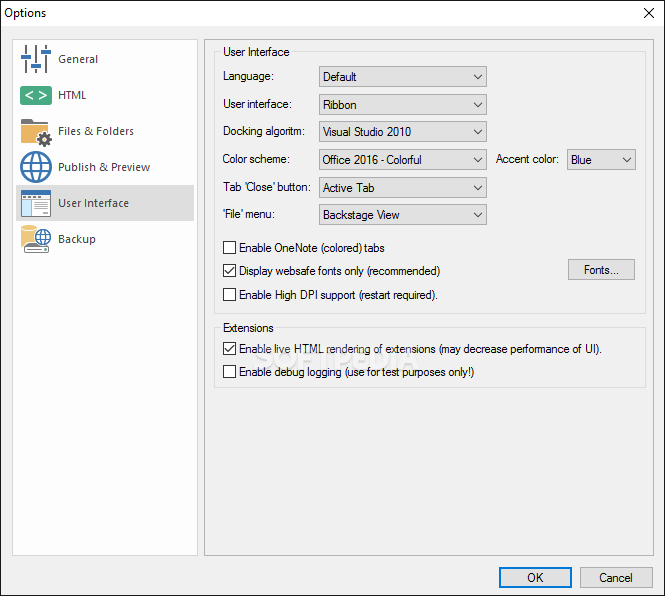
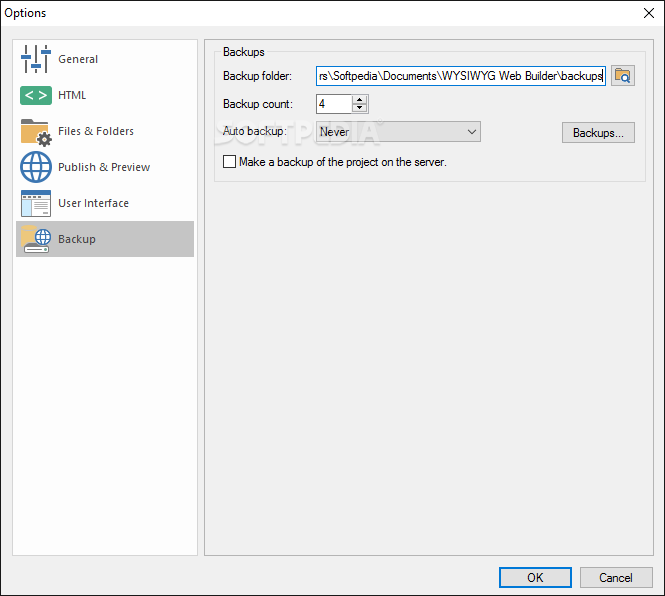
    There is an Options menu as well, again with a lot of preferences, so using WYSIWYG Web Builder will definitely take a lot of time.

    That being said, it’s pretty obvious that WYSIWYG Web Builder is a five-star product and no matter its price, this app is at least worth a chance.


    Read an in-depth analysis in our professional review for WYSIWYG Web Builder

    WYSIWYG Web Builder description

    Here are some key features of "WYSIWYG Web Builder":

    · No HTML knowledge needed!
    · Drag and drop objects from the toolbox on the page anywhere you like!
    · Site Management. Easily add, edit, clone and structure your web pages from a single file.
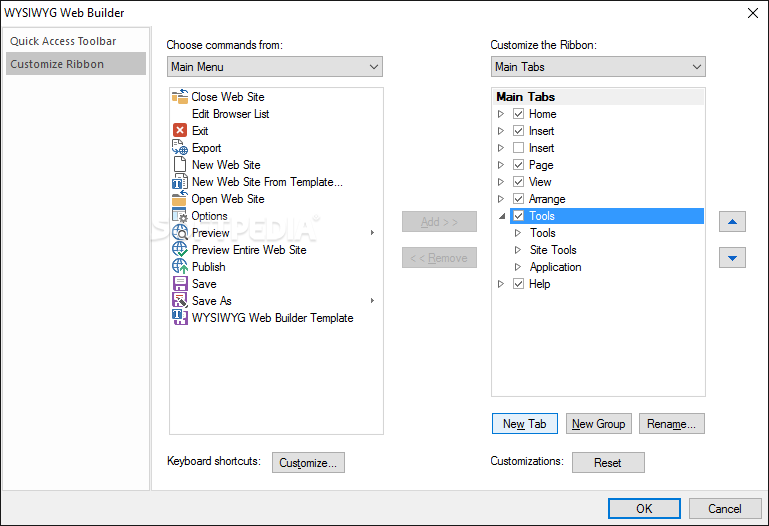
    · Customizable menus, toolbars, keyboard accelerators, dockable windows, tabs, autohide windows.
    · Form layout object to create forms, including actions, hidden fields etc.
    · Supports Form fields: Editbox, TextArea, Checkbox, Radiobutton, Combobox and Button.
    · Form Wizard to create form in 4 steps. Select from a dozen ready-to-use forms.
    · Captcha object for (PHP) forms. Helps to stop spammers from submitting form data automatically.
    · Rich text support: text object can contain different fonts, colors, links and sizes.
    · Custom HTML object to insert your own HTML or Javascripts.
    · JAVA, Flash, Windows Media, YouTube, Flash Video. Quicktime, Real Audio and other Plug-In support.
    · Publish your entire web site, a single page or a group of pages (to local drive or a web server) .
    · Built-in Photo Gallery maker, with lots of cool features like picture frames!
    · Built-in Banner maker.
    · Rollover images.
    · Bulleted Lists: Circle, Disc, Square, Numeric (1, 2, 3), Alpha (a, b, c) , Roman (I, II, III) and custom images.
    · Image maps.
    · Customize scrollbar colors for Microsoft Internet Explorer.
    · Navigation bars, Tab Menus, Slide Menus and other navigation options.
    · Ready-to-use Javascripts.
    · Template support. Already more than 100 templates available!
    · Slide Show component .
    · Support for third-party add-ons (extensions), using the Web Builder Extension Builder.
    · Import existing HTML pages.
    · Hyperlink Style Sheet, to customize the colors/formatting of hyperlinks.
    · Built-in Popup support.
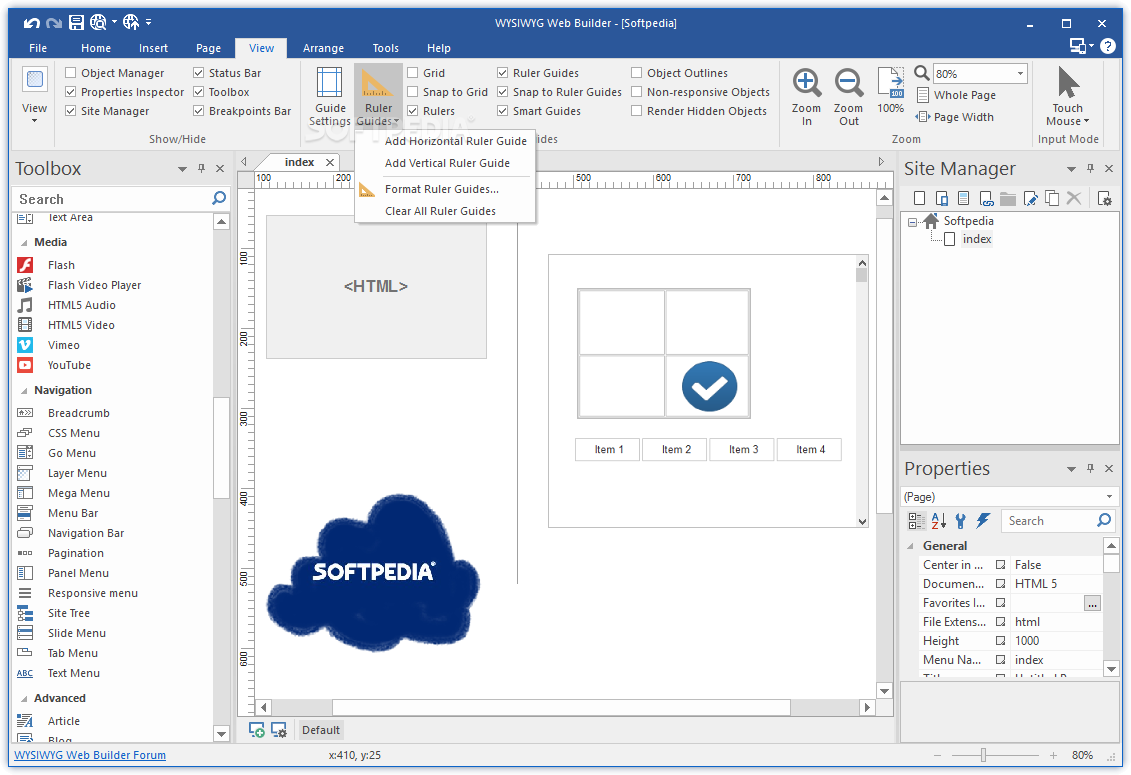
    · Show optional rulers and ruler guides.
    · Page transitions in Page Properties.
    · Menubar: powerful menu script that can mimic complex menus found in popular GUI applications.
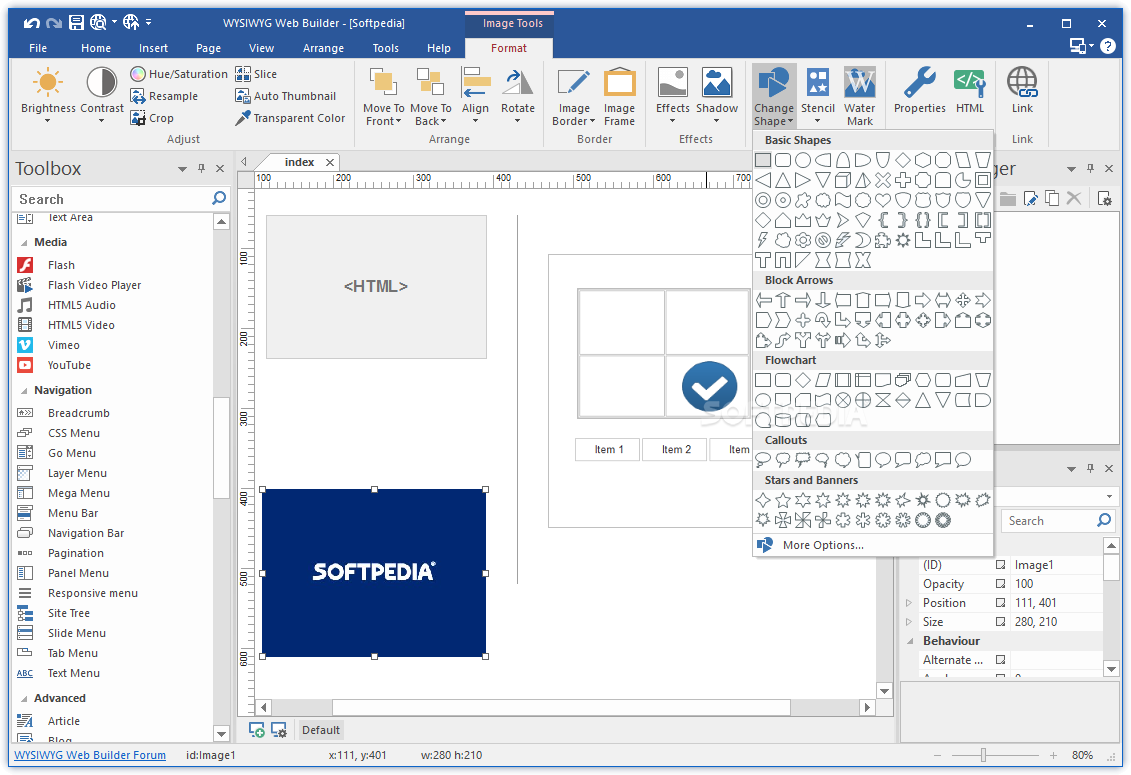
    · Shape object (Rectangle, Round rect, Ellipse, Diamond, Hexagon, Octagon, Parallelogram, Triangle, Trapezoid, Arrows, Flag, Flower, Heart, Signs, Stars, Talk Bubbles and much more!).
    · Master page object. This allows you to re-use objects from other pages (master page concept).
    · Layer Object for advanced layout possibilities.
    · Validation tools for form components: EditBox, Combobox and TextArea.
    · Rotation for shapes and images.
    · Ability to group/ungroup objects.
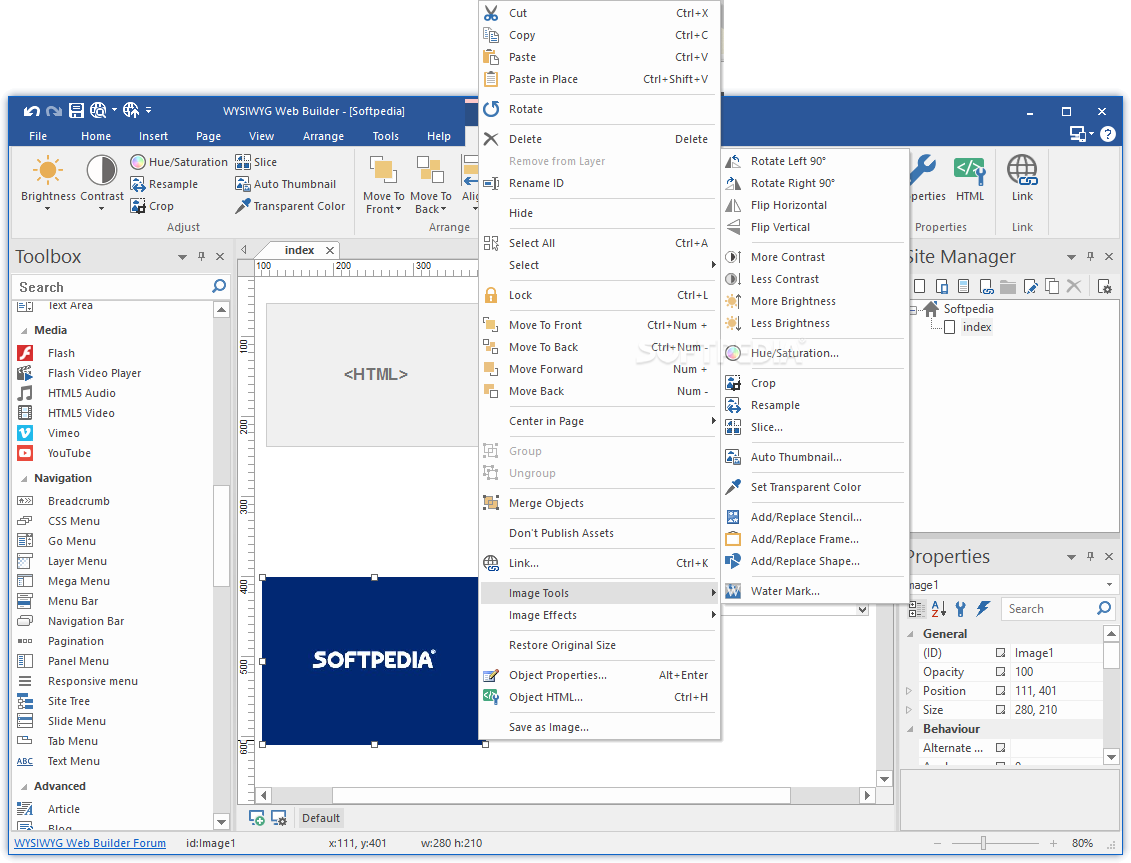
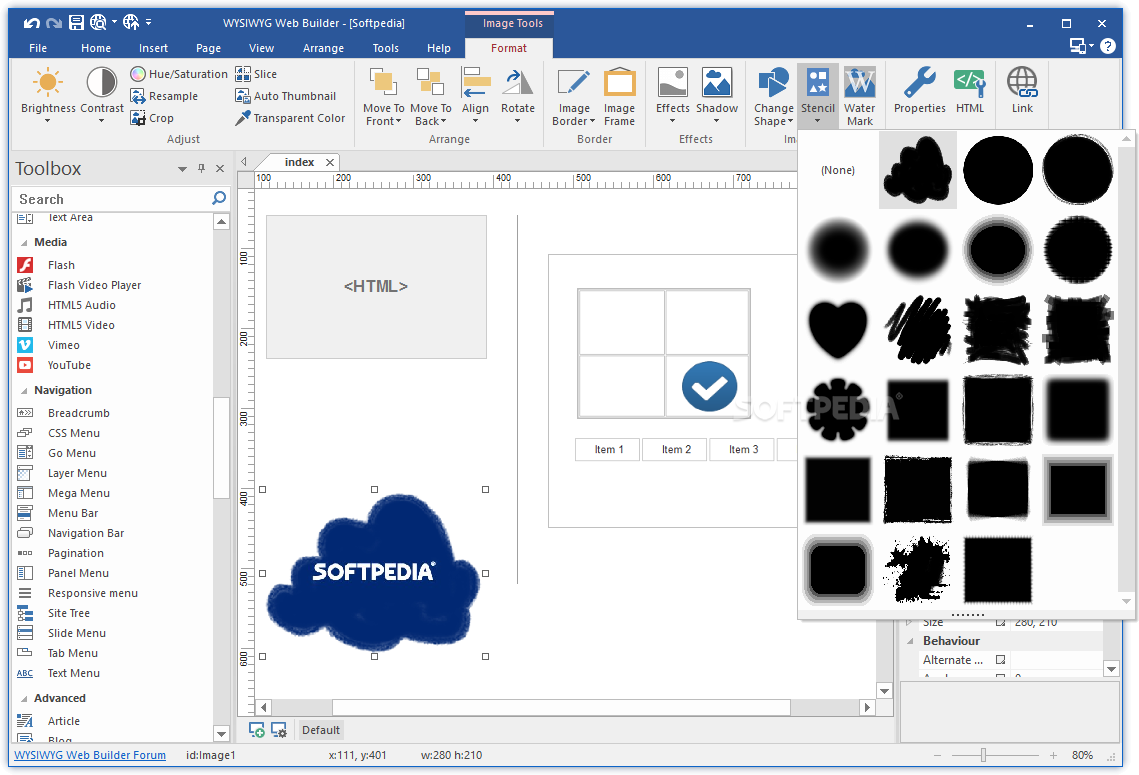
    · Image tools: Contrast, Brightness, Hue/Saturation, Flip, Rotate, Resample, Crop and Stencils.
    · Image effects: GrayScale, Negative, Sepia, Blur, Soften, Sharpen, Noise, Emboss and more!
    · Drawing tools: Line, Line + Arrows, Scribble, Polygon, Curve and Closed Curve.
    · Photo gallery border styles/ photo frames.
    · Images, shapes and form controls have a new Events Page, to easily add actions to object events!
    · The PayPal eCommerce Tools are the quickest and easiest way to add eCommerce to your web site!
    · RSS Feed object with podcast option.
    · Blog with built-in RSS feed option.
    · Built-in FTP Client to manage your online files.
    · Google compatible sitemap generator
    · ClipArt, this object uses dingbat fonts and converts them to vector shapes.
    · TextArt object which can be used to create amazing logos, banners or headers.
    · SiteTree object, display an overview of your website (SiteMap).
    · Login Tools/Page Password Protection.
    · Unique extension (add-on) system with lots of extensions to make Web Builder even more powerful.
    · Already more than 250 extensions available

    Limitations:

    · 30 days trial
    · Nag screen

    What's New in This Release: [ read full changelog ]

    · Fixed: 'Convert to form' in Edit profile now includes PHP code in editboxes.
    · Fixed: Symbol characters encoded in Unicode.
    · Fixed: Theme is not saved when using 'Make default' in page properties.
    · Fixed: 'TotalTimeColor' property of Flash Video Player does not remember its color.
    · Fixed: Invalid Page Language selection for Chinese
    · Fixed: Thermique effect does not work when using properties dialog.
    · Fixed: Invalid status for 'Move up' in Site Manager.
    · Fixed: jQuery Button: You can't open a popup (settings takes no effect)
    · Fixed: Shapes with a value for opacity are no longer transparent on layers
    · Fixed: Problem with the border style f.e. in the News Feed Ticker. "Default" is "Dotted", "Solid" is "Double" ...
    · Fixed: Menu bar: "Style Item" > "BackgroundTransparent" doesn't take effect in the browser when "UseFullWidth" is set to "True"
    · Improved: Inline frame shadow/border now also works for lightbox preview image.

       Softpedia guarantees that WYSIWYG Web Builder 8.0.4 is 100% CLEAN, which means it does not contain any form of malware, including spyware, viruses, trojans and backdoors. [read more >]


    TAGS:

    WYSIWYG editor | webpage builder | generate page | WYSIWYG | webpage | builder


    HTML code for linking to this page:


    Go to top

    WindowsGamesDriversMacLinuxScriptsMobileHandheldNews

    SUBMIT PROGRAM   |   ADVERTISE   |   GET HELP   |   SEND US FEEDBACK   |   RSS FEEDS   |   UPDATE YOUR SOFTWARE   |   ROMANIAN FORUM