
Create a complex DHTML menu for your website, without having to write a single line of code, but simply defining values and behavior through intuitive options instead. #Dhtml builder #Javascript menu #Menu designer #Dhtml #Menu #Designer
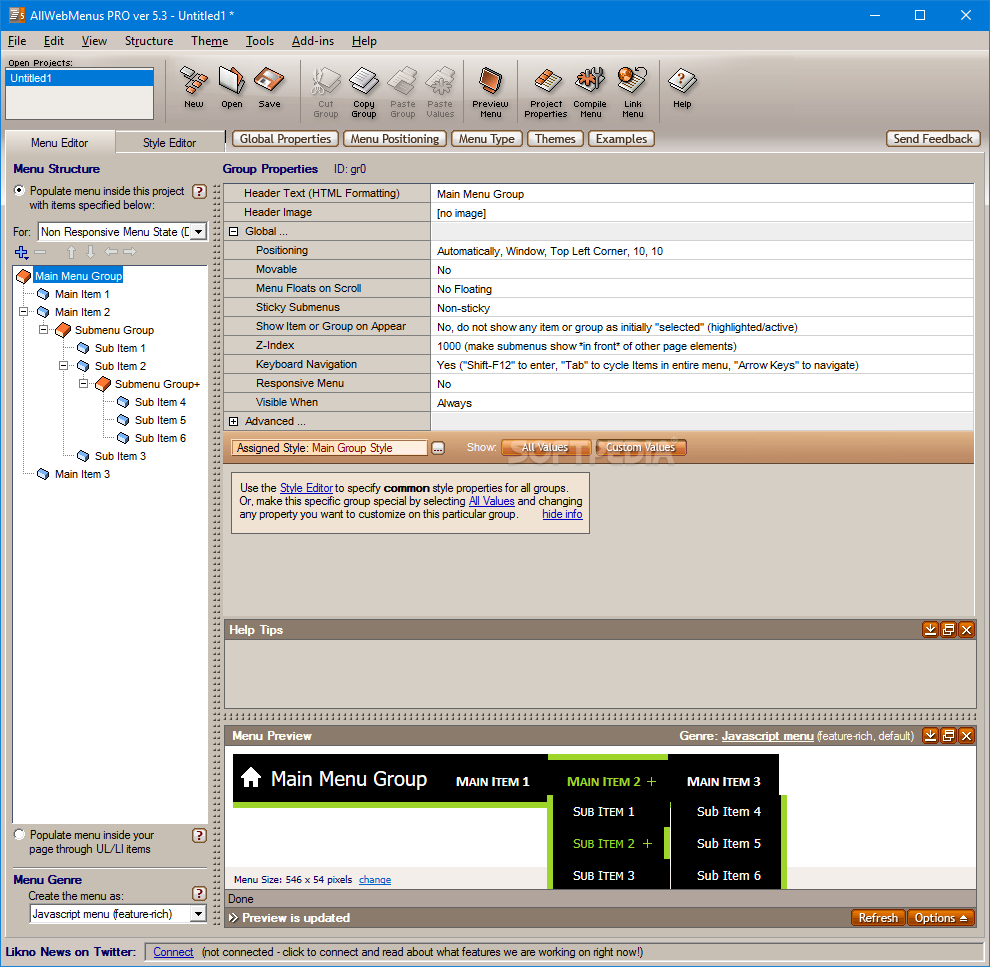
AllWebMenus Pro is a web development tool designed to create website menus with minimum effort and coding experience. You can use the program to customize the aspect of the menu and export the files that need to be added to your website.
Since the menu allows the page visitors to access all the website content, a professional and easy to use menu is essential to any website. The main goal of this program is to help the users who have little or no web design experience to generate the required files for implementing the menu.
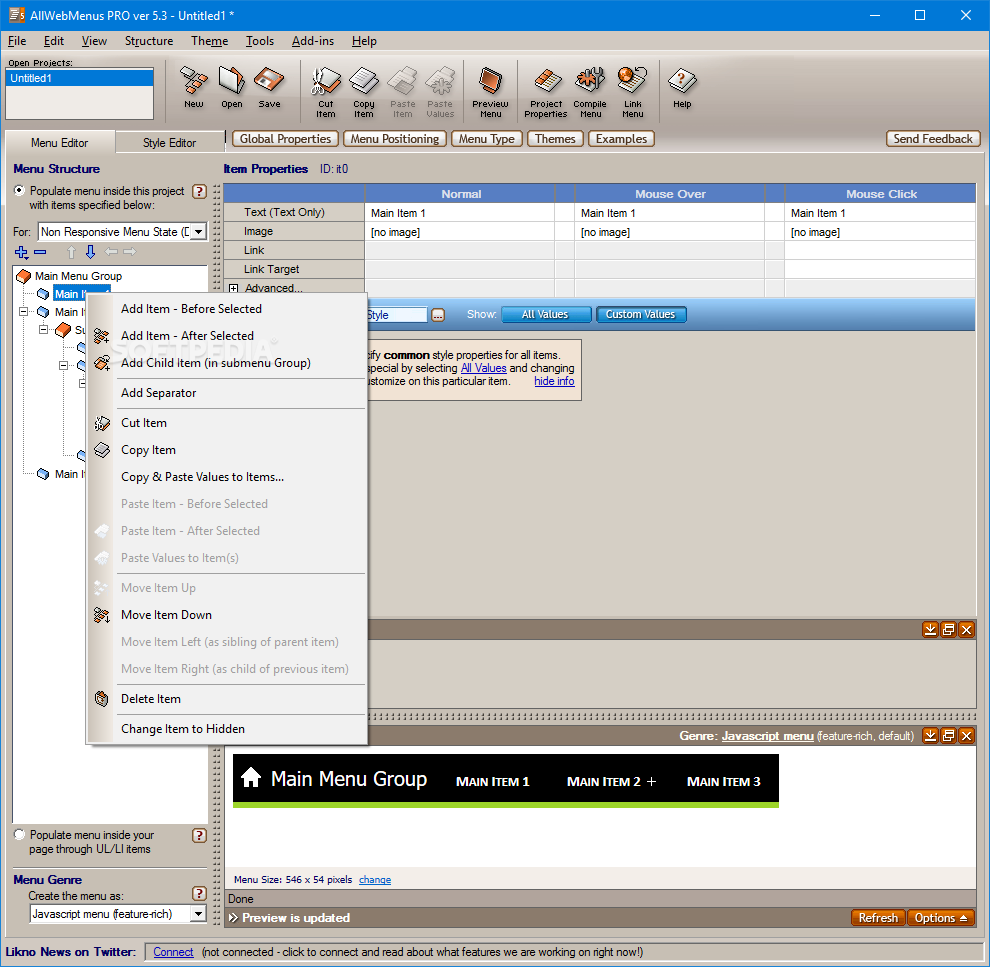
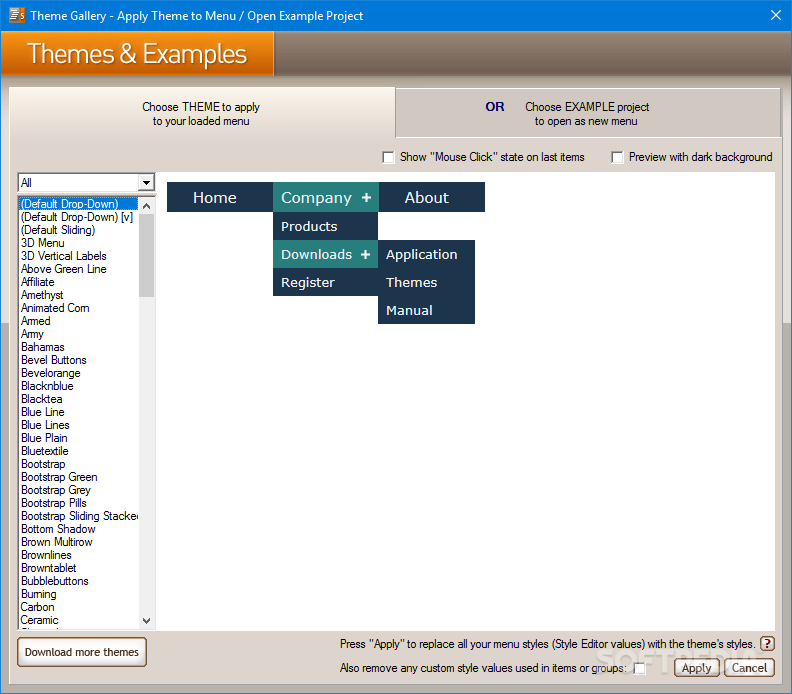
In order to create a menu you need to select one of the available templates and personalize each button. The program includes more than one hundred menu samples and many other can be downloaded after purchasing a license.
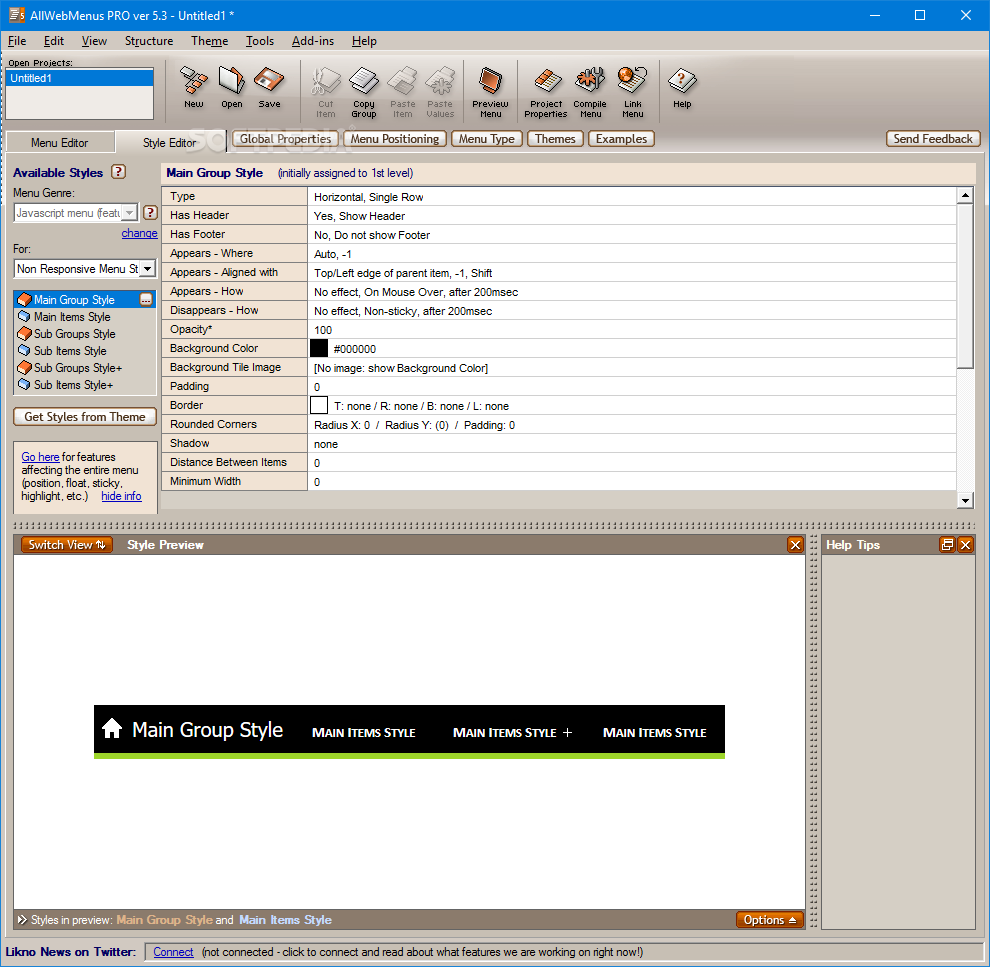
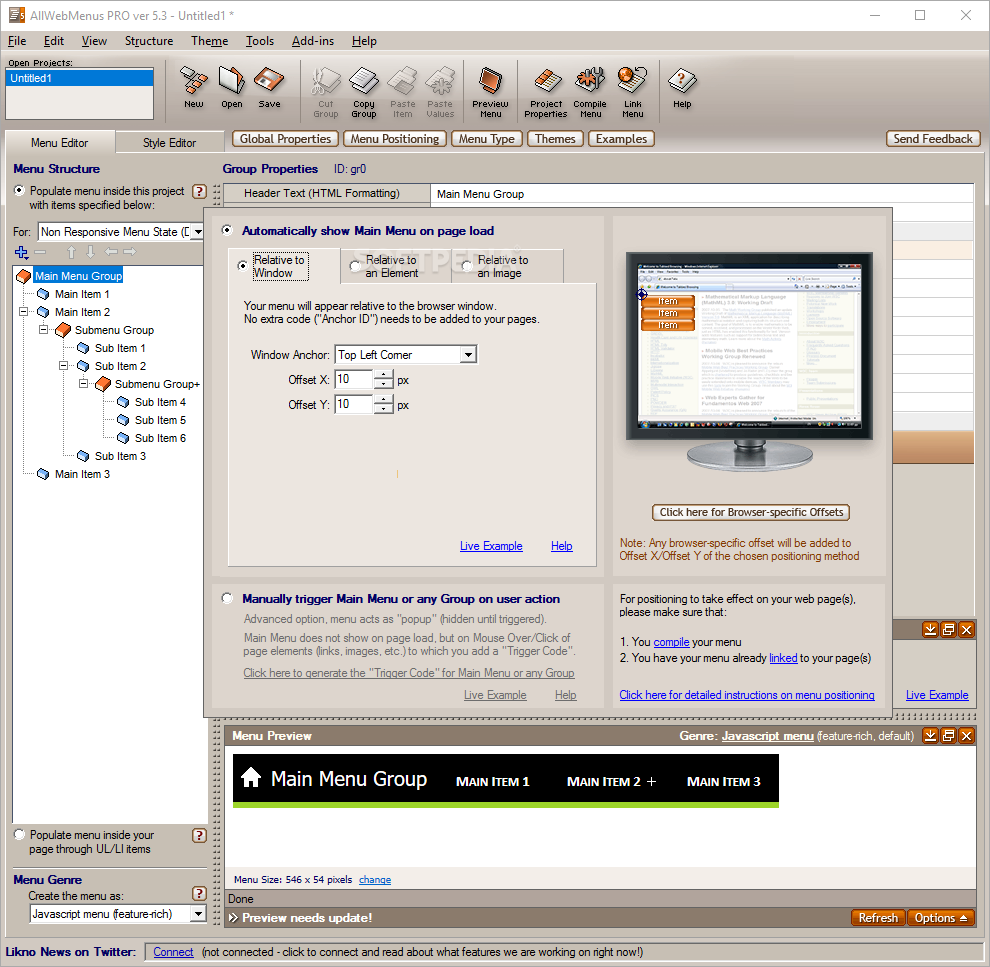
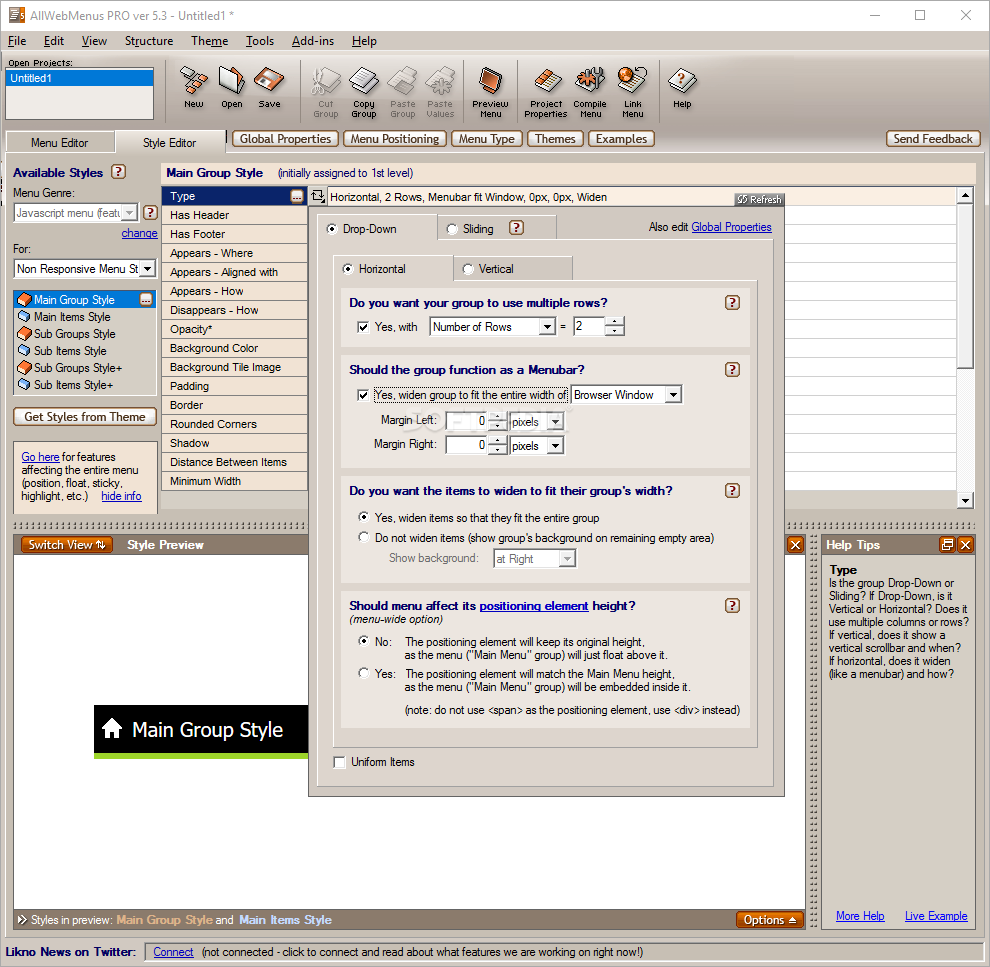
Although casual users can be satisfied with just editing the menu structure, one can really take advantage of the program’s features by using the customization options. You can fine-tune the output by changing the layout, opacity, positioning or tooltips.
The program can generate responsive menus that can automatically adapt to the screen resolution of up to four devices. An additional feature is the ability to generate a sitemap as a HTML file based on the current menu structure.
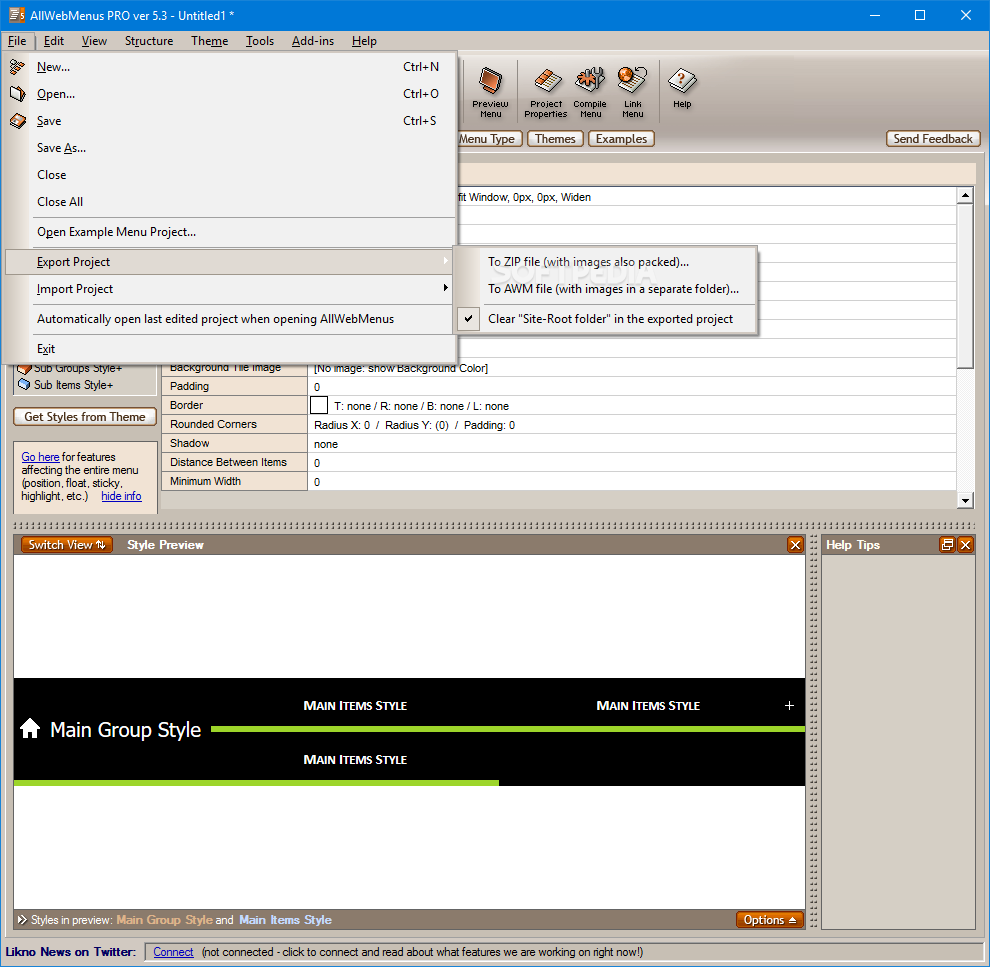
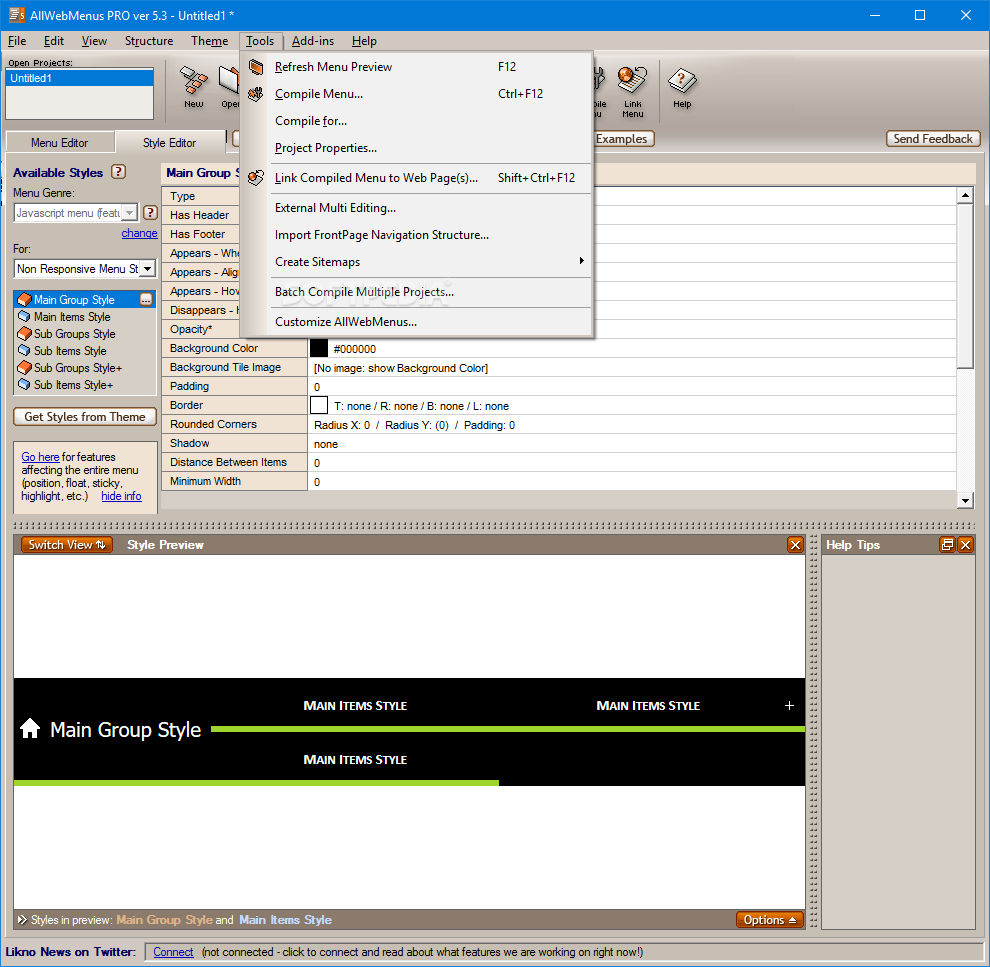
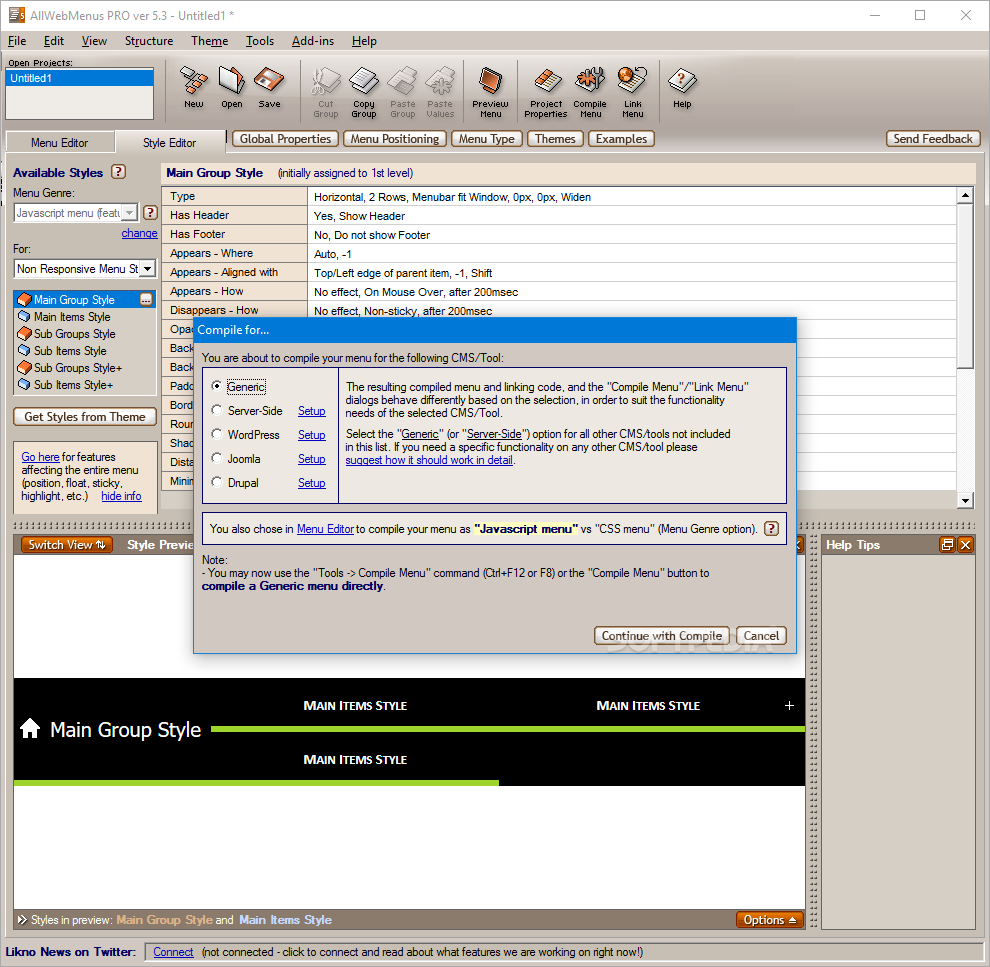
After customizing the menu structure and aspect you need to compile the files for adding it on your web pages. Since not all websites share the same platform, AllWebMenus enables you to create the optimized package for Joomla, WordPress, Drupal and other popular CMS solutions.
You can create and export the entire menu without having to write HTML, CSS or JavaScript code which makes the app suitable for the users without previous experience. The offline documentation includes a brief tutorial that enables users to start designing within a few minutes.
Bottom line is that complex websites greatly benefit from organized, cool menus. If you need a quick way to create website menus, the AllWebMenus Pro can provide you with all the tools for the job.
Download Hubs
AllWebMenus Pro is part of these download collections: Make Web Menu, Web Menu Creators
What's new in AllWebMenus Pro 5.3 Build 940:
- Added full compatibility with pages that make use of the Bootstrap Framework.
- Some minor fixes.
AllWebMenus Pro 5.3 Build 940
 Softpedia Editor's Pick
add to watchlist
add to download basket
send us an update
REPORT
Softpedia Editor's Pick
add to watchlist
add to download basket
send us an update
REPORT
- runs on:
-
Windows 10 32/64 bit
Windows 2003
Windows 8 32/64 bit
Windows 7 32/64 bit
Windows Vista 32/64 bit
Windows XP
Windows 2K - file size:
- 9.6 MB
- filename:
- AllWebMenusSetup.exe
- main category:
- Internet
- developer:
- visit homepage
Context Menu Manager

4k Video Downloader

IrfanView

ShareX

calibre

Windows Sandbox Launcher

Bitdefender Antivirus Free

Microsoft Teams

7-Zip

Zoom Client

- Microsoft Teams
- 7-Zip
- Zoom Client
- Context Menu Manager
- 4k Video Downloader
- IrfanView
- ShareX
- calibre
- Windows Sandbox Launcher
- Bitdefender Antivirus Free