
A powerful web menu trees creator that helps you to change the style for the whole tree and even customize every item by using a different icon and style. #Drop down menu #Menu designer #CSS style #Webdesign #Drop-down #Designer
A web page is composed of many elements, each requiring a substantial amount of code to make it cool and functional. On the bright side of things, there are various specialized applications which help you build elements without any coding knowledge, and Likno Drop-Down Menu Trees creates drop-down menus for your page.
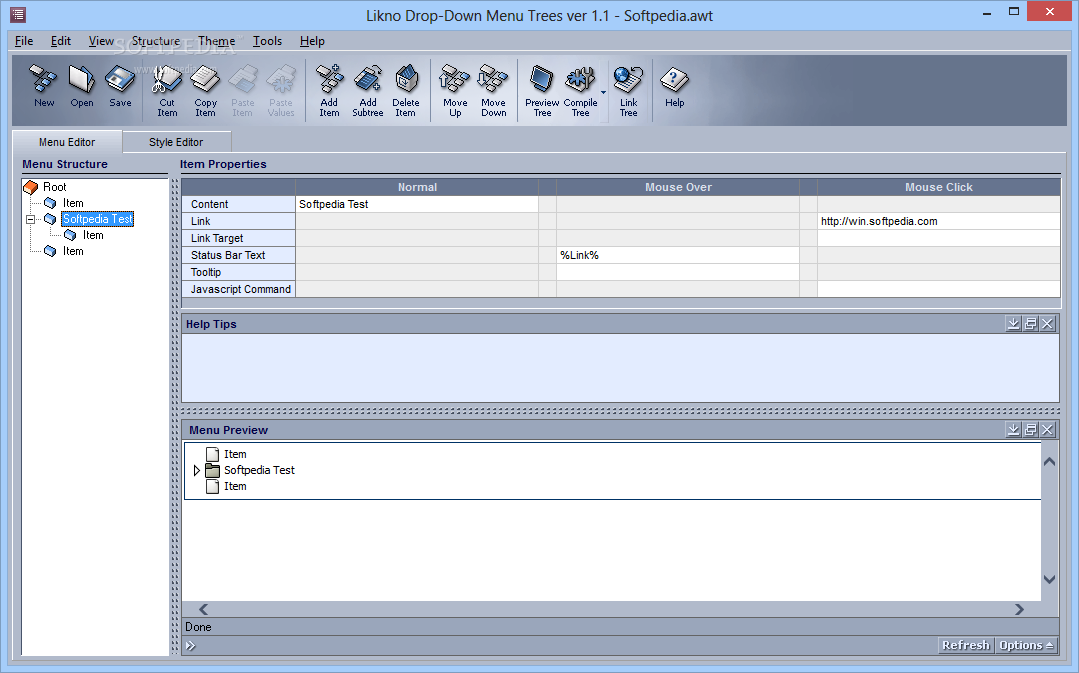
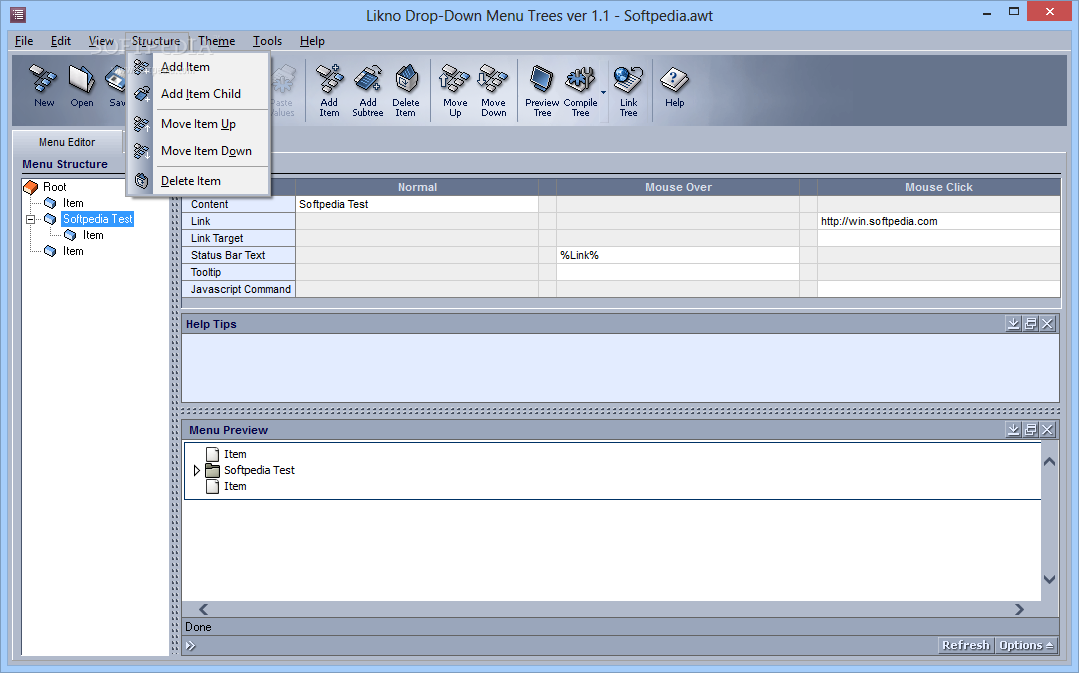
An intuitive window shows up on launch. The design is well-organized, with an upper toolbar providing quick access to most functions, a menu structure for easy selections of elements to edit, the properties sections where all functions are defined, as well as a real-time updating, interactive preview section for the generated menu.
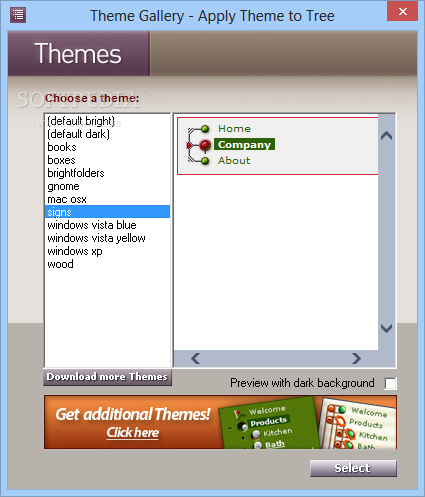
Right from the start, the application greets you with a theme selection screen. There are various styles to choose from, each with custom textures and icons but based on the same tree list principle. The theme can be changed at any moment without affecting the actual project of any of its properties.
The overall creation process is quite intuitive and requires little effort. The menu is visible in a side panel, which you can populate with items in a custom order and content style. Selection makes the item edit-ready in the properties section. An item is modified in terms of content, link, link target, status bar text, tooltip, and JavaScript command.
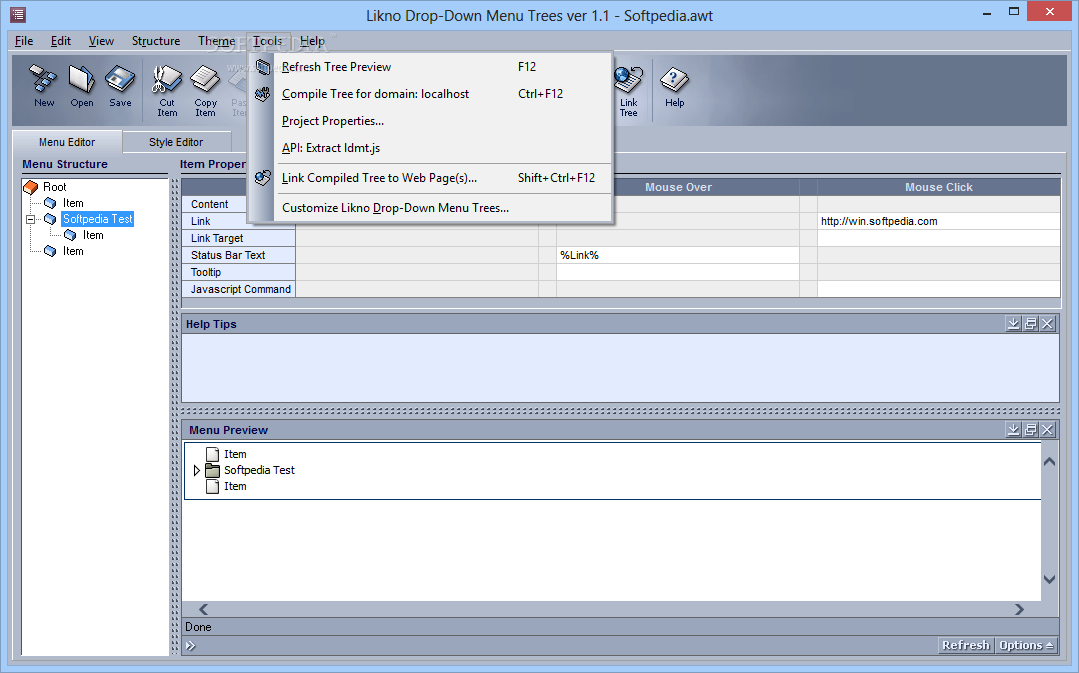
You can include custom content for each item property. You can define normal actions, on mouseover, and on mouse click, but not all properties benefit from these action types. The preview is built instantly and you can interact with it. The built-in compiler helps you actually build the project into a functional form.
Likno Drop-Down Menu Trees is a neat application which helps you create custom, cool menus for your web page. There are various themes to choose from, while the intuitive interface makes the whole operation a walk in the park even for inexperienced individuals, especially since there’s no coding involved.
What's new in Likno Drop-Down Menu Trees 1.1 Build 156:
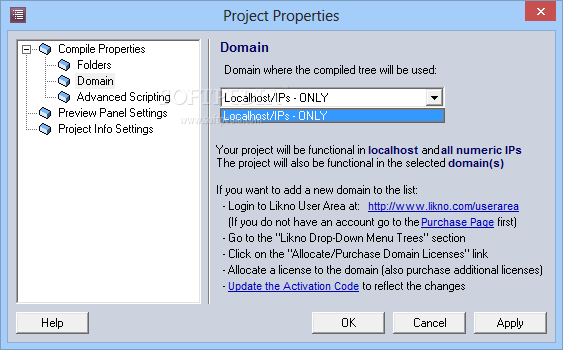
- Added support for sub-domains, numeric IPs & unlimited domains.
- Added new interface property 'Remember Tree State' and respective JavaScript support for automatic save/load of tree state.
- Bug fixes.
Likno Drop-Down Menu Trees 1.1 Build 156
add to watchlist add to download basket send us an update REPORT- runs on:
- Windows All
- file size:
- 3.8 MB
- filename:
- LiknoDropDownMenuTrees.exe
- main category:
- Internet
- developer:
- visit homepage
IrfanView

calibre

Bitdefender Antivirus Free

Microsoft Teams

Zoom Client

ShareX

Context Menu Manager

Windows Sandbox Launcher

7-Zip

4k Video Downloader

- Windows Sandbox Launcher
- 7-Zip
- 4k Video Downloader
- IrfanView
- calibre
- Bitdefender Antivirus Free
- Microsoft Teams
- Zoom Client
- ShareX
- Context Menu Manager