
Create websites by selecting from various templates, performing editing operations, inserting navigation bars, website presentations, widgets and animations #Website design #Design website #Publish website #Website #Webpage #Builder

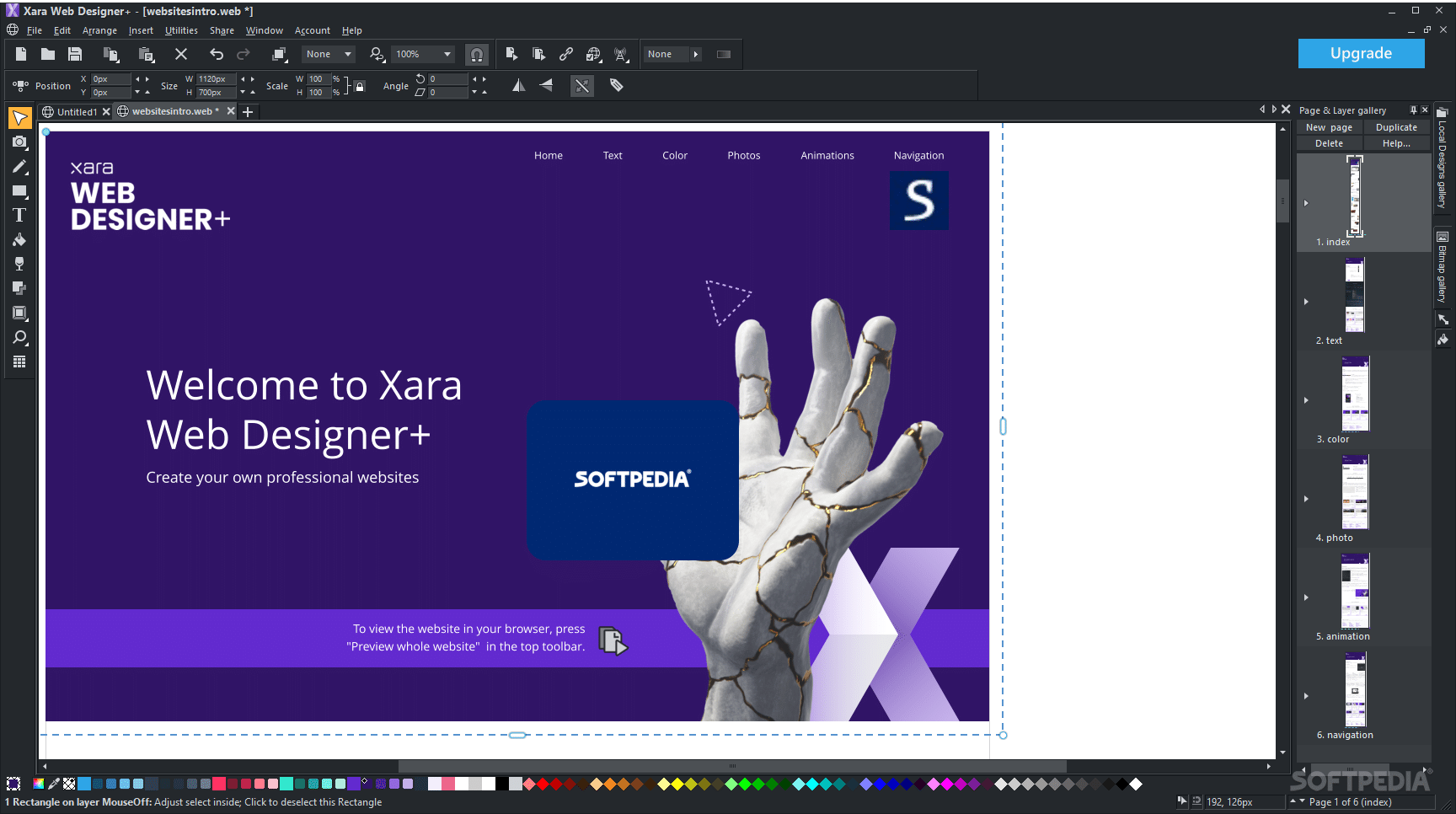
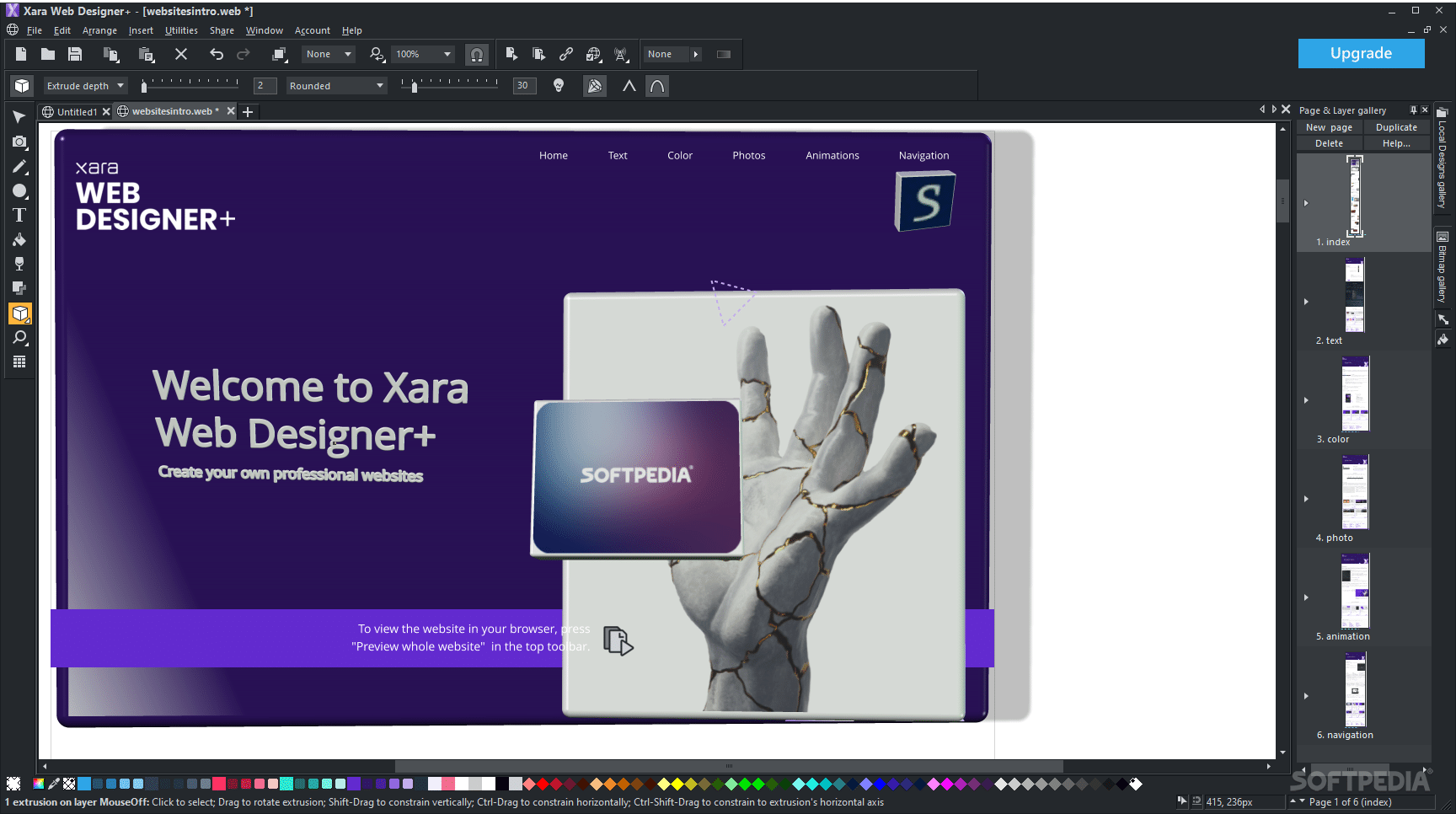
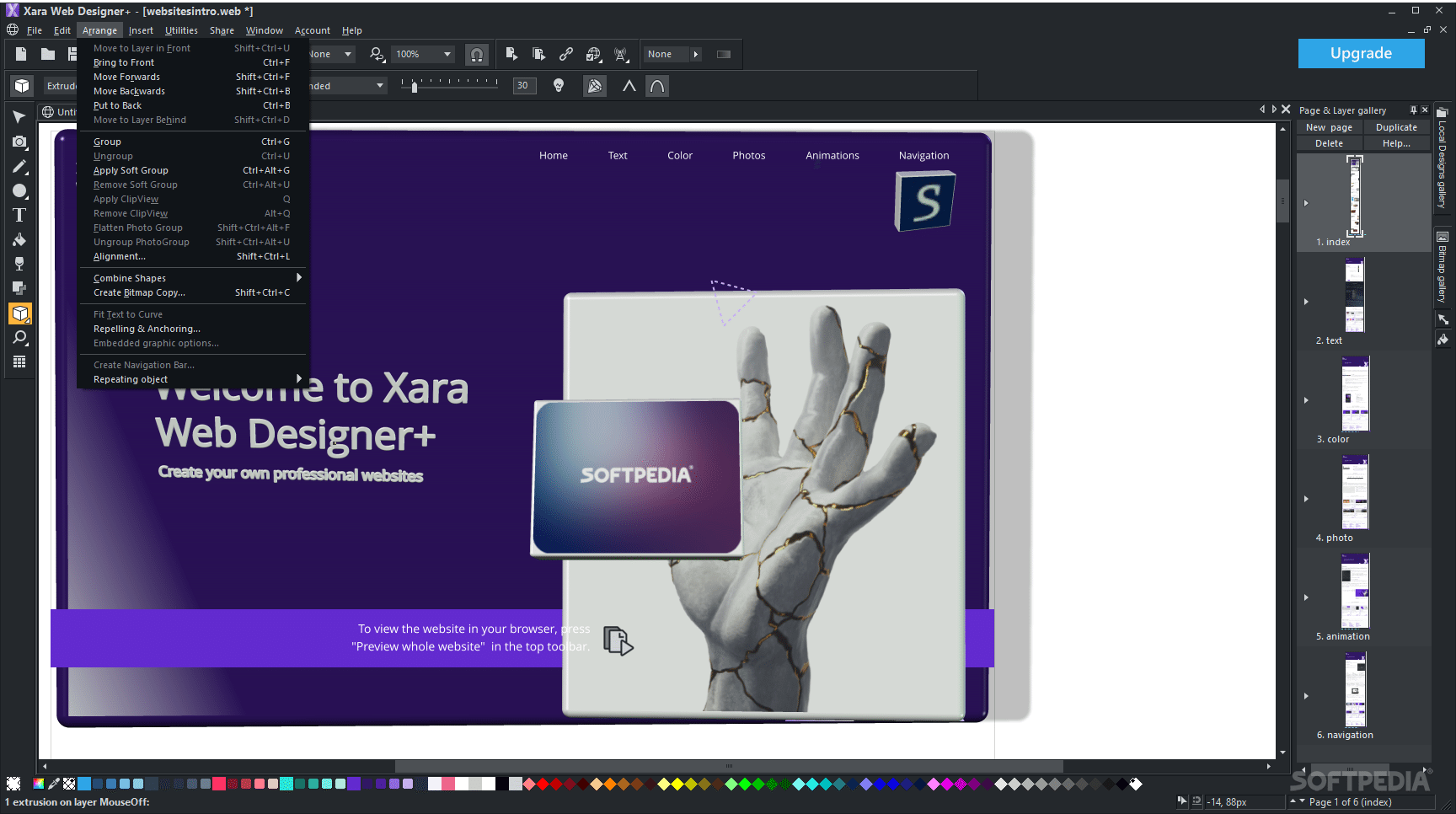
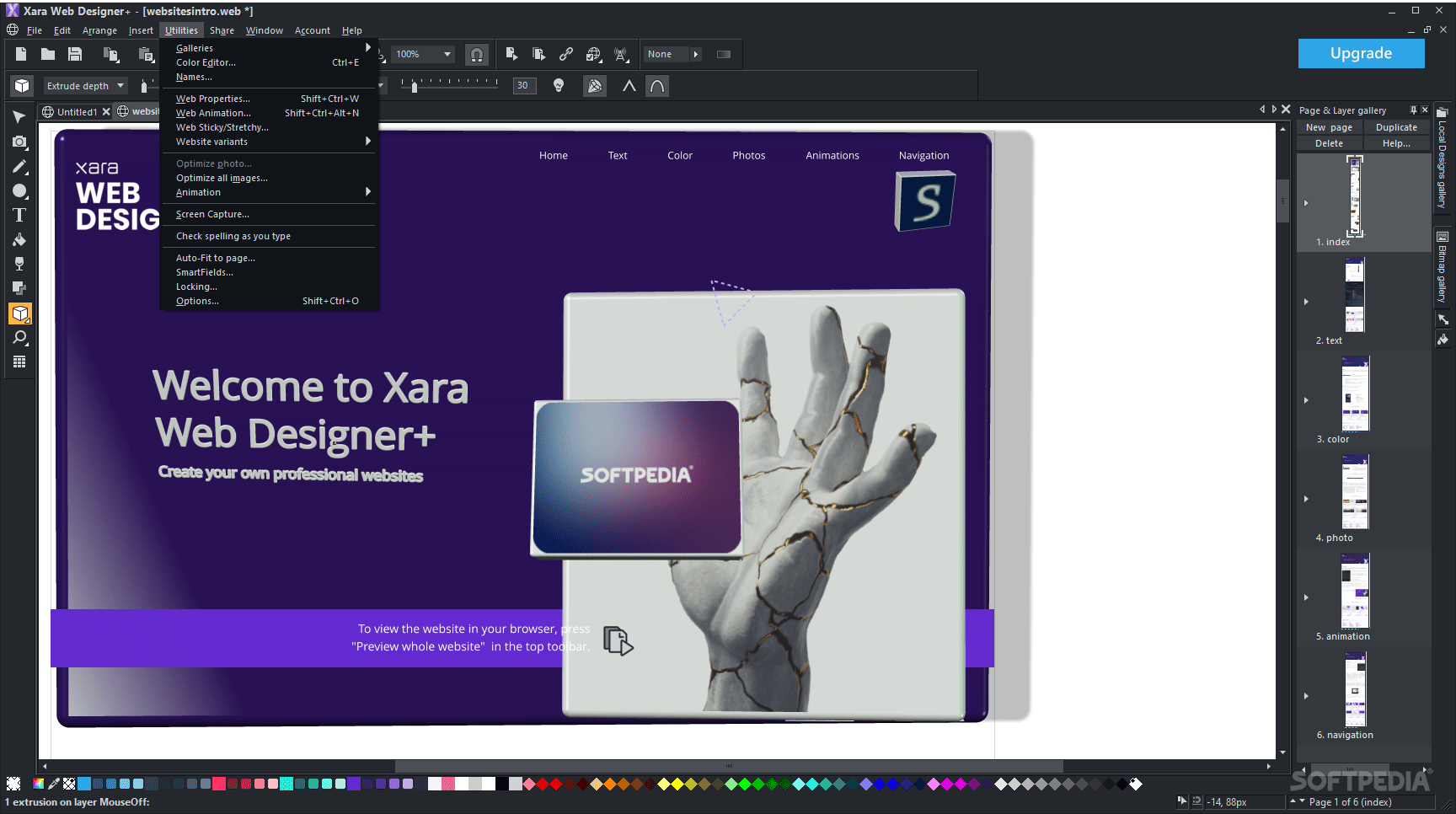
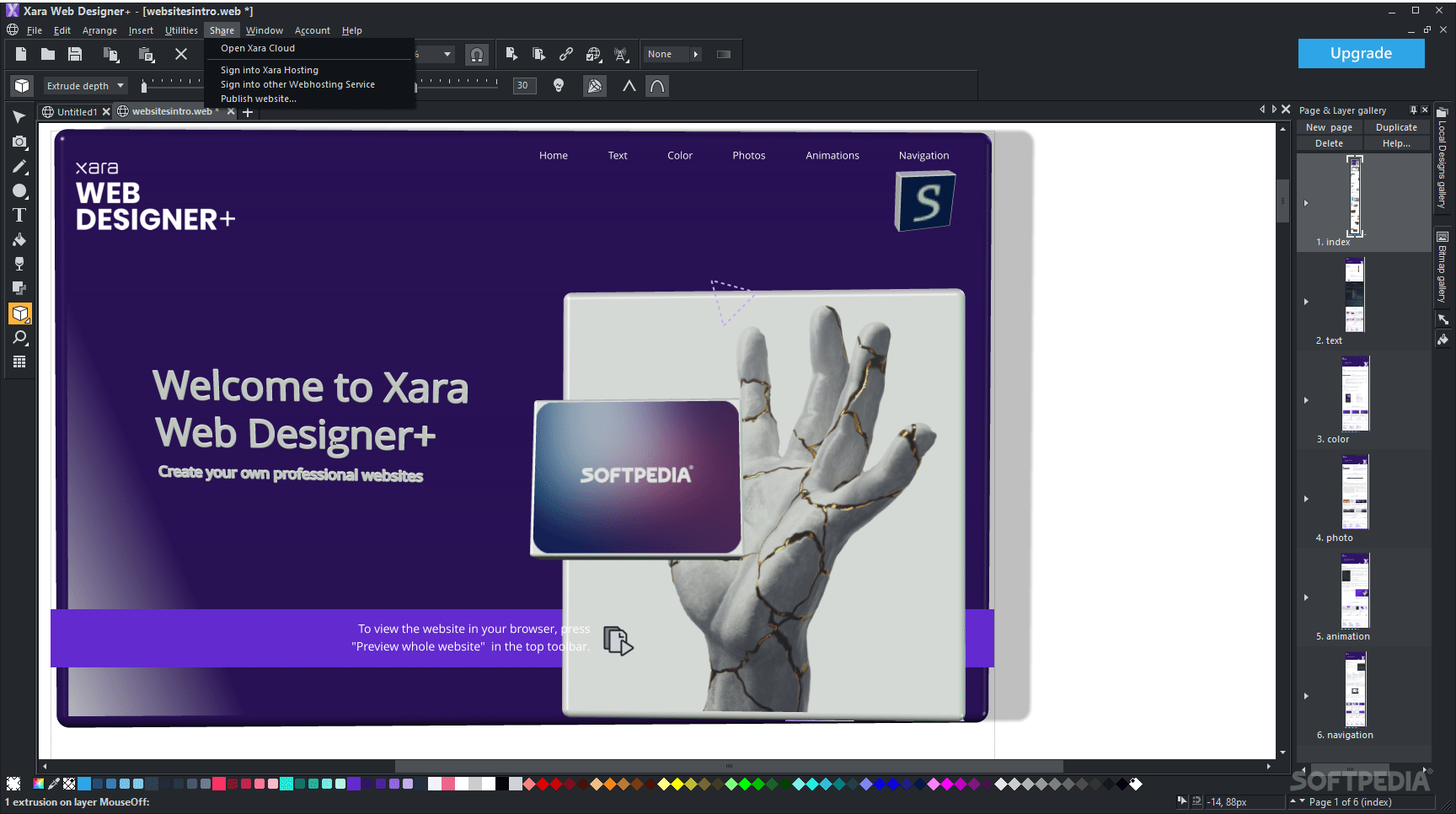
Just as with regular graphic design, web design is also governed by a set of standard principles, as well as a multitude of other parameters, which span from the demanding rigors and requirements of the content and specificity of websites. These specific requirements can turn an “easy-going” demeanor into a far more complex approach. This is exactly where Xara Web Designer+ comes into play, and attempts to offer the required capabilities for creating and editing websites, while still retaining an acceptable degree of complexity, mandating it as suitable for a broader user spectrum.
One of the main advantages of Xara Web Designer+ is the fact that its approach doesn’t involve any programming processes, meaning that those who aren’t accustomed to coding or similar undertakings will have no trouble whatsoever in initializing the website creation process.
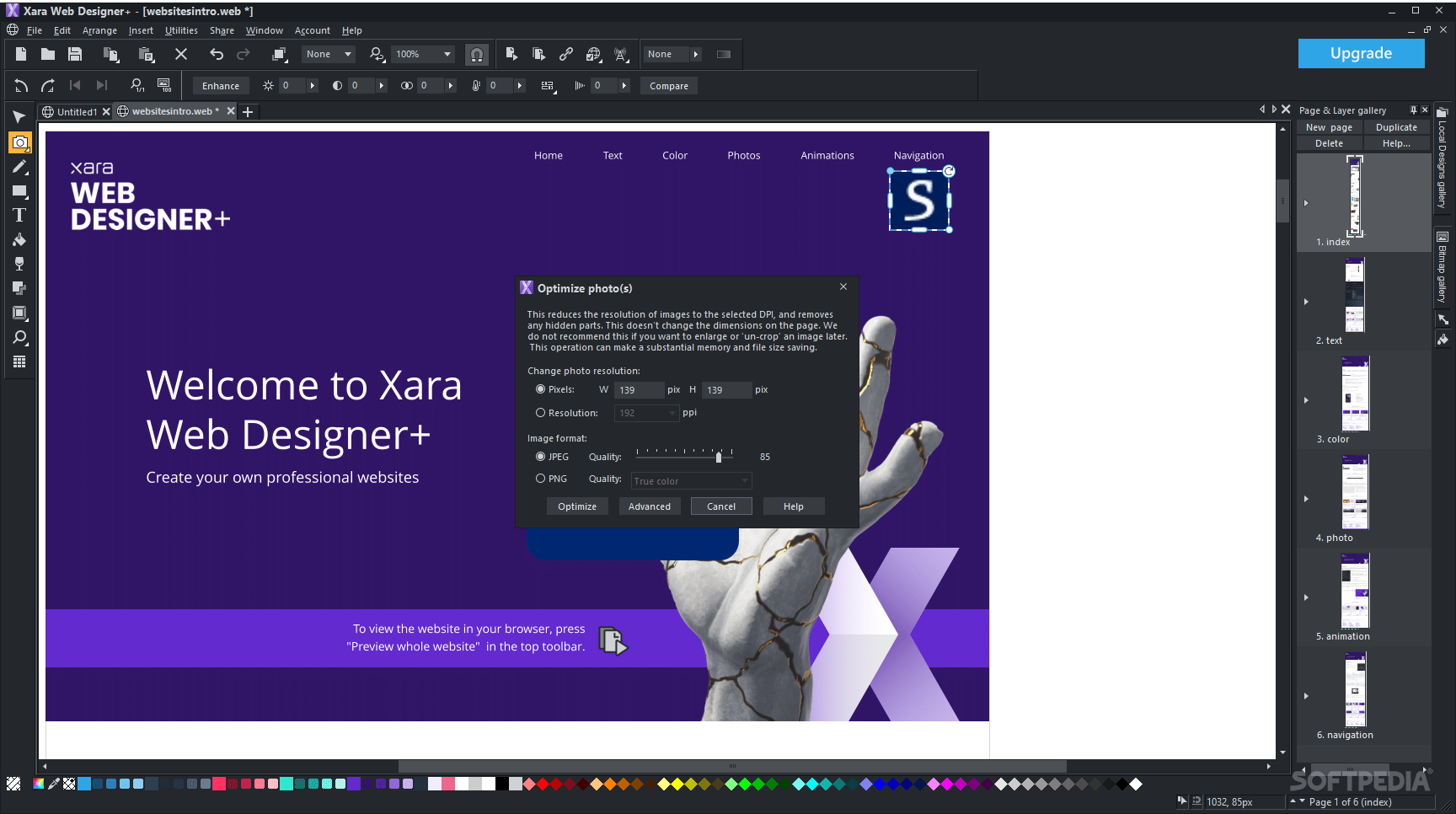
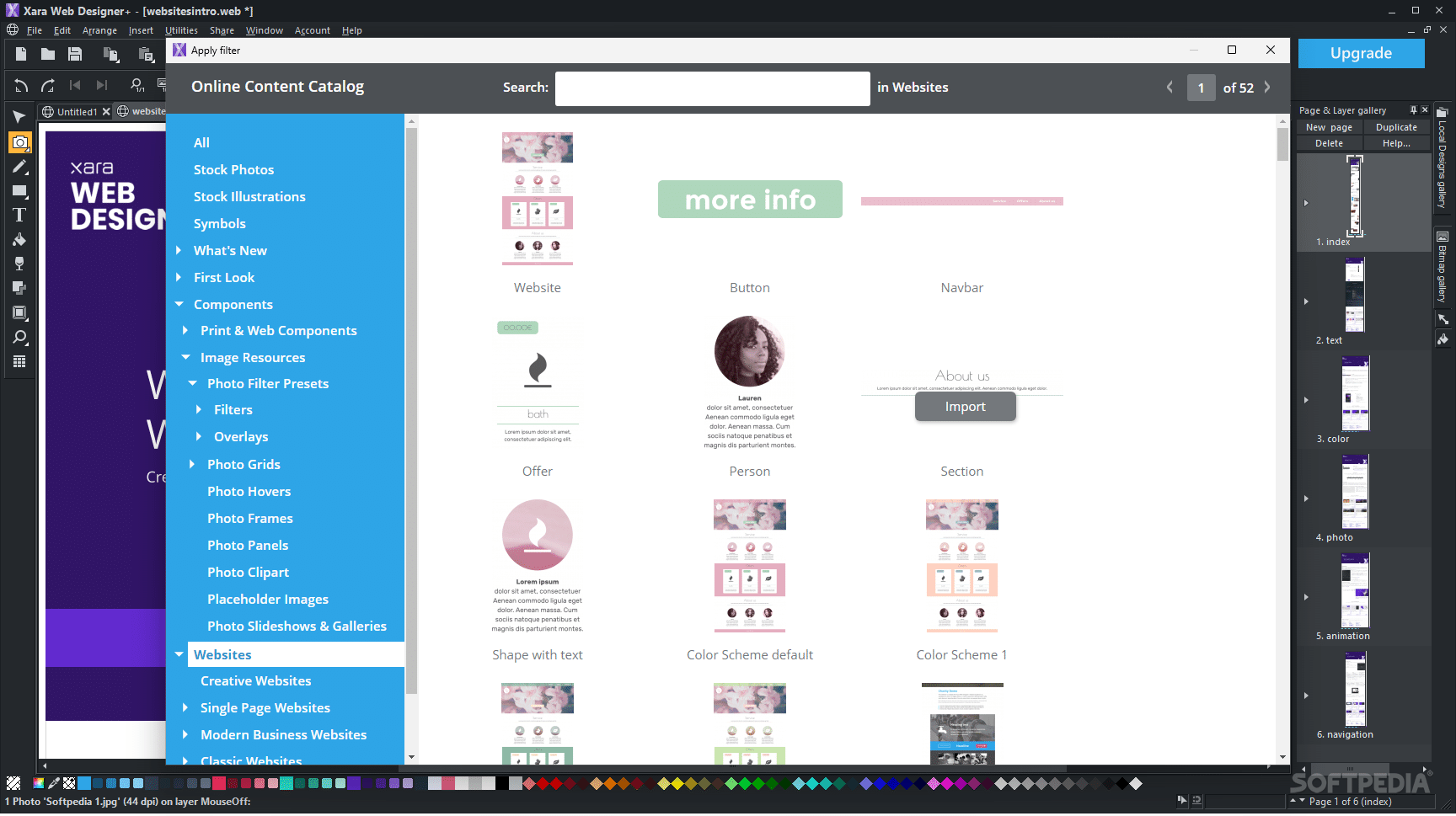
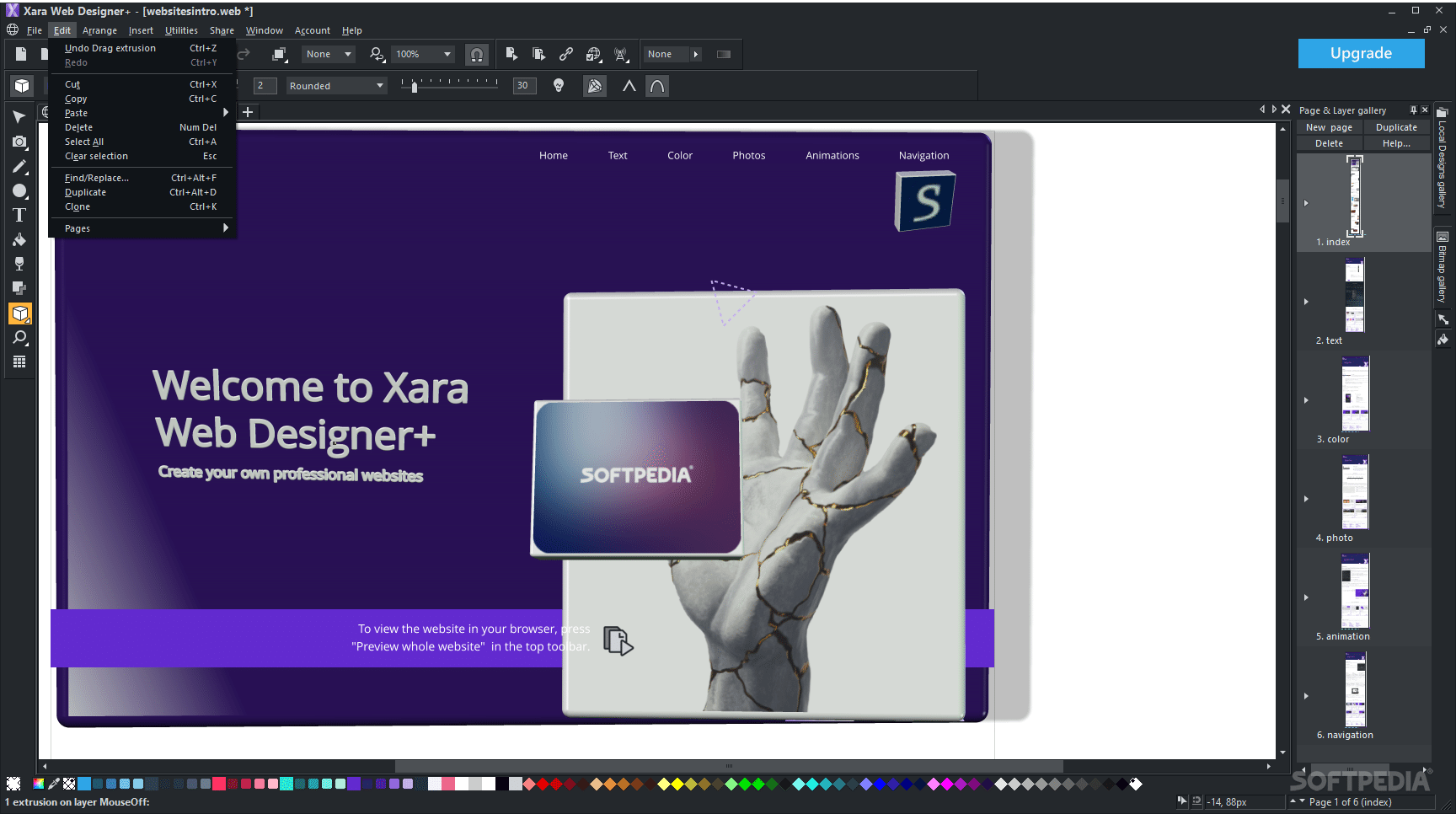
Being IDE-based also means that you will be able to perform much more efficient processing, as you can easily identify and access all the necessary tasks, in just a few simple clicks. In addition to its numerous and versatile tools and features, the app also comes with a built-in library of templates, for an easier start when initializing a website.
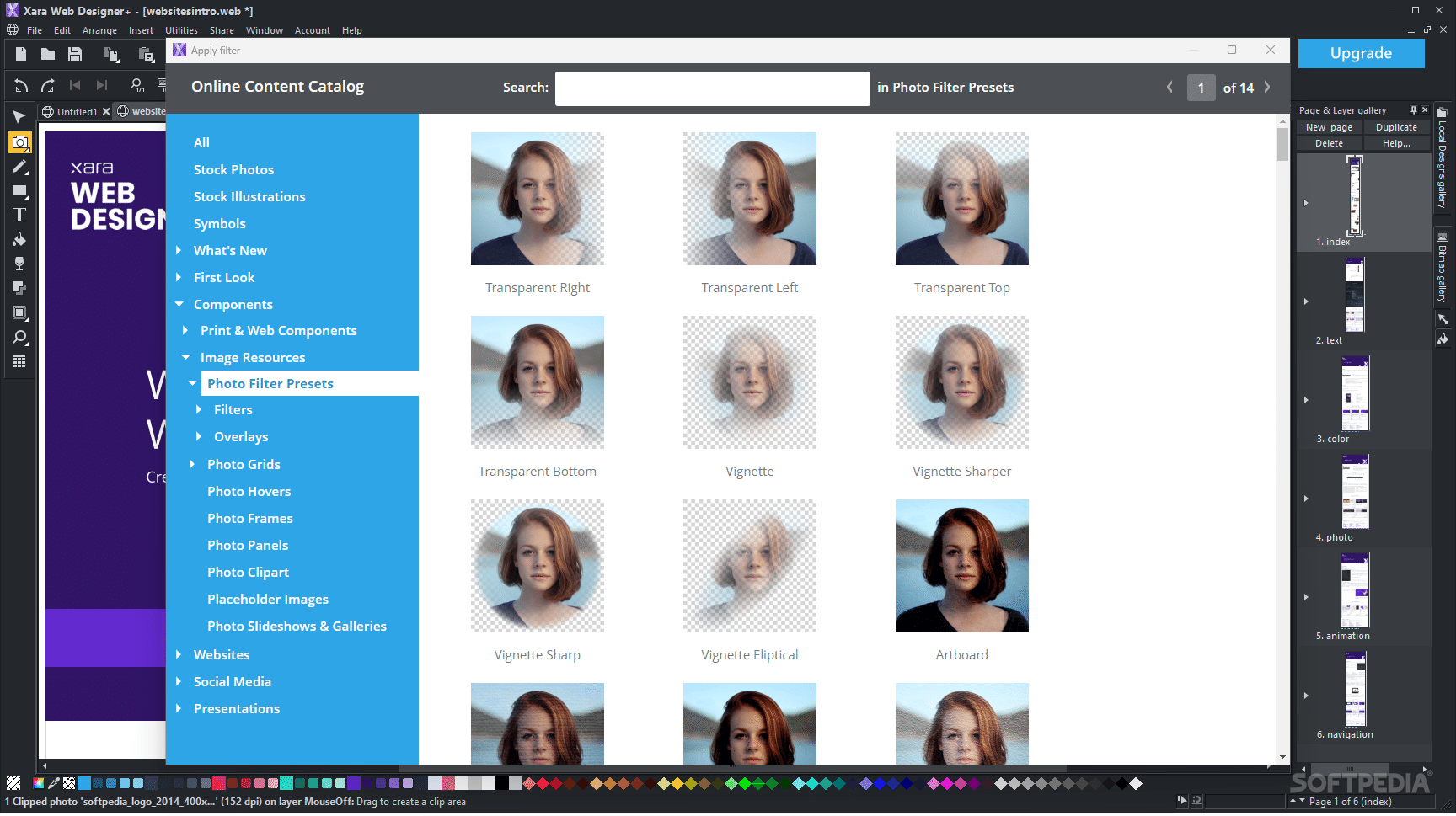
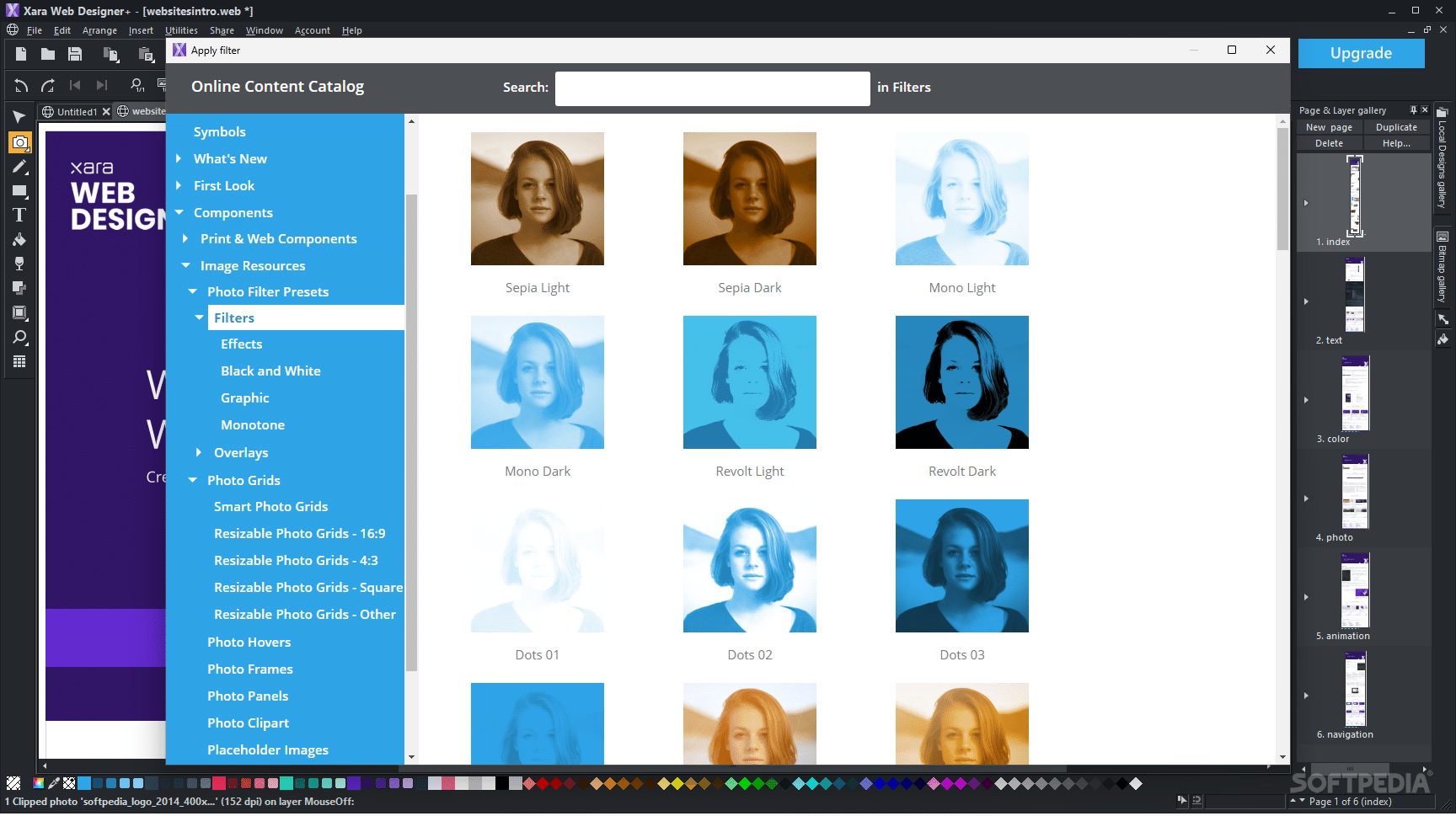
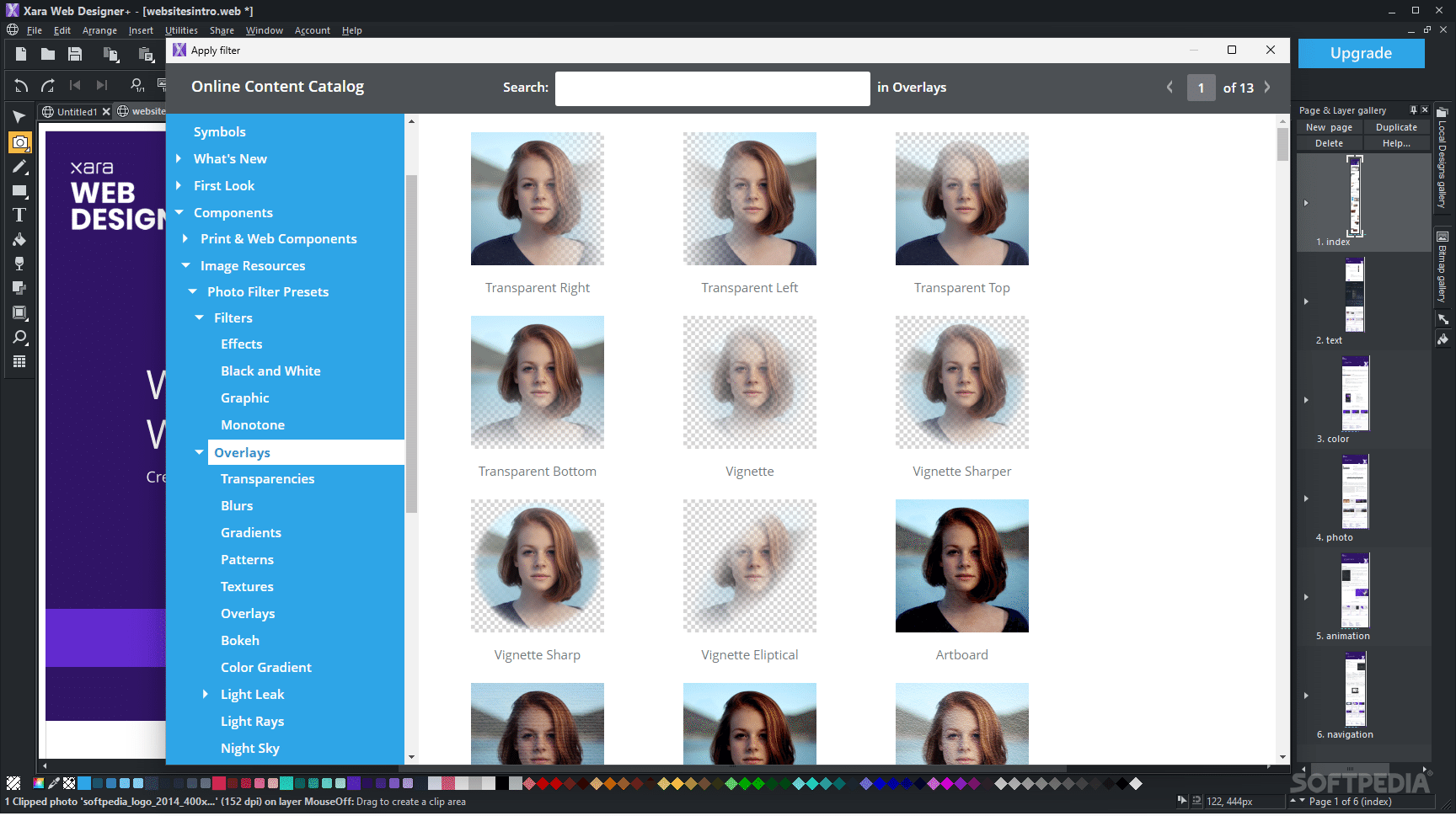
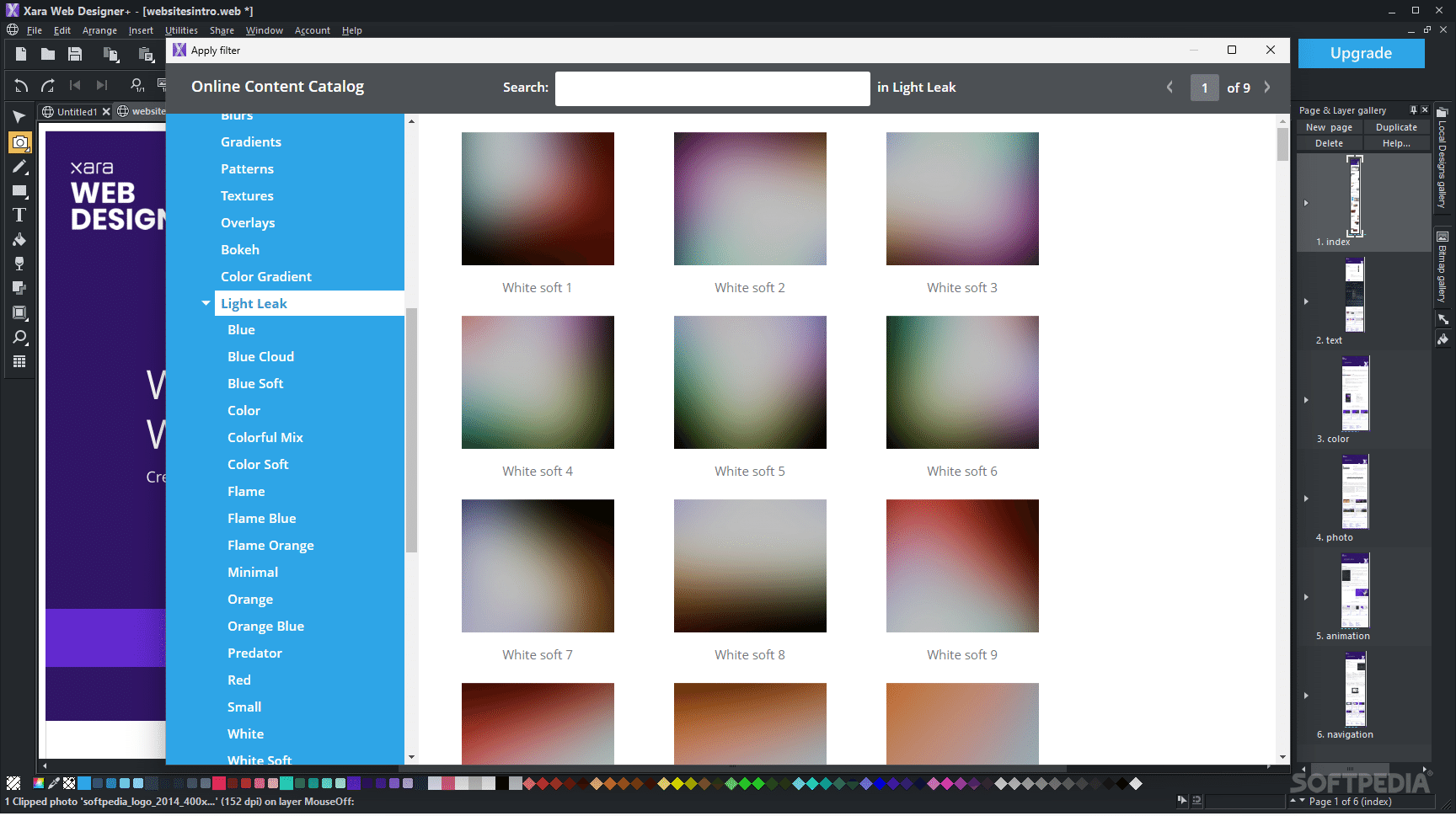
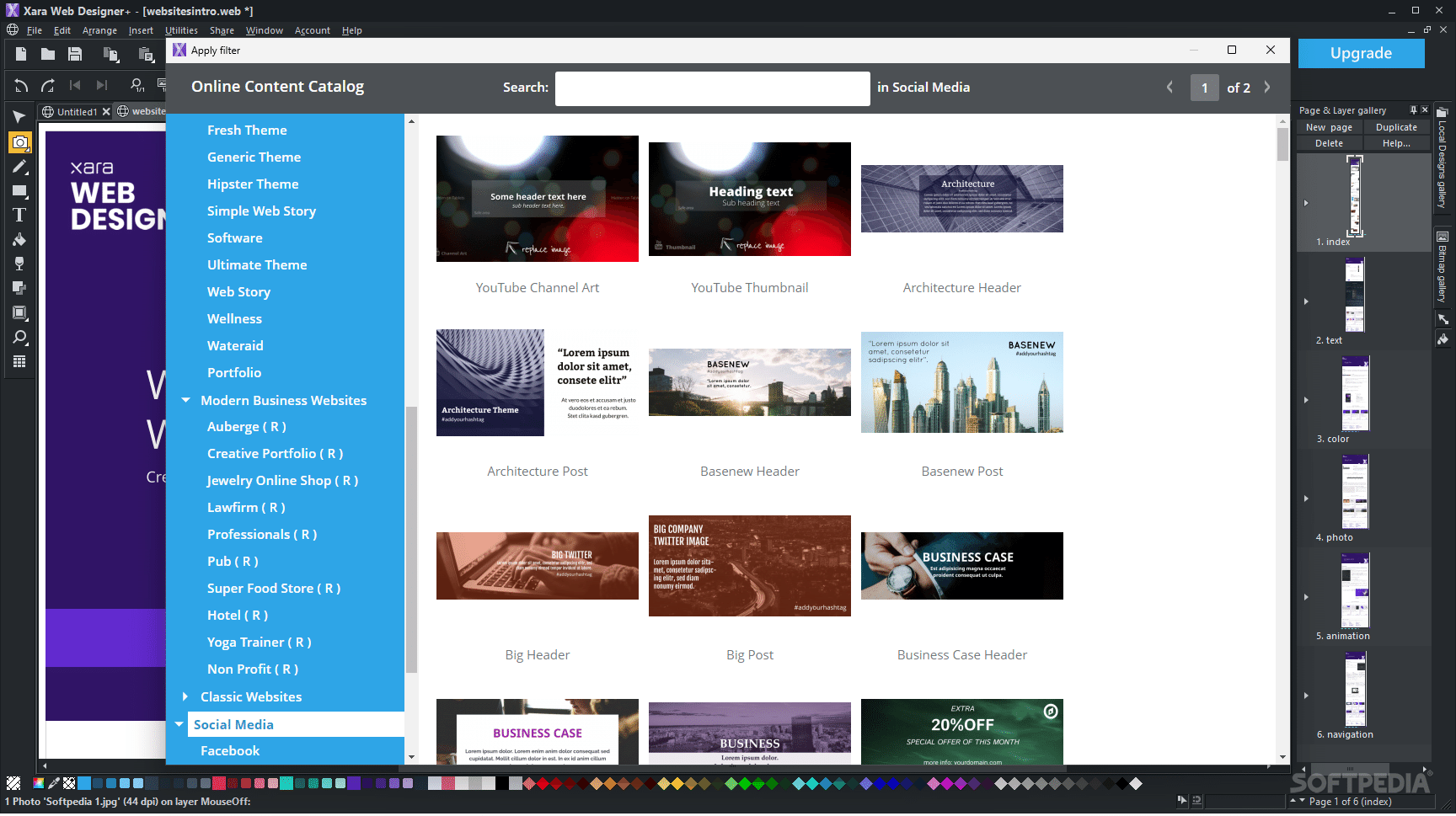
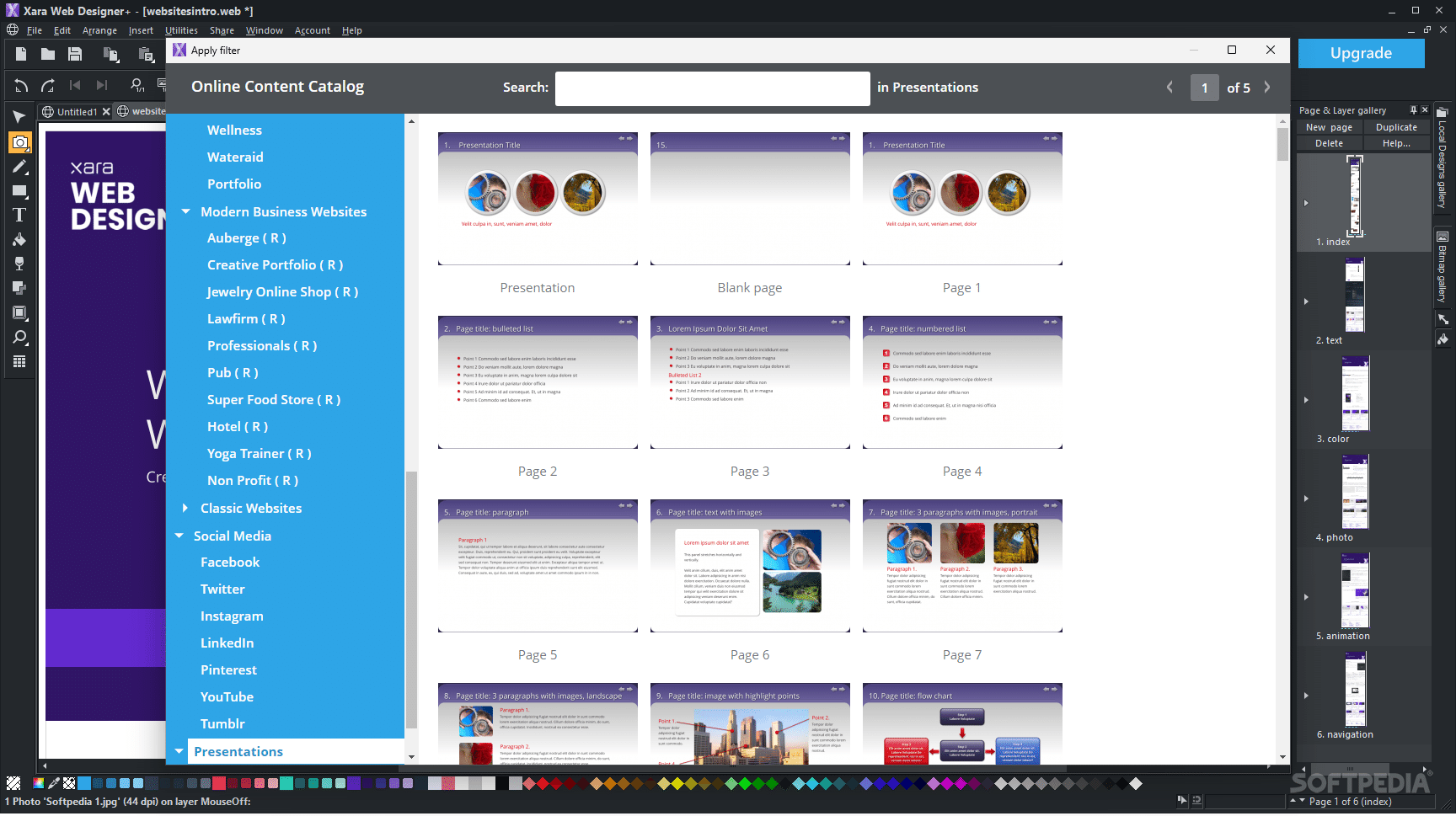
As stated above, the application also comes equipped with a vast collection of objects and elements, which are offered through an online catalog. This features a multitude of elements, which encompass a broad spectrum of applications.
For instance, you will be able to access stock photography, illustrations, symbols, components, filters, and much more.
The amount of functionality, together with the accessibility and ease of use of this website designer makes it a reliable choice for either novices or more demanding users.
What's new in Xara Web Designer+ 23.8.0.68981:
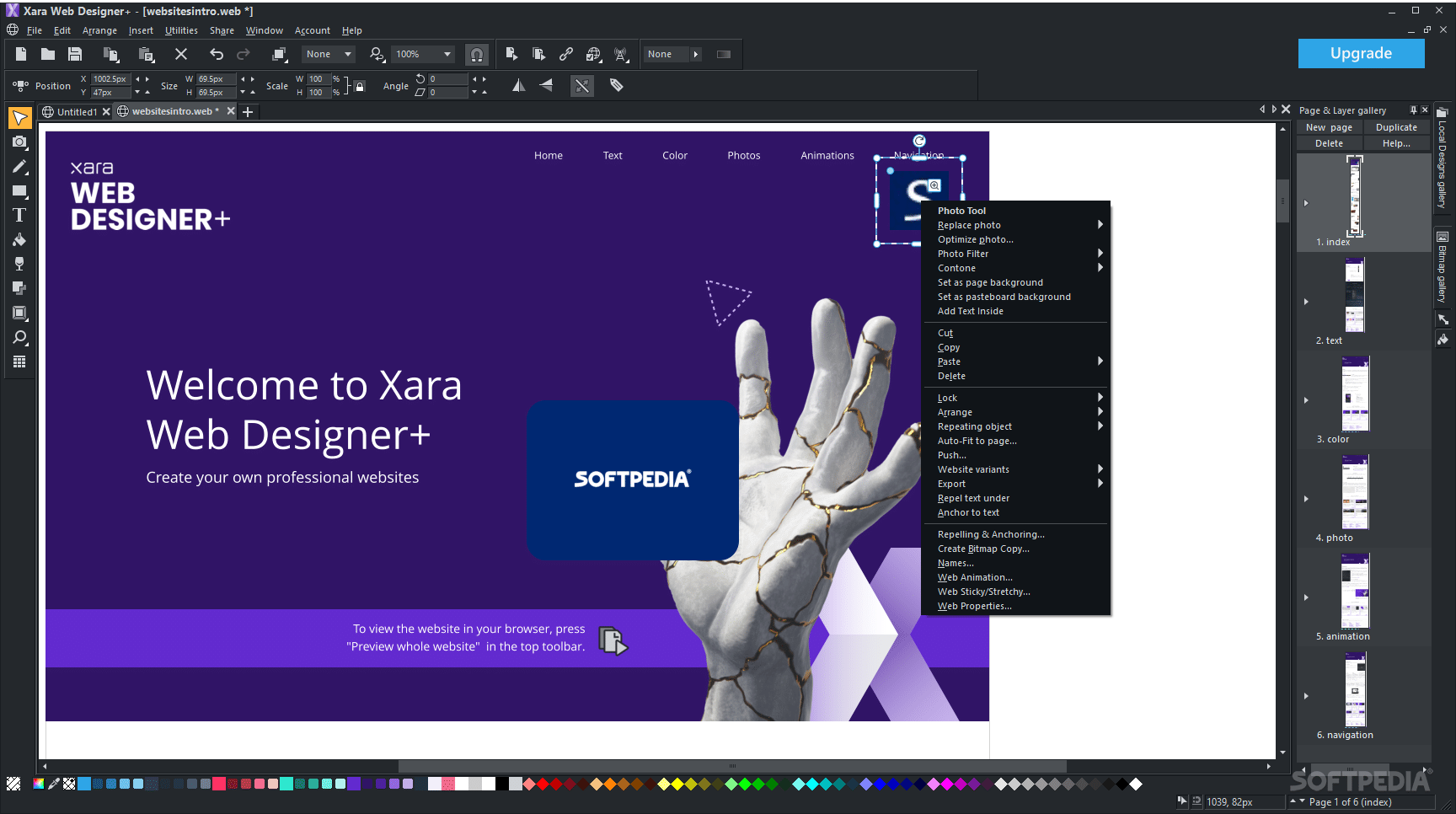
- Mold Tool - Replace Image
- Replacing images inside molds can now be done directly by right-clicking on the Mold and choosing the new Replace photo option
- Tables
Xara Web Designer+ 23.8.0.68981
add to watchlist add to download basket send us an update REPORT- runs on:
-
Windows 11
Windows 10 64 bit - file size:
- 321 MB
- filename:
- XWDSSetup.exe



- main category:
- Internet
- developer:
- visit homepage
Zoom Client

Bitdefender Antivirus Free

7-Zip

ShareX

4k Video Downloader

Windows Sandbox Launcher

Microsoft Teams

calibre

Context Menu Manager

IrfanView

- calibre
- Context Menu Manager
- IrfanView
- Zoom Client
- Bitdefender Antivirus Free
- 7-Zip
- ShareX
- 4k Video Downloader
- Windows Sandbox Launcher
- Microsoft Teams