
A to-the-point app that can help users monitor the weather in their area: available only for US locations, this program is also capable of sending you alerts about important weather events #Weather Forecast #Weather App #Weather Alert #Weather #Forecast #Alert

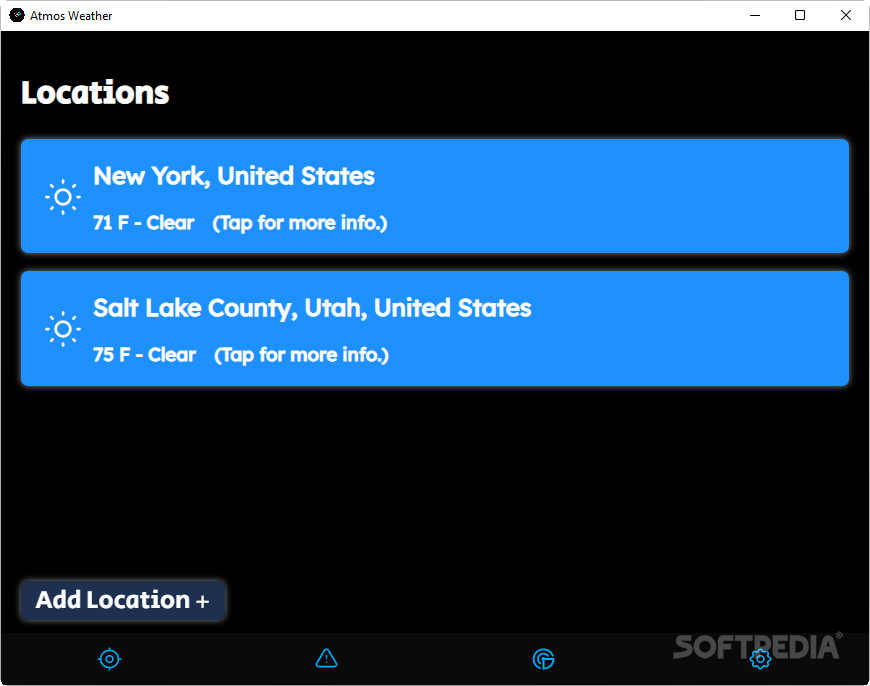
A weather forecast is what one would call an 'educated guess'. Though forecasts may be off the mark every once in a while, they're usually quite reliable, and are of great help to people who like to plan ahead. Information about the weather situation in your area can be accessed via a simple internet search, but you can also use a dedicated app to have everything at the ready, right on your desktop.
If you're from the US, you might be enticed by Atmos Weather, which is an app capable of providing quite in-depth forecasts for your location, as well as send you alerts for notable events.
Those on the lookout for a simple weather app can try this one. There's very little to set up and configure, so any type of user can make full use of the program without fussing over any particulars.
To start off, add in your location: typing in the city name is fine, but you can also enter your zip code. It's worth reiterating that only US locations are supported at the moment, so anything other than that won't work.
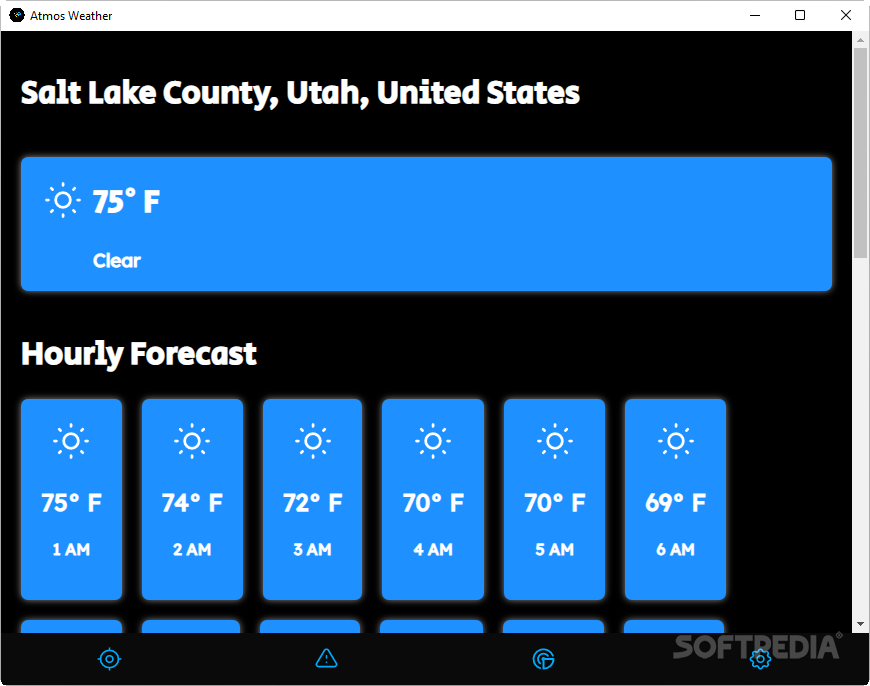
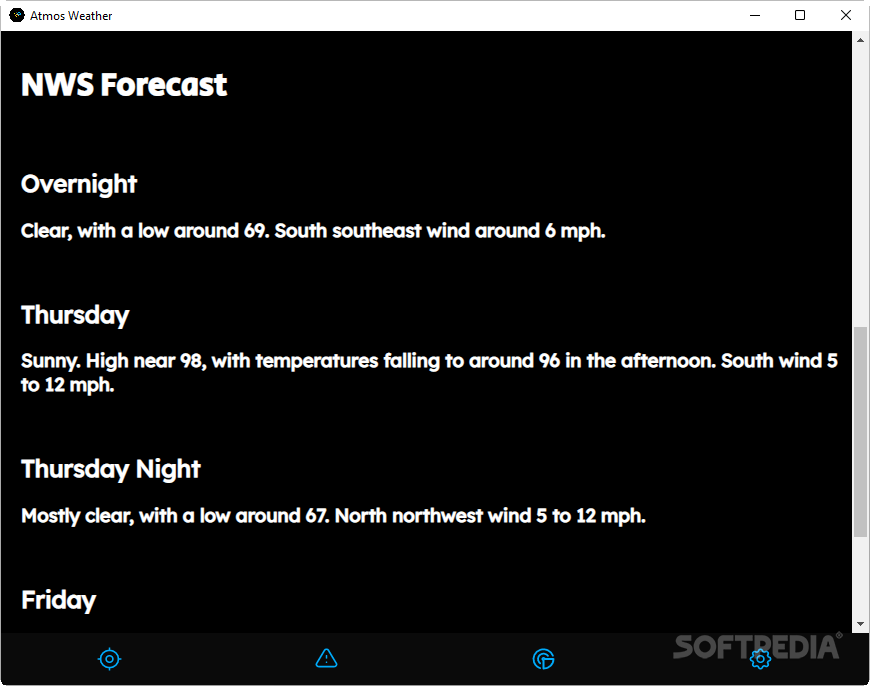
Upon selecting your area, you'll be able to look at the forecast for the current day, as well as peruse the provided hourly predictions. An NWS Forecast section is present at the bottom, which will provide additional data on how the weather will evolve.
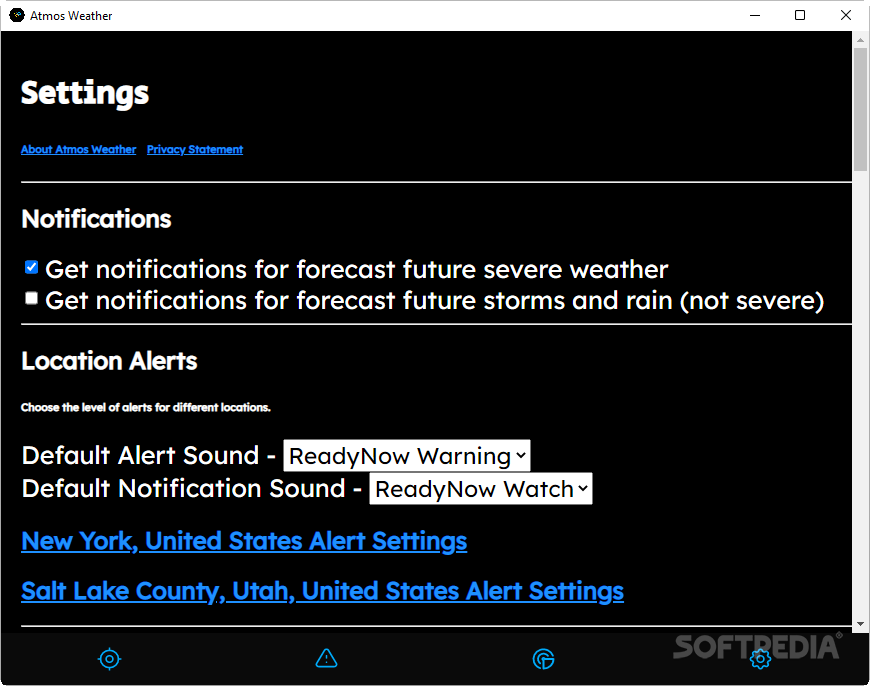
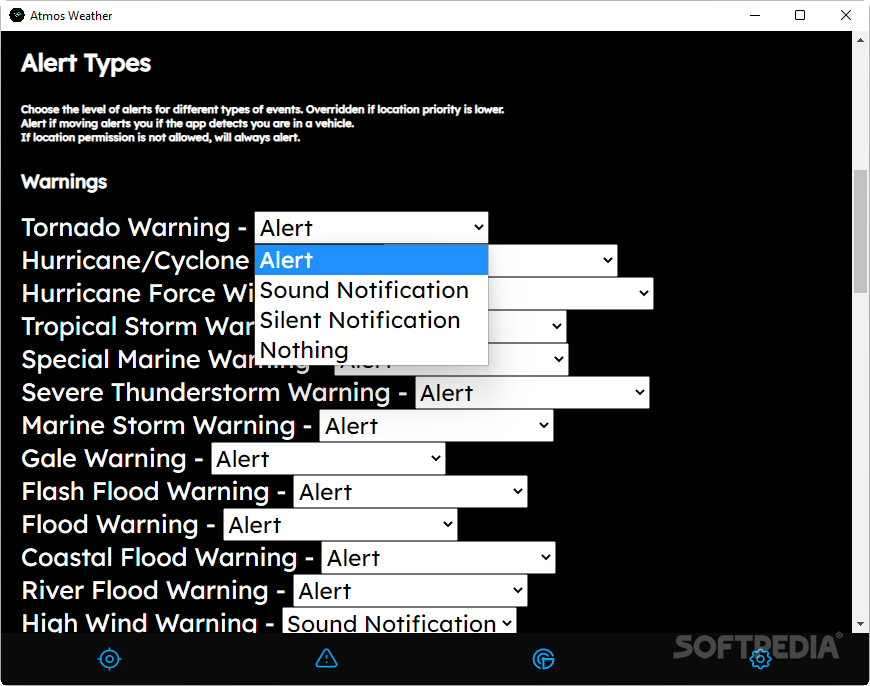
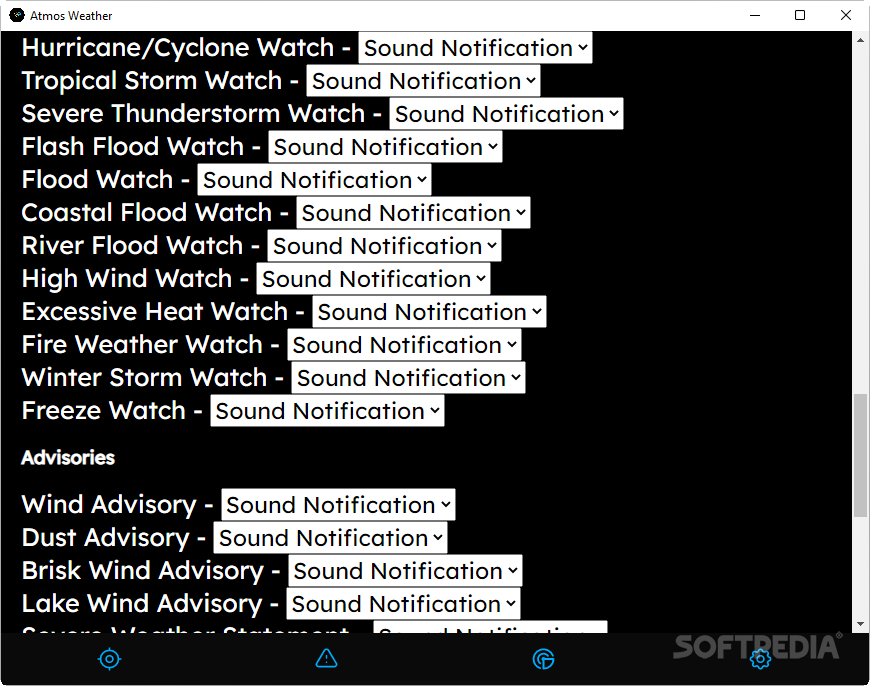
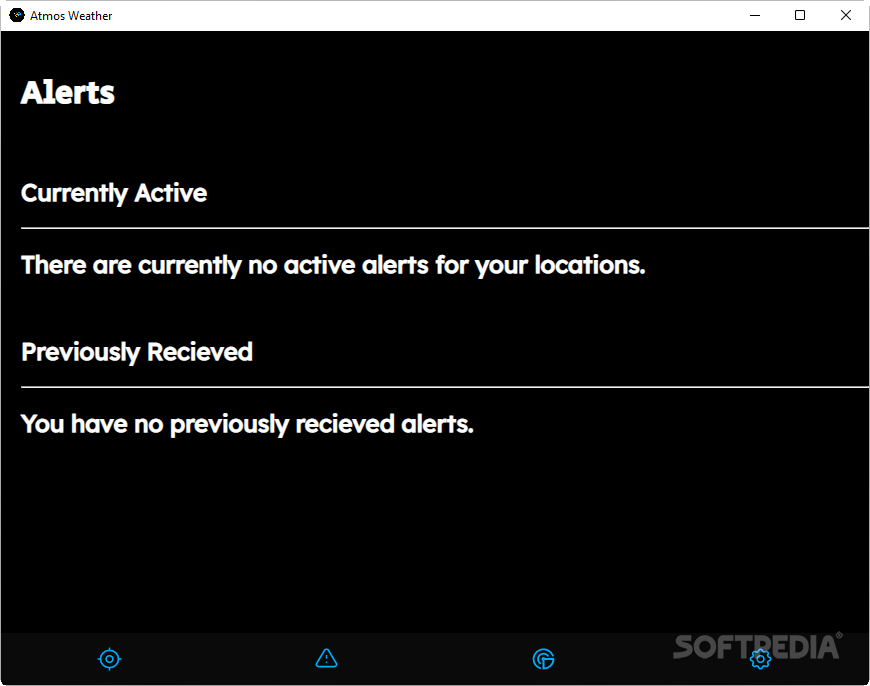
Among the highlight features of the app, alerts serve to keep you up to date on the latest weather developments. Especially in the case of more serious ones, planning accordingly requires you to be aware of their existence in the first place. These alerts can be customized to your liking in the Settings menu, where you'll be able to set what events you wish to receive sound notifications for, as well as prioritize what forecasts warrant an alert.
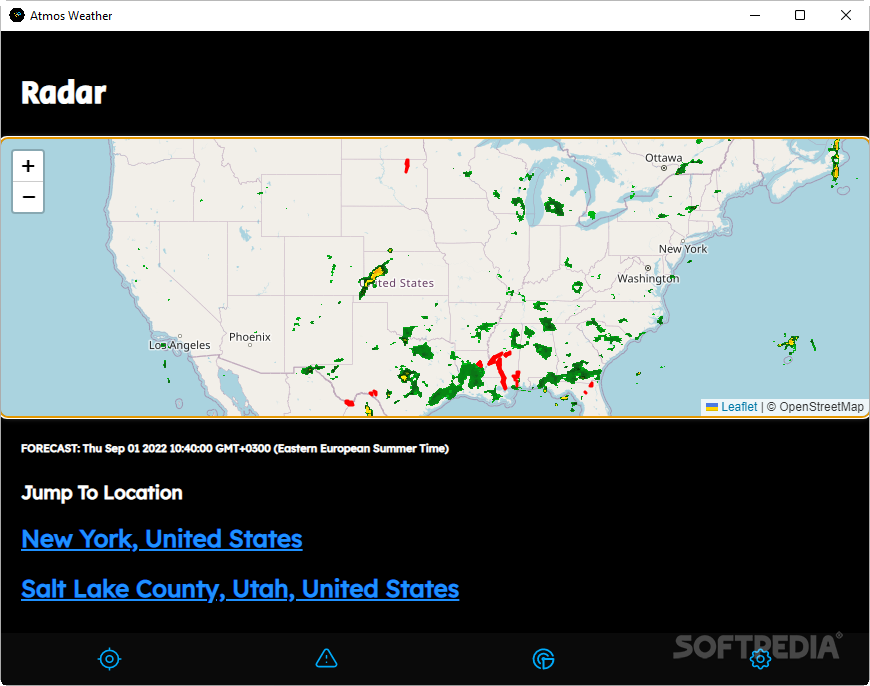
The Radar can help with all of this, as it provides a real-time portrait of the weather developments in the United States, offering information on past developments, coupled with the outlook of the forecasts.
Atmos Weather is an overall solid weather app: though limited in the locations it covers, those living in the US will nevertheless appreciate what's on offer here.
What's new in Atmos Weather 2.1.0:
- New Features:
- New and Improved Alert System
- The new alert system now checks for alerts at all added locations at once using zones with the NWS API. The new system brings numerous benefits to users without visibly changing anything.
- Using the new system, Atmos Weather now decides which alerts correspond to which location so user location settings are still respected.
Atmos Weather 2.1.0
add to watchlist add to download basket send us an update REPORT- PRICE: Free
- runs on:
-
Windows 11
Windows 10 64 bit - file size:
- 78.3 MB
- filename:
- Atmos-Weather-Setup-2.1.0.exe
- main category:
- Internet
- developer:
- visit homepage
ShareX

calibre

7-Zip

Microsoft Teams

Context Menu Manager

Bitdefender Antivirus Free

Windows Sandbox Launcher

IrfanView

Zoom Client

4k Video Downloader

- IrfanView
- Zoom Client
- 4k Video Downloader
- ShareX
- calibre
- 7-Zip
- Microsoft Teams
- Context Menu Manager
- Bitdefender Antivirus Free
- Windows Sandbox Launcher