
User-friendly application designed to help you record videos, take screenshots, view the images, and apply basic photo editing features. #Capture snapshot #Webcam viewer #Edit video #Webcam #Snapshot #Capture

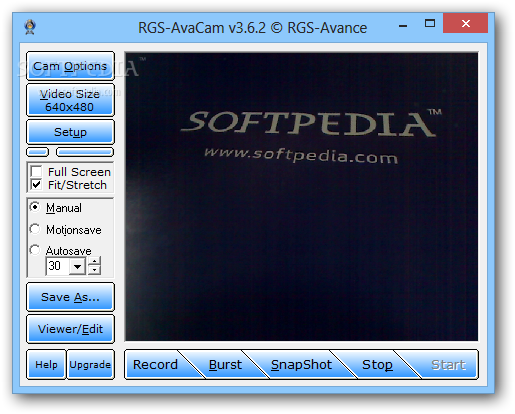
RGS-AvaCam is a very user-friendly tool designed to capture snapshots from your camera, providing multiple configuration options to enhance the whole process.
While the interface is very simple but it helps the app get the job done pretty easily, you should really have a look in the settings menu where the application comprises several useful tools.
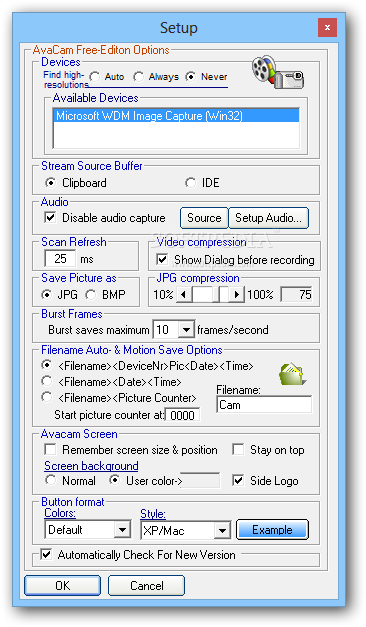
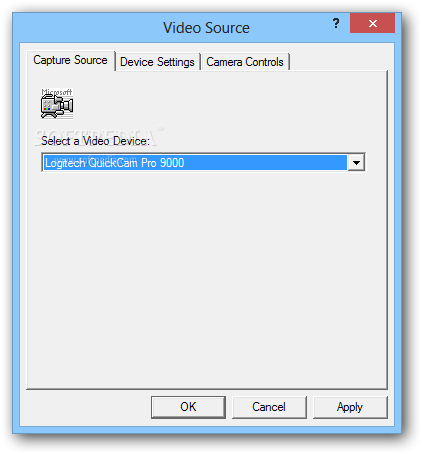
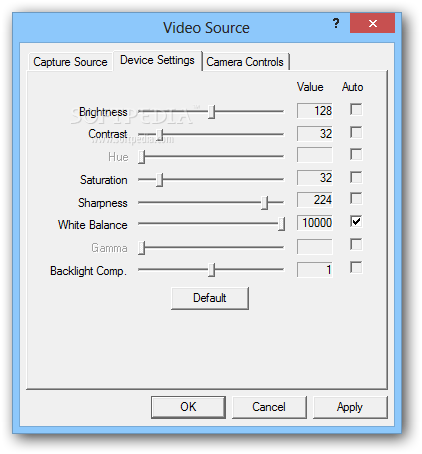
For example, you can choose the device you wish to use, enable audio capture and pick the device to handle the task, set up scan refresh and video compression, select the format for saving pictures and adjust JPG compression.
Additionally you need to configure burst frames and the number of frames per second to use, filename auto save options and interface preferences, including colors and skins.
The main window of the program lets you start a recording, take a single snapshot or a burst, with dedicated options to enable manual, motionsave or autosave modes.
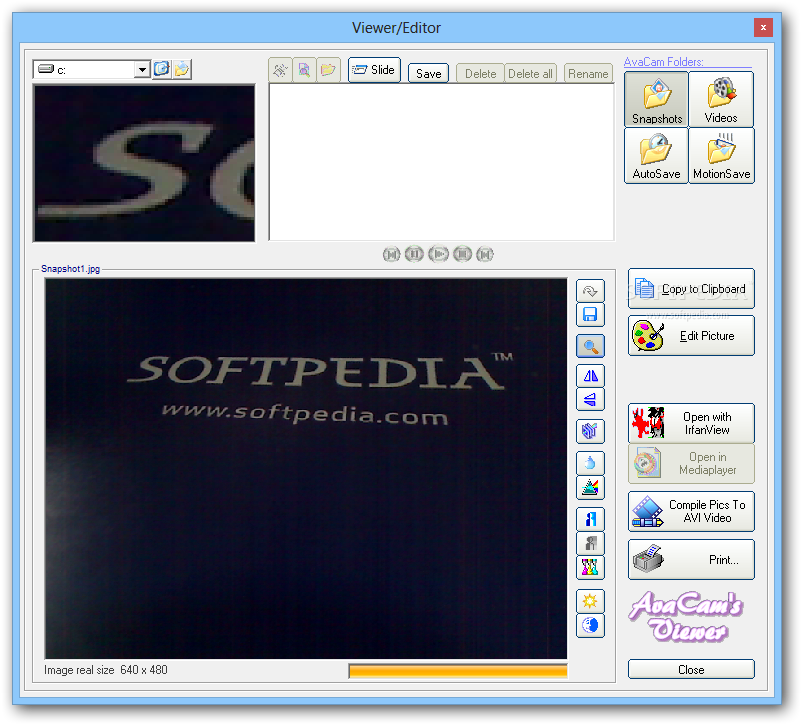
Last but not least, RGS-AvaCam comes with a separate viewer to see the saved photos, boasting an easy-to-navigate interface and basic photo editing tools. For instance, you can adjust brightness, sharpen the photo, rotate, flip and invert colors.
Just as expected, RGS-AvaCam works smooth on all Windows workstations out there and is not at all a resource hog, leaving just a minimum footprint on computer resources.
The conclusion is rather simple: RGS-AvaCam is a decent tool, not only because it serves its purpose very well, but it also boasts a straightforward approach to target all types of users.
What's new in RGS-AvaCam 3.7.0:
- new: option to use Burst instead of one snapshot when motion is detected (when working in MotionSave mode)
- new: option to allow multiple recordings in Motion Detection Mode
- new: shortcut keys can be defined (ini file)
- new: Autosave function setting: Maximum Autosave interval can now be set up to one hour
RGS-AvaCam 3.7.0
add to watchlist add to download basket send us an update REPORT- runs on:
- Windows All
- file size:
- 1013 KB
- filename:
- AvaCam_Setup.exe
- main category:
- Internet
- developer:
- visit homepage
ShareX

Bitdefender Antivirus Free

Windows Sandbox Launcher

Zoom Client

7-Zip

IrfanView

Context Menu Manager

4k Video Downloader

calibre

Microsoft Teams

- 4k Video Downloader
- calibre
- Microsoft Teams
- ShareX
- Bitdefender Antivirus Free
- Windows Sandbox Launcher
- Zoom Client
- 7-Zip
- IrfanView
- Context Menu Manager