

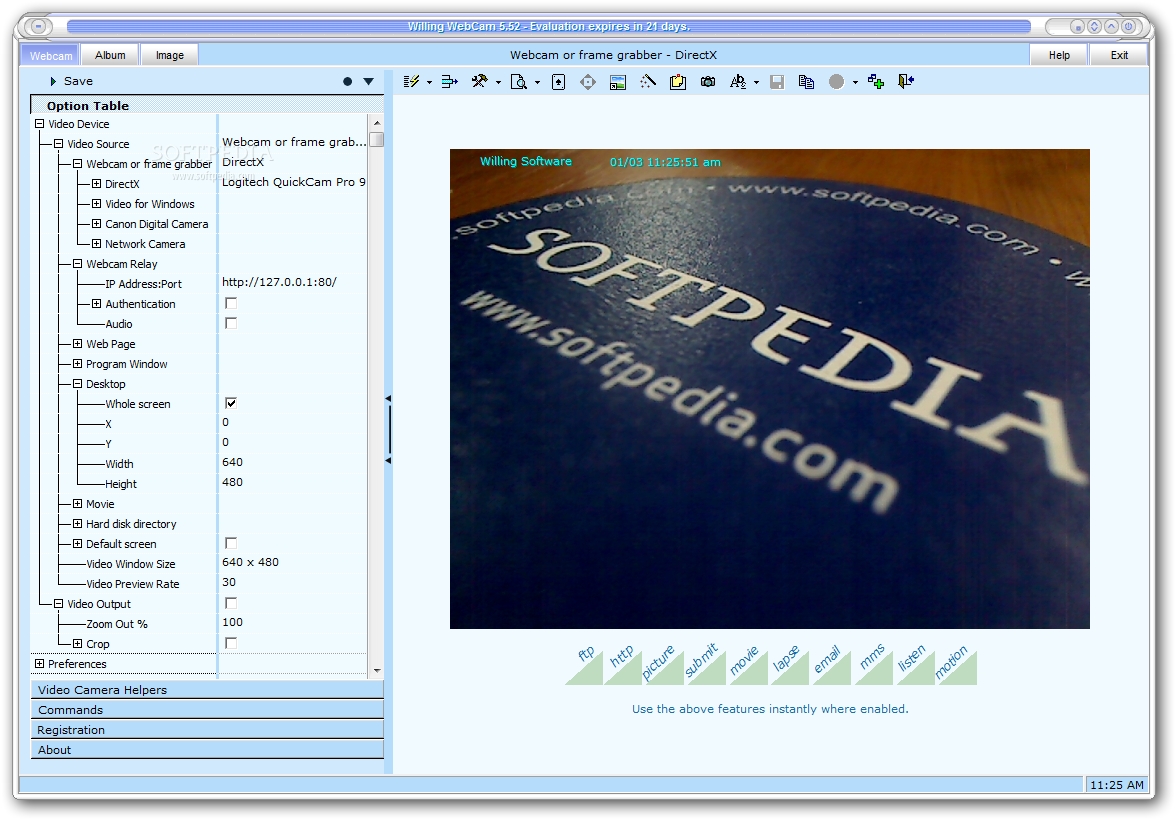
Willing Webcam is a webcam monitoring tool that records video, captures the screen, sends files via email, and uploads them via FTP. It includes other useful features as well.
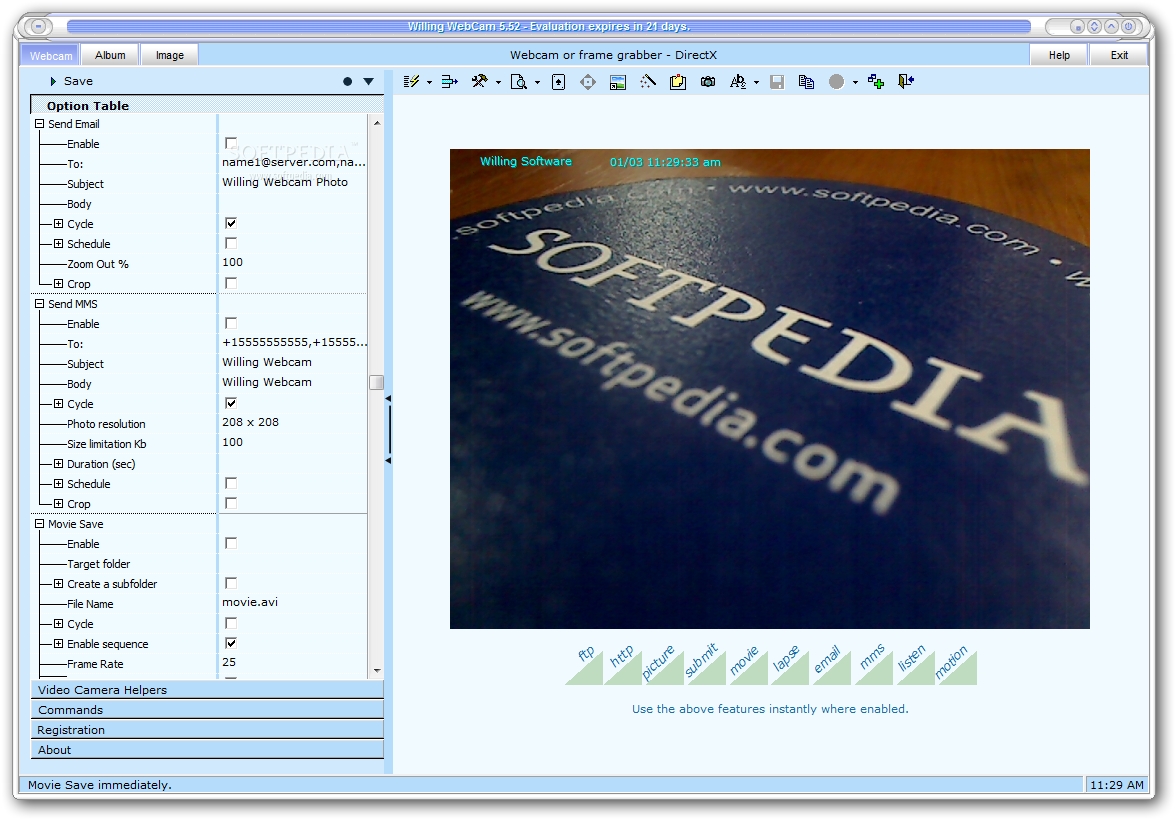
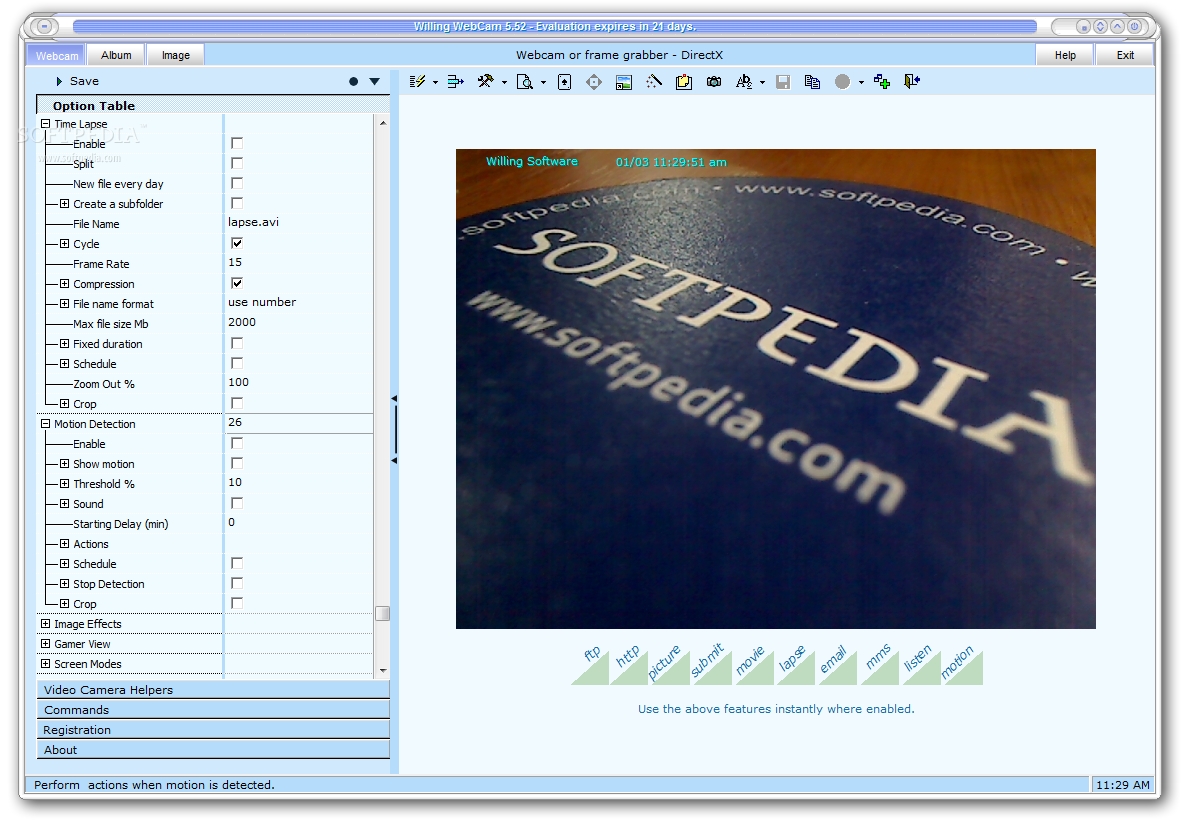
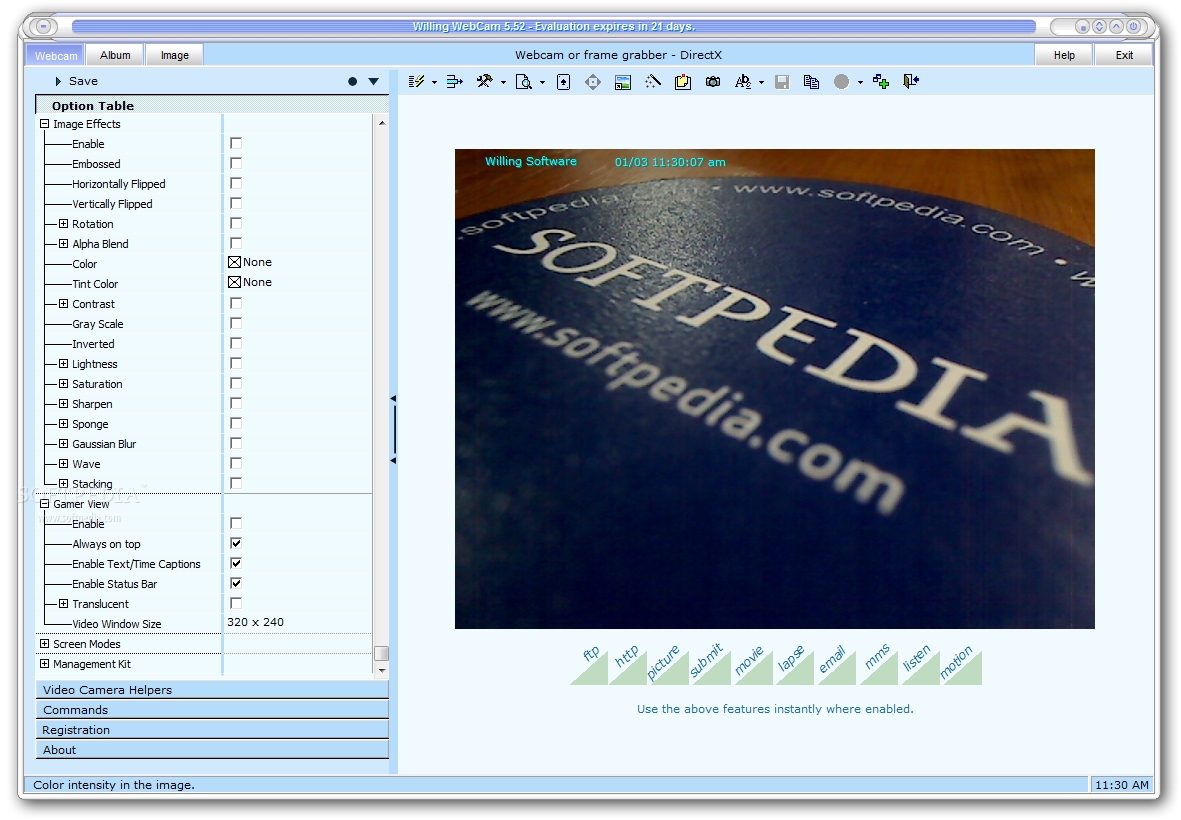
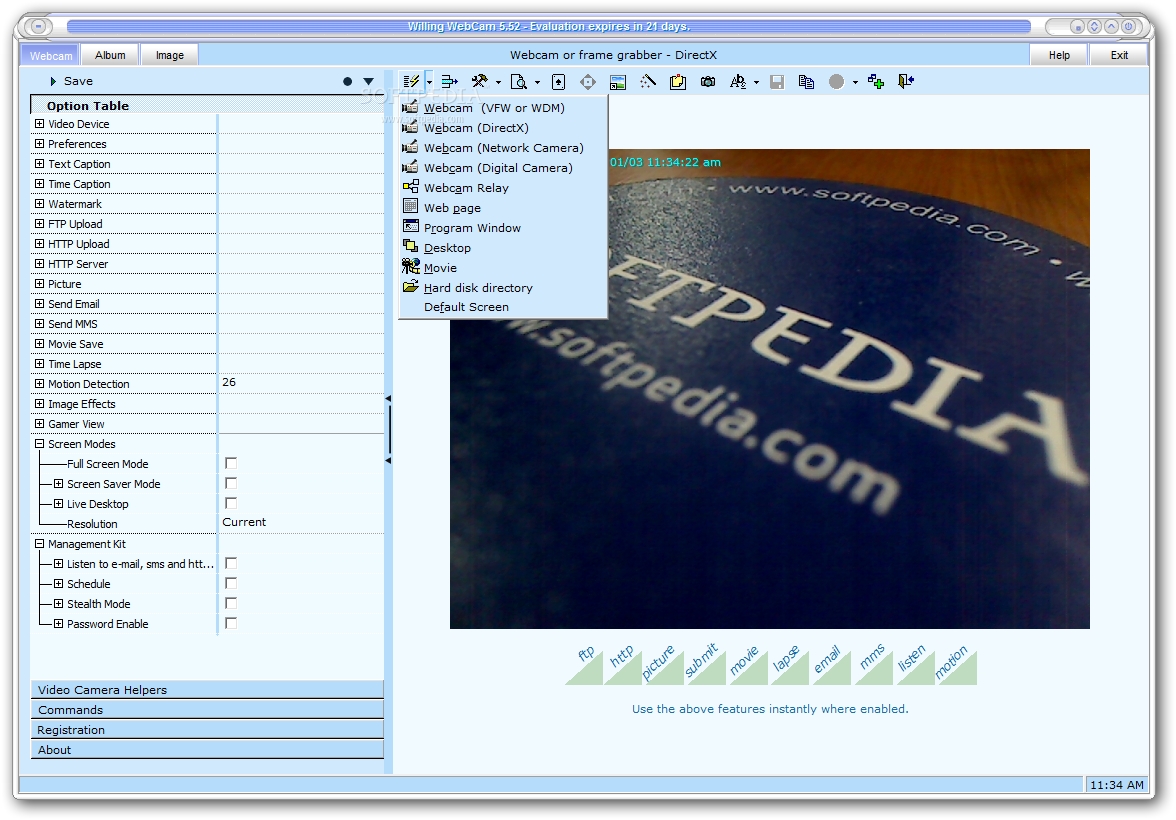
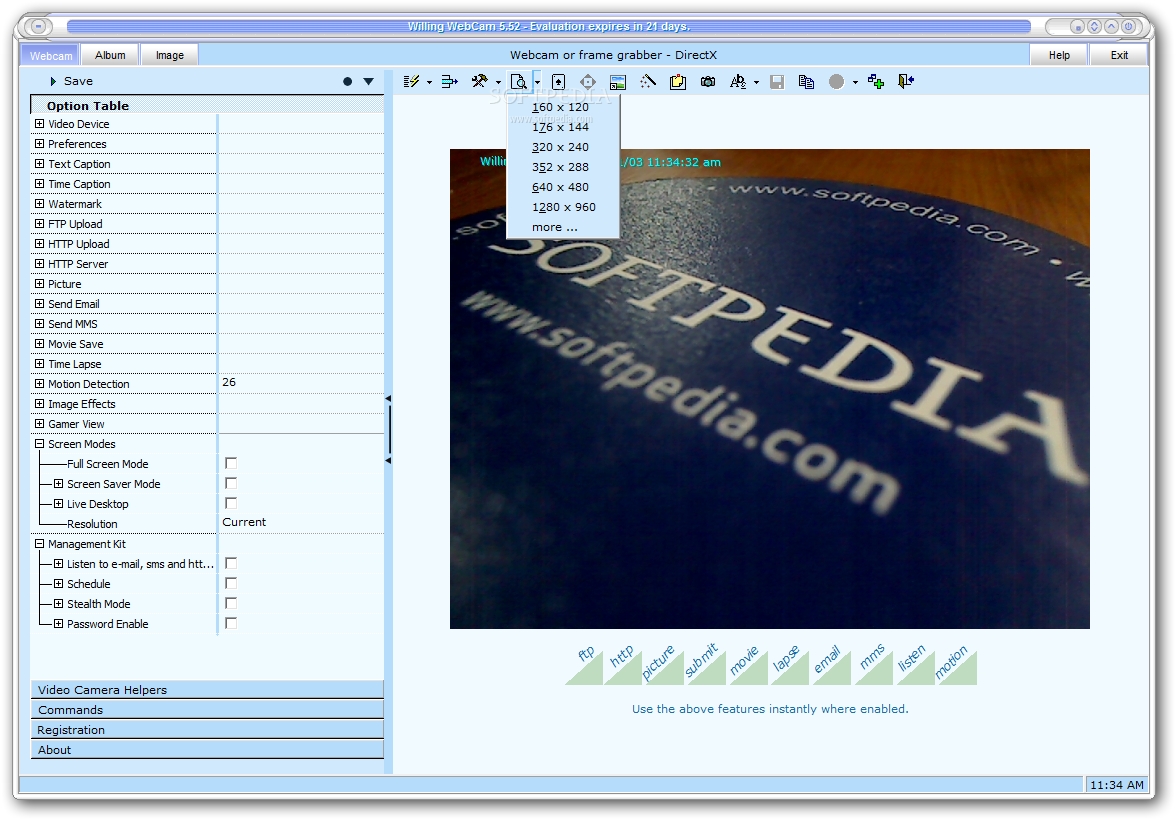
The interface is based on a standard window divided into three panels for configuring settings and viewing webcam streaming, accessing albums, and viewing images.
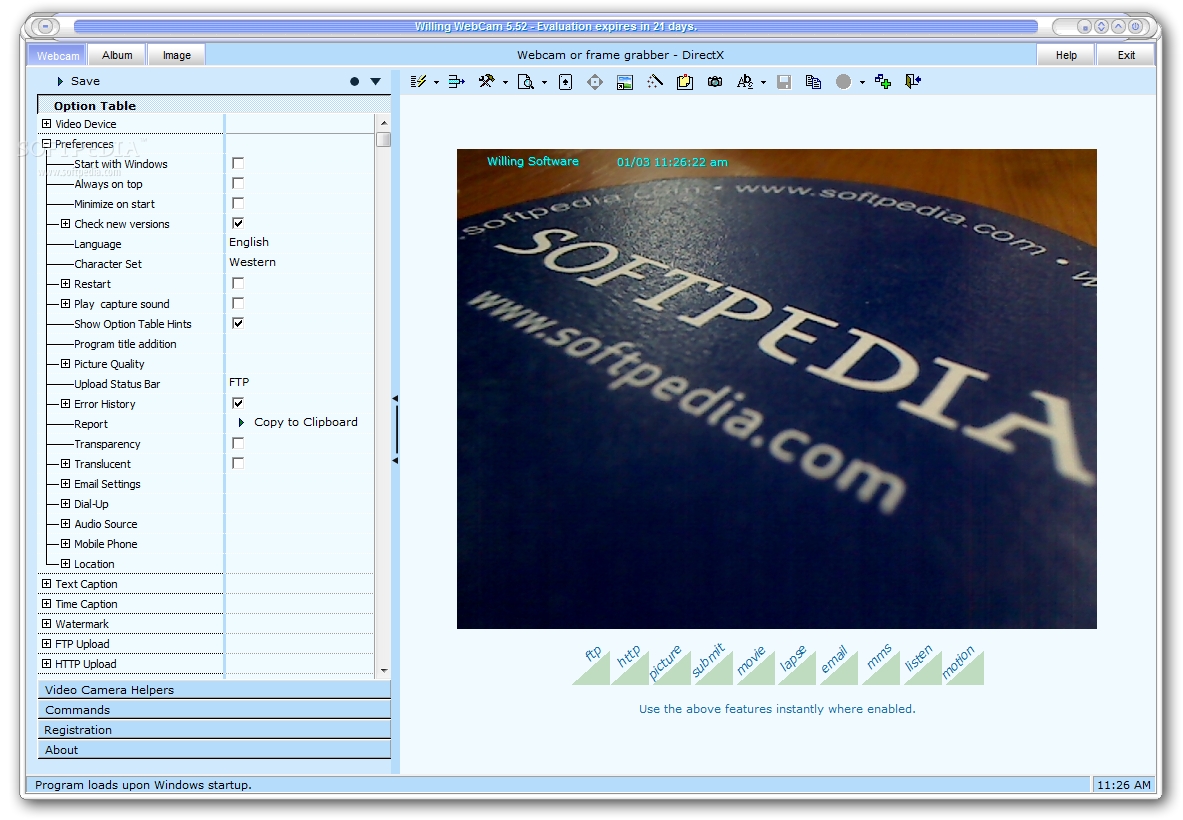
Unfortunately, the options table is not very intuitive, so less experienced users may take a while learning to configure settings for each main feature.
Below the webcam stream you can ask Willing Webcam to record a movie, take snapshots, upload via FTP or HTML, enable HTTP server broadcasting, send files via email or MMS, check your email inbox periodically, set the motion detection sensitivity level, and enable the time lapse cycle to record video at a certain time point.
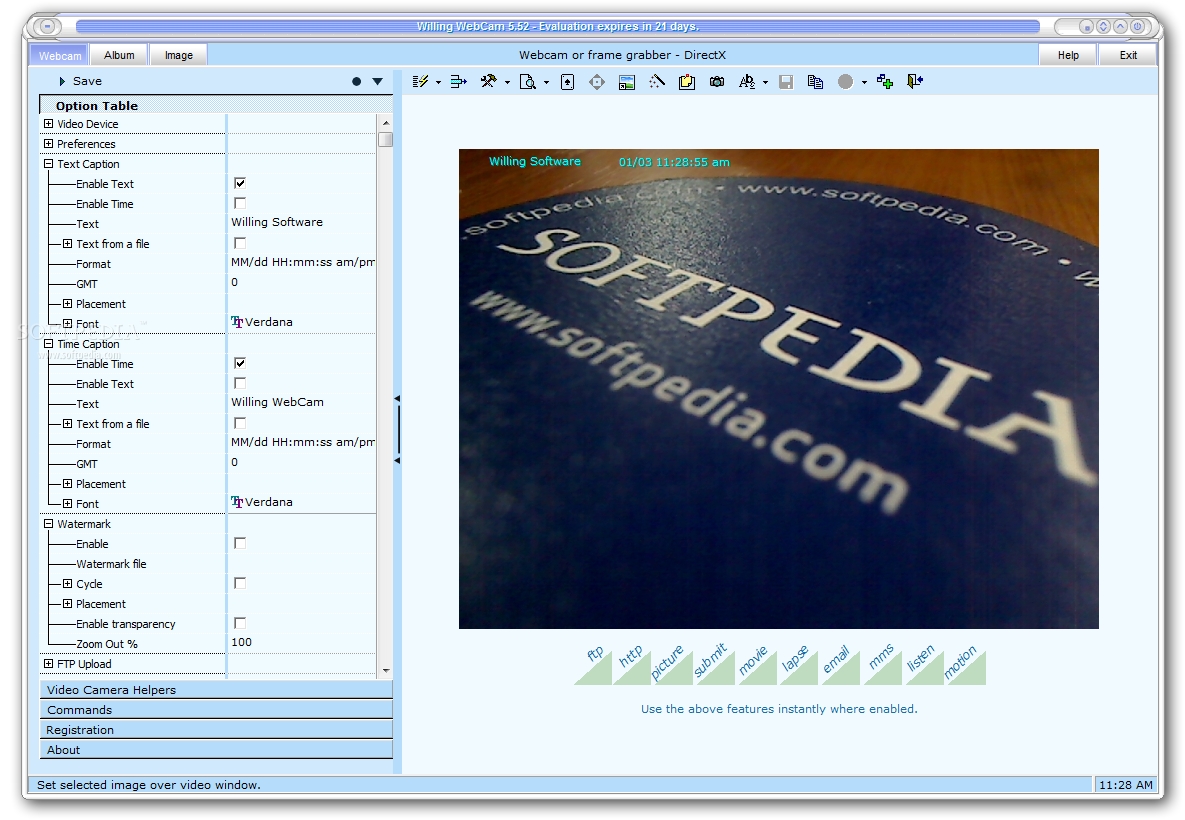
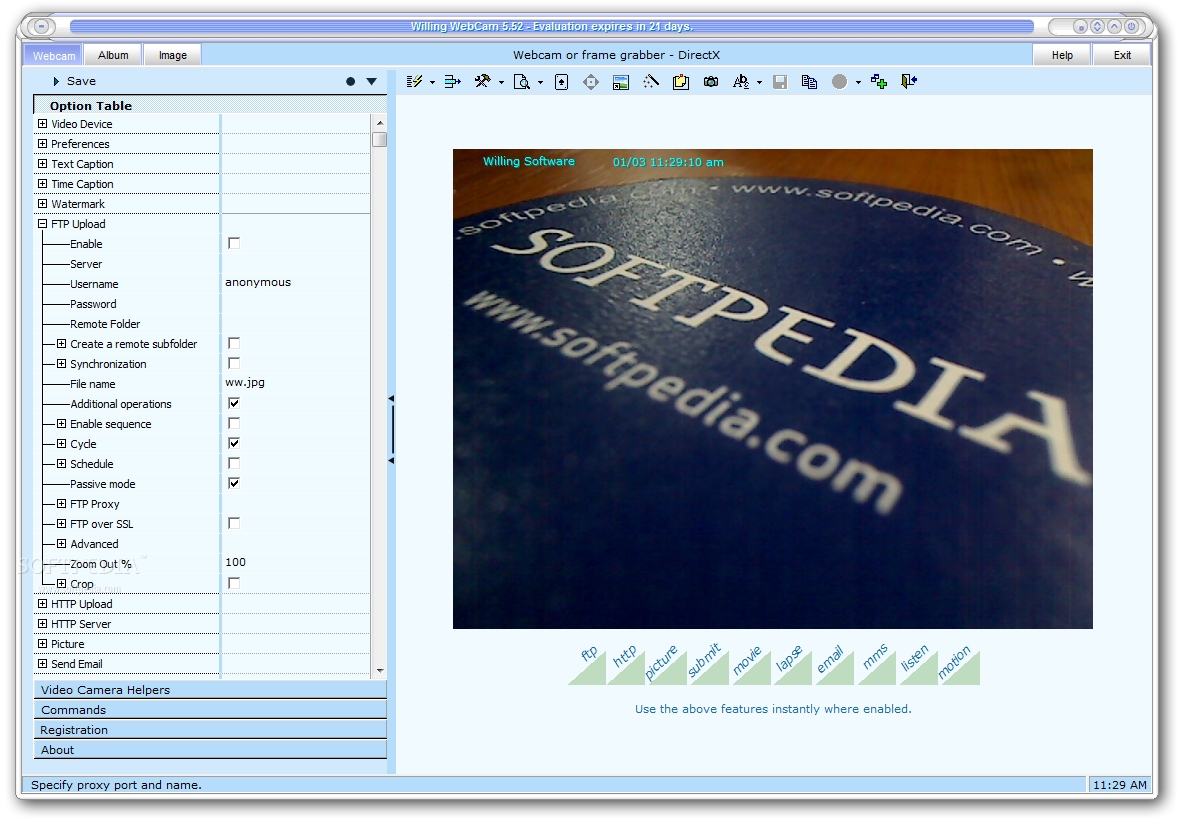
You can specify the video source and crop the video, add text captions, time stamps and watermarks, configure FTP and HTML upload settings, specify the screenshots saving directory, set the image resolution for MMS, apply image effects (e.g. rotation, gray scale, contrast), enable gamer viewing mode, hide Willing Webcam, as well as enable a program password.
From the "Album" panel you can view recordings and snapshots, and in the "Image" tab it is possible to edit and print images, or send them via email. Willing Webcam can be set to automatically run at system startup minimized and to record a log file.
The program leaves a small footprint in the resources usage area, so it doesn't burden overall performance. It has a good response time and didn't hang, crash or pop up error dialogs in our tests. Unfortunately, intuitiveness in regard to configuration parameters is not one of its strong points. Nevertheless, Willing Webcam gets the jobs done whenever you want to schedule webcam monitoring sessions.
Download Hubs
Willing WebCam is part of these download collections: Webcam Recorder
Filed under
What's new in Willing WebCam 5.5:
- The new video source has been added. Please see the 'Video device > Video Source' pull-down list and its corresponding 'Source' button list above the preview window. This video source allows you to capture screenshots of a program window in real time, so you can use the Crop options to select video areas on the program window. Expand the Crop option and drag the mouse above the preview window to make that. Collapse the option to remove the yellow border. The 'Program Window' video source is especially useful for those network cameras that are not directly supported by the program and for publishing dynamic program output. The source program must not be minimized. Besides if you close the source program and then open it again, restart the video source because Windows assigns a new identifier to the new program window.
- Latest version:
Willing WebCam 5.54
- runs on:
- Windows All
- file size:
- 5.6 MB
- filename:
- willingwebcam554.exe
- main category:
- Internet
- developer:
- visit homepage
Context Menu Manager

Windows Sandbox Launcher

Bitdefender Antivirus Free

4k Video Downloader

IrfanView

ShareX

Microsoft Teams

calibre

7-Zip

Zoom Client

- calibre
- 7-Zip
- Zoom Client
- Context Menu Manager
- Windows Sandbox Launcher
- Bitdefender Antivirus Free
- 4k Video Downloader
- IrfanView
- ShareX
- Microsoft Teams