
Tether your Android smartphone to your computer without rooting the device, thus sharing the mobile Internet access with the Windows PC. #Share connection #Tether Android #Tether smartphone #Tether #Android #Share

If you've always wanted to use your Android phone as a hotspot, then you need a tethering third party application, such as EasyTether. Tethering enables you to use your phone's 3G or 4G Internet connection to navigate online on your PC and that is exactly what this application is designed to do.
One of its main advantages is that it allows tethering without carrier detection and does not require rooting, which means you don't have to go through long and hard modding processes to make it work. Thus, no complicated configuration is required and you simply have to click "Connect" to get online.
Providing full TCP and UDP support, this software allows you to easily share the Android smartphone (Android 1.5+ devices are supported) Internet connection with other devices. Its compatibility range is not limited only to desktop or laptop computers. You can also use it to supply bandwidth to Playstation 3, XBox 360 or the Wii console, via your Windows Internet connection. This means you still need the computer for consult tethering.
EasyTether only provides USB support and you cannot use it for WiFi or Bluetooth tethering. Thus, you have to connect your phone to the computer via USB and then you can harness its Internet connection to surf online on your PC or other devices.
In order to make it work, you need the Android application installed on your phone and the corresponding drivers on your PC. Depending on your phone model, additional Windows-only drivers may be needed.
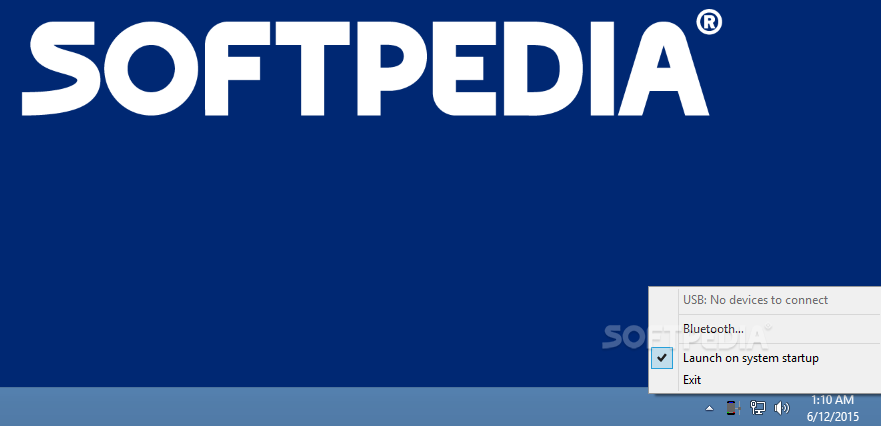
After all the requirements are met and the device is detected and recognized, the EasyTether icon appears in the Windows taskbar. Right-clicking on it opens a menu where you can start the connection manually and access the settings.
Although it only supports USB tethering, EasyTether comes in handy for those who are looking for an easy method to get Internet access using the mobile phone.
Download Hubs
EasyTether is part of these download collections: Android Manager
EasyTether 1.3.4.0 Beta
add to watchlist add to download basket send us an update REPORT- runs on:
-
Windows 10 32/64 bit
Windows 8 32/64 bit
Windows 7 32/64 bit
Windows Vista 32/64 bit
Windows XP 32/64 bit - file size:
- 5.8 MB
- filename:
- easytether.exe
- main category:
- Mobile Phone Tools
- developer:
- visit homepage
7-Zip

Windows Sandbox Launcher

Zoom Client

calibre

Context Menu Manager

ShareX

IrfanView

Bitdefender Antivirus Free

Microsoft Teams

4k Video Downloader

- Bitdefender Antivirus Free
- Microsoft Teams
- 4k Video Downloader
- 7-Zip
- Windows Sandbox Launcher
- Zoom Client
- calibre
- Context Menu Manager
- ShareX
- IrfanView