Softpedia
 

WINDOWS CATEGORIES:


GLOBAL PAGES >>
SOFTPEDIA REVIEWS >>
MEET THE EDITORS >>
WEEK'S BEST
  • Sticky Password FR...
  • Parallels Workstat...
  • ESET NOD32 Antivir...
  • BitDefender Total ...
  • WinPatrol 24.6.201...
  • PerfectDisk Free D...
  • Adobe Photoshop CS...
  • PerfectDisk Profes...
  • Windows 8 Consumer...
  • Atlantis Word Proc...
  • Home > Windows > Mobile Phone Tools > IPhone
     Report malware

    Leawo iTransfer 1.0.0.3

    download button

    Downloads: 500  Tell us about an update
    User Rating:
    Rated by:
    Very Good (4.5/5)
    2 user(s)
    Developer:

    License / Price:

    Size / OS:

    Last Updated:

    Category:

    Shareware / USD 19.95 buy button
    16.6 MB / Windows NT / 2K / XP / 2003 / Vista / Vista64 / 7 / 7 x64
    [view history]
    C: \ Mobile Phone Tools \ IPhone

     Read user reviews (0)  Send to friend   Follow (0 users)

    Leawo iTransfer description

    Copy and transfer data files among iOS devices

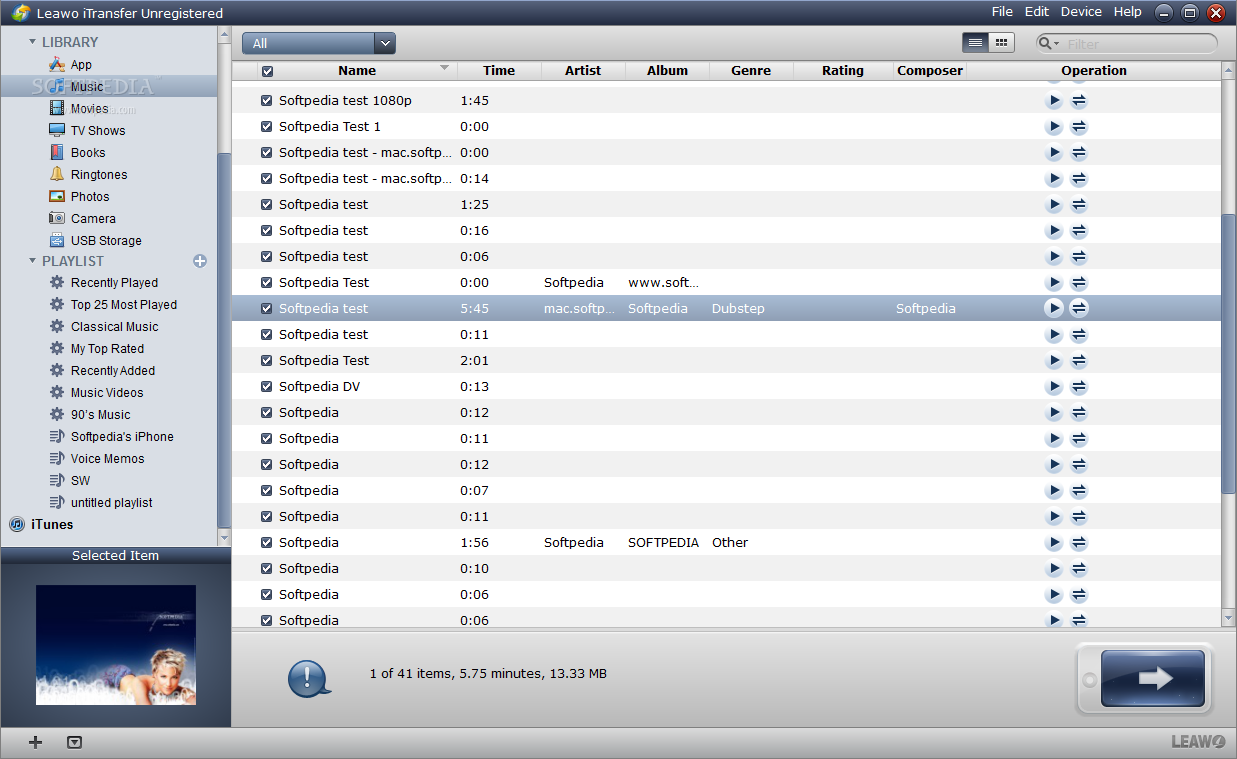
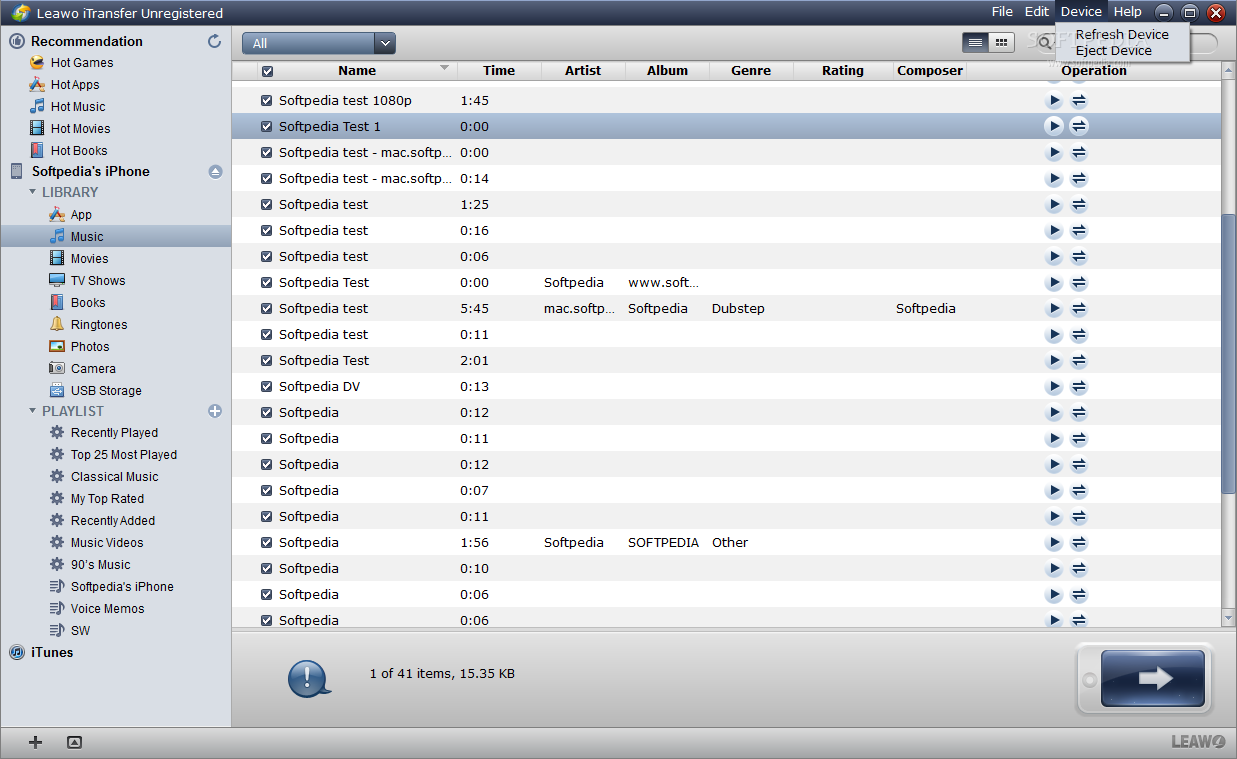
    Leawo iTransfer is a handy and reliable application designed to copy multimedia content among iPod, iPhone, iPad, iTunes and PC.

    Leawo iTransfer is a powerful combination of iPod transfer, iPhone transfer and iPad transfer which can successfully transfer media files among all iOS devices, back up to PC and iTunes, shift from iTunes and PC library to iOS devices, manage media sources without iTunes. It is capable of fulfilling data sharing on various Apple products through devices transferring, guaranteeing data security by means of copying iPod to computer, iPhone to computer and iPad to computer, managing files as perfect as iTunes.

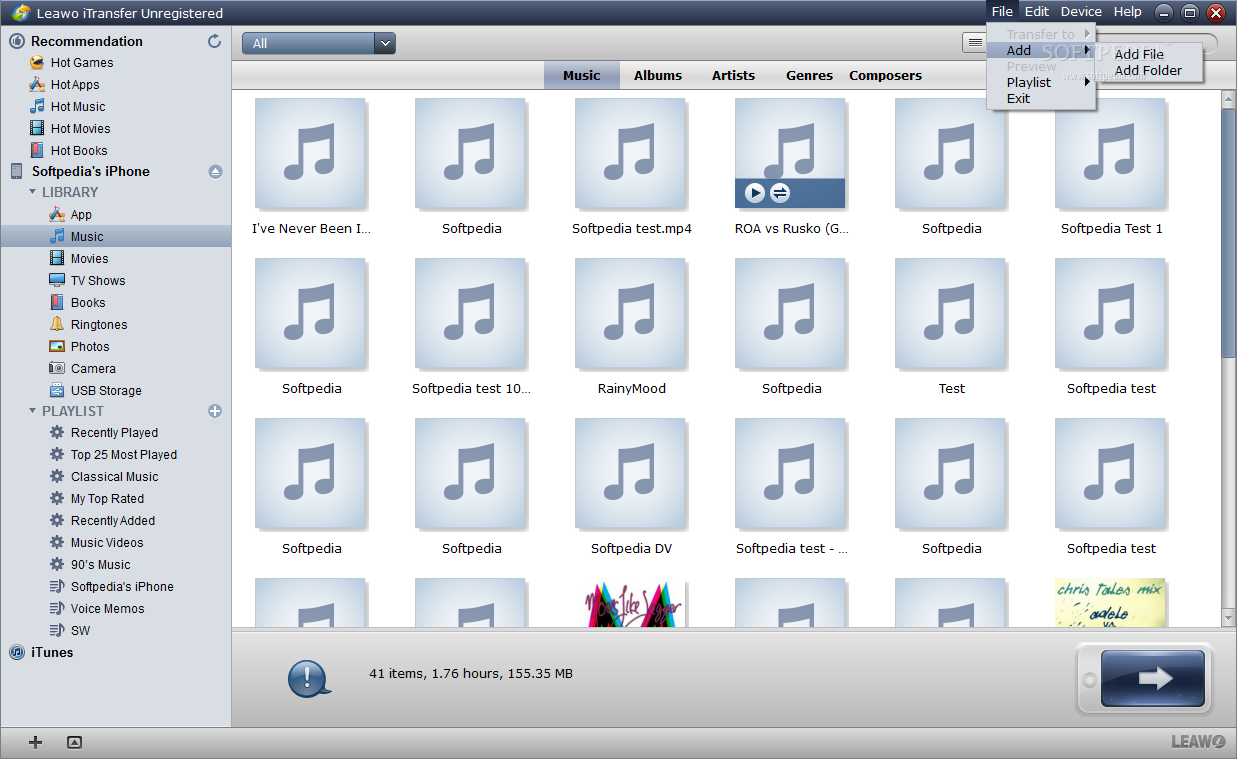
    You are enabled to transfer and copy all supported file types: music audios, movie videos, TV shows, phone ringtones, photos and other media files. All these multimedia sources can be easily transferred among Apple devices, iTunes and PC: iPod to iPod/iPhone/iPad/iTunes/PC, iPhone to iPhone/iPod/iPad/iTunes/PC, iPad to iPad/iPod/iPhone/iTunes/PC, PC/iTunes to iPod/iPhone/iPad, etc. Without iTunes synchronization, you can achieve extensive data sharing and data storing.

    In addition, other powerful features are attached to this iTransfer: the smart file filter facilitates file archive selection which makes it an intelligent transfer; the direct drag-and-drop and intuitive interface make it an easy-to-use iPod transfer to backup, transfer, and share media resources.

    Here are some key features of "Leawo iTransfer":

    Transfer media files among iPod, iPhone and iPad:
    · Served as an iPod transfer, iPhone transfer and iPad transfer, iTransfer is an all-inclusive transfer that can backup all files on your Apple products including Music, Movie, TV Show, Ringtone, Photo, etc. and transfer among all the portable players, for sharing files to the full extent.

    Shift from iTunes and PC to iPod, iPhone and iPad:
    · Within this versatile iTransfer, you are allowed to sync all or part of media files on iTunes and PC to iPod, iPhone and iPad for enjoying, without the help of iTunes synchronization. All videos and audios can be played on all Apple devices freely after transferring.

    Backup Device Files to PC and iTunes:
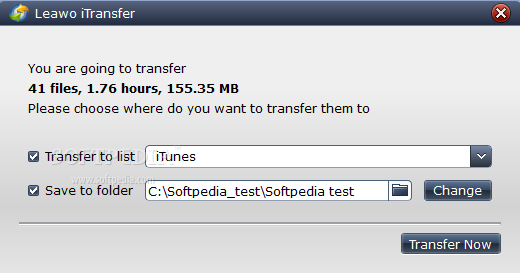
    · In case of intentional data deleting, this program provides you with the function to backup iPod to computer/iTunes, iPhone to computer/iTunes, iPad to computer/iTunes. So you can save media files from iOS devices to your PC to further uses as well as save them to iTunes for extensive uses.

    Smart filter and file search function:
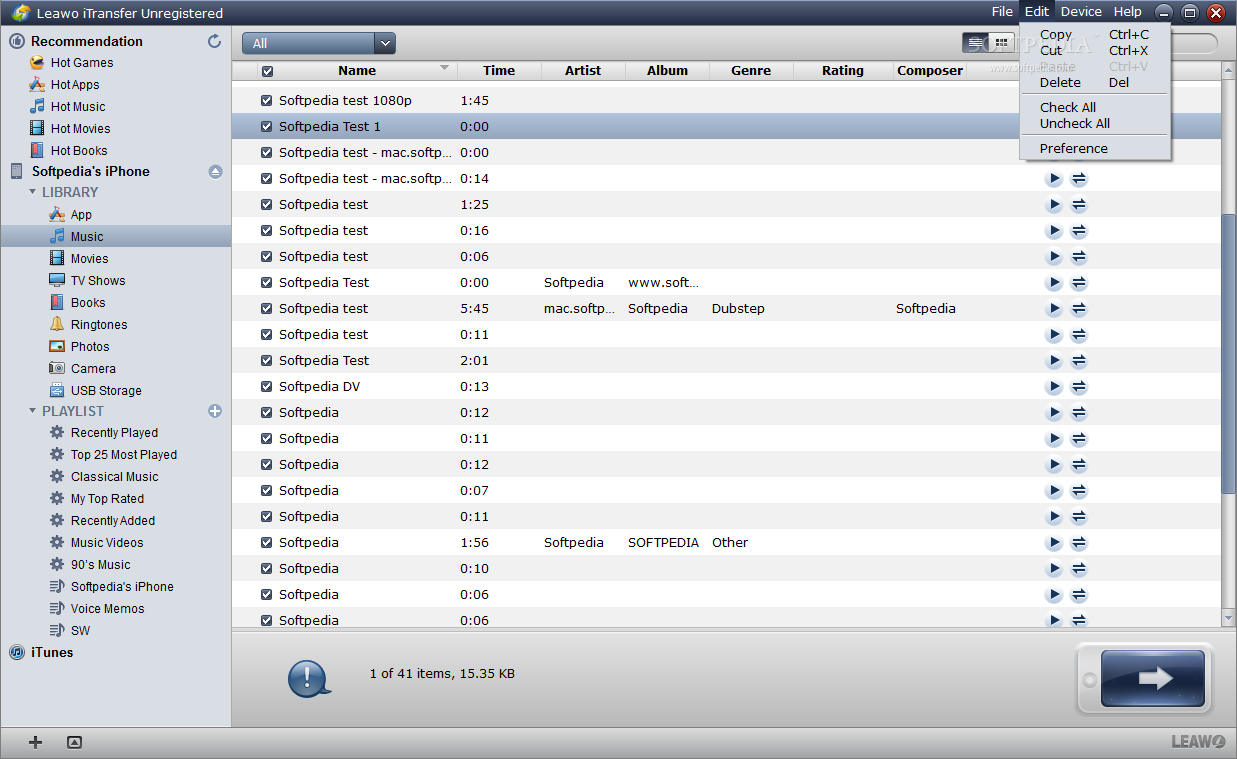
    · This wise iTransfer helps you smartly sort out the target files for backup and transferring, so you can avoid file duplication among different devices. Moreover, you are able to get access to the target file in no time by employing the file search function.

    Manage playlist with ease:
    · Without resorting to iTunes, you can easily to manage device playlist: add items to the playlist or delete the existing items from it on the base of your preference. It can be said as a flexible file management tool just as iTunes does.

    Support multiple devices:
    · Various Apple products are supported by this all-in-one Leawo iTransfer: iPod Touch of all versions, iPhone of all types, iPad of all generations and more. You can manage your media files on all these players, PC and iTunes neatly with this full-featured iTransfer.

    Convenient ways for media file transferring:
    · You can either directly drag the files you have positioned to the target places or you can choose the files you want to transfer and carry out media file transferring via Transfer button. With fast transferring speed, the media files can be shifted the target quickly.

    Easy-to-use Leawo iTransfer:
    · The three-in-one (iPod Transfer, iPhone Transfer, iPad Transfer) iTransfer wins the same user-friendliness and performance as iTunes. The direct drag-and-drop and visual operation mode add to perfect user experience. You can realize any media file transferring within just a few simple clicks.

    Requirements:

    · 1GHz Intel/AMD processor or above
    · 256MB RAM (512MB or above recommended)
    · 50MB space for installation
    · Super VGA (800×600) resolution, 16-bit graphics card or higher
    · iTunes

    What's New in This Release: [ read full changelog ]

    · Rename iMediaGo as iTransfer
    · Optimized and improved file transferring speed
    · Added function to recognize more devices
    · Added e-book transferring function
    · Optimized logic and enhanced data security
    · Added BugReporter function
    · Modified other detailed problems

     Softpedia guarantees that Leawo iTransfer 1.0.0.3 is 100% CLEAN, which means it does not contain any form of malware, including spyware, viruses, trojans and backdoors. [read more >]


    TAGS:

    iPad transfer | iPhone transfer | iPad to PC | iPad2PC | iPhone2PC | transfer


    HTML code for linking to this page:


    Go to top

    WindowsGamesDriversMacLinuxScriptsMobileHandheldNews

    SUBMIT PROGRAM   |   ADVERTISE   |   GET HELP   |   SEND US FEEDBACK   |   RSS FEEDS   |   UPDATE YOUR SOFTWARE   |   ROMANIAN FORUM