
Mostly dedicated to power users, this application lets you unlock, root, relock and unroot your Nexus smartphone and comes packed with extensive Help documentation. #Nexus Root #Unlock Galaxy Nexus #Root Galaxy Nexus #Unlock #Root #Nexus
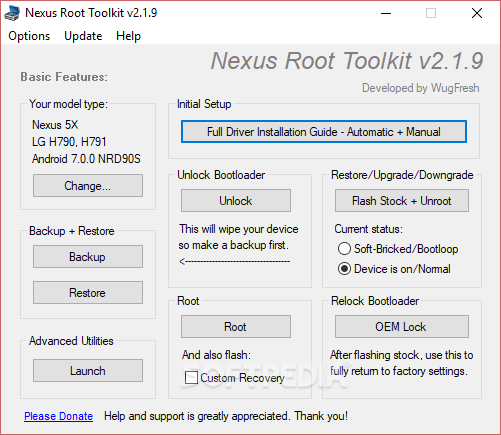
Nexus Root Toolkit is an application designed for the Nexus series of Samsung smart phones. Its purpose is to unlock, root and relock devices, as well as flash stock Android releases. All of these operations cause complete data loss, and as such, Nexus Root Toolkit also provides possibilities to backup content prior to performing any change.
Requirements include owning a Nexus device and a great deal of knowledge about the above-mentioned terms. If this is your first time unlocking and rooting an Android phone, we warmly suggest that you prepare thoroughly (there are plenty of explanations and tutorials on the Internet).
We can, however, draw a general picture of what rooting means. This operation is designed to modify your mobile device and to offer you complete control over it. In other words, it removes limitations imposed by the manufacturers and provides you with complete privileges. A huge downside is that a rooting operation gone bad stands the risk of bricking your device, damaging it and voiding its warranty.
However, Nexus Root Toolkit is said to have a good success rate, judging by user opinions we found on forums. Compared with other rooting methods, it is simpler and more accessible to the everyday user, not to mention that every step of the process is accompanied by tips and warnings.
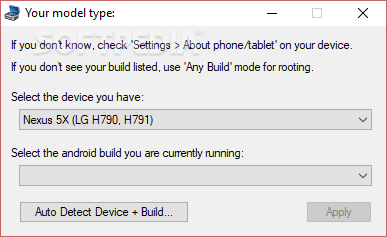
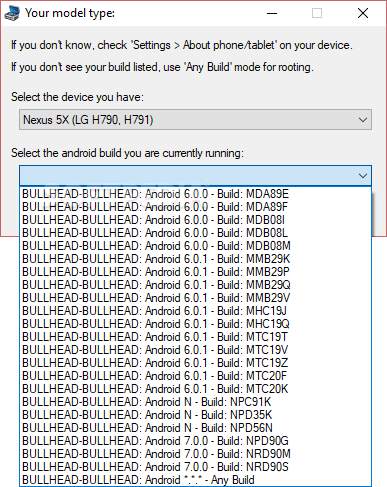
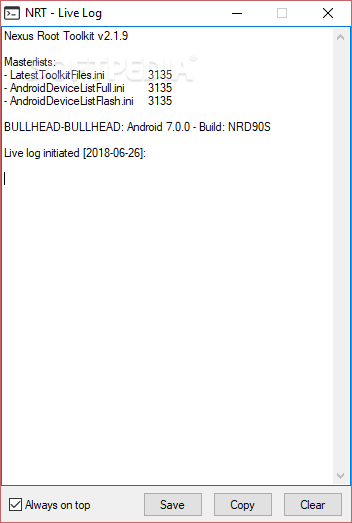
The device needs to be plugged in order for the operations to start successfully. A quick start wizard allows you to select the phone model together with the Android version you are running. The next step is absolutely mandatory if you wish to preserve your phone data and includes a complete backup of all data and settings. Once this is accomplished, you can proceed to the Initial Setup – driver installation and configuration. A quick test confirms that your phone is ready, after which you may explore the perks of the software.
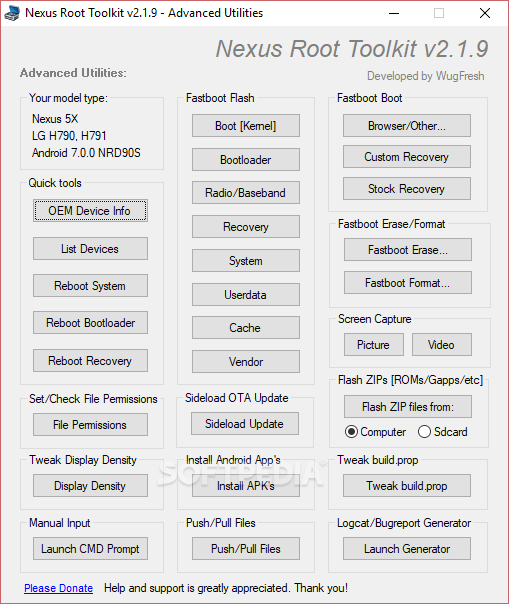
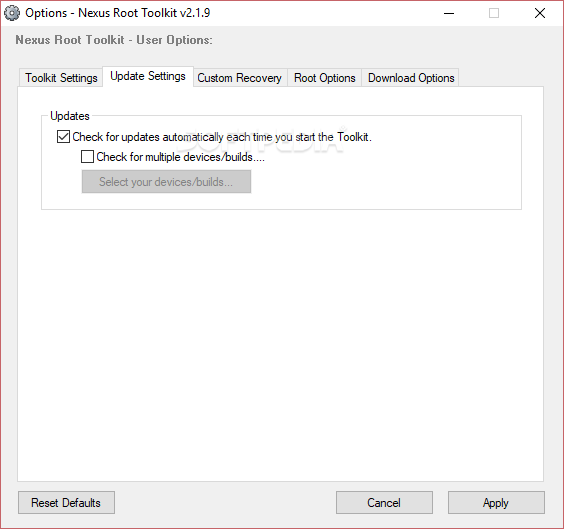
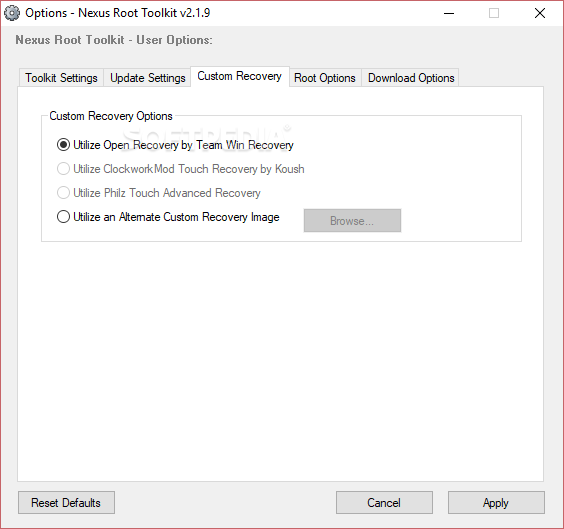
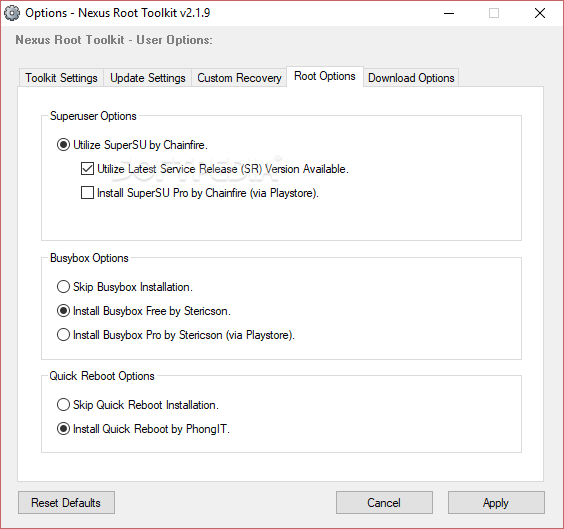
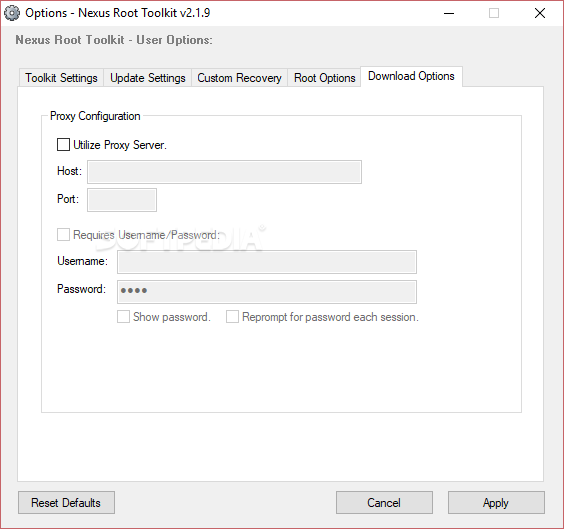
The list of operations that you can try out includes unlocking the device, rooting (these two operations completely wipe all the data on the device), back to stock (unroots the device – restores original limitations) and relocking (fully return to factory settings). The Options section allows you to disable messages, to set file associations and additional recovery settings.
Nexus Root Toolkit has built a decent reputation for itself. It supports a wide range of Nexus phones, comprises a rich Help file and most importantly, backs up your data in case of unfortunate scenarios.
What's new in Nexus Root Toolkit 2.1.9:
- Support for Googles new ZIP style factory images.
- Changes to support Chainfires new SuperSU Service Release (SR) naming convention.
- New toggle in flash stock interface to show or hide an extended factory image list.
- OEM Lock script now also checks for ‘enable OEM unlocking’ setting (requirement) on select devices.
Nexus Root Toolkit 2.1.9
add to watchlist add to download basket send us an update REPORT- PRICE: Free
- runs on:
- Windows All
- file size:
- 44.8 MB
- filename:
- NRT_v2.1.9.sfx.exe

- main category:
- Mobile Phone Tools
- developer:
- visit homepage
IrfanView

Bitdefender Antivirus Free

4k Video Downloader

ShareX

Windows Sandbox Launcher

7-Zip

calibre

Context Menu Manager

Microsoft Teams

Zoom Client

- Context Menu Manager
- Microsoft Teams
- Zoom Client
- IrfanView
- Bitdefender Antivirus Free
- 4k Video Downloader
- ShareX
- Windows Sandbox Launcher
- 7-Zip
- calibre
