
A comprehensive and practical software solution for all Sony mobile users that want to create backups of their devices, as well as enjoy other useful features. #Sony Ericsson suite #Phone backup #Synchronize phone #Sony #Synchronization #Synchronize

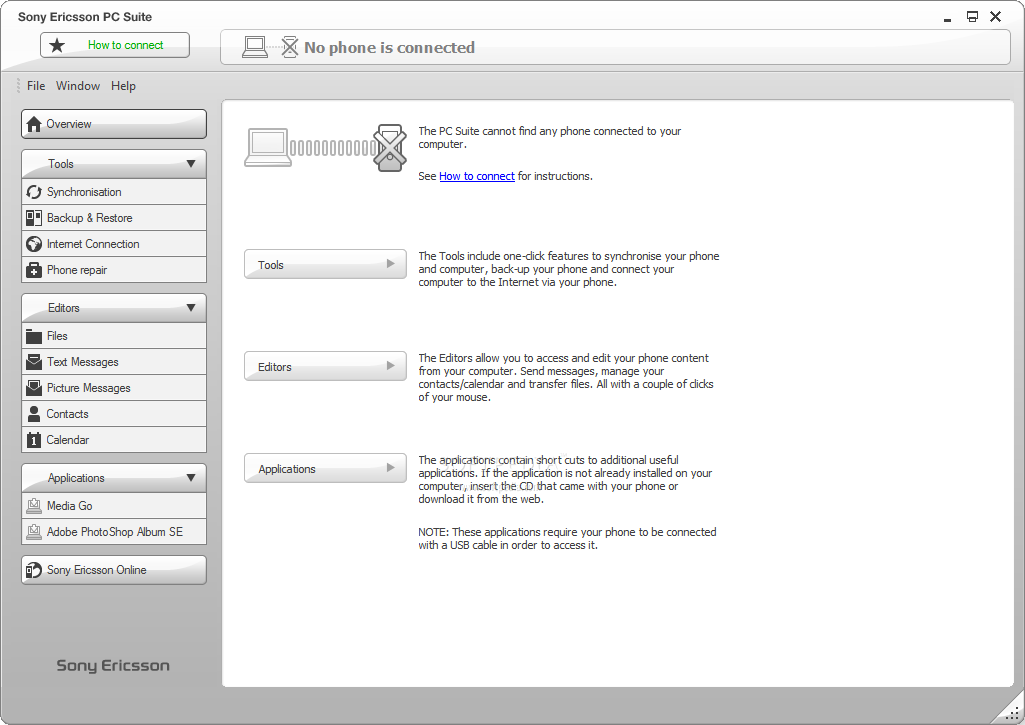
Sony Ericsson (just Sony as of January 2012) is one of the leading mobile phone manufacturers. Selling over 100 million units in 2007 and almost the same amount in 2008, Sony Ericsson just had to create an in-depth application to manage those particular handsets. Thus, Sony Ericsson PC Suite was born. It is the official tool of the company that provides administration of mobile phone data through the connection to a computer.
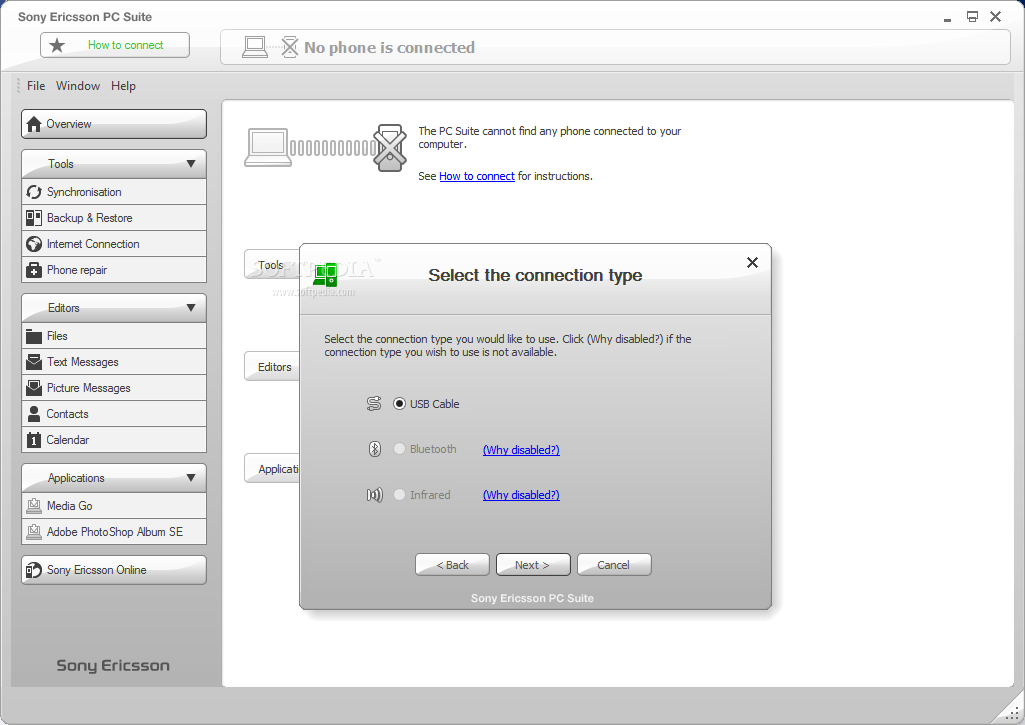
The only notable thing about the installation process is the necessary time needed for the drivers to complete their deployment. Once you run the application, you’re introduced to several connection types (USB Cable, Bluetooth or Infrared) that you can use depending on your possibilities. The recommended connection method is through USB, as it provides fastest transfers of data between phone and PC.
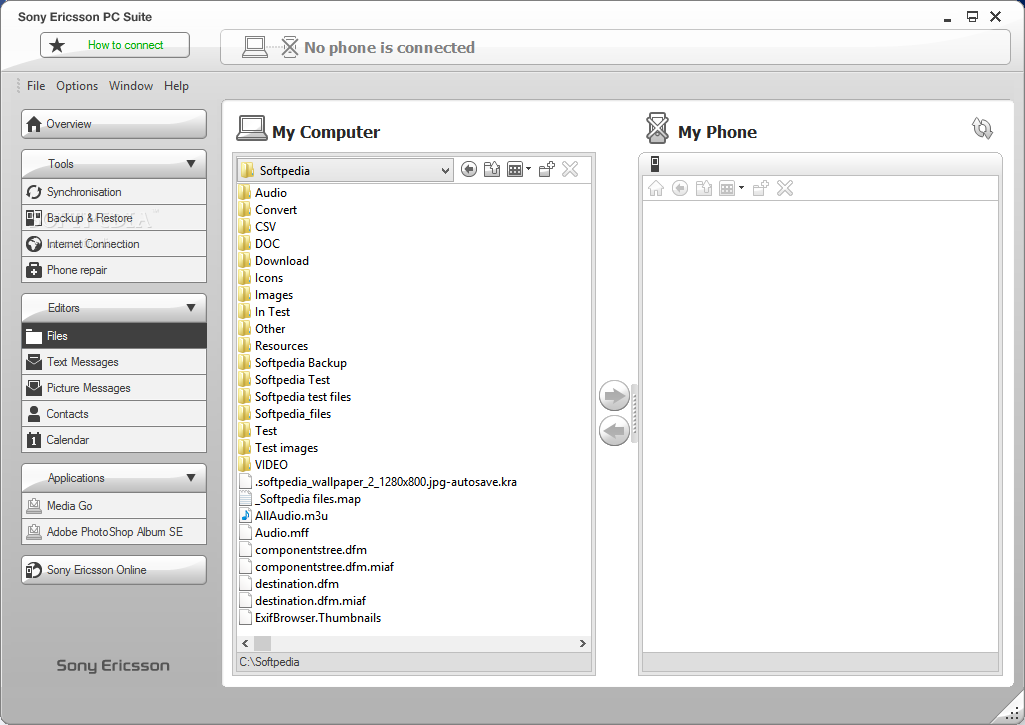
The interface of Sony Ericsson PC Suite is pretty simple actually and while it does its job, the color scheme may interfere with your emotions – gray is good, but an all-gray GUI is a bit sad. Connecting a phone will try to revive the situation a little by adding some color to the interface. The function categories are lined up in the left side of the window as it follows: Tools, Editors and Application.
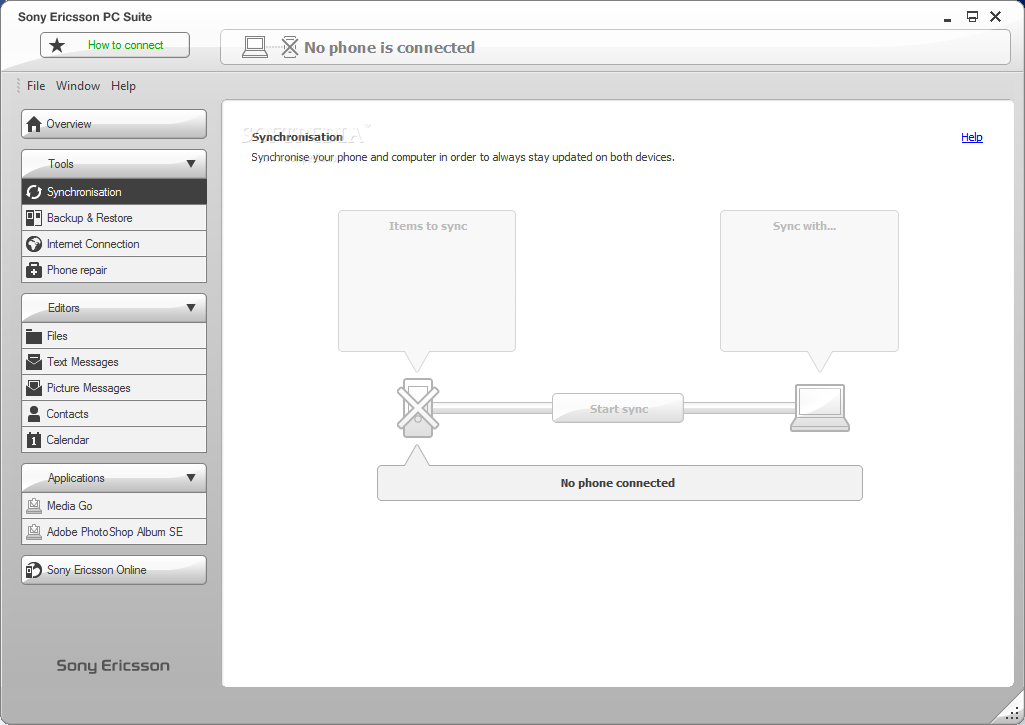
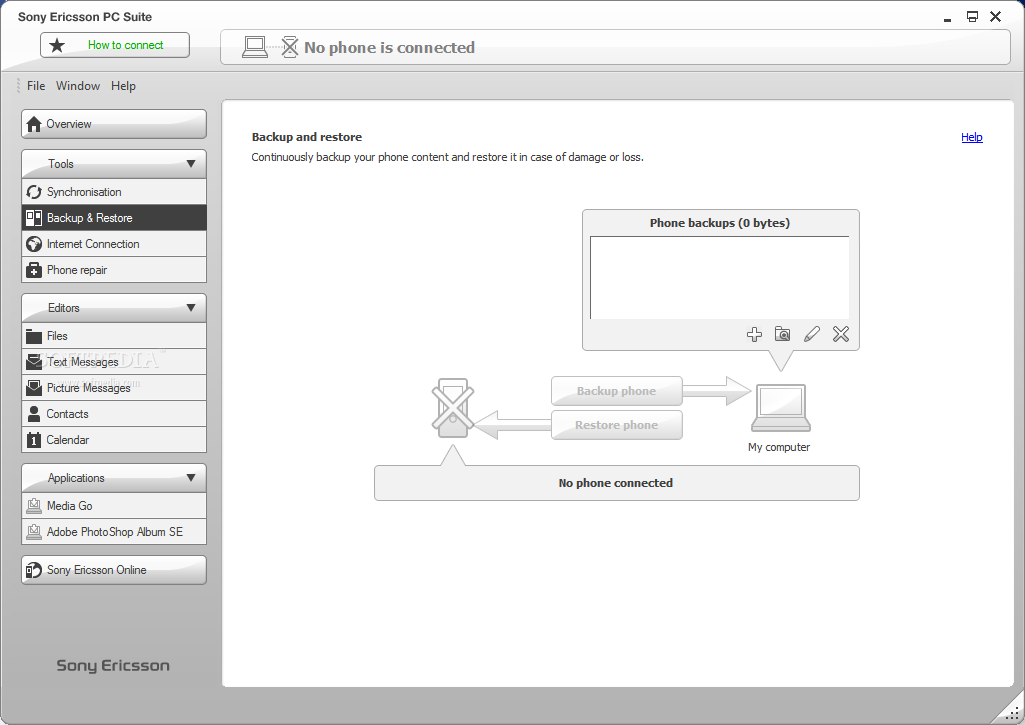
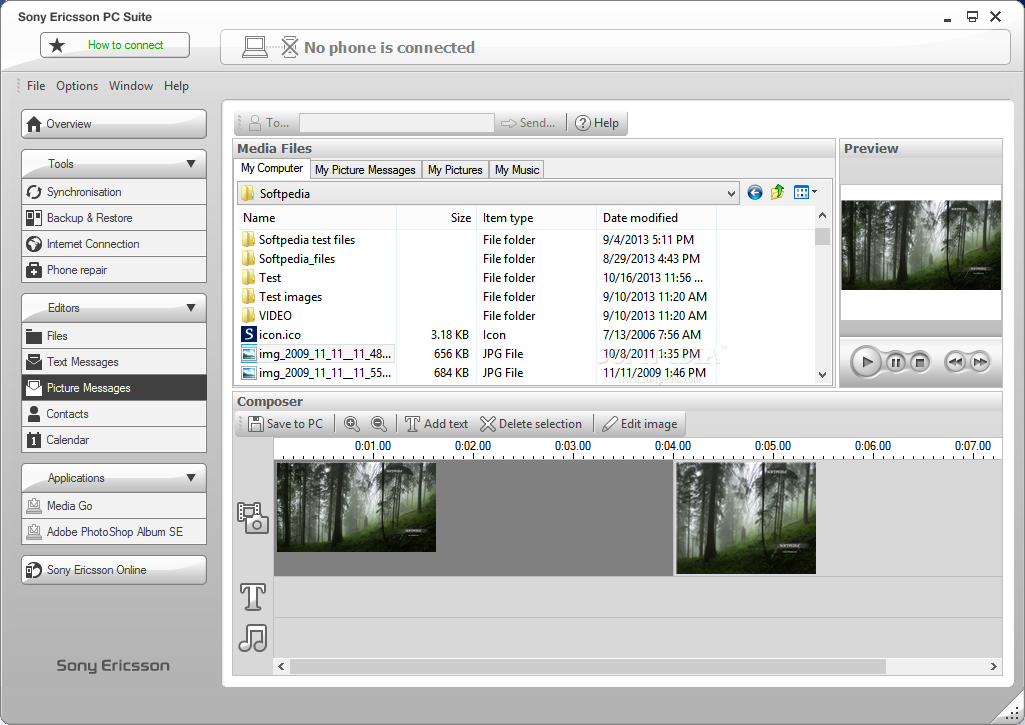
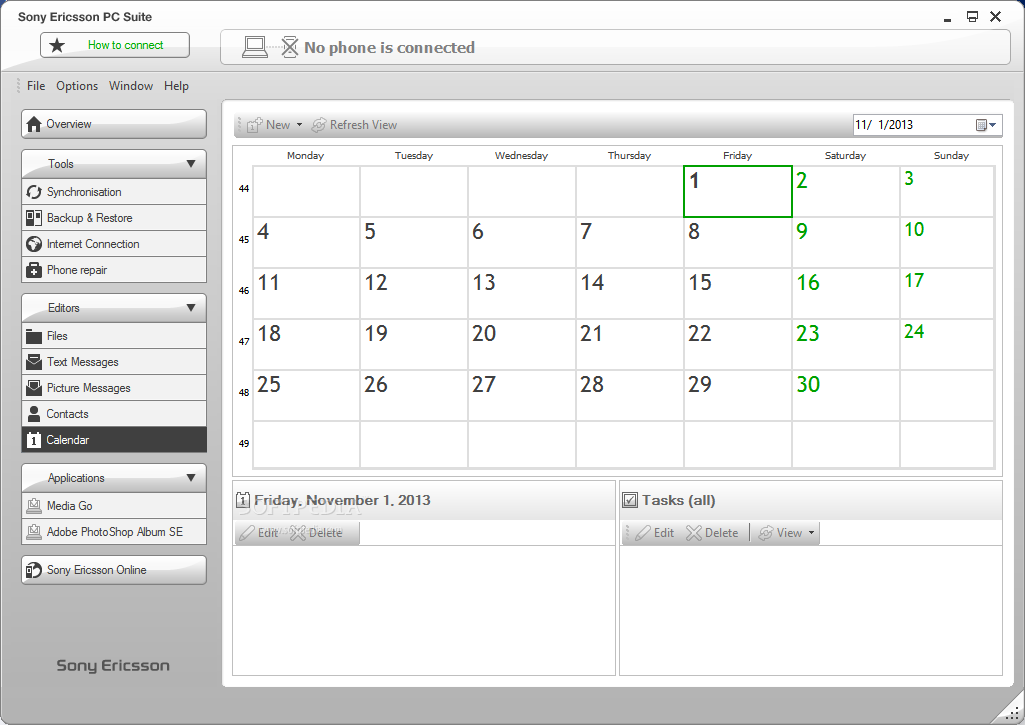
The first category, Tools, provides access to Synchronization, Backup & Restore, Internet Connection and Phone repair. The Editors section allows you to manage your Files, Text / Picture Messages, Contacts or Calendar. Media Go and Adobe PhotoShop Album SE are integrated within the Applications area.
If you have a Sony Ericsson GSM mobile phone, you definitely have to use Sony Ericsson PC Suite. It features the necessary set of tools to easily manage your phone, while adding extra capabilities for accessing the Internet on your PC using your handset or SMS creation using your keyboard. Administration of multimedia content is also available as this particular suite wraps everything you need within.
Download Hubs
Sony Ericsson PC Suite is part of these download collections: Mobile Phone Managers
Sony Ericsson PC Suite 6.011.00
 Softpedia Editor's Pick
add to watchlist
add to download basket
send us an update
REPORT
Softpedia Editor's Pick
add to watchlist
add to download basket
send us an update
REPORT
- runs on:
-
Windows 8
Windows 7
Windows Vista
Windows XP - file size:
- 18.2 MB
- filename:
- Sony_ Ericsson_ PC_ Suite_6.011.00_Web_ENG.exe
- main category:
- Mobile Phone Tools
- developer:
- visit homepage
Bitdefender Antivirus Free

calibre

4k Video Downloader

Context Menu Manager

IrfanView

Microsoft Teams

7-Zip

ShareX

Windows Sandbox Launcher

Zoom Client

- ShareX
- Windows Sandbox Launcher
- Zoom Client
- Bitdefender Antivirus Free
- calibre
- 4k Video Downloader
- Context Menu Manager
- IrfanView
- Microsoft Teams
- 7-Zip