
A GUI for the LAME MP3 encoder designed to help you convert audio files using batch processing while offering support for advanced configuration settings (e.g. select sampling rate and MP3 channel mode). #MP3 encoder #Audio converter #Audio to MP3 #Encode #Convert #Compress

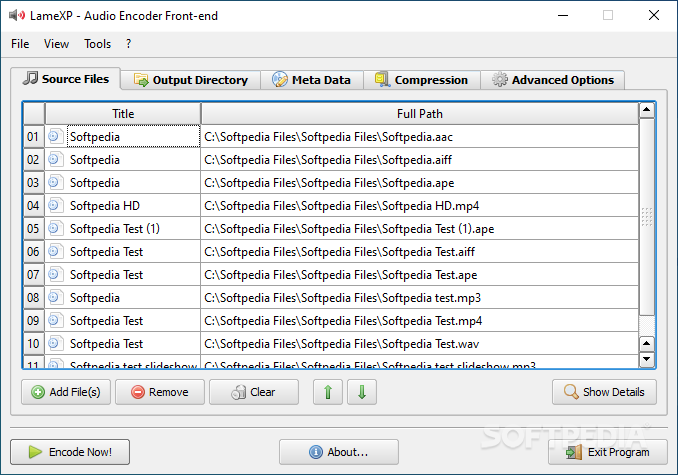
Converting media these days still remains one of the most requested features in apps, and despite such functionality being provided by numerous online platforms, having a dedicated desktop client can be better. Targeting the audio field, the LAME MP3 encoder is regarded as one of the best encoders out there, providing enhanced functionality when it comes to converting audio data.
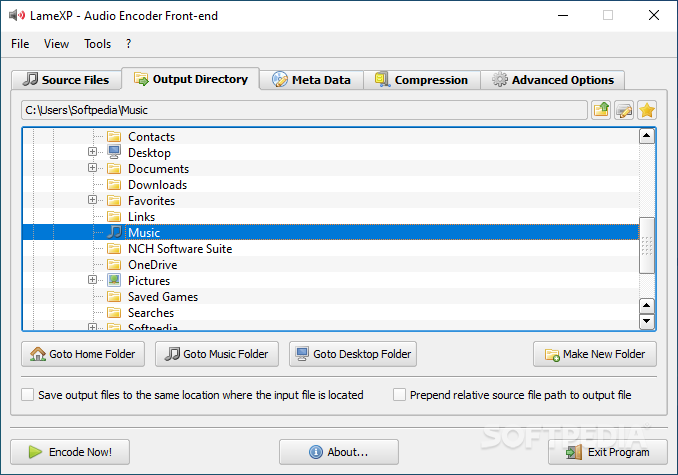
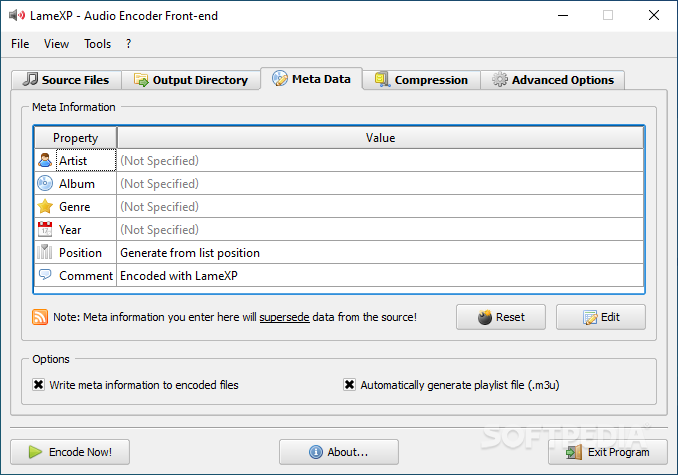
LameXP, just as its name aptly suggests, is an application that was designed specifically in order to serve as a GUI for the aforementioned encoder, and it will allow you to easily convert audio files in batch processing mode, in accordance with several parameters.
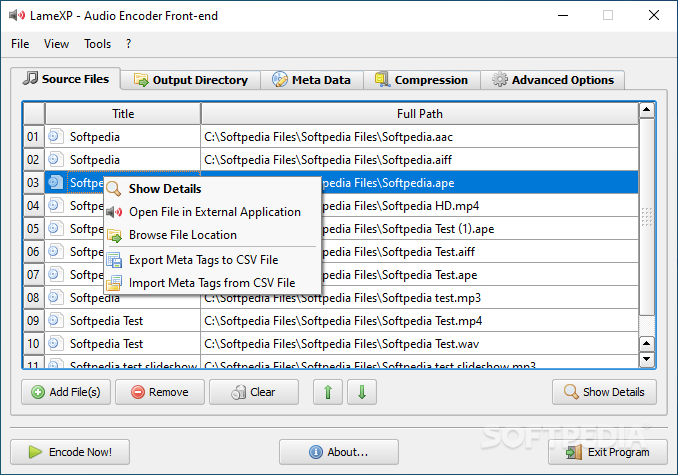
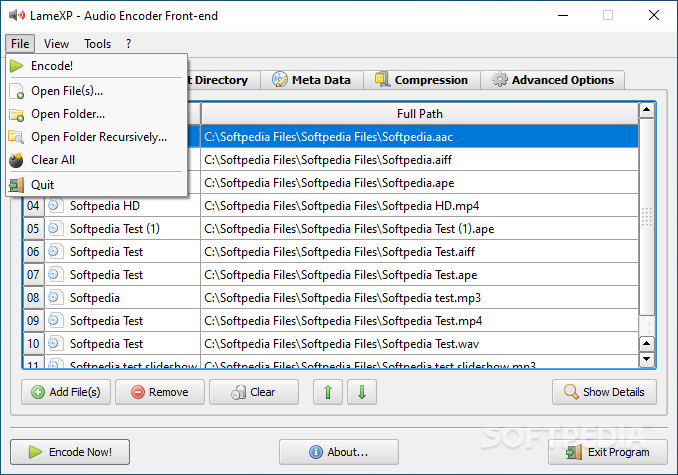
Right from the start, I enjoyed LameXP’s simple design, which makes no fuss about entering your preferred files for the conversion process, providing a very straightforward approach. A variety of audio file formats are supported, and this enhances the app’s versatility.
However, when it comes to potential weaknesses in this department, it would have been nice to see some additional metadata details in the main list view. This can be useful, especially when sorting data or wanting to ensure a particular file is in the list.
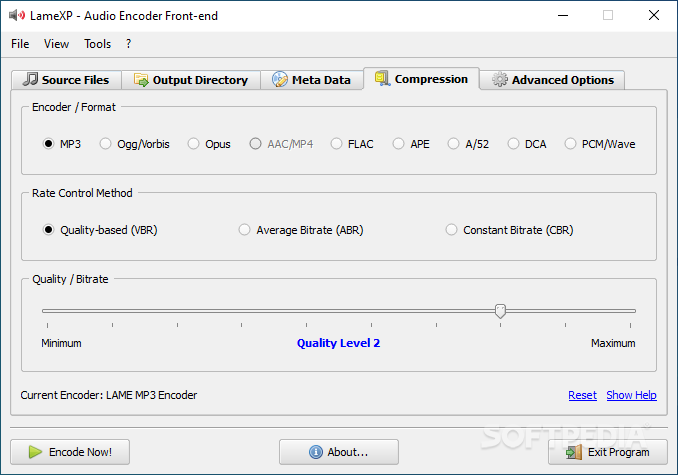
Setting the compression details for the conversion process is very easy, and in addition to selecting a preferred output audio format, you will also be able to choose a bitrate and a corresponding quality ratio. Neat.
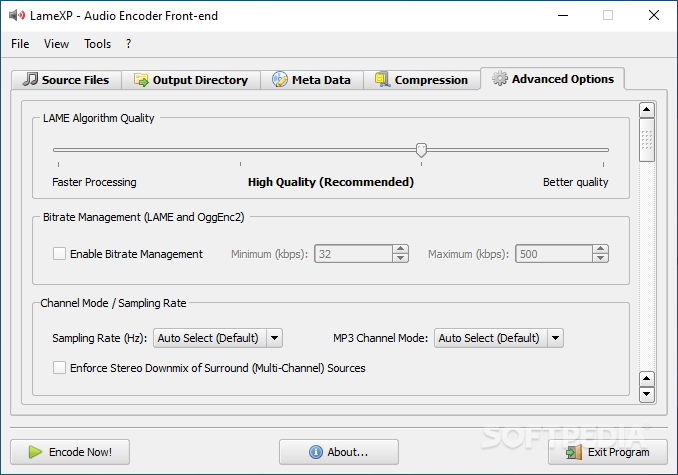
Things are even more advanced when it comes to the actual LAME algorithm, and to that end you will be able to choose a preferred, separate quality for it, as well as corresponding bitrate management.
Simple and direct, LameXP provides reliable audio data conversion, basing its performance on the tried-and-tested LAME MP3 encoder engine, providing a straightforward, efficient experience.
What's new in LameXP 4.21 Build 2382:
- Upgraded build environment to Microsoft Visual Studio 2019.11 (MSVC 16.11)
- Updated the Windows SDK version to 10.0.19041.0
- Updated LAME encoder to v3.101 Beta-3 (2023-12-15), compiled with ICL 2023.2 and MSVC 16.11
- Updated Opus encoder/decoder libraries to v1.4+9 (2023-11-03) and Opus-Tools to v0.2+34 (2023-11-12)
LameXP 4.21 Build 2382
add to watchlist add to download basket send us an update REPORT- PRICE: Free
- portable version
- Portable LameXP
- runs on:
-
Windows 11
Windows 10 32/64 bit
Windows 8 32/64 bit
Windows 7 32/64 bit
Windows Vista 32/64 bit
Windows XP - file size:
- 39.7 MB
- filename:
- LameXP.2023-12-29.Release-Static.Build-2382.exe
- main category:
- Multimedia
- developer:
- visit homepage
calibre

Microsoft Teams

IrfanView

Windows Sandbox Launcher

4k Video Downloader

Context Menu Manager

Bitdefender Antivirus Free

7-Zip

Zoom Client

ShareX

- 7-Zip
- Zoom Client
- ShareX
- calibre
- Microsoft Teams
- IrfanView
- Windows Sandbox Launcher
- 4k Video Downloader
- Context Menu Manager
- Bitdefender Antivirus Free