
A powerful media manager designed for serious collectors that provides possibilities to tag, rip, sync and convert music and video files. #Music player #CD ripper #Mp3 encoder #Player #Playlist #Ripper

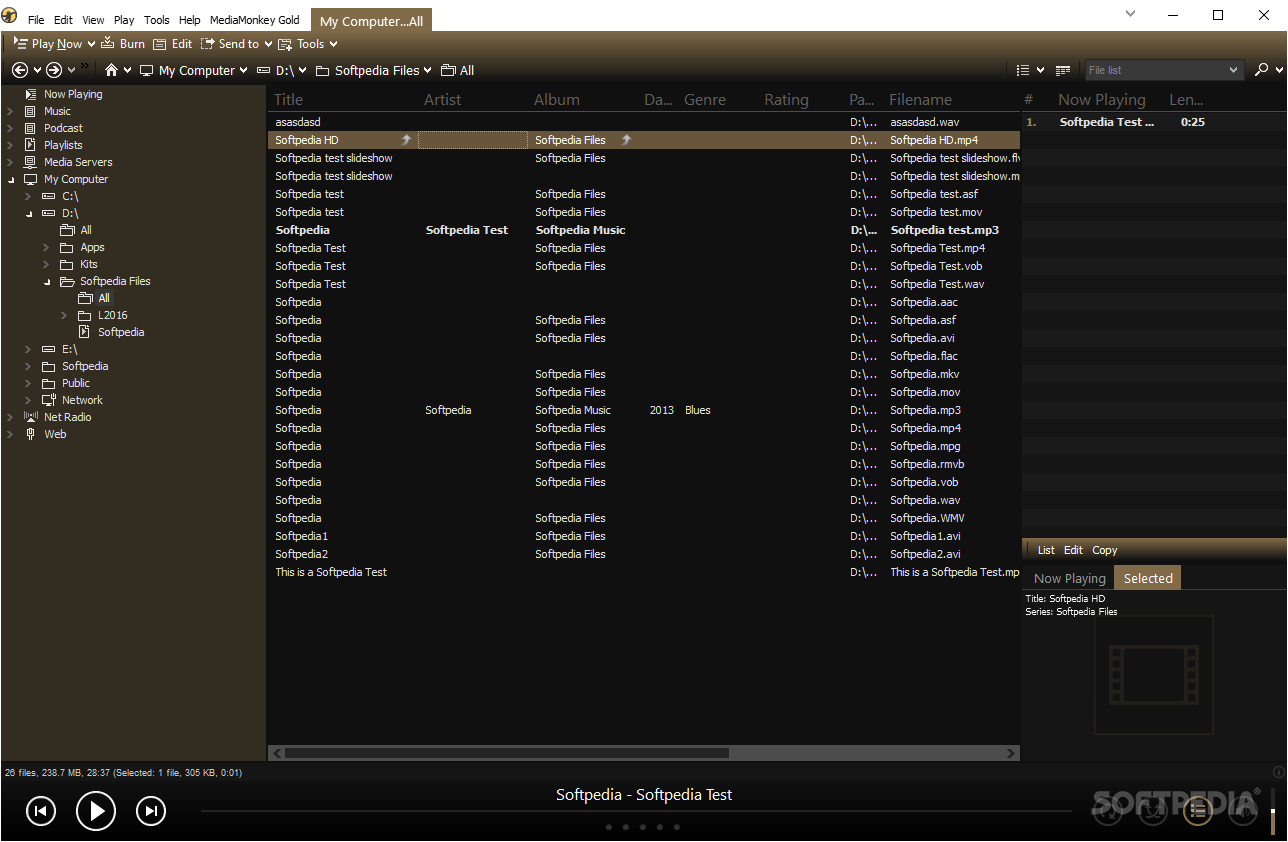
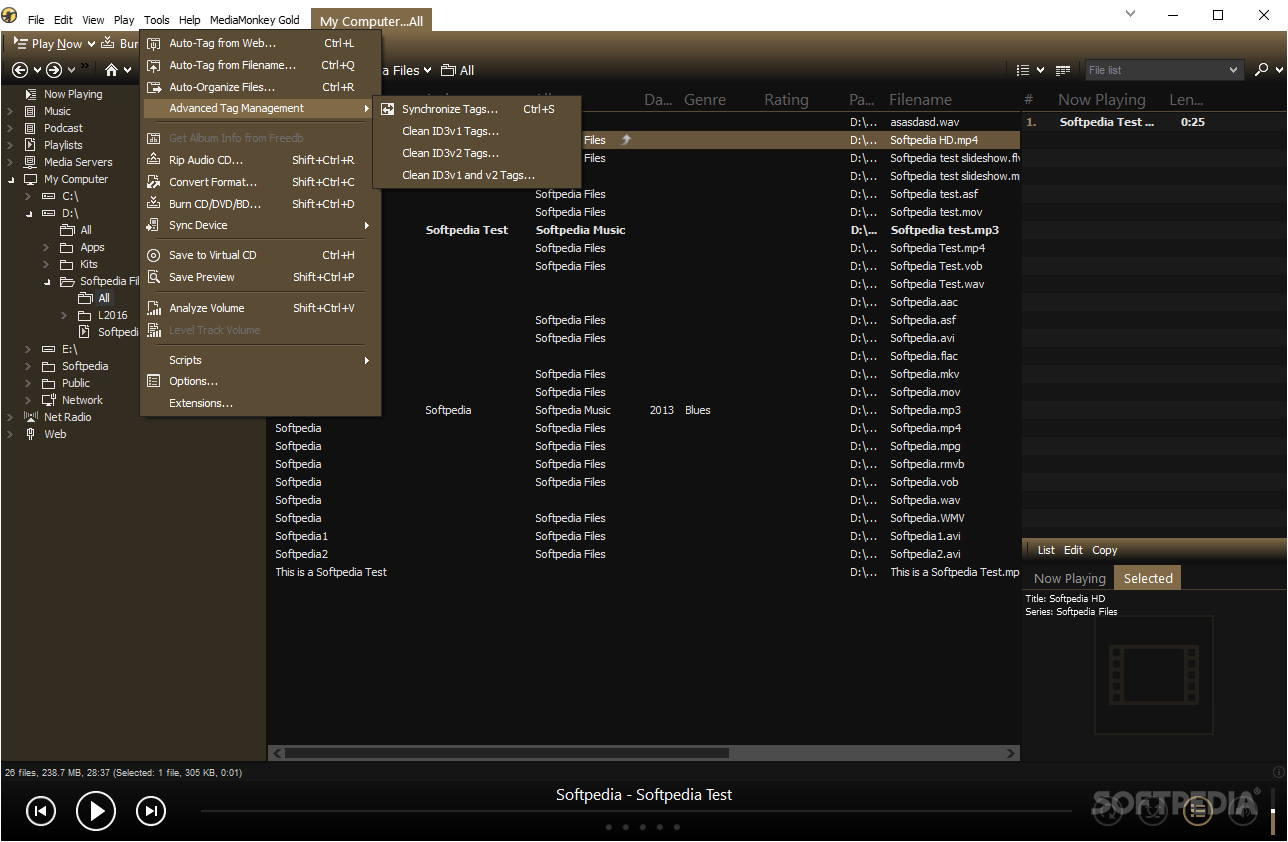
Media Monkey is a nifty application designed to keep track of your albums and play, burn, tag, and organize music supported by the most popular audio formats. It uses tagging to catalog your music, so you can quickly locate any song.
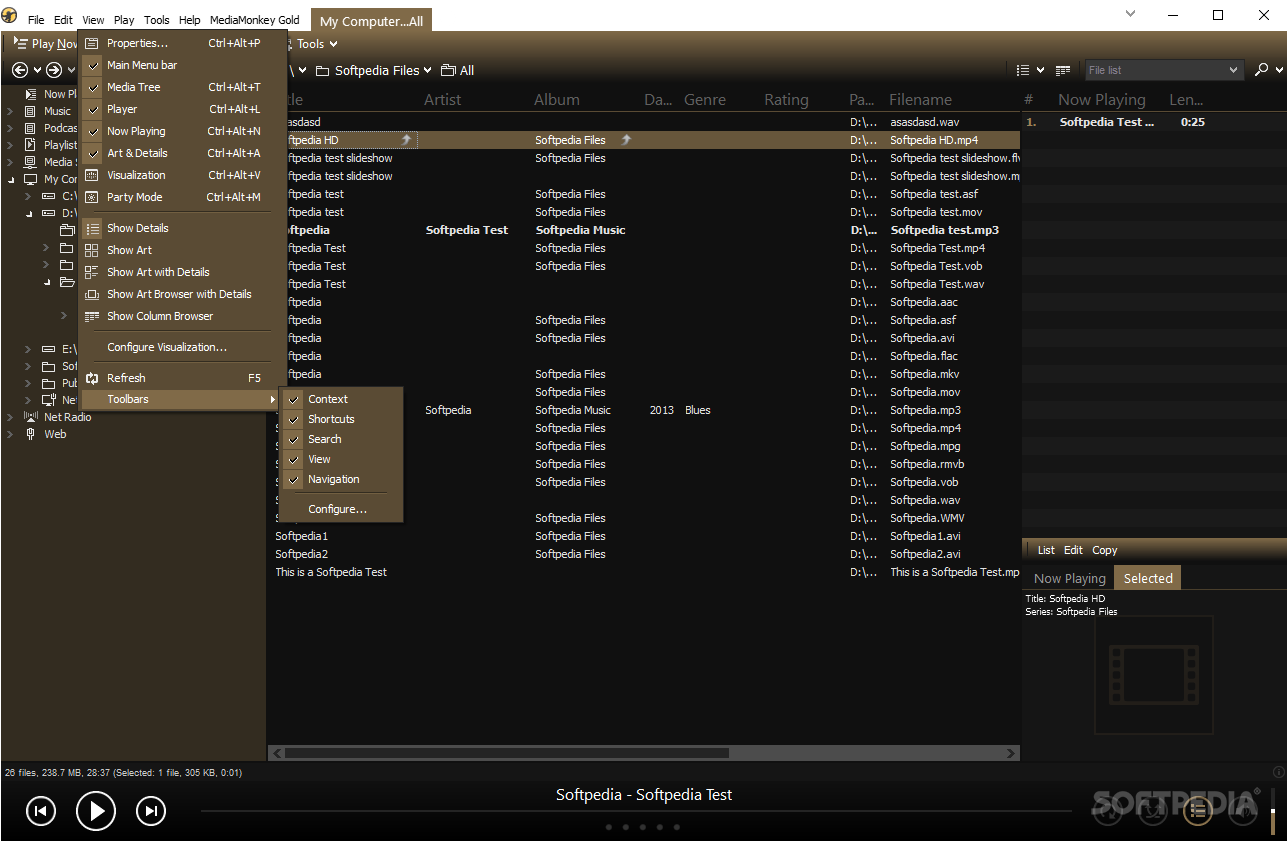
The user interface needs some time to get used to, but after a while it does seem to be pretty well organized and even if it hosts a lot of functions, each of them is neatly placed and can be accessed effortlessly.
Party Mode is a feature of MediaMonkey that prevents any modifications to your files, or to the software configuration, while Sleep mode allows you to configure the time to play the songs, whether to shut down the program at the end, or gradually fade the volume.
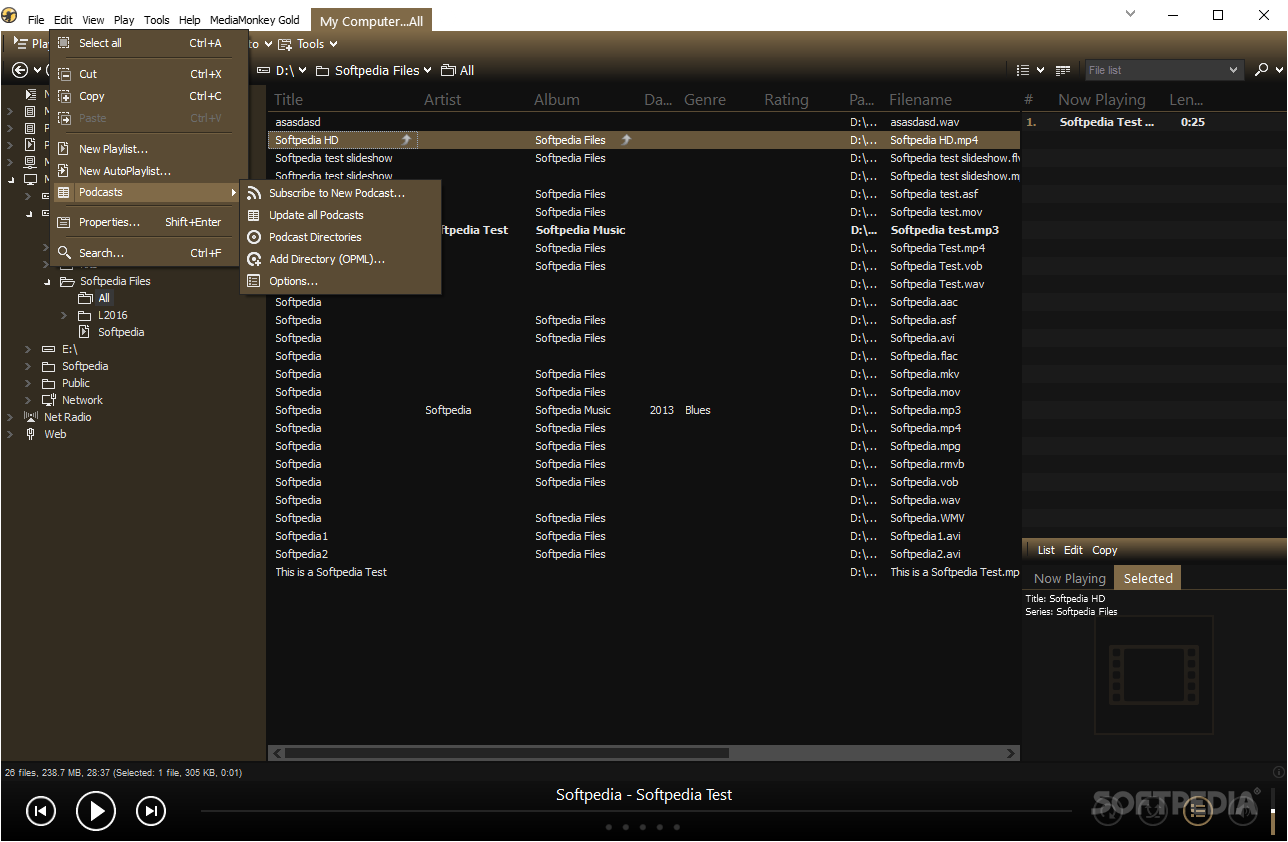
You can organize files in many categories that include Music, Podcast, Playlists, Media Servers, and Net Radio (access to SHOUTcast and Icecast radio).
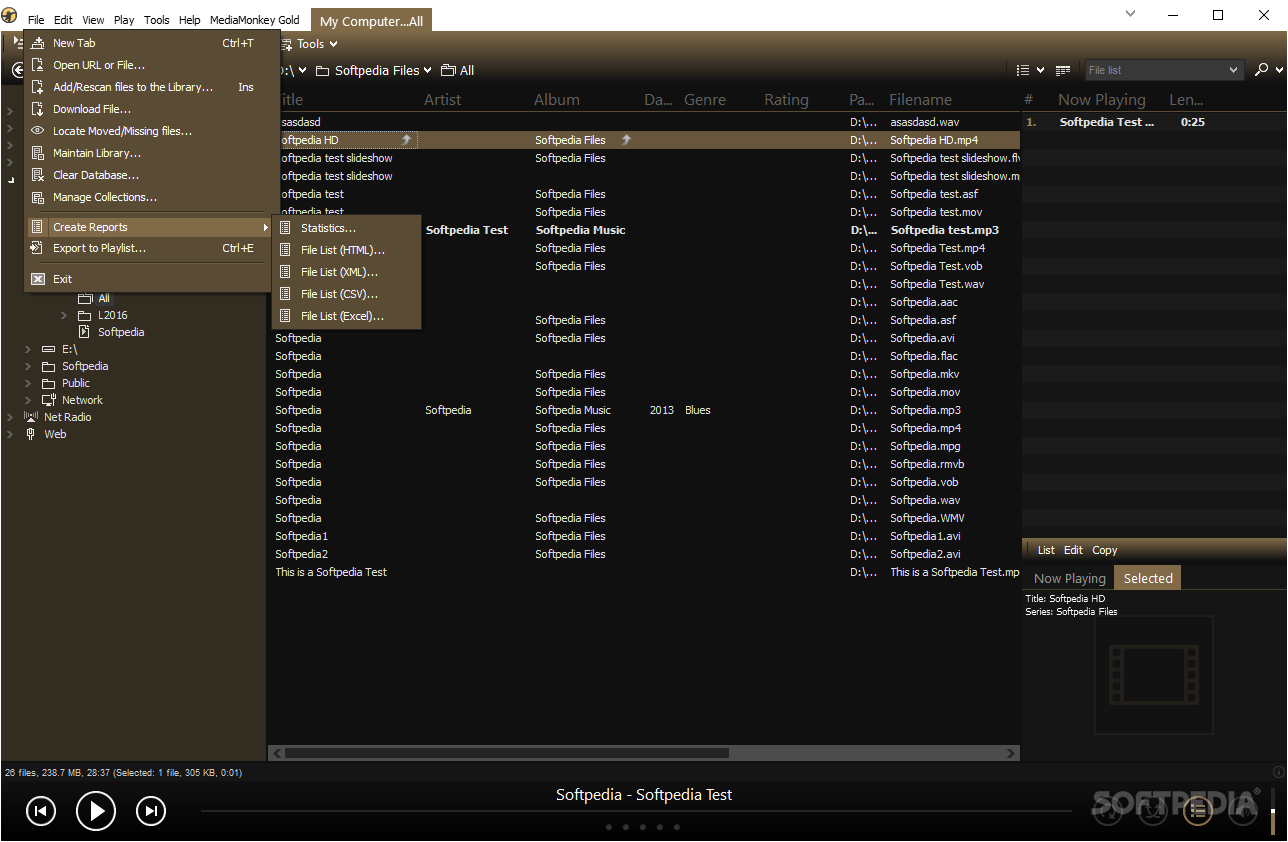
Track managing has many useful features such as editing track properties and album information, album art, auto-tag from filename, converting formats, and others. You can burn an audio CD, data CD/DVD/BD, or erase rewritable discs.
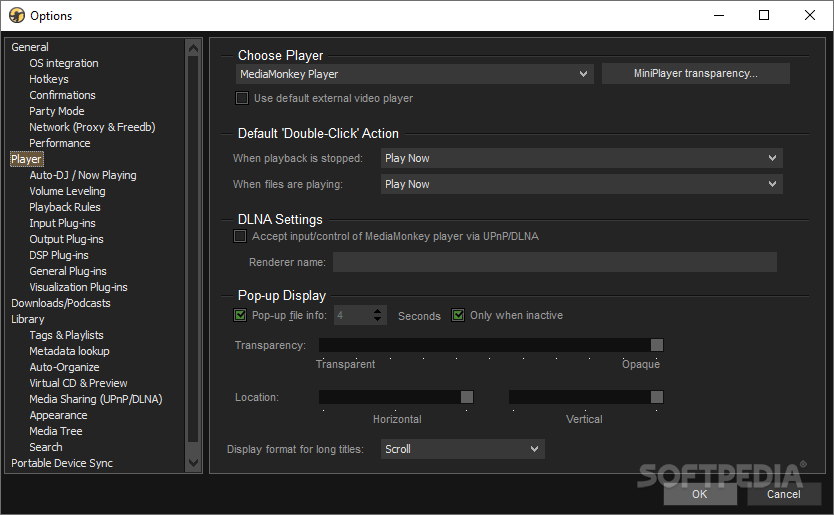
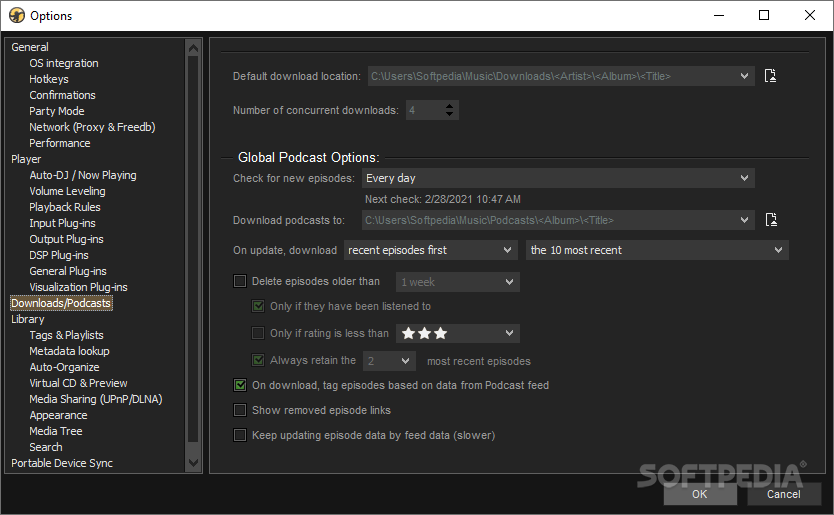
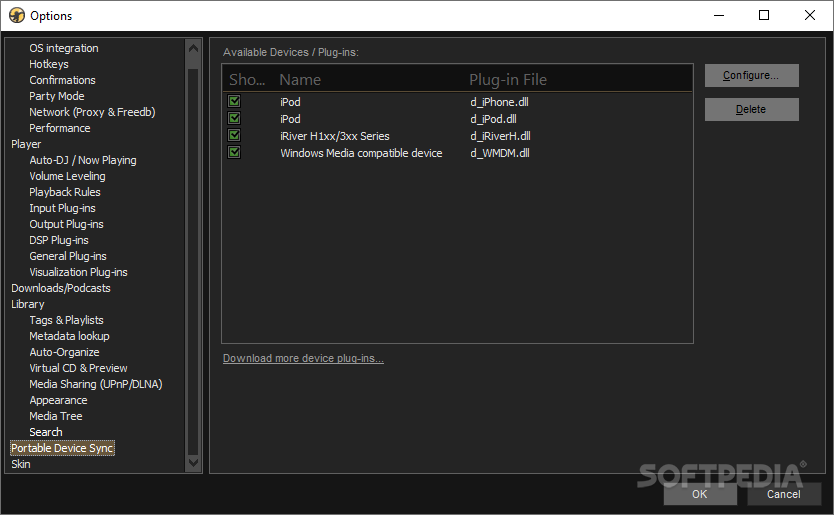
The Options menu has countless settings customizations you can use to modify the application and configure supported extensions, plugins, downloads, file tagging and a lot more, all designed to fit the needs and requirements of the more demanding users.
To sum things up, MediaMonkey is a complete audio management solution that provides everything one would need to organize a vast music collection. Besides the playback capabilities and numerous configuration possibilities, this program supports Winamp plugins and comes with a useful 4x CD/DVD ripper and burner.
If you are looking for extra power and functionality, you can upgrade to the GOLD version and get to enjoy unlimited MP3 encoding, advanced searches and playlists, as well as support for custom collections. The GOLD edition also comes with built-in disc burner (supports up to 48x), file monitor, automatic library organizer and automatic tag editor.
Download Hubs
MediaMonkey is part of these download collections: CD Rippers, Jukebox Managers, Create M3U, Play FLA
What's new in MediaMonkey 2024.0.0.3005 Beta:
- MediaMonkey 2024 appears as 'MediaMonkey 5' in firewall dialog
- Temp folders don't identify as belonging to MediaMonkey.
- Artwork metadata lookup causes focus from the active app to be lost for a second
- Phantom Tree/Preview splitters over maximized Visualization
MediaMonkey 5.0.5.2695 / 2024.0.0.3005 Beta
add to watchlist add to download basket send us an update REPORT- portable version
- MediaMonkey Portable
- runs on:
-
Windows 11
Windows 10 32/64 bit - file size:
- 88.9 MB
- filename:
- MediaMonkey_Setup.exe




- main category:
- Multimedia
- developer:
- visit homepage
Microsoft Teams

Context Menu Manager

Zoom Client

calibre

Windows Sandbox Launcher

Bitdefender Antivirus Free

4k Video Downloader

IrfanView

7-Zip

ShareX

- IrfanView
- 7-Zip
- ShareX
- Microsoft Teams
- Context Menu Manager
- Zoom Client
- calibre
- Windows Sandbox Launcher
- Bitdefender Antivirus Free
- 4k Video Downloader