
A user-friendly encoder that helps you convert various files, be they audio, video, image, or DVD to different formats using batch operations. #Video encoder #Video converter #Encode video #Converter #Convert #Burner

Note: Some antivirus applications might trigger Freemake Video Converter as infected. These alerts are, in fact, false positives, so it's safe to download and install the tool.
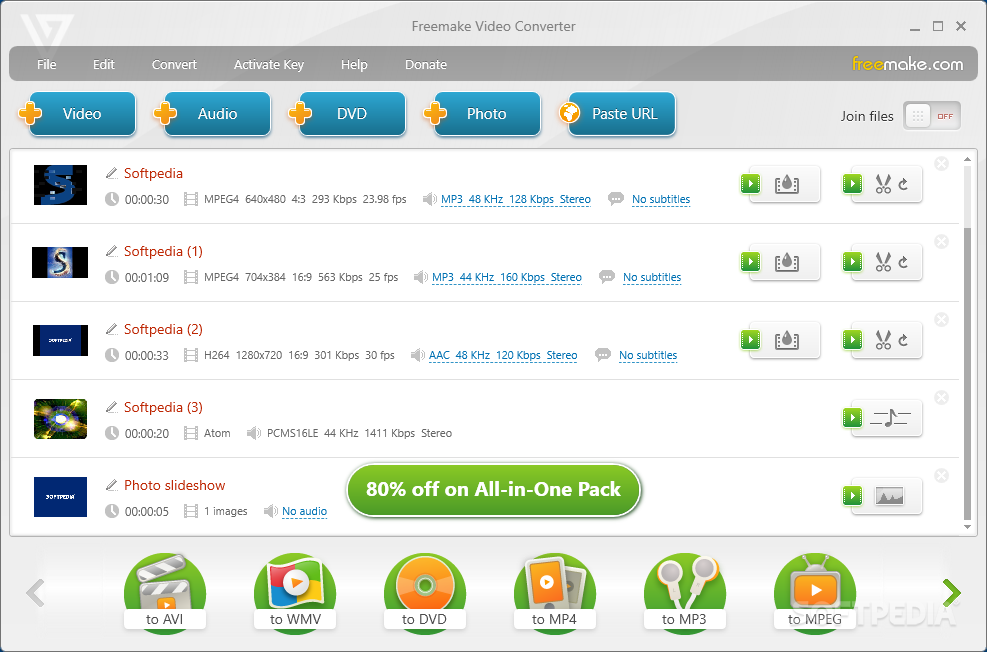
Freemake Video Converter is a tool that can encode several videos, audio files, images, and DVD files to other extensions.
The tool recognizes the AVI, MP4, MPEG, WMV, 3GP, DVD, HD, MKV, MP3, WMA, FLAC formats and others, while its interface is very intuitive and attractive.
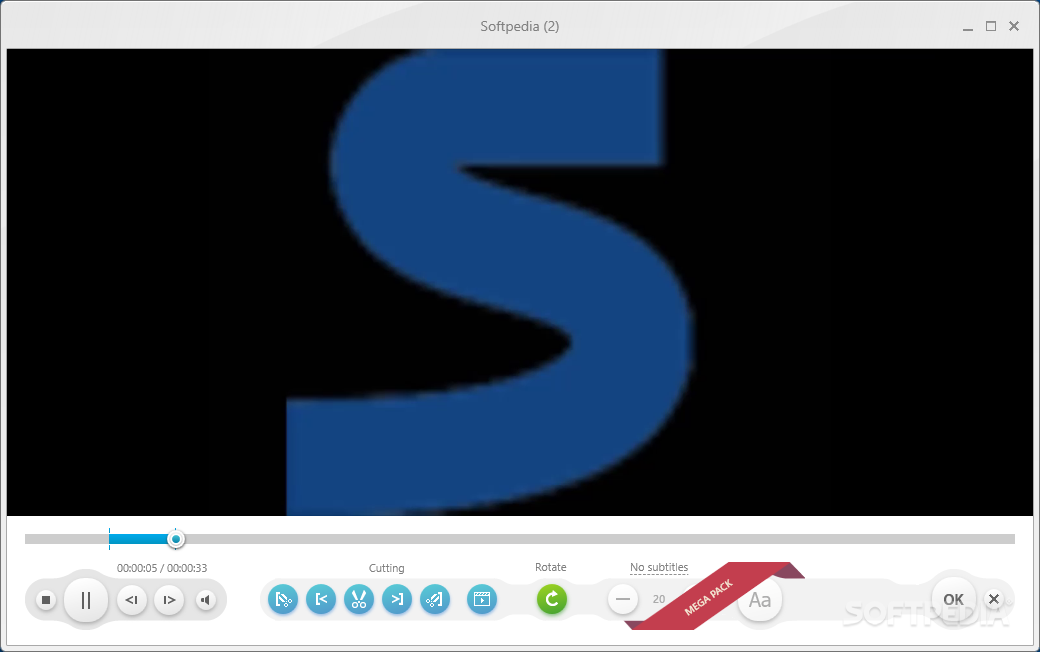
Once you have added files to the queue (the "drag and drop" method is supported), you can view their thumbnail, total time and audio/video settings, as well as preview the video in an external media player.
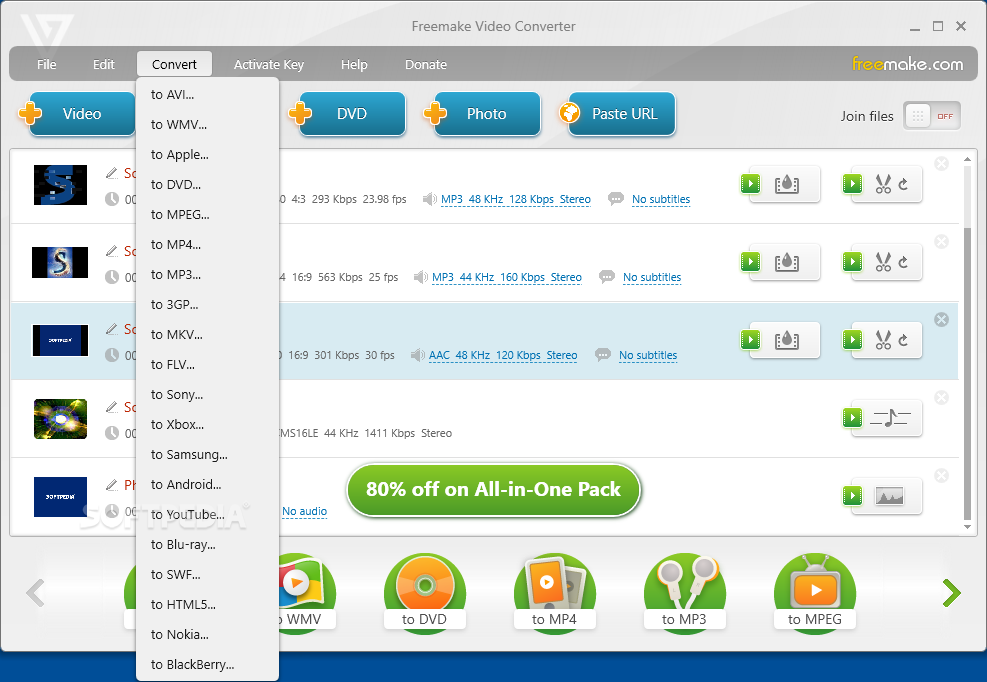
You can encode files to the AVI, MP4, WMV, DVD, MP3, Apple, Blu-ray and other profiles, once you have selected and edited a preset.
Thus, you can configure the frame size, width and height, adjustment, video codec, frame rate and bitrate, as well as select audio codec, channels, sample frequency rate and bitrate.
After you select the output destination, you can initiate the conversion process, during which you can visualize total progress and optionally shut down the computer after the task is completed.
A task can take a while to complete (even in the case of small files and default settings), but that's because Freemake Video Converter focuses on maintaining a good image and sound quality (which it accomplishes). The program also has well-explained how-to tutorials and an intro video.
However, the software uses a very high amount of system resources in its idle state, and puts a massive strain on the computer when a task is in progress. Also, it becomes difficult to navigate back and forth in the videos, in some cases (e.g. FLV to MPG, WMA to MPG).
Freemake Video Converter is a great tool for encoding audio and video files, but one that eats a lot of resources and that causes minor glitches in the case of some output files.
Download Hubs
Freemake Video Converter is part of these download collections: Convert 3GP
Freemake Video Converter 4.1.13.170
add to watchlist add to download basket send us an update REPORT- runs on:
-
Windows 11
Windows 10 32/64 bit
Windows 8 32/64 bit
Windows 7 32/64 bit
Windows Vista 32/64 bit - file size:
- 994 KB
- filename:
- FreemakeVideoConverterSetup.exe
- main category:
- Multimedia
- developer:
- visit homepage
7-Zip

4k Video Downloader

IrfanView

Zoom Client

ShareX

Context Menu Manager

calibre

Microsoft Teams

Windows Sandbox Launcher

Bitdefender Antivirus Free

- Microsoft Teams
- Windows Sandbox Launcher
- Bitdefender Antivirus Free
- 7-Zip
- 4k Video Downloader
- IrfanView
- Zoom Client
- ShareX
- Context Menu Manager
- calibre