
A useful application that facilitates converting audio files in bulk, while also offering a variety of other functionalities to enable quick edits to your files. #Convert sound #Audio converter #MP3 converter #Switch #Converter #Encoder

Audio conversion can help users make certain files more compatible with their device, and in some cases, even save a bit of storage in the process. While it’s true that most users aren’t necessarily concerned with converting audio files, what with the streaming era and all, tools that facilitate such a process are not any less valuable than they were in the past.
Switch Free Audio Converter and MP3 Converter provides users with the necessary tools to convert batches of audio files with minimal effort. Besides supporting a multitude of formats, the program also features various functionalities to modify the sound of your tunes, among other things.
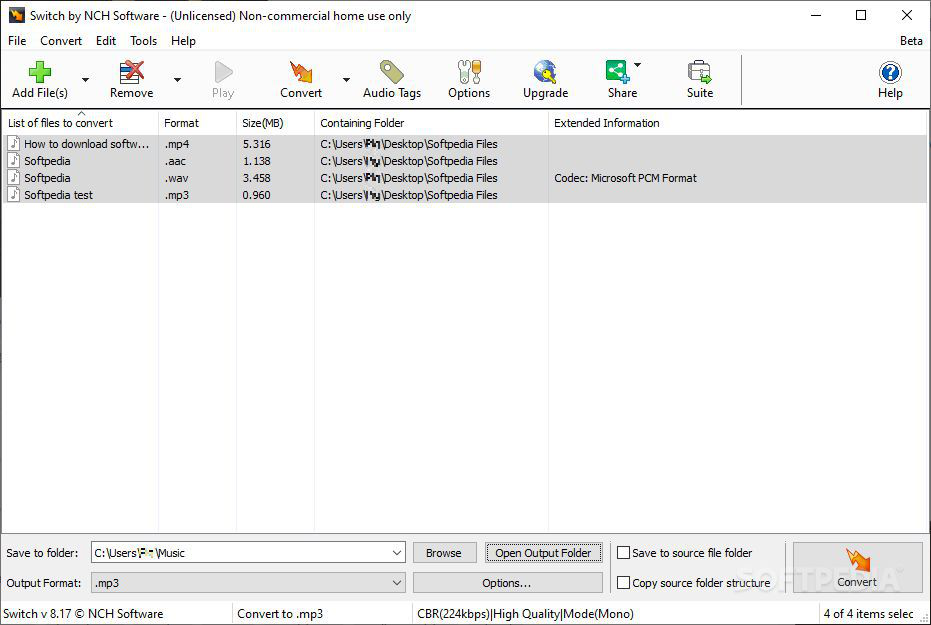
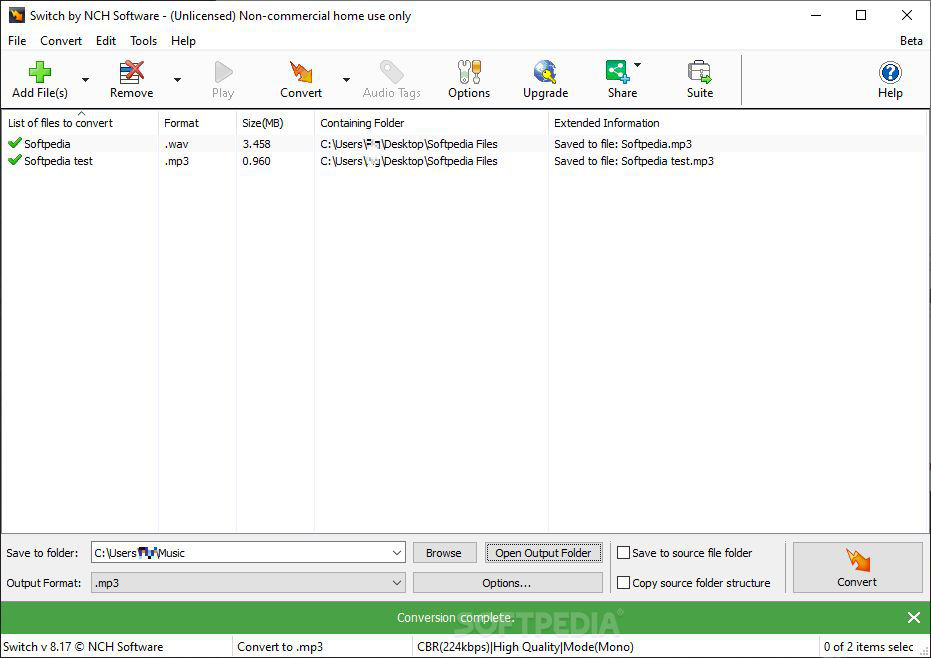
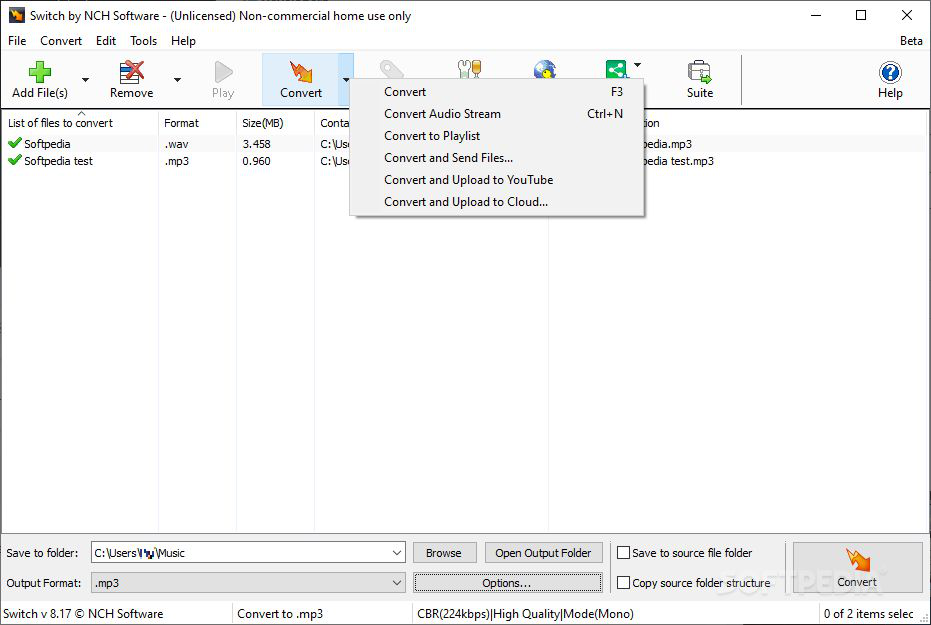
Converting a bunch of songs is much less daunting when you can do it all at once. Adding your tunes, selecting the output format, then configuring the conversion is a workflow users can quickly accommodate to, as it is quite easy to go through.
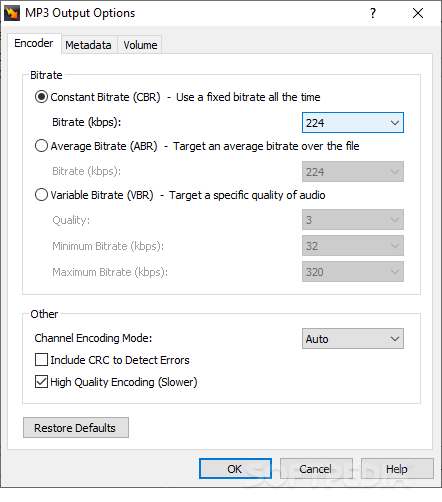
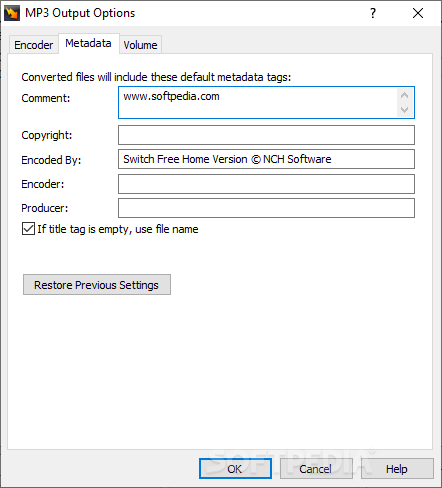
Configuration-wise, you can modify your tunes’ bit rate, adjust their dynamic range, as well as modify their metadata. All these options are under the same menu, so making modifications of that nature largely feels smooth and natural.
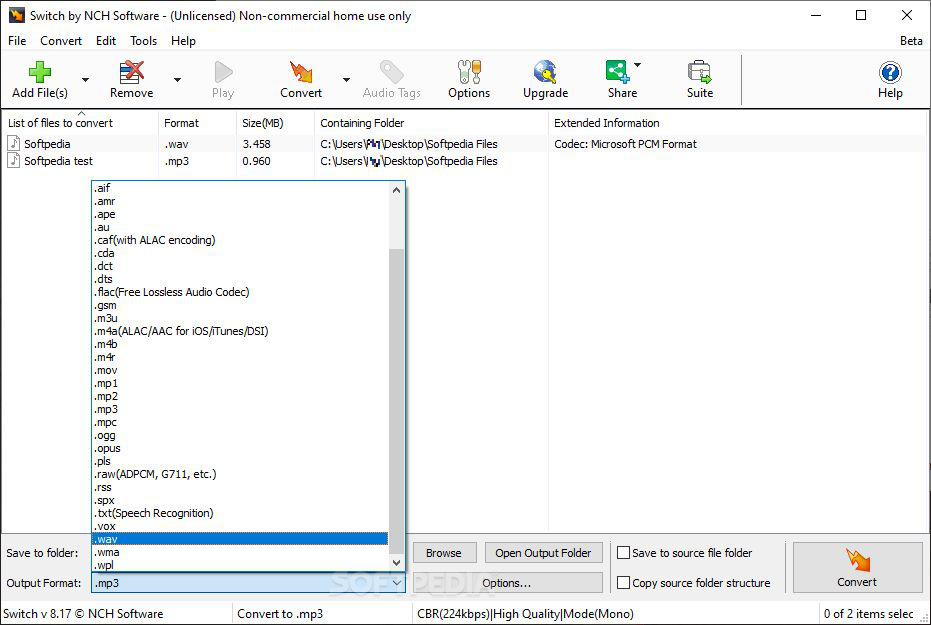
Listing all the formats available for conversion would take quite a bit of time, but you’ll likely be satisfied with their selection.
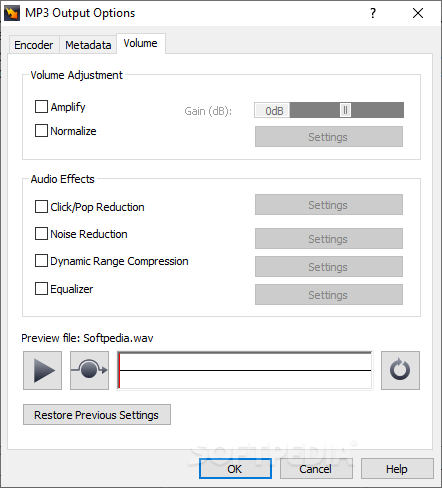
Curiously, the program also includes an Effects tab that contains a series of utilities to modify the sound of your tunes. A volume amplifier, a normalizer, sound compressor, and an equalizer are available. Try them out and see how you like the changes.
What’s more, some filters can be added to your music to modify it further. High and low pass filters, noise reduction, and click/pop reduction are just a few of the tools on offer. Some can work to address problems with podcast recordings, for example, while others can be reliably used to edit your tunes a touch.
Switch Free Audio Converter and MP3 Converter will help you convert your music library without much hassle. The additional tools to edit your songs are also worth mentioning, as they make the program an enticing choice for a variety of users.
Download Hubs
Switch Free Audio Converter and MP3 Converter is part of these download collections: Convert FLAC to MP3, Convert MP3 to WAV, Convert MP3, Convert WMA to MP3
What's new in Switch Free Audio Converter and MP3 Converter 12.01 Beta:
- [Convert to txt] - Show time stamp
- Add Isolate Vocals option in convert to txt / srt options
Switch Free Audio Converter and MP3 Converter 12.01 Beta
add to watchlist add to download basket send us an update REPORT- runs on:
-
Windows 11
Windows 10 32/64 bit
Windows 8 32/64 bit
Windows 7 32/64 bit
Windows Vista 32/64 bit
Windows XP 32/64 bit - file size:
- 1.6 MB
- filename:
- switchsetup.exe

- main category:
- Multimedia
- developer:
- visit homepage
Microsoft Teams

IrfanView

Bitdefender Antivirus Free

ShareX

Context Menu Manager

4k Video Downloader

7-Zip

Zoom Client

Windows Sandbox Launcher

calibre

- Zoom Client
- Windows Sandbox Launcher
- calibre
- Microsoft Teams
- IrfanView
- Bitdefender Antivirus Free
- ShareX
- Context Menu Manager
- 4k Video Downloader
- 7-Zip