WINDOWS CATEGORIES:


NEWS ARCHIVE >>
SOFTPEDIA REVIEWS >>

WEEKLY HIGHLIGHTS

DVD Cloner45
Spyware Doctor40
1Click DVD Copy40
Apollo DVD Copy40
ABC Amber BlackBer...45
Protected Music Co...40

7-DAY TOP DOWNLOAD

#
Program
Windows Live
Messenger 2009
14.0.8089.726

205,783
Avira AntiVir
Personal - Free
Antivirus 9.0.0.407

195,395
Avira Antivir Virus
Definition File
Update November 6,
2009

180,844
Nexus Radio 4.1.1
131,987
Windows Live
Messenger
8.5.1302.1018

124,237
FreeZ Online TV 1.30
97,621
Y! Multi Messenger
8.x and 9.x

82,764
Microsoft Office
2007

82,452
DVD Shrink 3.2.0.15
59,713
RemoveWGA 1.2
55,654

WEEK'S BEST

  • Internet Explorer ...
  • Online Armor ++ 4....
  • cFosSpeed 5.01 Bui...
  • SONY Vegas Pro 9.0...
  • Firefox 3.6 Beta 1...
  • Nokia Photos 1.6.434
  • Windows Server 200...
  • Skype Portable 4.1...
  • Google Chrome Port...
  • PCMark Vantage Bas...
  • Kaspersky Anti-Vir...
  • Microsoft Virtual ...
  • Messenger Plus! Li...
  • WinX DVD Author [F...
  • SoftPerfect Networ...
  • System Mechanic Pr...
  • Ad Muncher 4.8 Bui...
  • Windows 7 Upgrade ...
  • Pidgin 2.6.3
  • OpenOffice.org 3.2...
  • VirtualDub 1.9.7 B...
  • Maxthon [Softpedia...
  • Spyware Doctor 7.0...
  • SUPERAntiSpyware 4...
  • Adobe Acrobat Prof...
  • Camfrog Video Chat...
  • Adobe Reader 9.2.0...
  • Foxit PDF Reader 3...
  • Microsoft Maliciou...
  • AVG Identity Prote...
  • Home / Windows / Multimedia / Audio / Audio Editors/Recorders
     Report spyware

    WM Converter 2.0

    Download button

    Downloads: 24,943  Add to download basket  Tell us about an update
    User Rating:
    Rated by:
    Good (3.7/5)
    54 user(s)
    Developer:

    License / Price:

    Size / OS:

    Last Updated:

    Category:
    All Alex Inc | More programs
    Freeware / FREE
    11.5 MB / Windows All
    October 23rd, 2007, 11:31 GMT
    C: \ Multimedia \ Audio \ Audio Editors/Recorders

     Read user reviews (0)  Add a review  Refer to a friend  Subscribe


    WM Converter description


    A software appplication that allows you to convert most popular media formats

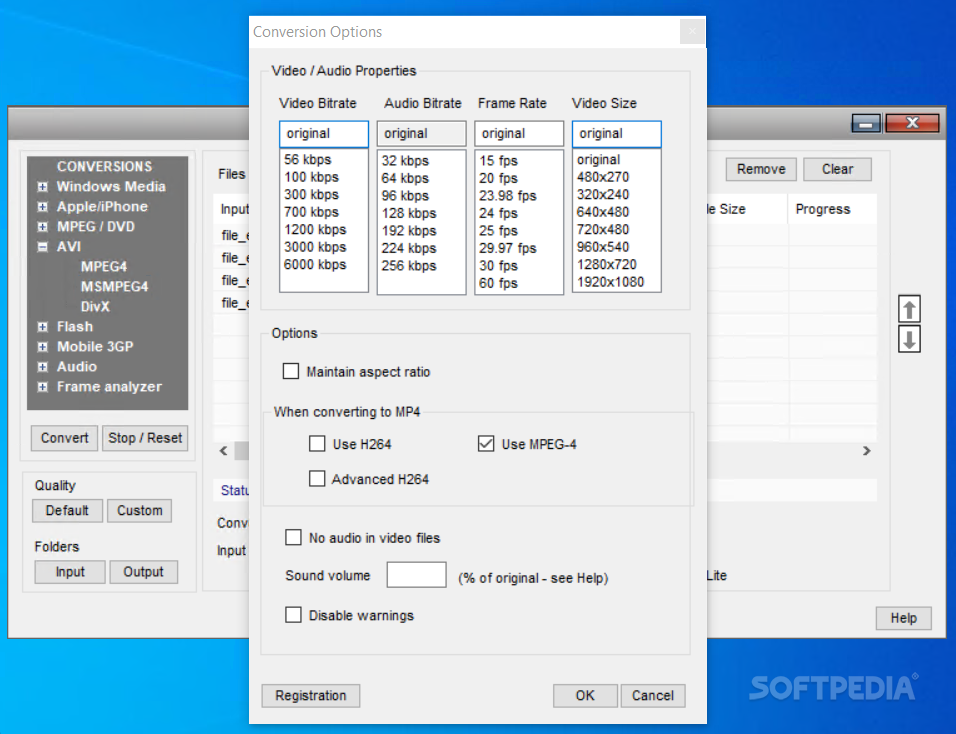
    When converting video and audio files between different media formats the computer CPU is utilized at its maximum capacity (100% loading).

    Low speed processors (below 1.5 GHz) do not perform well. Dual core processors are the best choice. In general the amount of time required to convert a video file is the same as the play time (duration) of the video. Audio files are converted in a shorter period of time.

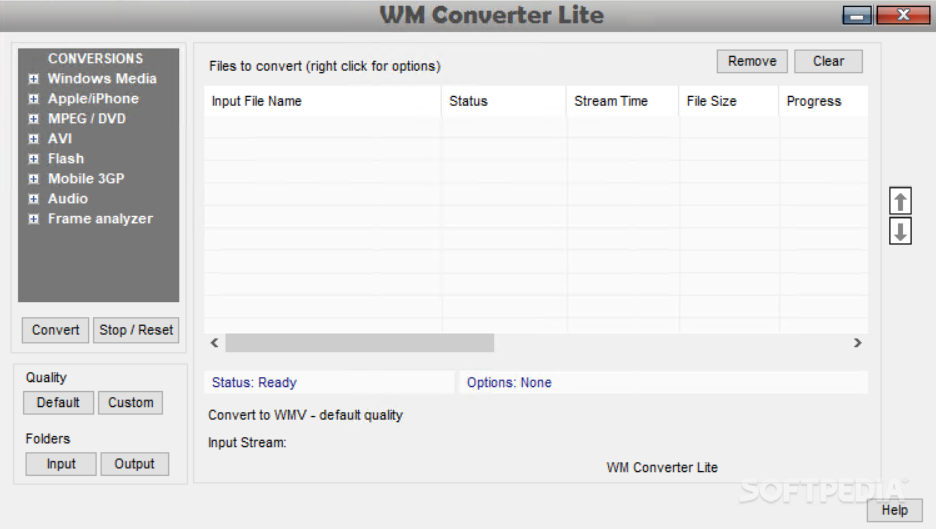
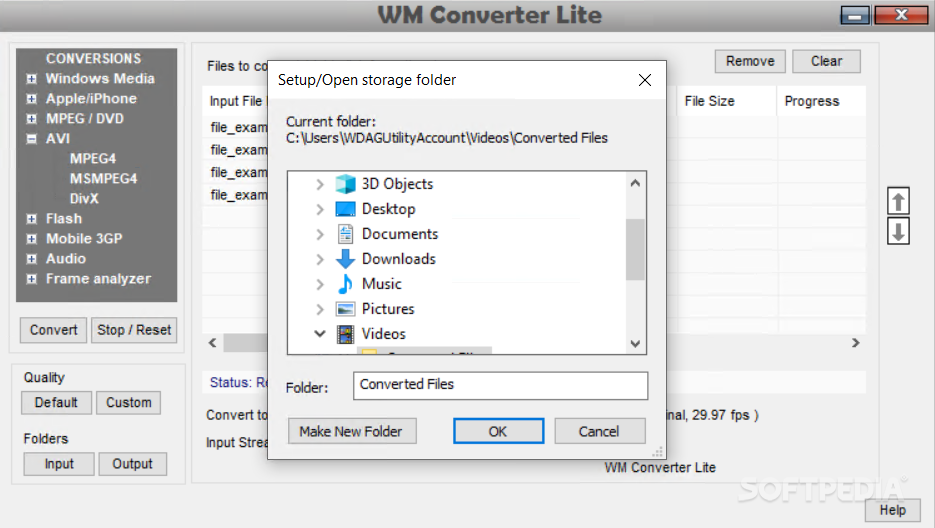
    WM Converter allows you to convert most popular media formats.

    Note that the quality of a converted video/audio file cannot
    be better than the original if higher conversion bit rates (kbps) or frames rates (fps) are used.

    Here are some key features of "All Allex WM Recorder":

    · WMV/Zune is utilized by Windows Media Player. The converted files have the extension wmv. Use this format to create smaller files that can be sent over the Internet. For example you can convert your camera MPEG-2 files to smaller WMV files that can be emailed or played in your Microsoft Zune.

    · MP4/iPod is utilized by QuickTime. The converted files have the extension mp4. Use this format to create high quality video/audio files or smaller files that can be sent over the Internet. For example you can convert your camera MPEG-2 files to smaller MP4 that can be emailed or played in your Apple iPod. Or, you can convert high quality MPEG-2 files to high quality MP4 files

    · MPG (MPEG-2, MPEG-1) files can be played back with Windows Media Player or Real Player provided that your computer has installed a MPG decoder (codec). The converted files have the extension mpg. Use this format to create high quality video/audio files that can be burned on DVDs. In this case you should select a high bit rate (3000 kbps) and a high frame rate (30 fps). Note that an MPG file burned on a DVD cannot not be played on a regular DVD player. You need to use a DVD creator program to create a DVD from the MPEG-2 file.

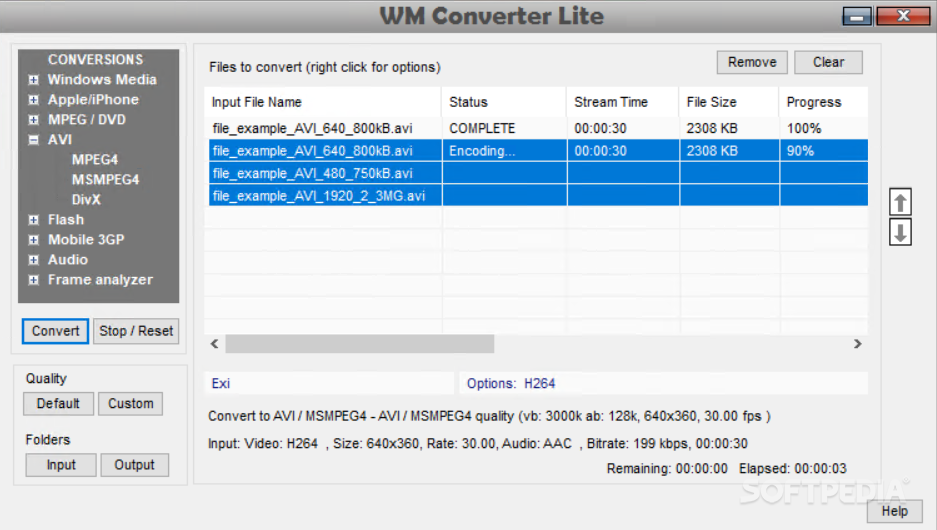
    · AVI files can be played with Windows Media Player or Real Player. The converted files have the extension avi. Use this format to create high quality video/audio files for video presentations using a PC or laptop.

    · FLV files can be played with the FLV Player included in WM Converter installation package. The converted files have the extension flv. Use this format to create small files that can be broadcasted over the Internet.

    · 3GP files can be played with Real Player or QuickTime.. The converted files have the extension 3gp Use this format to create small files that can be downloaded to your mobile phone.

    · MP3/WAV files are audio files that can be played with any media player. The converted files have the extension mp3/wav. The aac files available under MP3 selection require QuickTime for playback in a PC. These files can also be played in a iPod.

     Softpedia guarantees that WM Converter 2.0 is 100% CLEAN, which means it does not contain any form of malware, including spyware, viruses, trojans and backdoors. [read more >]


    TAGS:

    WM converter | convert video | audio converter | convert | converter | rip


    HTML code for linking to this page:


    Go to top

    Windows tabGames tabDrivers tabMac tabLinux tabScripts tabMobile tabHandheld tabGadgets tabNews tab

    SUBMIT PROGRAM   |   ADVERTISE   |   GET HELP   |   SEND US FEEDBACK   |   RSS FEEDS   |   ENTER NEWS SITE   |   ENGLISH BOARD   |   ROMANIAN FORUM