Softpedia
 

WINDOWS CATEGORIES:


GLOBAL PAGES >>
SOFTPEDIA REVIEWS >>
MEET THE EDITORS >>
WEEK'S BEST
  • Sticky Password FR...
  • Parallels Workstat...
  • ESET NOD32 Antivir...
  • BitDefender Total ...
  • WinPatrol 24.6.201...
  • PerfectDisk Free D...
  • Adobe Photoshop CS...
  • PerfectDisk Profes...
  • Windows 8 Consumer...
  • Atlantis Word Proc...
  • Home > Windows > Multimedia > Audio > Audio Editors/Recorders
     Report malware

    Anvil Studio 2012.05.10

    download button

    Downloads: 10,178  Tell us about an update
    User Rating:
    Rated by:
    Good (3.6/5)
    40 user(s)
    Developer:

    License / Price:

    Size / OS:

    Last Updated:

    Category:

    Freeware / $0
    2.6 MB / Windows All
    [view history]
    C: \ Multimedia \ Audio \ Audio Editors/Recorders

     Read user reviews (0)  Send to friend   Follow (2 users)

    Anvil Studio description

    Manipulate and record MIDI files

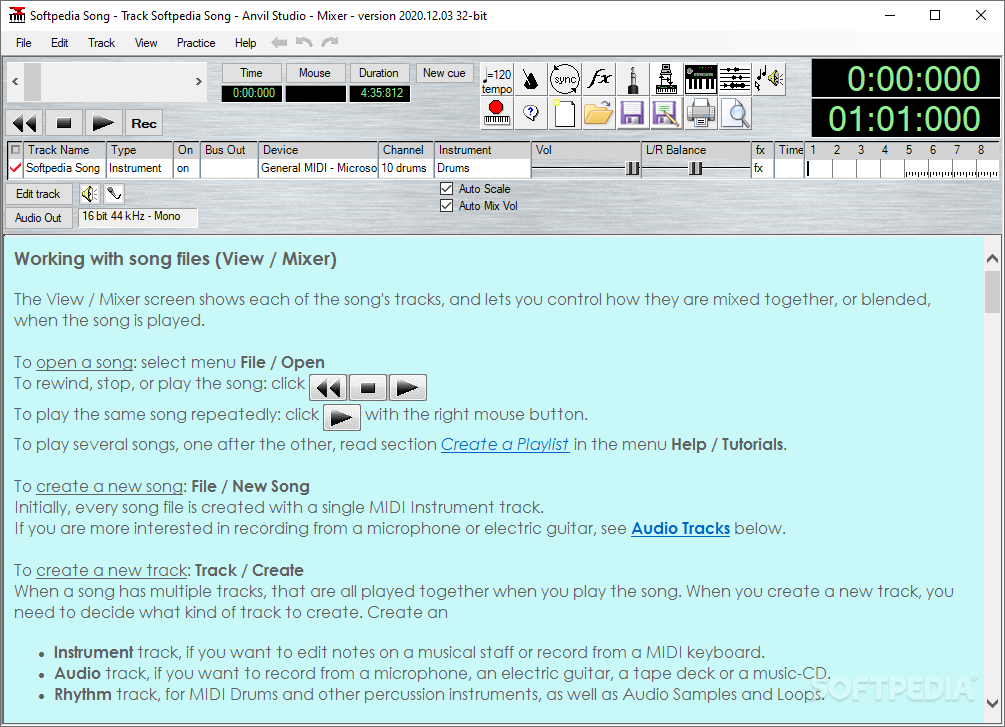
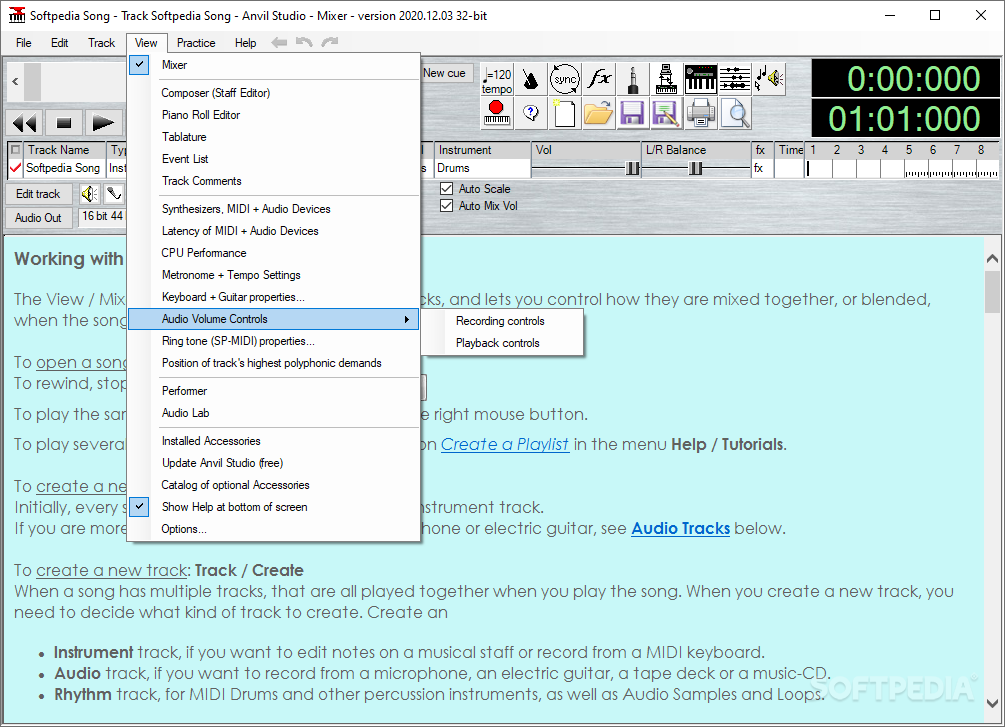
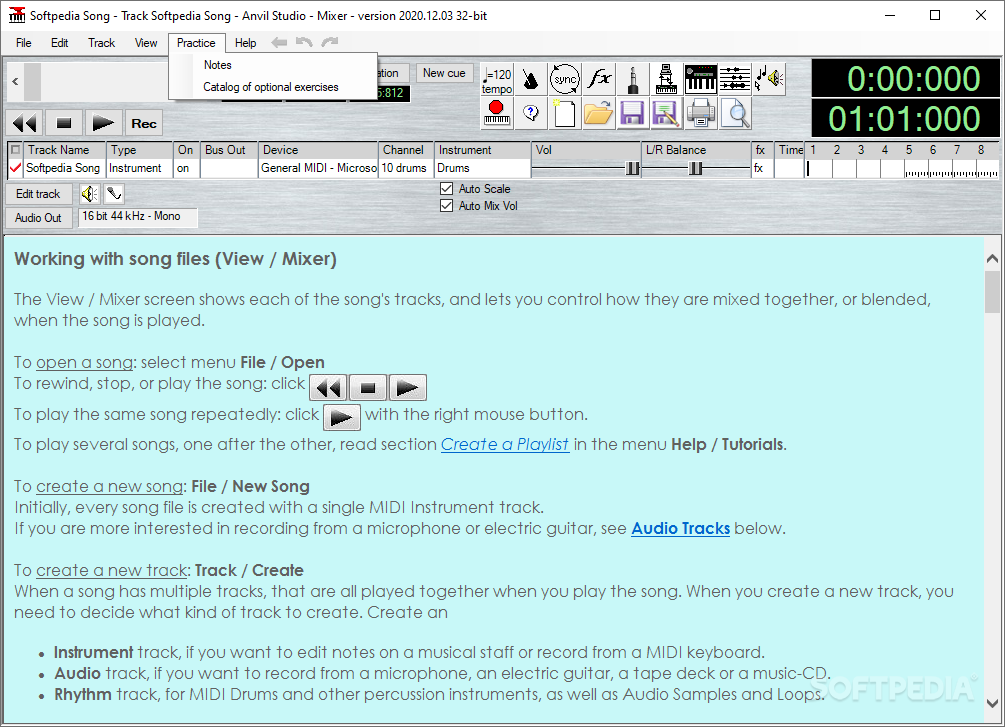
    Anvil Studio is a handy program designed for people who want to: record music with MIDI and Audio equipment, compose music for MIDI and Audio equipment, sequence music with MIDI equipment, or play with music using a computer and sound card.

    Here are some key features of "Anvil Studio":

    General:
    · Editors: Staff, Lyrics, Piano Roll, Drum, Loops, Audio, Events.
    · File formats: standard .MID and .WAV files.
    · Includes extensive integrated help.
    Piano Roll / Rhythm editor with:
    · multi-level loops
    · loops can refer to notes, other loops, samples, or Riffs.
    · Import, record and edit audio samples and play them like drums.
    · any note duration down to 1/128th notes.
    · dynamic editing while the song is playing, making it easier to experiment with rhythms.
    · duplet, quintuplet, and septuplet notes.
    · Enter notes from external MIDI device, on-screen guitar fret board, on-screen piano keyboard, or by dragging notes to the staff.
    · Per-track On/Mute/Solo, device, instrument, channel, fader, pan, and effects controls.
    For screens larger than 800 x 600, it shows:
    · up to 25 tracks of information displayed at the same time.
    · zoomed-out view of notes and wave data for all tracks at the same time.
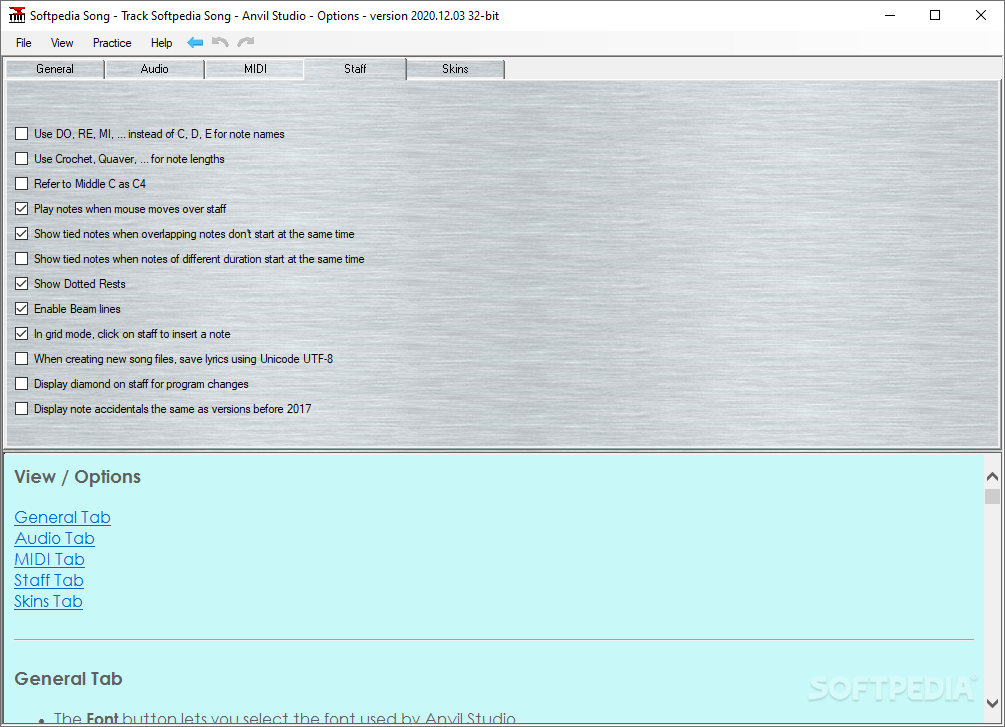
    · option to play notes as mouse moves over them, making it easier to quickly locate a spot in the song.
    · Dynamically change track volumes, mutes, instruments, and effects properties while a song continues to play.
    · Fast loading and scrolling of large MIDI files.
    · Time and Duration fields display time in Minute:Second:Frame(SMPTE), or Measure:Beat:Ticks, or sample format.
    · Metronome includes tempo, lead-in, and accent beat attributes.
    · Add Cue points for quickly positioning to a desired spot in the song.
    · Play list for playing hours of different song files.
    · File/Truncate menu to shorten the duration of .MID files.
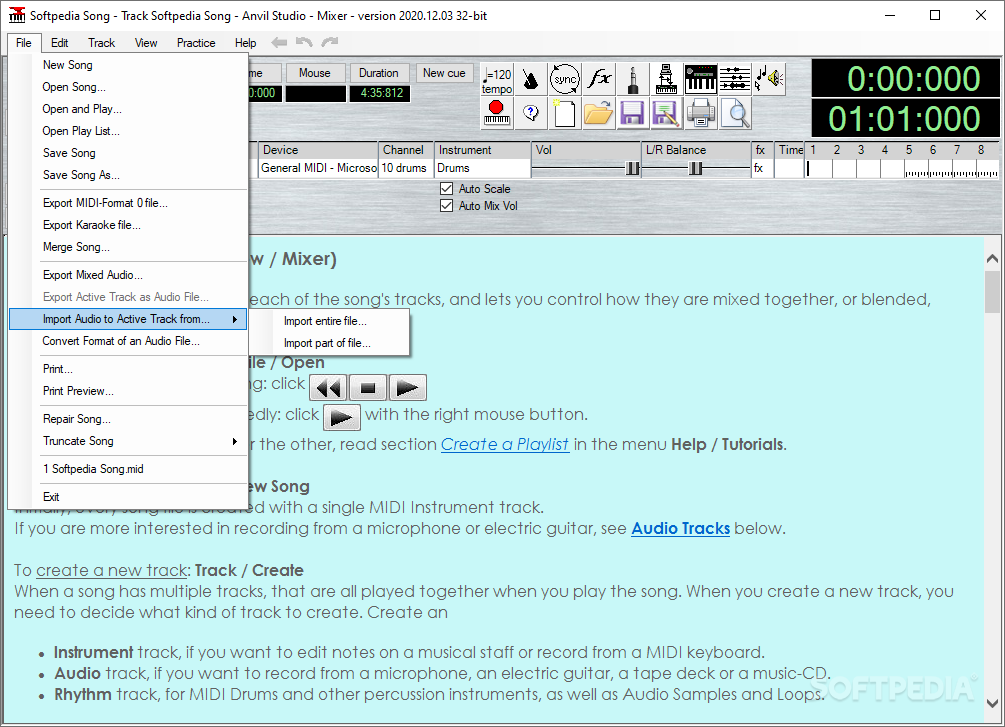
    · File/Merge Song menu for copying tracks between .MID files.
    · Add standard music notation including: slur, crescendo, decrescendo, fermata, trill, repeat, D.C., D.S., segno, coda, prima volta, seconda volta, pp, p, mp, mf, f, ff
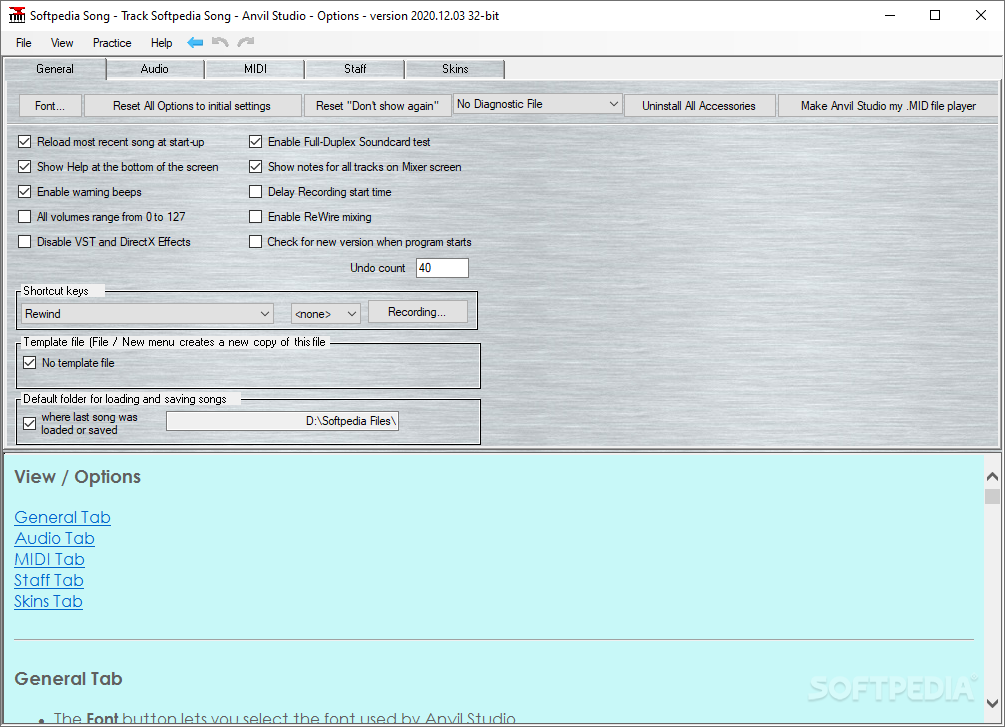
    · User-defined keyboard shortcuts.
    · Control Record/Play/Stop functions remotely using any MIDI controllers such as a Foot Switch, Modulation wheel.
    · Free version has built-in patch-library support for SoundFont®-compatible sound cards.
    · Supports the Tascam US-428 External Mixing console.
    · Runs on Windows 98, ME, NT 4.0, 2000, XP, Vista (32-bit versions)
    · ASIO, VST, VST-Instrument, and Automation support with optional Pro-Mix accessory.

    Audio:
    · Free version allows you to record and edit a single, stereo or mono, one minute audio track.
    · Optional $19 Multi-Audio 1/8 accessory allows you to record and mix up to 8 stereo/mono audio tracks, where recording time is limited by available free disk space.
    · Uses Windows Audio Format Converters to import/export WMA and other audio formats.
    · Mix audio files with different formats (bits per sample, samples per second).
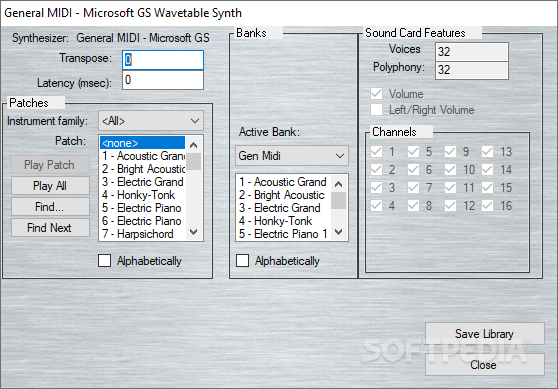
    · Controls for sound-card configuration.
    · Mix all tracks down to a single .WAV file.
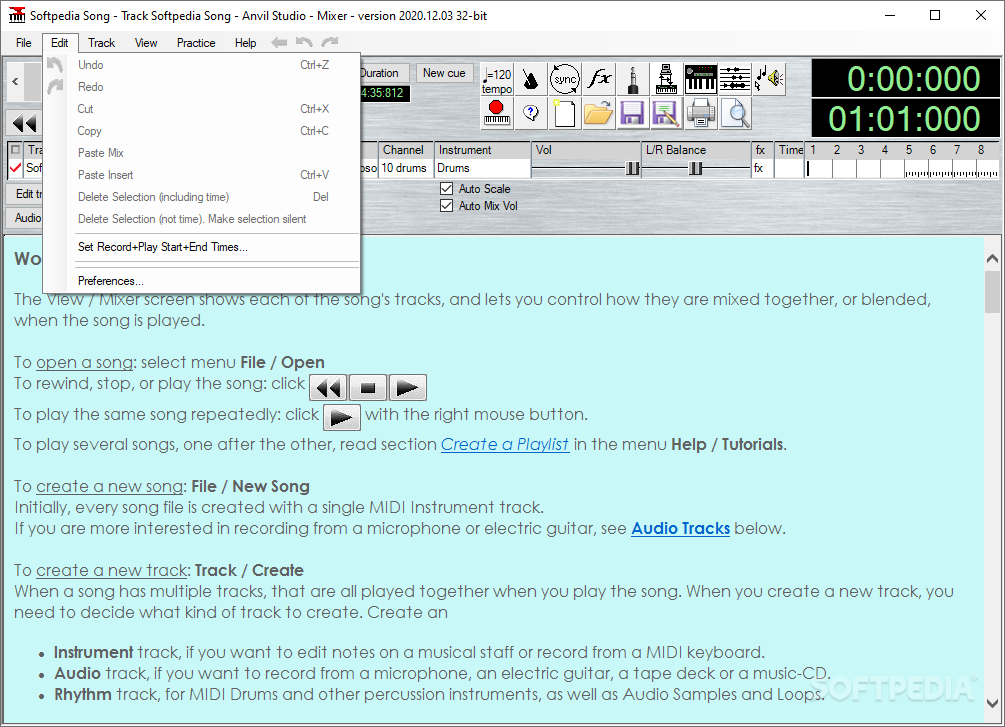
    · Set record and play start and end times to control which range get recorded for Punch-in to re-record over mistakes.
    · Record audio tracks from any sound card's Mono, Left, Right or Stereo channels, from any soundcard source including Microphone, Line-In, CD-Audio, etc.
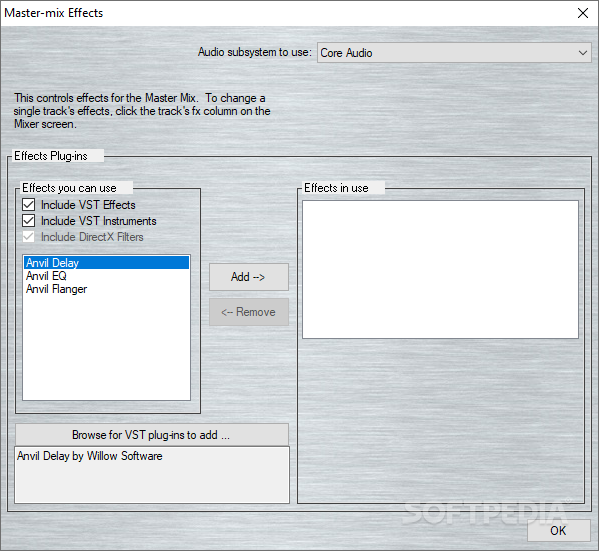
    · Audio effects: native reverb, native EQ, third-party DirectX effects.
    · Audio filters: zero-range, pitch change, volume change, pan, filtering, reverse, normalize (to maximize a track's head-room), low-pass, high-pass, band-pass, and band-stop.
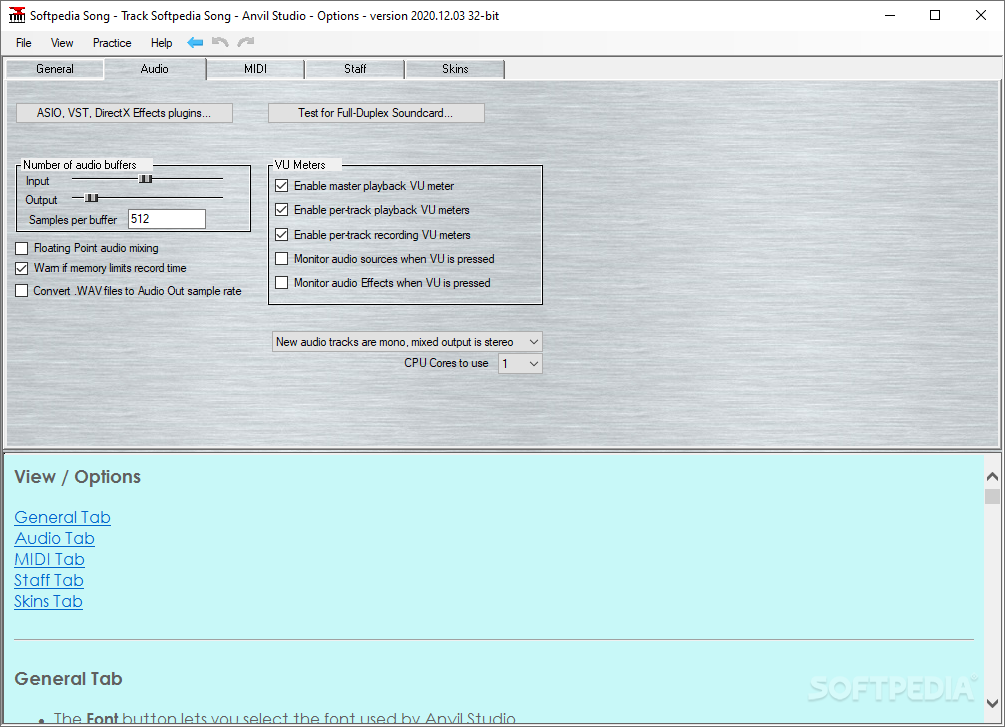
    · VU meters
    · Zoom in to the sample level
    · Per-sample Volume, Pan and Reverb controls
    · Record an Audio device's Left or Right channel to a track by itself.
    · Mix stereo and mono Audio tracks in the same song to a stereo or mono mix.
    · Split a stereo audio track into two mono tracks.
    · Change audio tracks between Mono and Stereo without erasing the track.
    · Paste Stereo to Mono and Mono to Stereo.
    · Import .WAV files to audio tracks or sampled rhythms.
    Optional Multi-Audio 8/16 accessory allows you to:
    · simultaneously record up to 8 stereo audio tracks if you have a Sound Card with 8 mono audio inputs or 4 stereo inputs.
    · mix a song with 16 audio tracks down to a single .WAV file.
    · increase the number of audio Samples you can use in the Rhythm and Piano Roll editor to 64.
    · record and play audio tracks with 24 bits per sample and 192 kHz samples per second, if your soundcard supports it.
    · use soundcards with ASIO drivers.
    · load third-party VST effects.


    MIDI:
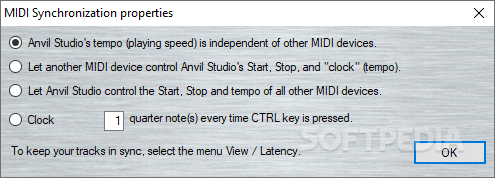
    · Sequencing as MIDI Master or Slave
    · Unlimited number of MIDI Tracks.
    · When moving the mouse over notes on the staff, the equivalent keys on the piano keyboard are highlighted.
    · Record notes from an external MIDI keyboard.
    · Enter notes from Computer keyboard while real-time recording or manually composing.
    · Select, Copy, Edit, Paste notes.
    Right-mouse popup menu control of individual note properties including:
    · pitch, duration, volume, stem direction, staccato, tie-to-next-note, and delete note.
    · Button that lets you sing the note to be inserted on the staff.
    · Staff style control to display 1 or 2 treble or bass clefs.
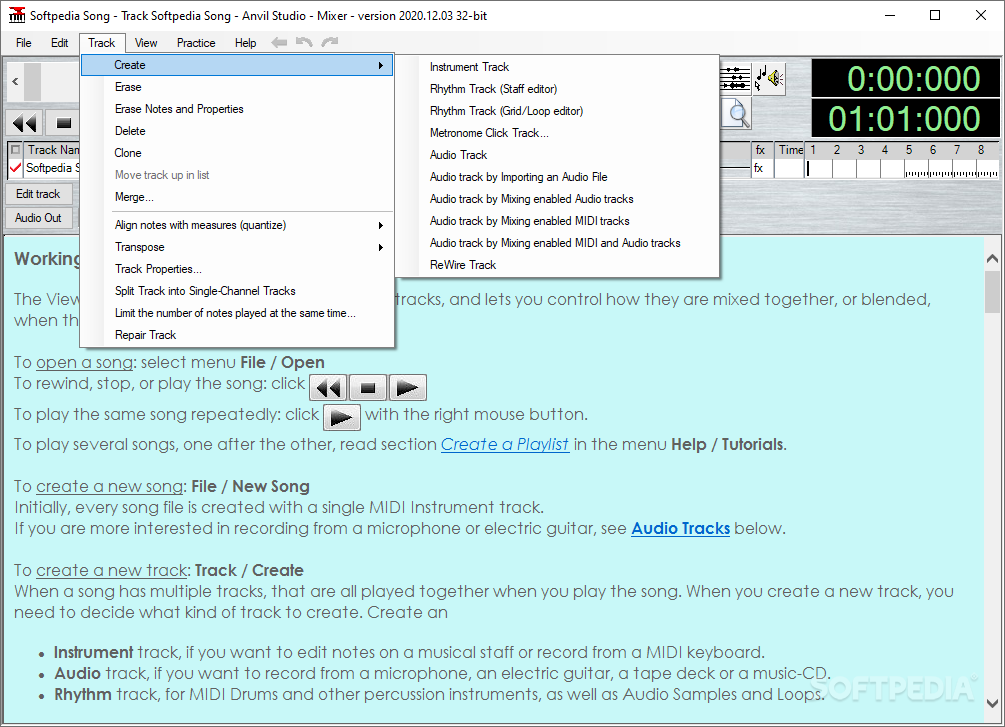
    · Quantize.
    · Transpose diatonic or chromatic.
    · Auto-harmonize.
    · Triplets.
    · Automatic layout of bars and staves.
    · MIDI Master and Slave Synchronization modes for synchronizing with MIDI drum machines and sequencers.
    · Perform page lets you wire together on-screen modules for real-time manipulation of MIDI sounds.
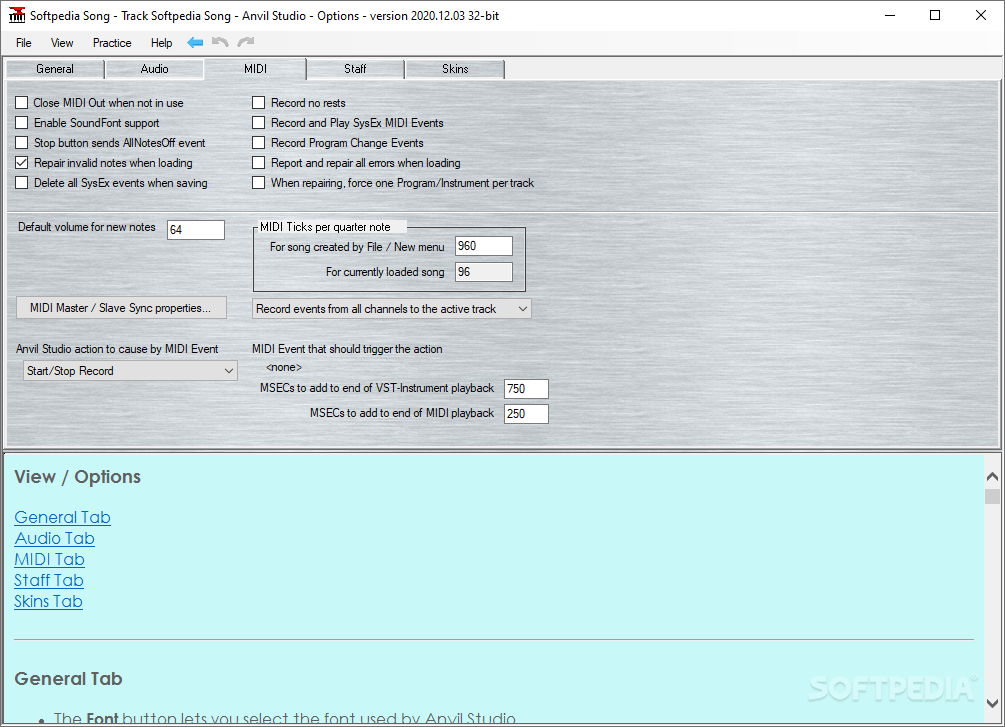
    · Repair Song menu fixes problems in badly-formatted MIDI files.
    · Option to echo to SoundCard while recording MIDI, even when recording from external keyboard.

    Requirements:

    · A 100 mHz Pentium or faster running any of
    · At least 64 megabytes of RAM
    · A Windows-compatible sound card and/or MIDI controller

    Limitations:

    · Create one-minute audio tracks

    What's New in This Release: [ read full changelog ]

    · When dragging a note from the palette to the staff, a large display now show's the new note's time and note's name as you drag the mouse.
    · You can lock the note's pitch by pressing the shift key and then continuing to drag the mouse to select the time.
    · If the Ctrl key is pressed while dragging the note, you can insert the new note at locations that overlap with existing notes where the Show: field controls the time-increment steps.
    · An example where this is useful would be, if a measure had two half notes, and you wanted to add a quarter note to the last beat of the measure.
    · Audio Samples can now be dragged to the Staff from the Audio Samples list below the staff.
    · Punch-In now supports MIDI recording the same way it has always supported audio recording.
    · Not all VST-Instruments respond to MIDI events for Volume and Left-Right Balance (PanPot) so we added a checkbox named This VST-Instrument responds to MIDI Pan and Vol to the View / Synthesizers screen.
    · This is set by default. If...

     Softpedia guarantees that Anvil Studio 2012.05.10 is 100% CLEAN, which means it does not contain any form of malware, including spyware, viruses, trojans and backdoors. [read more >]


    TAGS:

    record music | compose music | MIDI creator | MIDI | recorder | compose


    HTML code for linking to this page:


    Go to top

    WindowsGamesDriversMacLinuxScriptsMobileHandheldNews

    SUBMIT PROGRAM   |   ADVERTISE   |   GET HELP   |   SEND US FEEDBACK   |   RSS FEEDS   |   UPDATE YOUR SOFTWARE   |   ROMANIAN FORUM