
A comprehensive software solution that can be used to record, arrange, edit and render multi-track waveform audio, as well as batch convert files. #Audio recorder #Edit audio #Audio converter #Recorder #Mixer #Metronome
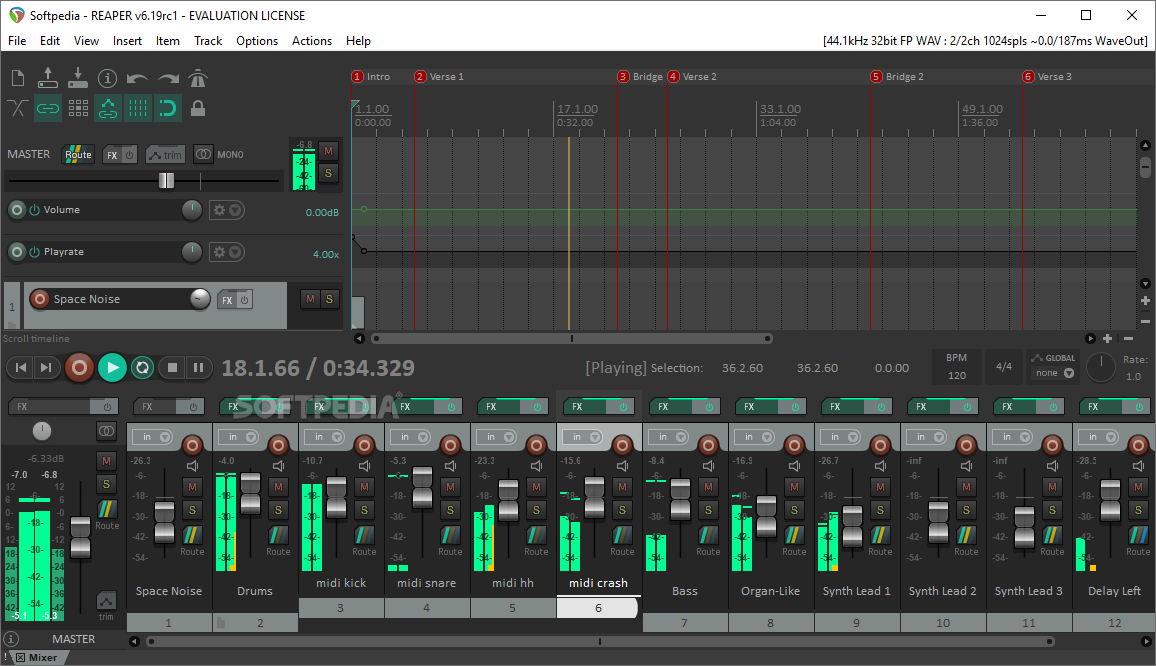
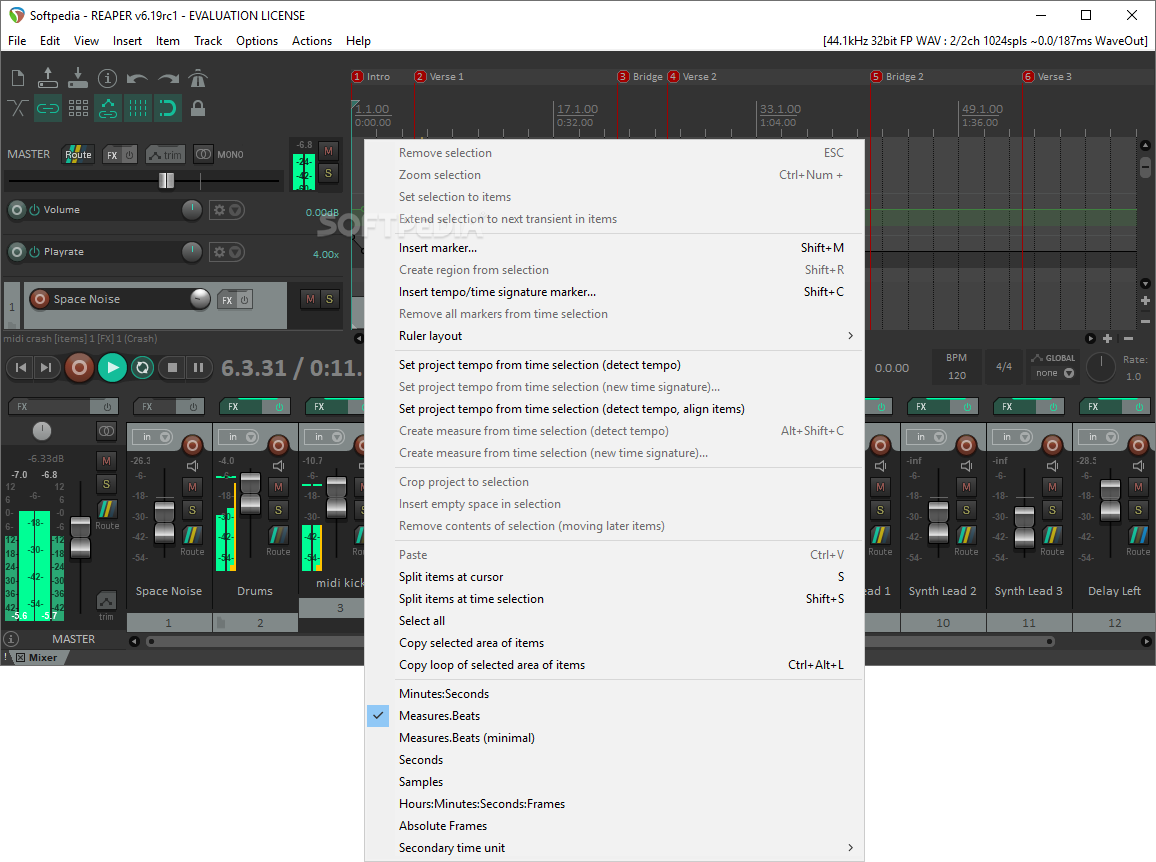
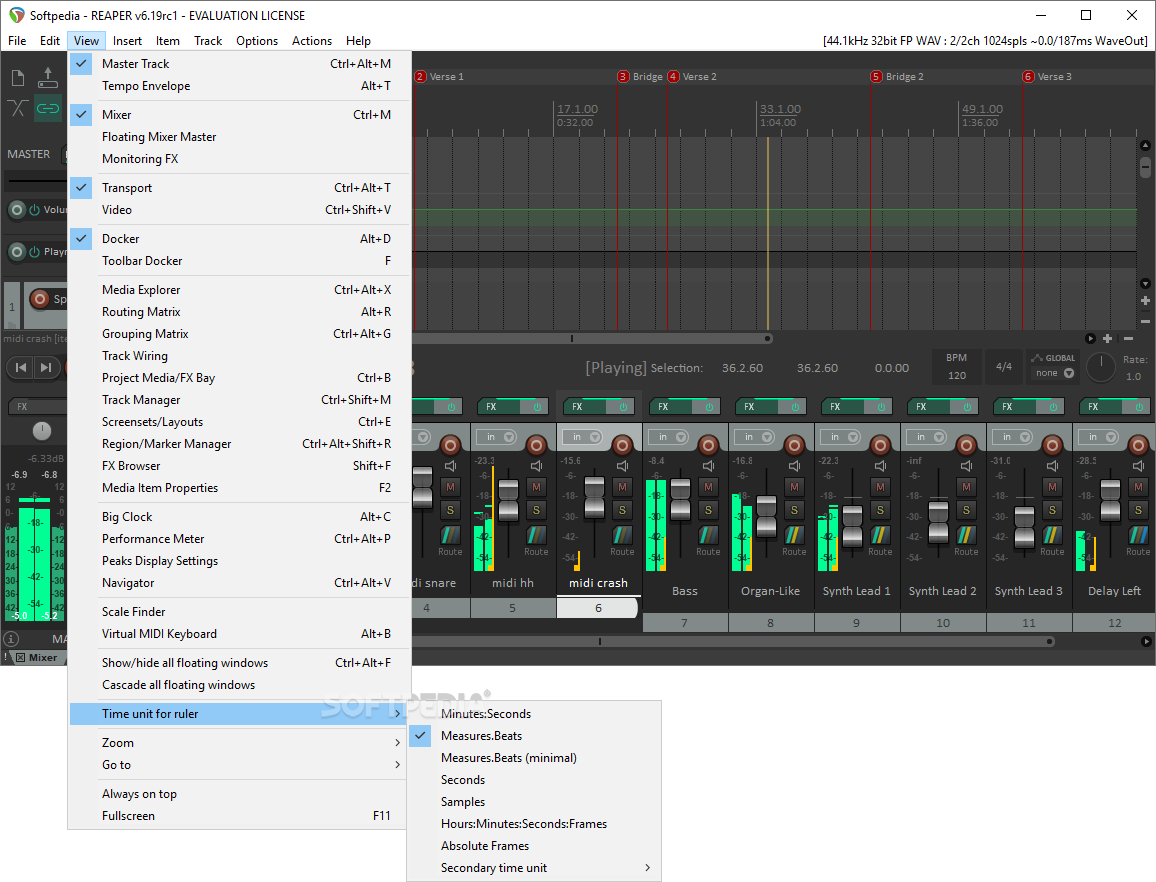
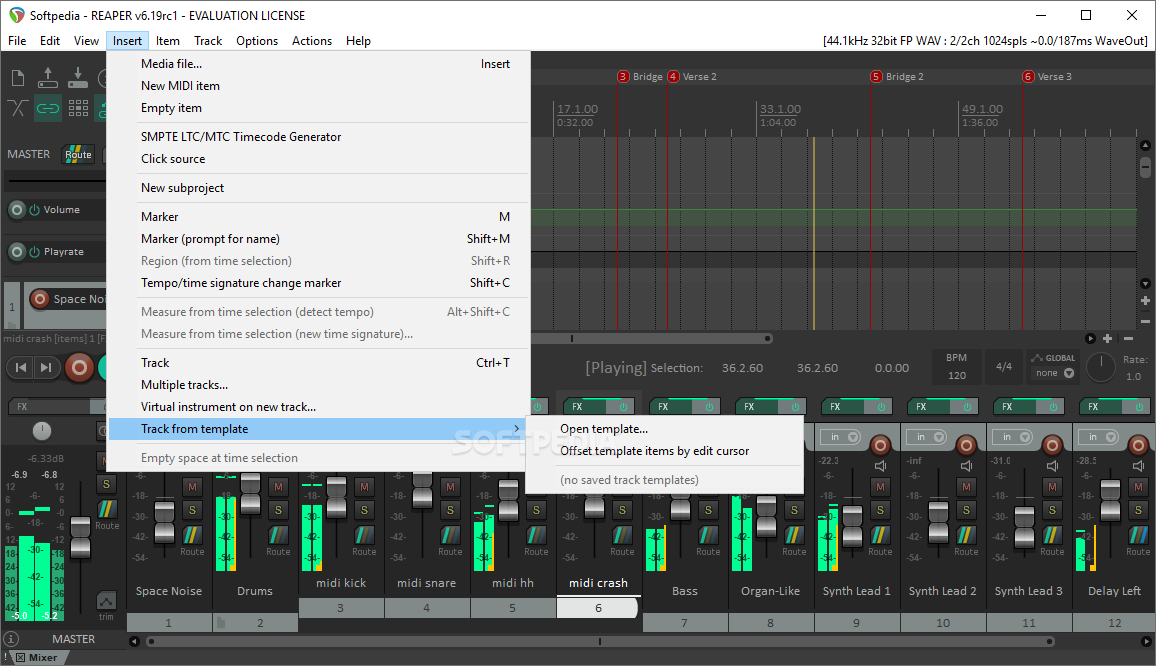
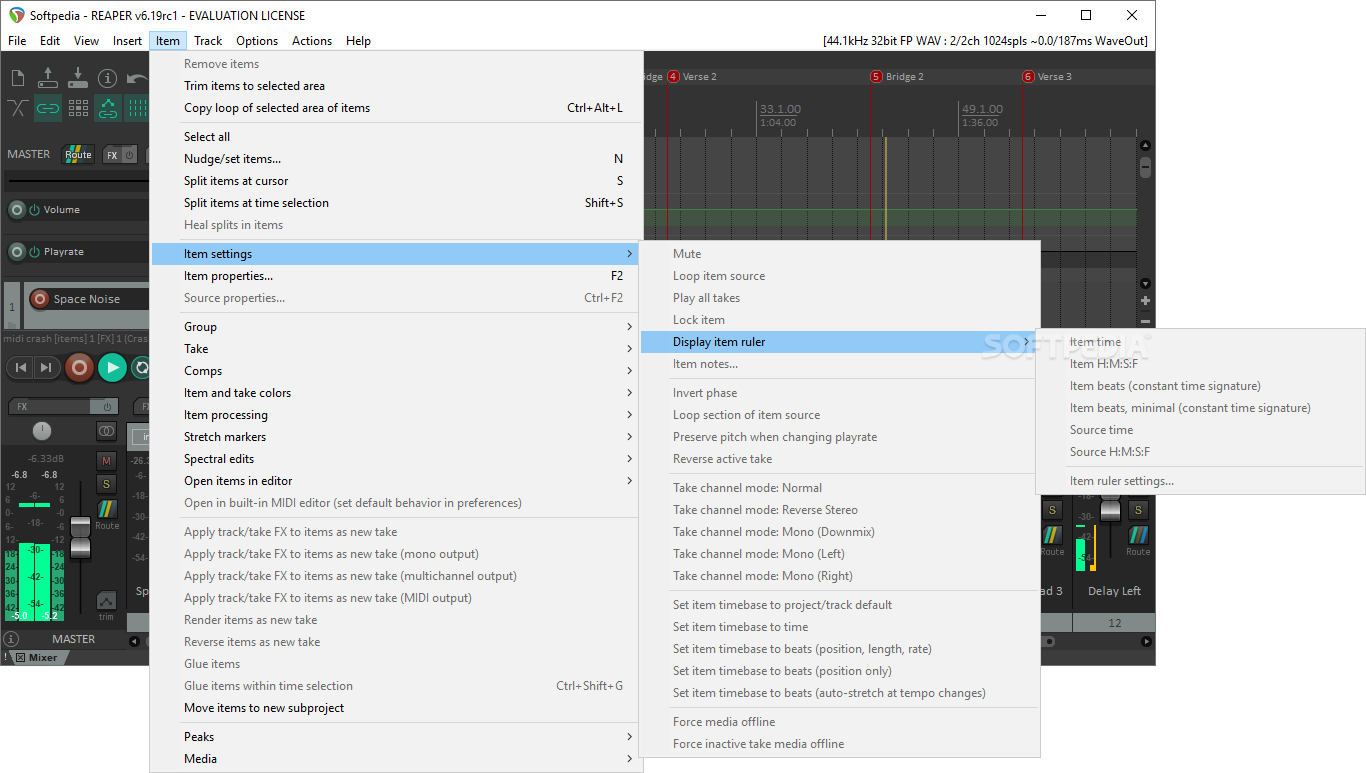
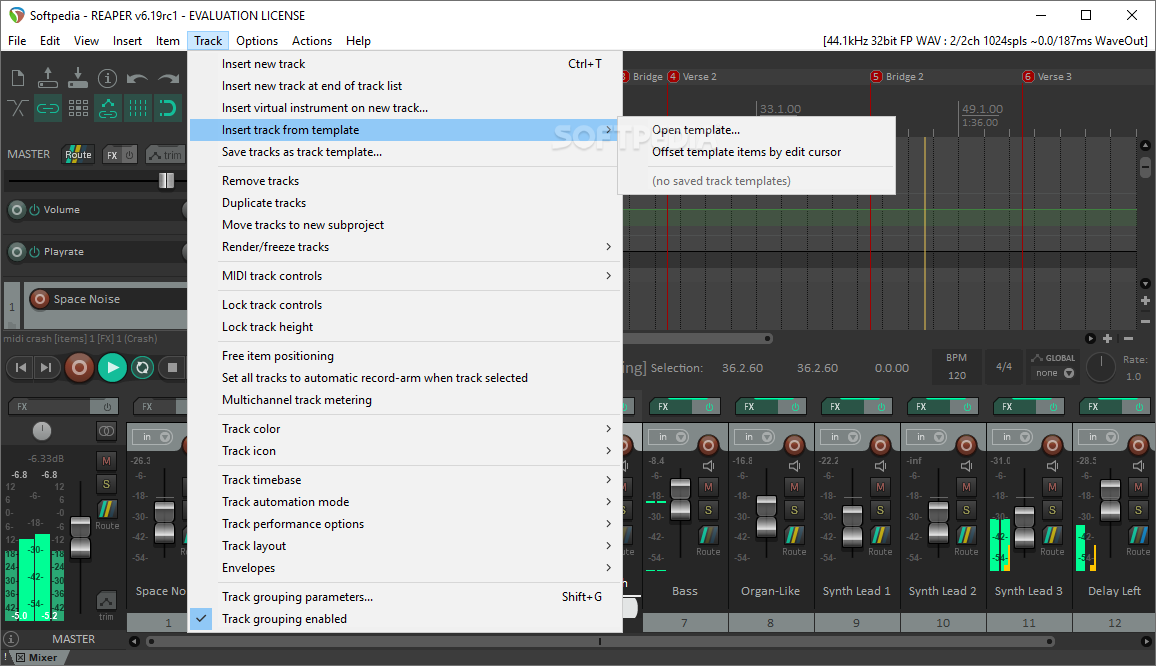
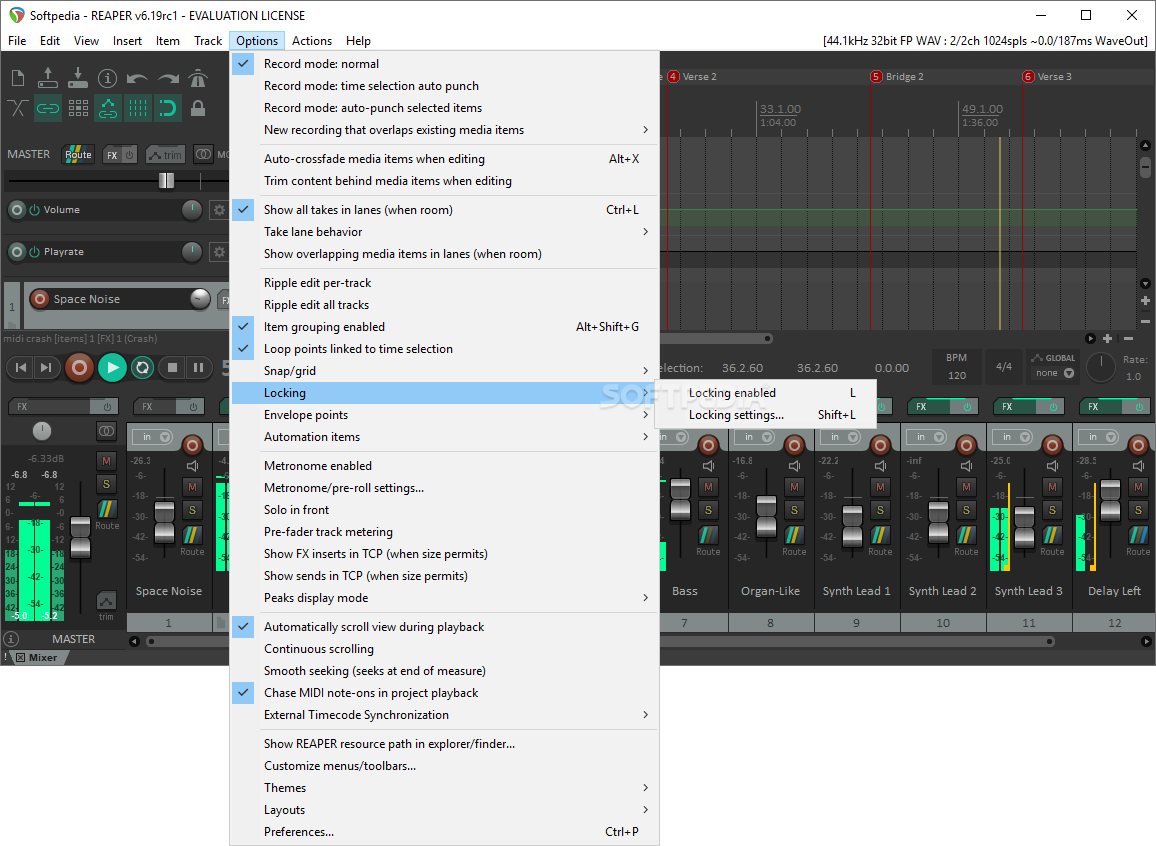
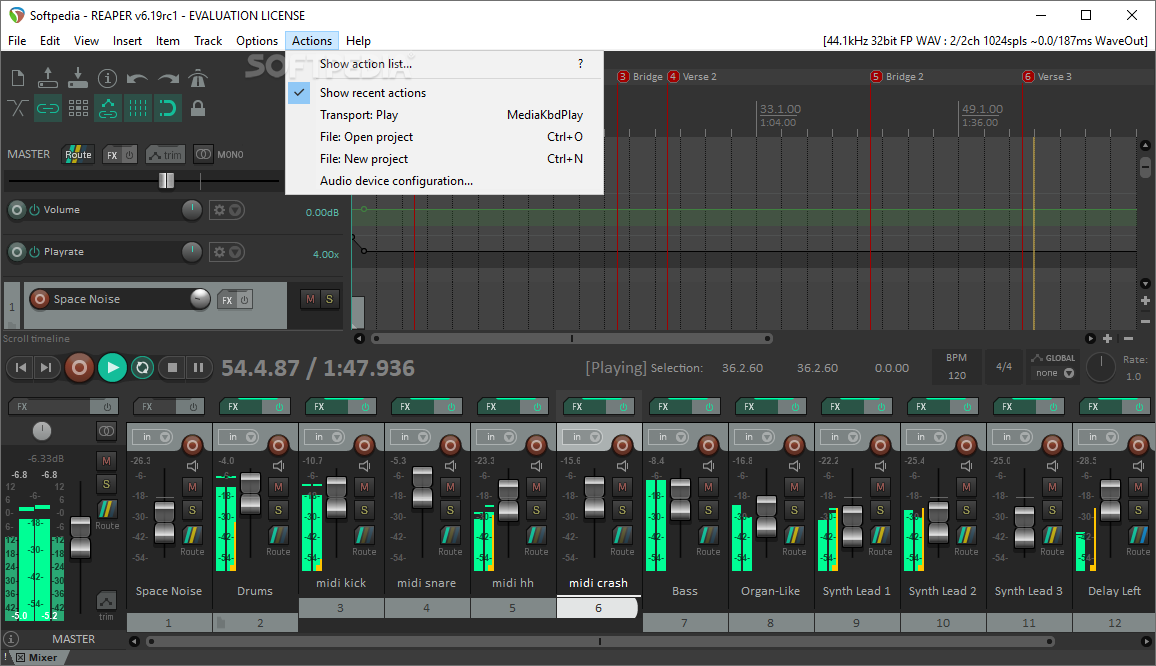
Reaper is undoubtedly one of the most powerful and famous DAWs (Digital Audio Workstation) out there due to the numerous functions and operations it supports: synthesizing, composing, arranging tracks, editing and mixing, all wrapped in a neatly organized GUI.
You can start a new project from scratch or you can insert your existing audio or MIDI files and enhance them with effects. The available plugins make it possible for you to add effects like reverb, delay and more, make pitch corrections, and perform a variety of other adjustments as well.
The record function comes in handy when you want to capture streams playing on your computer, whereas assigning colors to each track can help you get better visibility within the entire project.
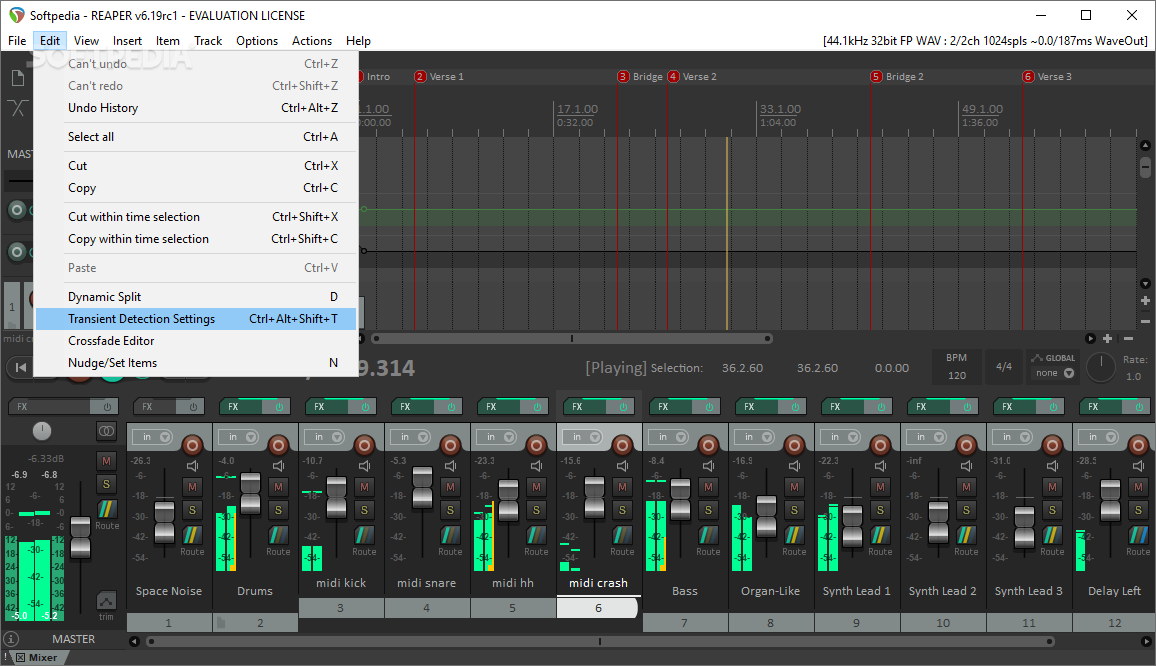
Once you learned your way around Reaper and discovered all of its functions, you can go one step further and associate hotkeys to the actions you use the most, thus speeding up any process.
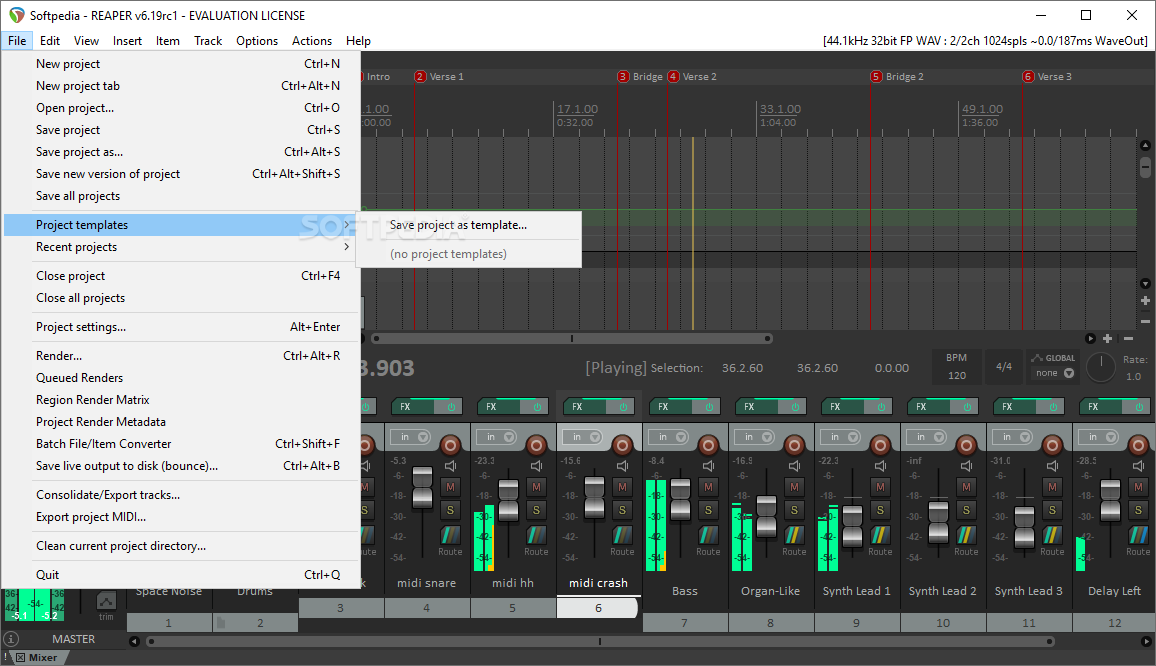
In addition to the plethora of features already mentioned, Reaper also comes with an integrated batch converter for quickly encoding your selected tracks to WAV, AIFF, CAF, FLAC, CUE/BIN, MP3 or OGG.
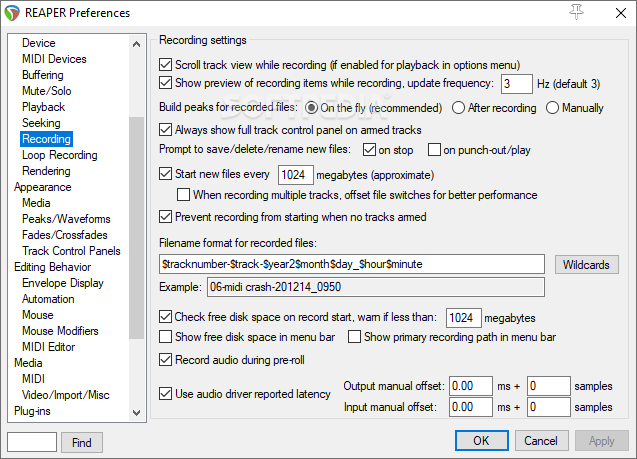
You can also set up a wildcard-based pattern to ensure the generated tracks all share the same filename style, while also modifying the target sample rate, channels and resample modes to your liking. When it comes to metadata, you can either manually add new information, or you can preserve the original data when possible.
In a nutshell, Reaper is bound to meet the needs of any music enthusiast out there, no matter if they make a living out of it or are only now discovering its versatility. You can enjoy all of its components or only some of them, depending on the scale and complexity of your project.
Download Hubs
REAPER is part of these download collections: Edit MP3, Open VST, MIDI Creator, Audio Recorders
What's new in REAPER 7.15:
- Accessibility: improve descriptions for various FX/JSFX text edit fields
- Accessibility: improve keyboard accessibility of various sliders via pageup/down, home/end
- Accessibility: improve macOS VoiceOver keyboard focus behavior for sliders in FX, other windows
- Actions: clarify that split actions that select the left-hand item also crossfade to the left of the split point [t=286185]
REAPER 7.15
add to watchlist add to download basket send us an update REPORT- runs on:
-
Windows 11
Windows 10 32/64 bit
Windows 8 32/64 bit
Windows 7 32/64 bit
Windows Vista 32/64 bit
Windows XP 32/64 bit - file size:
- 14.3 MB
- filename:
- reaper715-install.exe




- main category:
- Multimedia
- developer:
- visit homepage
Bitdefender Antivirus Free

4k Video Downloader

Windows Sandbox Launcher

Zoom Client

Context Menu Manager

Microsoft Teams

IrfanView

7-Zip

ShareX

calibre

- 7-Zip
- ShareX
- calibre
- Bitdefender Antivirus Free
- 4k Video Downloader
- Windows Sandbox Launcher
- Zoom Client
- Context Menu Manager
- Microsoft Teams
- IrfanView