
Award-winning digital audio editor that includes a powerful set of audio processes, tools, and effects for all your music producing needs, and supports a long list of extensions. #Audio Editor #Audio Encoder #Audio Recording #Recorder #Editor #Mixer

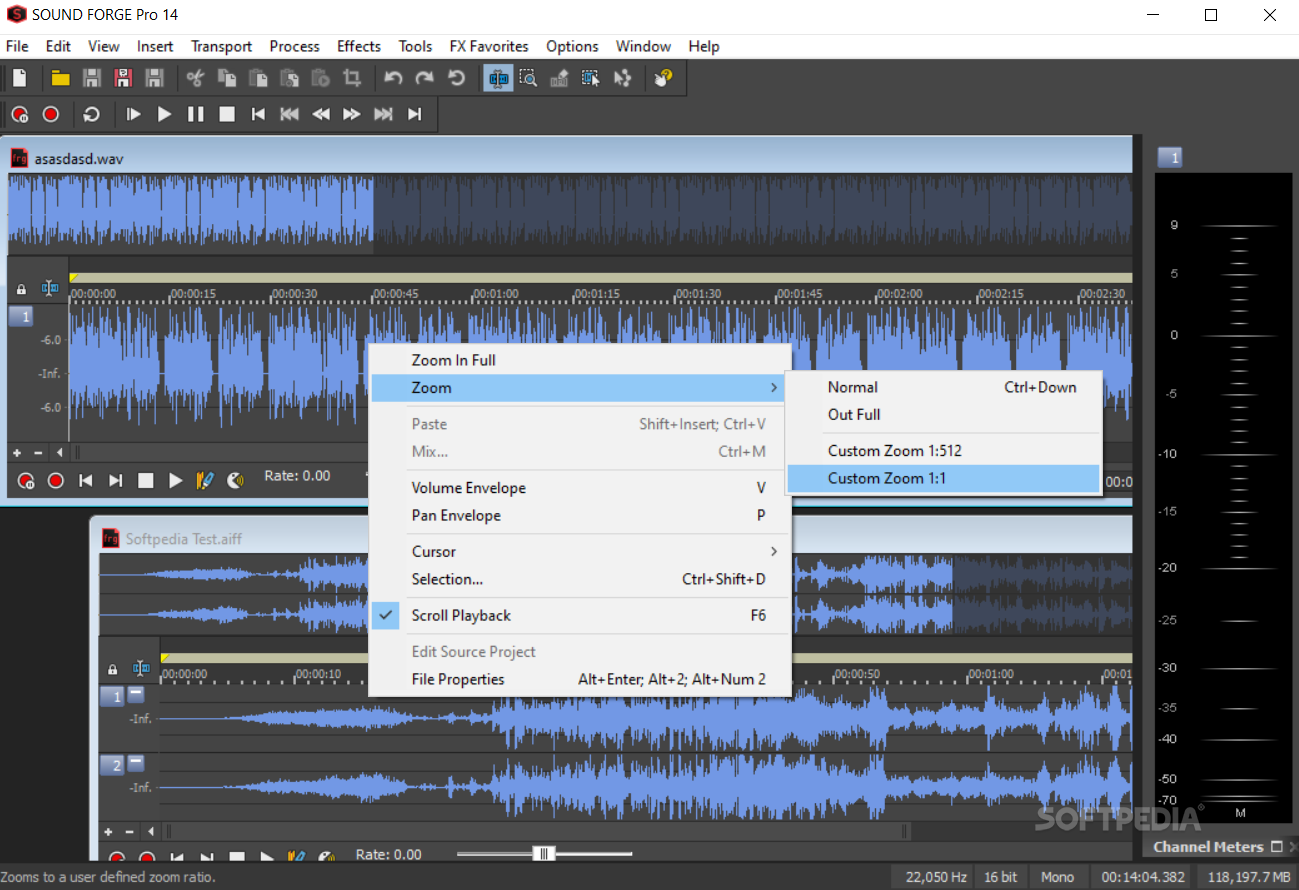
Sound Forge Pro is a professional tool that you can use to listen to edit your songs in a multi-track environment, as well as save them to the hard drive using multiple formats.
The setup process does not offer to download any third-party products, yet it might take a while, seeing that it bundles a long list of options, features and effects.
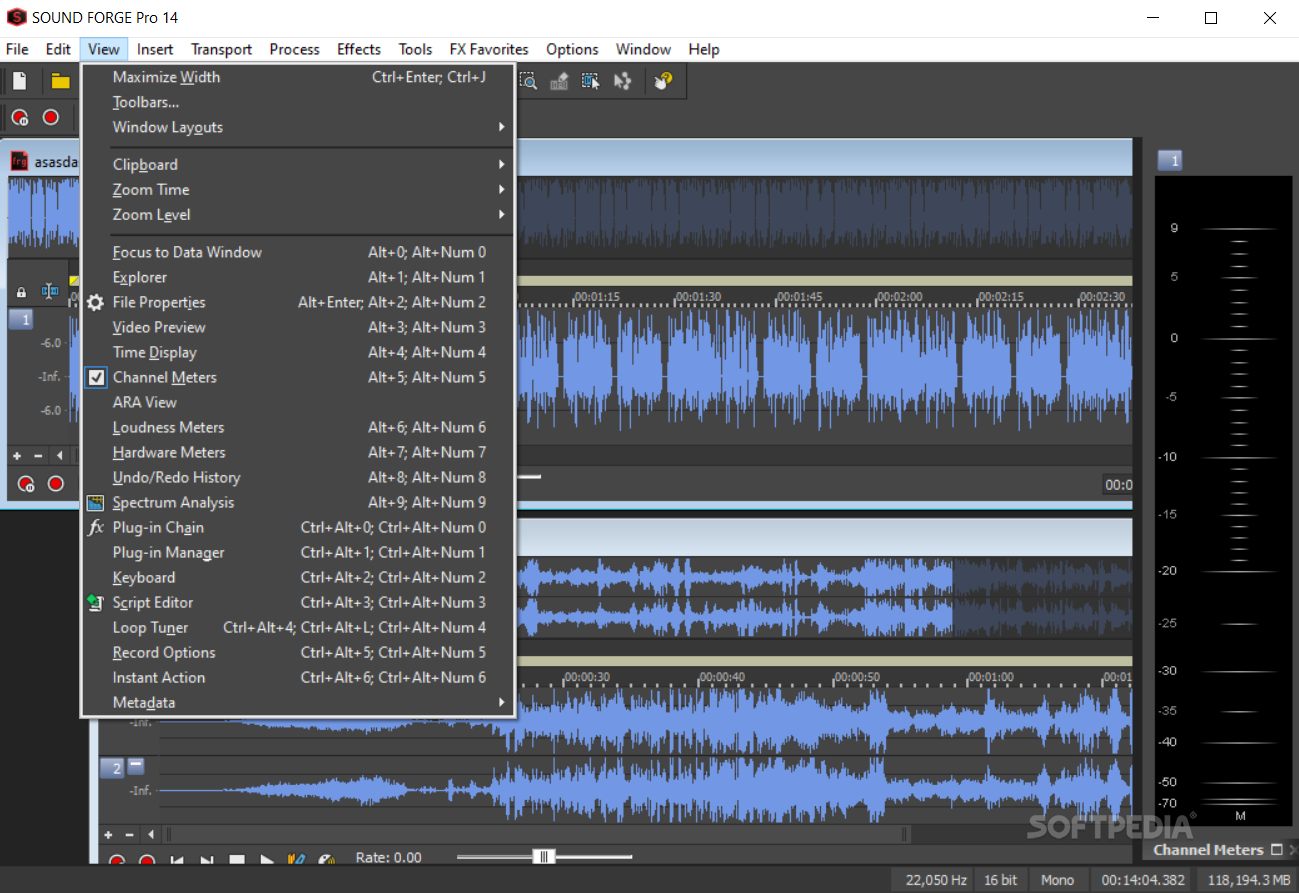
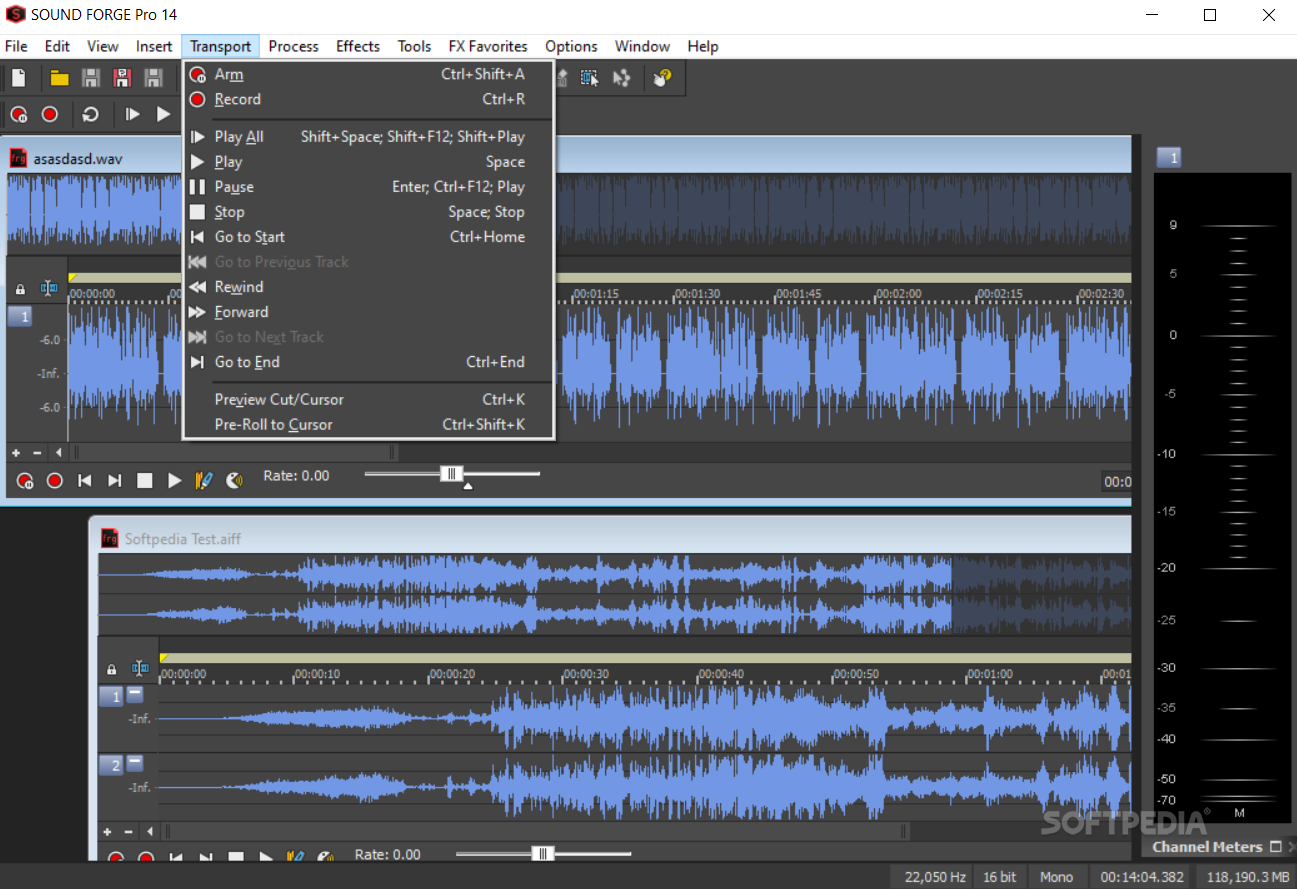
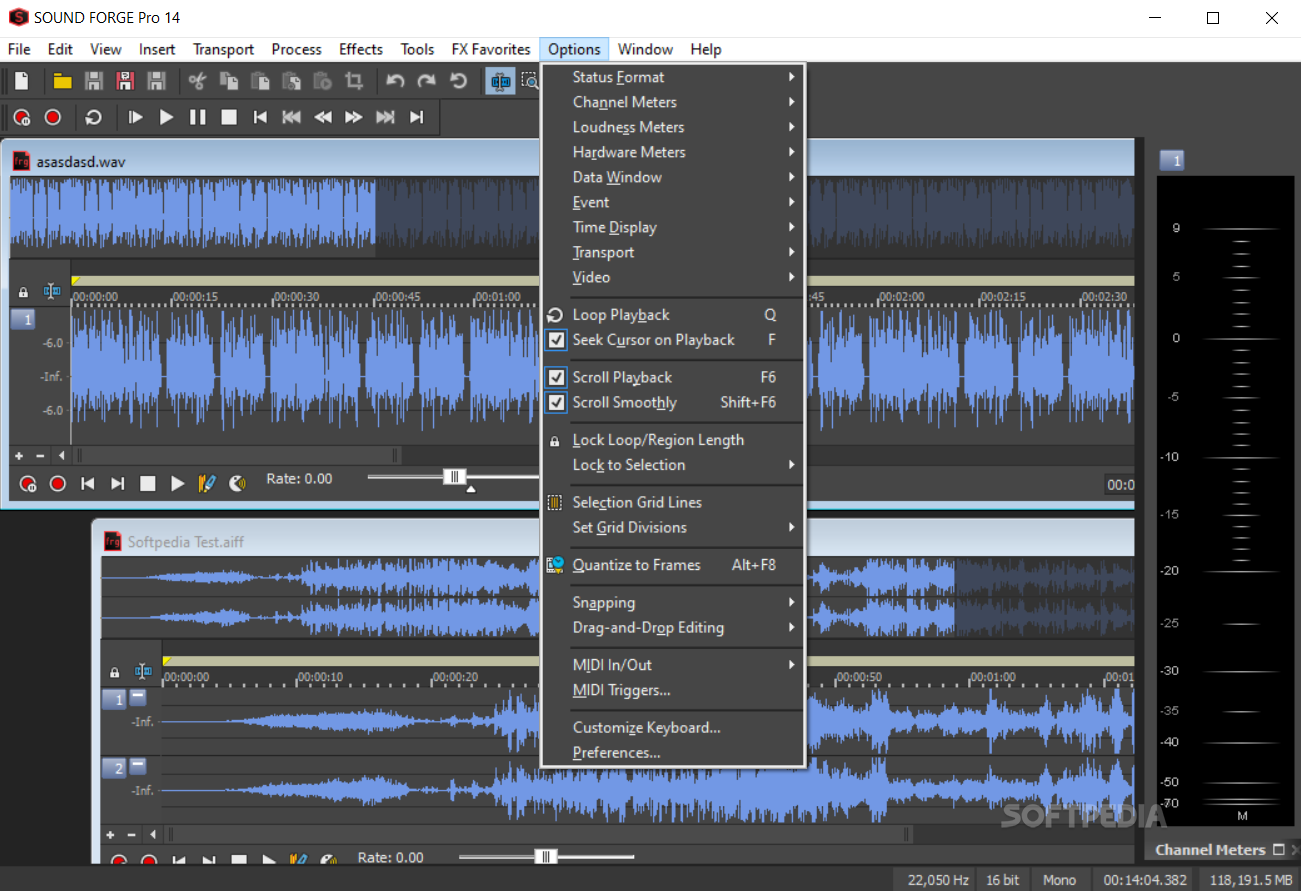
The interface is clearly defined, and the elements available in Sound Forge Pro are quite well-organized. It is not easy to work with, so first-time users with no experience in the audio editing department may find it challenging at times. However, you should know that comprehensive Help contents are available and you can even take advantage of some interactive tutorials.
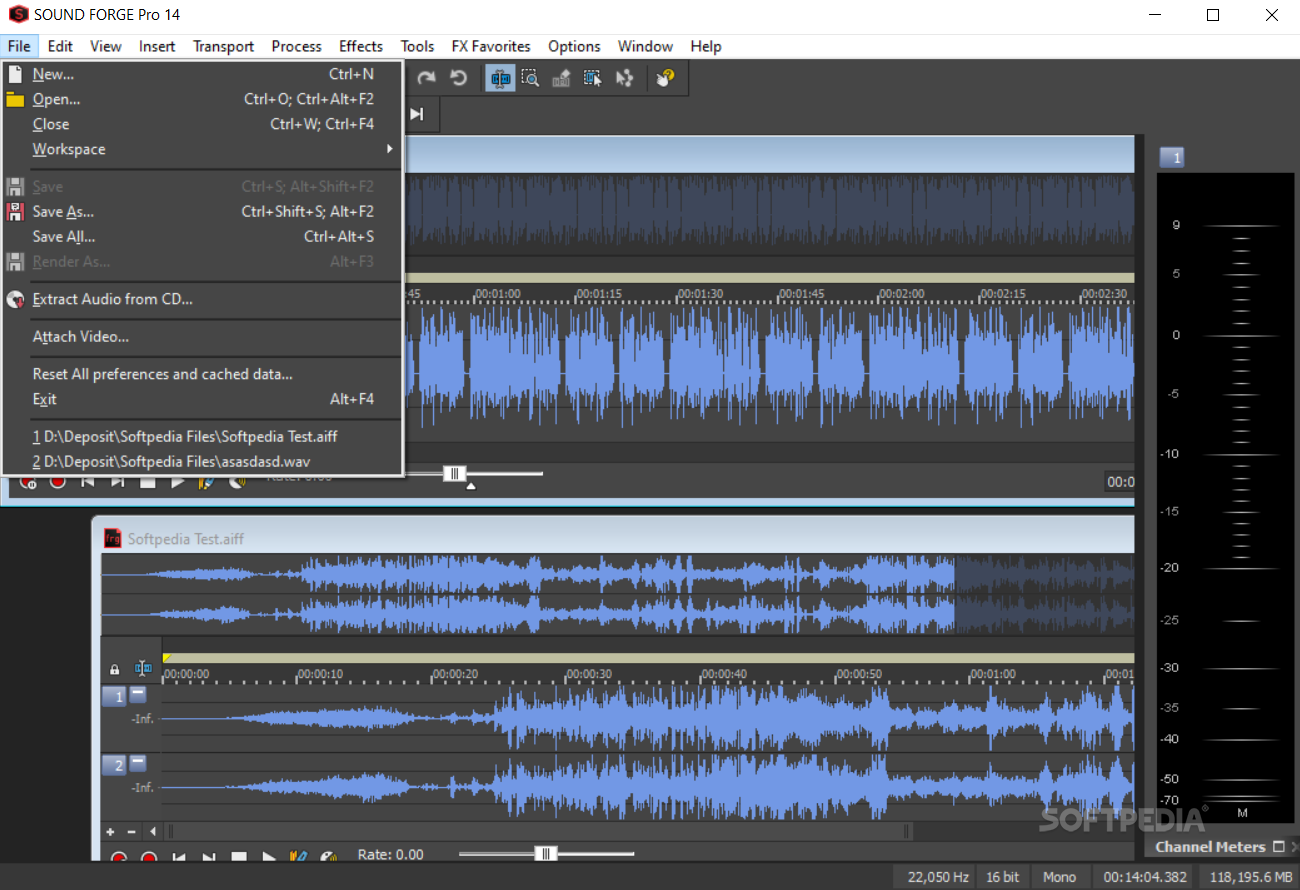
It is possible to import a pretty long list of formats, including OMA, AIFF, VOX, FLAC, GIG, MPG, MP4, M2T, AU, OGG, MOV, RAW, SWF, PCA, ASF, AVI and WMA, while export is available using fewer extensions out of which we can mention AID, AC3, FLAC, MP4, OGG, MOV, AU WMA, MP4 and WAV.
In addition to that, it is possible to extract audio contents from CDs, get media from the Internet, burn all resulted items to a CD or publish them online (an account is required).
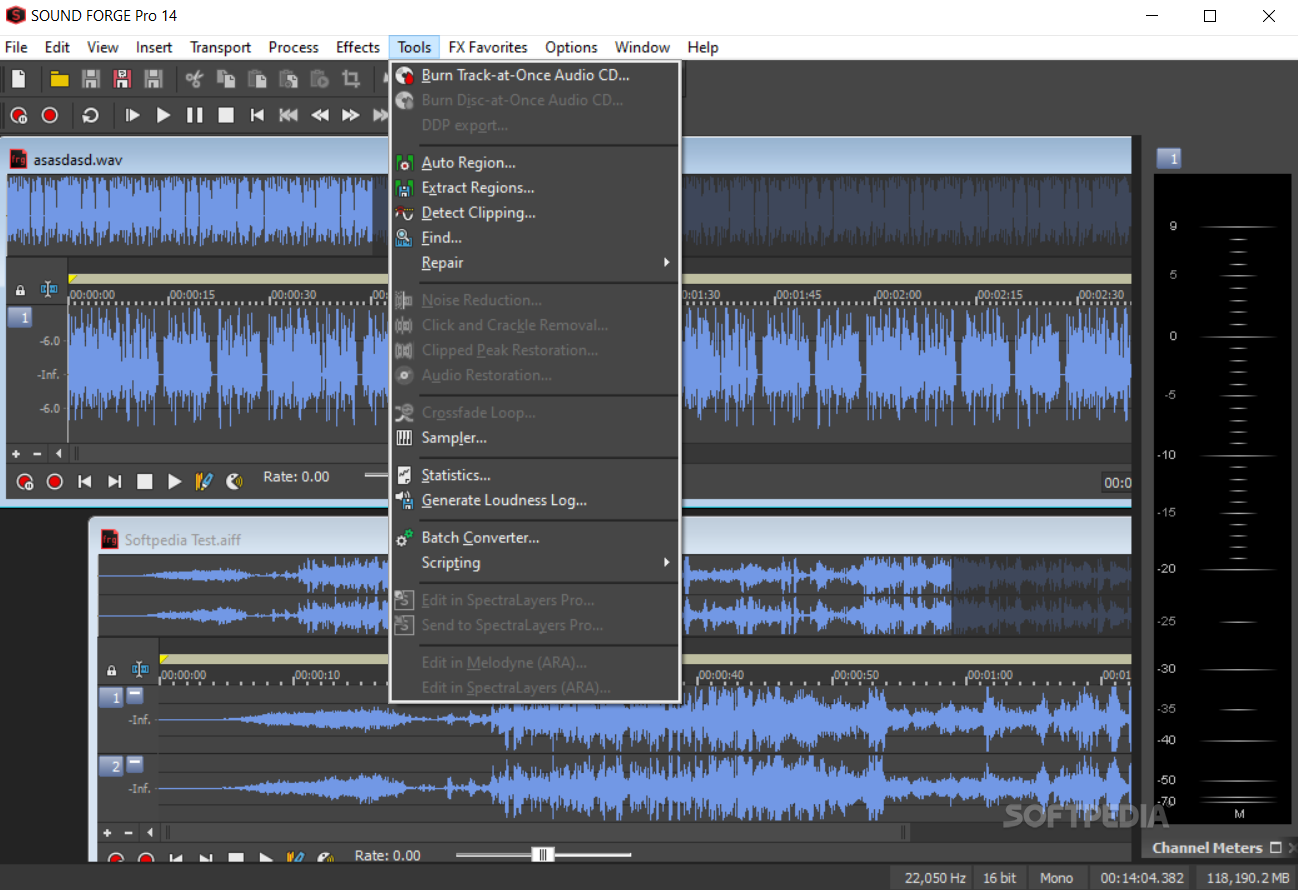
The main window displays a waveform of the uploaded track and you can easily zoom in and out of it, so that you can refine details or work on the big picture. Playback controls are integrated, allowing you to play, pause or stop a song, as well as go to the end.
If you add a video, it is also possible to view some frames and copy them to the Clipboard, as well as detach it from the audio with just a click of the button.
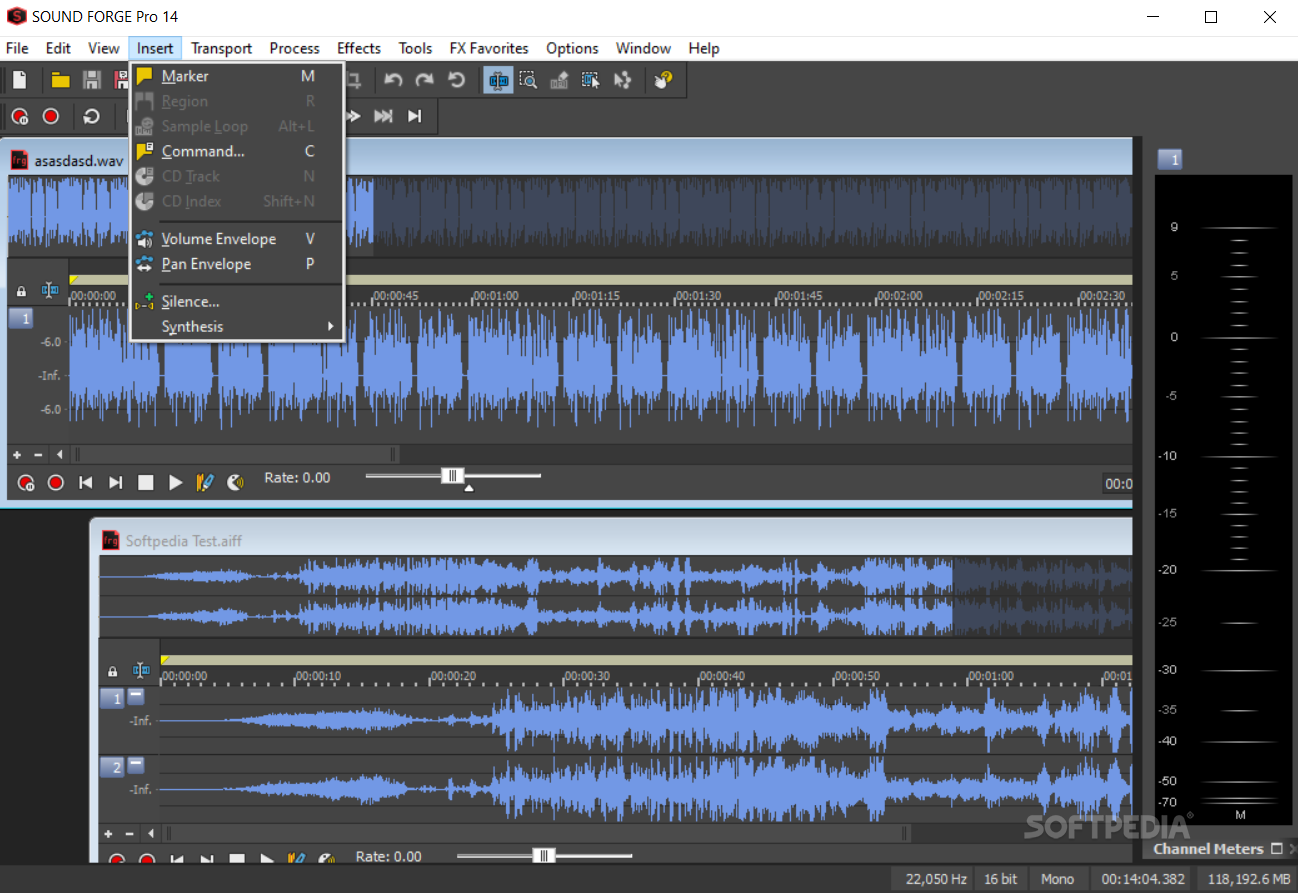
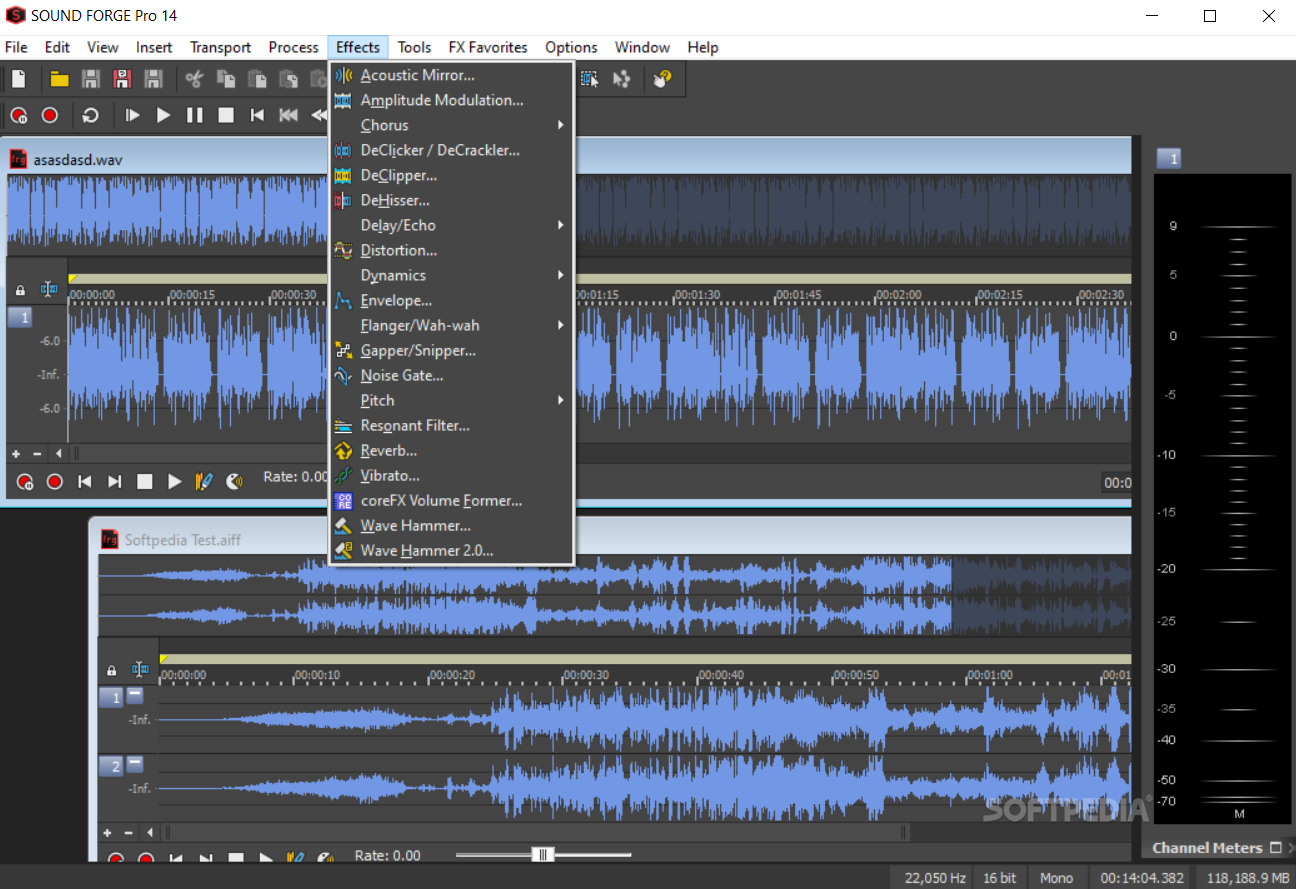
You can start recording audio input with just a click of the button, while you can take advantage of a long list of effects such as acoustic mirror, amplitude modulation, chorus, delay, echo, distortion, pitch and reverb.
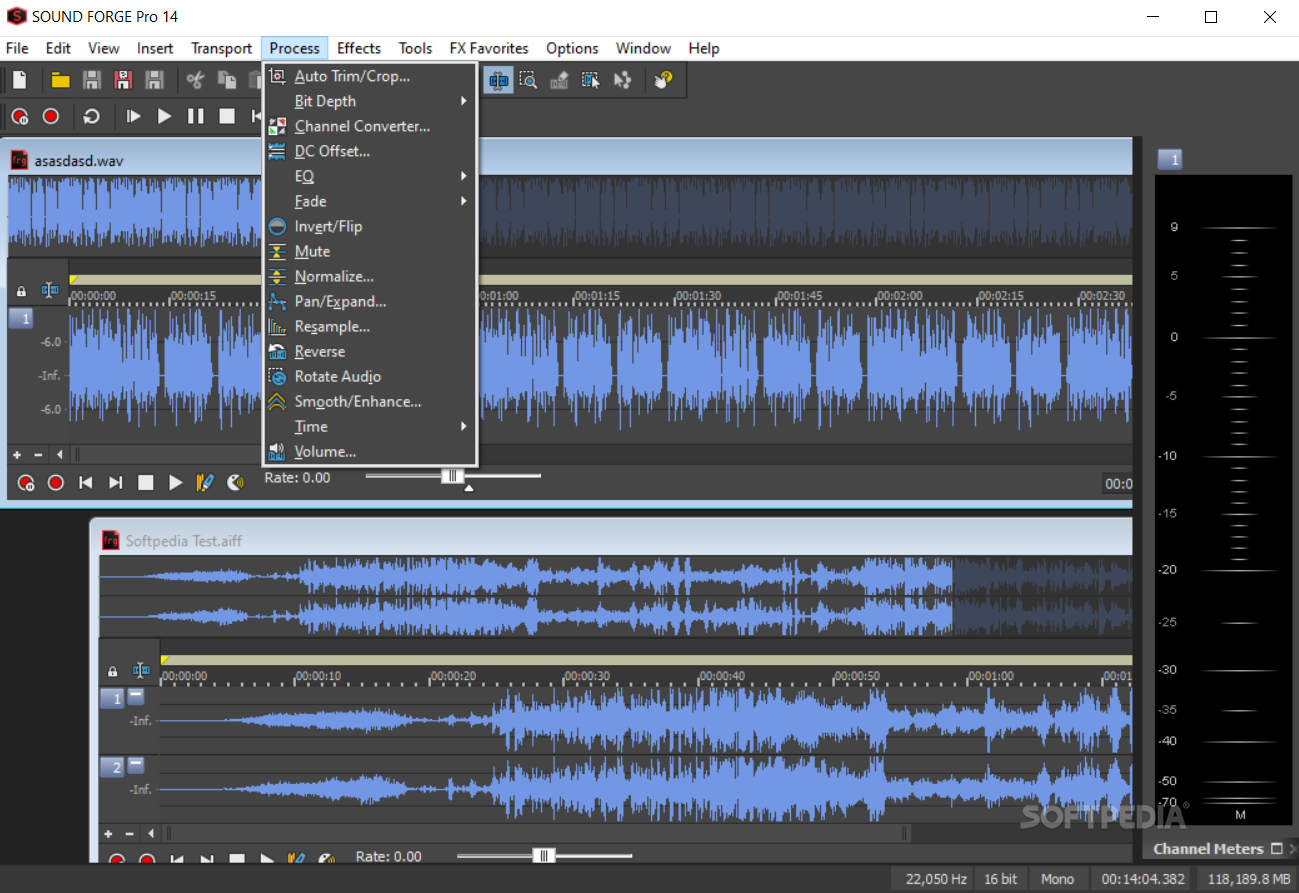
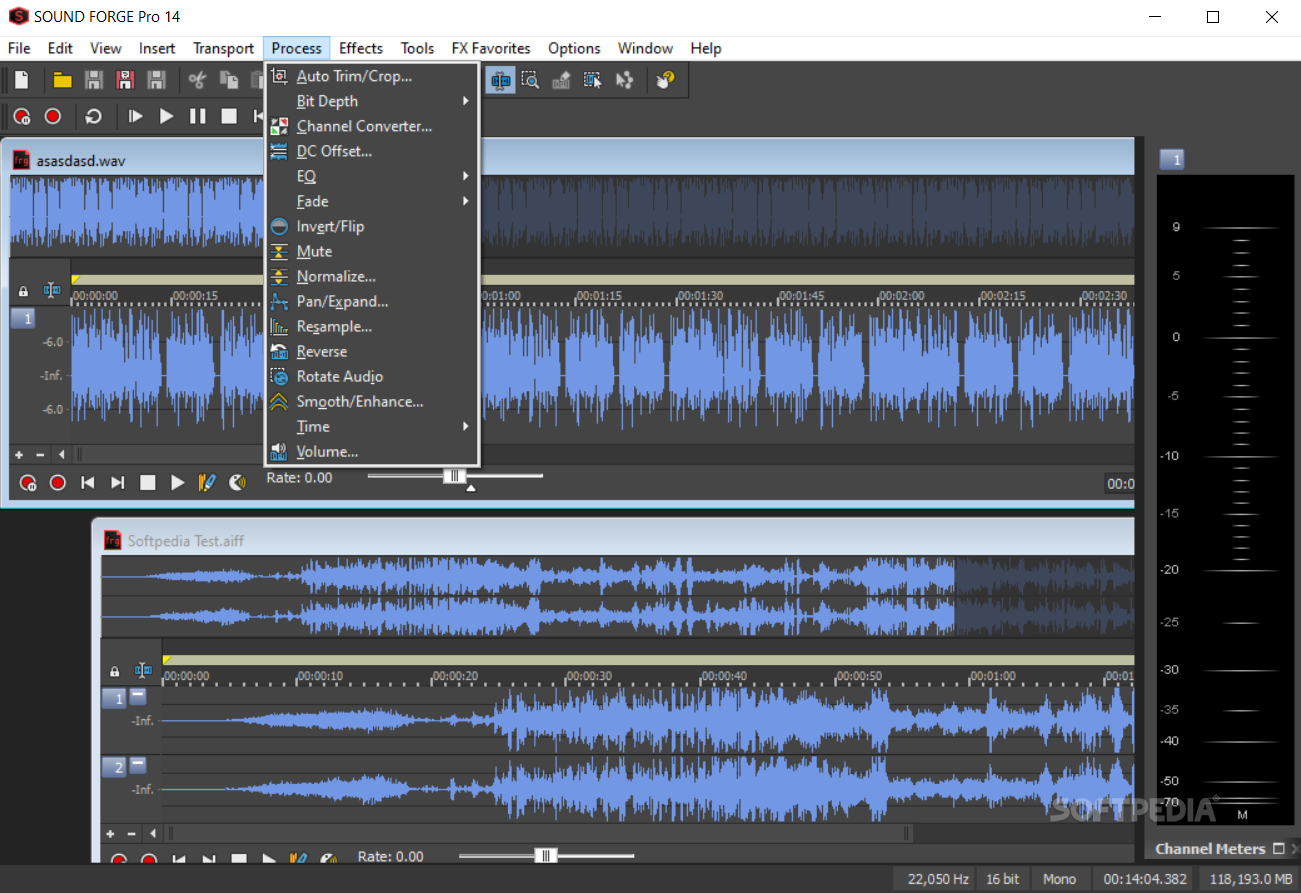
You can set the utility to automatically trim and crop items, while manually you can easily reverse items, adjust the volume, normalize songs, fade in and out, and control the bit depth.
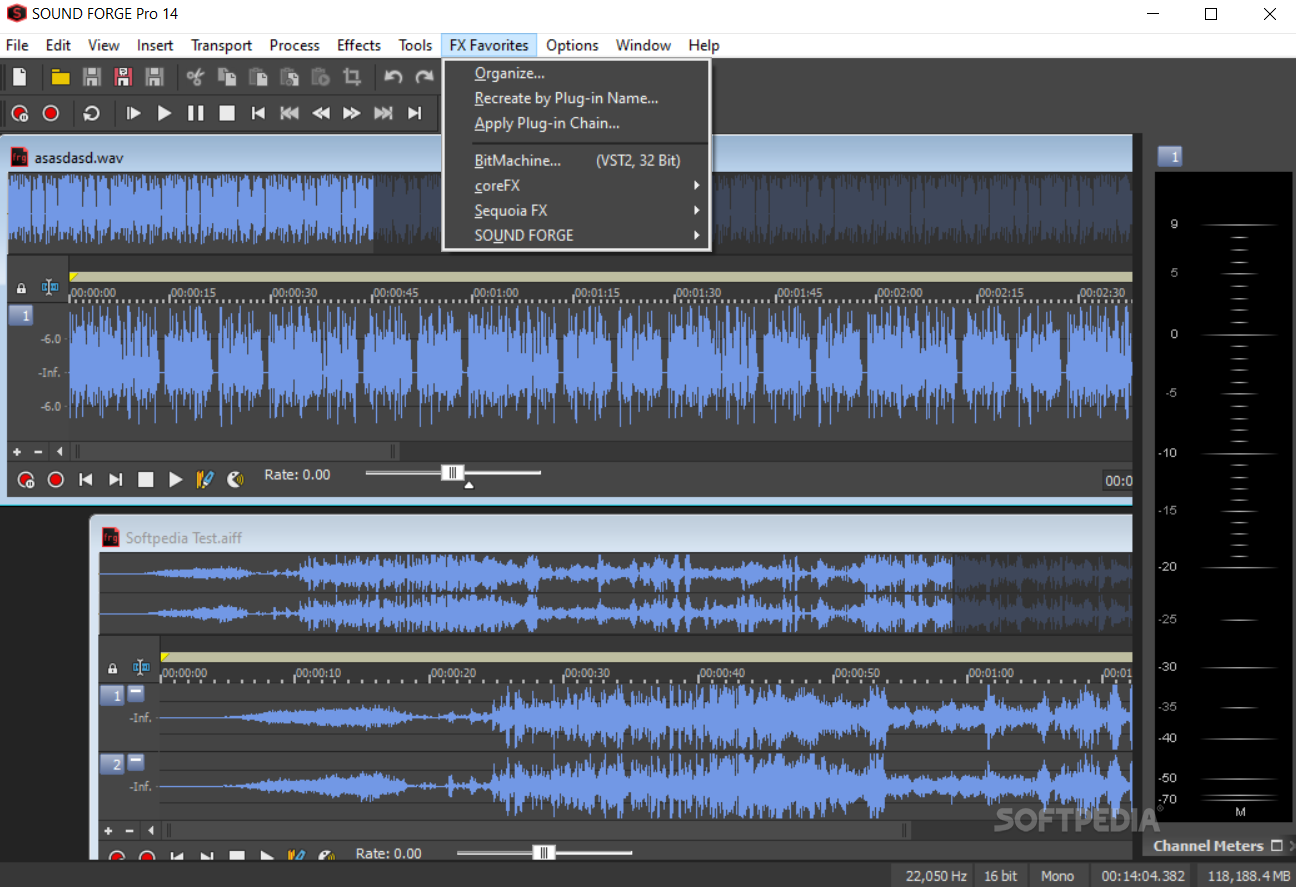
It is possible to open multiple tabs in the same time, add effects to Favorites so that you can find them easier and use various tools such as clipped peak restoration, noise reduction, and click and crackle removal. Last but not least, you can easily convert audio files from one format to another, using a batch converter.
The computer’s performance might have to suffer from time to time, when performing demanding processes such as rendering a track, yet this is to be expected from this type of product. The response time is quite good and we did not come across any errors, bugs or freezes.
To wrap it up, Sound Forge Pro is an efficient and reliable piece of software which helps you manipulate audio files in a professional fashion, with a wide array of specialized tools and effects.
Download Hubs
SOUND FORGE Pro is part of these download collections: Edit MP3, Open VST, Audio Recorders, Play VST
What's new in SOUND FORGE Pro 18.0.21:
- NEW! 3D Reverb
- NEW! Text-to-speech
- NEW! Storyblocks content (video & audio)
SOUND FORGE Pro 18.0.21
 Softpedia Editor's Pick
add to watchlist
add to download basket
send us an update
REPORT
Softpedia Editor's Pick
add to watchlist
add to download basket
send us an update
REPORT
- runs on:
-
Windows 11
Windows 10 64 bit - file size:
- 6.1 MB
- filename:
- trial_soundforgepro18_dlm_lowsp3.exe
- main category:
- Multimedia
- developer:
- visit homepage
4k Video Downloader

calibre

Windows Sandbox Launcher

7-Zip

Context Menu Manager

ShareX

Zoom Client

Bitdefender Antivirus Free

Microsoft Teams

IrfanView

- Bitdefender Antivirus Free
- Microsoft Teams
- IrfanView
- 4k Video Downloader
- calibre
- Windows Sandbox Launcher
- 7-Zip
- Context Menu Manager
- ShareX
- Zoom Client