
With support for multiple formats, this complex tool lets you record audio input, add a long list of effects, join multiple songs and burn results to CDs. #Sound editor #Music editor #Sound normalization #Equalizer #Echo #Amplify

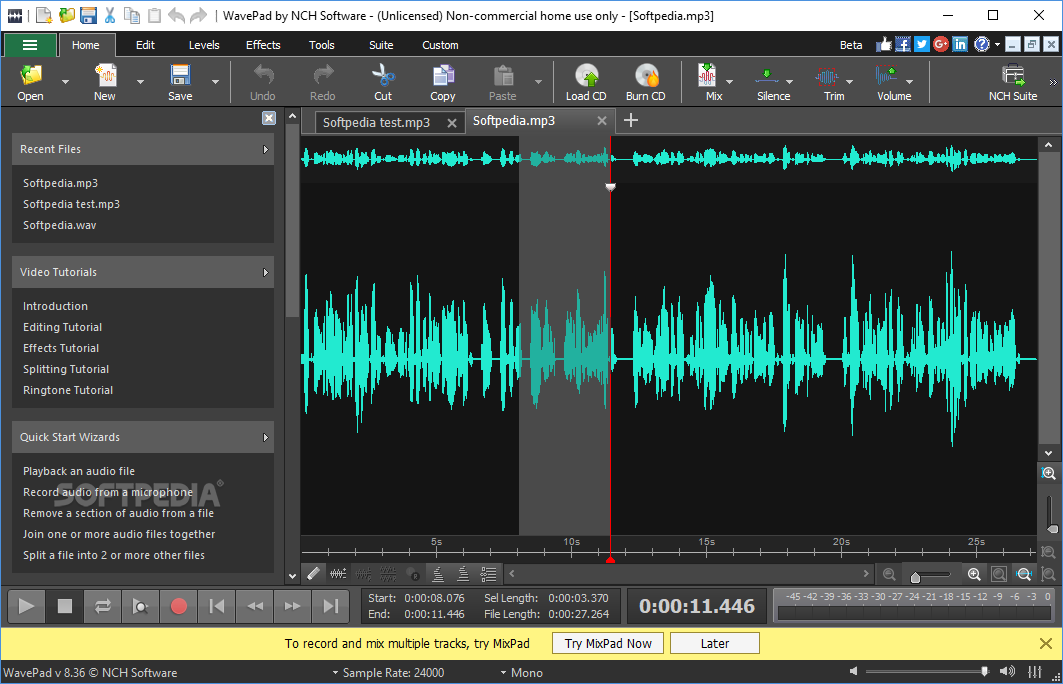
WavePad Audio and Music Editor tackles the audio editing software category and is addressed to everyday users, as well as small production studios. It is bundled with a wide array of processing tools and effects in order to carry out complex audio mastering tasks, while it can also be used for voice recording and CD burning.
The installation process is easy to follow and ends in a few seconds, yet you should know it offers to download multiple third-party products.
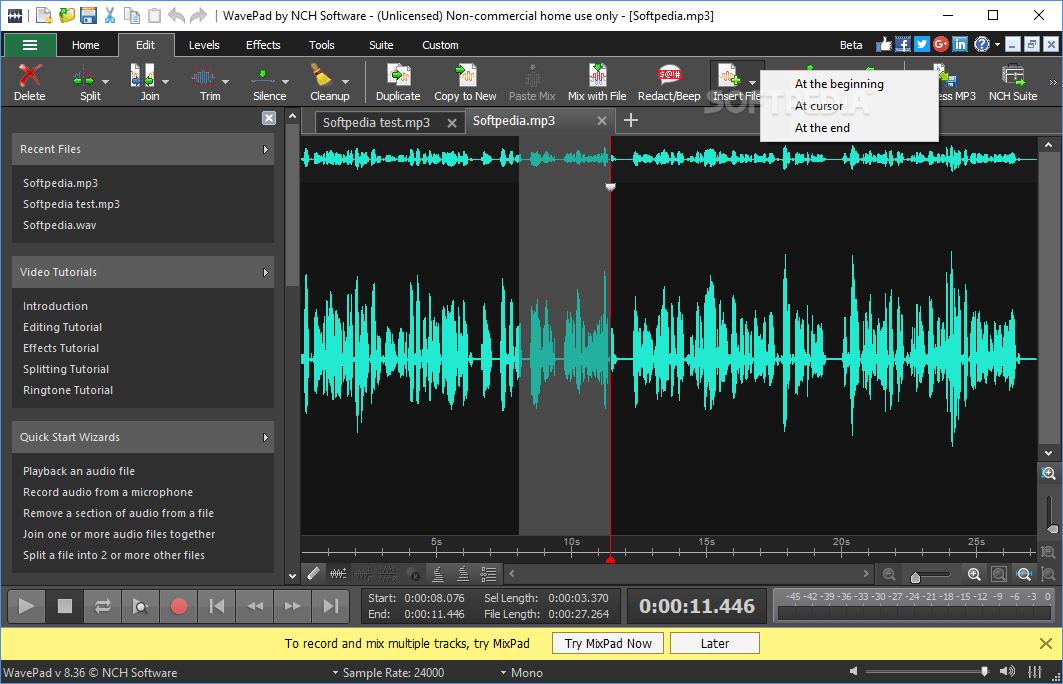
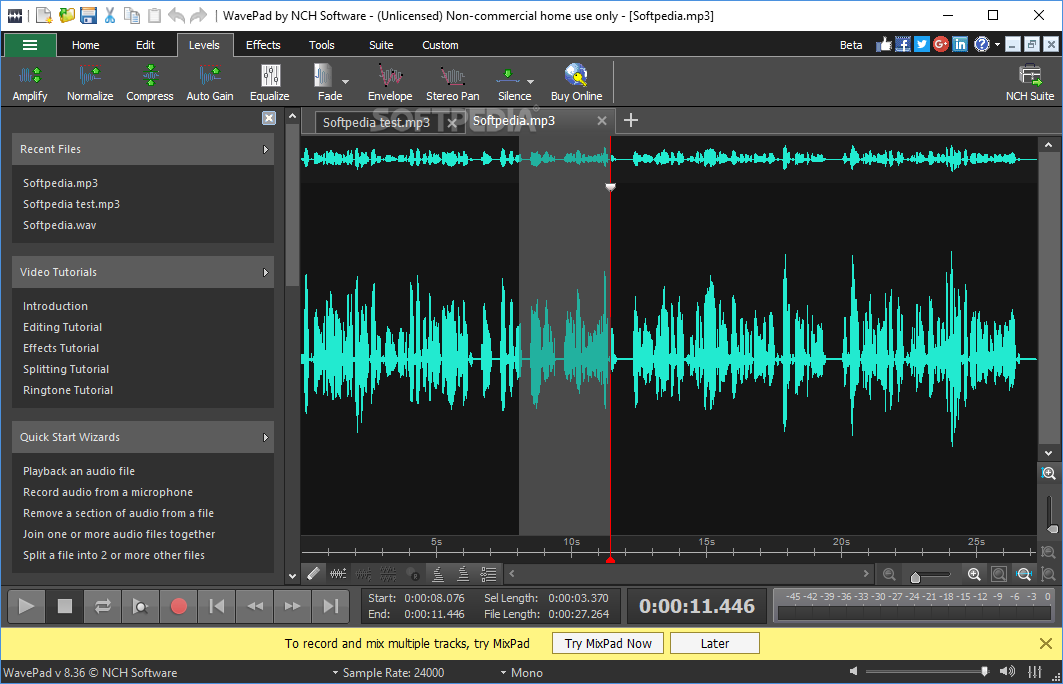
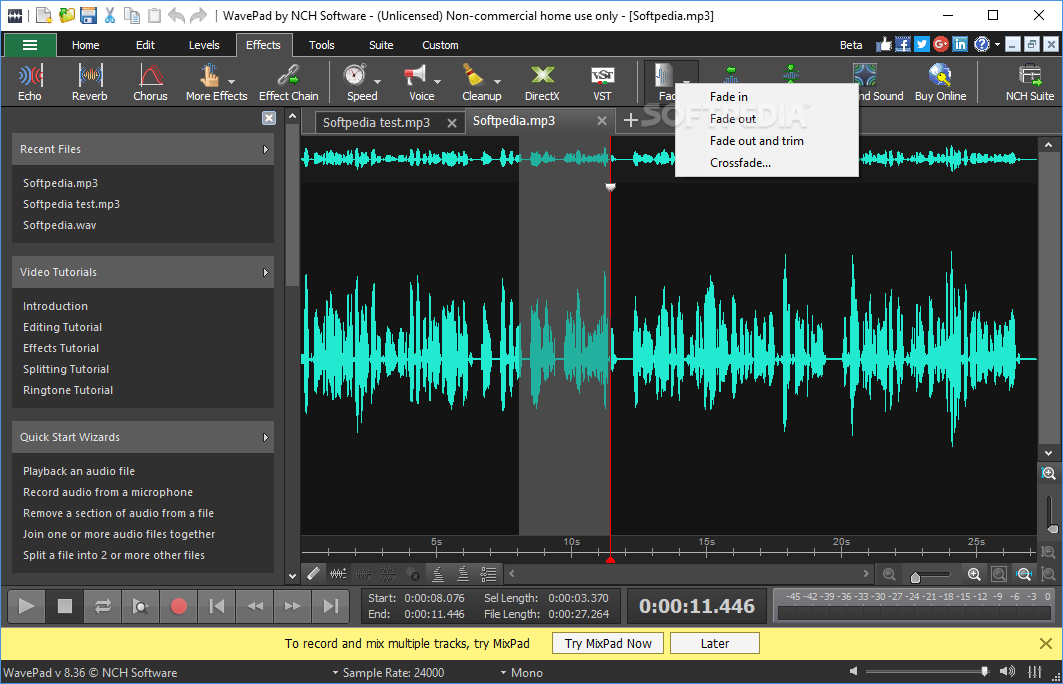
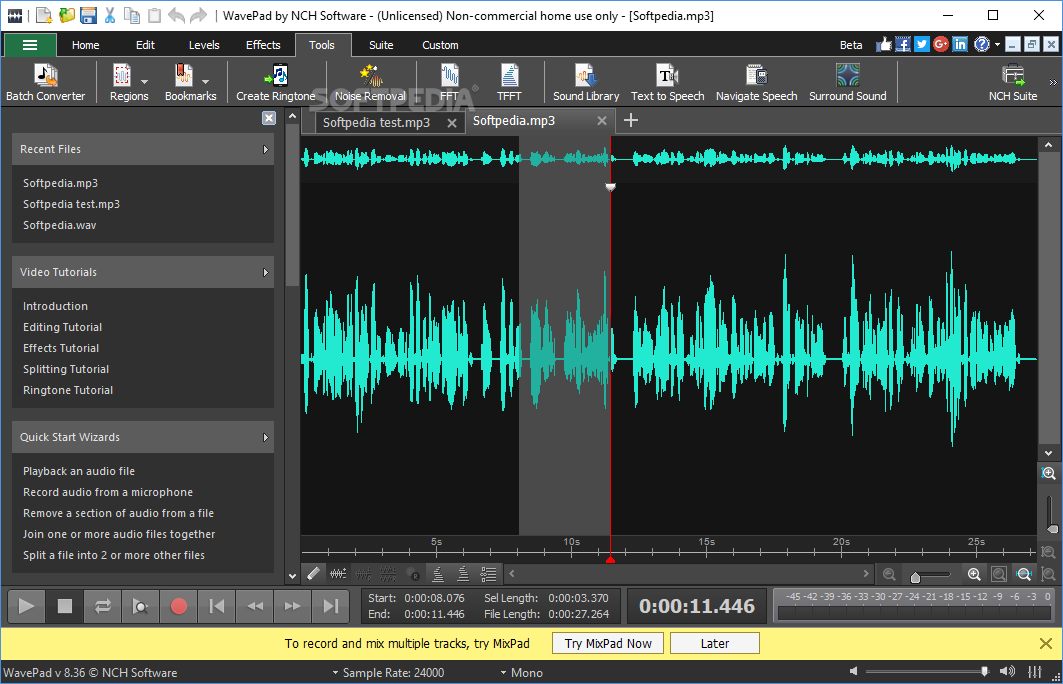
The user interface is elegant and professional, yet intuitive and accessible. It comprises a navigation panel, a menu bar and a tabbed ribbon, all of which facilitate your access to the entire palette of features and tools. Help contents are also enclosed, as well as some YouTube video tutorials.
WavePad Audio and Music supports all commonly used audio formats (e.g. WAV, MP3, WMA, AIFF, AU, MID, WMV, MPG, AVI, APE etc.), so working with a particular one should not be difficult.
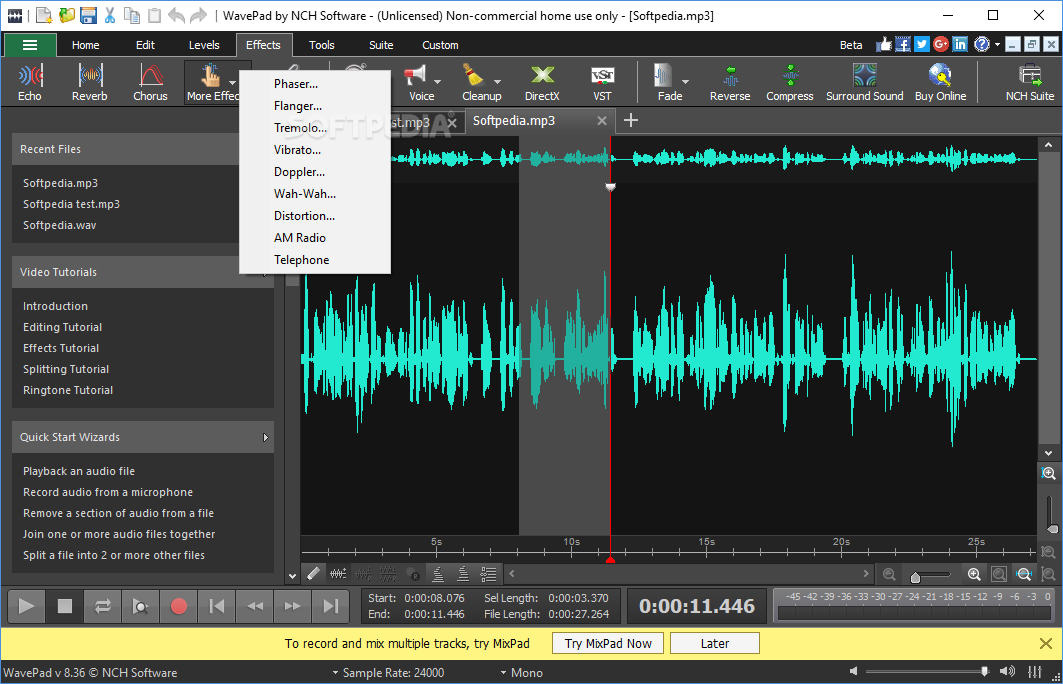
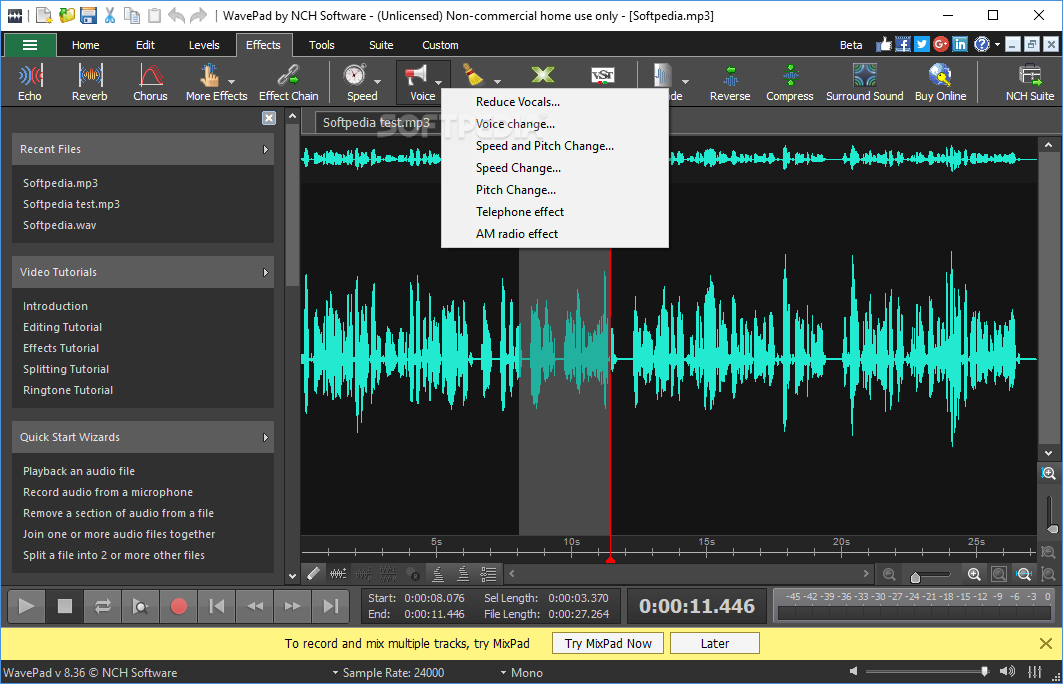
Working with this program includes tackling an amplifier, normalizer, compressor, equalizer, multiple chain effects, and commands like reverse, fade, speed, cleanup, and voice. It is also possible to change the speed and pitch, apply a telephone or AM radio effect, use a text-to-speech feature, and several others.
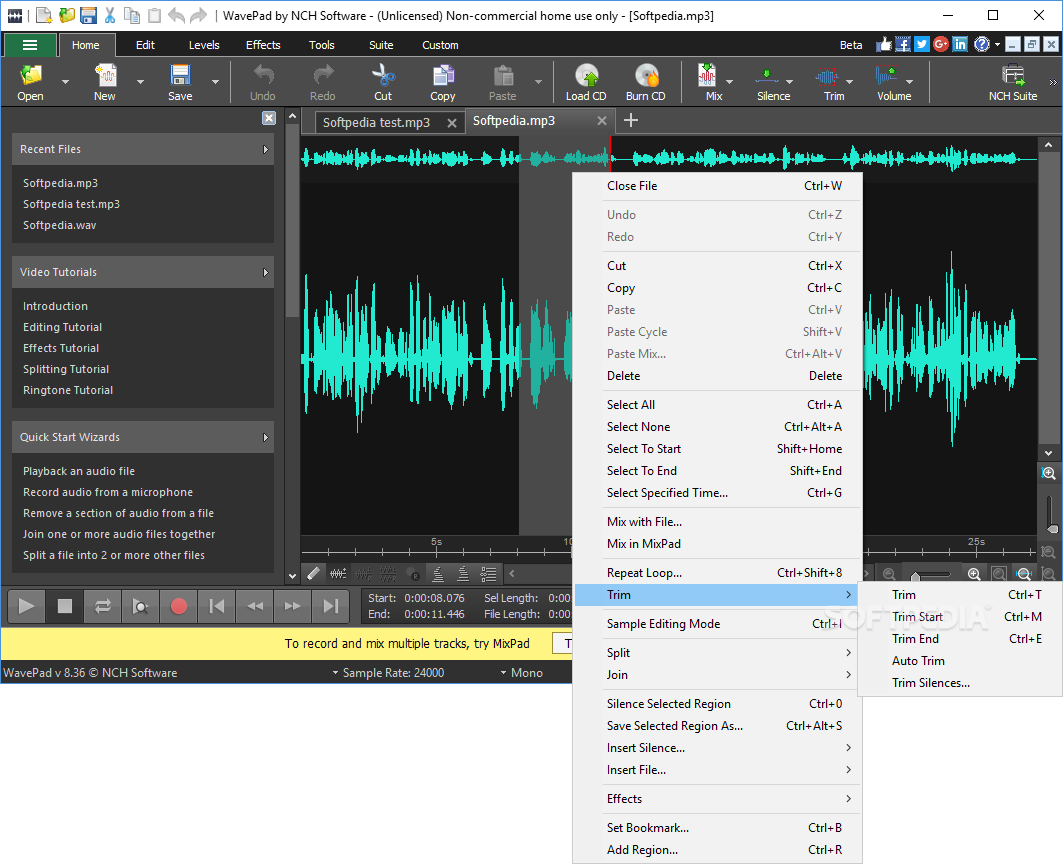
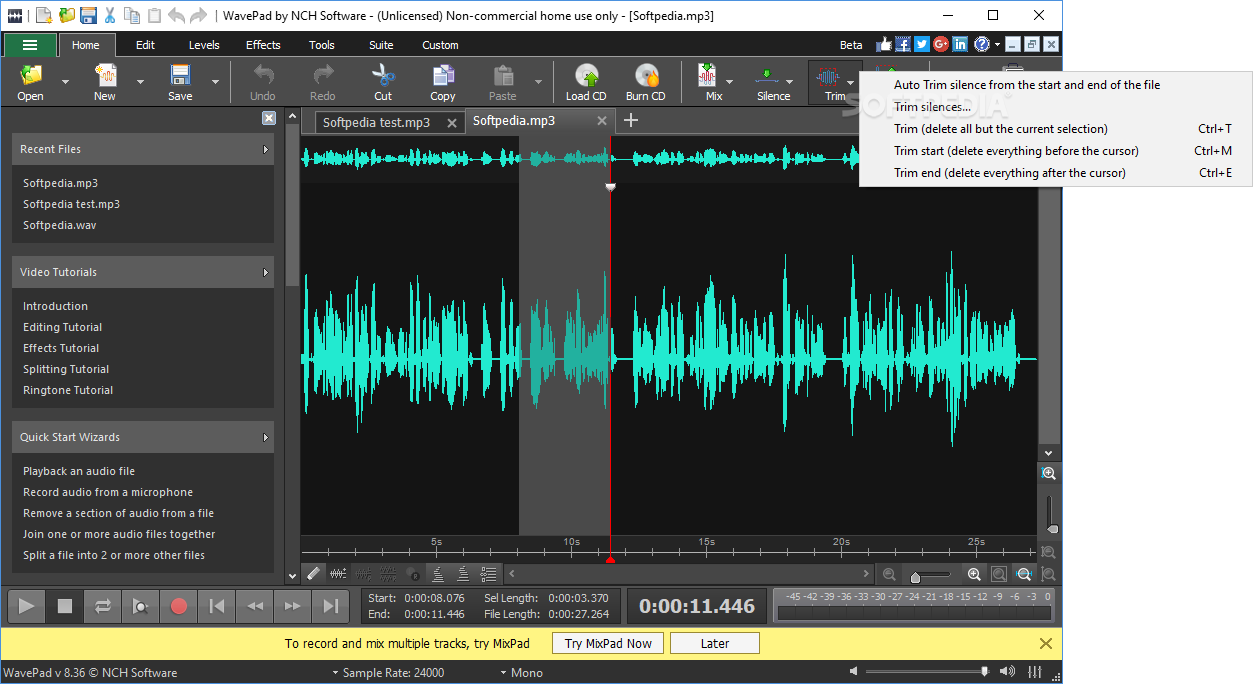
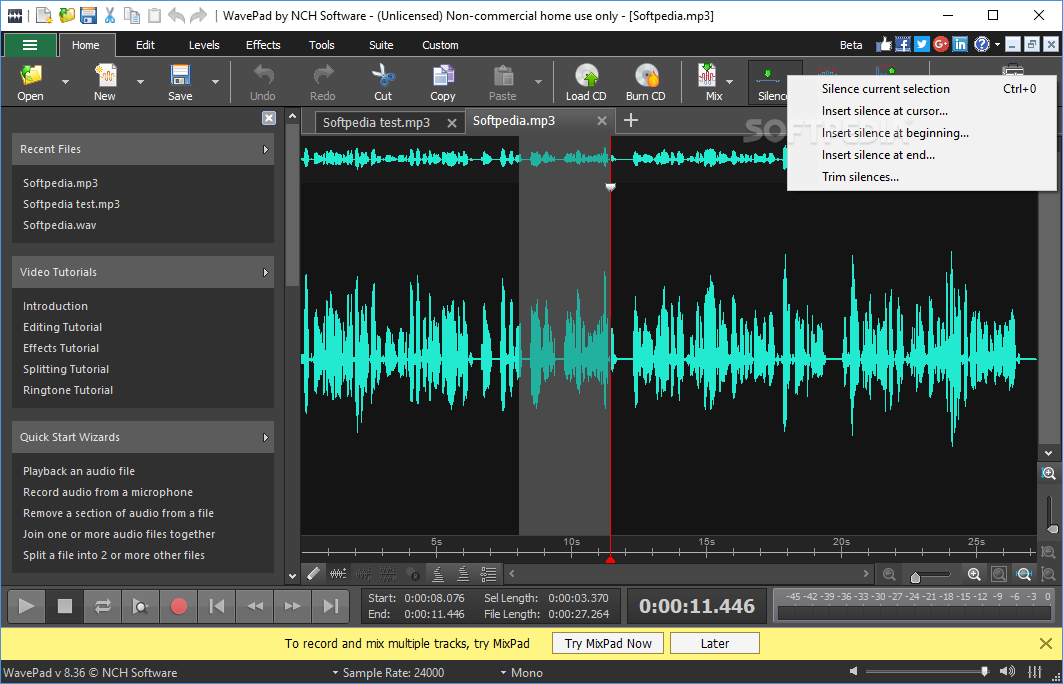
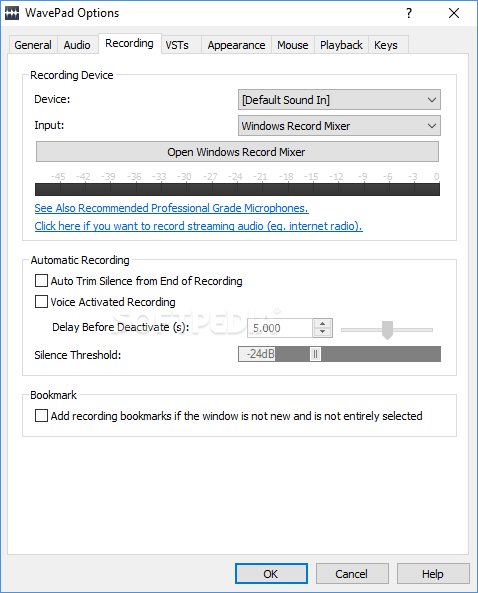
A sound library and several playback controls (e.g. play, stop, go to next, rewind etc.) are also put at your disposal, while you can find a peak in a selected part of a song and start recording audio input. It is possible to split, join, duplicate and copy selections, as well as insert silence and reduce noise.
A small setback is that it takes a little time to apply changes, during which you cannot work with other features of the software. Once you are done playing with the tracks, you can save your progress or burn the files to an audio CDs and share them with your friends.
In addition to that, this utility also provides the possibility to analyze sound frequencies (FFT and TFFT) and encompasses an efficient batch audio converter which allows you to convert multiple audio files to various formats.
To conclude, WavePad Audio and Music Editor proves to be an efficient and reliable piece of software, which is suitable to all types of users. The response time is not always top notch, yet the computer’s performance is not going to be hampered as CPU and memory usage is low most of the times.
Download Hubs
WavePad Audio and Music Editor is part of these download collections: Edit MP3, Audio Recorders, Play M4A, Edit AAC
WavePad Audio and Music Editor 19.21 Beta
add to watchlist add to download basket send us an update REPORT- runs on:
-
Windows 11
Windows 10 32/64 bit
Windows 8 32/64 bit
Windows 7 32/64 bit - file size:
- 2.9 MB
- filename:
- wpsetup.exe

- main category:
- Multimedia
- developer:
- visit homepage
IrfanView

4k Video Downloader

calibre

Zoom Client

Microsoft Teams

7-Zip

ShareX

Bitdefender Antivirus Free

Windows Sandbox Launcher

Context Menu Manager

- Bitdefender Antivirus Free
- Windows Sandbox Launcher
- Context Menu Manager
- IrfanView
- 4k Video Downloader
- calibre
- Zoom Client
- Microsoft Teams
- 7-Zip
- ShareX