
A user-friendly software solution that you can rely on when you want to easily and effortlessly edit parts from your MP3 or AAC files. #MP3 editor #Audio editor #AAC editor #Editor #Normalize #Recorder
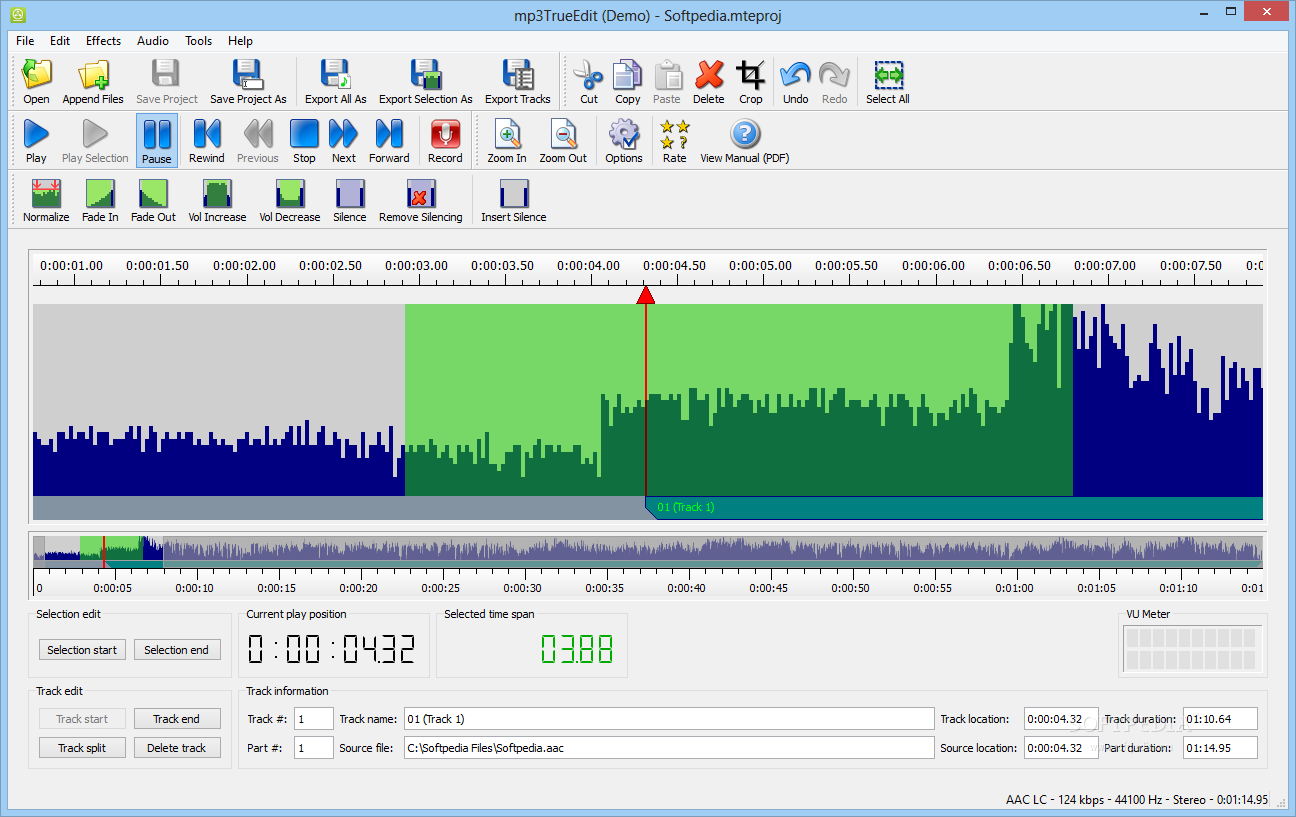
With the help of the right applications anything can be dealt with on the computer, even sound. This way music can be trimmed to increase quality, or even cut into pieces you want to insert in other projects, in case of mixing. All of these can be done with mp3TrueEdit.
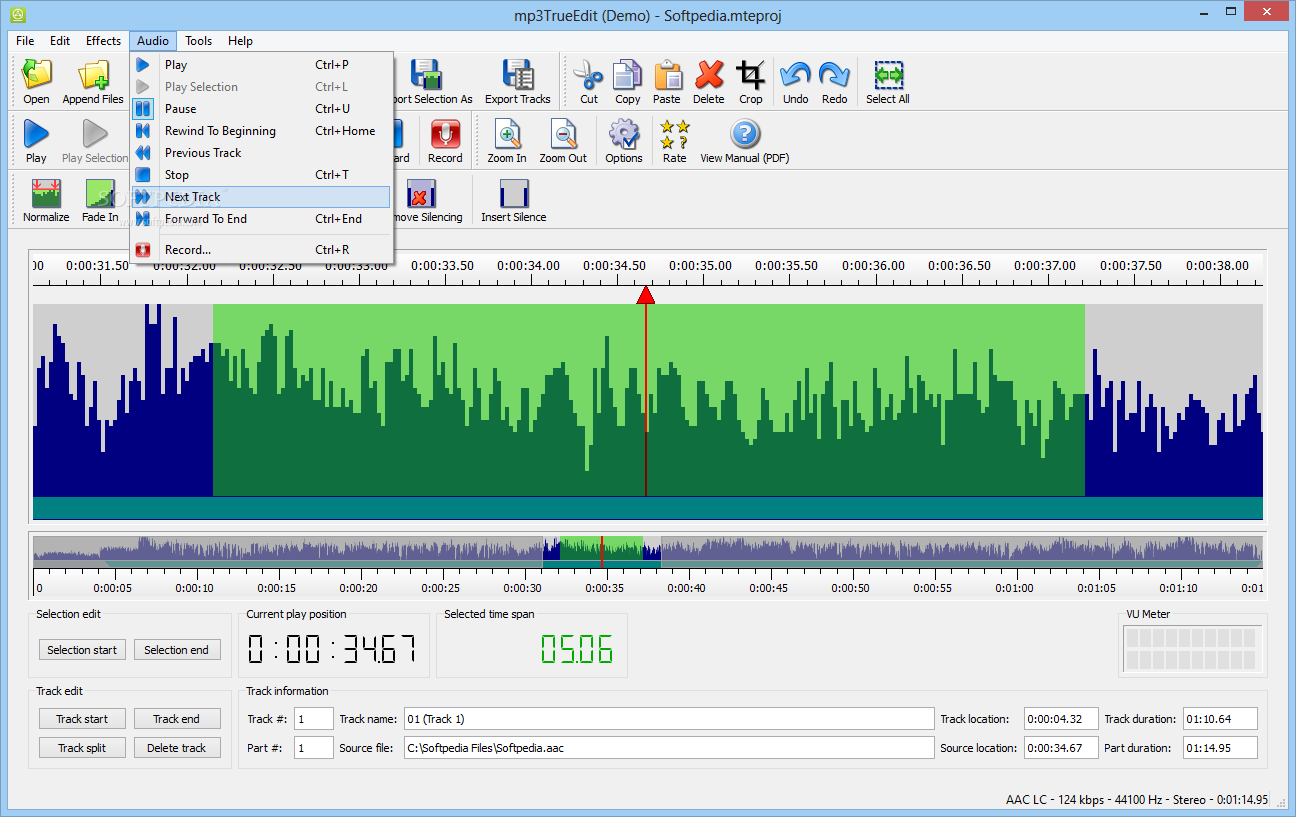
Even if you are new to audio editing, this application will make you feel at home with every second spent using it. The imported track is shown in a sufficiently large enough space, and with the help of the zoom functions, even the smallest details can be analyzed.
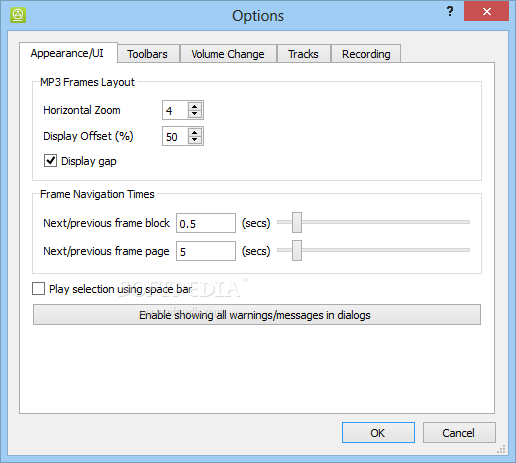
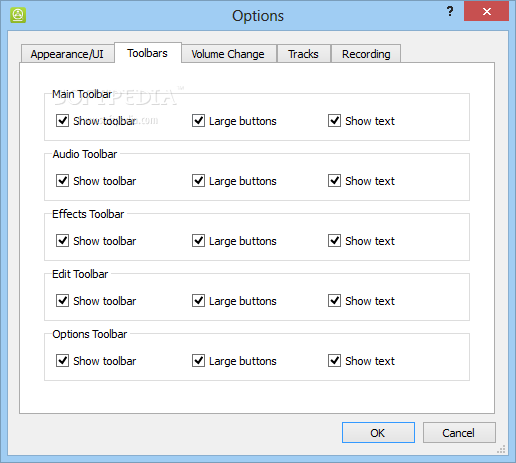
In the upper part of the main window all of the available options are shown with large, intuitive icons, which let you easily identify needed tools. The visibility and size of these icons can always be changed from the “Options” menu.
The application features a help system using tooltips, that will appear on screen, indicating step by step anything there is to know. Luckily this feature can be turned off, because it might get a little annoying when you start working and your space will be occupied by randomly appearing help popups.
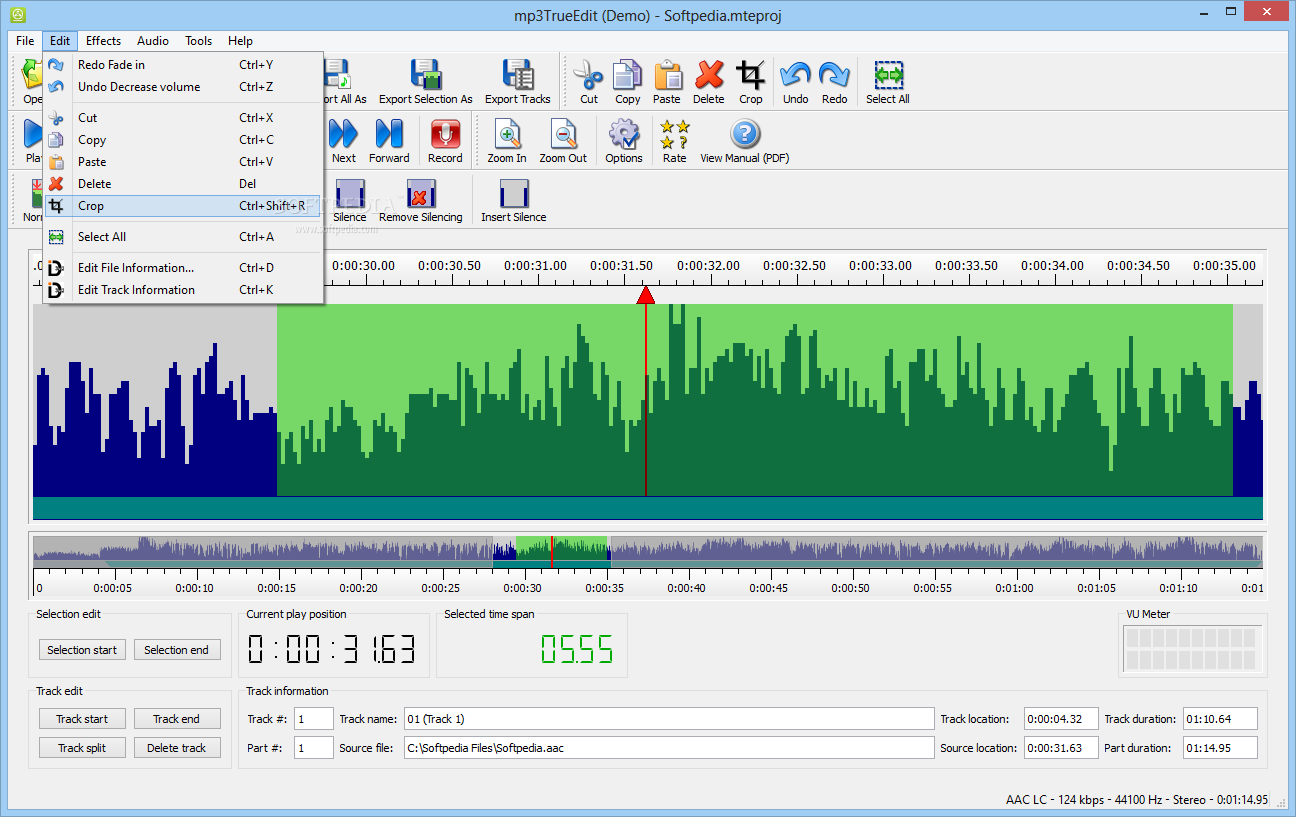
Some of the most common file types can be opened, and modified after your heart's desire. This can be done by selecting the part you want to edit, and use one of the available functions.
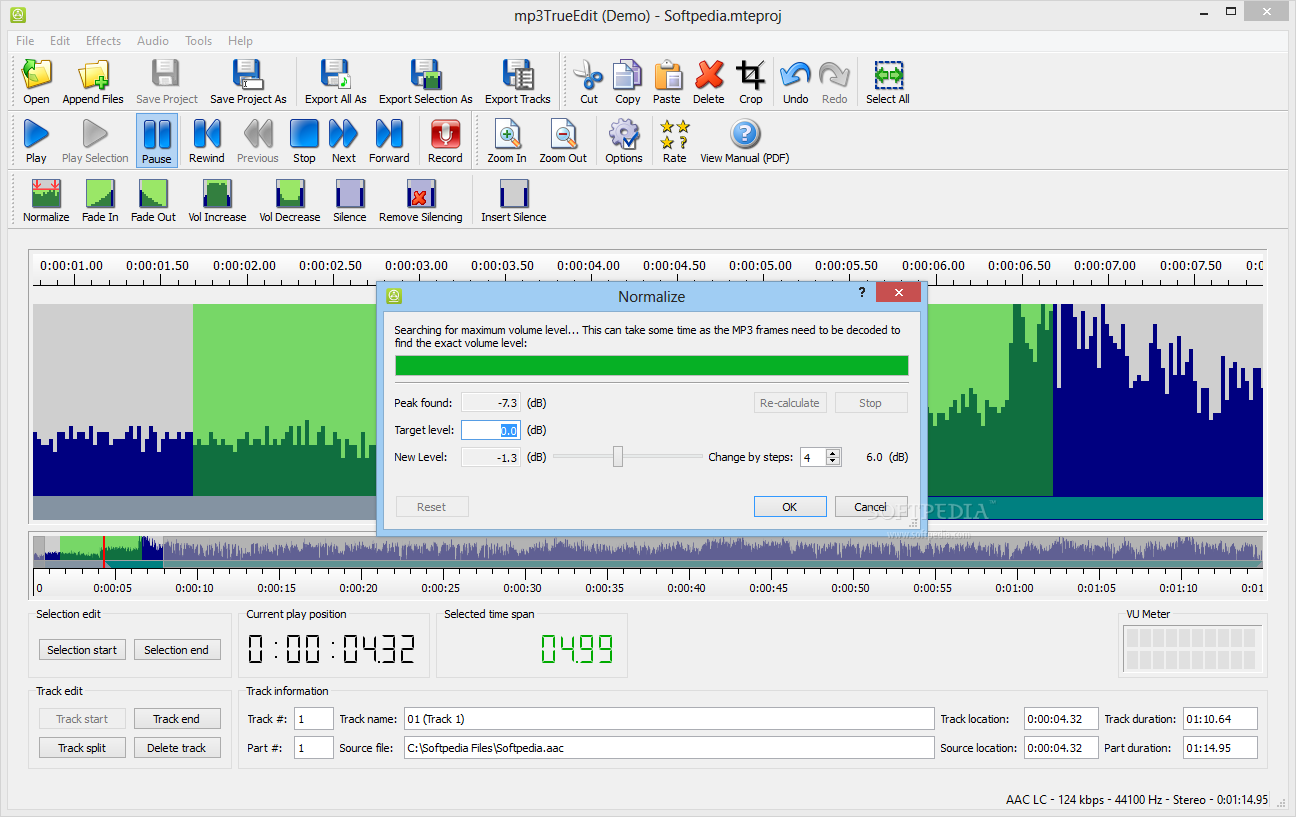
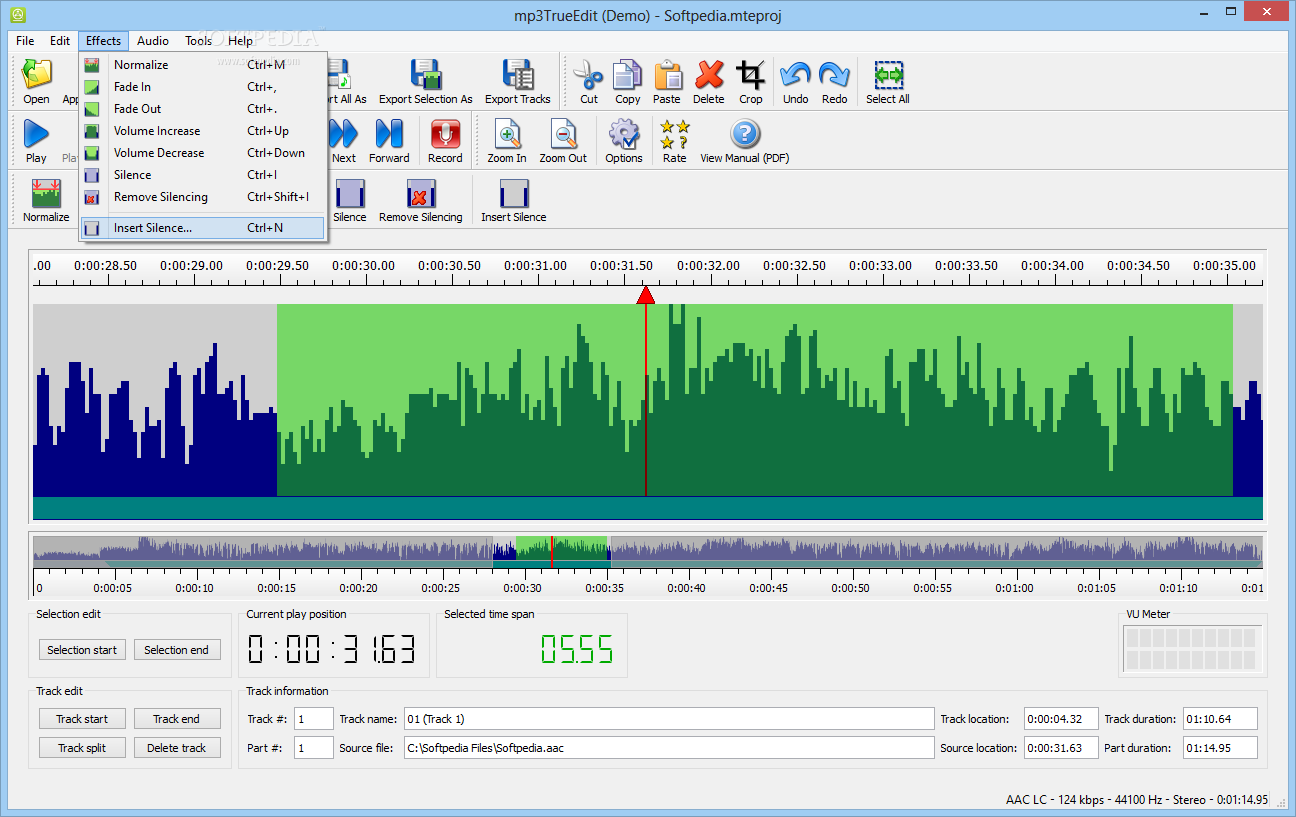
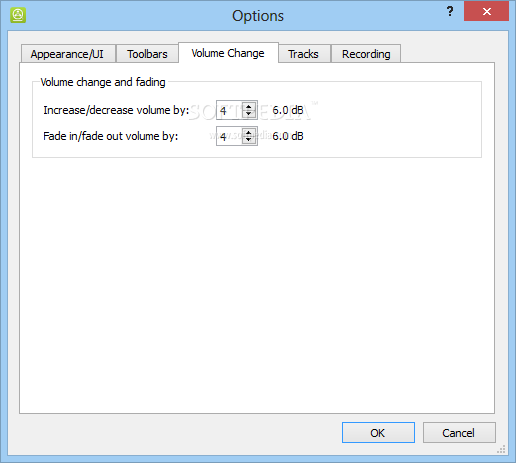
Volume adjustment and silence management are a few of the things you can do, the application also offering the possibility to make the even the volume for selected parts using the “Normalize” button. You may also split the imported files and export them as different audio files for later use.
Taking everything into consideration, we can say that mp3TrueEdit is a fast way to edit nearly any audio file. The intuitive design lets you easily make use of all of its options, and with the help of the informative tooltips, you will never get stuck along the way.
Download Hubs
mp3TrueEdit is part of these download collections: Edit MP3
What's new in mp3TrueEdit 2.1.5.50:
- Fixed the licensing wizard not showing the free trial option after startup.
- Made the popup help messages easier to cancel with stop and show next buttons.
- Other bug fixes and enhancements.
mp3TrueEdit 2.1.5.50
add to watchlist add to download basket send us an update REPORT- runs on:
-
Windows 8 32/64 bit
Windows 7 32/64 bit
Windows Vista - file size:
- 12.9 MB
- filename:
- mp3TrueEdit.msi
- main category:
- Multimedia
- developer:
- visit homepage
ShareX

IrfanView

7-Zip

Bitdefender Antivirus Free

4k Video Downloader

Context Menu Manager

calibre

Windows Sandbox Launcher

Zoom Client

Microsoft Teams

- Windows Sandbox Launcher
- Zoom Client
- Microsoft Teams
- ShareX
- IrfanView
- 7-Zip
- Bitdefender Antivirus Free
- 4k Video Downloader
- Context Menu Manager
- calibre