
Mix multiple tracks in most common formats into a single song with this powerful application that supports equalizers and musical effects. #Audio mixer #Mix music #Song mixer #Mixer #Mix #Synthesizer
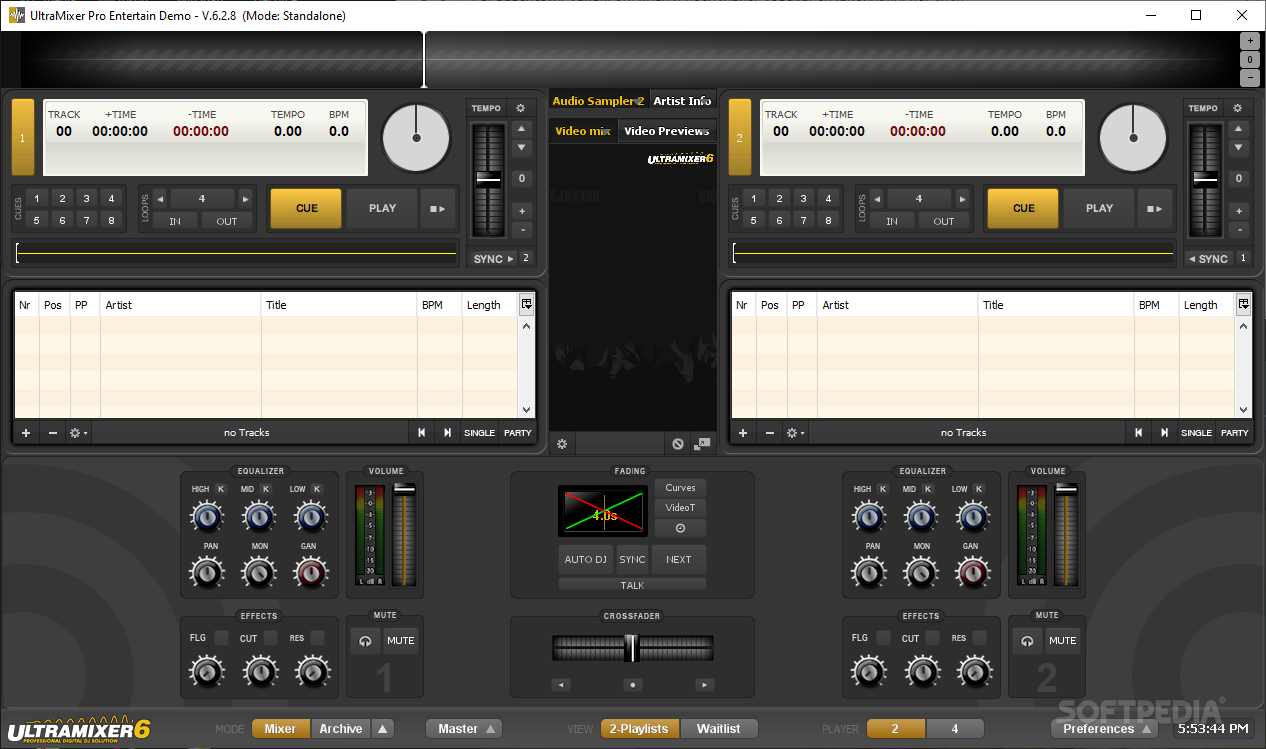
UltraMixer is a professional software that allows you to replace the DJ turntable with a computer interface with the same utility but more advanced functions. You can easily mix two audio tracks using a digital interface that can be carried around from your home to your friend's party.
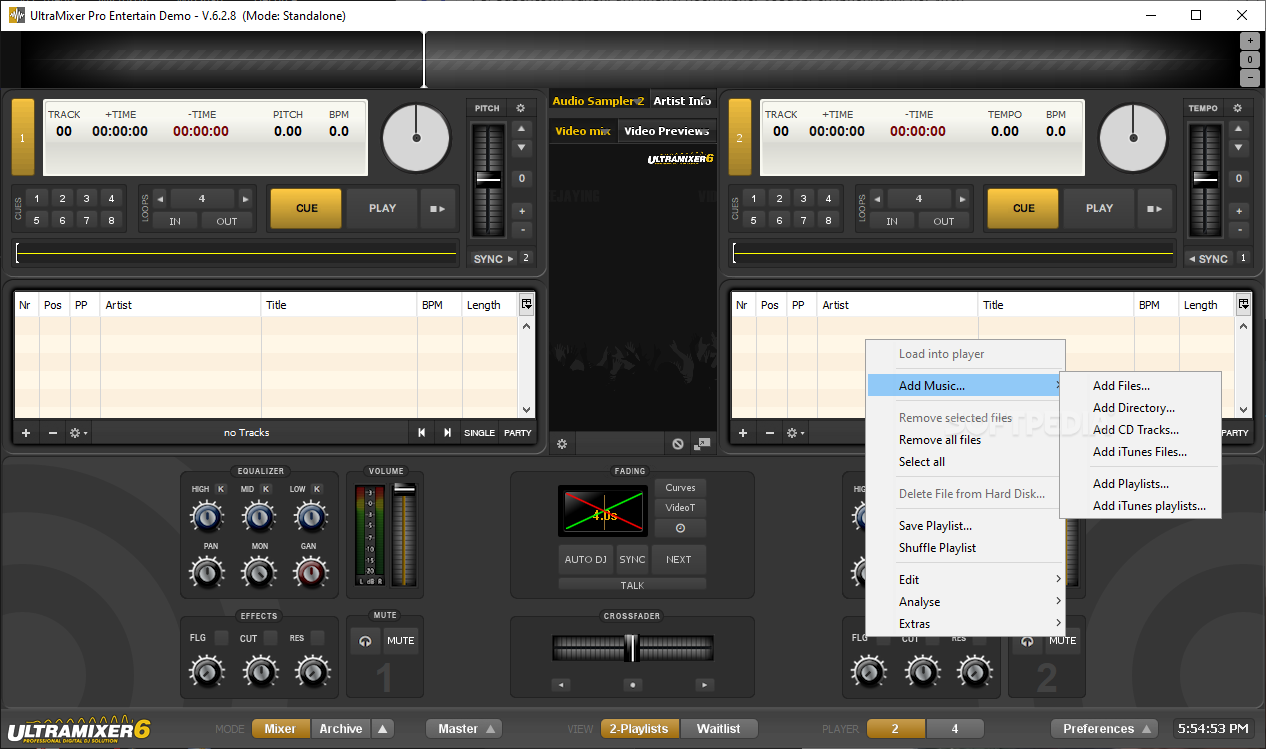
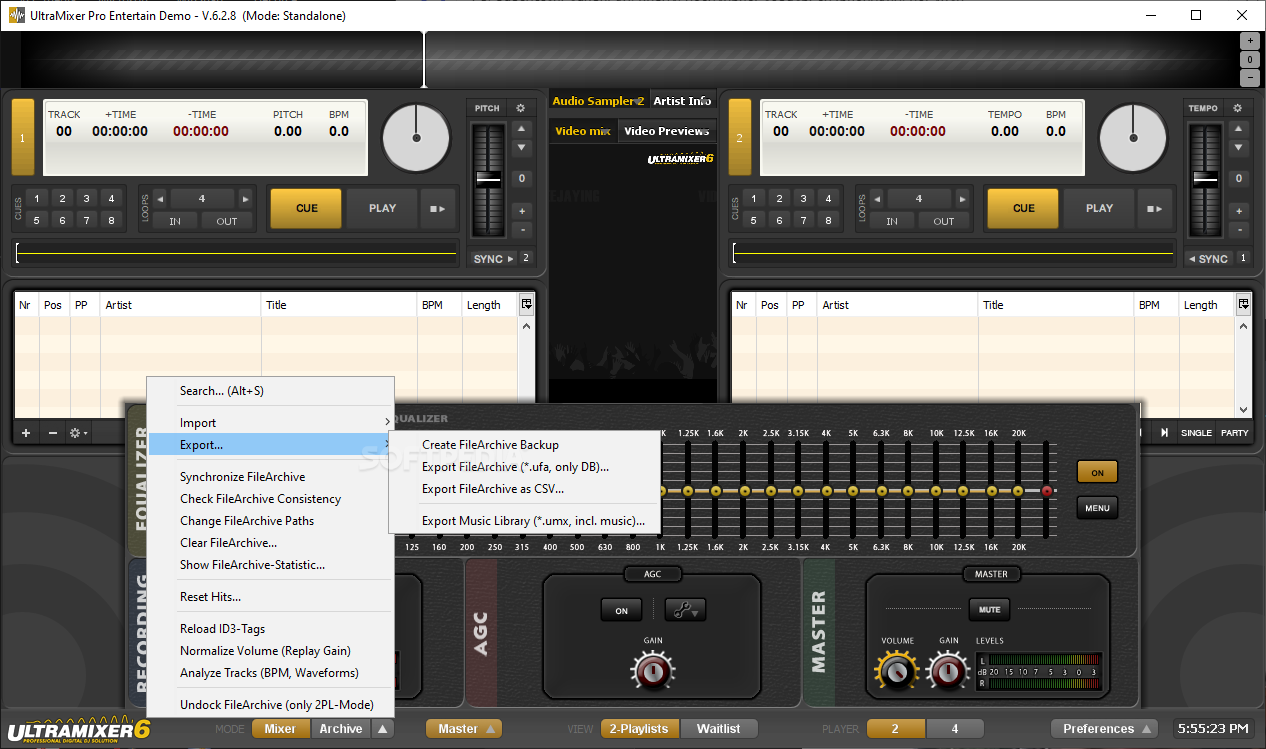
The interface of the program consists of a two side turntable system that replaces the vinyls with two digital sound players. To begin you need to load two audio files in the players and customize the play settings before starting to mix the songs. The application can load separate playlist files for each player or all the audio files from a local folder.
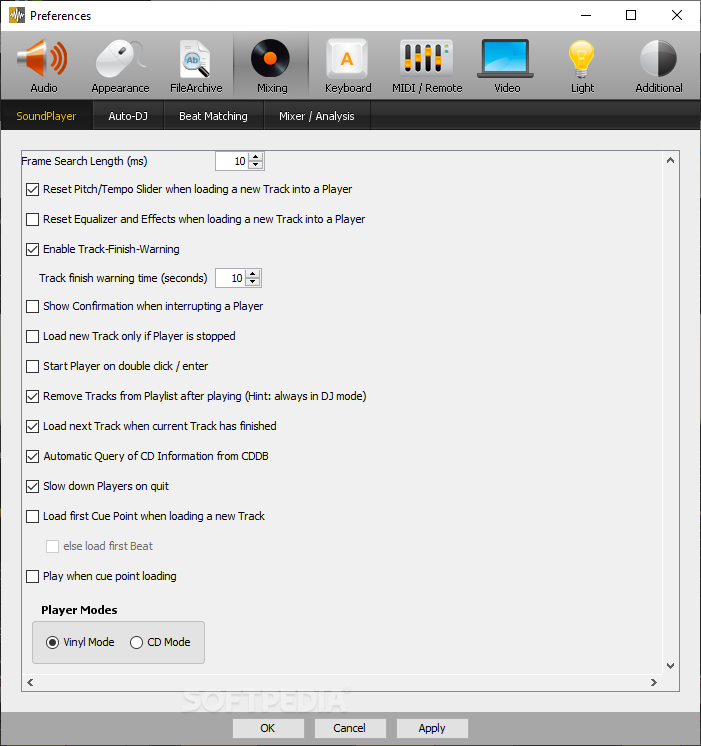
You can change the pitch and the tempo of the playback in order to suit your mood. The transition between songs can be set manually or you can use the customizable fading function that is available in the application. The user can search through a song for a certain part using the graphical waveform. The program also includes a beat matching function that allows you to synchronize the players.
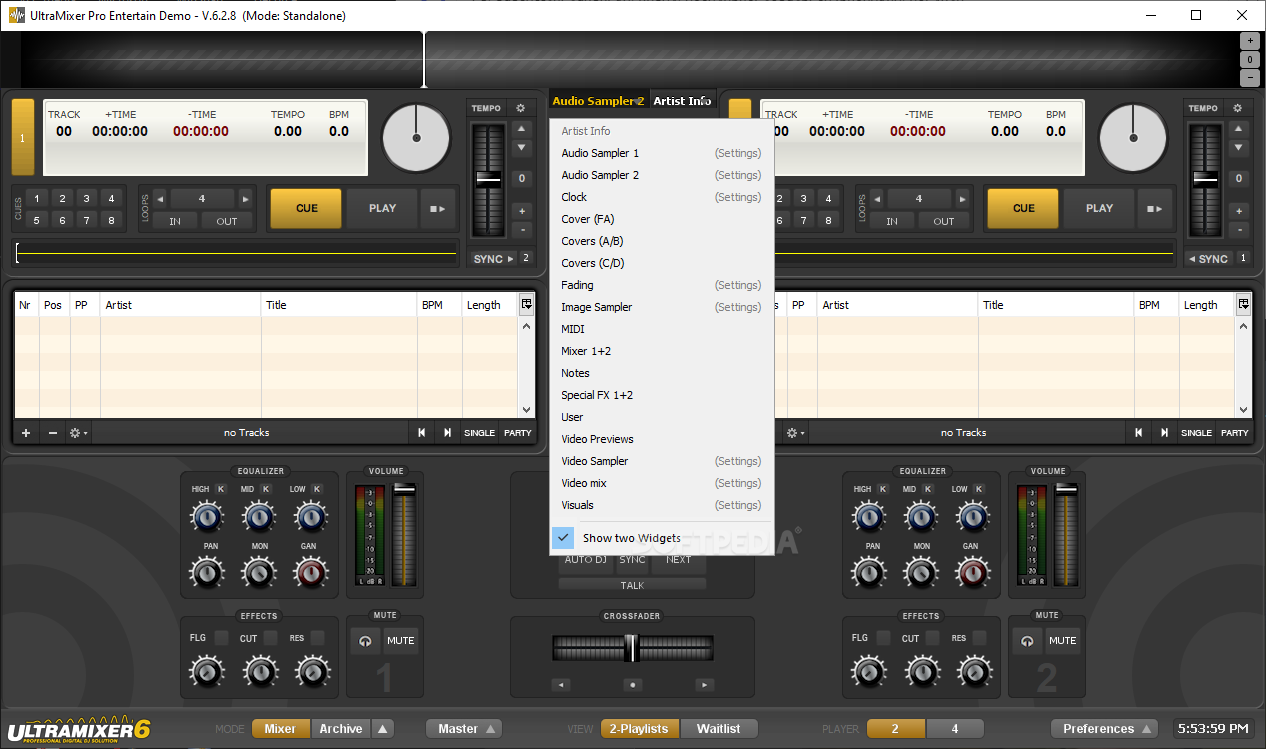
The program allows you to create special effects such as resonance or flange by using the graphical interface. You can also use turntable techniques such as beat matching or scratching. For custom sound effects the program has an integrated sample player that stores up to sixteen different samples that can be played with one click.
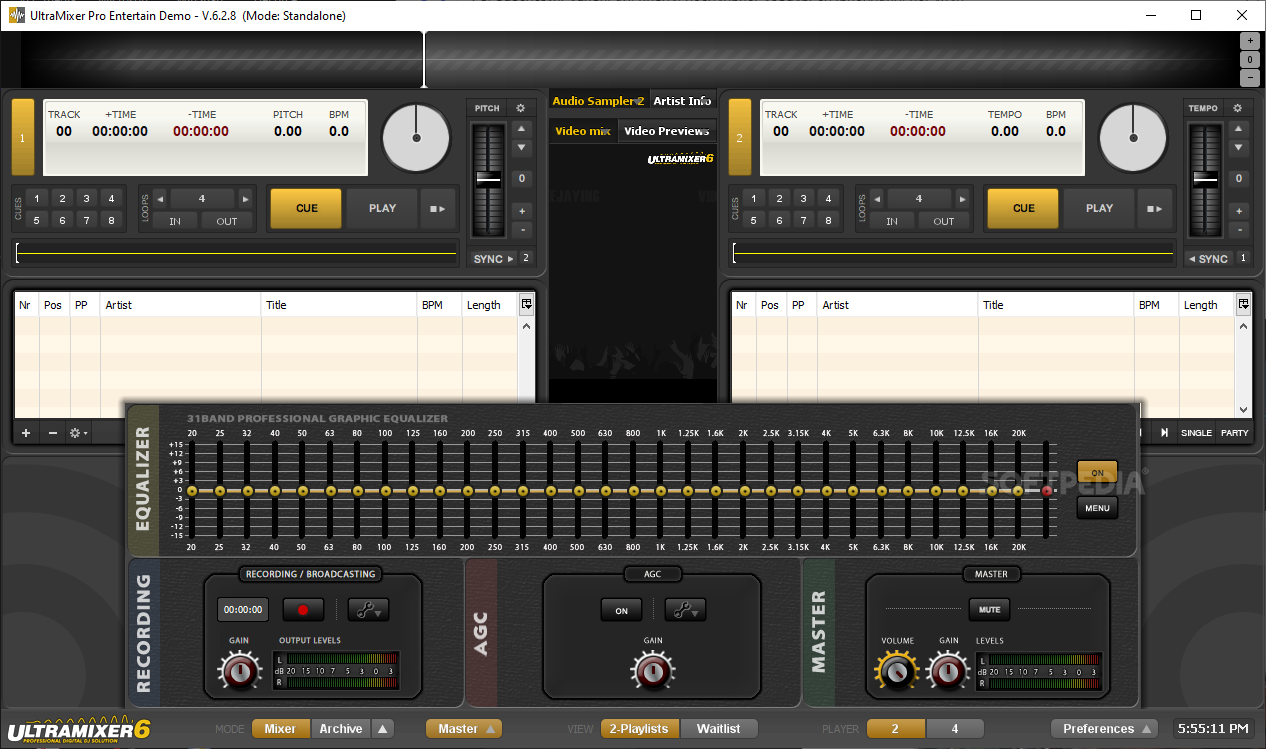
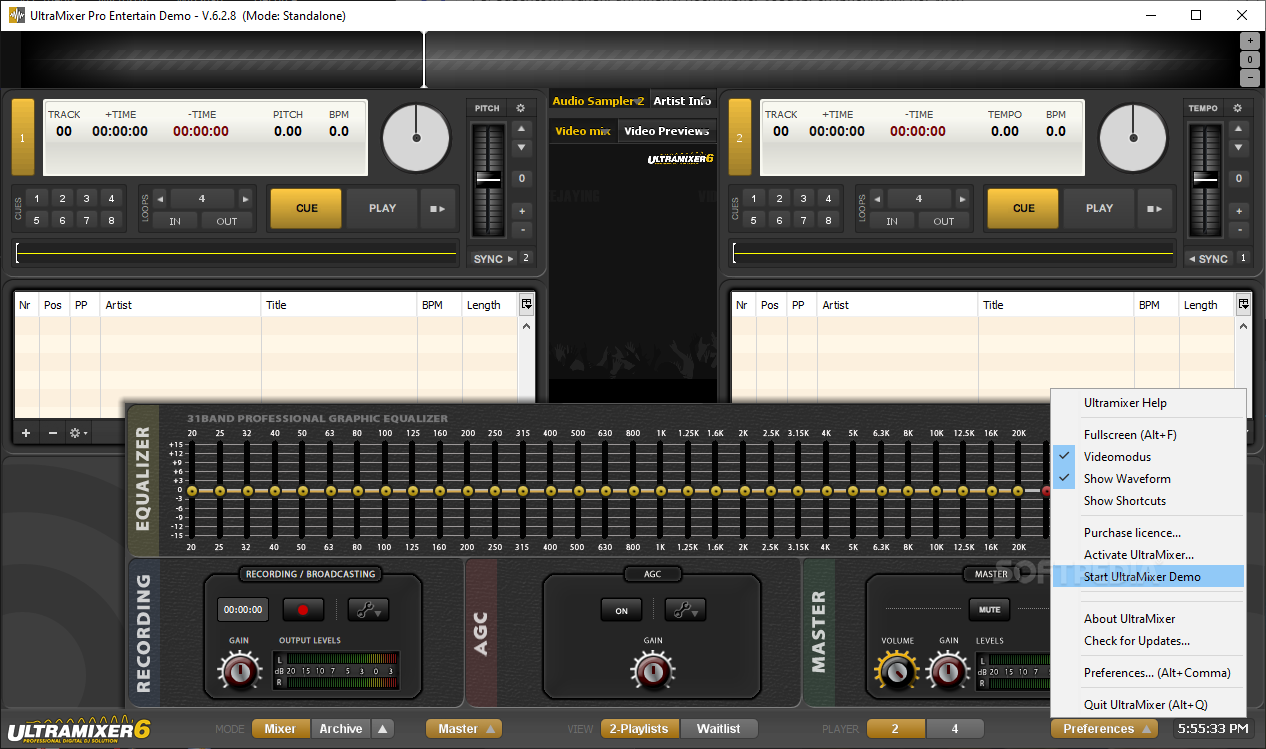
Each player has a separate equalizer that can be set up for the current song. Professional users have access to a 31-band master equalizer that changes the output for both players. You can also save the current settings as a preset that can be loaded later.
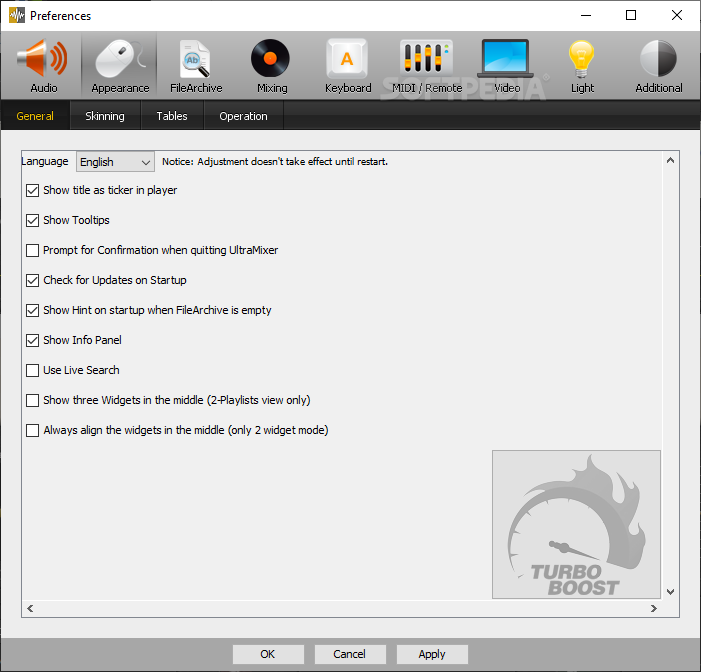
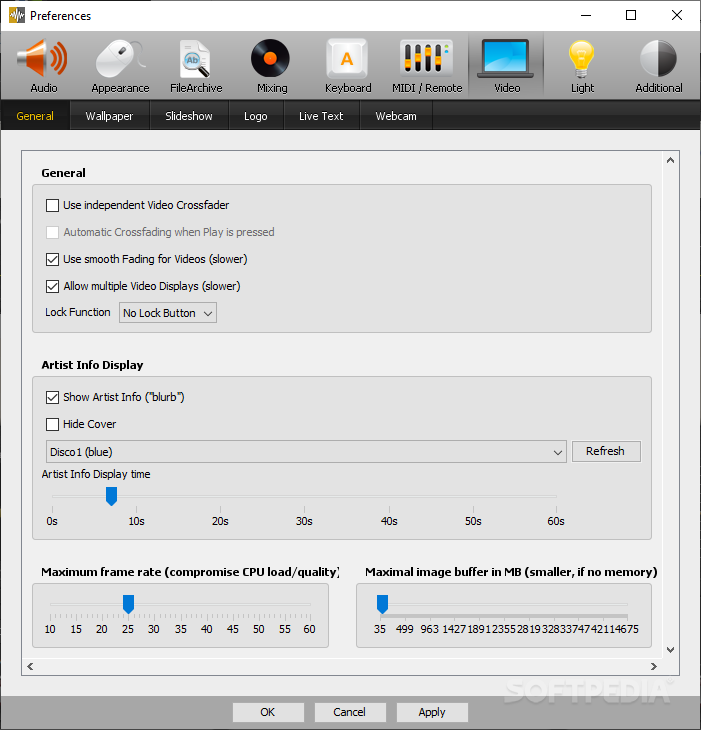
The mixer can be operated with the mouse but most users find it more comfortable to change the settings by keyboard. The program can display the keyboard hints permanently on the screen in order to get accustomed to the interface. If you want to change some of the key bindings you can do it from the Options menu that also allows you to save multiple profiles for different users.
The program also offers support for hardware controllers so if you own a digital turntable emulator you can connect it to the computer and still use the features of the program.
UltraMixer is a very good tool that can be used by a professional DJ but also by a casual computer user to mix songs and create a good party mood.
Download Hubs
UltraMixer is part of these download collections: Audio Mixers
UltraMixer 6.3.0
add to watchlist add to download basket send us an update REPORT- runs on:
-
Windows 10 32/64 bit
Windows 8 32/64 bit
Windows 7 32/64 bit
Windows Vista 32/64 bit
Windows XP 32/64 bit - file size:
- 345 MB
- filename:
- UltraMixer-6.3.0-9c83ac7-Release-64bit-win.exe
- main category:
- Multimedia
- developer:
- visit homepage
Context Menu Manager

ShareX

Bitdefender Antivirus Free

calibre

IrfanView

7-Zip

Zoom Client

4k Video Downloader

Microsoft Teams

Windows Sandbox Launcher

- 4k Video Downloader
- Microsoft Teams
- Windows Sandbox Launcher
- Context Menu Manager
- ShareX
- Bitdefender Antivirus Free
- calibre
- IrfanView
- 7-Zip
- Zoom Client