
A lightweight but powerful media player that ensures a high-quality playback of your favorite songs and radio stations with many customizable elements. #Media player #CD ripper #Tag editor #Player #Playlist #Radio

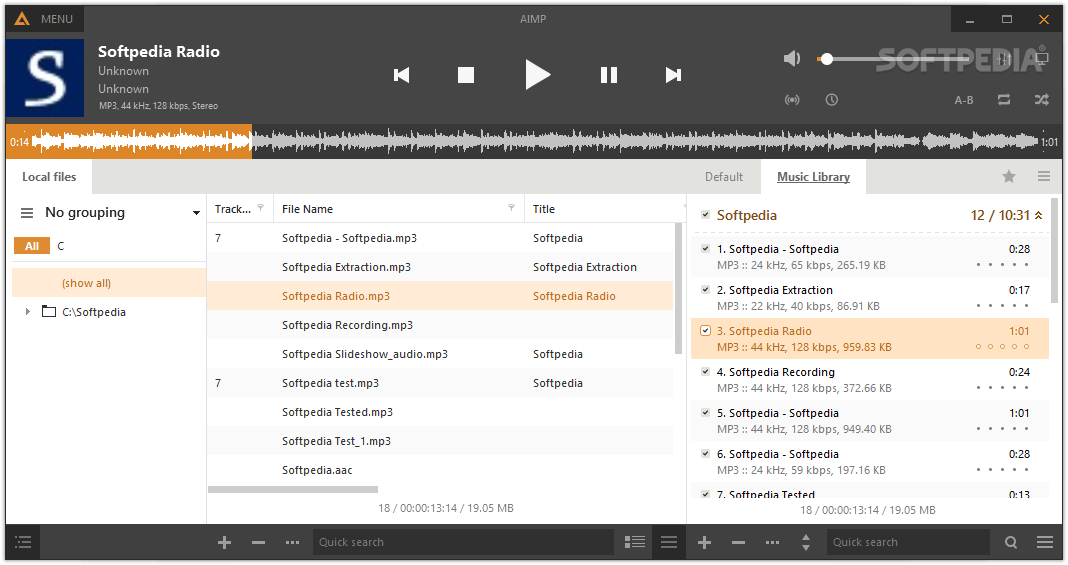
If you enjoy listening to music and have amassed a relatively large offline collection over the years, then you need a reliable player that can help you make the best of it. AIMP is not only a name that needs no further presentation, but also a tool that can help you combine both your online and offline music libraries.
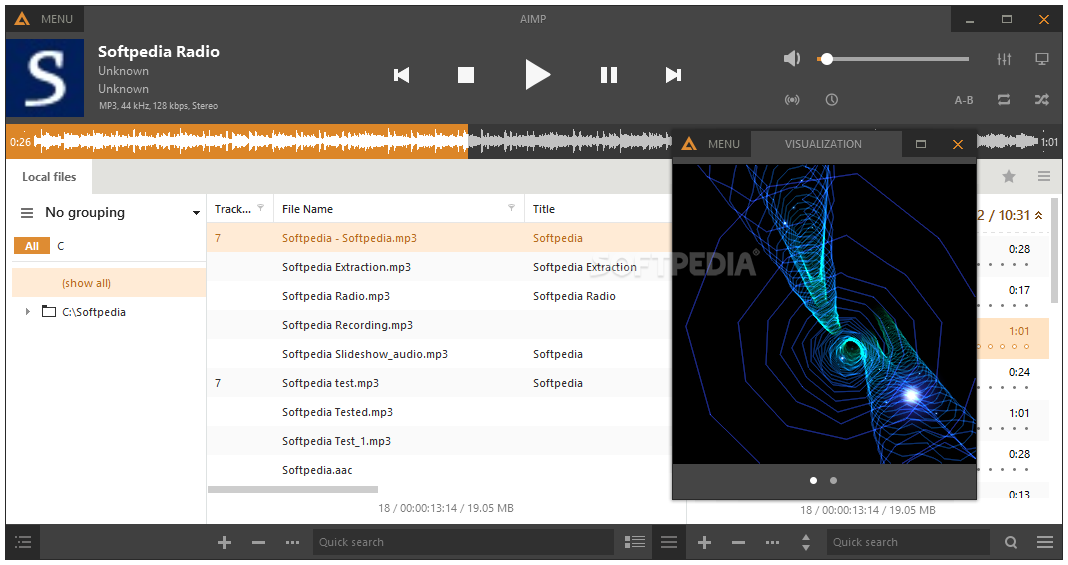
The player comes with a sleek and stylish interface that neatly packs the extensive array of features in a way that keeps the GUI clean. The interface is also available in three versions - classic, standard and modern - that you can toggle without too much hassle.
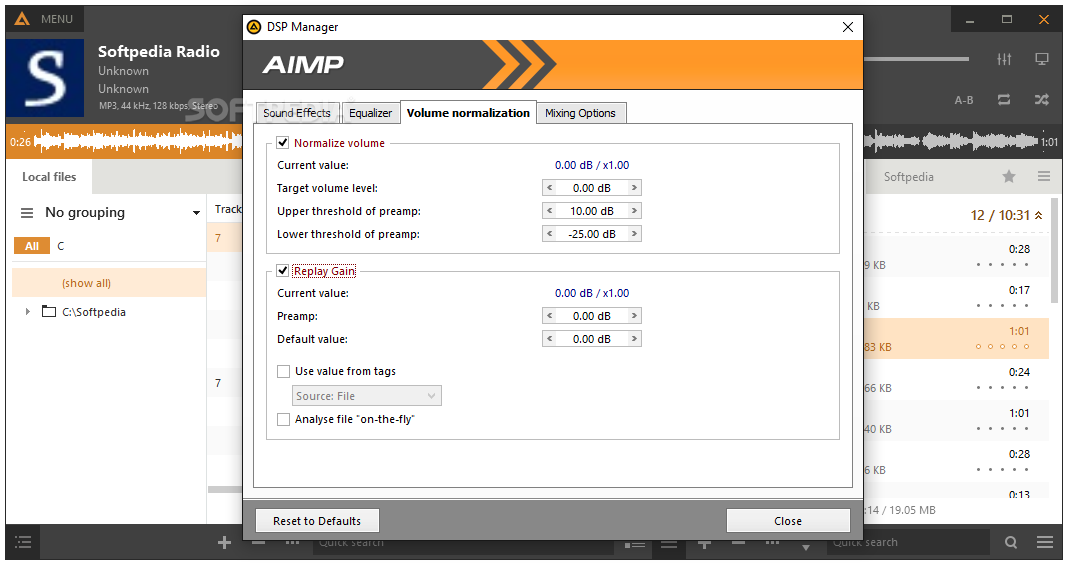
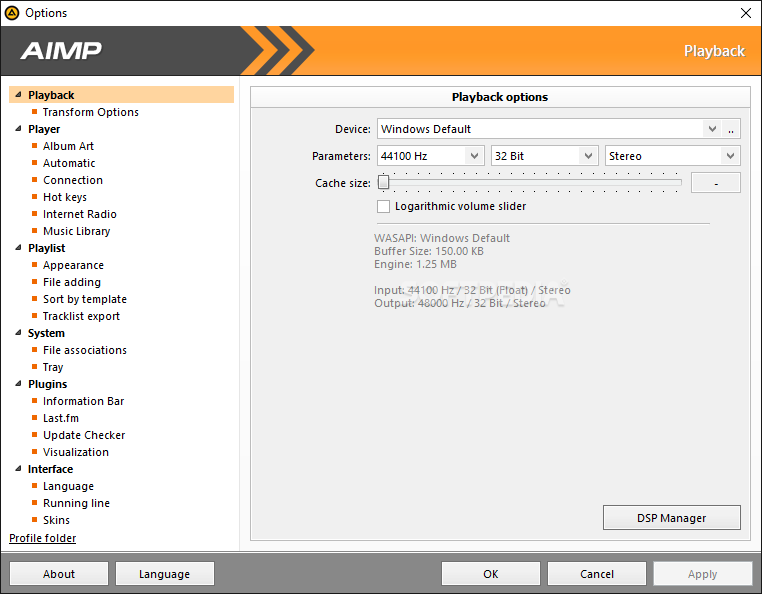
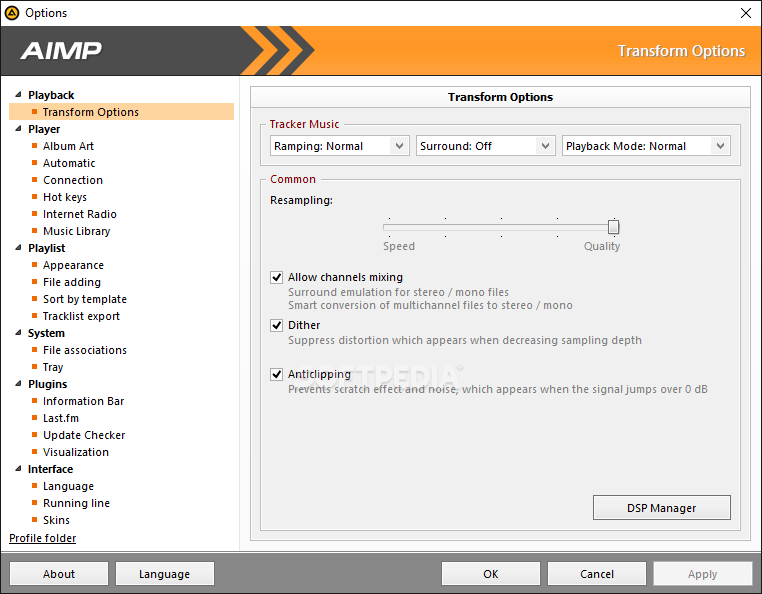
While some users claim that it may take some time to learn the ins and outs of the app, the truth is that it is worth it. For starters, you have menus dedicated to managing the volume where you can customize the peak normalization and replay gain normalization.
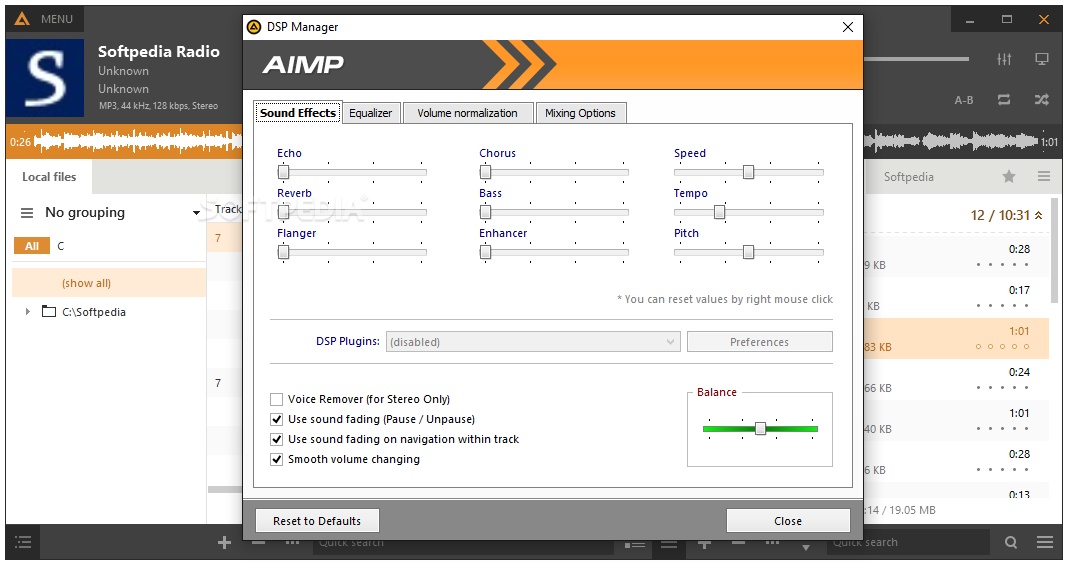
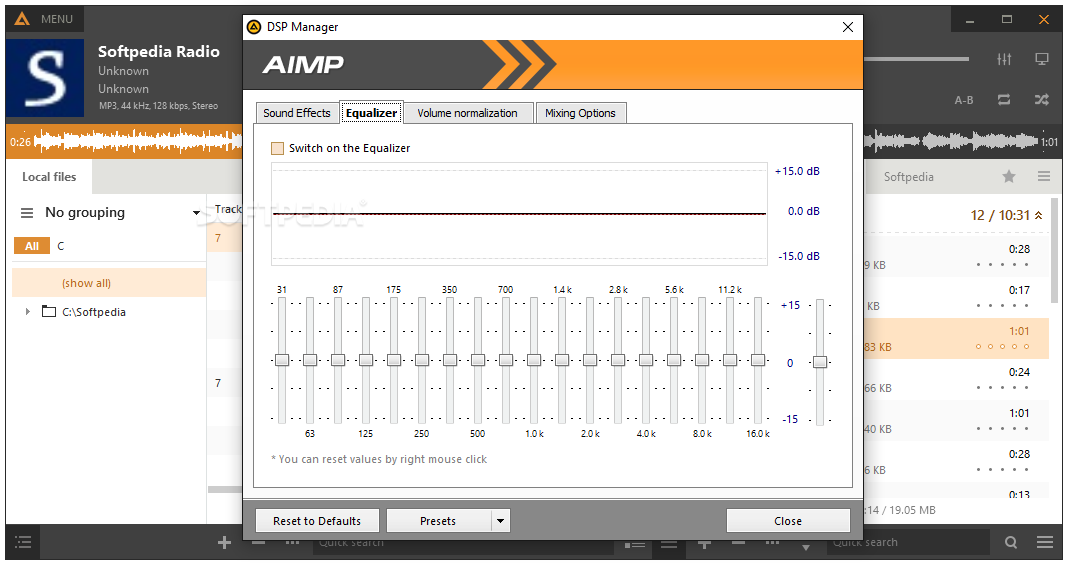
The tool packs an equalizer which can be a god sent for anyone who has tunes downloaded from various online sources. The app packs an 18-band equalizer that can be tweaked manually or via the presets, in case you are just getting started. Moreover, you can enhance your music with various sound effects, namely echo, reverb, chorus, speed, tempo, flanger, pitch or stereo enhancer.
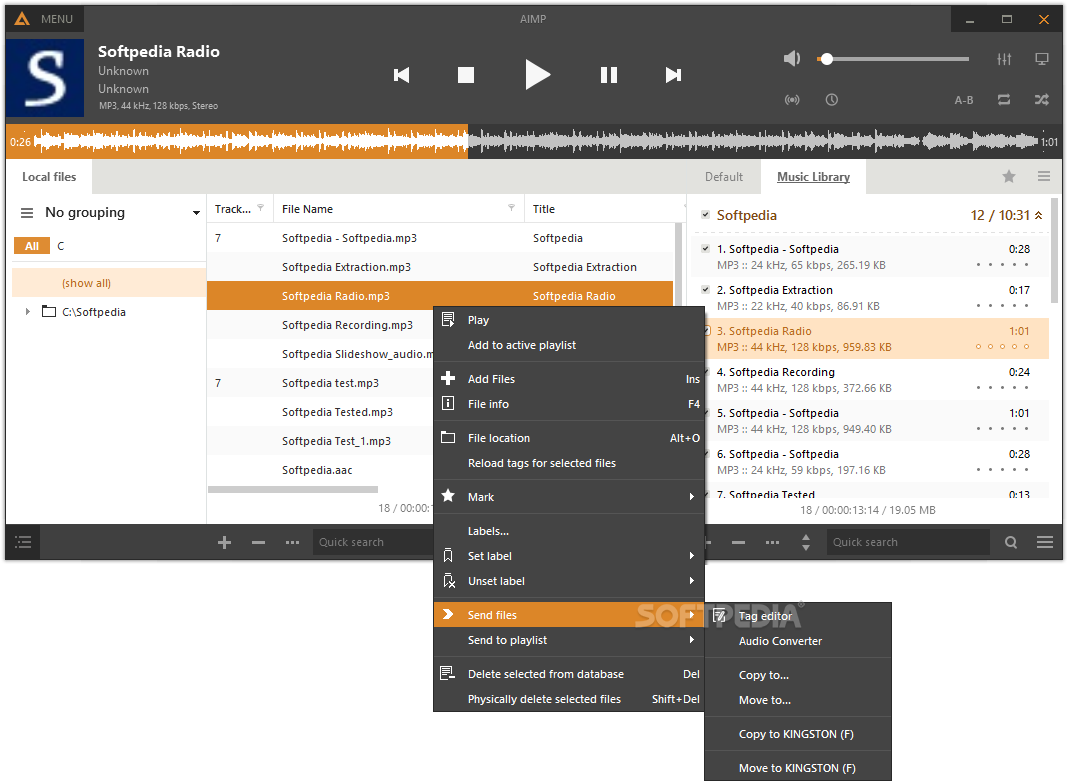
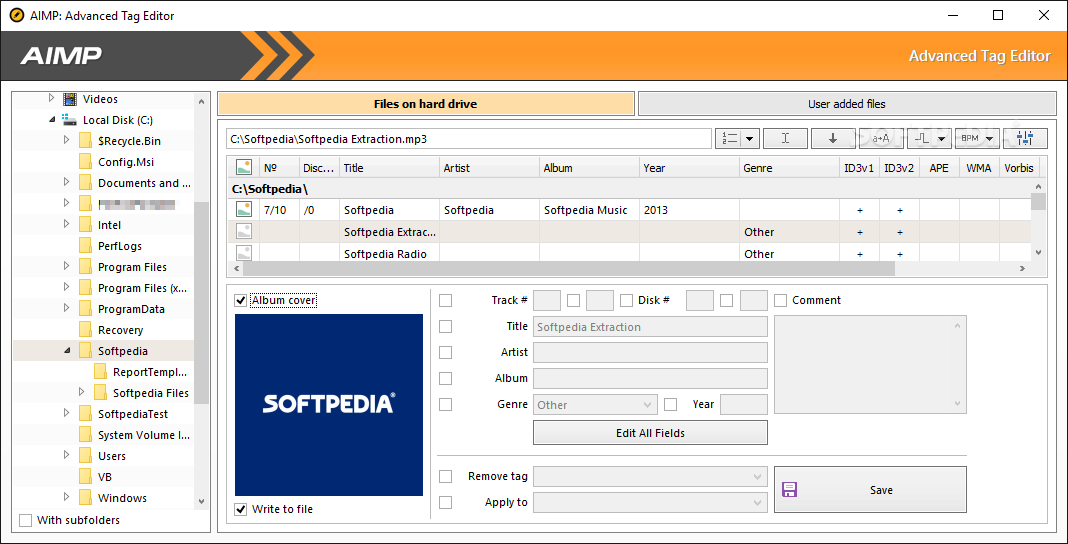
A noteworthy feature of the player is that it enables you to manage metadata, namely IDE3v1 and IDE3v2. To access the menu, simply right-click on any audio file and access the File menu and you can correct the existing metadata or add information about title, artist, genre, composer, encoding, etc. accordingly.
You will be happy to learn that you can also include the lyrics for your songs from the same menu. However, you will need to grab the lyric file first.
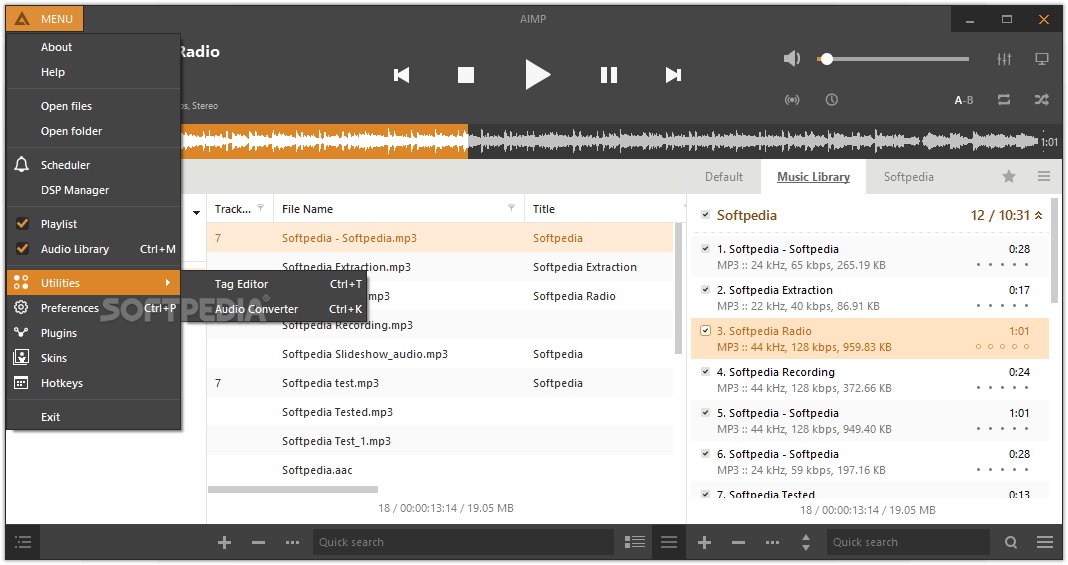
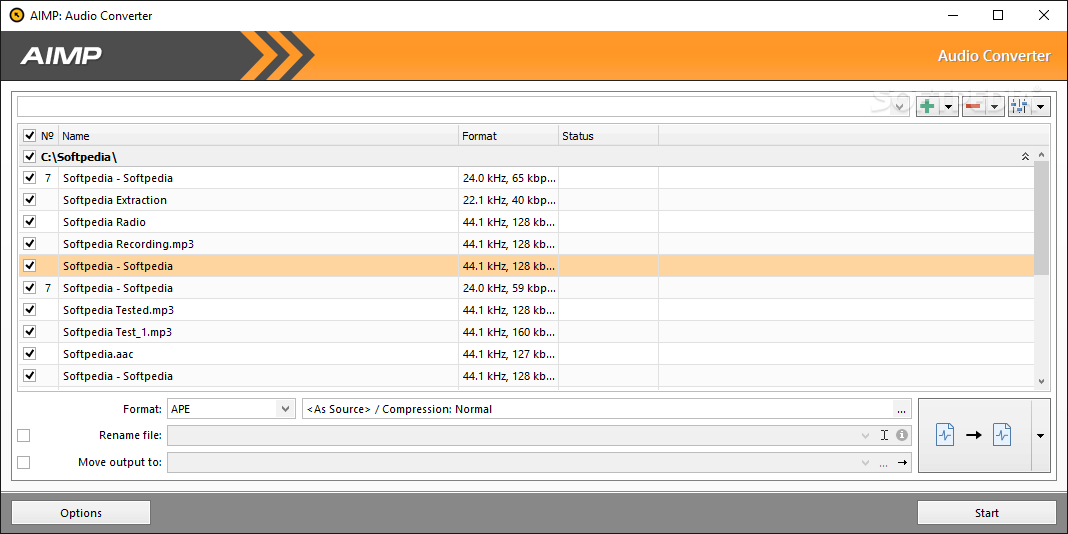
Lastly, AIMP comes with an audio converter - accessible via right-clicking any file - where you can seamlessly convert audio to lossless and standard formats.
Download Hubs
AIMP is part of these download collections: M3U Player, APE Players, AAC Player, Play MP3
What's new in AIMP 5.30 Build 2541:
- General: the WavPack codec has been updated to v5.7
- General: localizations has been updated
AIMP 5.30 Build 2541
 Softpedia Editor's Pick
add to watchlist
add to download basket
send us an update
REPORT
Softpedia Editor's Pick
add to watchlist
add to download basket
send us an update
REPORT
- PRICE: Free
- portable version
- Portable AIMP
- runs on:
-
Windows 11
Windows 10 32/64 bit
Windows 8 32/64 bit
Windows 7 32/64 bit
Windows Vista 32/64 bit - file size:
- 15.1 MB
- filename:
- aimp_5.30.2541_w32-release.exe
- main category:
- Multimedia
- developer:
- visit homepage
Context Menu Manager

IrfanView

Windows Sandbox Launcher

calibre

Zoom Client

Bitdefender Antivirus Free

4k Video Downloader

ShareX

Microsoft Teams

7-Zip

- ShareX
- Microsoft Teams
- 7-Zip
- Context Menu Manager
- IrfanView
- Windows Sandbox Launcher
- calibre
- Zoom Client
- Bitdefender Antivirus Free
- 4k Video Downloader