
A general purpose audio player that allows users to select audio files from multiple sources and schedule them in custom playlists. #Mp3 player #Audio player #Tag editor #Playlist #Player #Oscillator


Apollo is a simple-to-use software that allows you to play audio files of various formats, including MP3 and WAV.
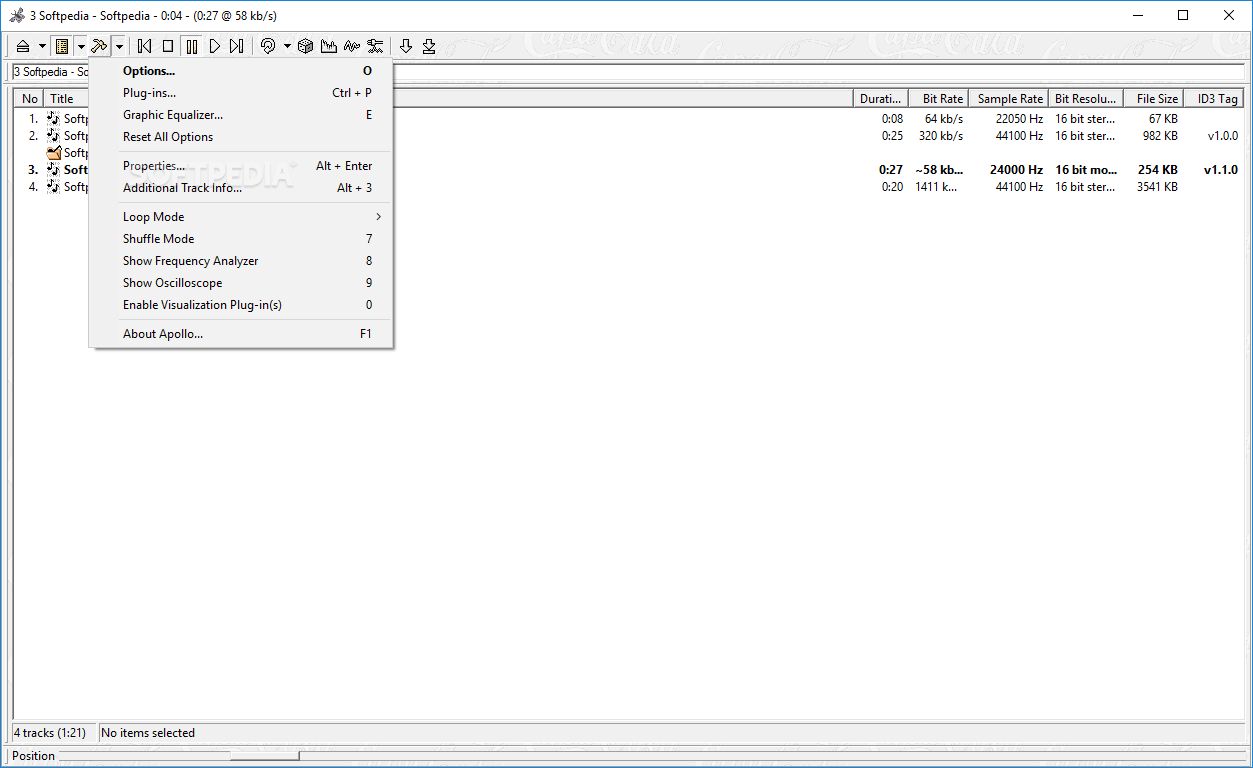
The interface of the program is minimalistic (since Apollo prefers to focus on functionality), so even beginners can easily play with Apollo.
You can import audio tracks by using only the file browser, since the "drag and drop" method is not supported.
You can create a playlist, pause and stop a song, play the next track and set the position in the song.
In the playlist you can check out the title, duration, bit rate, sample frequency rate, bit resolution, file size and ID3 tag version of each file.
You can enable loop and shuffle mode, import songs from a directory or link, add a random entry or another playlist, access Windows Explorer, generate an HTML playlist, view a frequency analyzer and file properties.
You can randomize the main playlist order, arrange songs, use a search function and view additional track information (e.g. copyright, original, private), and more.
The program takes up a low amount of system resources and worked smoothly during our tests. Apollo didn't freeze, crash or pop up errors. However, the interface desperately needs a makeover.
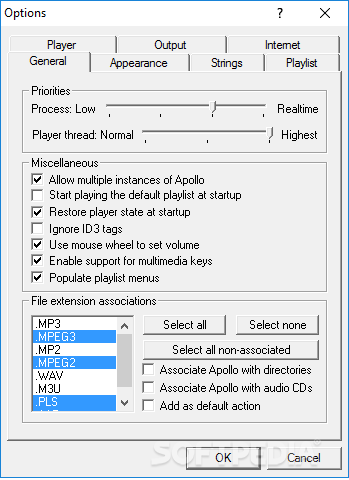
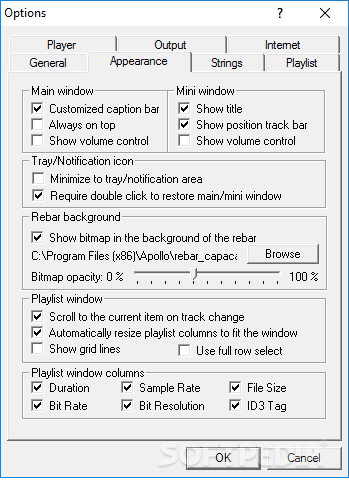
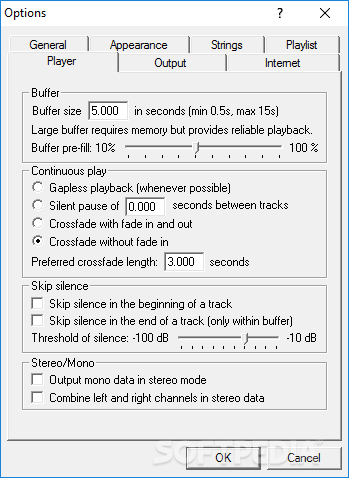
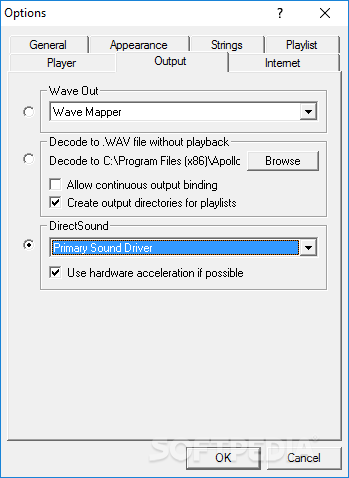
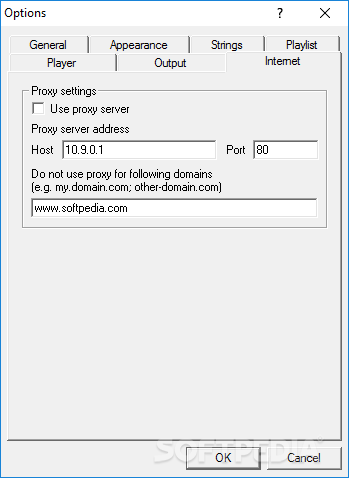
Also, there is no help file available and, since Apollo contains some pretty advanced settings, this could be a problem to beginners. Otherwise, we strongly recommend this tool.
What's new in Apollo 37zz:
- Added three different loop modes: loop all, loop playlist, loop track
- Added an option to physically delete files
- Fixed window update issues with full row select
- Fixed the performance issue with ID3v2 tags introduced in version 37zx
Apollo 37zz
add to watchlist add to download basket send us an update REPORT- runs on:
- Windows All
- file size:
- 672 KB
- filename:
- Apollo37zz.exe



- main category:
- Multimedia
- developer:
calibre

ShareX

4k Video Downloader

IrfanView

7-Zip

Zoom Client

Microsoft Teams

Bitdefender Antivirus Free

Windows Sandbox Launcher

Context Menu Manager

- Bitdefender Antivirus Free
- Windows Sandbox Launcher
- Context Menu Manager
- calibre
- ShareX
- 4k Video Downloader
- IrfanView
- 7-Zip
- Zoom Client
- Microsoft Teams