
Sit back and enjoy all of your favorite songs in high-quality, manage playlists and more with the help of this powerful application. #Media player #Audio player #Play audio #Player #Play #Playlist

In a world where transitioning to a complete online experience has meant that even media playback turned to streaming, audio players for offline use are getting slowly pushed away from the game. However, things are not over yet, and for those who are still passionate about playing their favorite tracks offline, there’s still room for dedicated players.
Being around for quite some years now, foobar2000 has made itself a reputation as being a staple in today’s selection of audio players, due to its simple design and straightforward approach towards playback. Does this latest iteration live up to its longstanding performance?
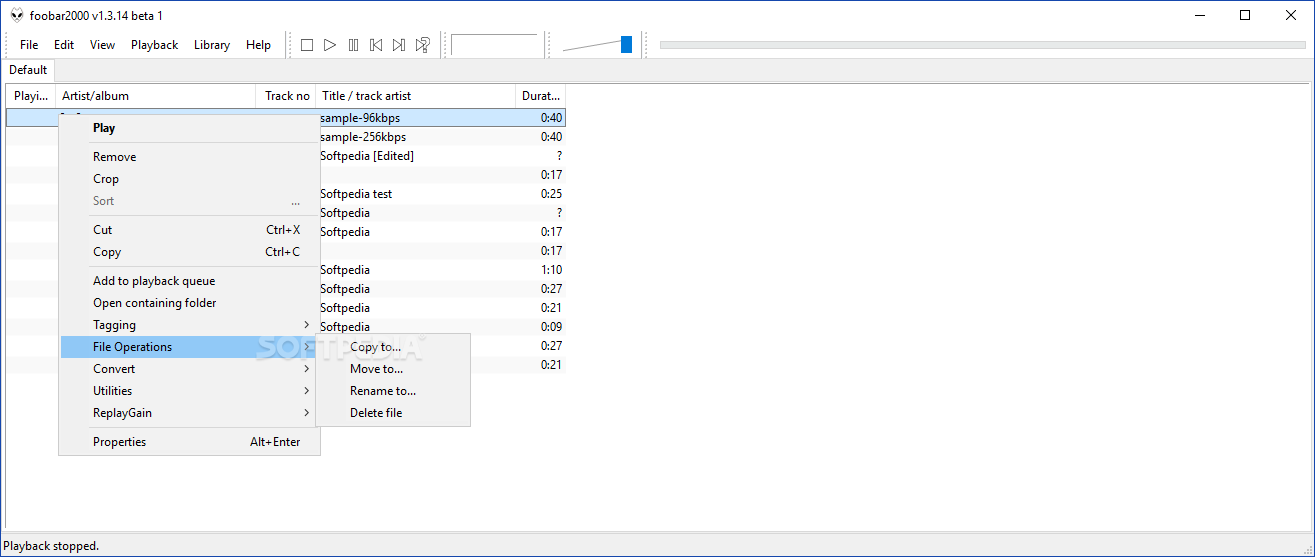
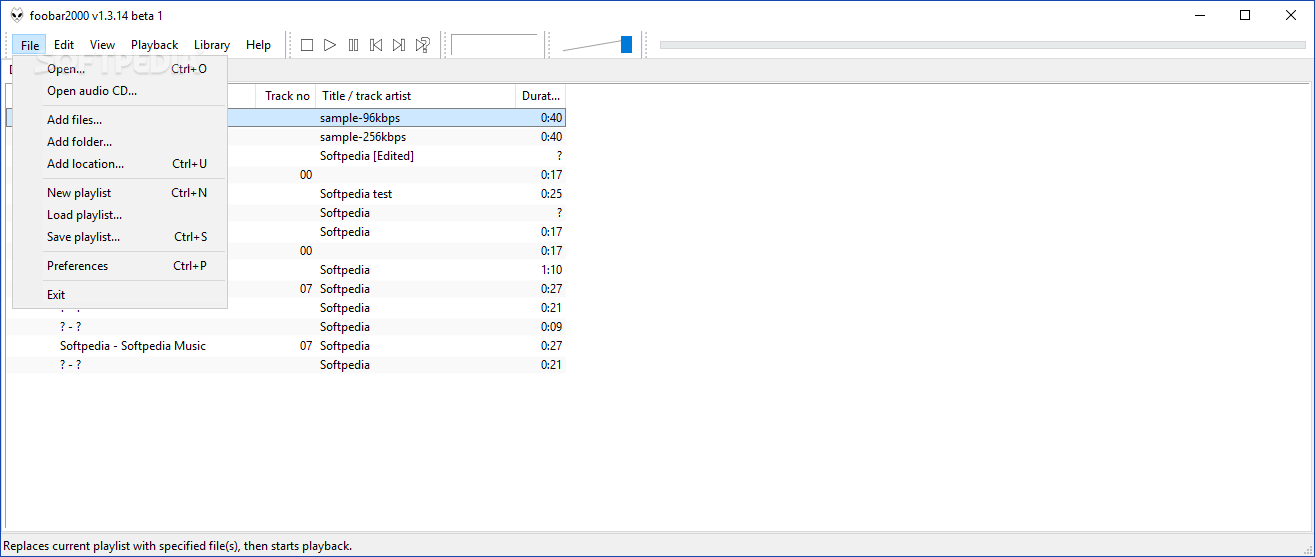
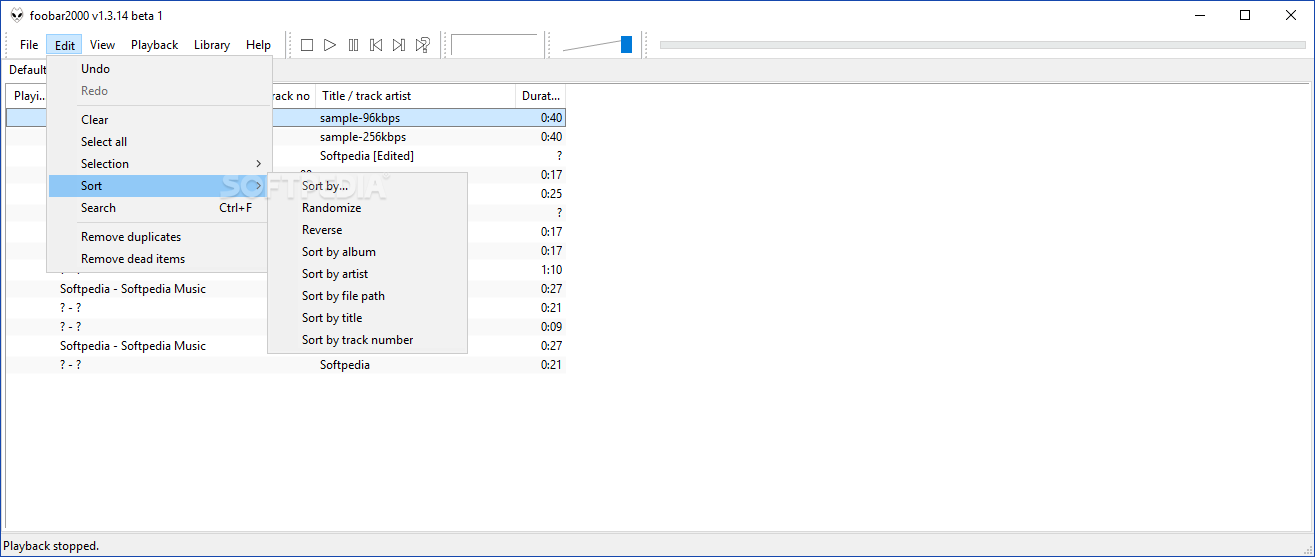
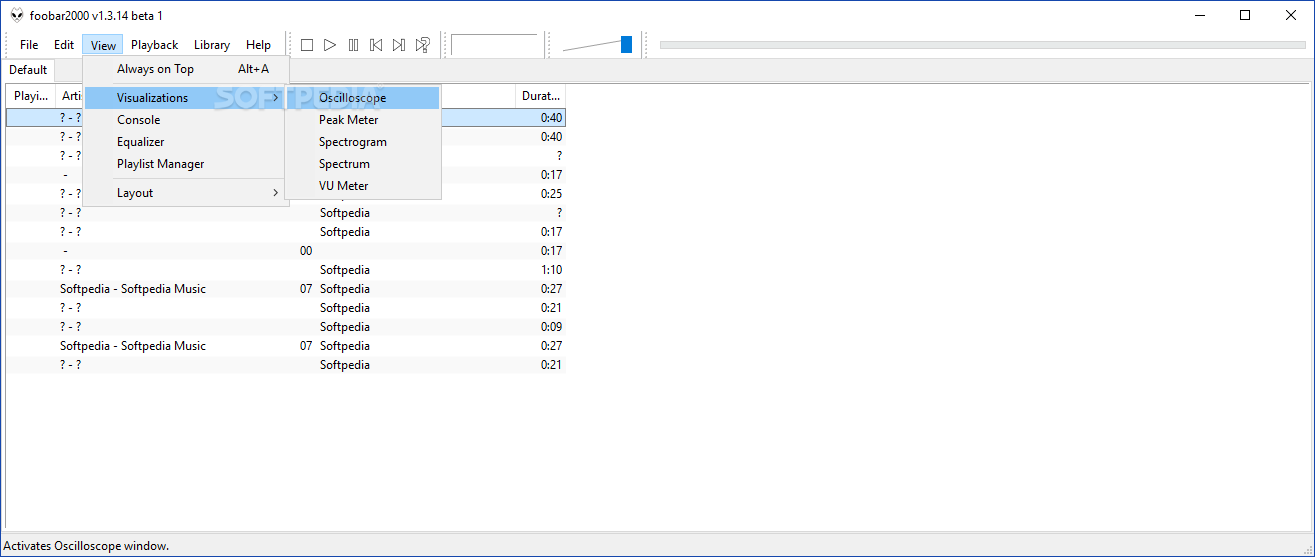
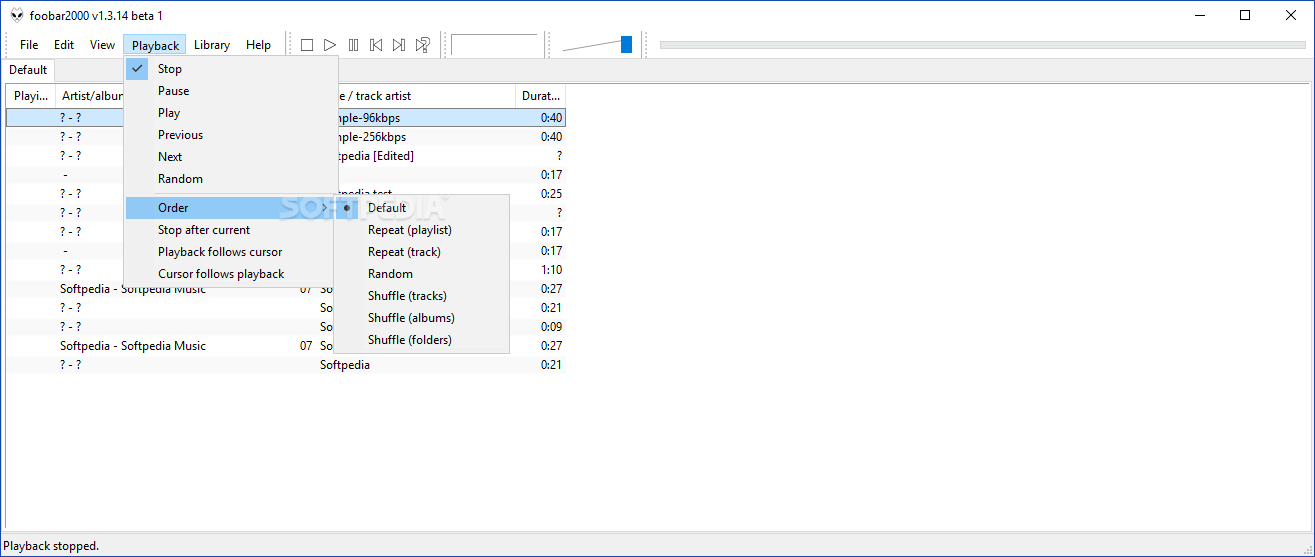
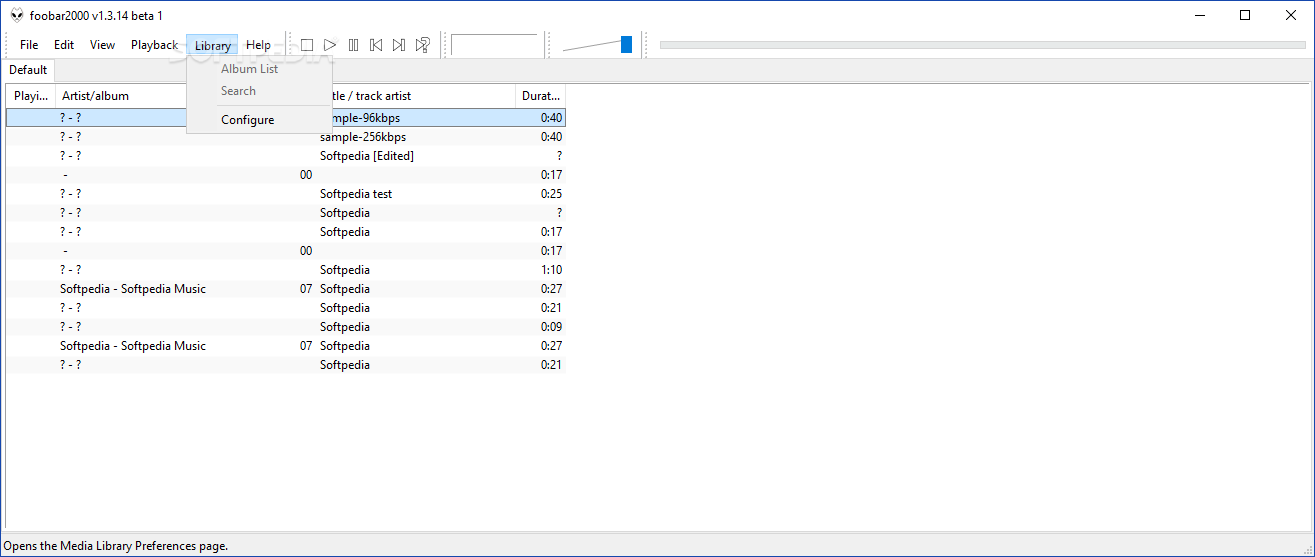
Just as I remembered it from long ago, foobar2000’s design is clean and simple, very minimalist, offering a very good overview of the loaded tracks and the available playback options. Almost stripped to the bare essentials. Have this in mind if you’re really keen on more intricate designs though.
If you’re into a clean, uncluttered design, then you’re in for a treat. Previewing and working with the playlist items is simple, and so is the actual playback itself. No issues to report here.
As stated above, playing your favorite tracks will be a breeze, thanks to the very basic controls, which offer unhindered access and operation. However, just as with the general design of the app, they do tend to be more on the very basic side of things.
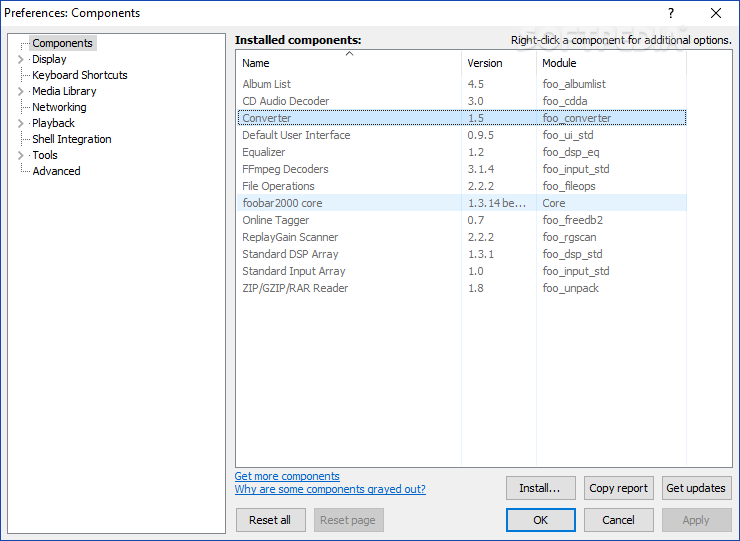
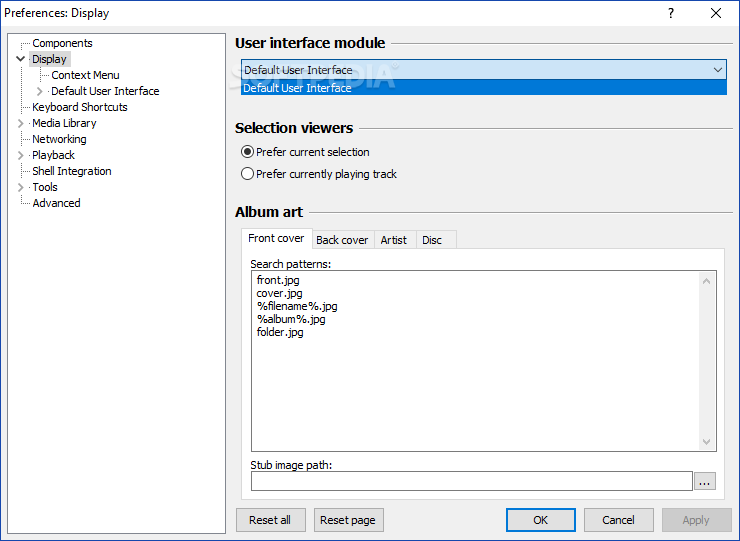
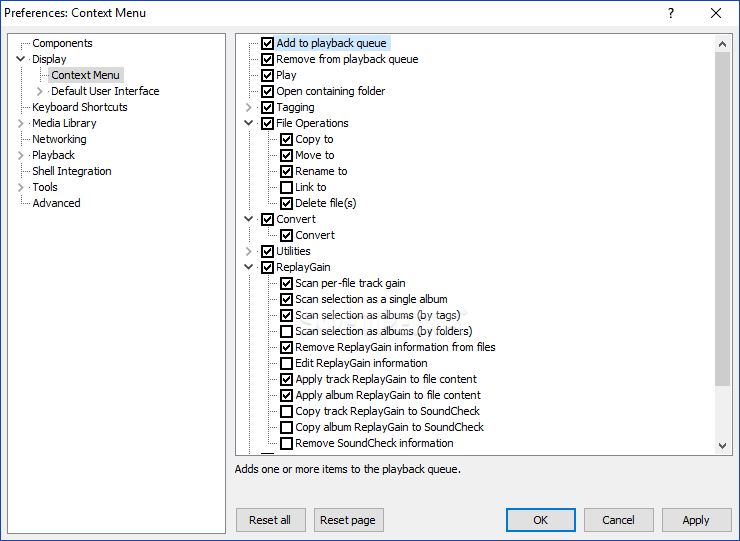
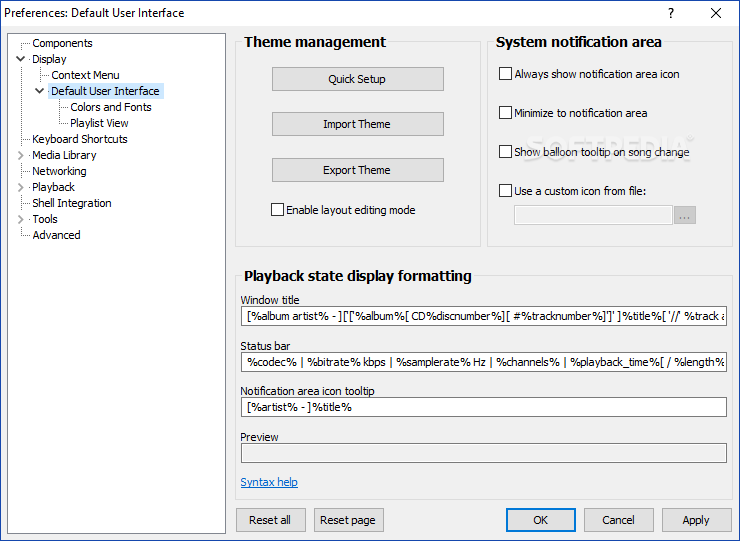
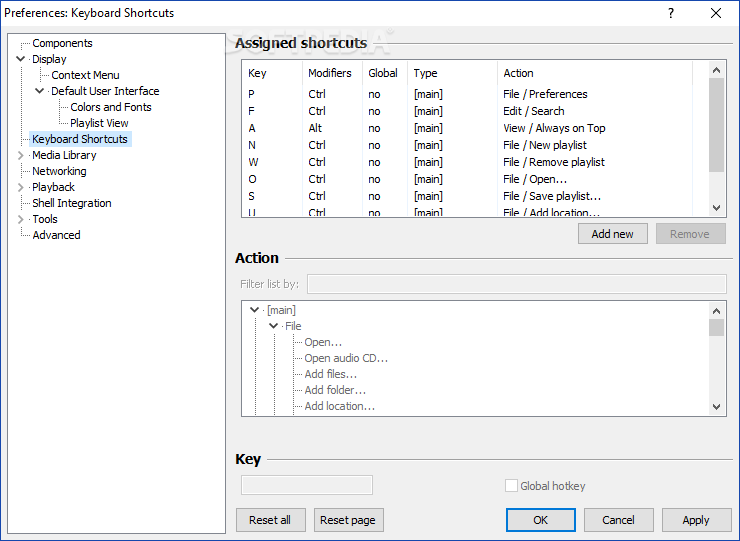
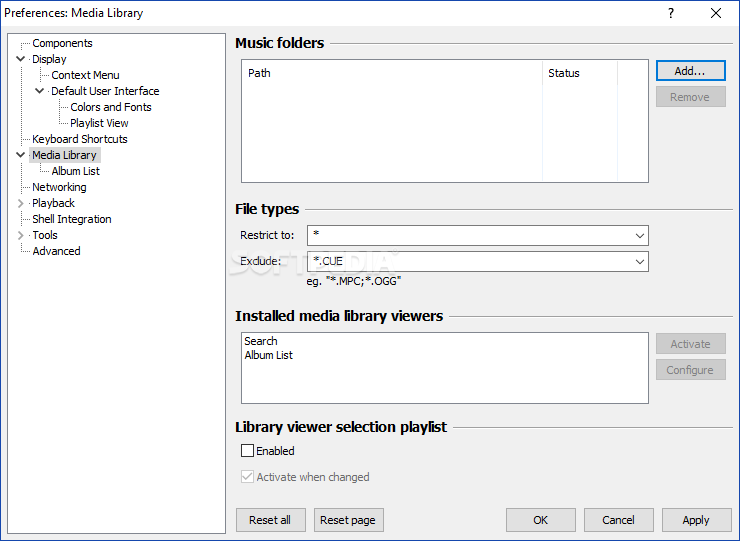
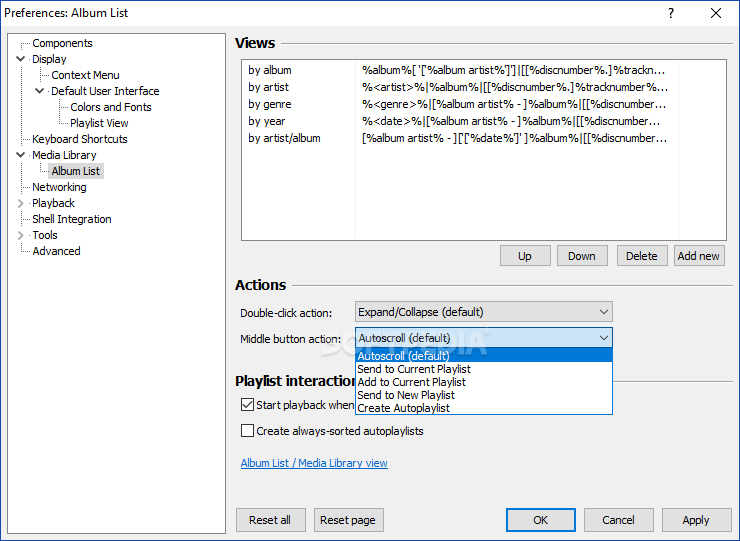
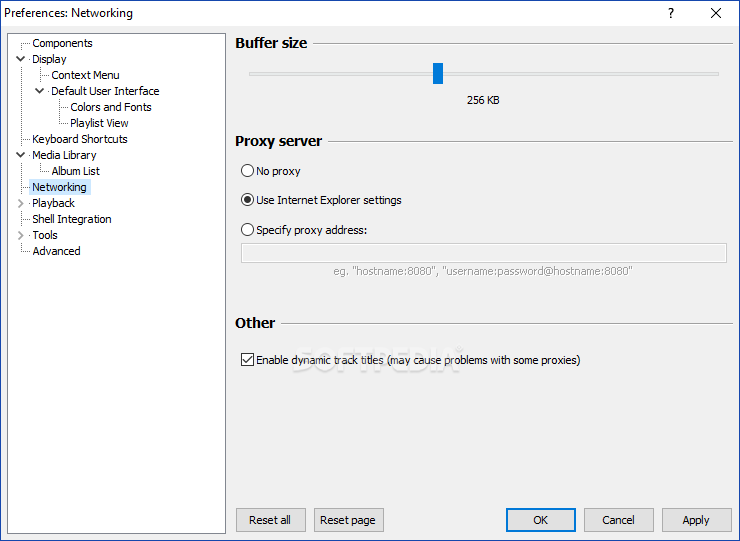
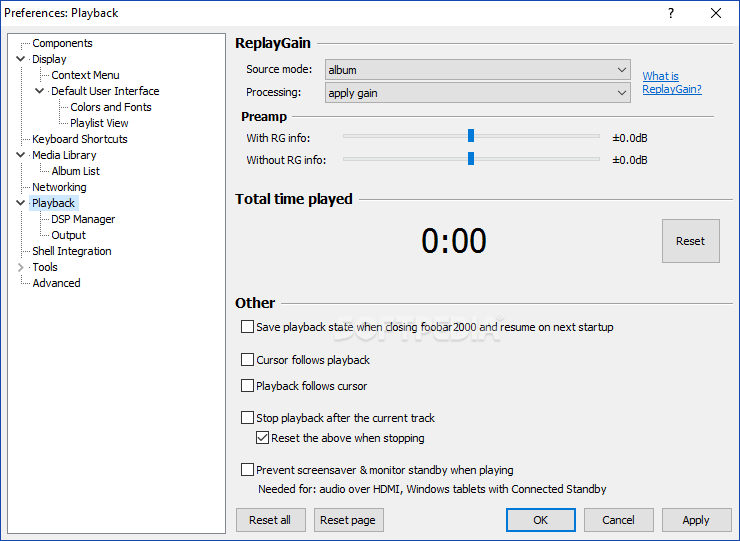
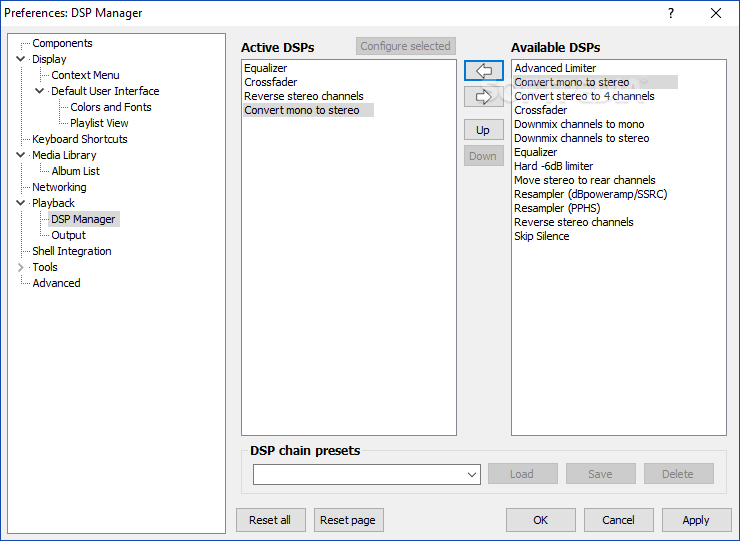
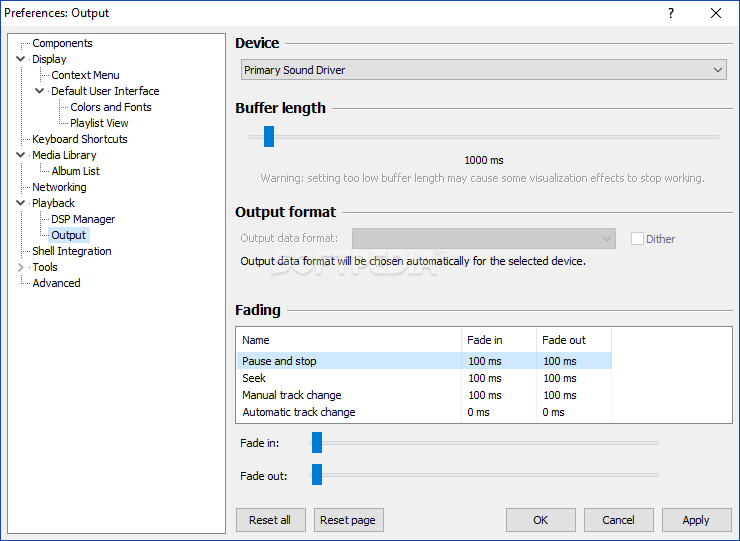
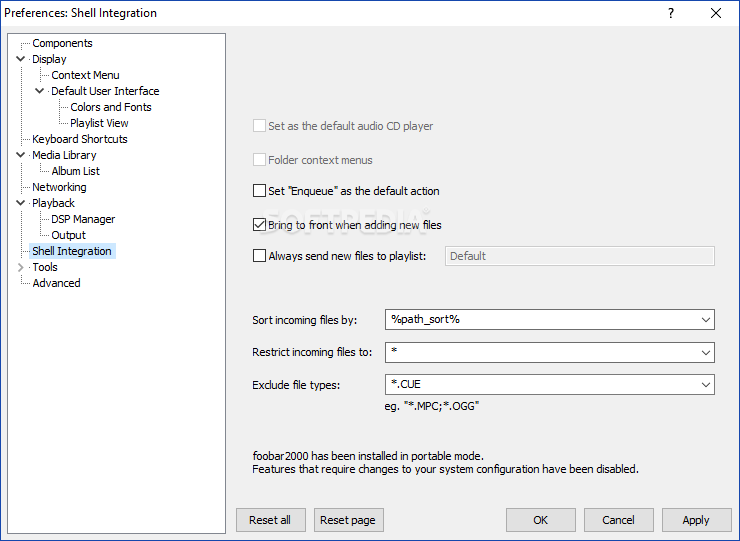
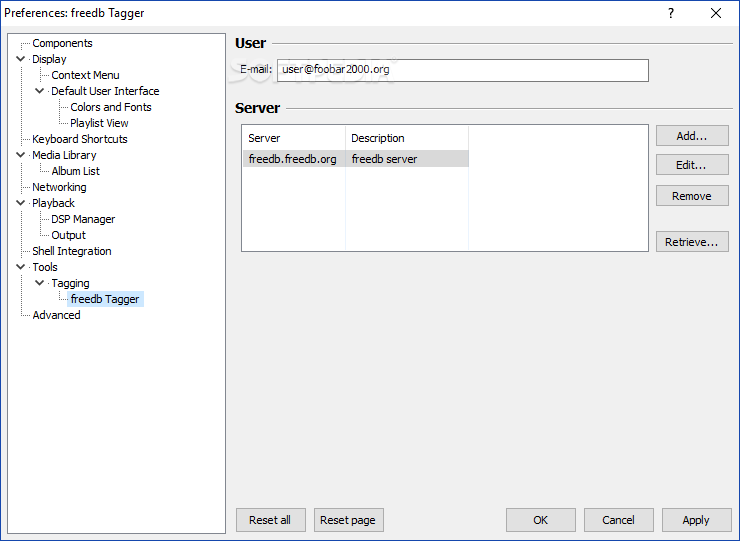
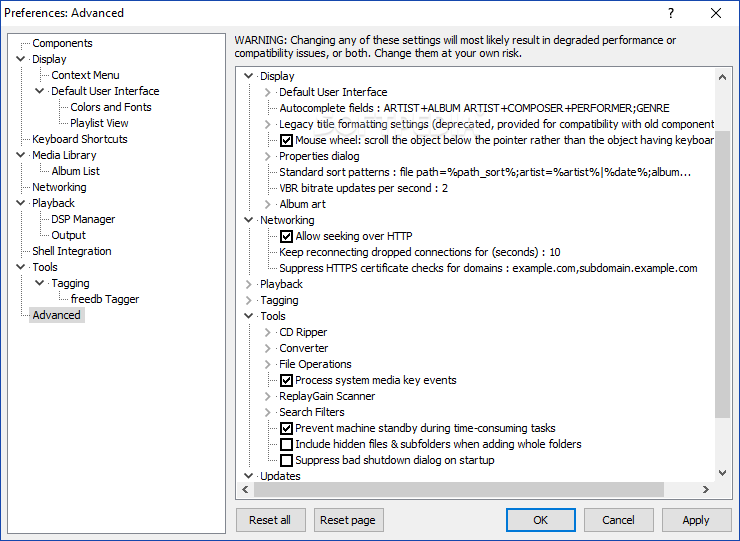
One aspect which is not as basic as the rest of the app is its settings bank, which will allow for a very thorough configuration.
If you’re looking for a basic audio player, which is straightforward and doesn’t mess around with intricate designs, while still retaining the essential functionality for smooth playback, then foobar2000 might be the right choice for you.
Download Hubs
foobar2000 is part of these download collections: M3U Player, Play MP4, APE Players, AAC Player
What's new in foobar2000 2.2 Preview 2024-04-15:
- Fixed stuck drag&drop scrolling mode in various list controls after receiving external drag&drop.
- Made list control obey system drag threshold values, making it easier to register clicks if mouse moves slightly between mouse down and mouse up events.
- Opus decoder updated to 1.5.2.
foobar2000 2.1.4 / 2.2 Preview 2024-04-15
 Softpedia Editor's Pick
add to watchlist
add to download basket
send us an update
REPORT
Softpedia Editor's Pick
add to watchlist
add to download basket
send us an update
REPORT
- PRICE: Free
- portable version
- Portable foobar2000
- runs on:
-
Windows 11
Windows 10 32/64 bit
Windows Server 2012
Windows 2008
Windows 2003
Windows 8 32/64 bit
Windows 7 32/64 bit - file size:
- 5.7 MB
- filename:
- foobar2000_v2.1.4.exe
- main category:
- Multimedia
- developer:
- visit homepage
Microsoft Teams

Context Menu Manager

Zoom Client

IrfanView

calibre

Bitdefender Antivirus Free

4k Video Downloader

Windows Sandbox Launcher

7-Zip

ShareX

- Windows Sandbox Launcher
- 7-Zip
- ShareX
- Microsoft Teams
- Context Menu Manager
- Zoom Client
- IrfanView
- calibre
- Bitdefender Antivirus Free
- 4k Video Downloader