
A music player that contains all the necessary tools required to offer you an adequate audio playback and a large variety of settings to improve your listening experience. #Music Player #Audio Player #Music Library #Playback #Playlist #Player

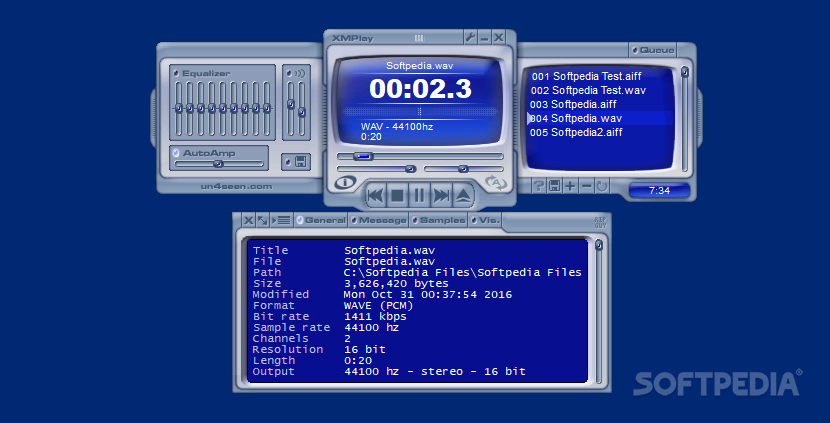
Various players have made a name for themselves throughout the years. It's pretty hard to convince an avid computer user to abandon the favorite audio player and try something else. But not if we're talking about XMPlay.
Because this is a light audio player that has the power to fight with any other similar app on the market, as it offers users basically all the things they would ever want from such a software utility.
You may find XMPlay quite unattractive and we've seen a lot of users saying that if there weren't the skins, they would most likely go back to Winamp. Well, XMPlay supports skins too, so the way it looks isn't that important, as every user can make the app look just the way they like.
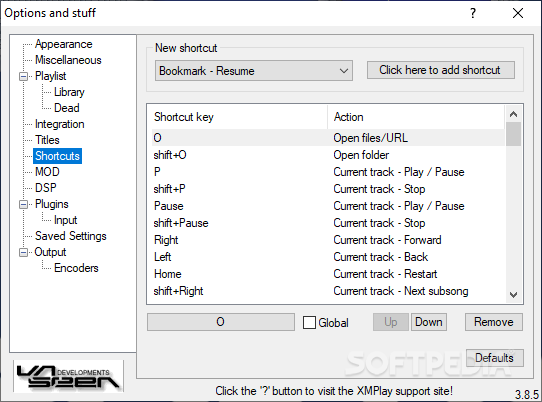
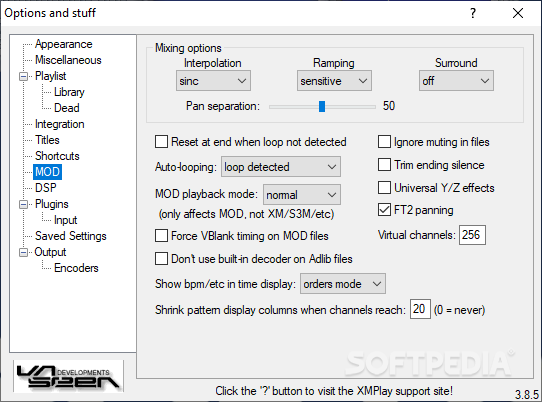
Excellent audio quality, the ability to play files straight from archives, thus helping you save some time, shortcuts, interpolation and ramping to be sure XMPlay is one of the best tools of its kind.
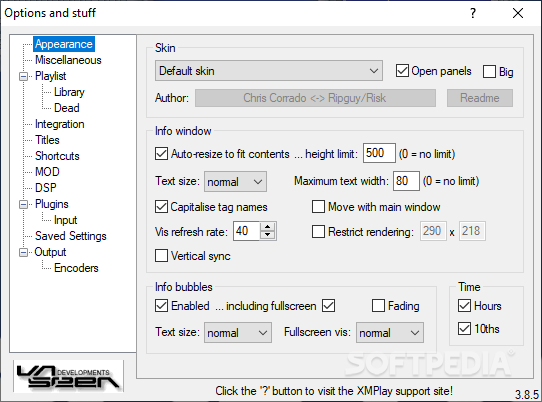
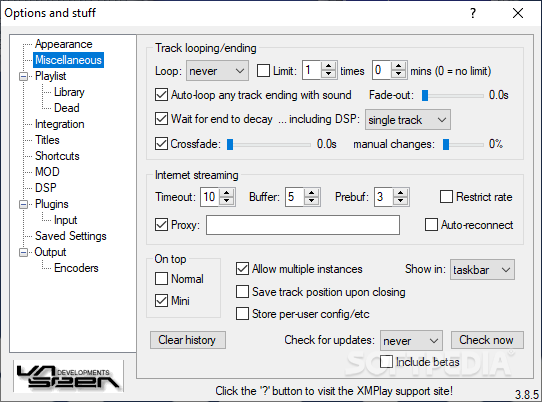
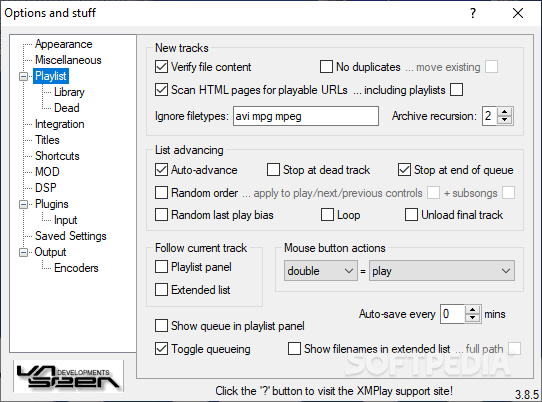
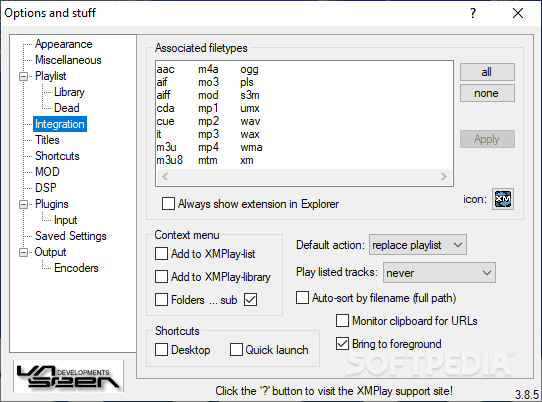
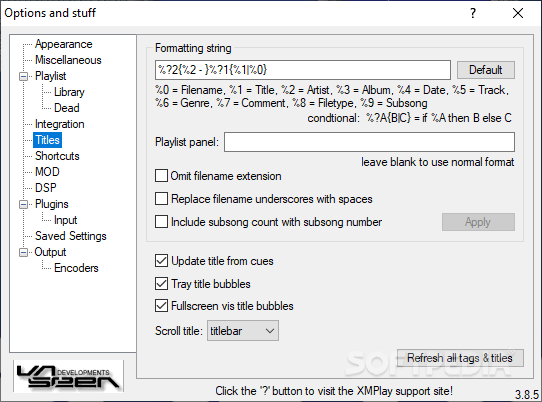
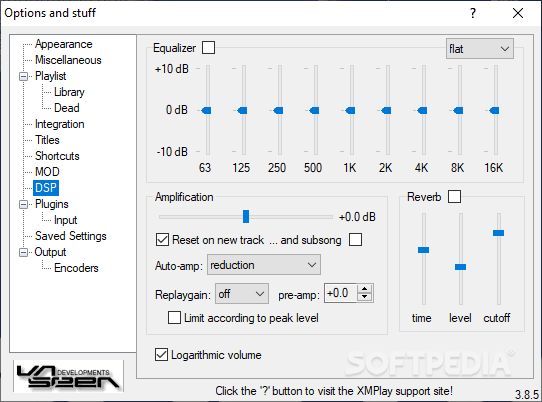
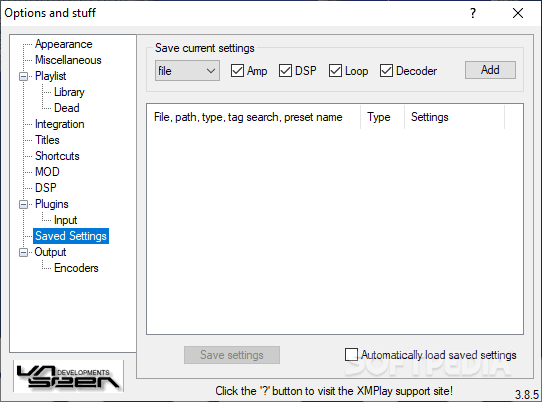
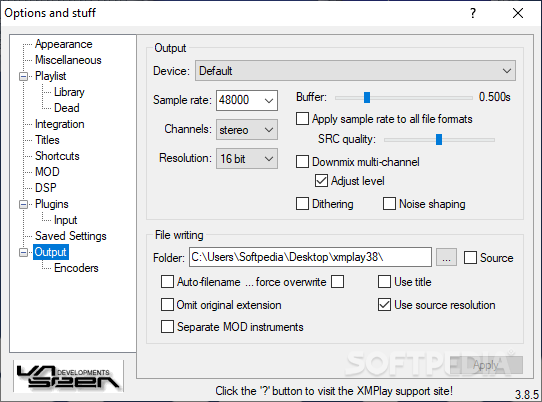
The program boasts a huge settings menu so you can change basically everything, including file associations, output options, playlist configuration, titles and other appearance settings.
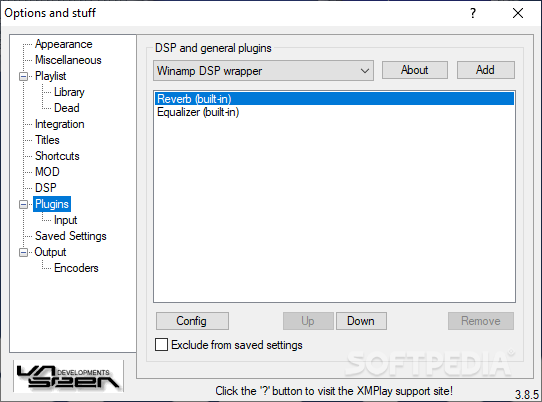
The real goodie is that XMPlay also supports Winamp plugins so if all these aforementioned features aren't enough to convince you, well, you can always teach the app new things with the help of plugins.
XMPlay has so many things to offer, so it's pretty impressive that it remains so light on computer resources all the time, beating most of the other tools in the same software category.
The good thing about XMPlay is the fact that it excels from most points of view, providing an unrivaled sound quality with excellent and well-developed features. If we were to name a bad thing, we would mention the fact that it didn't work with the multimedia keys on your keyboard, but a plugin would most likely solve the problem.
So all in all, you must give XMPlay a shot. It's not as popular as Winamp, but it surely deserves a try. It does not take any time to accommodate with its features, since it provides all it needs and you are already familiar with. It uses little of your system's resources and gives you quality in return.
Download Hubs
XMPlay is part of these download collections: M3U Player, AAC Player, Play MP3, Play MP2
XMPlay 3.8.5.0 / 3.8.5.78 Beta
add to watchlist add to download basket send us an update REPORT- PRICE: Free
- runs on:
- Windows All
- file size:
- 383 KB
- filename:
- xmplay38.zip
- main category:
- Multimedia
- developer:
- visit homepage
Zoom Client

ShareX

7-Zip

IrfanView

Bitdefender Antivirus Free

calibre

Windows Sandbox Launcher

Context Menu Manager

4k Video Downloader

Microsoft Teams

- Context Menu Manager
- 4k Video Downloader
- Microsoft Teams
- Zoom Client
- ShareX
- 7-Zip
- IrfanView
- Bitdefender Antivirus Free
- calibre
- Windows Sandbox Launcher
