
Record your voice, play and manage your karaoke songs with this intuitive application that supports MP3+G, KMA, MCG, CD+G and MIDI formats. #Karaoke player #Karaoke recorder #Record karaoke #Karaoke #Recorder #Lyrics

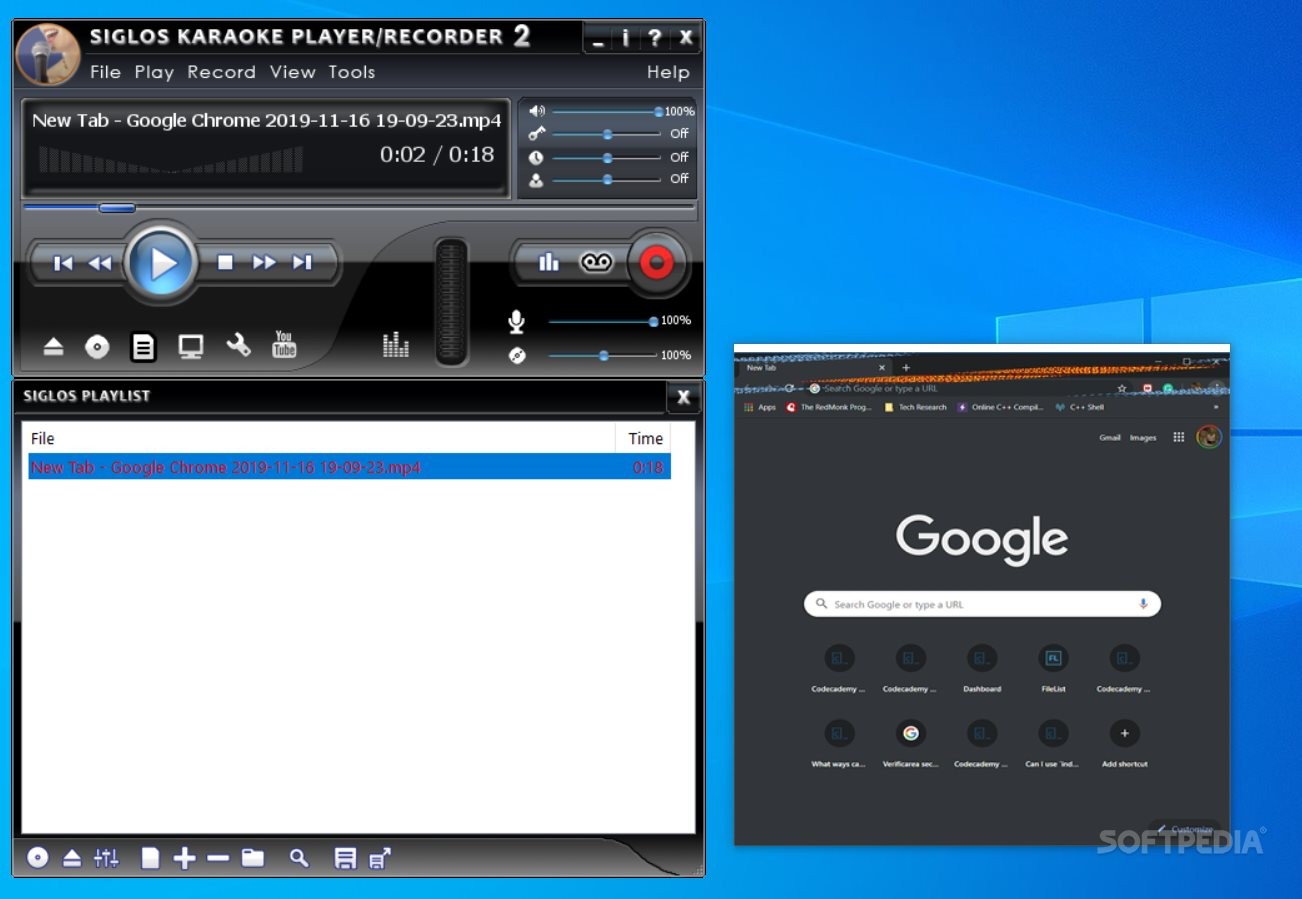
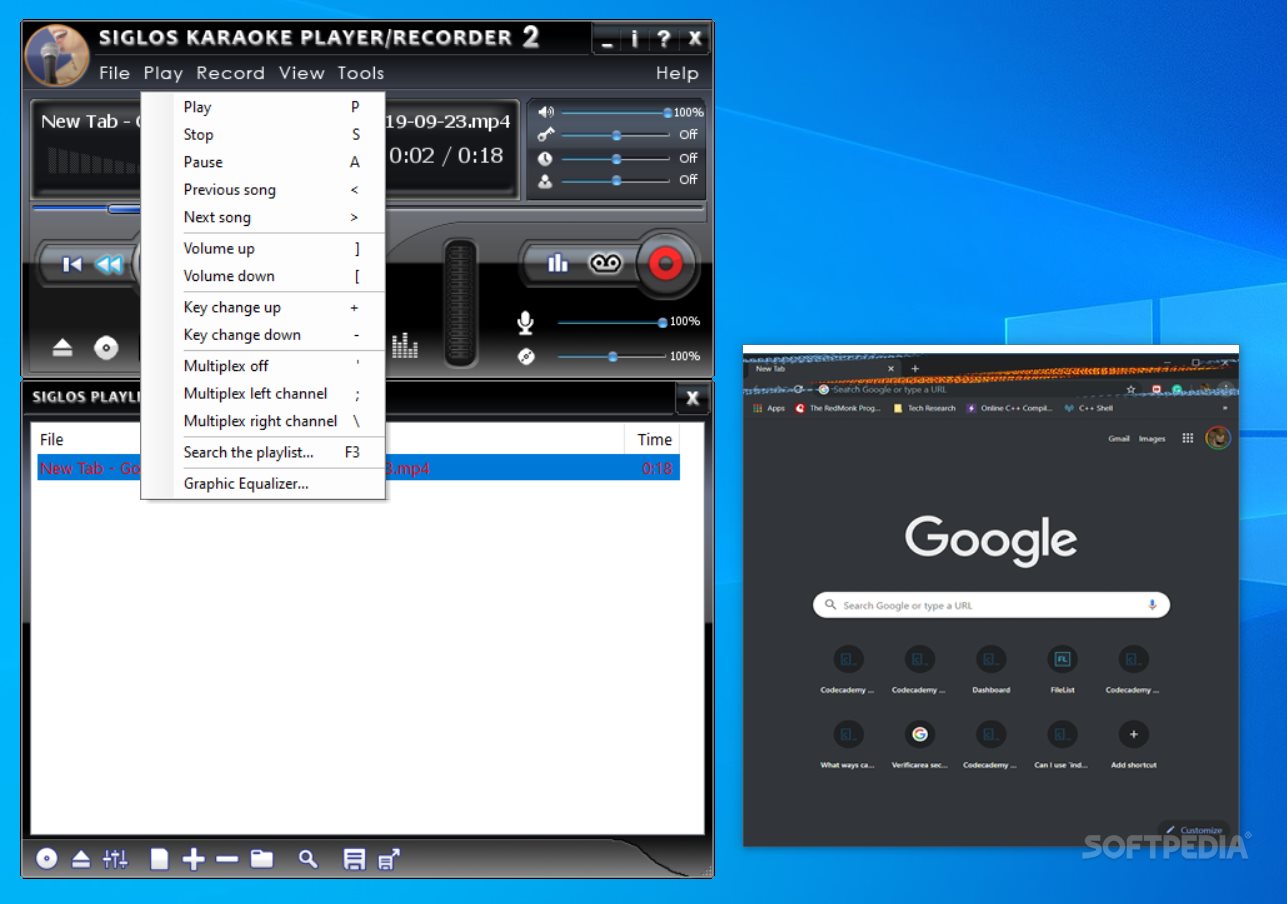
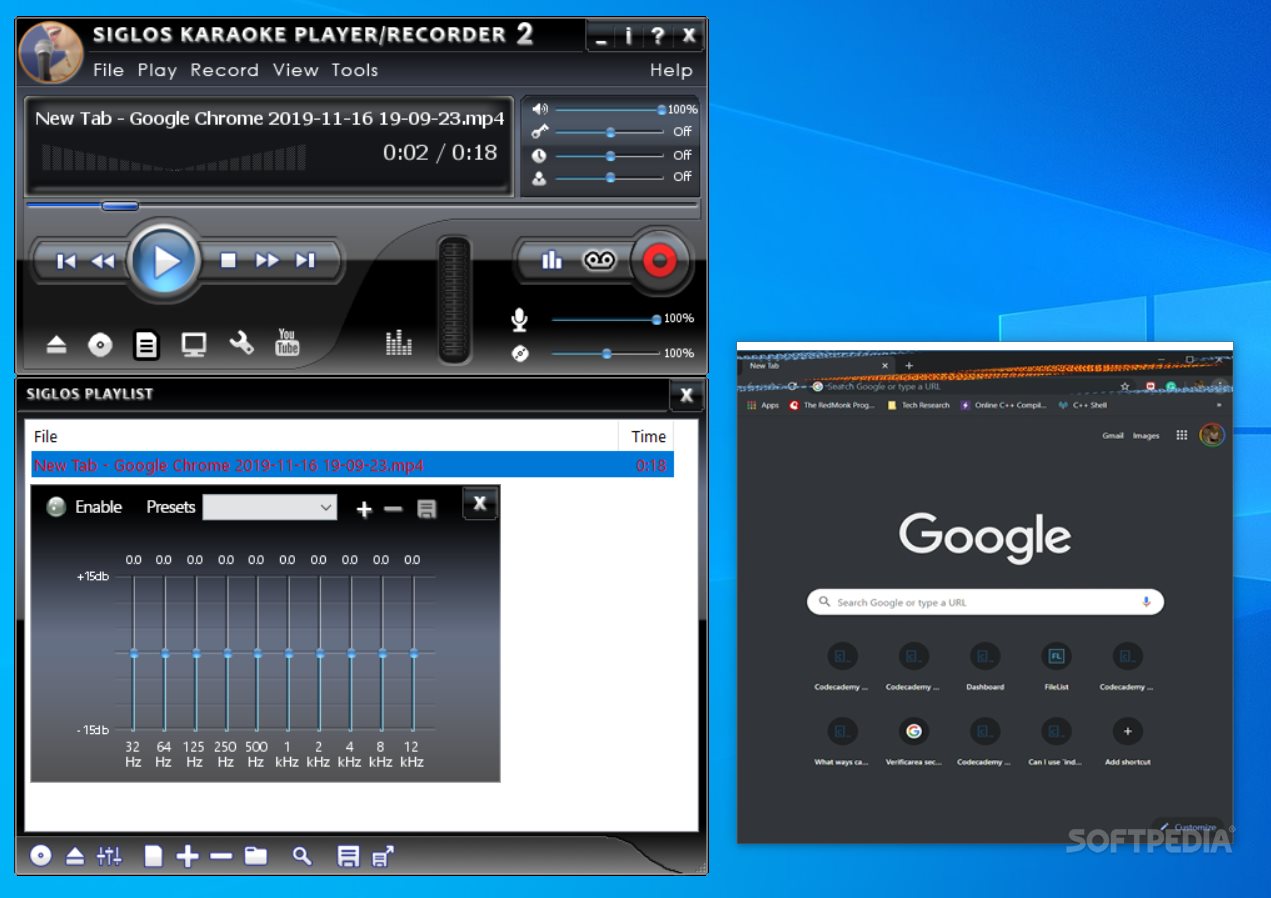
Who doesn’t like a good karaoke session? Ever since the inception of the concept, and all the way down to the latest advancements in the corresponding hardware, karaoke software has seen a fluctuating evolution. Siglos Karaoke Player/Recorder and its feature set aim to address the requirements of those who wish to partake in such activities, by offering karaoke software, whose capabilities extend far beyond a simple approach, also providing playback and recording.
Thanks to the straightforward and minimalist design of Siglos Karaoke Player/Recorder, one will be able to add the preferred music content quite easily, and we were happy to see that the application supports drag-and-drop operations.
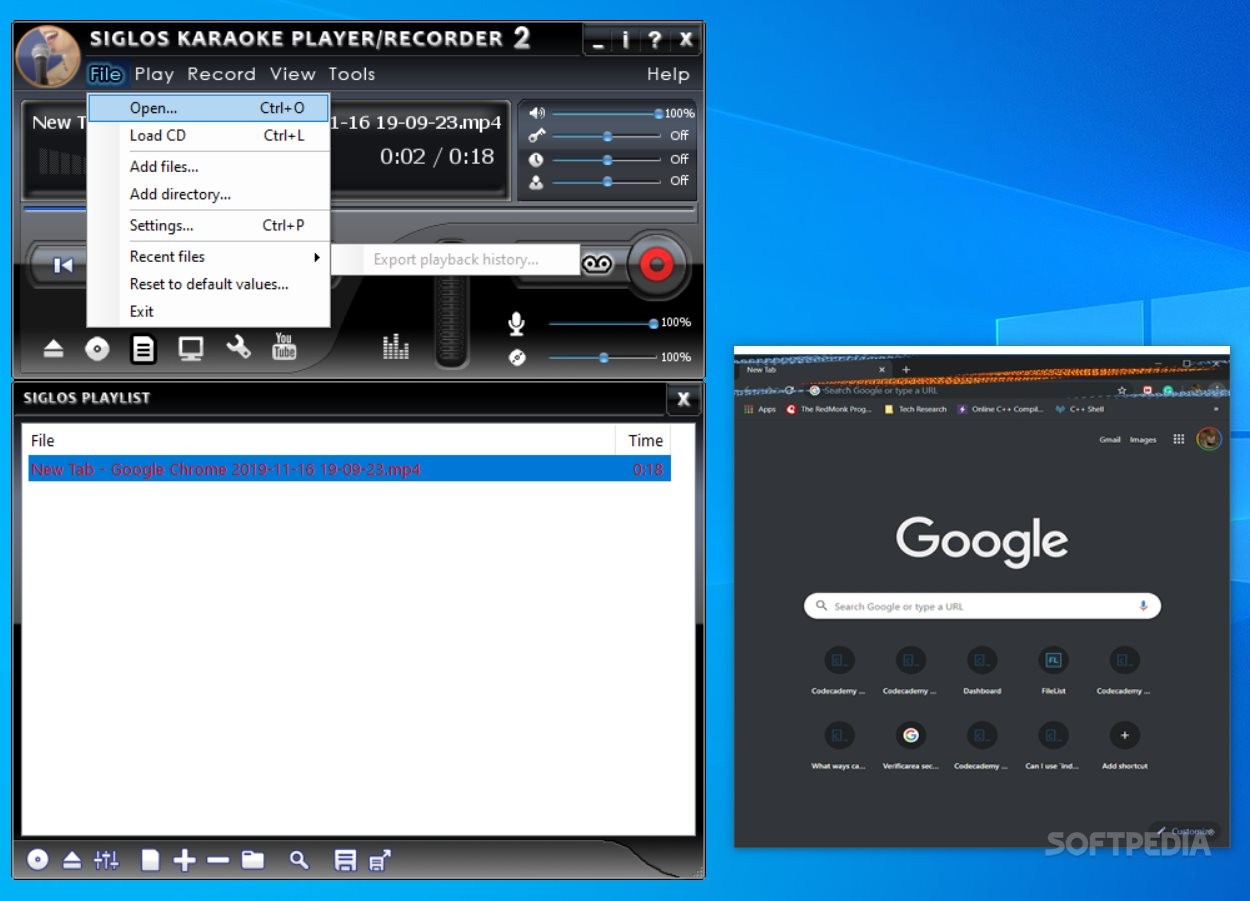
A wide range of input formats is supported, meaning that one will be able to add both locally stored files or read the data from external storage mediums, such as CD+G discs for instance.
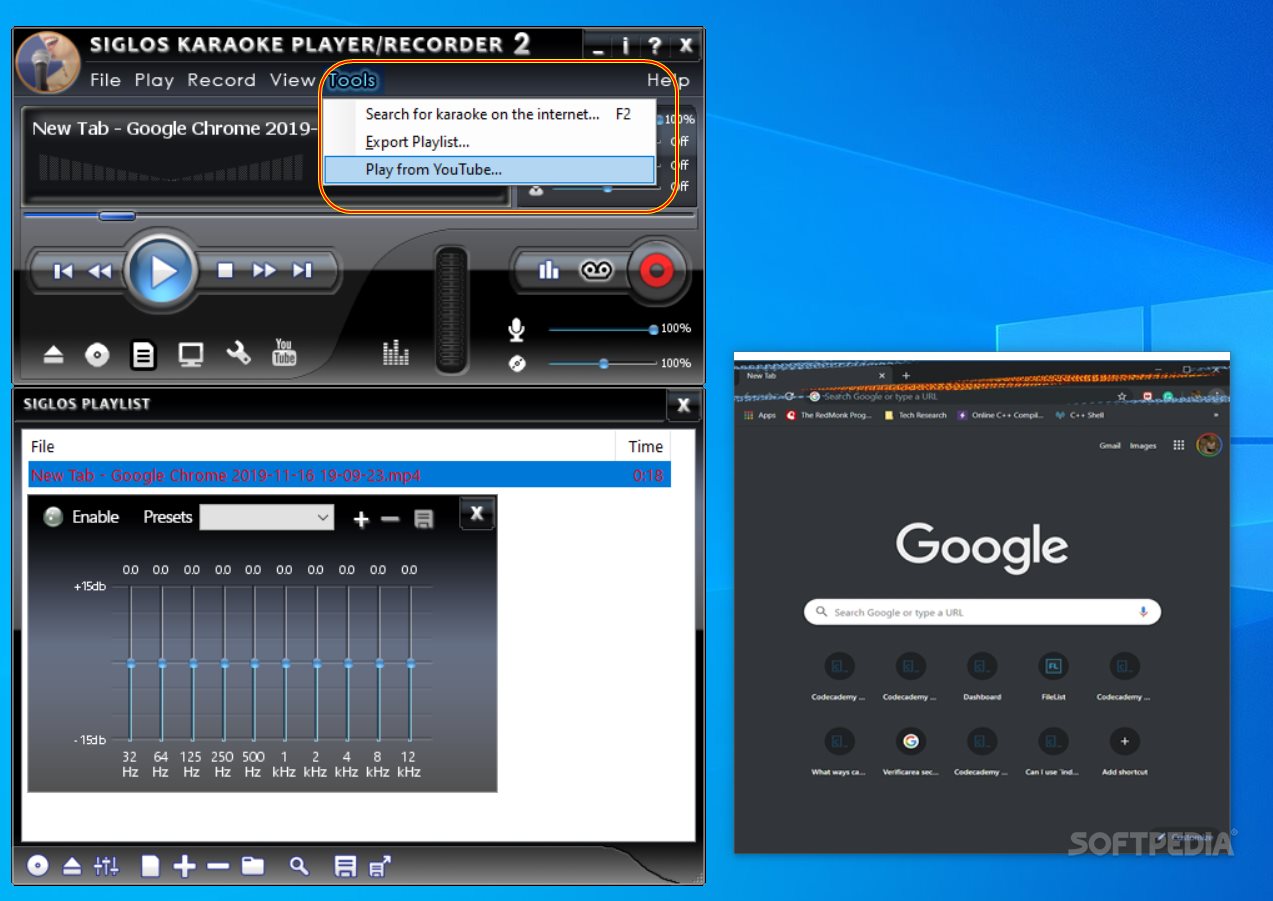
When going past the standard playback and recording capabilities of the application, we were impressed to see that users will be able to perform karaoke directly from YouTube and that the application even provides dedicated search features in this direction.
Given today’s afflux of online audio content, this is a welcome addition, which will allow those who rely heavily on online streaming to easily sing their preferred songs, by simply loading them from YouTube, provided that they have a working Internet connection, of course.
Give Siglos Karaoke Player/Recorder a try, if you’re seeking for a capable karaoke software, which aside from its standard playback and recording features, also allows you to use YouTube audio content directly.
Download Hubs
Siglos Karaoke Player/Recorder is part of these download collections: Karaoke Player
What's new in Siglos Karaoke Player/Recorder 2.4.4.30:
- Minor changes
Siglos Karaoke Player/Recorder 2.4.4.30
add to watchlist add to download basket send us an update REPORT- runs on:
-
Windows 11
Windows 10 32/64 bit
Windows 8 32/64 bit
Windows 7 32/64 bit - file size:
- 71.8 MB
- filename:
- siglos2-karaoke-setup.exe
- main category:
- Multimedia
- developer:
- visit homepage
7-Zip

Zoom Client

Context Menu Manager

Microsoft Teams

Windows Sandbox Launcher

IrfanView

ShareX

4k Video Downloader

Bitdefender Antivirus Free

calibre

- 4k Video Downloader
- Bitdefender Antivirus Free
- calibre
- 7-Zip
- Zoom Client
- Context Menu Manager
- Microsoft Teams
- Windows Sandbox Launcher
- IrfanView
- ShareX