
A complex virtual synthesizer for VST hosts that provides layers, oscillators, arpeggiator and effects such as panning, delay and gate. #Audio plugin #Analog synthesizer #Envelope modulation #Plugin #VST #Arpeggiator

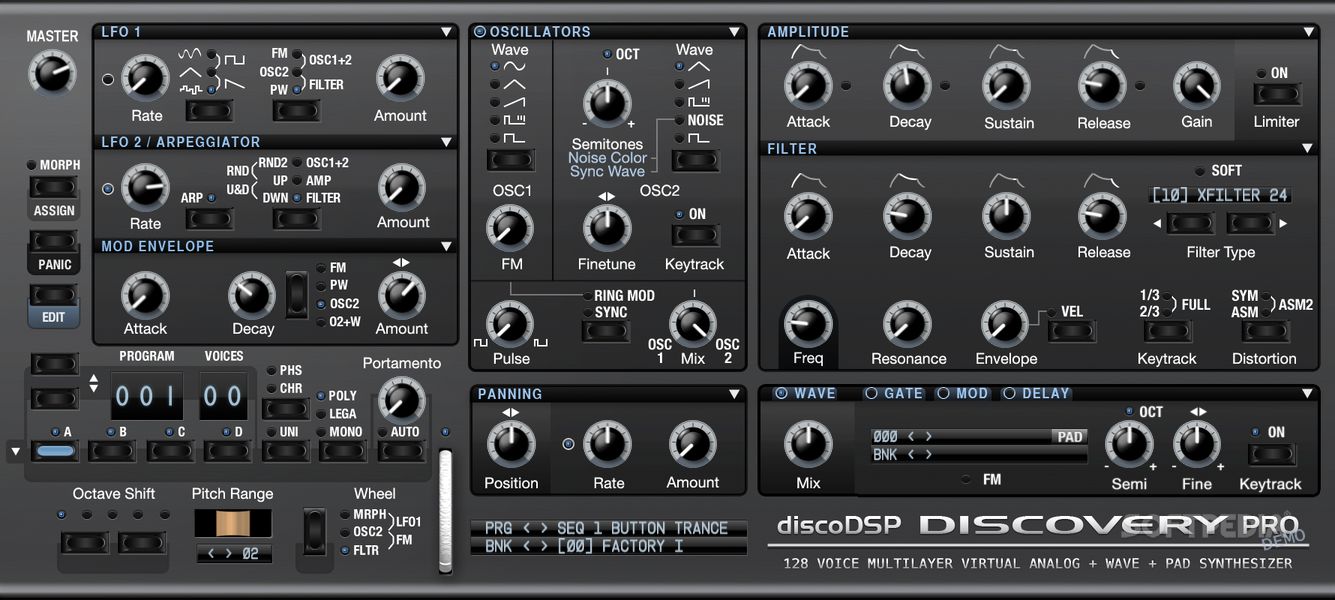
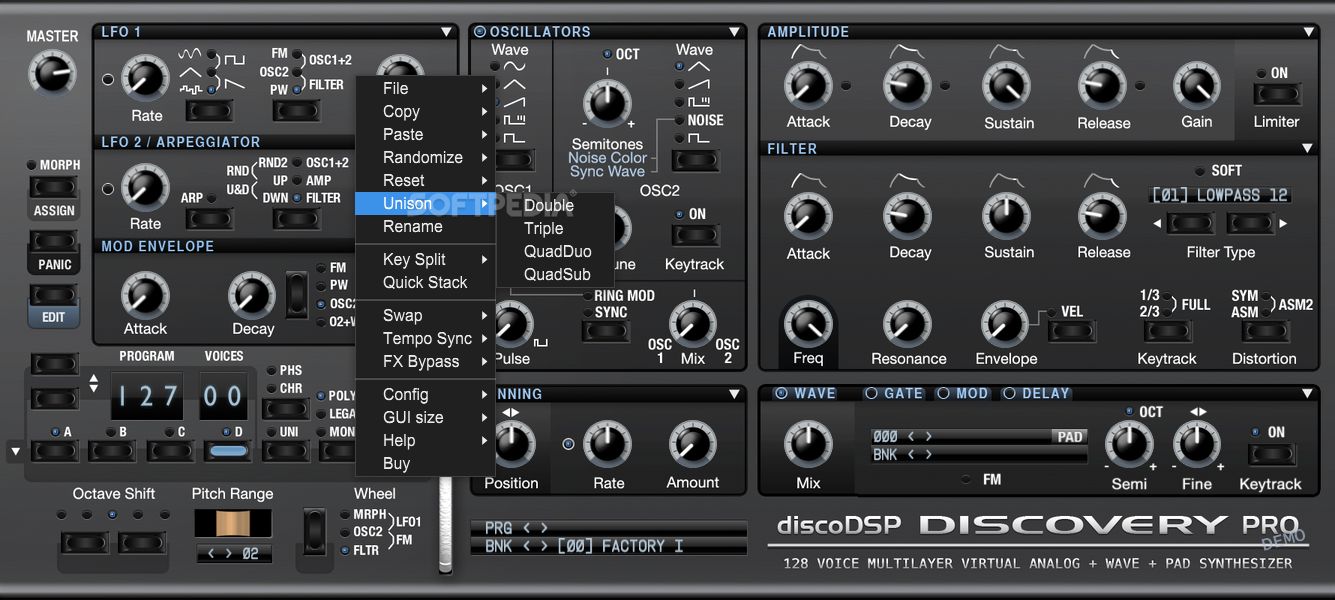
If the music industry is your line of work, you might be familiar with many synthesizers out there. Choosing the right tool for the job is not always easy, and with so much variety around, you might want to check out multiple options. discoDSP Discovery Pro provides virtual analog synthesizer emulation for VST hosts and audio workstations, capable of producing high-quality sound, multi-layering, parameter morphing, PAD re-synthesis, and many more.
In case you are familiar with the Discovery app, the Pro version might be the best software to transition to, as it sports the same features as its predecessor while bringing new things to the table.
First, discoDSP Discovery Pro is a standalone app. This means that users who don't own a DAW (Digital Audio Workstation) can still take advantage of all its features, making them less dependent on a fully-stocked studio. Creating music from the comfort of your home and computer is a nice thing to be capable of unless you have a studio to go to.
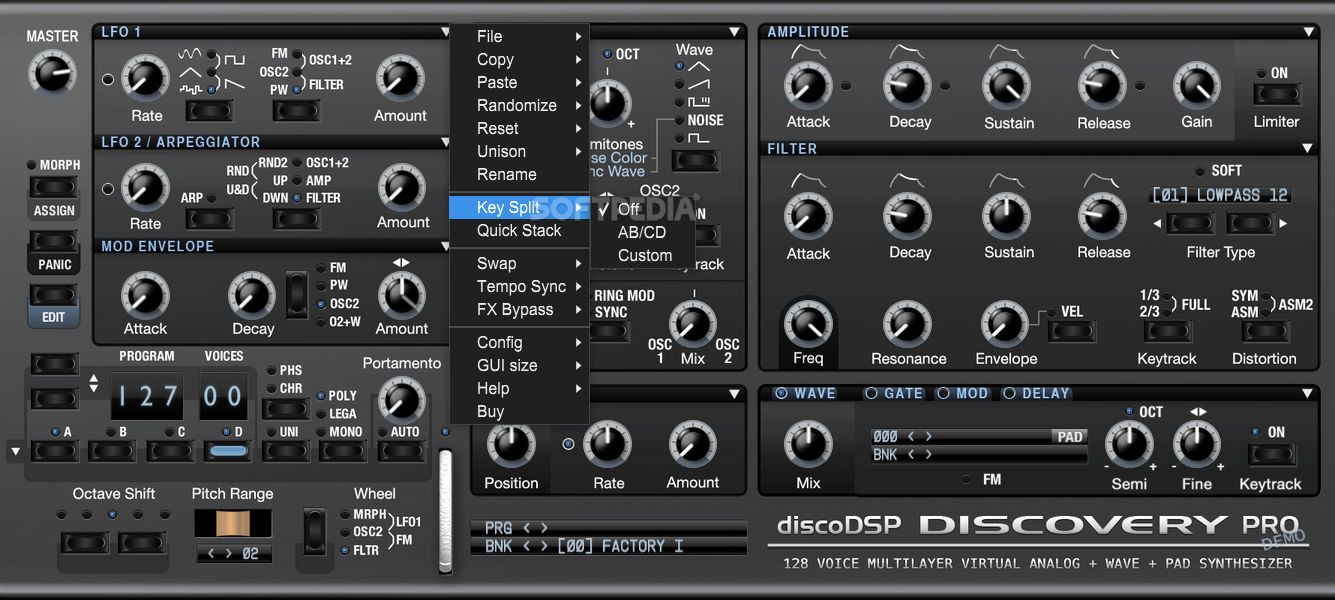
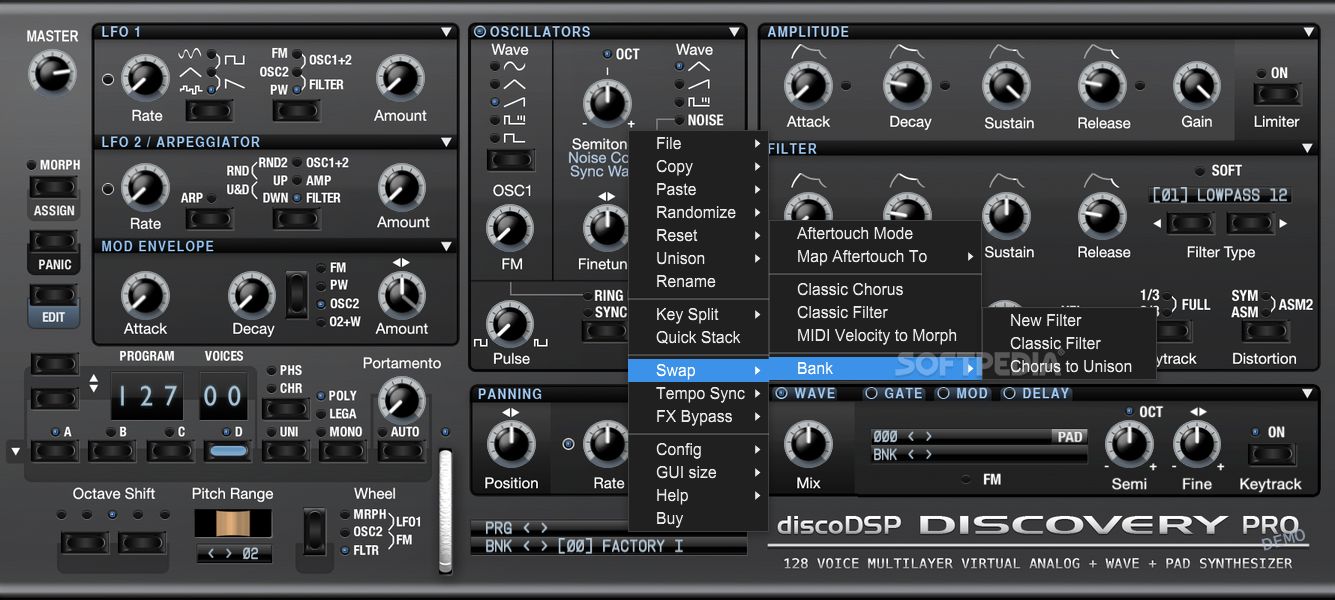
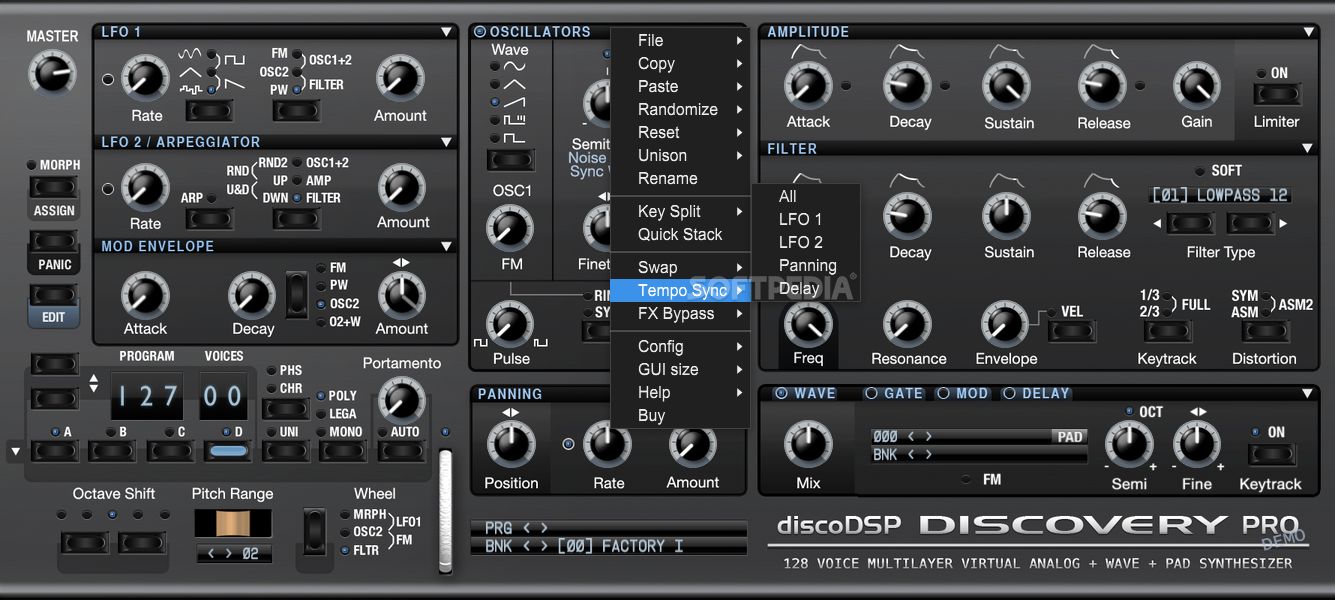
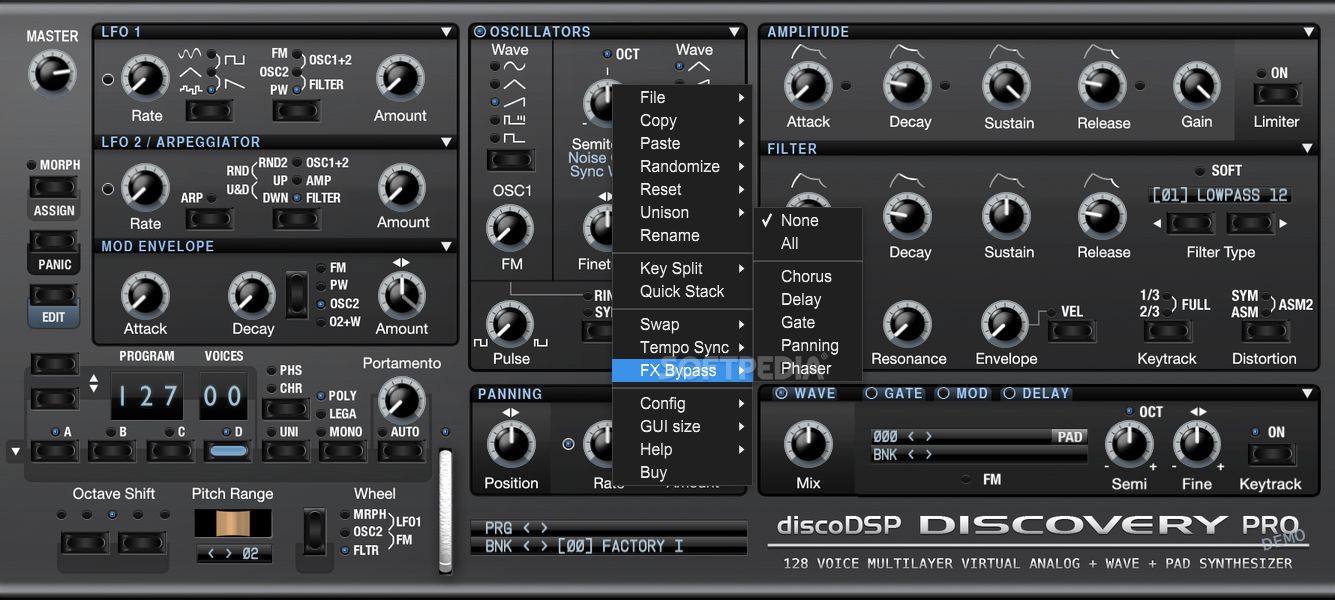
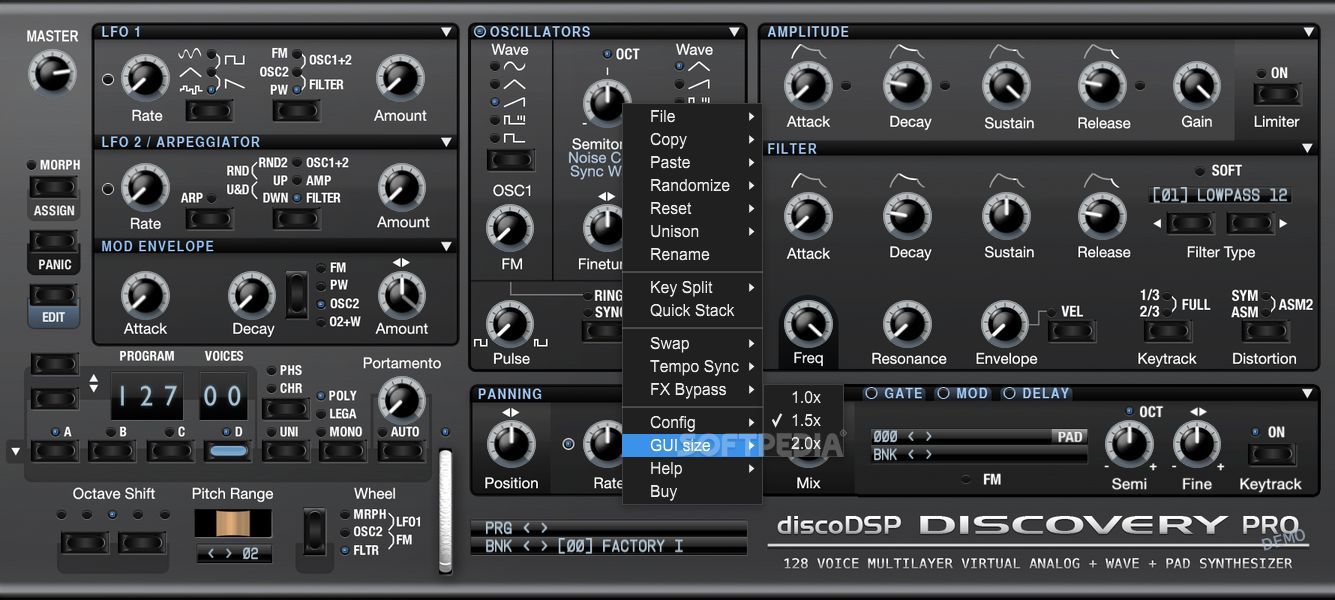
The interface can surprise you just if you have no idea how a synthesizer works. If that's not the case, the classic button positioning, tooltips, and gauges are in place to take you through the workflow.
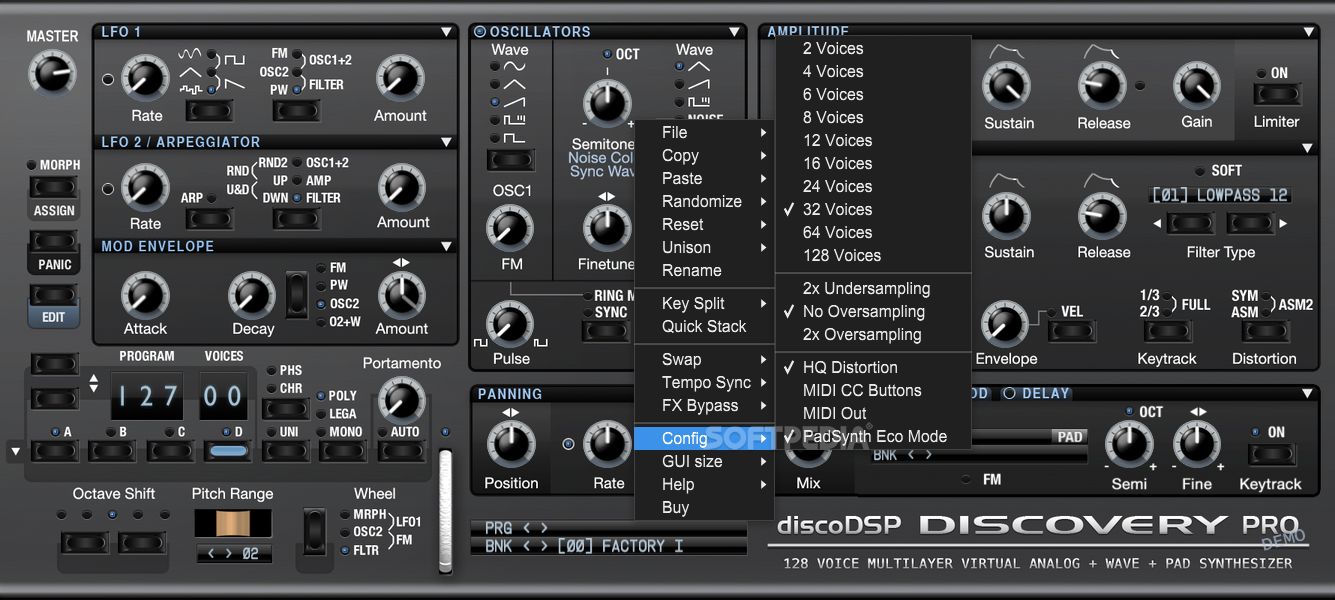
The more features and operations you have, the more complex and pristine your work can become. Discovery Pro includes a configurable graphic engine, PADsynth re-synthesis for generating ensembles, choirs, bells sounds, two new oscillators for soft sounds and FM tones and pink noise, a wave oscillator, Zero Delay Nord Lead 2 and Moog filters, etc.
To sum things up, Discovery Pro is a fully-featured standalone synth with a plug-in-like design. Due to its professional-grade features, the tool is recommended for knowledgeable users who already know how to create music and sound effects. On the other hand, if the price is not too high, it can be employed by amateur users or trainees interested in this industry.
What's new in discoDSP Discovery Pro 8.2:
- Enhanced PADSynth Rendering: Say goodbye to clicks during rendering. Our latest update includes a 4-sample fade-in and fade-out for PADSynth, ensuring your loops are smoother than ever.
- Extended PADSynth Rendering Time: We've pushed the boundaries from 6 to 24 seconds, allowing you to craft longer and more complex sounds with ease.
- SFZ Format Compatibility: PADSynth files now support "loop enabled" and "loop point" tags, enhancing compatibility with a broader range of samplers, including the Bliss sampler. This update is a game-changer for users across various digital audio workstations.
- Optimized Installer: The installation now clears specific PADSynth cache folders, ensuring a fresh start and optimal performance.
discoDSP Discovery Pro 8.2
add to watchlist add to download basket send us an update REPORT- runs on:
-
Windows 11
Windows 10 64 bit - file size:
- 170 MB
- filename:
- DiscoveryPro82DemoWindows.zip
- main category:
- Multimedia
- developer:
- visit homepage
4k Video Downloader

ShareX

7-Zip

Zoom Client

IrfanView

calibre

Windows Sandbox Launcher

Bitdefender Antivirus Free

Context Menu Manager

Microsoft Teams

- Bitdefender Antivirus Free
- Context Menu Manager
- Microsoft Teams
- 4k Video Downloader
- ShareX
- 7-Zip
- Zoom Client
- IrfanView
- calibre
- Windows Sandbox Launcher