
This is a software tool that allows any user to record audio information from any cassette and create CD’s and MP3 collections.. #Disk recorder #Mp3 recorder #Audio processing #Recorder #Encode #Encoder

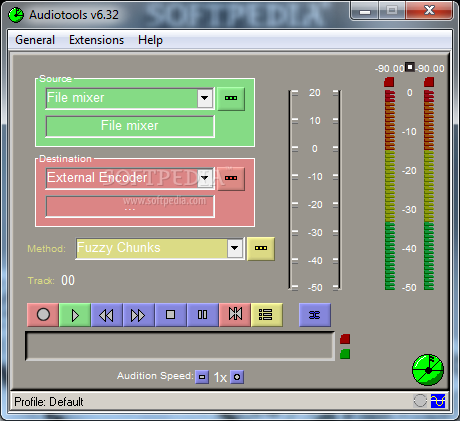
Audiotools is a software application that allows you to record information from any cassette that might interest you and create CD’s or MP3 collections.
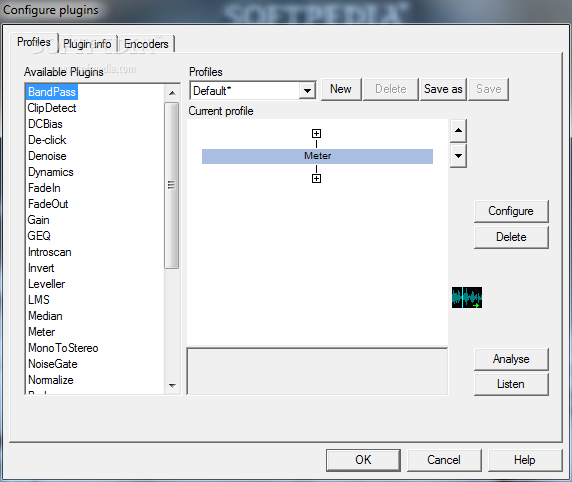
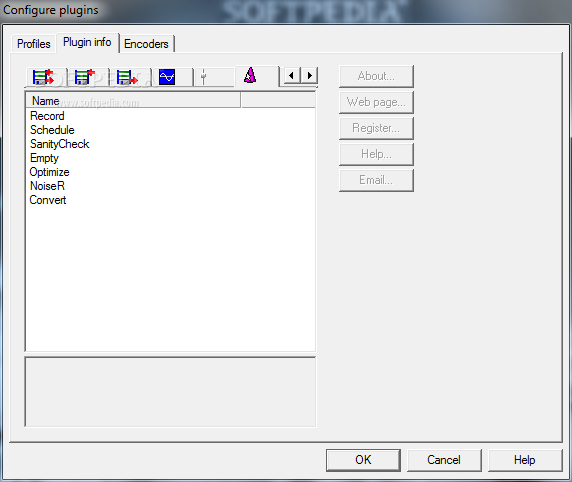
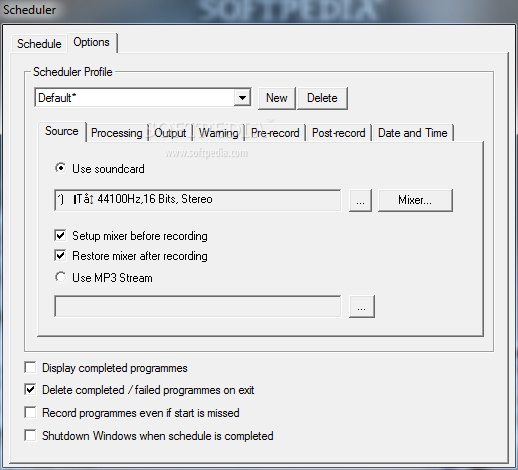
The Audiotools offers quite an outdated interface, but with all the necessary options. This program is relatively easy to use, and therefore, almost any type of user will be able to record everything they need to and create collections. In the main window of the app you will be able to choose the source and the destination of the file you want to modify or record. You will also be presented with a ‘Configure plugins’ tab in which you will be able to choose between options like Record, Schedule and Empty, but also a wide list of available plugins.
The main difference between this software program and others such as Sound Recorder is the fact that Audiotools allows you to record directly from your media, perform whatever operations you might feel are necessary and save the information you need directly to the disk.
Probably the most useful feature is the intelligent track-splitting technology that makes things easier for you, as you will not have to waste a lot of time splitting everything you record into individual tracks.
In addition to this, Audiotools offers a simple step by step help wizard and detailed tutorials so that any type of user can take advantage of all the features that this application can provide. Moreover, the utility comes with free customer support.
Audiotools is a helpful software app to have on your computer and it can ultimately be used even by unexperienced people, provided that they read the detailed tutorial that is offered. If at any point you encounter problems, you can always call the free customer support.
What's new in Audiotools 6.32:
- Minor improvements
Audiotools 6.32
add to watchlist add to download basket send us an update REPORT- runs on:
- Windows All
- file size:
- 5.9 MB
- filename:
- Atools632.exe
- main category:
- Multimedia
- developer:
Windows Sandbox Launcher

7-Zip

Microsoft Teams

4k Video Downloader

IrfanView

Context Menu Manager

Zoom Client

Bitdefender Antivirus Free

calibre

ShareX

- Bitdefender Antivirus Free
- calibre
- ShareX
- Windows Sandbox Launcher
- 7-Zip
- Microsoft Teams
- 4k Video Downloader
- IrfanView
- Context Menu Manager
- Zoom Client