
Remote control Winamp over a LAN, WLAN, WEB or whatever you can imagine. With BrowseAmp users will have full control over Winamp from everywhere. #Control Winamp #Remote Winamp #Winamp server #Winamp #Remote #Server
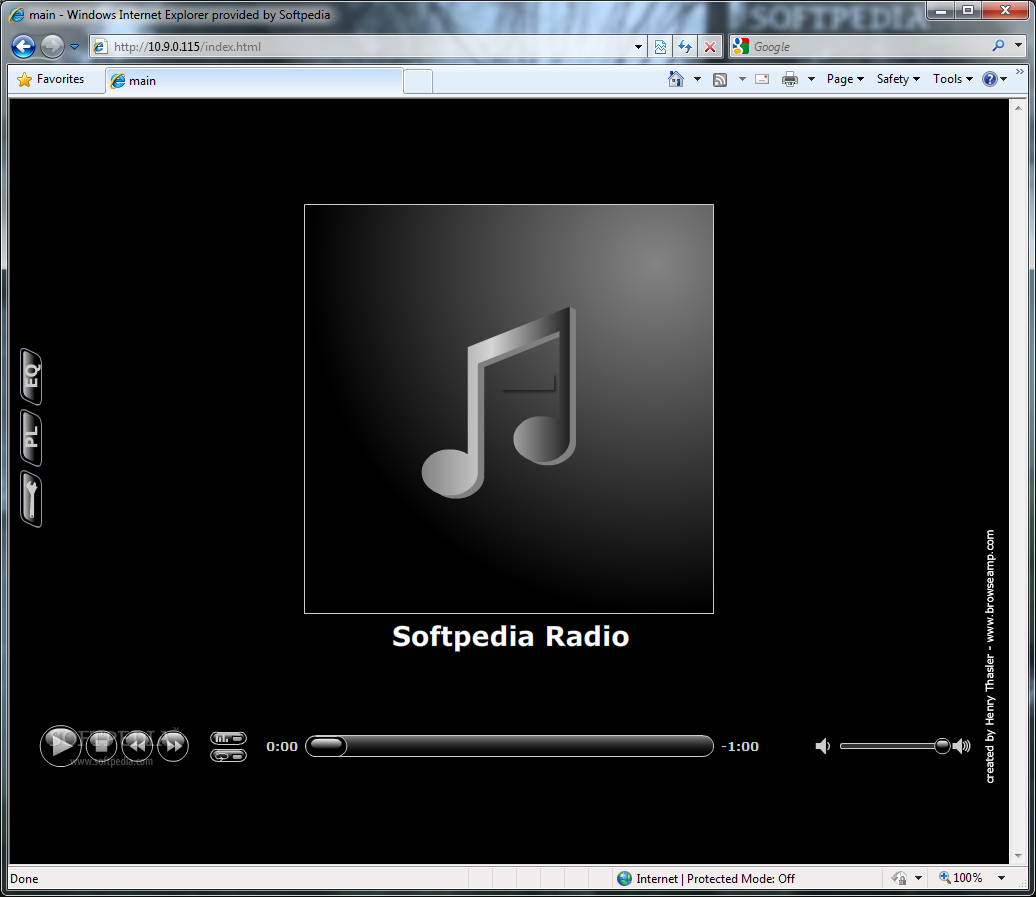
BrowseAmp works as a plug-in for WinAmp and is easy to use/install. It lets you control Winamp over a LAN, WLAN, WEB or whatever you can imagine. Just plug the server into a network, install the BrowseAmp plug-in and open a web browser on a client machine in your network. That's all!
With BrowseAmp users will have full control over Winamp from everywhere. I you run a streaming audio server you can use BrowseAmp to manage your program from all over the world! It offers a wide range of control options, including browsing for tracks, playlists, volume control and all standard playback functions.
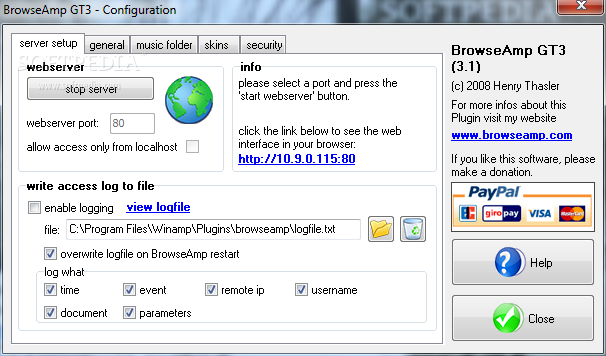
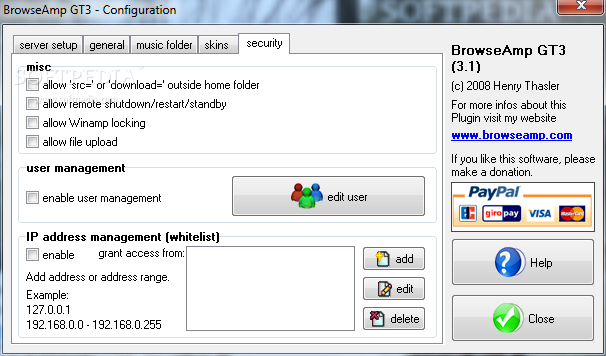
You can access the remote interface from anywhere on the network or even the Internet, however, this can also be restricted to specified IP ranges and users. You can create user accounts and assign individual privileges and access rights to each user, giving him/her full or restricted access to the control functions.
System requirements
What's new in BrowseAmp for Winamp 3.1:
- New features:
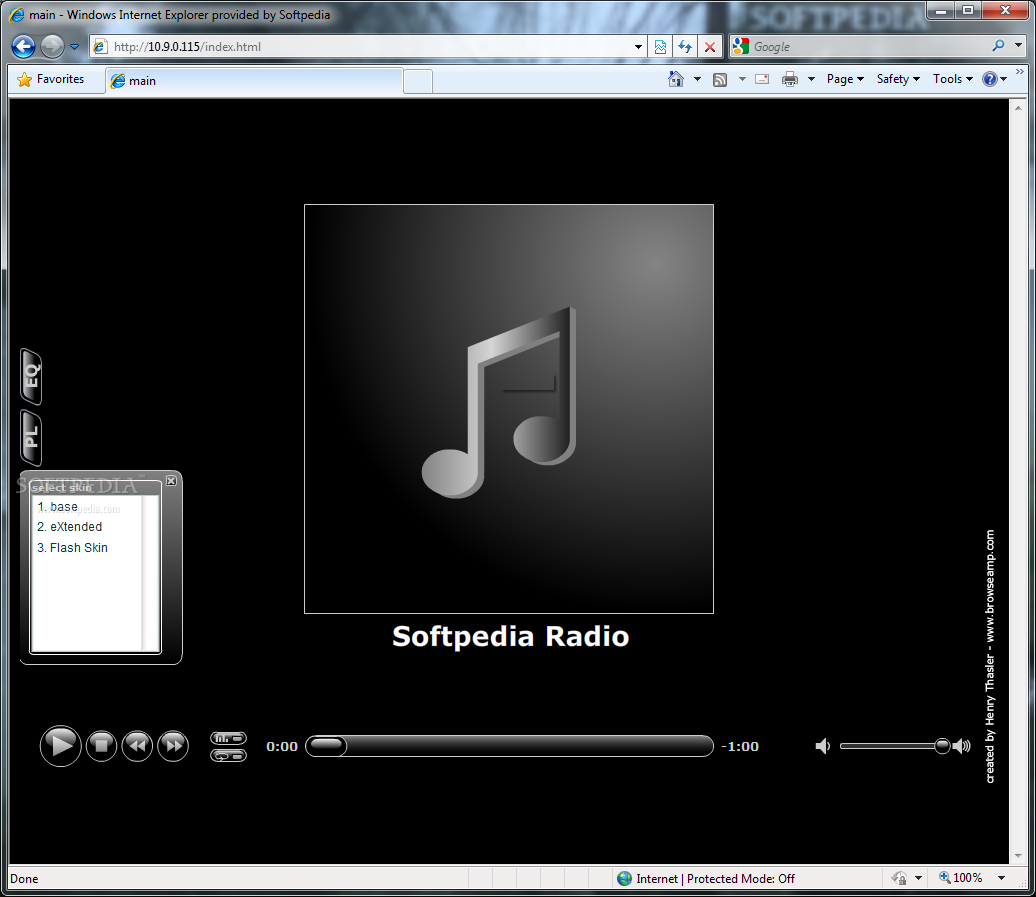
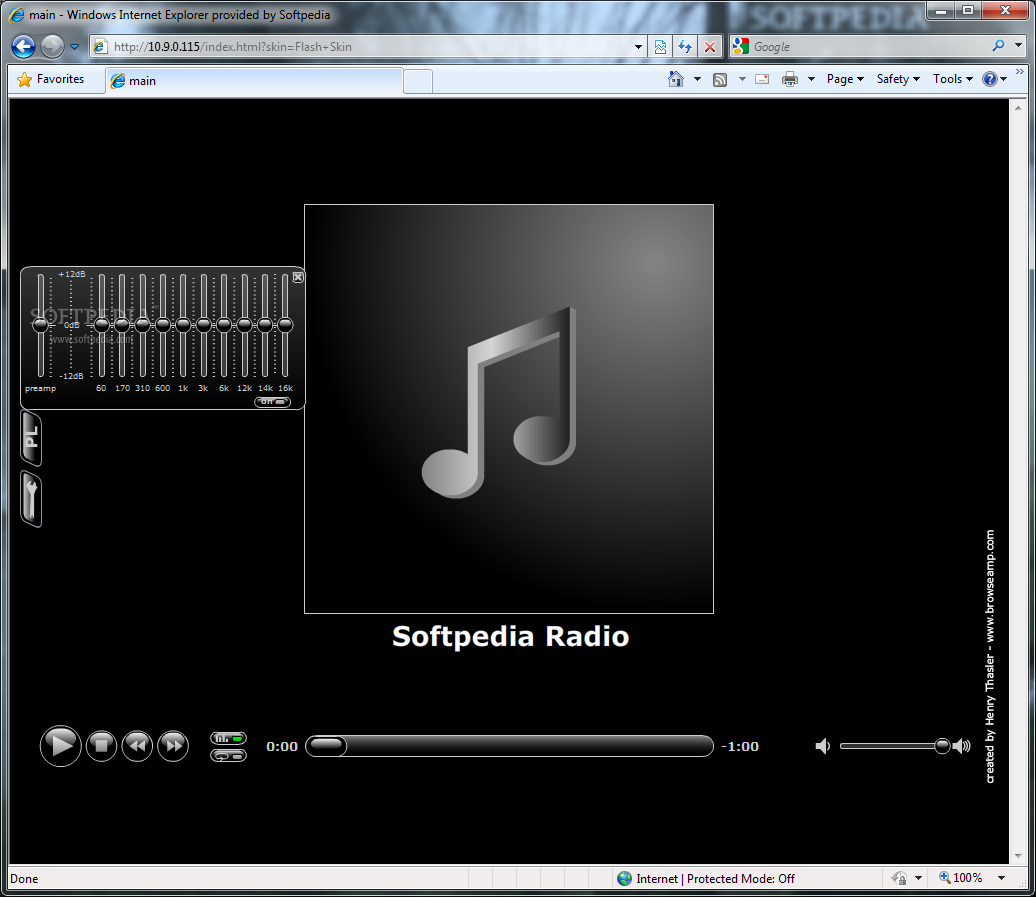
- XML-based Flash Skin added. Check it out! Flash source is included. Album art support in eXtended skin improved.
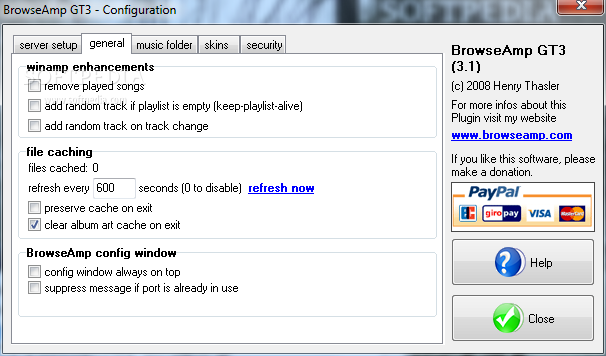
- Preserve cache - file cache information is stored on exit
- HTML Tag improved - , rounding error minimized and new parameter 'highprecision'.
BrowseAmp for Winamp 3.1
 Softpedia Editor's Pick
add to watchlist
add to download basket
send us an update
REPORT
Softpedia Editor's Pick
add to watchlist
add to download basket
send us an update
REPORT
- runs on:
- Windows All
- file size:
- 1.8 MB
- filename:
- BrowseAmpGT3.exe
- main category:
- Multimedia
- developer:
- visit homepage
calibre

Context Menu Manager

Microsoft Teams

Windows Sandbox Launcher

Zoom Client

4k Video Downloader

ShareX

Bitdefender Antivirus Free

IrfanView

7-Zip

- Bitdefender Antivirus Free
- IrfanView
- 7-Zip
- calibre
- Context Menu Manager
- Microsoft Teams
- Windows Sandbox Launcher
- Zoom Client
- 4k Video Downloader
- ShareX