
Using this software, you can easily edit the mp3 tags of music files. It supports several formats, including MP3, WMA, MP4, OGG and FLAC. #Tag editor #Mp3 tag #Fieldlist generator #Tag #Creator #Editor


Mp3 Tag Assistant Pro is a program which enables you to easily edit the ID3 tags of your audio tracks. It supports several formats, including MP3, WMA, MP4, OGG and FLAC.
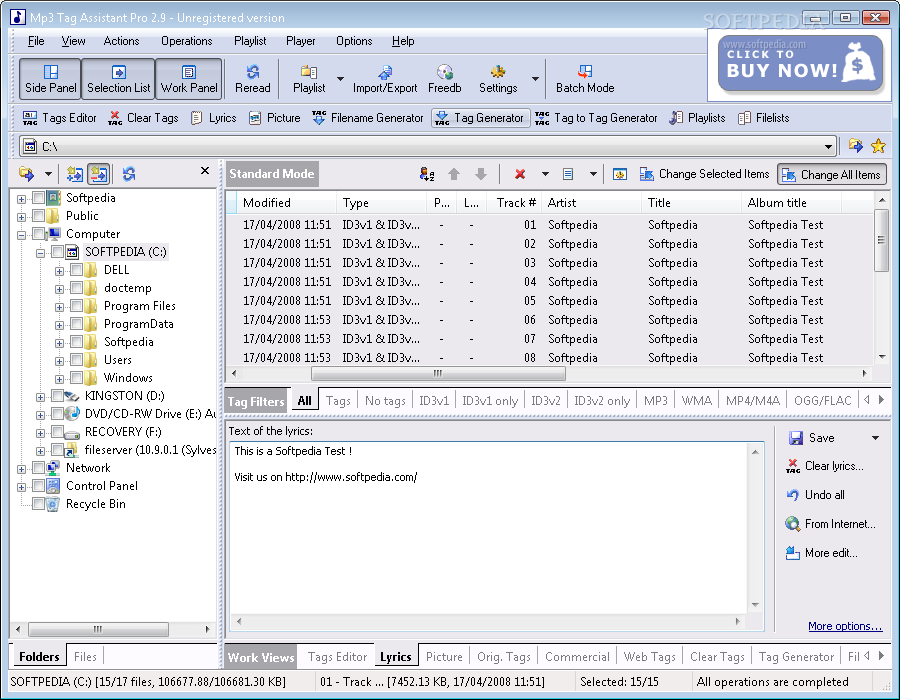
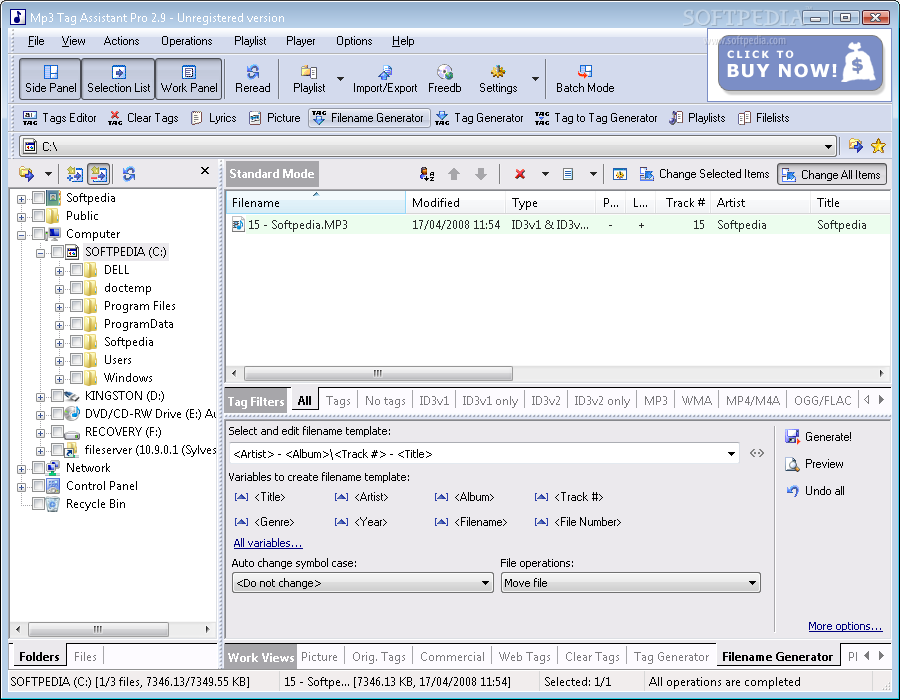
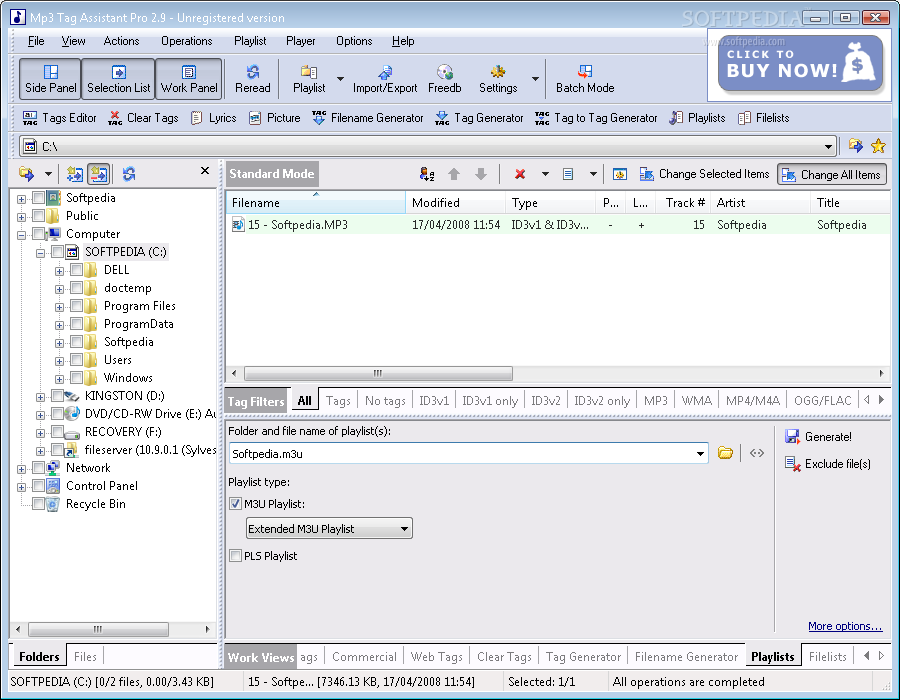
The software comes with a user-friendly interface in which you can use the Explorer-based layout to locate and select audio tracks for processing. Batch editing is possible.
In the file list, you can observe the name, date of modification, type, picture, lyrics, track number and other details related to the audio files.
All you have to do is select one or more audio tracks for processing, write the new tag fields (e.g. encoded by, remixed by, composer URL, grouping) and apply changes.
You can change the viewing mode, sort files by various parameters (e.g. name, size), sort tracks by tags or format type and create a favorites list.
On top of that, you can use a search function, enable manual sorting mode, disable toolbars, block or unblock the interface, save the action list, view a log file, add flags, swap tags, and more.
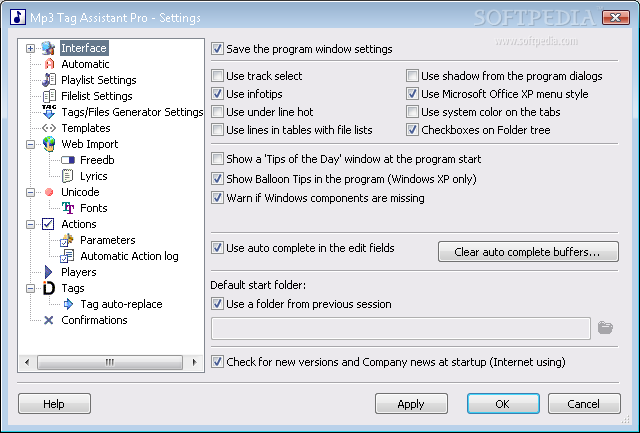
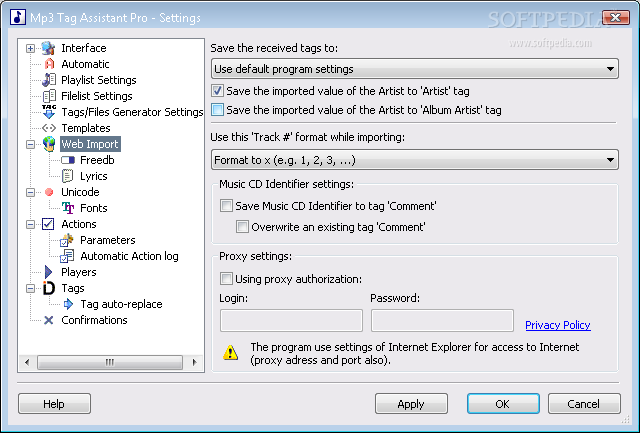
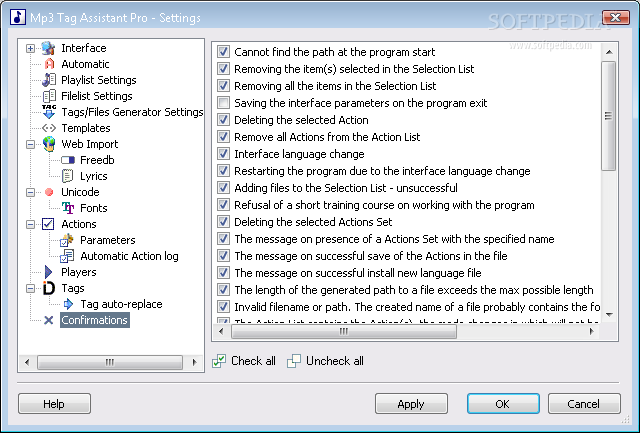
In the "Settings" area you can enable Mp3 Tag Assistant Pro to save the program window settings, use autocomplete in the edit fields, automatically overwrite all files when performing file operations, set the default folder and filename for the playlist, and others.
The application requires a low-to-moderate amount of system resources, contains a comprehensive help file with snapshots and has a very good response time. It didn't cause us any major issues during our tests.
However, Mp3 Tag Assistant Pro crashed a couple of times after we accessed the search function. Other than that and the fact that the interface could use some minor improvements, we strongly recommend Mp3 Tag Assistant Pro to all users.
What's new in Mp3 Tag Assistant Professional 2.94.325:
- Windows 7 is supported now.
- 'Copy tags form files' dialog. Playlist Generator.
- Import tag values from M3U playlist.
- Favorites Panel.
Mp3 Tag Assistant Professional 2.94.325
add to watchlist add to download basket send us an update REPORT- runs on:
- Windows All
- file size:
- 4.2 MB
- filename:
- mp3tagassistant_pro_installer.exe
- main category:
- Multimedia
- developer:
- visit homepage
4k Video Downloader

calibre

Windows Sandbox Launcher

Context Menu Manager

Zoom Client

Microsoft Teams

7-Zip

Bitdefender Antivirus Free

IrfanView

ShareX

- Bitdefender Antivirus Free
- IrfanView
- ShareX
- 4k Video Downloader
- calibre
- Windows Sandbox Launcher
- Context Menu Manager
- Zoom Client
- Microsoft Teams
- 7-Zip