
Allows you to edit both ID3 Tag v1 and v2 for multiple MP3 files at the same time, while offering the possibility to play your songs using the built-in MP3 player. #ID3 Editor #Edit ID3 #Rename MP3 #ID3 #Editor #Edit

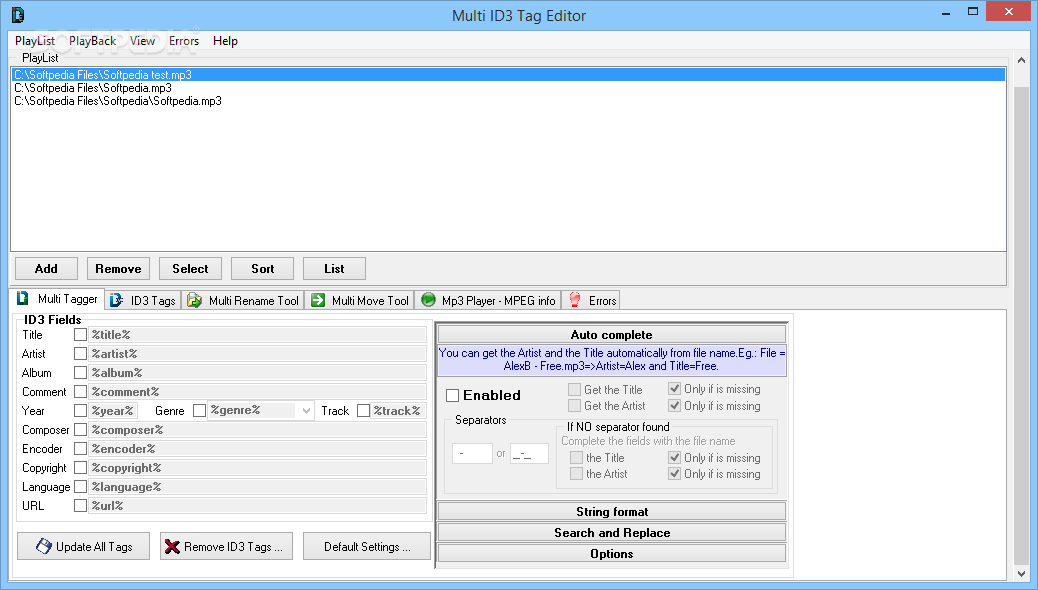
Multi ID3 Tag Editor is a tool designed to help you modify the ID3 tags, which can be usually found at MP3s and other types of audio files.
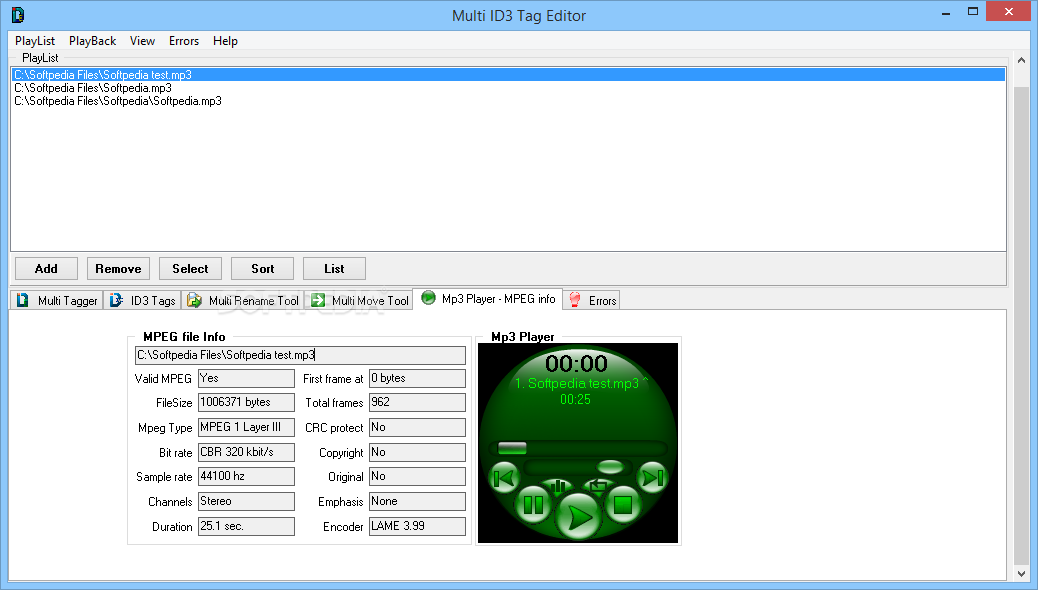
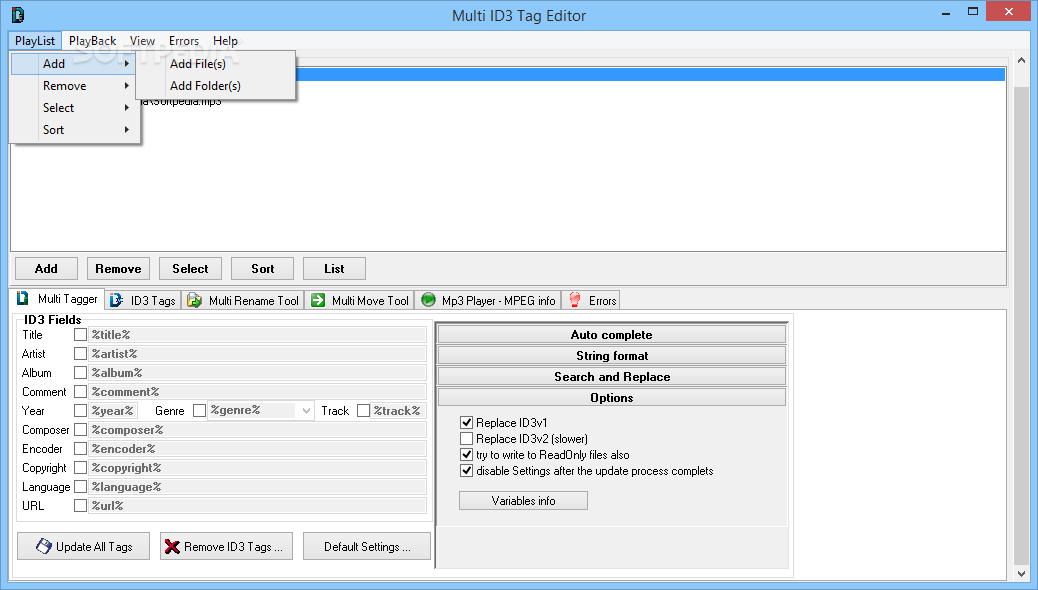
The installation process is brief, and the user interface is simple to understand and to navigate through. Here you simply add the audio files and then edit the text fields on each one of them.
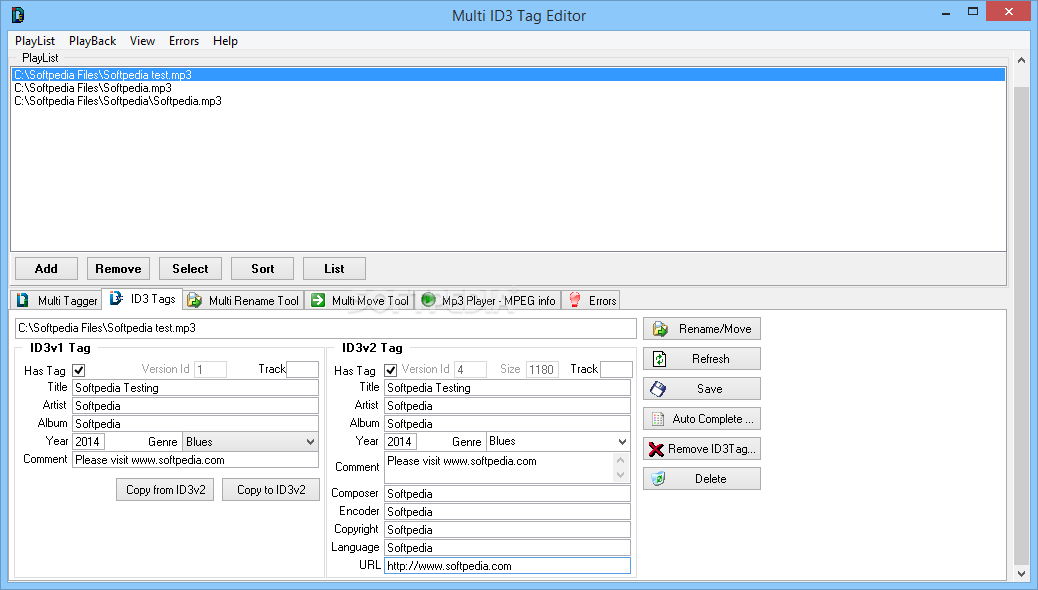
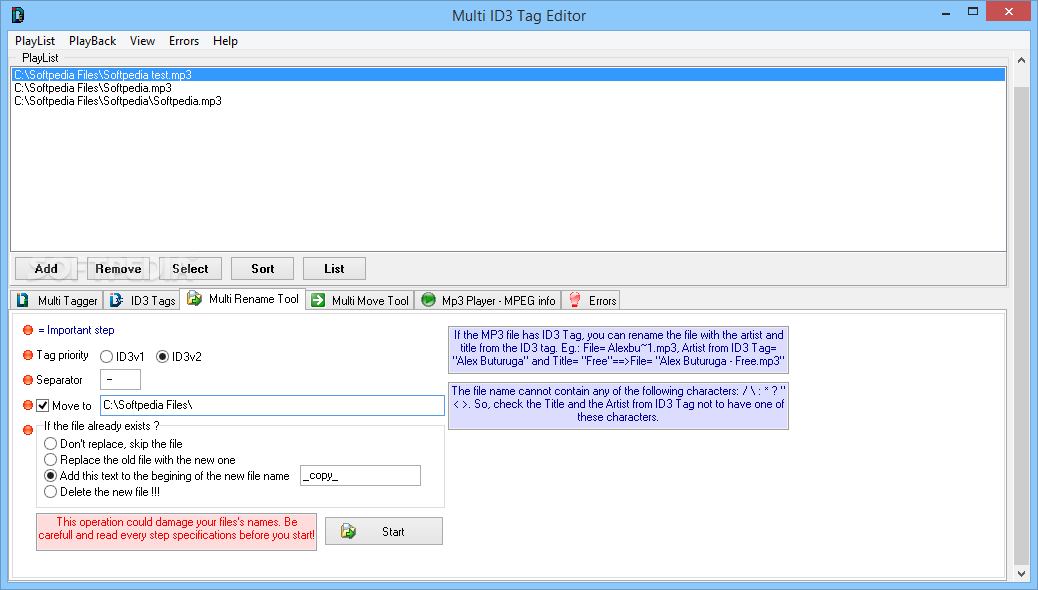
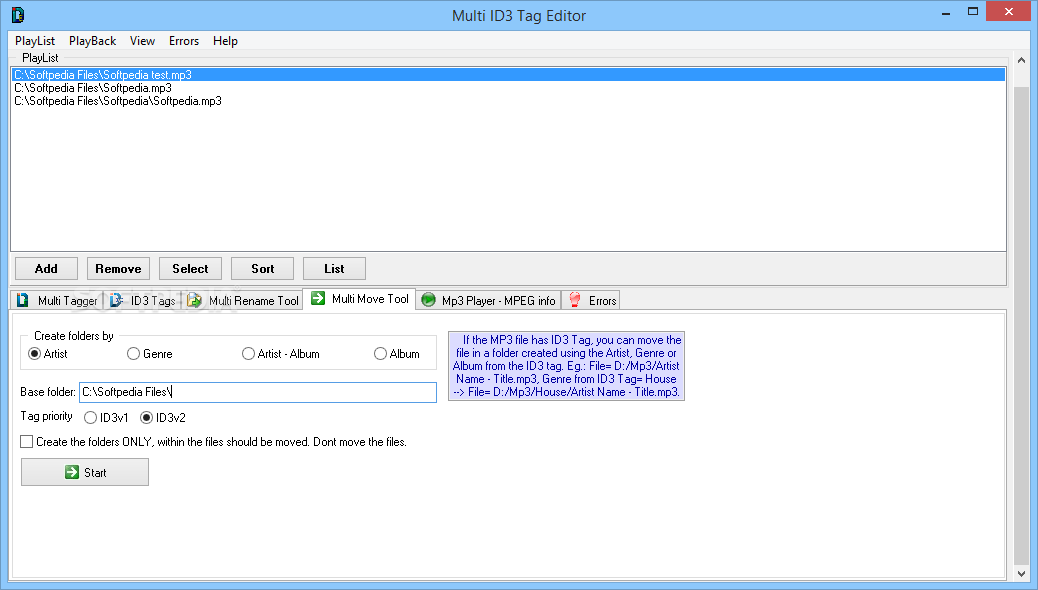
You can remove or change ID3 fields (title, artist, album, comment, year, genre, track, composer, encoder, copyright, language, URL), ID3v1 Tags and ID3v2 Tags, use a multi-rename tool, as well as a multi-move tool and automatic completion tool (for artist and title).
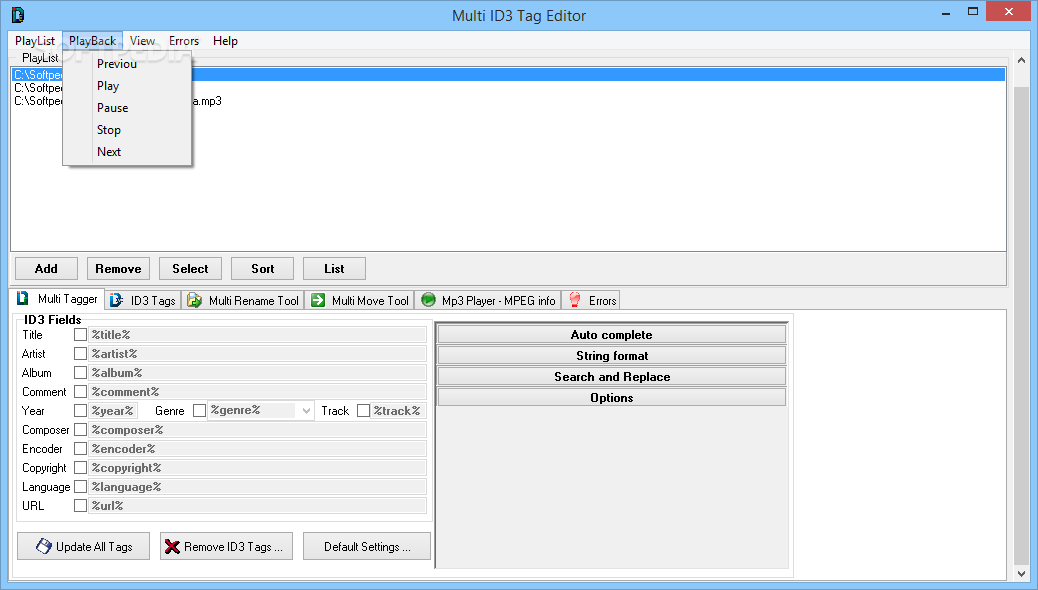
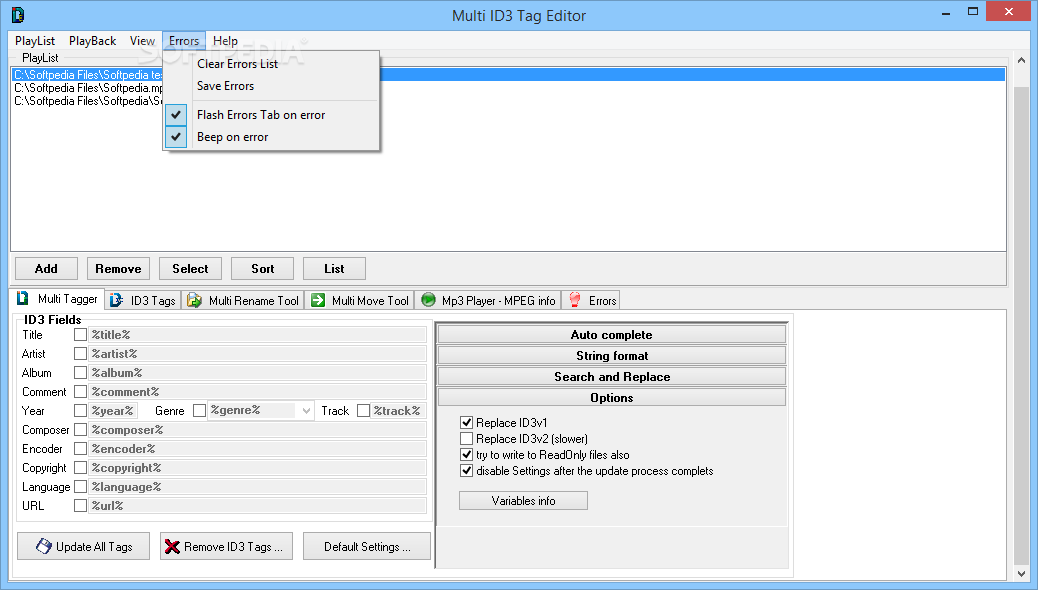
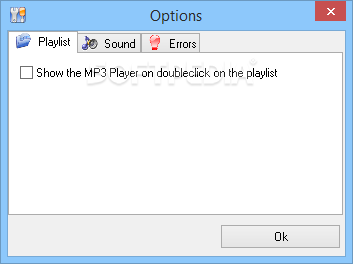
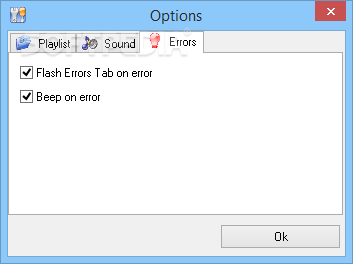
Each track can be played before editing anything, just to make sure you're not making any mistakes, and you can view any encountered errors during tasks.
Memory usage is minimum in the case of this application, so your computer will behave perfectly fine when Multi ID3 Tag Editor is initiated.
Everything runs smoothly and we haven't encountered any problems. At times, it might be difficult for beginner users to understand how Multi ID3 Tag Editor works (like in the case of the multi-rename tool, for example), but there's nothing out of the ordinary here.
To sum things up, if you wish to modify the tags of your audio track files, then Multi ID3 Tag Editor can help you accomplish this. It's easy to use, after all (don't mind the Registry button - that's just so you get a free registration code from the developer's website).
Download Hubs
Multi ID3 Tag Editor is part of these download collections: Tag Editors, Add Audio Metadata
What's new in Multi ID3 Tag Editor 1.3b1:
- "Multi ID3 Tag Editor" tab is now called "Multi Tagger"
- added "Recurse subfolders" option in Add -> Add Folder(s) for the playlist
- added "? Files ..." button in Open Folder(s) dialog to count the files and subfolders within the selected folder
- song label in mp3 Player have the tooltip with the file name and path
Multi ID3 Tag Editor 1.3b1
add to watchlist add to download basket send us an update REPORT- runs on:
- Windows All
- file size:
- 790 KB
- filename:
- tageditor13b.zip
- main category:
- Multimedia
- developer:
4k Video Downloader

IrfanView

Context Menu Manager

Bitdefender Antivirus Free

calibre

Microsoft Teams

Zoom Client

ShareX

Windows Sandbox Launcher

7-Zip

- ShareX
- Windows Sandbox Launcher
- 7-Zip
- 4k Video Downloader
- IrfanView
- Context Menu Manager
- Bitdefender Antivirus Free
- calibre
- Microsoft Teams
- Zoom Client