Softpedia
 

WINDOWS CATEGORIES:


GLOBAL PAGES >>
SOFTPEDIA REVIEWS >>
MEET THE EDITORS >>

WEEK'S BEST

  • DAEMON Tools Pro (...
  • FlashFXP [ DISCOUN...
  • PowerISO 4.9
  • WebcamMax [DISCOUN...
  • Zemana AntiLogger ...
  • System Mechanic Pr...
  • Glary Utilities Pr...
  • All My Movies [DIS...
  • Ad-Aware Internet ...
  • Atlantis Word Proc...
  • Home > Windows > Multimedia > Audio > Tag Editors
     Report malware

    The GodFather 0.81 Beta 2 / 0.80

    Softpedia Pick Award
    download button

    Part of the Tag Editors download hub (+2 others)
    Downloads: 98,848  View global page  Tell us about an update
    User Rating:
    Rated by:
    Very Good (4.3/5)
    199 user(s)
    Developer:

    License / Price:

    Size / OS:

    Last Updated:

    Category:

    Freeware / $0
    6 MB / Windows All
    [view history]
    C: \ Multimedia \ Audio \ Tag Editors

     Read user reviews (8)  Send to friend   Follow (6 users)

    EDITOR'S RATING

    Softpedia Editor's Review for The GodFather

    Batch rename of files using Tag/Filename/Folder name/Audio file information

    Written by Bogdan Popa on November 15th, 2011

    The GodFather is a software solution designed to help you handle audio files and rename them on the go, no matter if we’re talking about tags, file names or the rest of details.

    The application is being delivered as a very light package, so it takes just a couple of seconds to download and install it. At the first glance whatsoever, you may be shocked.

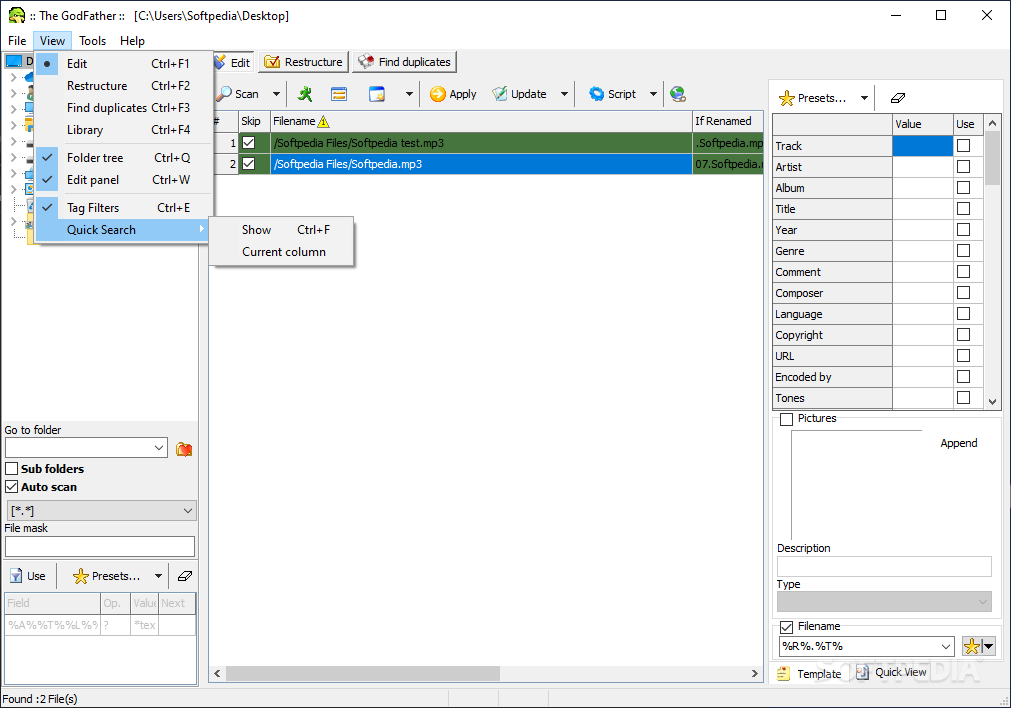
    The interface isn’t at all easy to use and it takes a while until getting used to it, not because it’s ugly, because it’s not, but due to the way features are organized in the main window.

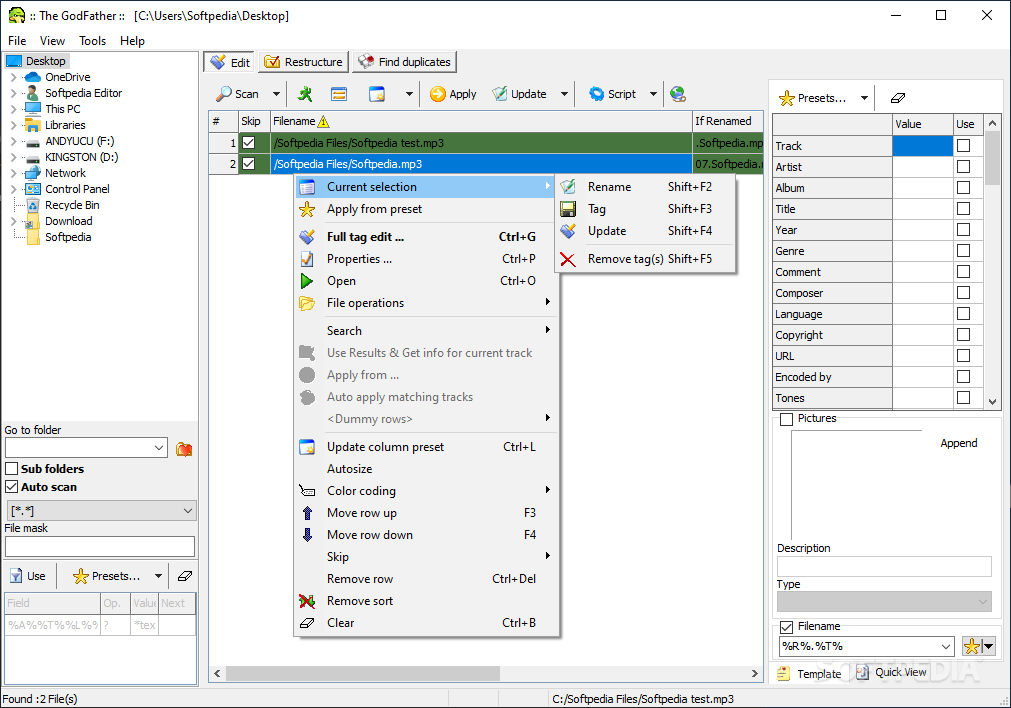
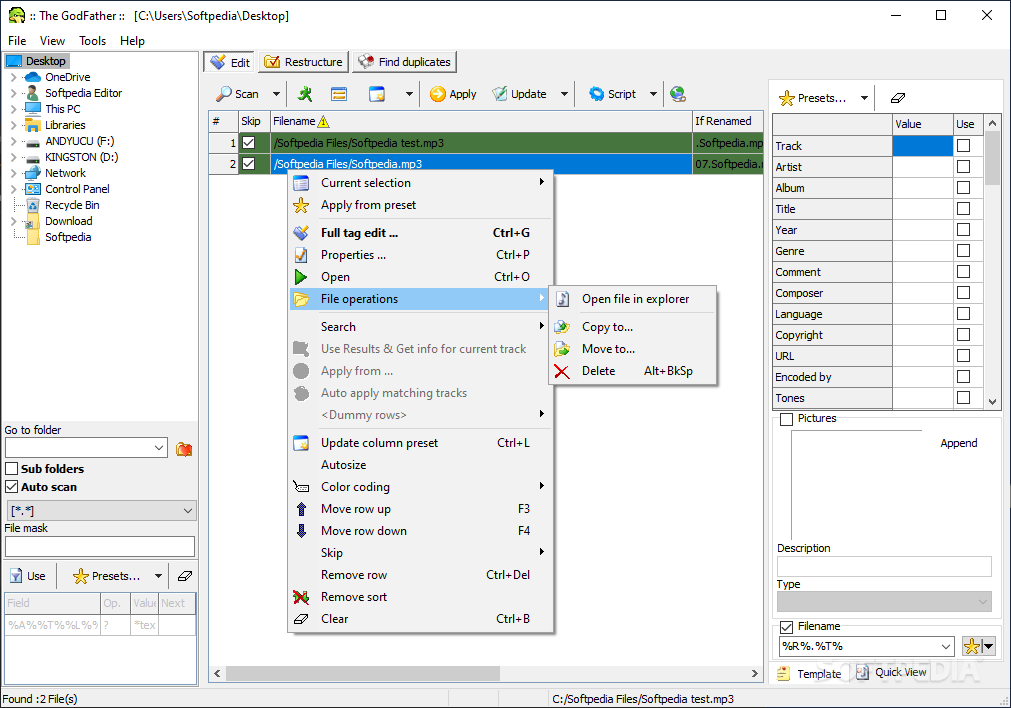
    There are a lot of buttons everywhere you look and although the developer has tried to keep things clean by placing a file browser in the left side of the window and all the featured in the right, the whole look is quite confusing to the user.

    Truth is, The GodFather is a very powerful application, but an user-friendly interface is a must have if you want to let users take full advantage of its features.

    Nevertheless, the program comes with everything you’d ever need when working with audio files, so the renaming or file information editing is just a matter of minutes.

    Double clicking a given field lets you edit the information on the fly, but full tag editors are always accessible via the right click.

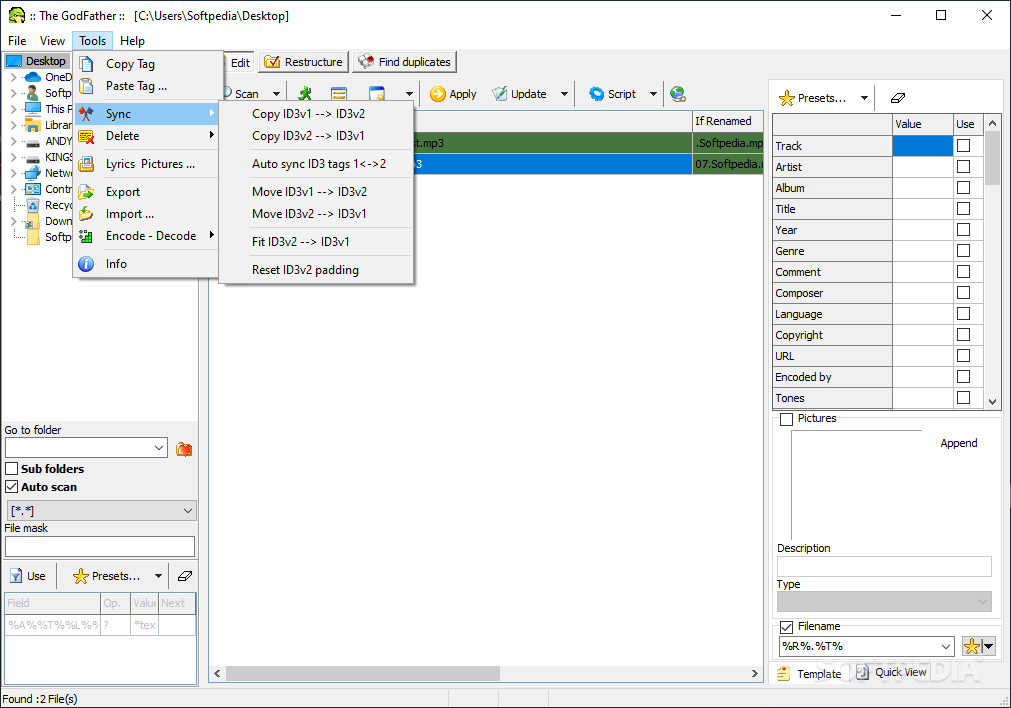
    The GodFather is indeed a very advanced software solution that supports so many important things, be them ID3v1 & ID3v tags, Ogg Vorbis comments or even online cover art downloaders, but the greatest drawback is definitely its approach.

    Still, it deserves a chance, but there are a lot of things to be improved to turn The GodFather into a top pick. Good thing it’s freeware though.

    The GodFather description

    Here are some key features of "The GodFather":

    Batch Tag update:
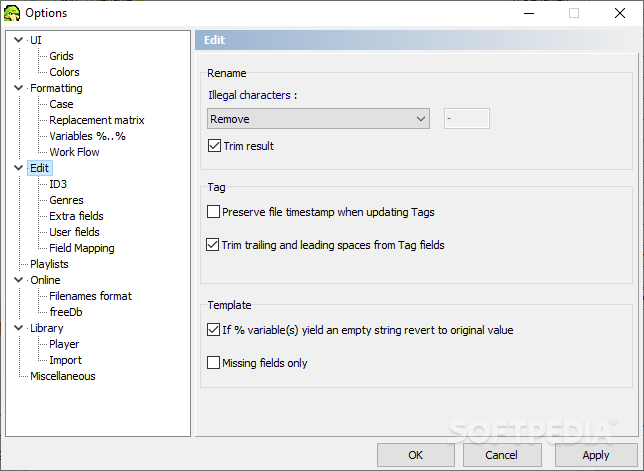
    · Supports both ID3v1 & ID3v2 up to date versions.
    · Supports Ogg Vorbis comments.
    · Supports APEv2 tags.
    · Select specific fields to be updated
    · Use File/Folder tokens, Tag variables to create tag information
    · Filter files by the existence of tags or even by the existence of specific fields
    · Update either Tag or all of them.
    · Option to clear specific fields.
    · Option to skip non empty fields.
    · Use the case options.
    · Use of the replacement matrix.
    · Update tags by copying/moving or auto synchronizing one to the other.
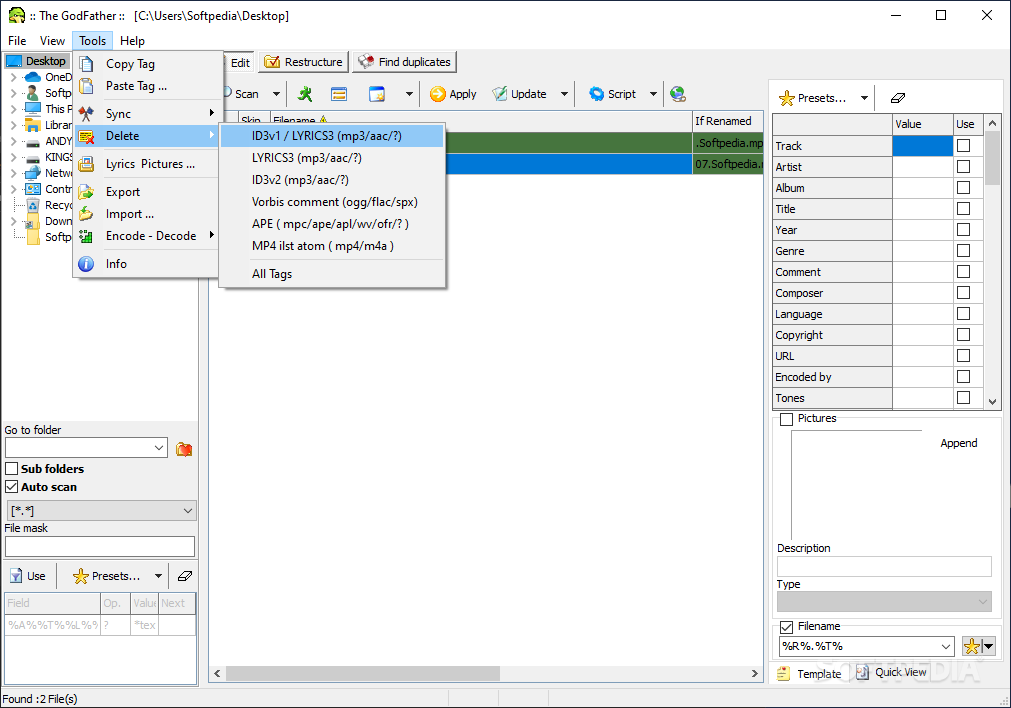
    · Delete all Tags or either one of them.
    · Batch process of pictures/lyrics ( export, delete or both )
    · Complete control trough the update process.

    Manual / single file editor:
    · All of the above options are laid out to selectively choose, either one of them or all of them, for renaming or Tag update or both.
    · Update or remove either of the tags
    · Full ID3 v2 support including.. pictures,lyrics and more than 20 fields.
    · Full Ogg Vorbis support including all proposed fields plus any number of user defined ones..
    · Full APEv2 support including all proposed fields plus any number of user defined ones..
    · File browser with detailed info of Tags & mpeg or Ogg vorbis/mpc/ape information , sorting and so on.
    · Intuitive interface so potentially wrong fields/filenames are immediately found and presented.

    Organize:
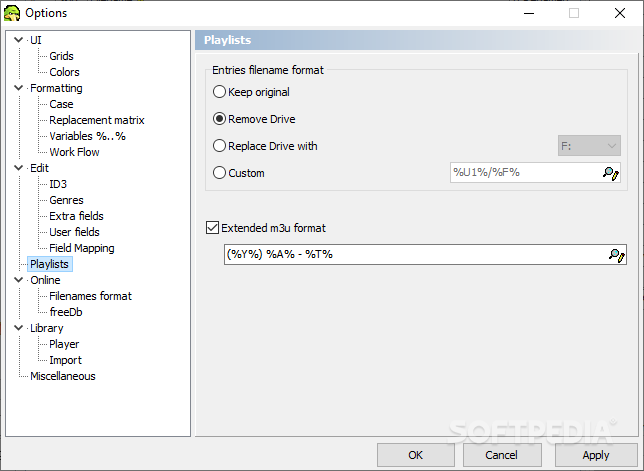
    · Easily create/merge play lists with preview support or simply find and listen to your favorite music.
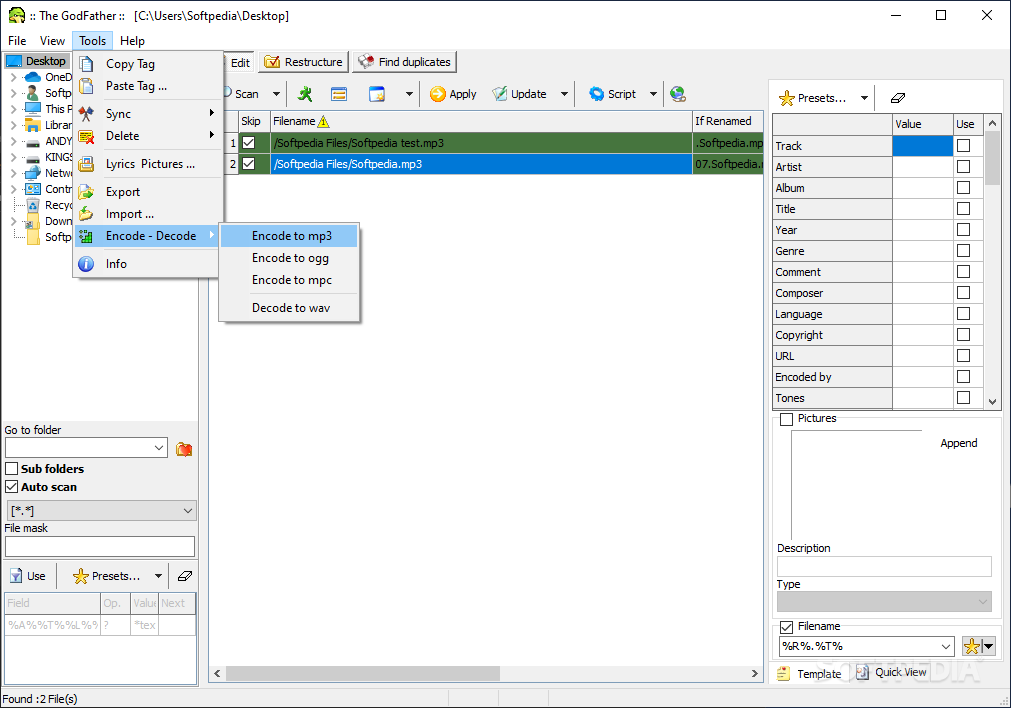
    · Encode/decode your files with LAME,Ogg Vorbis or mpcenc. (trans code with out losing tag information from one format to the other)
    · Restructure the files on your hard disk ( copy,move or even create shortcuts ) in new user defined location based on Tag field information.
    · Find duplicate files using smart and aggressive detection.
    · Export files in delimited, fixed length format, Simple HTML or multiple pages using user defined templates.
    · Import information from delimited files to rename and.or update your files, customized mapping to columns.

    Play your mp3's:
    · Internal player with 16 band equalizer.
    · Display tag info/lyrics/pictures while playing, option to display pictures from folders.
    · Automatically search @allmusic.com.
    · Easy to load single files/play lists.
    · Play list queue.

    Album/filename rename & update using freedb.org or www.allmusic.com:
    · Full text search support (freeDb), Disk ID generated from the files in the folder or usage of the original CD-ROM supported.
    · Album/Artist filter (freeDb,text search).
    · Single track query using.
    · Use album art and/or full comments, credits, tones, styles, composer (AMG)
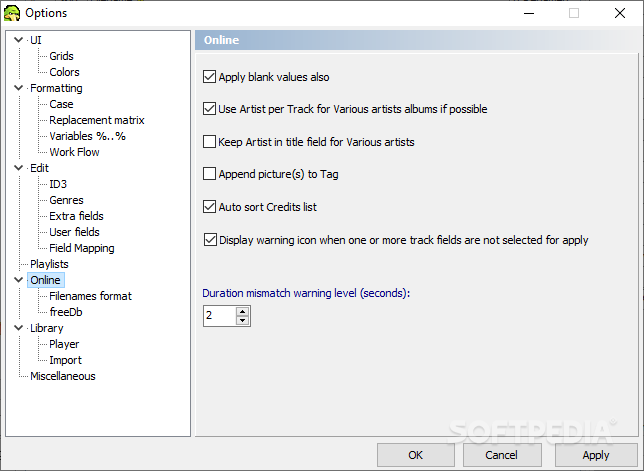
    · "Various artists" album support.
    · Auto sort according to duration.
    · Auto match according to Tag/Filename.
    · Edit the results and preview changes.
    · Rename and or update files at batch or one by one.

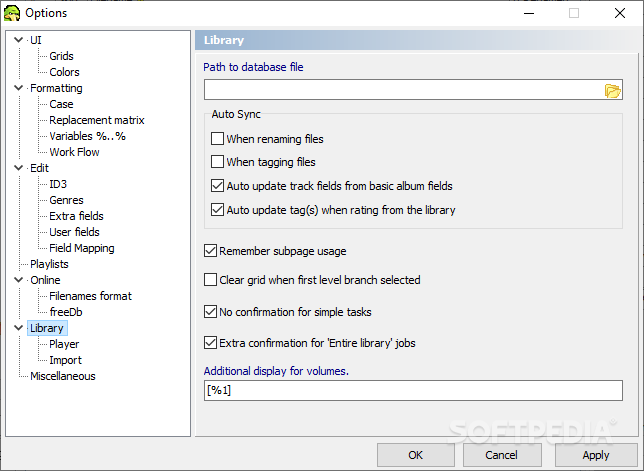
    Catalog your files in a powerful library:
    · Store cover art and up to 4 pictures per album.
    · Store detailed info for each artist like bio, and misc other info, pictures etch.
    · Use allmusic to retrieve the above data effortlessly.
    · Powerful user defined tree views.
    · Persistent user queries with random record retrieval, prompted values etch.
    · Hierarchical play lists.
    · Export to xls, HTML, play list files.
    · Very fast with 1000's of files.

    General:
    · Custom file filtering using Tag fields/bitrate. ( multiple user defined filters are supported with and/or functionality, Wildcard support , sounds like ~ support.)
    · Search in local or network locations.
    · File mask support including wildcards (*?).
    · Sub folder support.
    · Custom colors to easily spot files according to Tag existence or Bitrate.
    · Smart ID3 Tag detection in case of both being present.
    · User defined ID3v2 padding size.
    · Supports ID3v2 compressed frames.
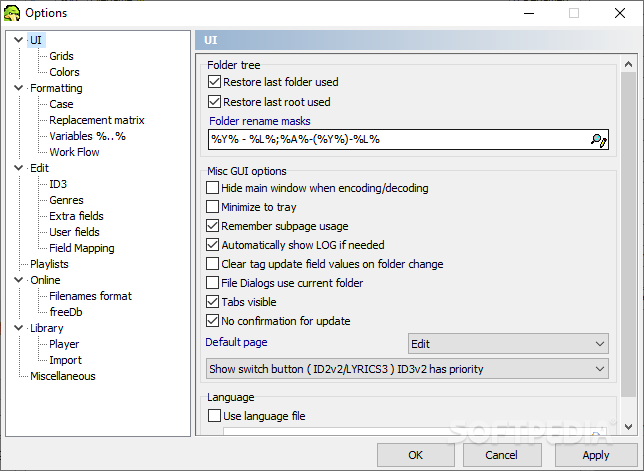
    · Language files support

    What's New in This Release: [ read full changelog ]

    · amazon support fixed
    · discogs script updated
    · minor interface fixes
    · full tag edit has an edit control displaying the full filename and has a few fields allow longer text to be entered
    · filemask on the main window is now 256 chars long
    · a few minor ui glitches fixed

     Softpedia guarantees that The GodFather 0.81 Beta 2 / 0.80 is 100% CLEAN, which means it does not contain any form of malware, including spyware, viruses, trojans and backdoors. [read more >]


    TAGS:

    MP3 rename | tag editor | ID3 editor | renamer | rename | organize


    HTML code for linking to this page:


    Go to top

    WindowsGamesDriversMacLinuxScriptsMobileHandheldNews

    SUBMIT PROGRAM   |   ADVERTISE   |   GET HELP   |   SEND US FEEDBACK   |   RSS FEEDS   |   UPDATE YOUR SOFTWARE   |   ROMANIAN FORUM