
Create your own panoramas from standard pictures with this program that allows you to customize many parameters, like the projection settings and color anchor. #Panorama creator #Create panorama #Photo enhancer #Panorama #Stitch #Perspective
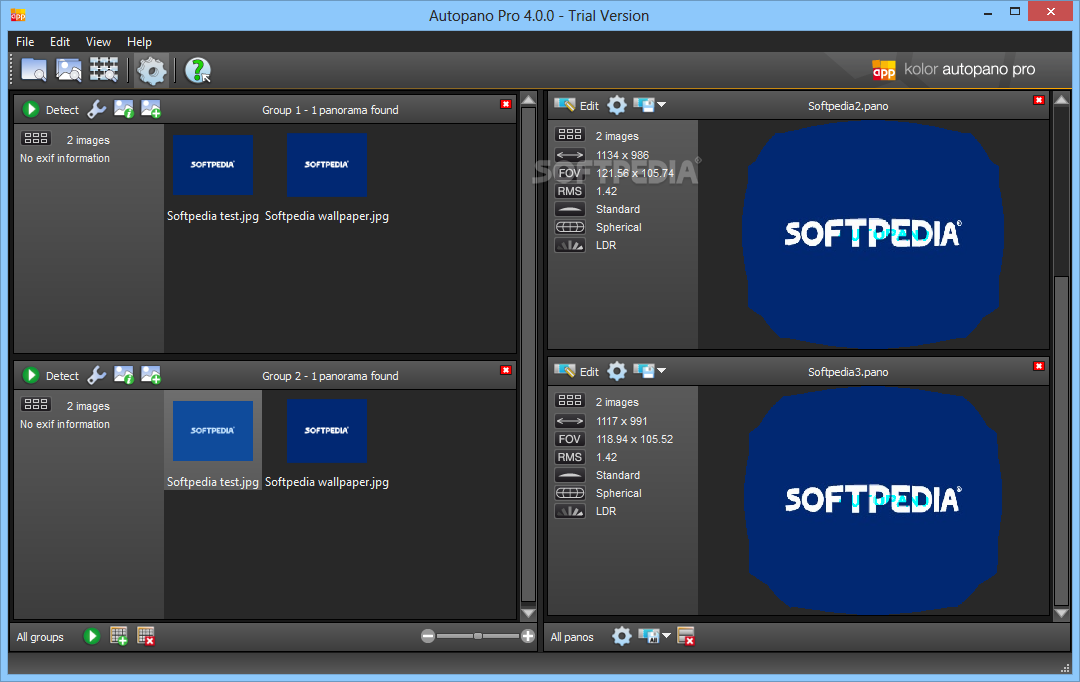
Autopano Pro is a comprehensive and reliable software solution whose main purpose is to help you create panoramic images from multiple sources, saving you valuable time and effort in the process, by automatically performing most of the operation.
The program is fairly simple to understand and handle, even for the more inexperienced, enabling you to launch it immediately after installation and begin working with it. However, you will need to explore its various functions and tools before you can produce the results you would like.
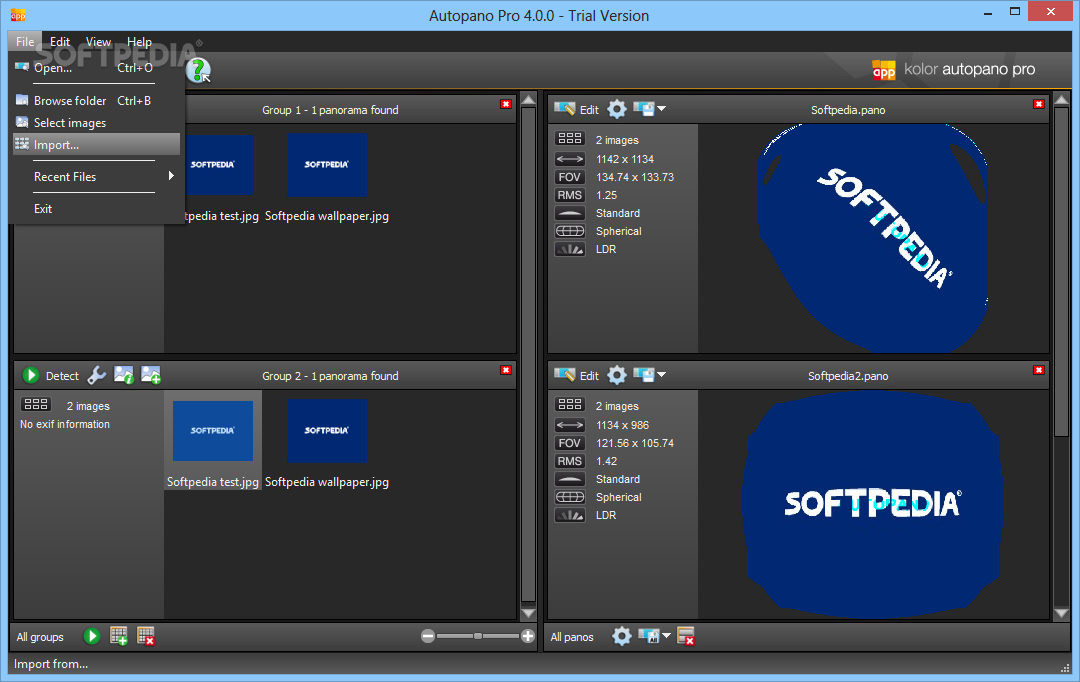
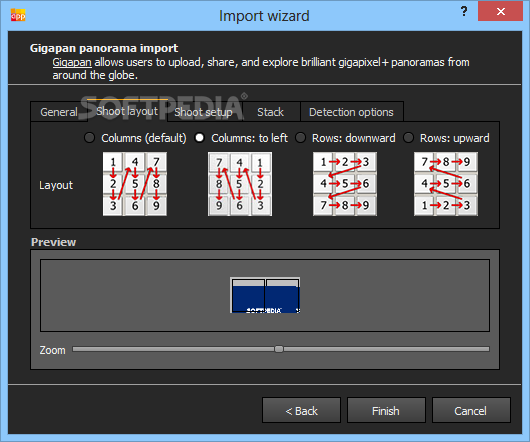
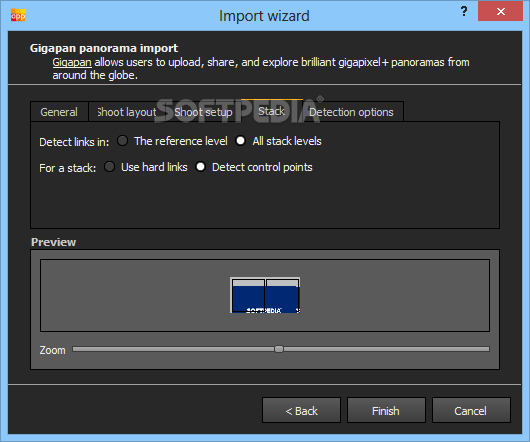
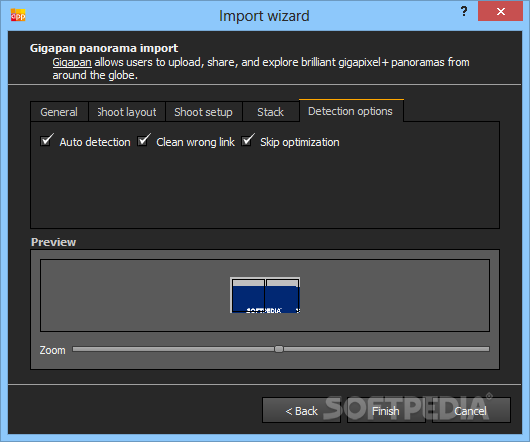
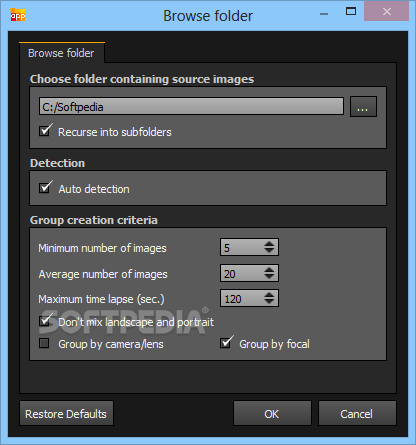
Autopano Pro spares you from having to manually input the images you wish to use in creating your panoramic picture. You can just select the containing directory and the utility will scan it and retrieve the images in one or more groups of photos, which could generate a useable result.
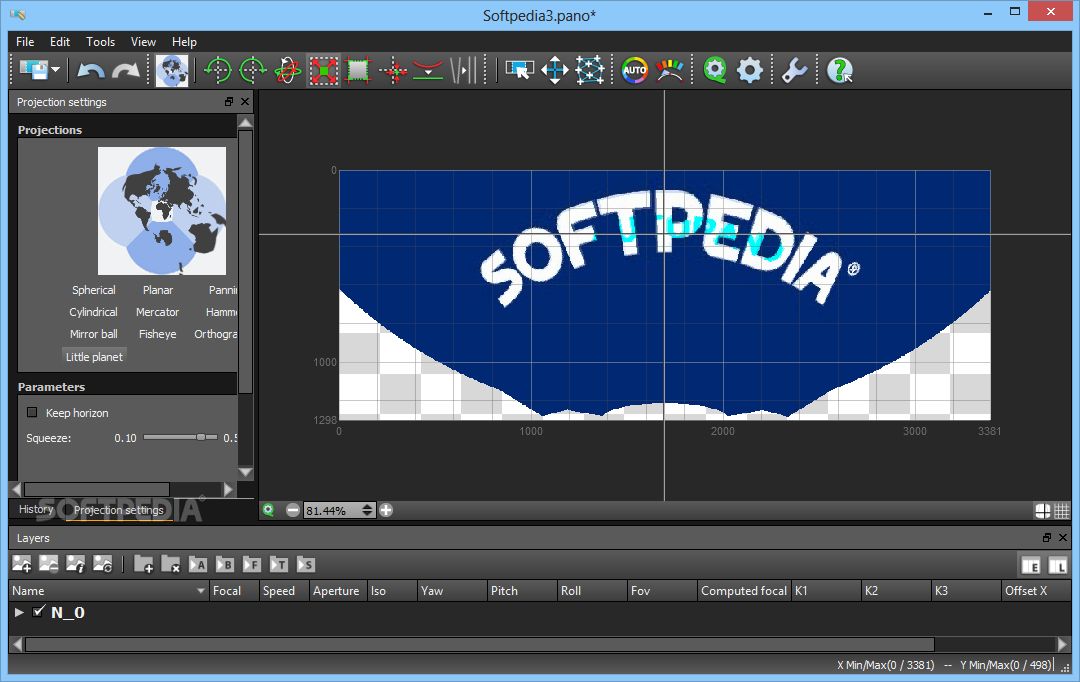
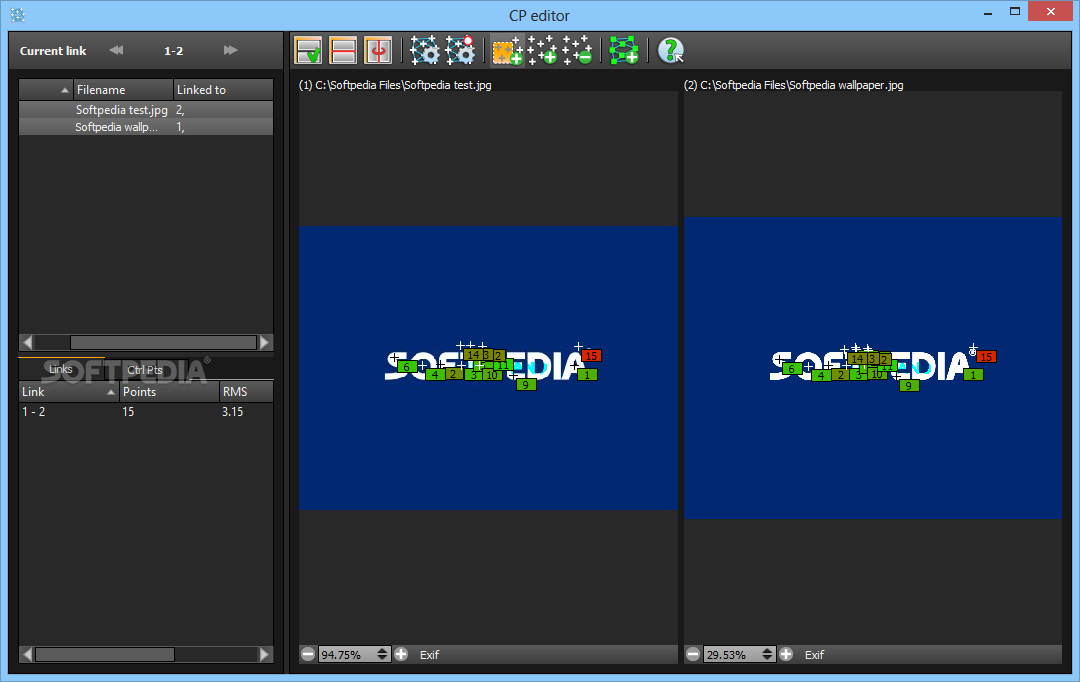
Afterward, you can choose the group you prefer and click on the 'Detect' button to determine what the resulting picture could look like. Autopano Pro will then provide you with several options to choose from, by combining and matching keypoints from the source files to create the panoramic photo. It displays a series of details about it, such as the number of used files, the total length and width in pixels, and more.
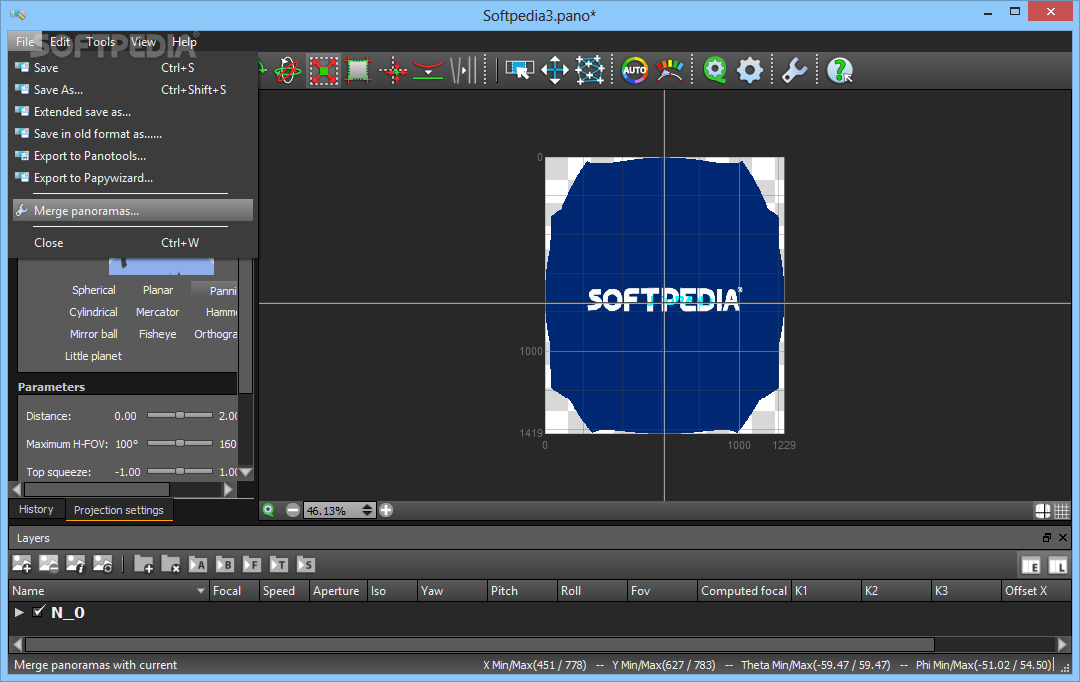
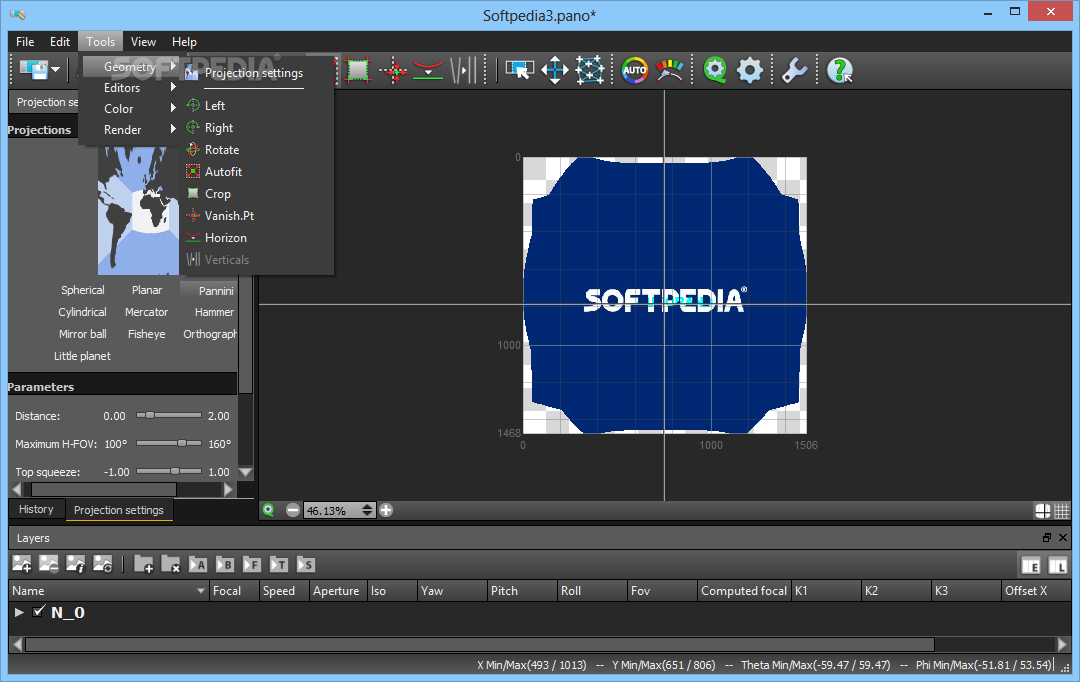
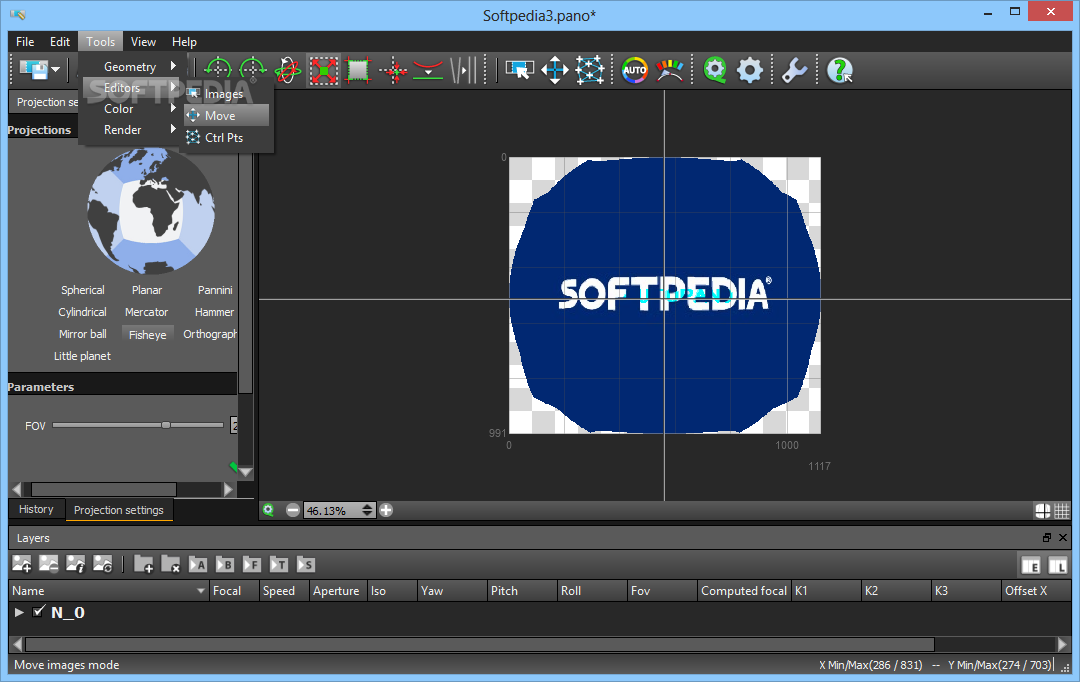
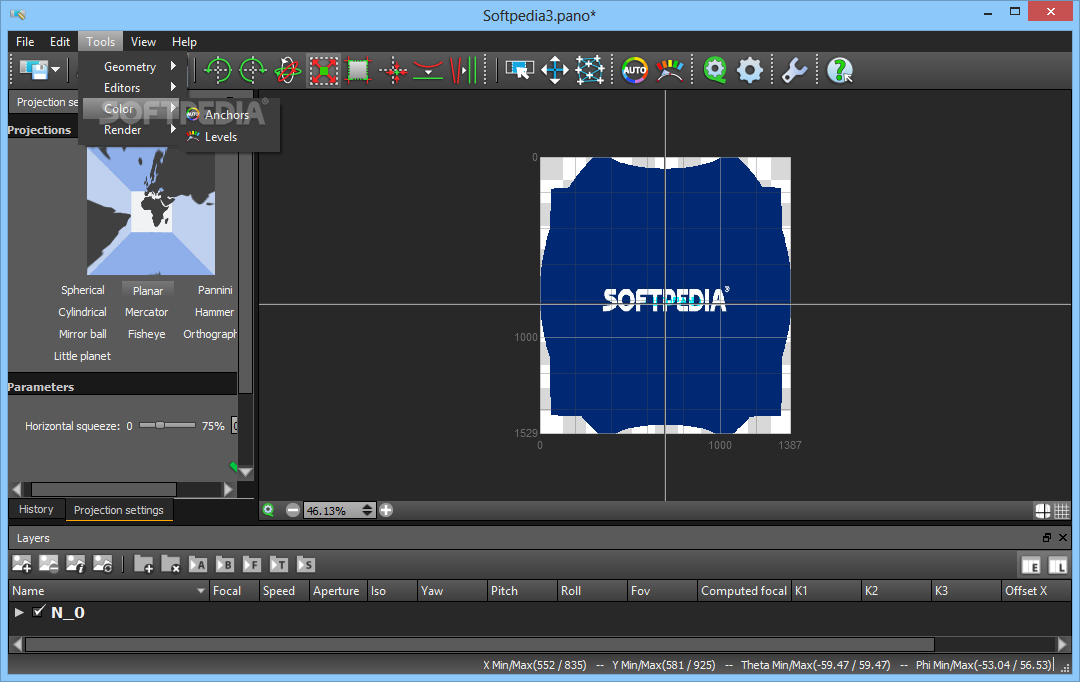
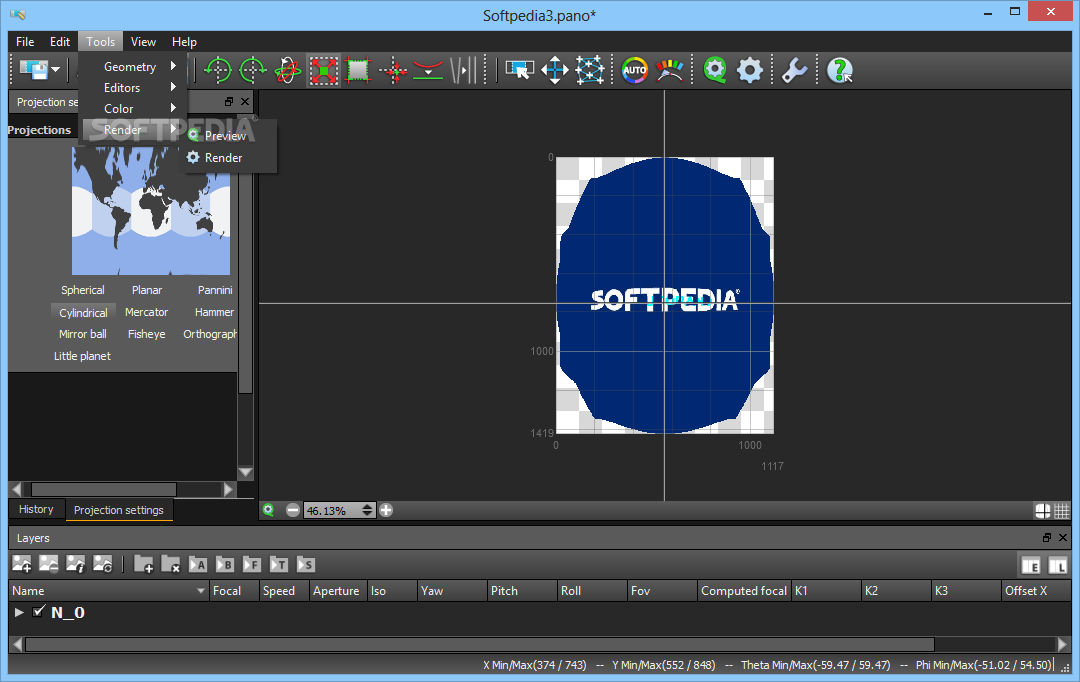
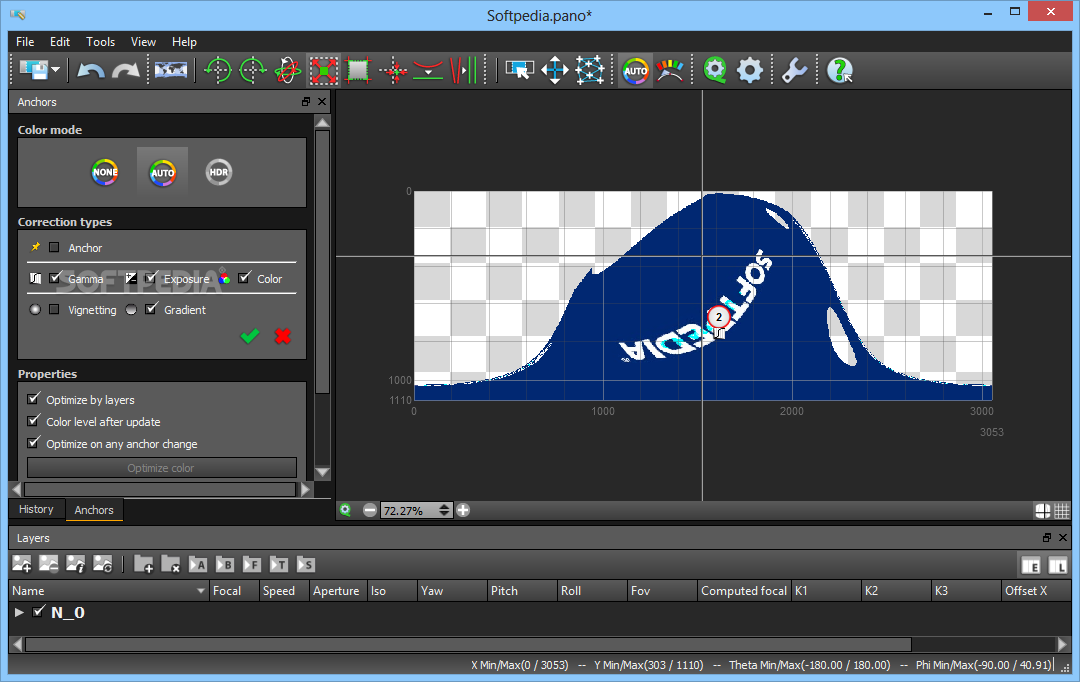
When you have made your decision, you can save the image or further edit it. You can 'Rotate' the photo, adjust its 'Yaw', 'Pitch' and 'Roll', 'Crop' it or set its 'Vanishing Point'. You can also introduce an 'Automatic Horizon', or alter the 'Color Anchor'.
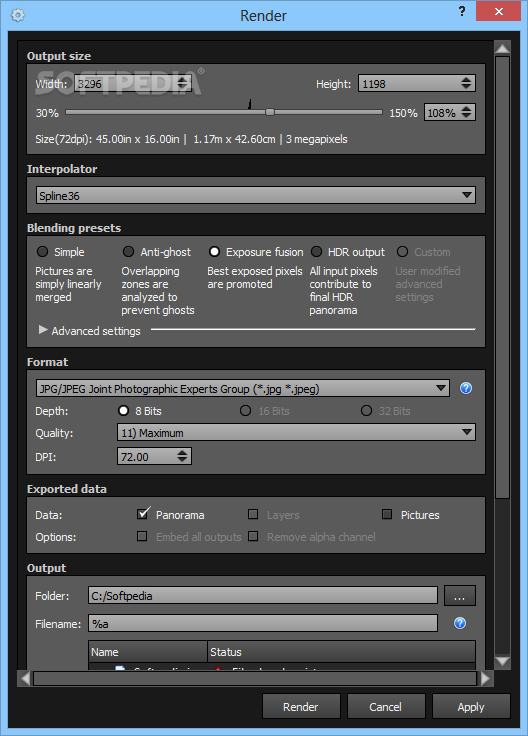
Moreover, Autopano Pro features a 'Batch Renderer' that allows you to add several projects and generate panoramic photos in just a few clicks, exporting the results within moments.
To conclude, Autopano Pro is a complex yet user-friendly application developed to provide you with the ability of creating panoramic images from your favorite holiday photos, requiring minimal input from you.
Download Hubs
Autopano Pro is part of these download collections: Panorama Managers
What's new in Autopano Pro 4.4.2:
- Bug fixes and features:
- Updated/corrected cameras et lensid databases
- Added new camera RAW support
Autopano Pro 4.4.2
add to watchlist add to download basket send us an update REPORT- runs on:
-
Windows 10 32/64 bit
Windows 8 32/64 bit
Windows 7 32/64 bit - file size:
- 46.1 MB
- filename:
- AutopanoPro_win32_442_2018-09-10.exe
- main category:
- Multimedia
- developer:
- visit homepage
Windows Sandbox Launcher

Bitdefender Antivirus Free

7-Zip

4k Video Downloader

Zoom Client

IrfanView

calibre

Context Menu Manager

Microsoft Teams

ShareX

- Context Menu Manager
- Microsoft Teams
- ShareX
- Windows Sandbox Launcher
- Bitdefender Antivirus Free
- 7-Zip
- 4k Video Downloader
- Zoom Client
- IrfanView
- calibre
