
A quick EXIF editor that will help you change the tags of your digital pictures, modifying values one by one and exporting the changes to a file. #EXIF editor #Tag editor #Edit tag #EXIF #Editor #Tag

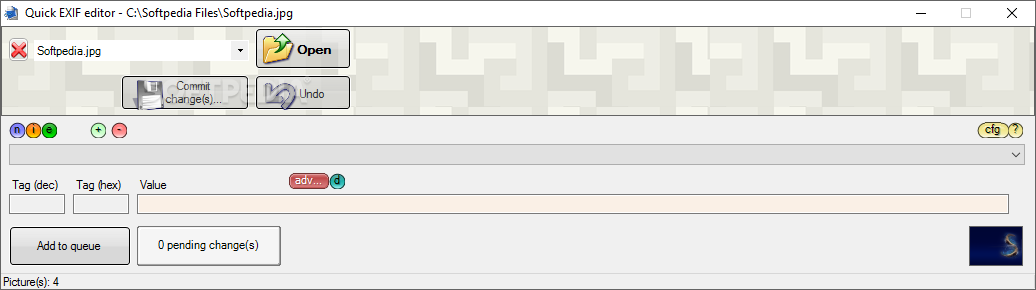
EXIFeditor is a software that helps you modify the EXIF information of your image files.
The tool doesn't need to be installed and leaves your Windows registry clean, therefore it can be considered a portable application. This means that you can place EXIFeditor on a removable device and run it on any computer.
The user interface of the program consists of a small window and several options. It can be difficult to discover all its functions, at first.
The first thing you need to do is import an image file (in the JPEG format), either by using the file browser or the "drag and drop" method.
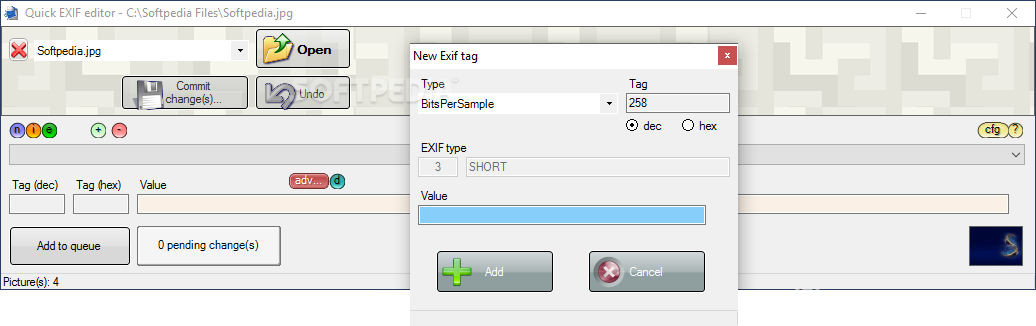
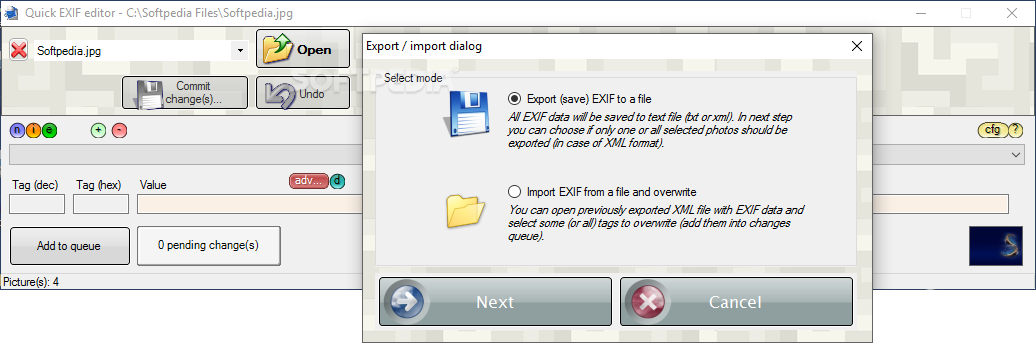
You can preview the image, toggle the display of EXIF information, as well as import or export EXIF from or to a file. You can also create a queue, edit the date and time, and access advanced features.
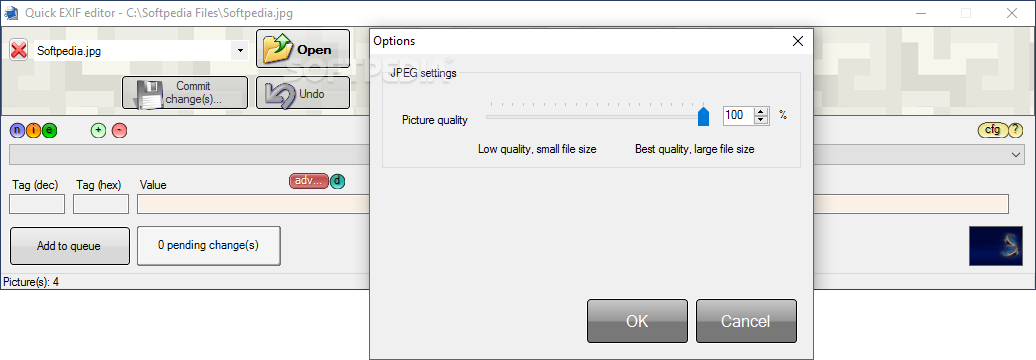
You can use the "Undo" button, commit changes (e.g. create backup, set the output destination, adjust compression, modify file date), configure options (adjust JPEG picture quality), copy the original EXIF values to a text document and use assigned keyboard shortcuts (that cannot be changed).
The program uses a low to moderate amount of system resources. It doesn't include a help file and pops up an error when you double-click a field in the EXIF displayed area. Also, we were not able to access advanced features (clicking the option didn't initialize anything, in our case).
EXIFeditor in a very good tool for modifying EXIF information in your image files. It only needs to better organize its interface and fix some bugs. Otherwise, it can be used by both novices and experienced individuals.
Download Hubs
EXIFeditor is part of these download collections: EXIF Editors, EXIF Managers
What's new in EXIFeditor 2.2.2994.38866:
- New, rewritten save file dialog
- New options for last modification date of saved files
EXIFeditor 2.2.2994.38866
add to watchlist add to download basket send us an update REPORT- runs on:
-
Windows 10 32/64 bit
Windows 8 32/64 bit
Windows 7 32/64 bit
Windows Vista 32/64 bit
Windows XP 32/64 bit - file size:
- 1 MB
- filename:
- Setup_EXIFeditor_en.msi
- main category:
- Multimedia
- developer:
- visit homepage
IrfanView

ShareX

Microsoft Teams

7-Zip

Context Menu Manager

Windows Sandbox Launcher

Zoom Client

calibre

Bitdefender Antivirus Free

4k Video Downloader

- calibre
- Bitdefender Antivirus Free
- 4k Video Downloader
- IrfanView
- ShareX
- Microsoft Teams
- 7-Zip
- Context Menu Manager
- Windows Sandbox Launcher
- Zoom Client