Softpedia
 

WINDOWS CATEGORIES:


GLOBAL PAGES >>
SOFTPEDIA REVIEWS >>
MEET THE EDITORS >>
WEEK'S BEST
  • Bitdefender Total ...
  • Hard Disk Sentinel...
  • FlashFXP [DISCOUNT...
  • Ocster Backup Pro ...
  • Kaspersky Internet...
  • DVDFab DVD Copy [D...
  • Avast! Internet Se...
  • Avira Internet Sec...
  • Webroot SecureAnyw...
  • McAfee Total Prote...
  • Home > Windows > Multimedia > Graphic > Digital Photo Tools
     Report malware

    FlipAlbum Pro 6.0

    download button buy button

    Downloads: 10,995  Tell us about an update
    User Rating:
    Rated by:
    Good (3.2/5)
    24 user(s)
    Developer:

    License / Price:

    Size / OS:

    Last Updated:

    Category:

    Trial / $159.95 USD buy button
    16.8 MB / Windows All
    [view history]
    C: \ Multimedia \ Graphic \ Digital Photo Tools

     Read user reviews (0)  Send to friend   Follow (0 users)

    FlipAlbum Pro description

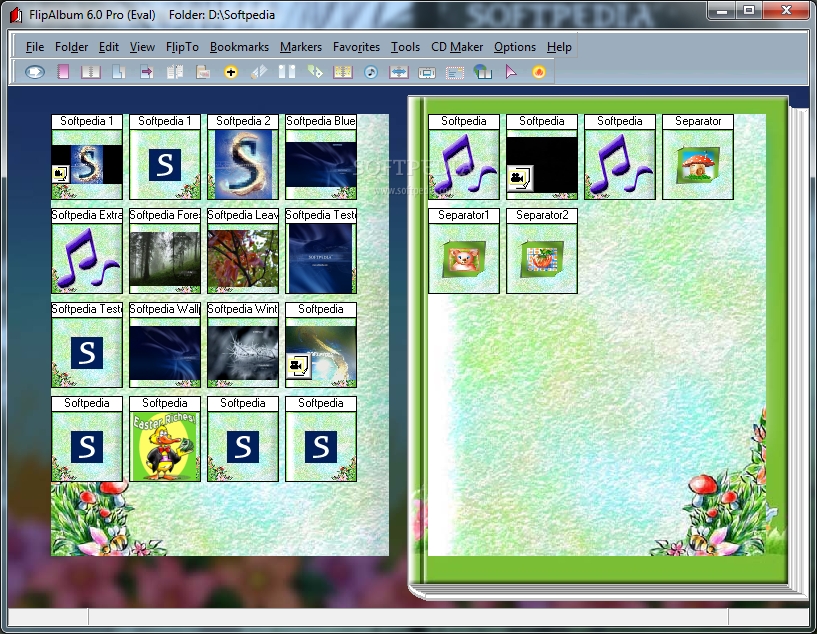
    Organizes digital images into realistic 3D page-flipping picture album

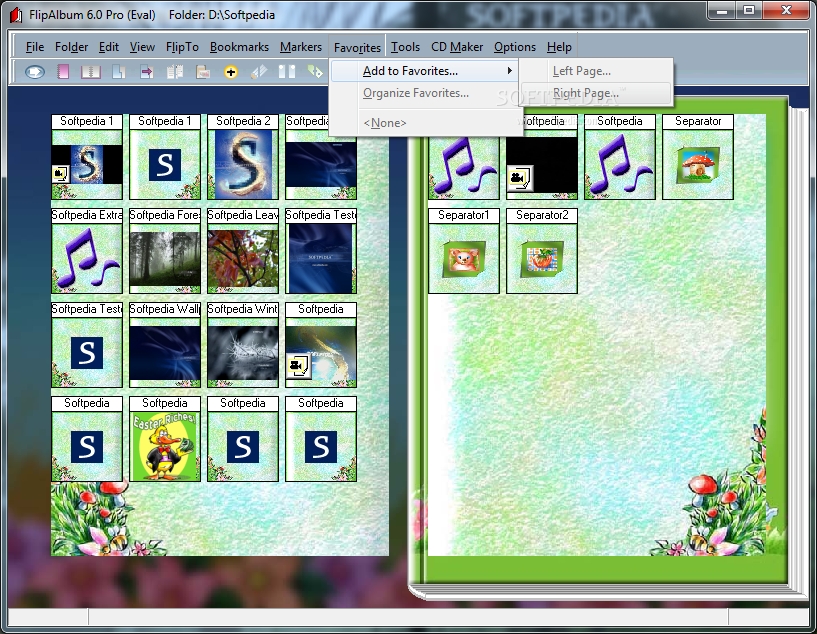
    FlipAlbum is an easy-to-use application that provides users with the ability of quickly creating page-flipping photo albums.

    Publish photo albums, product catalogs, scrapbooks, and newsletters online or on CDs for commercial distribution.

    Protect your copyright materials with image encryption, print lock, watermarks, CD expiration, and password access to CD.

    It features multiple photos and texts per page. Add music (MP3) and play video on any album page. Create multiple albums per CD.

    It also features enhanced shading on Pentium 4 PCs and multipage rapid flipping. Hold pages and compare album pages. It also includes translucent annotations and built-in themes and borders.

    You can buy more themes and borders; search text annotations; add 3D and drop-shadow effects and crop images. There are enhanced bookmarks and playback on most DVD players.

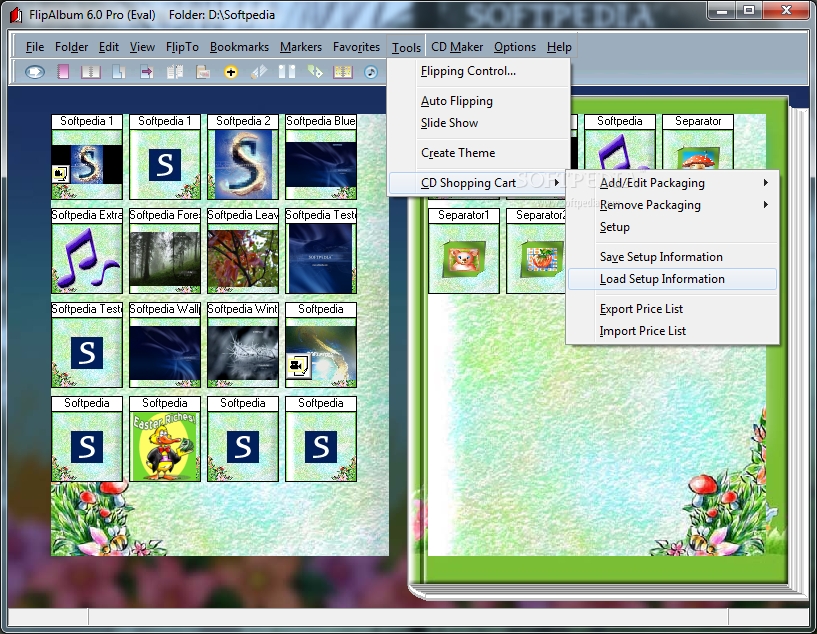
    DVD players must support the VideoCD and CD-RW formats. Print whole album or some pages. Print photos on 4R/8R sizes or Avery labels. It works with the CD Shopping Cart Plug-in.

    Here are some key features of "FlipAlbum Pro":

    Intuitive Viewing Experience:
    · Realistic 3D Page-Flipping gives you a natural and intuitive viewing experience.
    · Multi-page rapid flipping for album browsing.
    · Preview individual image in full screen mode.
    · Hold album pages. Hold and compare contents of different album pages.

    Easy to Create, Manage and Organize:
    · QuickStart Wizard. A 3-step wizard to guide new users in creating an album quickly by opening a folder of images, selecting the page layout and a theme for your photo album.
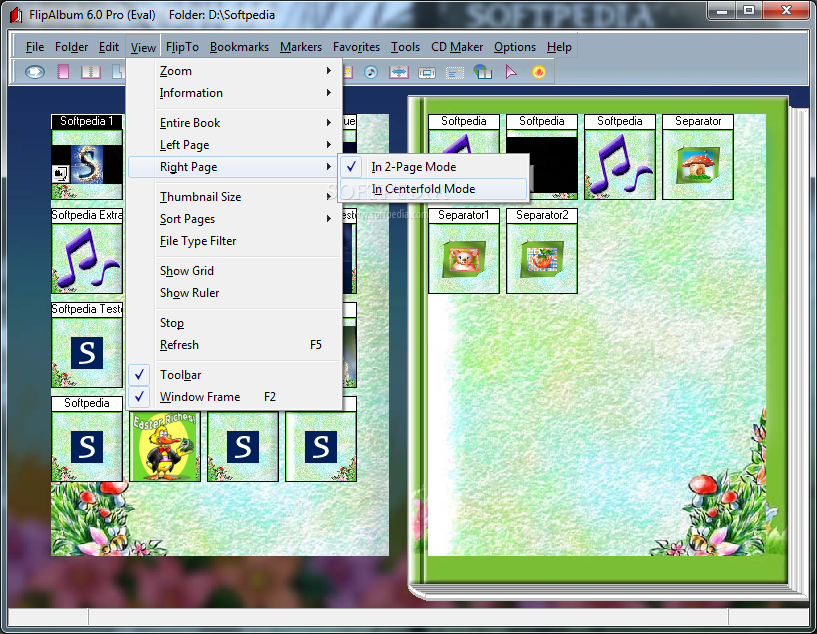
    · Create full-page layout with multiple photos, text, audio and multimedia. Play multimedia files direct on album page.
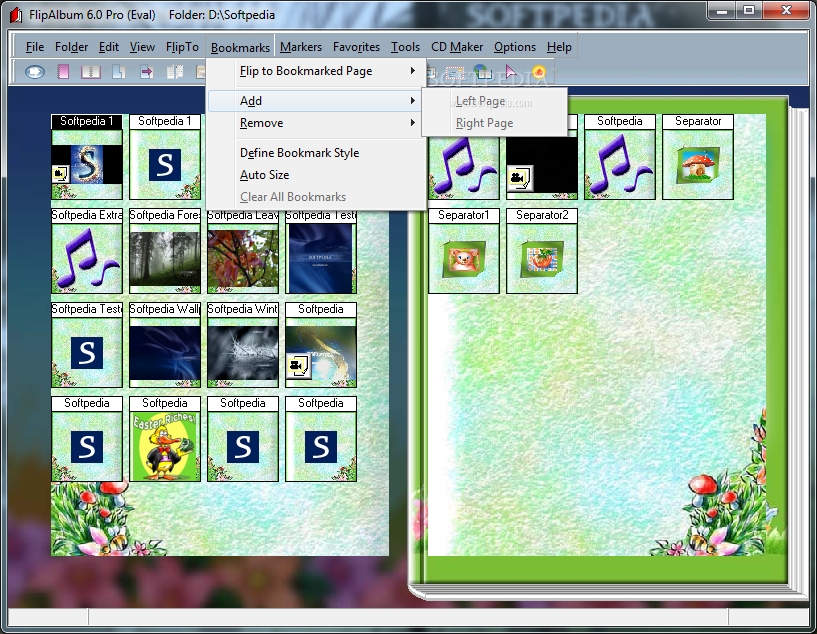
    · Add bookmarks. Customize the shape and color of bookmarks.
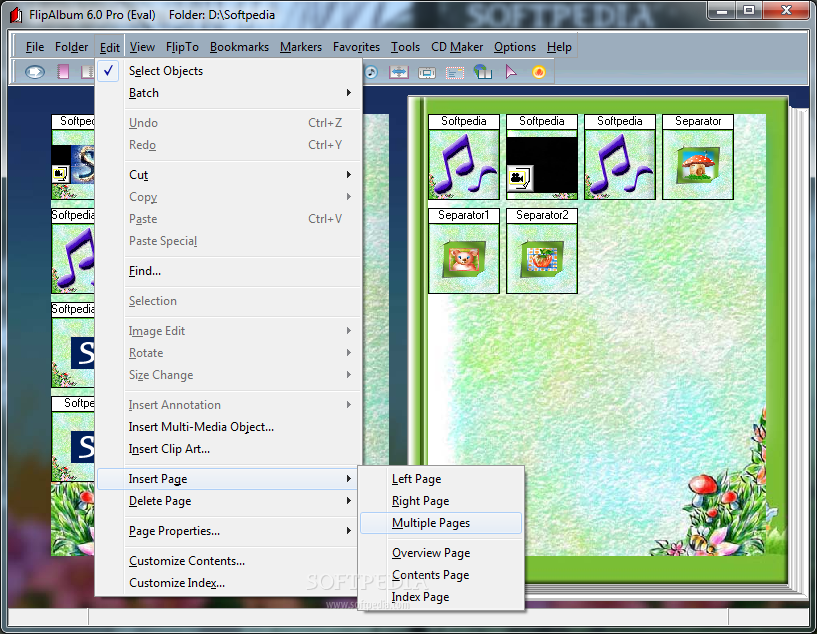
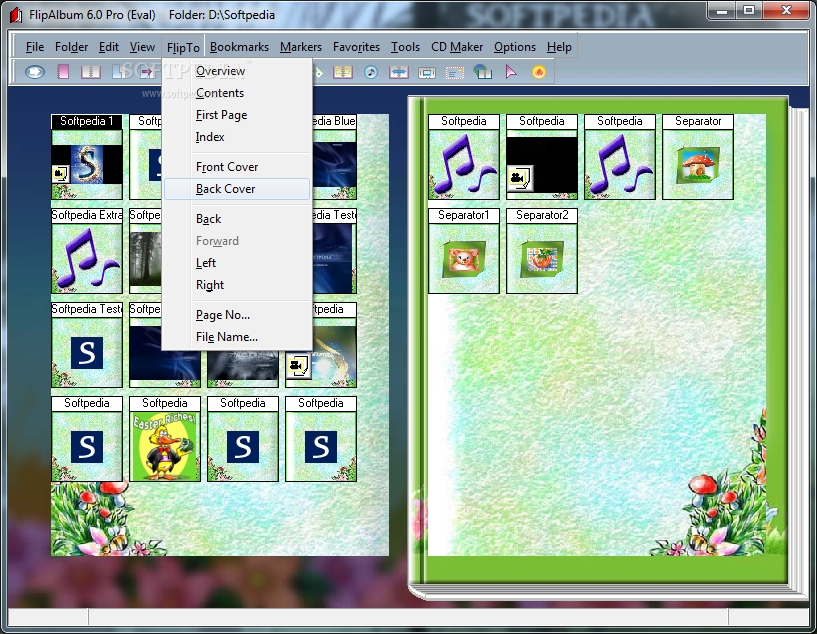
    · Automatic creation of thumbnail overview, table of contents and index.
    · Drag-and-drop thumbnails, contents and index to rearrange pages quickly.
    · Search function. Search for text strings and annotations on album pages.

    Customize with Editing Controls:
    · New: Users can now add their own crop shape, in addition to those default shapes provided.
    · New: User can now add GIF objects on page, including animated GIFs.
    · New: Allow the user to change font type, size, color and style to the table of contents.
    · New: Allow user to select different templates when opening a folder. Users will have a choice to choose either Image Layout Options or Insert Annotation Option or Image Effects Option (3D/Shadow) or Option to insert Overview/ Contents/Index Page.
    · New: The fonts used by the Album creator will be embedded into the album CD. Recipients of the Album CD will no longer need the fonts to be present in their PC in order to see the fonts used.
    · Built-in themes and borders. Spice up your photo album with a wide selection of professionally designed themes and borders.
    · Theme CreatorTM. Create your own themes for any occasion with your favorite front and back cover, book and page background.
    · Supports MP3 playlist. Add your favorite list of MP3 musical tracks as page or background music.
    · Retouch (red eye, brightness, contrast, etc.) or add special effects to your photos with the built-in image editor.
    · Add and customize an assortment of picture frames to your images with a click of the right mouse button.
    · Add 3D and shadow effects to your images.
    · Cropping shapes. Crop your images into different shapes and add character to your photos
    · Multiple selections of objects on Page. Select multiple objects and you can cut, copy, move, delete, rotate, resize, add effects, set links etc to your selection all at one time.
    · Insert translucent annotation text for special effects.
    · Transparency support. Select a specific color on your images to be transparent. Great for photo overlay.
    · UNDO/REDO function.
    · Hide/unhide entries on the Overview/Contents/Index pages.
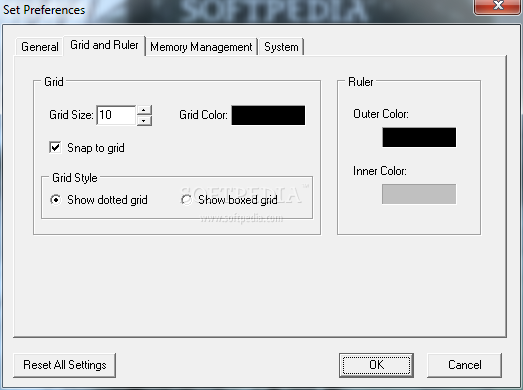
    · Grids, guides and ruler for alignment and layout of objects and text on album pages.
    · Works with the most popular images and multimedia formats: .opf, .gif, .tif, .bmp, .jpg, .pcx, ico, .wmf, .pcd, .png, .psd, .wav, .mid, .avi, .mpg, and .mp3.

    Encryption and Security:
    · Image encryption option. Protect your copyrighted material to prevent unauthorized copying of images from your CDs.
    · CD password option. Assign a password to your photo album CD to prevent unauthorized access.
    · Watermark option. Add watermarks such as your name or copyright message onto your images.
    · Print lock option. Control your recipients' ability to print photos and images from your CDs.
    · Assign an expiry date or the no. of consecutive days the CD can run, on your photo album CD for evaluation purposes or to limit access

    Export and Share:
    · New: Export albums to a higher quality MPEG-2 video to create SVCDs or DVDs.
    · New: Commercial online use requires a separate license. More info: Online Digital Signature
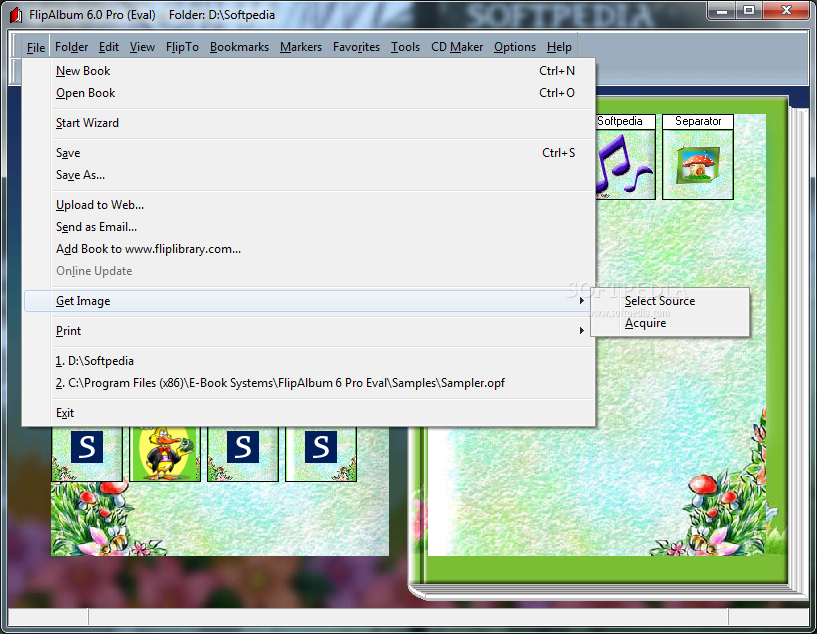
    · Upload and share your digital photo albums on CDs with friends and family. Album CDs created can be played on both Mac* and PC.
    · Sell your customized photo album CDs or distribute them as promotional tools.
    · Pop and play feature. Just pop the album CD into a CD-ROM drive and it plays instantly no installation of software required. The CD pop-and-play feature is available on Windows only. Mac users have to launch the viewer program manually.
    · Supports multi-album on CD. Add more than one photo album per CD and front covers of albums will be displayed on a bookshelf.
    · Playback on most DVD Players**. Share your photo albums on TV with friends and family.
    · Print entire photo albums or selected pages. Print multiple photos on a single sheet of photo paper.
    · Individual photos can be printed on standard 4R/8R or Avery Templates/labels.

    Presentation:
    · Auto Flip Function. Set the flipping direction to start either from left to right or vice versa.
    · Auto slideshow. Present the contents of your book as a slide show with auto-play. Slide show options include variable time interval between slides, transition effects, number of rows and columns of photos, etc.

    Requirements:

    · 128 MB RAM
    · Pentium II 300 MHz
    · 100 MB HDD Space
    · 16-bit color display adaptor
    · 800x600 pixels screen area

    Limitations:

    · 30-day trial
    · PSD and PCX file formats not supported
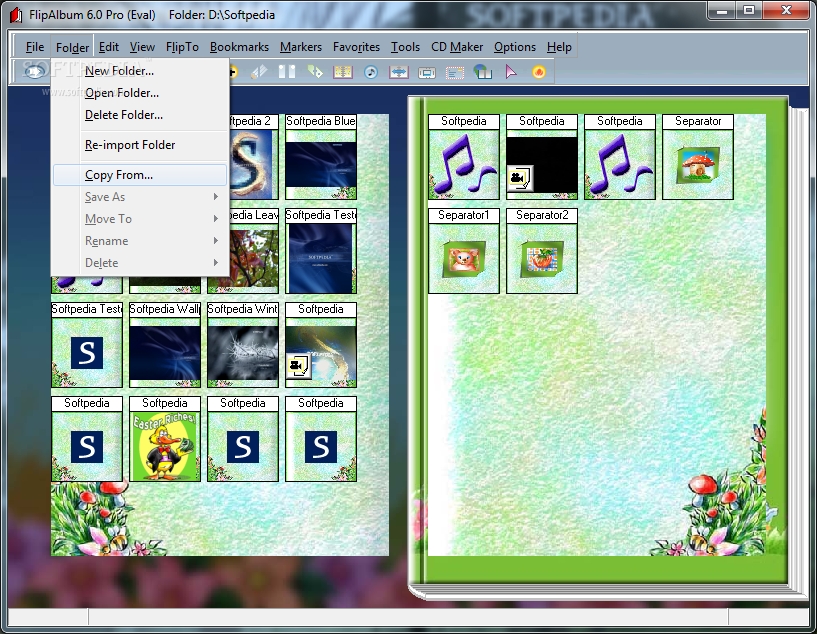
    · Folder->SaveAs, MoveTo and Rename functions disabled
    · Album CD created has 50-page limit (for Suite and Pro Eval only)
    · Fewer themes available
    · User will not be able to set the Company Name and URL in the CD Making Options
    · Nag screen

    What's New in This Release: [ read full changelog ]

    · Export Album to MPEG-2 Format: Export albums to the higher-quality MPEG-2 video format used in Super VCDs or DVDs.
    · Fonts Embedding: Fonts used in the album will be embedded in the AlbumCD so recipients will not need to have the same fonts installed on their computer.
    · Layout Template: Select from different templates when opening a folder of images, and choose layout, annotation and effects options.
    · Customization of Table of Contents: Font face, size, color, style and indentation in the Table of Contents can now be customized.
    · GIF Format: Animated GIF format now supported.
    · Add Crop Shape: Add your own crop shapes, in addition to the default shapes provided.

     Softpedia guarantees that FlipAlbum Pro 6.0 is 100% CLEAN, which means it does not contain any form of malware, including spyware, viruses, trojans and backdoors. [read more >]


    TAGS:

    create album | page-flip album | generate album | create | build | generate

    Go to top

    WindowsGamesDriversMacLinuxScriptsMobileHandheldNews

    SUBMIT PROGRAM   |   ADVERTISE   |   GET HELP   |   SEND US FEEDBACK   |   RSS FEEDS   |   UPDATE YOUR SOFTWARE   |   ROMANIAN FORUM