|
|
|
User Rating: Rated by: |
Good (3.9/5) 55 user(s) |
|
|
|
|
Softpedia Editor's Review for Focus Photoeditor
|
A powerful image editor, suitable for novice, intermediate and advanced users
Written by Elena Opris on April 12th, 2013
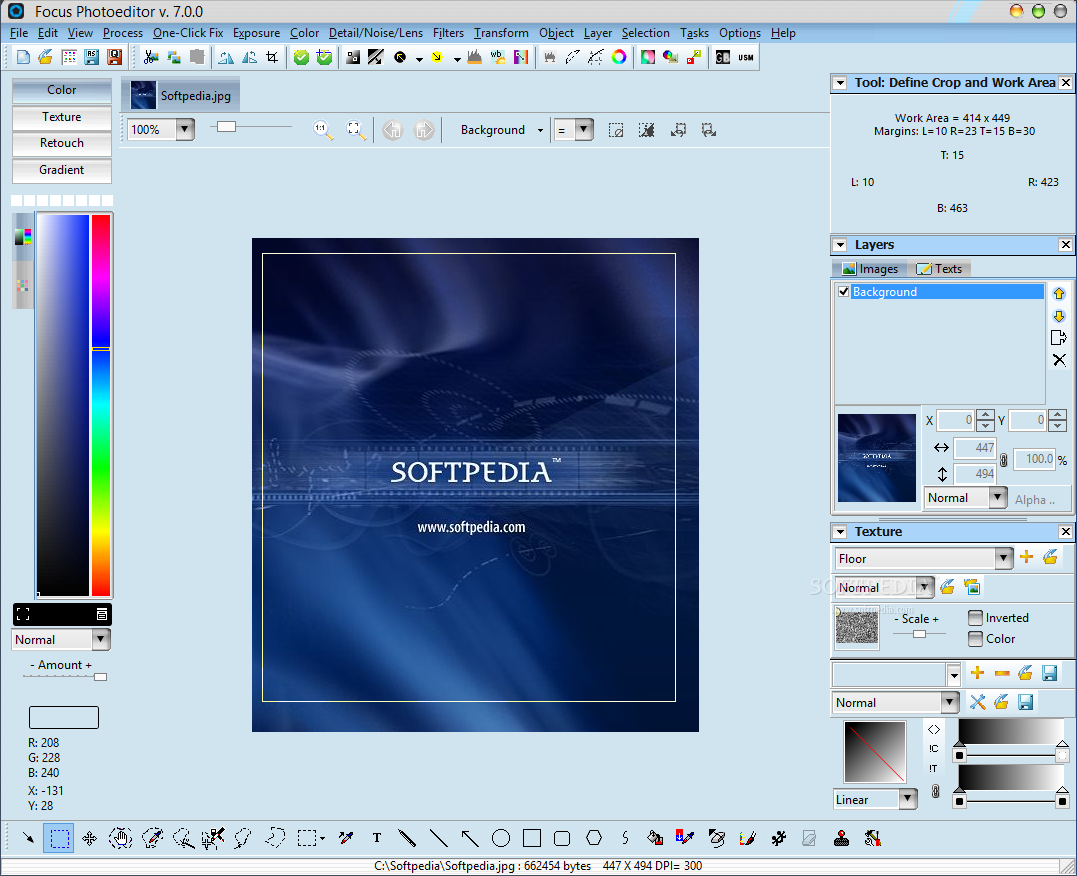
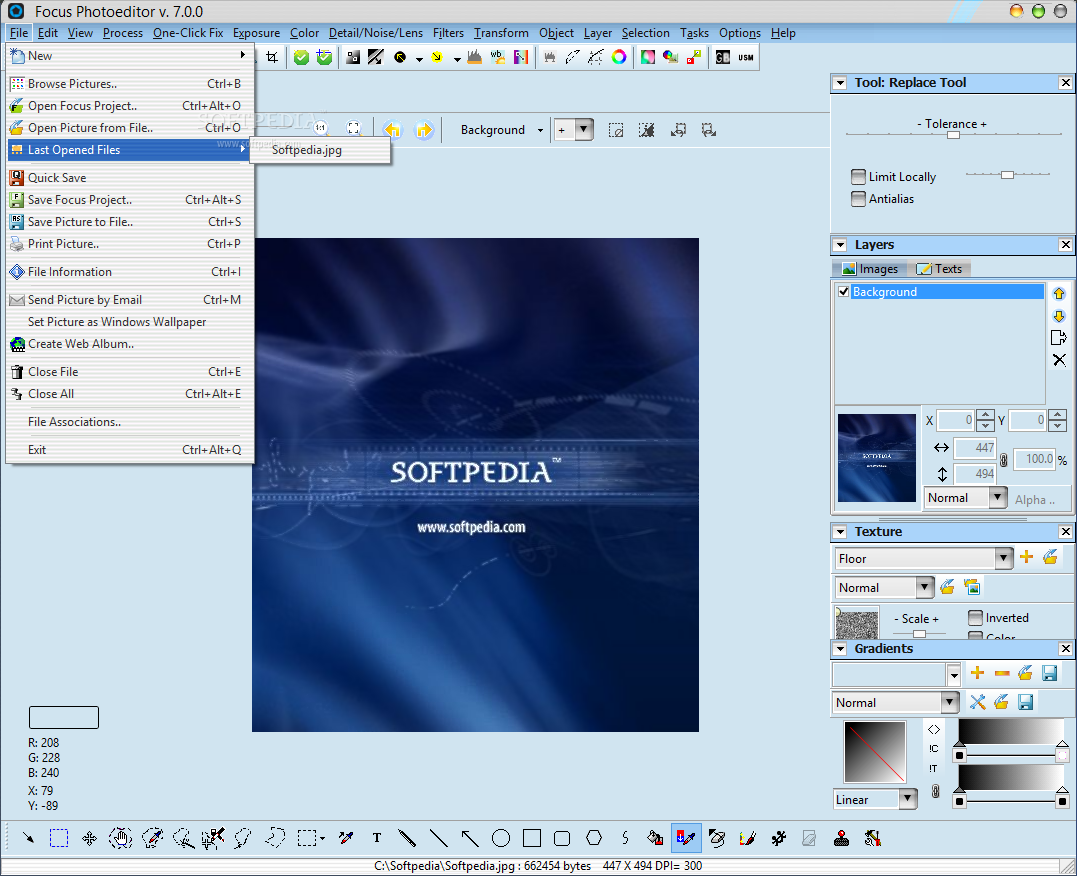
Focus Photoeditor is a tool you can use to edit your image files in a professional manner. The interface of the program is clean and simple and you can insert an image by either using the file browser or the "drag and drop" method.
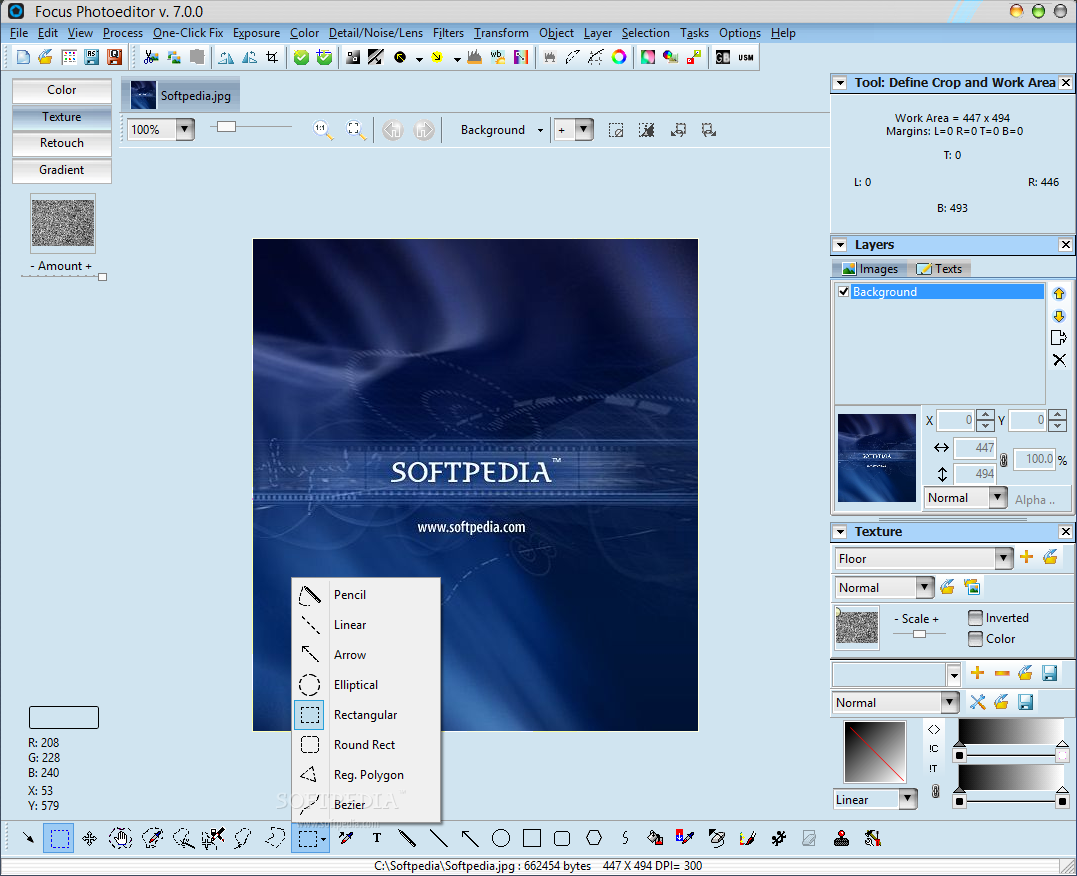
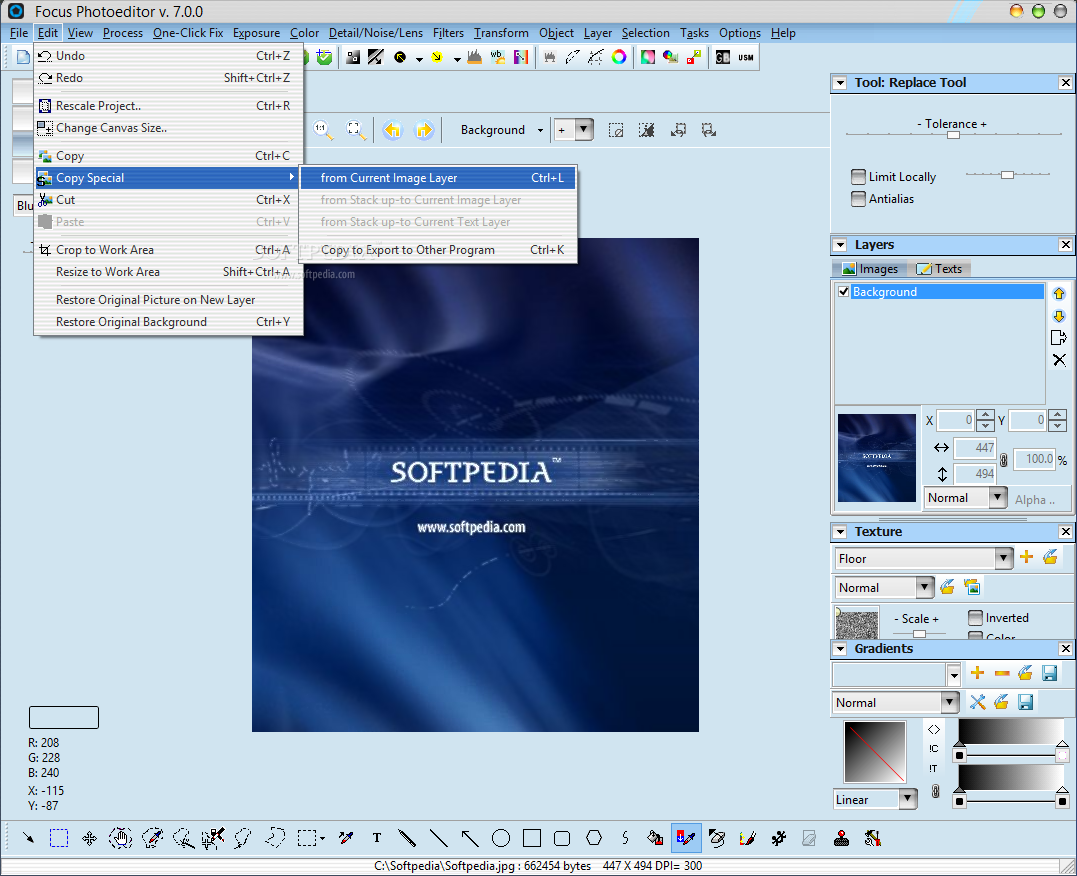
Thus, you can use some simple tools like crop, move layer, move selection, magic wand, geometric selection, pick color, text, pencil, line and arrow.
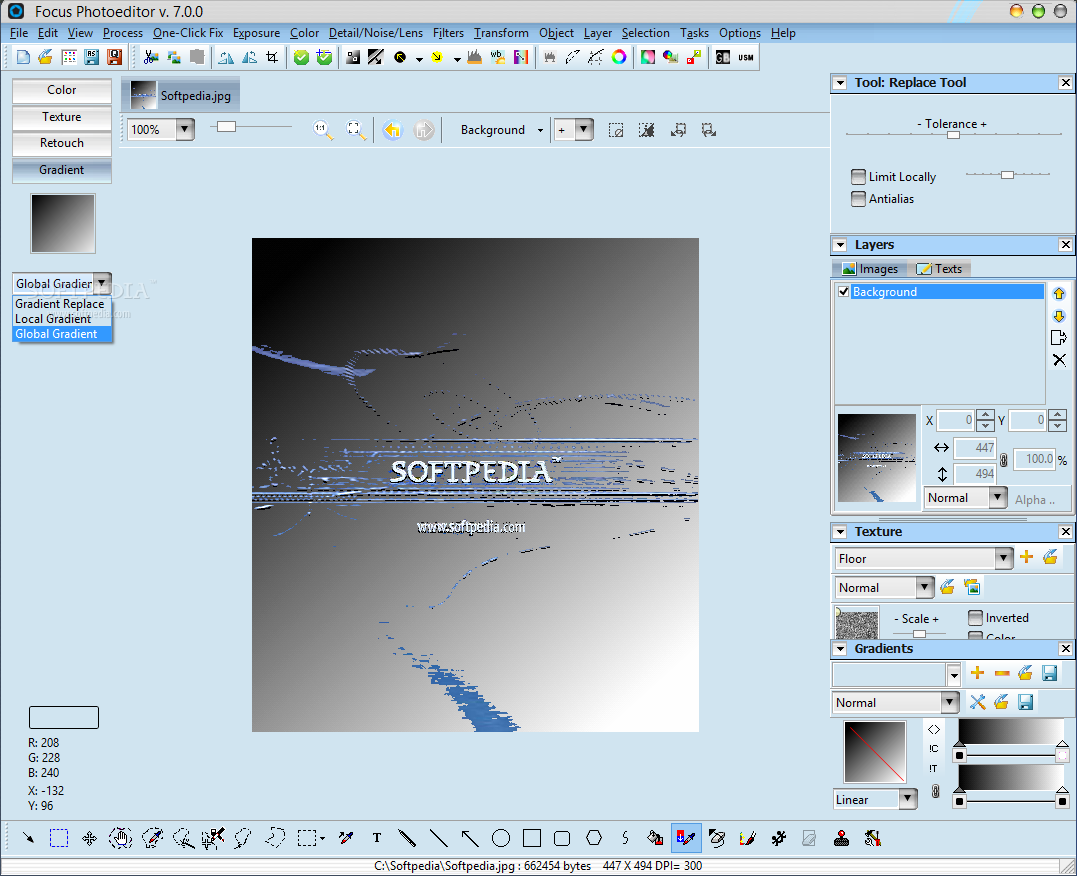
You can adjust an image when it comes to colors, texture, objects and effects (e.g. red eye reduction, brightness, saturation, contrast, HUE, sharpen, blur, emboss, gradient).
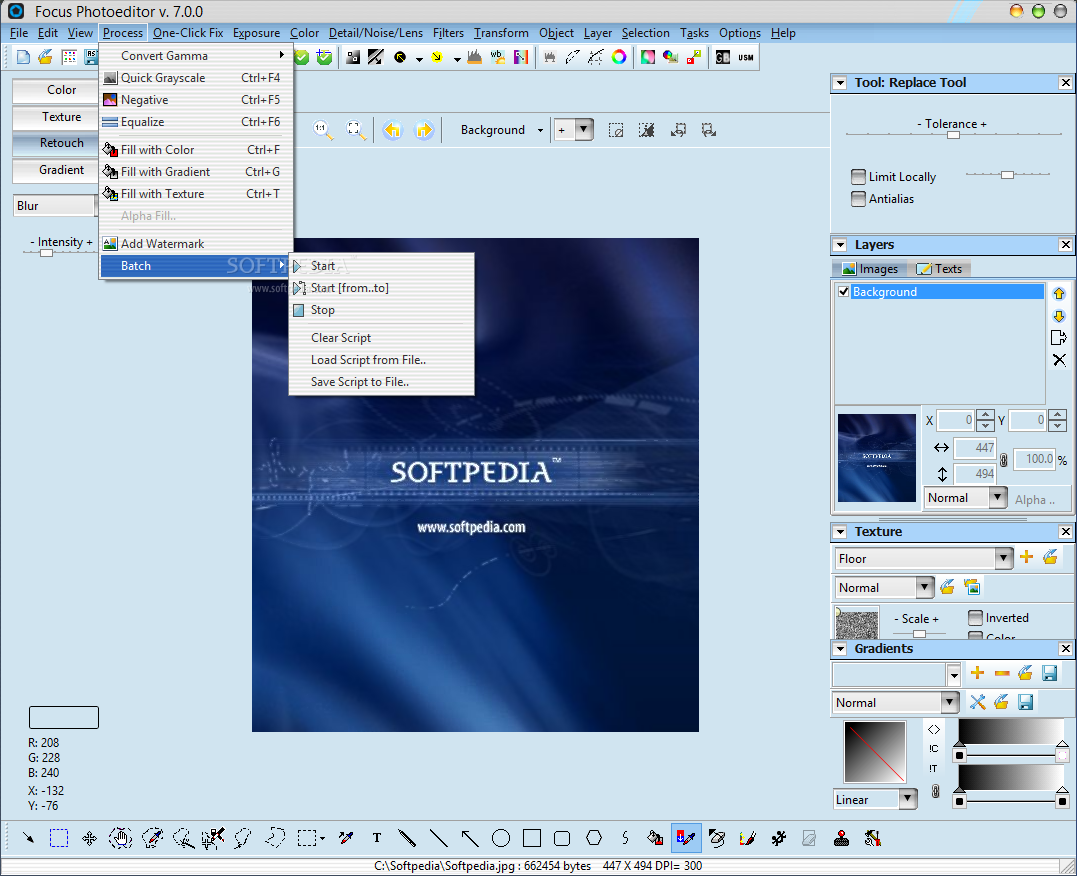
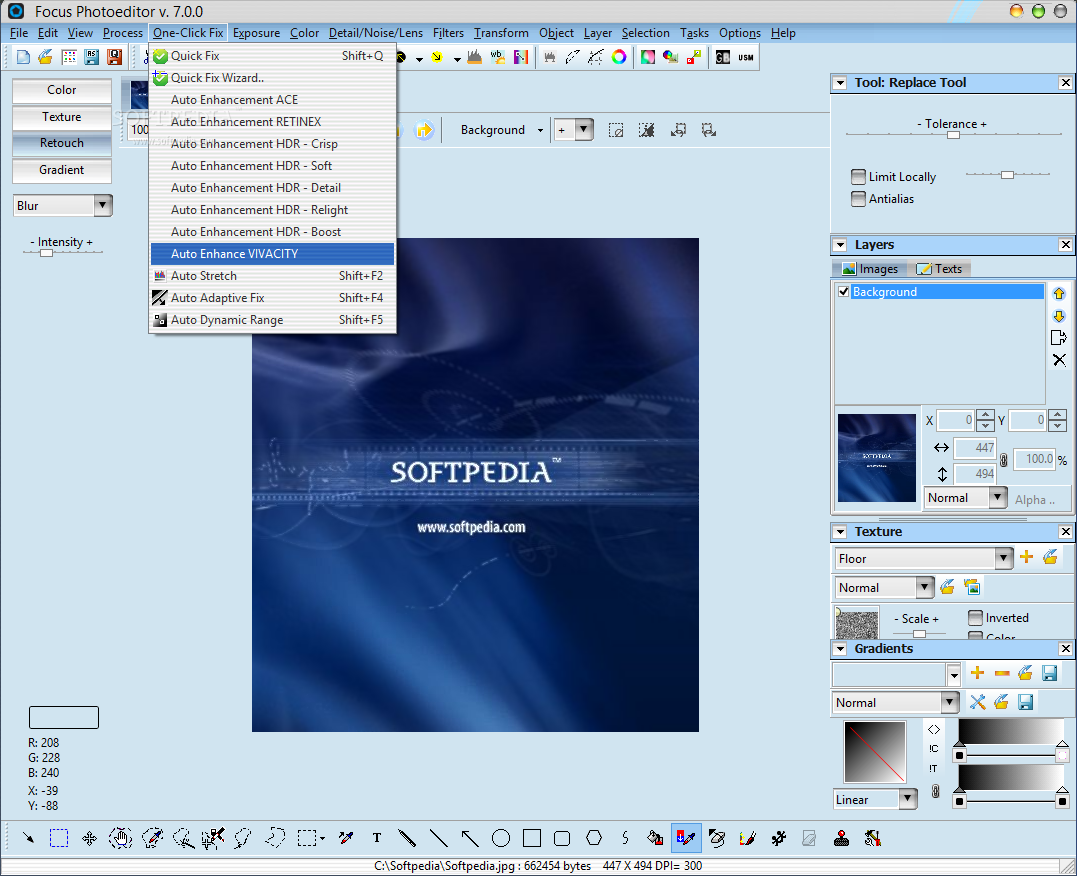
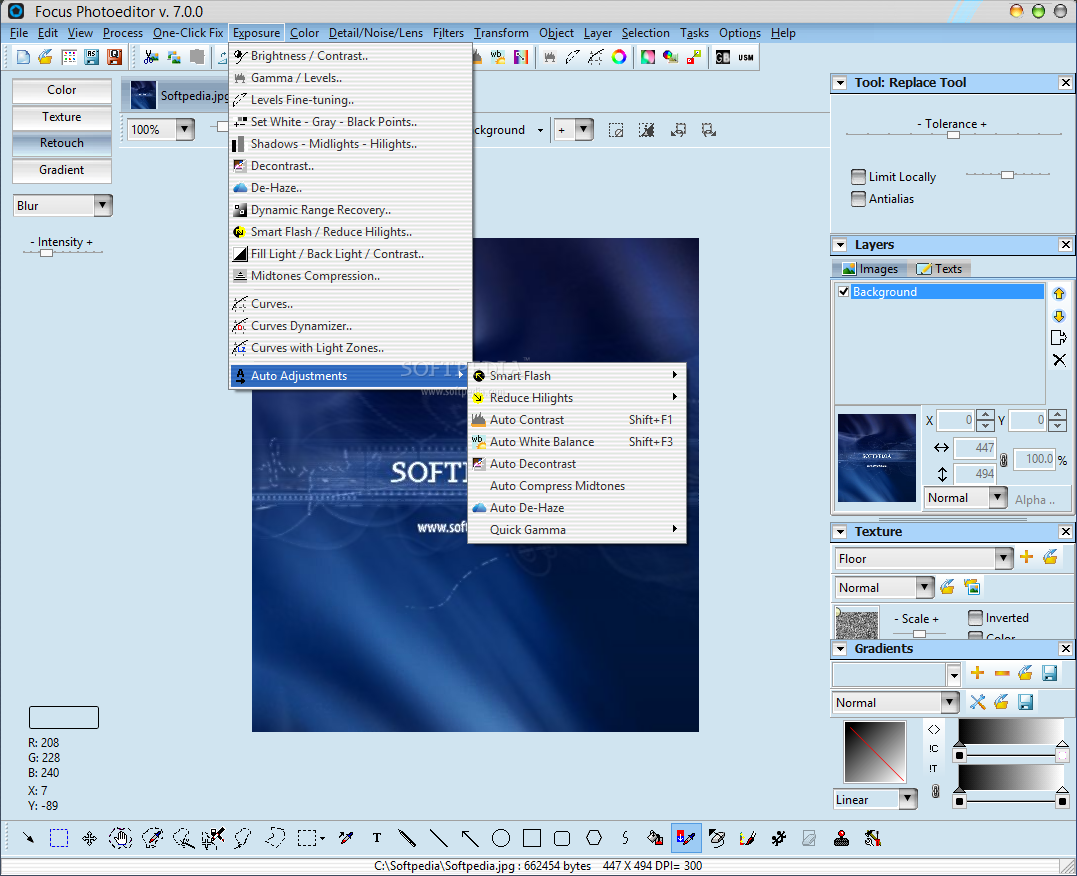
Furthermore, you can convert gamma, apply a grayscale, negative or equalizer, add a watermark, load scripts or enable automatic tools (e.g. fix wizard, contrast, stretch, decontrast, white balance, dynamic range, smooth skin).
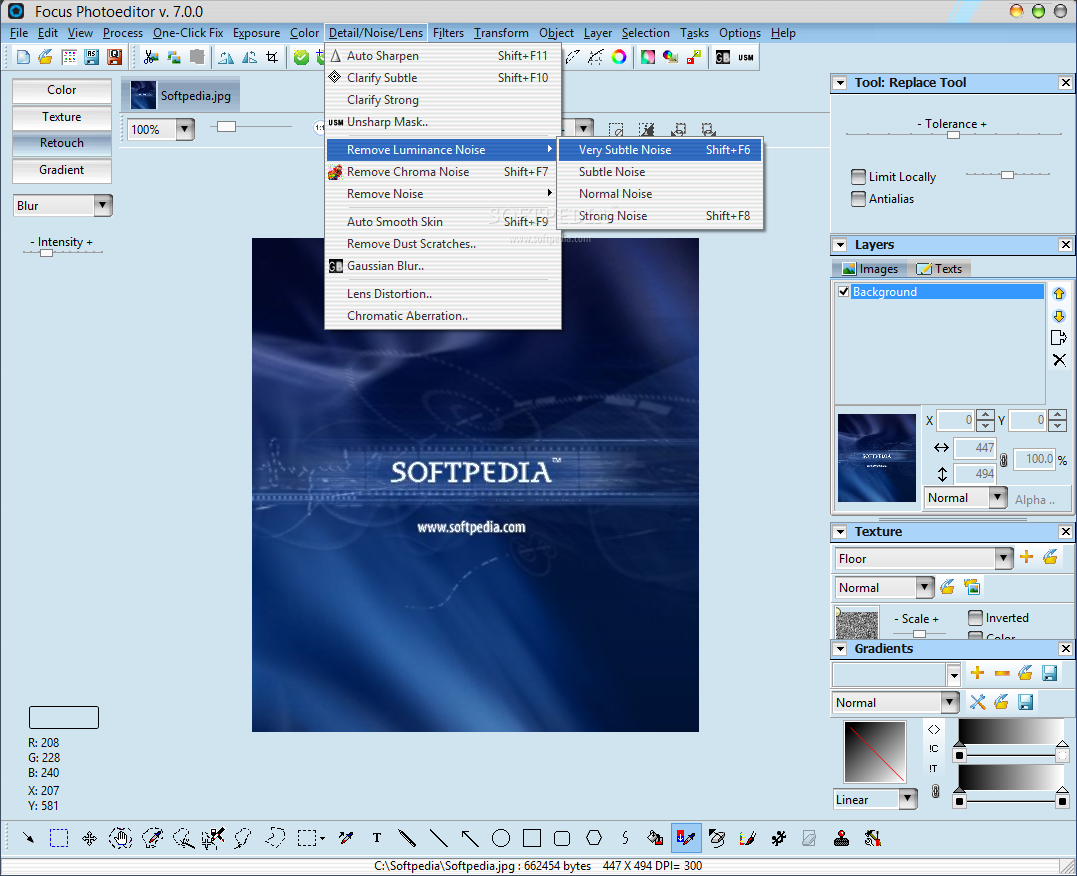
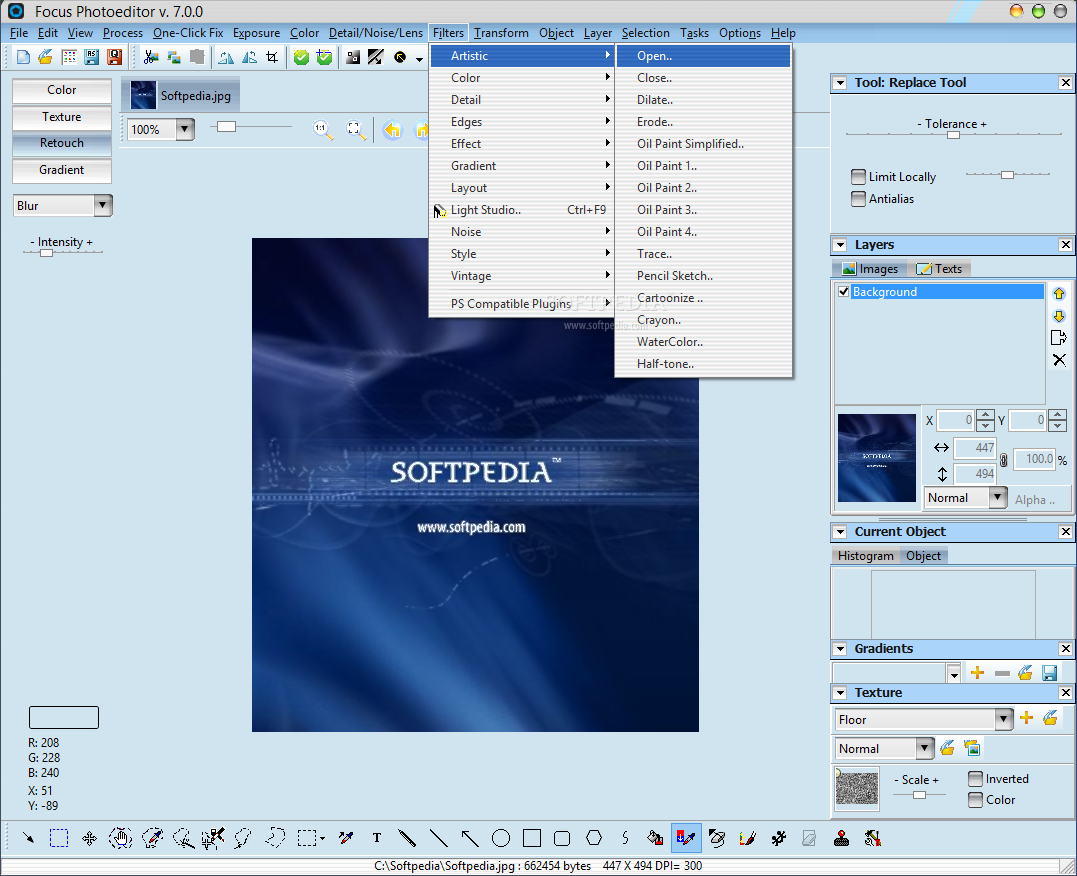
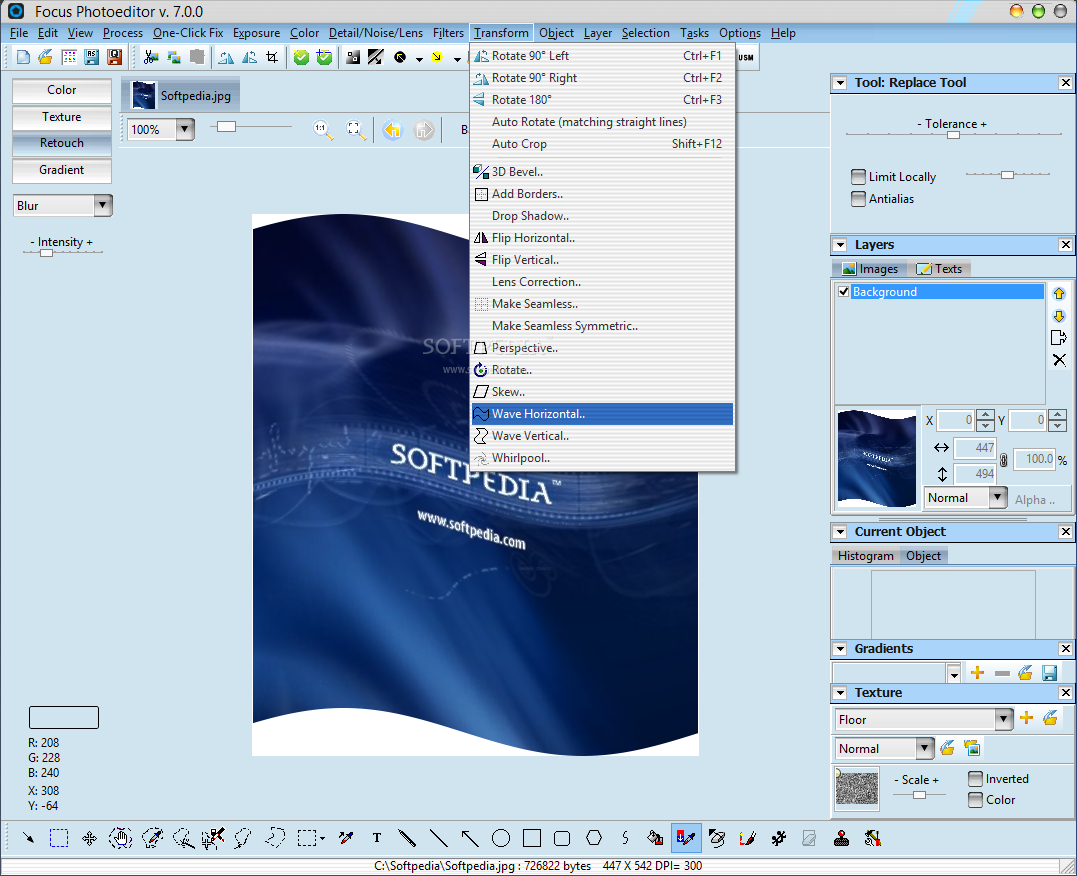
You can also remove noise (luminance, chroma, RGB, pixel), apply filters (e.g. glass, ripple, oil paint, sepia, twisting, bumping, frame 3D, mirror) and transform the image (e.g. rotate, perspective, skew, add borders, whirpool, flip, seamless).
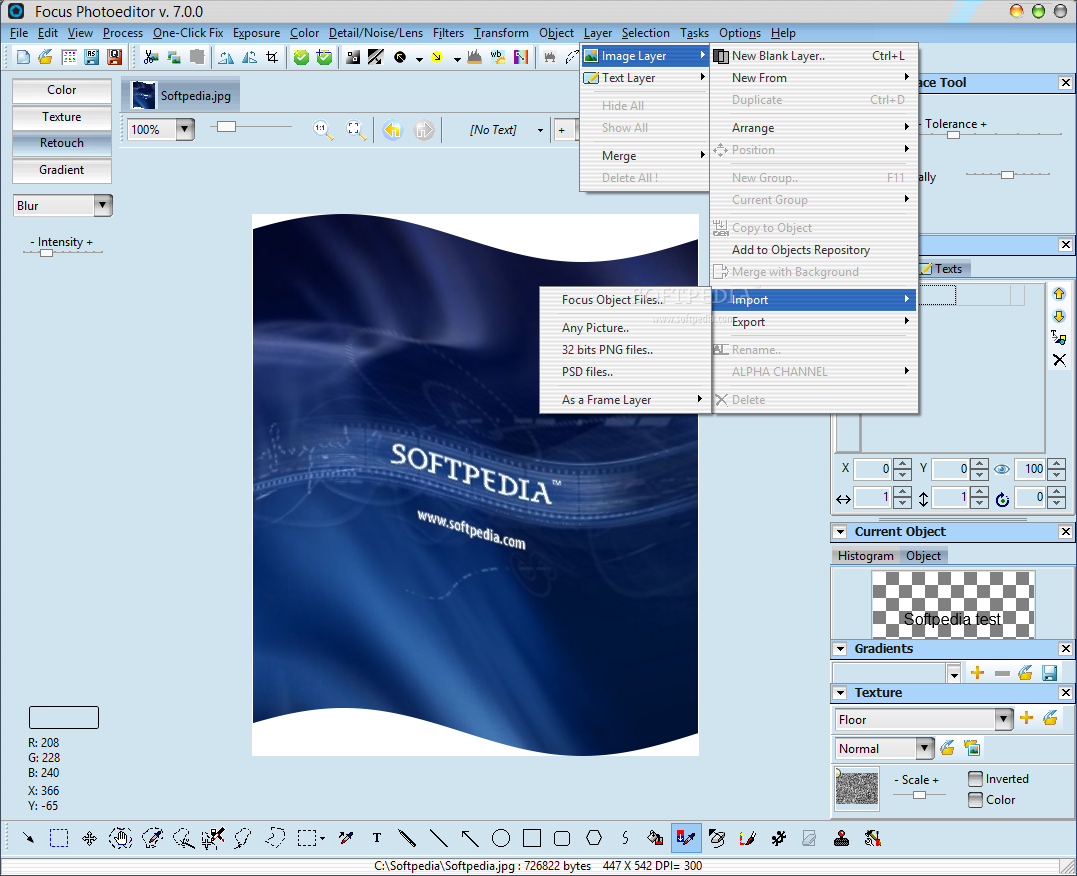
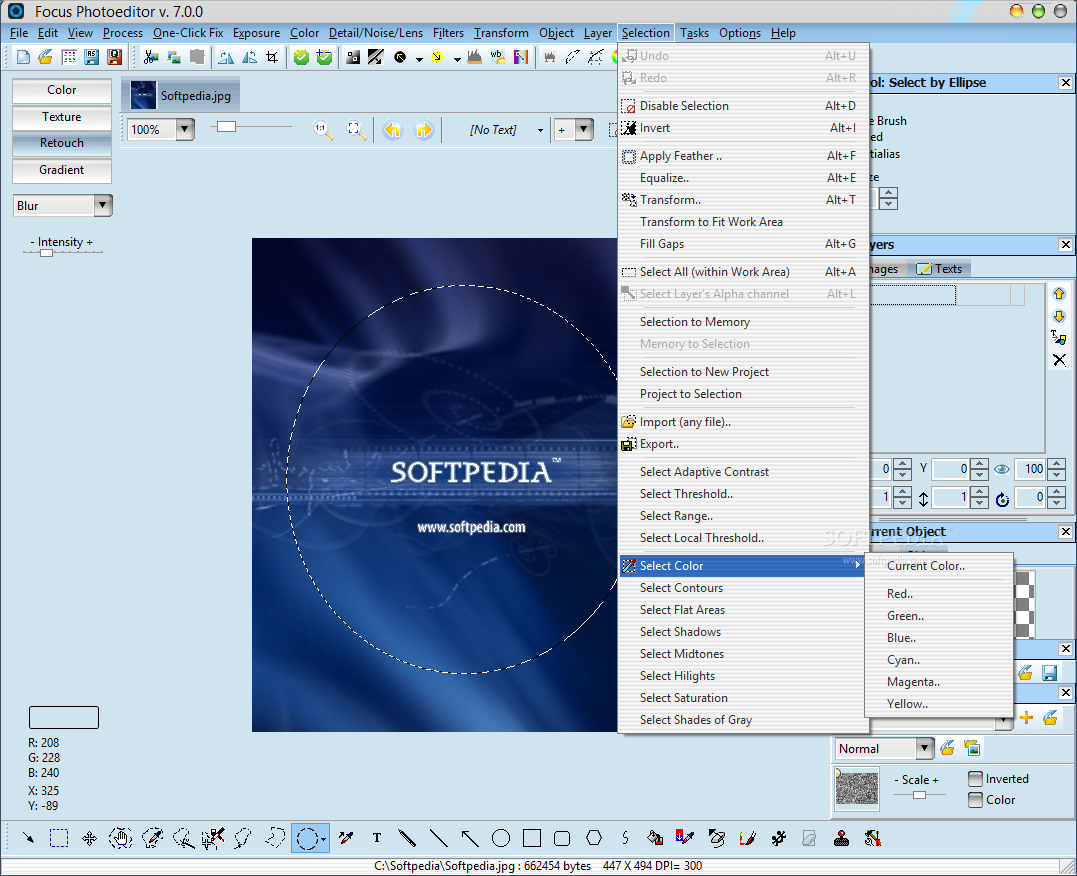
In addition, you can create new blank layers, merge layers, import selections from files, as well as select threshold, range, adaptive contrast, shadows, and others.
The program has many functions you can explore, uses a moderate amount of system resources and contains a comprehensive help file.
We haven't come across any problems during our tests. Although there is the possibility of configuring advanced image editing settings, even first-time users can learn how to manage this program. We recommend Focus Photoeditor.
|
Focus Photoeditor description
|
Here are some key features of "Focus Photoeditor":
Graphics Formats: All common picture file formats and many others (a total of 30) are supported:
· Loads: BMP, JPG, GIF, PNG, TIFF, TGA, PCX, ICO, CUR, JPEG2000
· also Loads: FAX, G3N, G3F, DIB, RLE, WMF, EMF, TARGA, VDA, ICB, VST, PIX, PXM, PPM, PGM, PBM, WBMP, JP2, JPC, J2C
· Saves: BMP, JPG, GIF, PNG, TIFF, TGA, PCX, ICO
· Preserves EXIF and IPTC informations when saving to jpg
· Easily Navigate through files with the image browser and with projecs previews
· Acquires from scanner
· Opens multiple pictures without affecting memory usage
· Automatic corrections
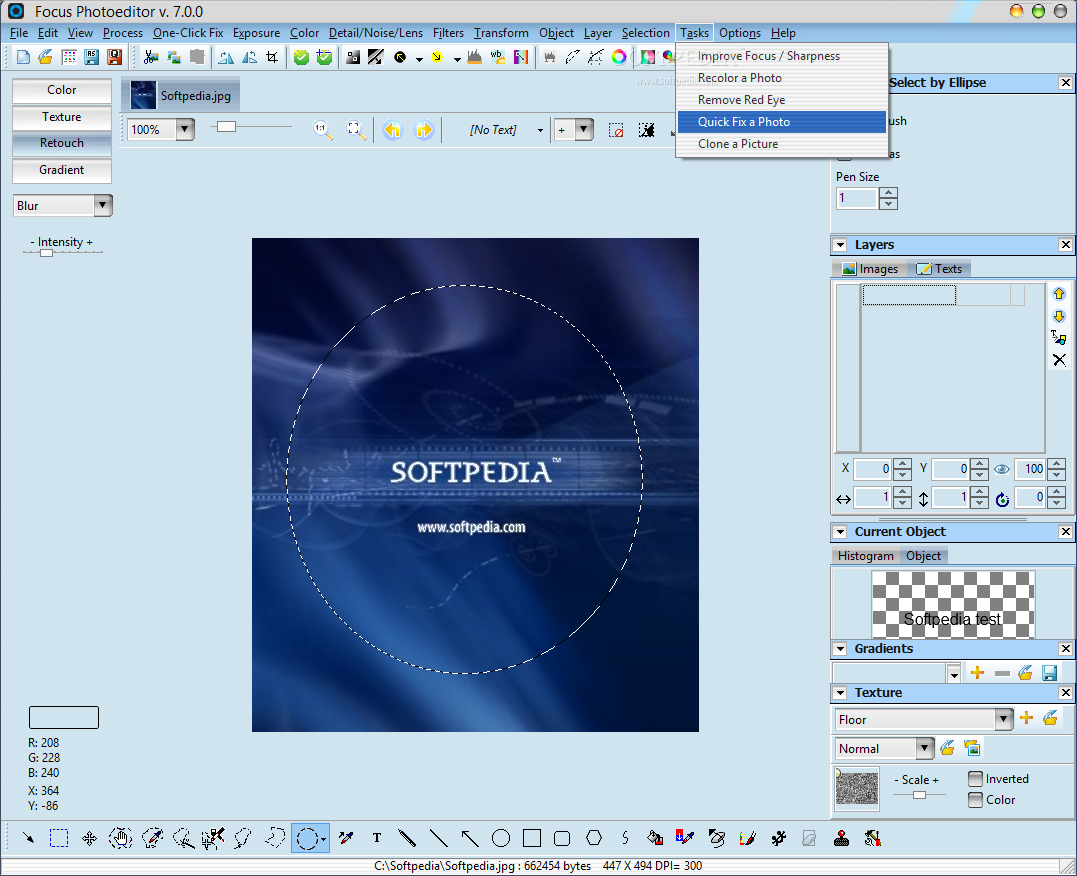
· Quick Fix
· Auto Contrast
· Auto Stretch
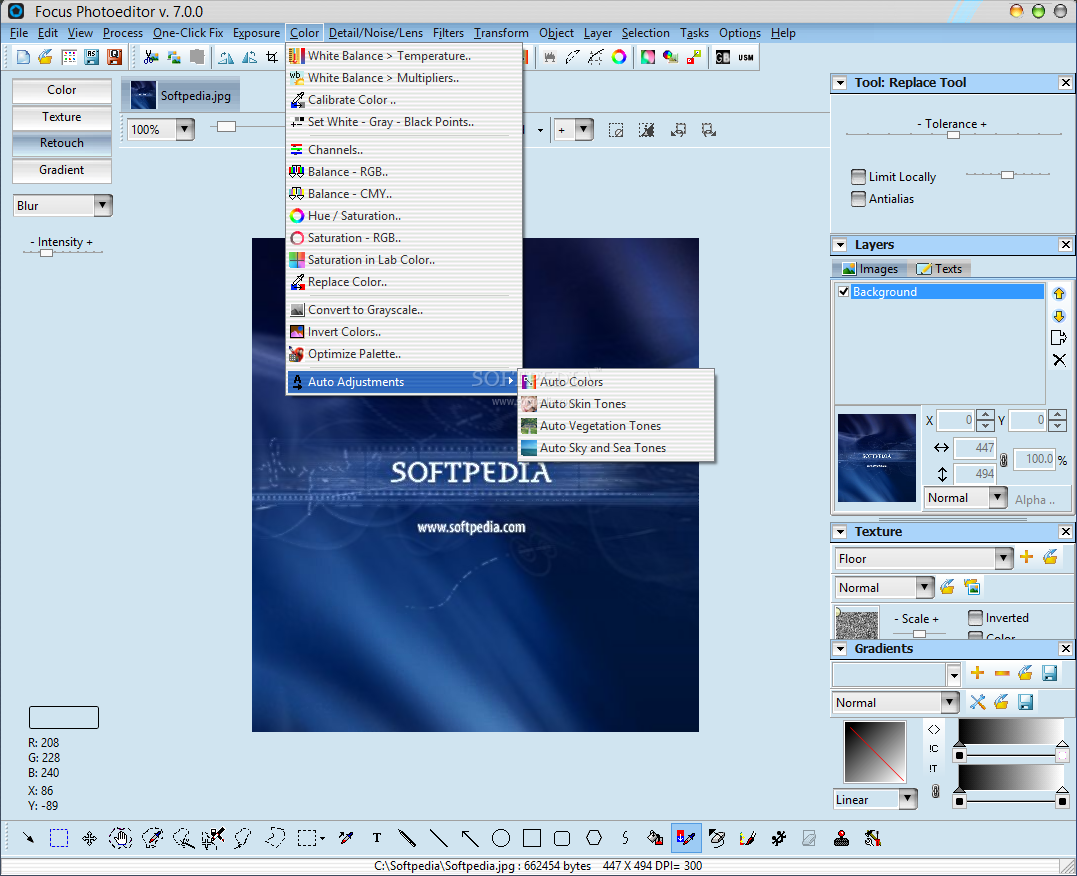
· Auto Colors (automatic color cast detection)
· Auto Sharpen
· Smart Flash
· Reduce Hilights
· Clarify
· Natural Skin and Green tones
· Auto Rotate Scanned document
· Remove Noise and Jpeg artifacts
· Quick Fix Wizard
· Manual Exposure Correction
· Gamma & Levels
· Histogram Stretch
· Brightness & Contrast
· Unlinear Contrast
· Shadows-Midtones-Hilights
· RGB Curves
· Manual Color Correction
· RGB and CMY Color Balance
· Saturation
· HLS and HVS
· Color Temperature
· Calibrate Colors (Color Cast)
· Color Replacement
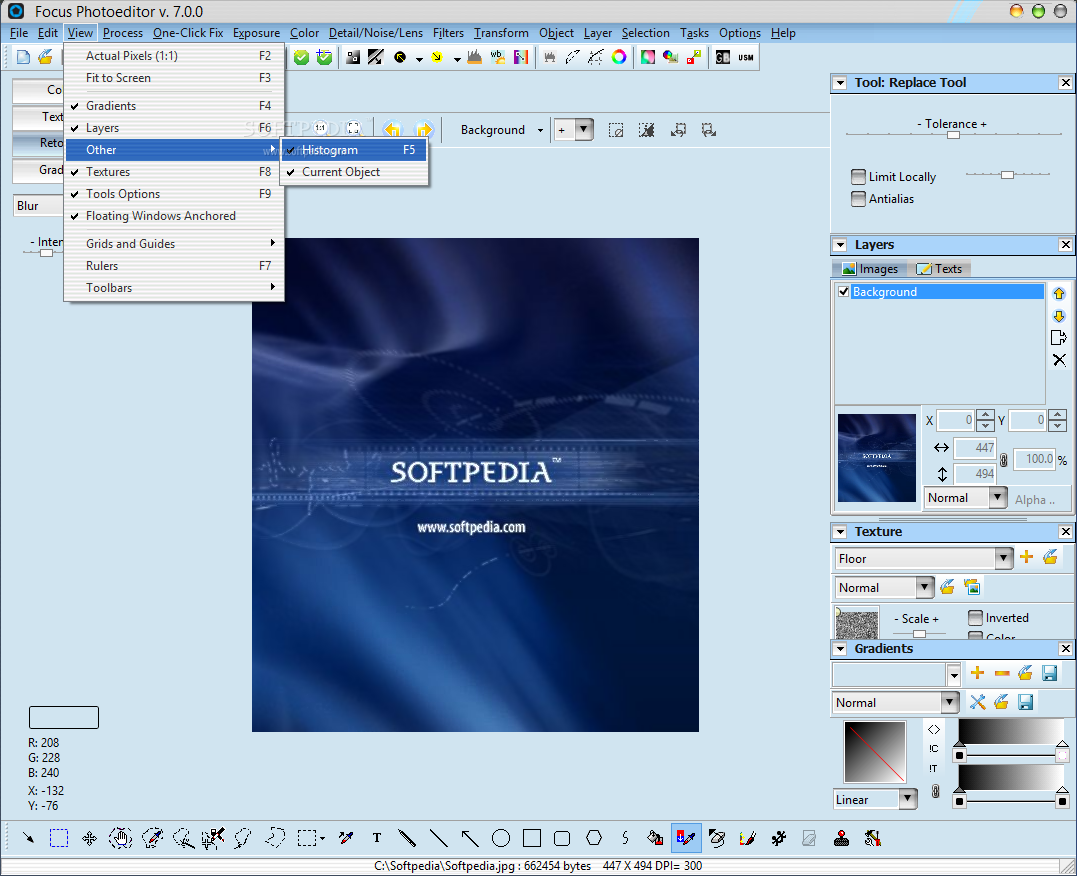
· Histogram of picture
· Transformations: Rotate, Flip, Wave, Skew, Whirlpool, Add Borders, 3D Bevel, Drop Shadow
· Batch Processing
· More than 50 Built-in Filters
· Photoshop Plugins support
· Layers Create complex graphics projects using blend modes
· Create Selections: many selection tools provided such as: lasso, polygon, magic wand, pencil, all geometric selections: rectangle, ellipse, etc..
· Edit and Paint precisely
· Retouch: change brightness, saturation, contrast, blur and sharpen locally, etc..
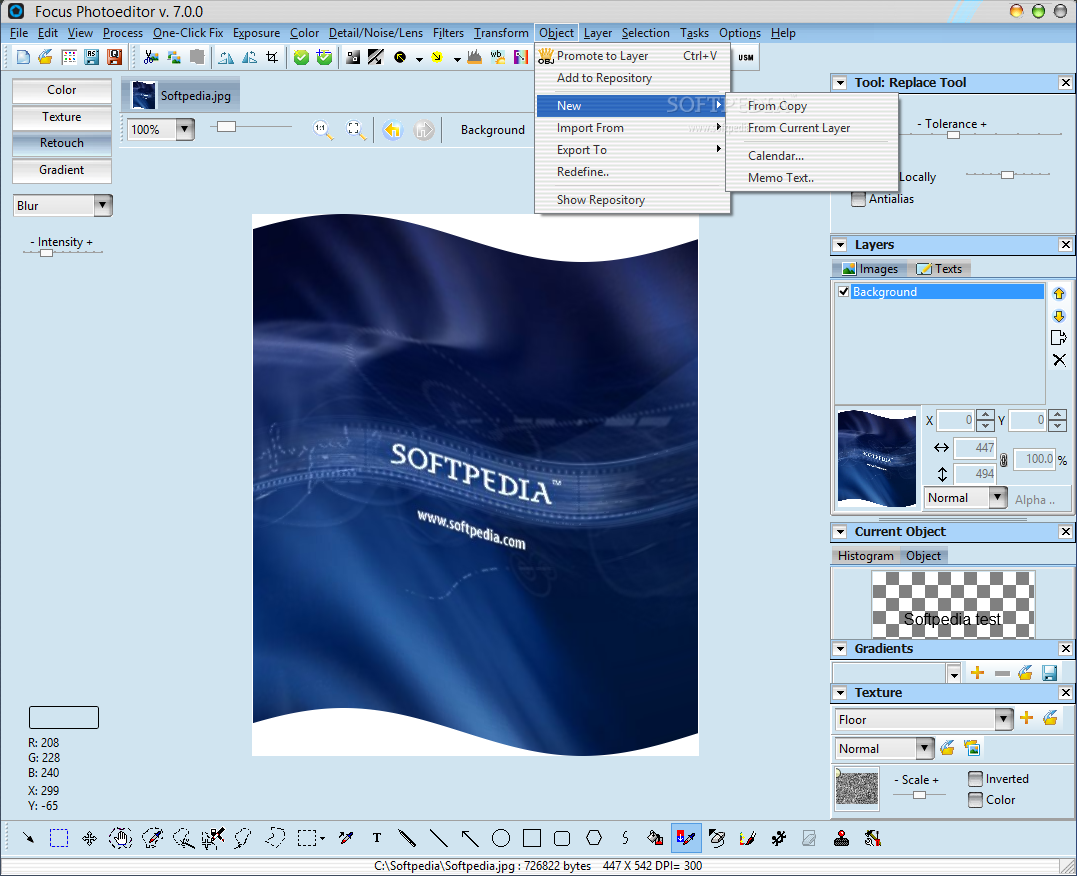
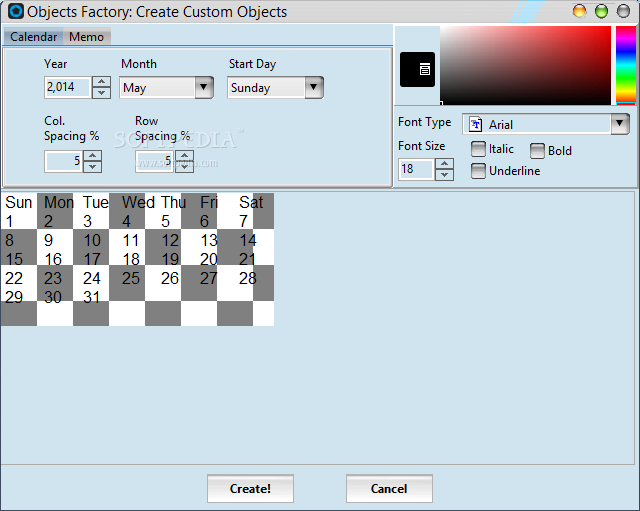
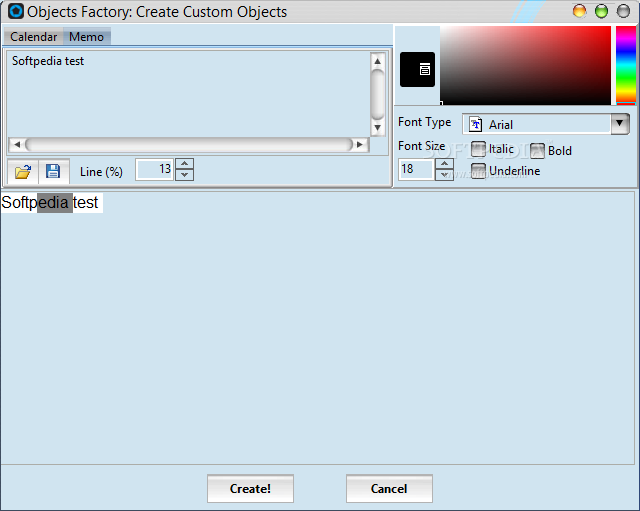
· Objects Factory: create objects and then layers just copying and pasting text from your word processor.
· Object Stamp tool
· Deformer tool
· Uses Color, Textures, Retouch with all the tools
· Gradients
· Prints precisely
· Web Albums
Limitations:
· Watermark on the output image What's New in This Release: [ read full changelog ]
· Improved Speed
· Improved Photoshop Plugins compatibility
· Improved Object Stamp, added option to change rotation and opacity of objects
· Chromatic Aberration Reduction
· Lens Distortion Correction
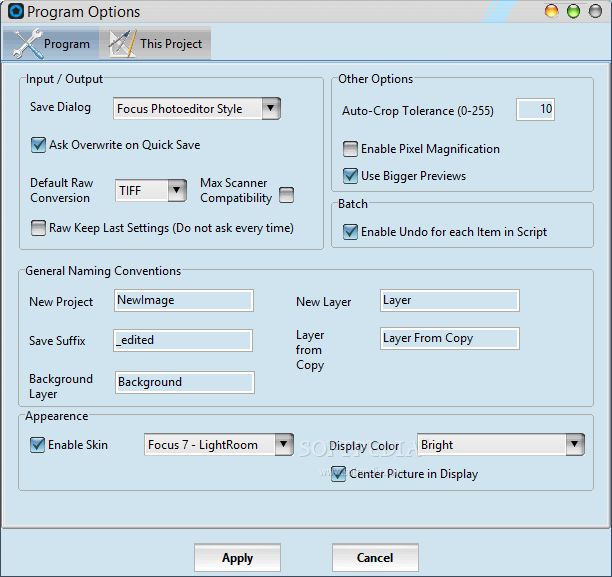
· Now it's possible to choose Filters and Corrections Dialog Preview Size from the program options.
· Improved Auto Adaptive Exposure
· Improved Clarify
· Improved Sepia Studio Filter
· Added Contrast Mask Filter
· Added Effects: ZoomBlur, MotionBlur, Radial Blur
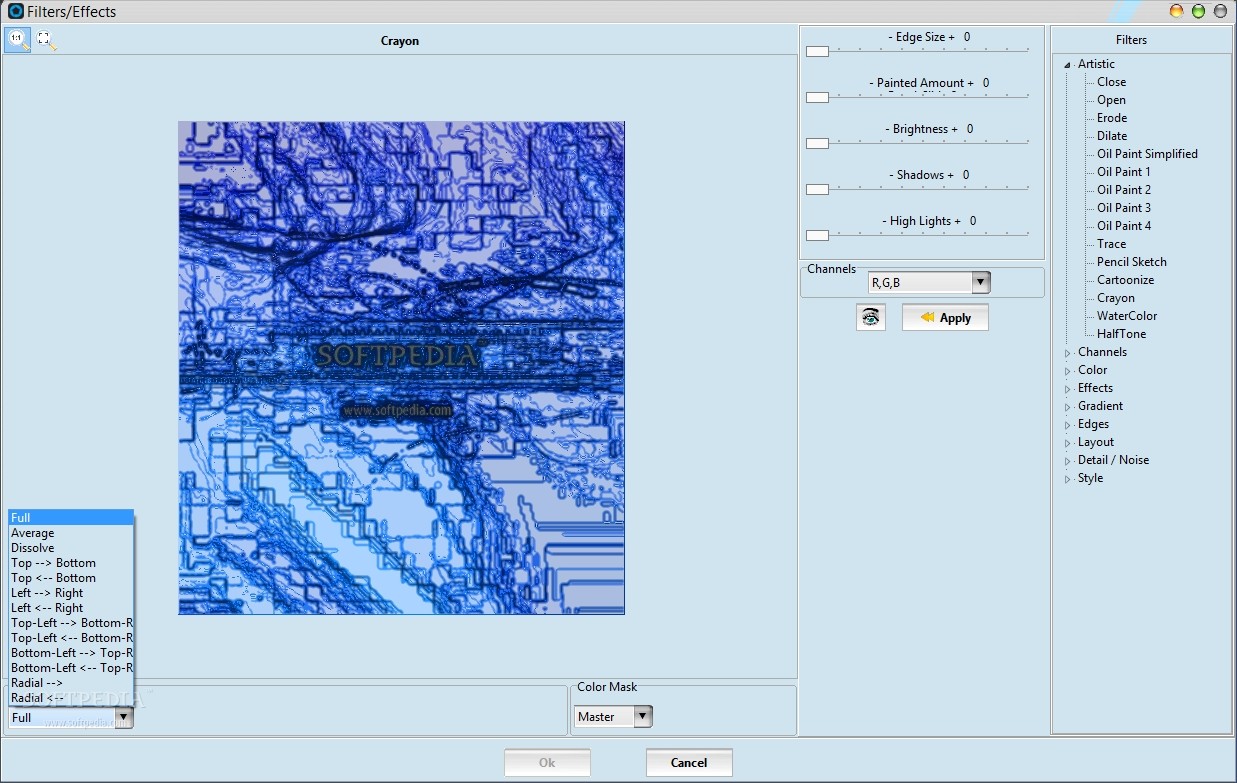
· Added Artistic Filters: Close, Open, Erode, Dilate, Oil Paint (5 types), Trace, Pencil Sketch, Cartoonize, Watercolor, Crayon
· Improved many existing filters
· Now Filters give expected results with higher resolution images
· Added Edges Filters: 4 types
· Added Threshold and Half-Tone Filters
|
|
 | | Softpedia guarantees that Focus Photoeditor 6.5.3.0 is 100% CLEAN, which means it does not contain any form of malware, including spyware, viruses, trojans and backdoors. [read more >] |
|